Black Friday is hereAlso, shop the 24-Hour Flash Sale.Shop now

Main Content

Questions & Answers

Your price for this item is $76.99
Clearance
The comparable value price is $169.99
Page Showing 21-40 of 280 questions
  • QuestionDoes this TV have HDMI-CEC? So when I turn a device on will the TV power on? Ie Xbox connected to TV comes on when Xbox power is turned on. Or a computer is connected to TV the TV turns on when computer powered on.

    Asked by RCLaw.

    • Answer Yes, and it works great with my receiver.

      Answered by BarbK

  • QuestionHow many watts does the insignia 32 inch tv model put out NS-32F202NA23

    Asked by Ronny.

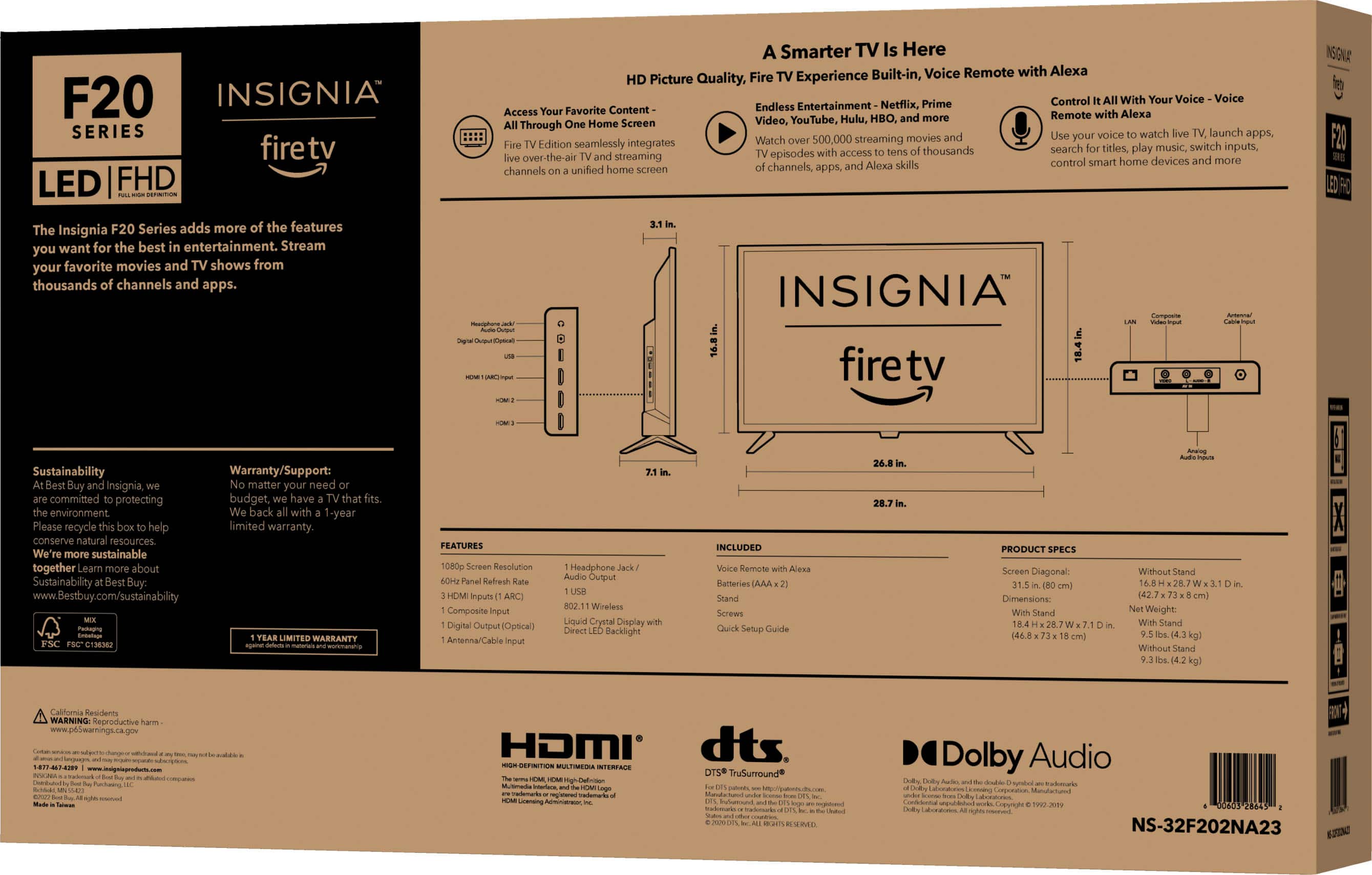
    • Answer Hello there, This unit is around 35 watts. Insignia Support Louise www.insigniaproducts.com/support

      Answered by InsigniaCustomerSupport

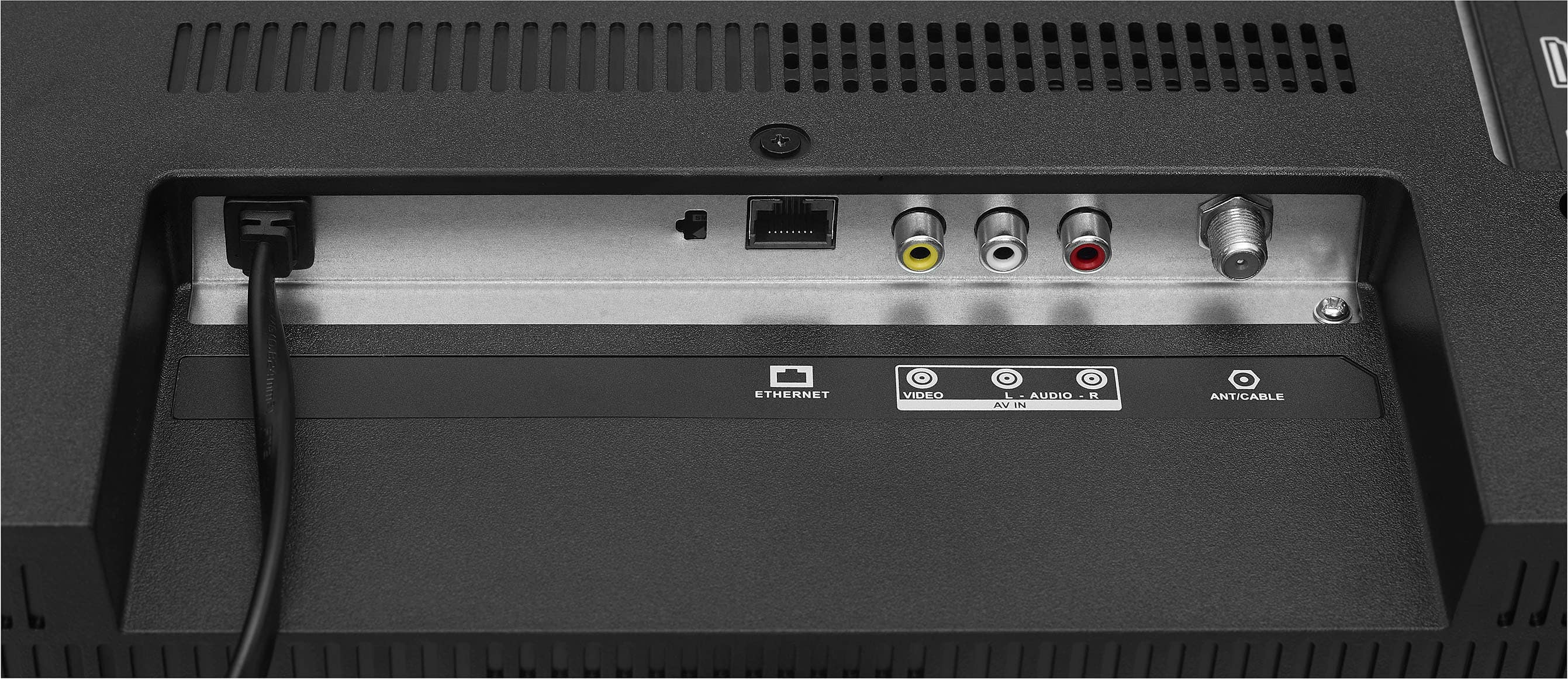
  • QuestionIs the headphone jack and RCA jack?

    Asked by Anonymous.

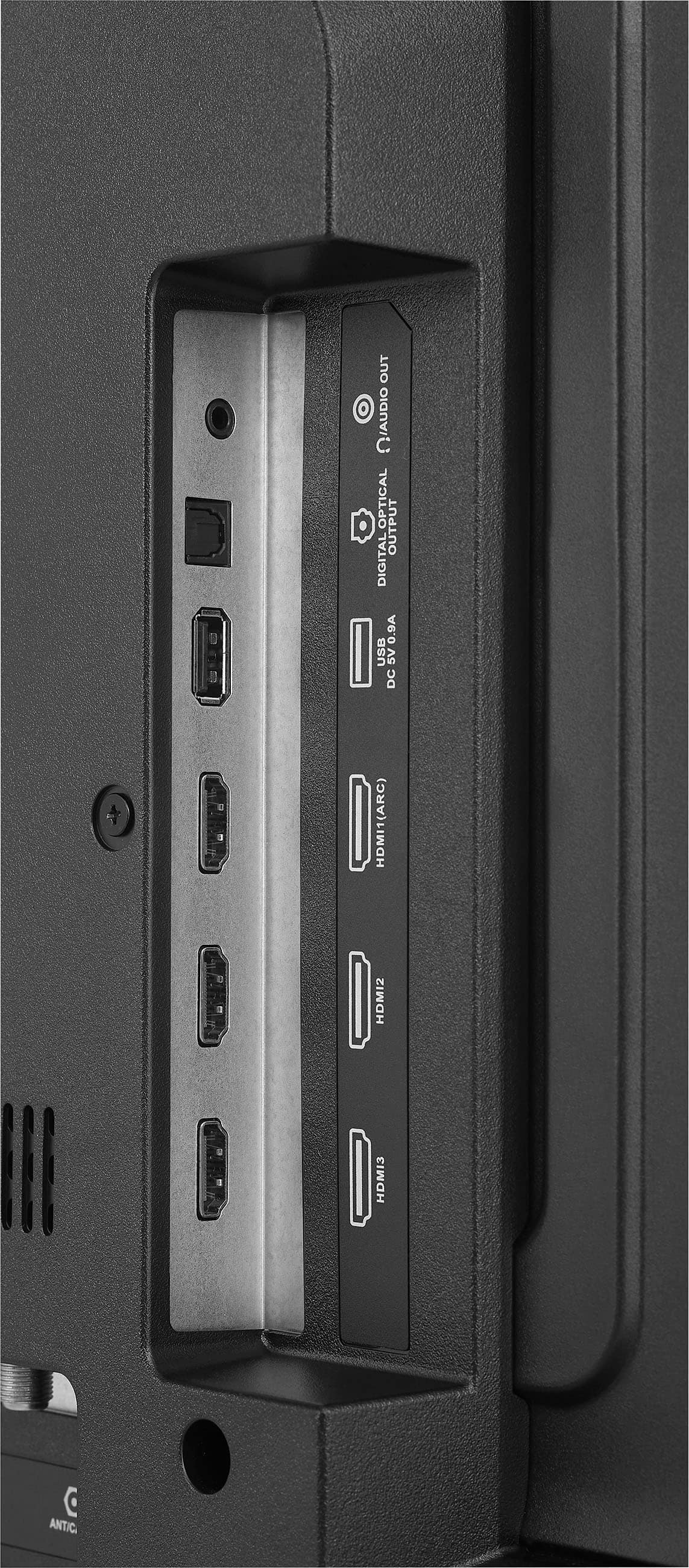
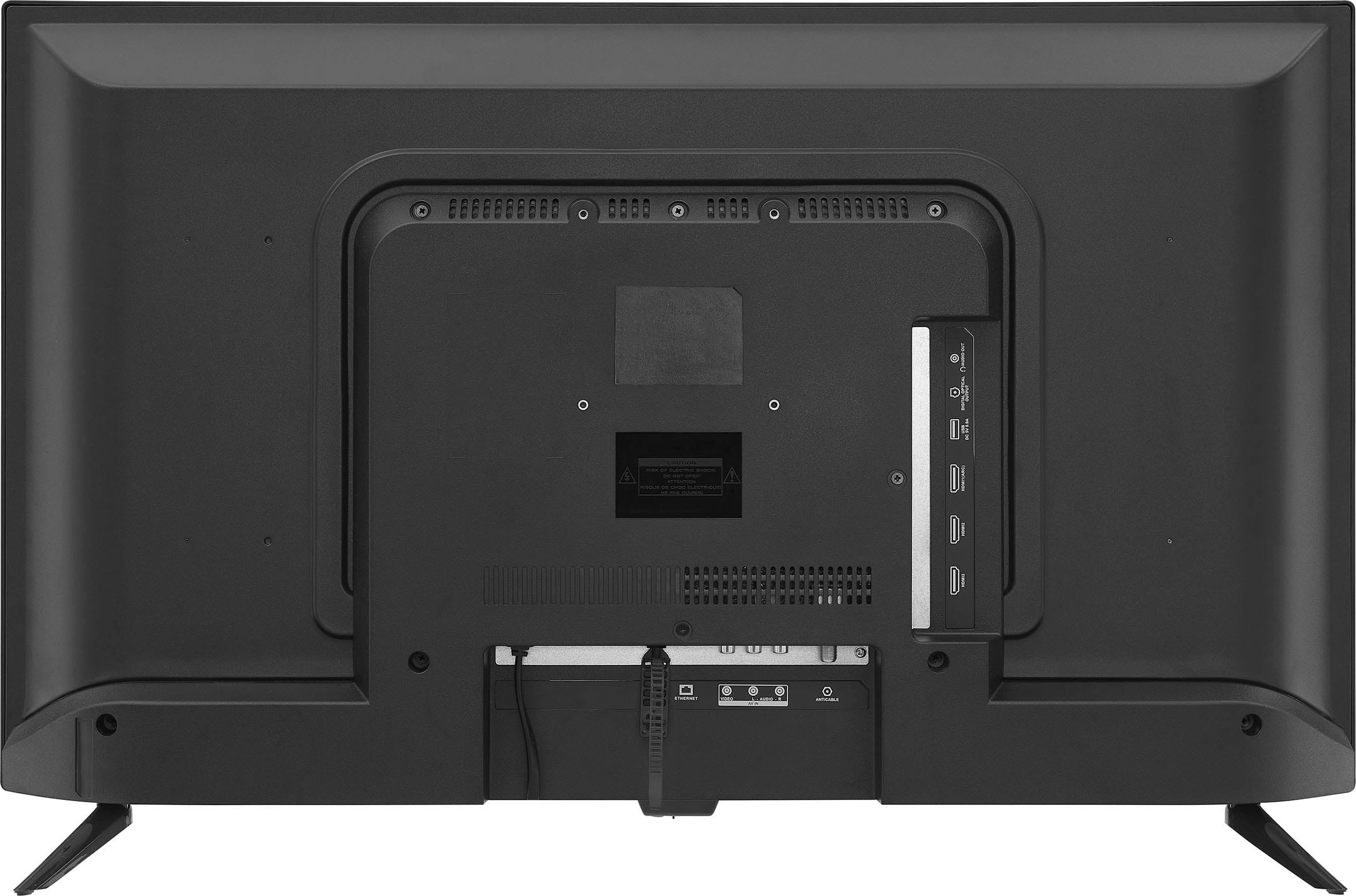
    • Answer Hi There, Yes, this TV have headphone and RCA jack. Insignia Products Lisa https://insigniaproducts.com

      Answered by InsigniaCustomerSupport

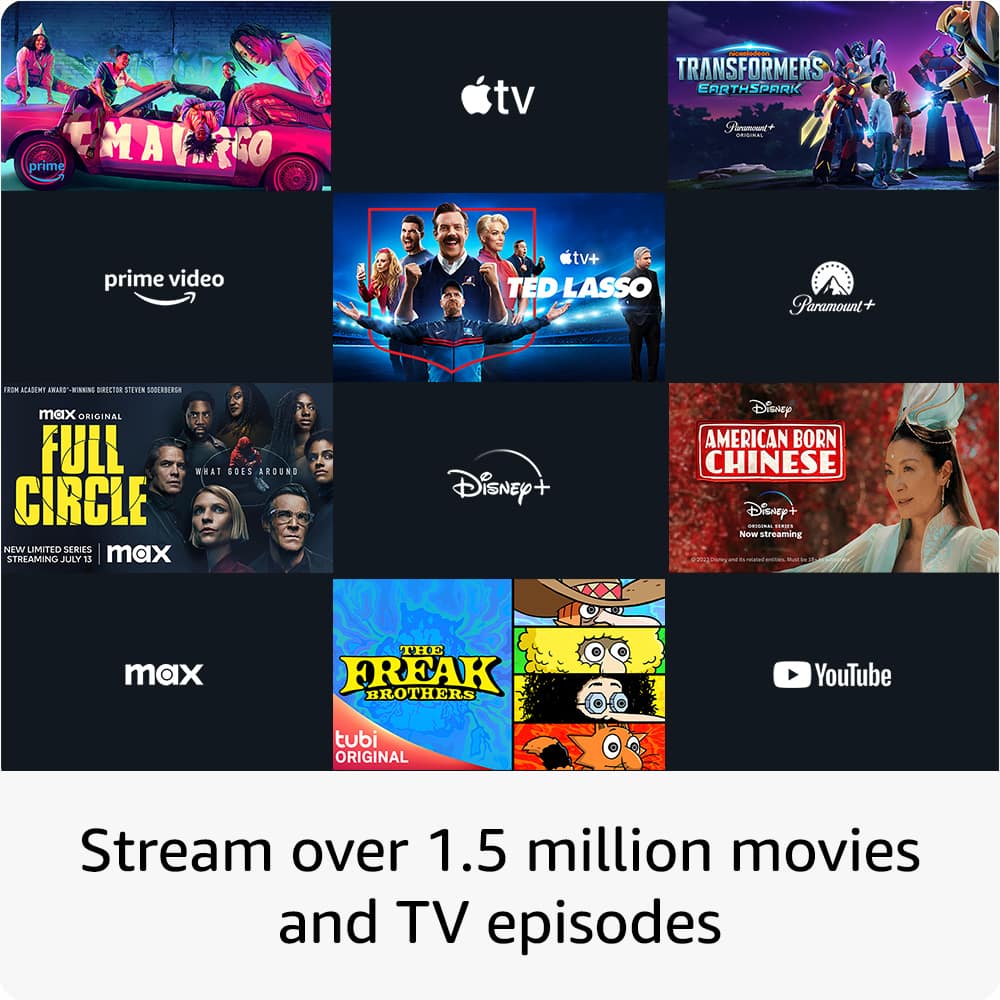
  • QuestionDoes it come with apps already on in

    Asked by Abby.

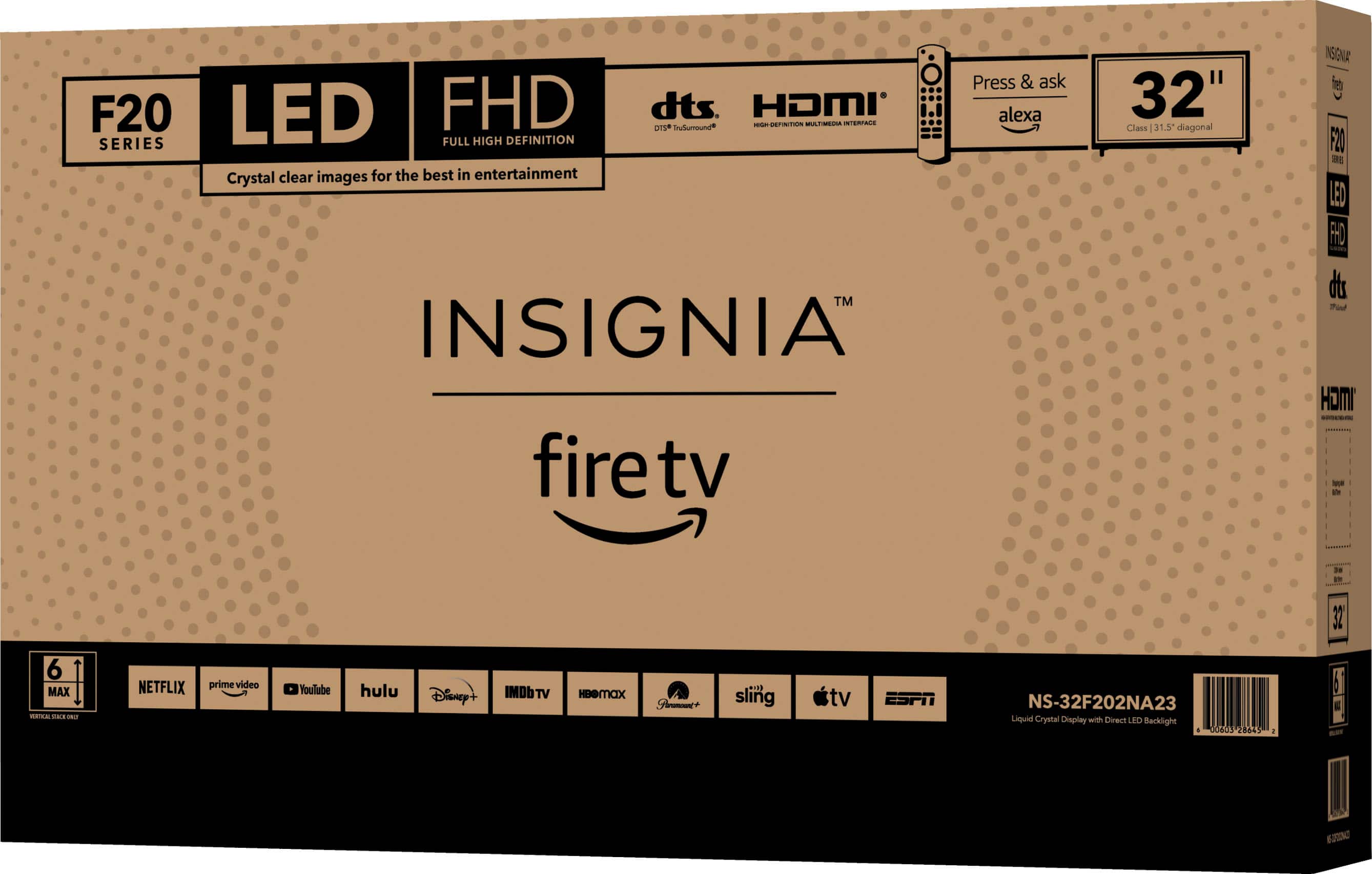
    • Answer Thank you for your inquiry! Yes, the Insignia™ - 32" Class F20 Series LED Full HD Smart Fire TV comes with pre-installed apps. You can enjoy popular streaming services like Netflix, Hulu, Amazon Prime Video, and more right out of the box. This makes it easy to start watching your favorite shows and movies immediately. Keith | Insignia Support https://www.bestbuy.com/site/insignia-32-class-f20-series-led-full-hd-smart-fire-tv/6495086.p?skuId=6495086

      Answered by InsigniaCustomerSupport

  • QuestionWhat type of screws are required for mounting to wall mount (diameter, length, thread)? I cannot find this information in the specs.

    Asked by Ted.

    • Answer Hi there! Thank you for reaching out. The screw size for wall mounting is M6, with a minimum length of 10 mm, depending on the wall mount. I hope this helps! If you have further questions, feel free to reach out. - Carl | Insignia Support

      Answered by InsigniaCustomerSupport

  • QuestionHow do I adjust the color on the TV # (NS-32F201NA23). Insignia 32".class F20 series

    Asked by Toni.

    • Answer Hi Toni, to adjust the color on the Insignia™ 32” Class F20 Series LED Full HD Smart Fire TV, press and hold the ‘Home’ button until the quick settings menu opens. Select ‘Picture,’ then adjust the ‘Contrast,’ ‘Brightness,’ or ‘Color’ settings. Patricia | Insignia Support https://www.bestbuy.com/site/insignia-32-class-f20-series-led-full-hd-smart-fire-tv/6495086.p?skuId=6495086

      Answered by InsigniaCustomerSupport

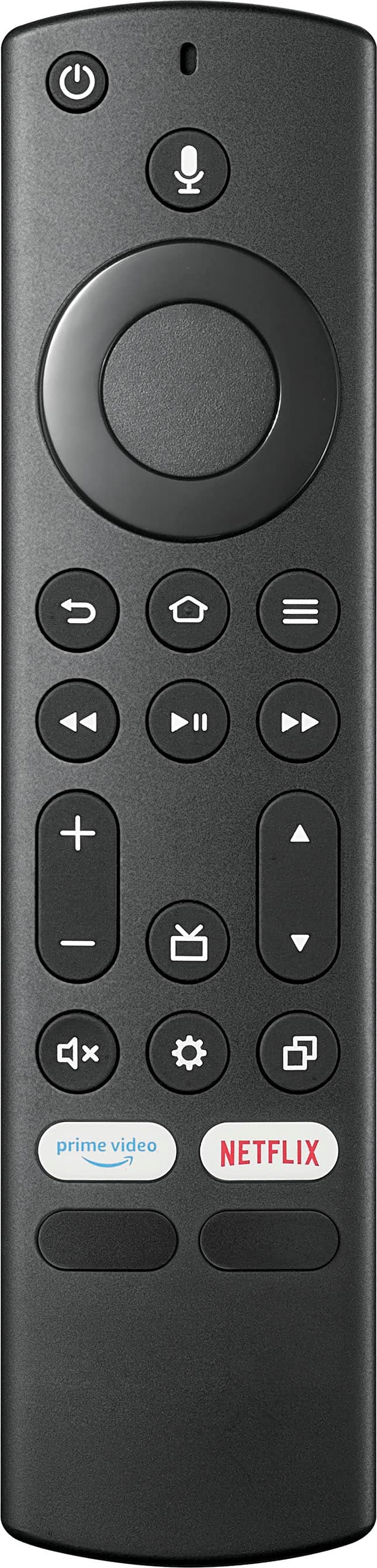
  • Questionreprogram to basic experience

    Asked by Anonymous.

    • Answer Thank you for inquiry! To reset your Insignia™ 32" Class F20 Series LED Full HD Smart Fire TV to its basic experience, you can perform a factory reset. This will remove all customizations and return the TV to its original settings. Start by pressing the "Menu" button on your remote to open the menu. From there, navigate to "Settings" using the arrow buttons on the remote. Next, select "Device & Software" or "System" from the settings menu, and then choose "Reset to Factory Defaults" or "Factory Reset". Confirm the action by selecting "Reset" or "Yes". After the reset, your TV will restart and guide you through the initial setup process, allowing you to set it up as if it were new. Keith | Insignia Support https://www.bestbuy.com/site/insignia-32-class-f20-series-led-full-hd-smart-fire-tv/6495086.p?skuId=6495086

      Answered by InsigniaCustomerSupport

  • QuestionWill this work with a digital antenna?

    Asked by Doug.

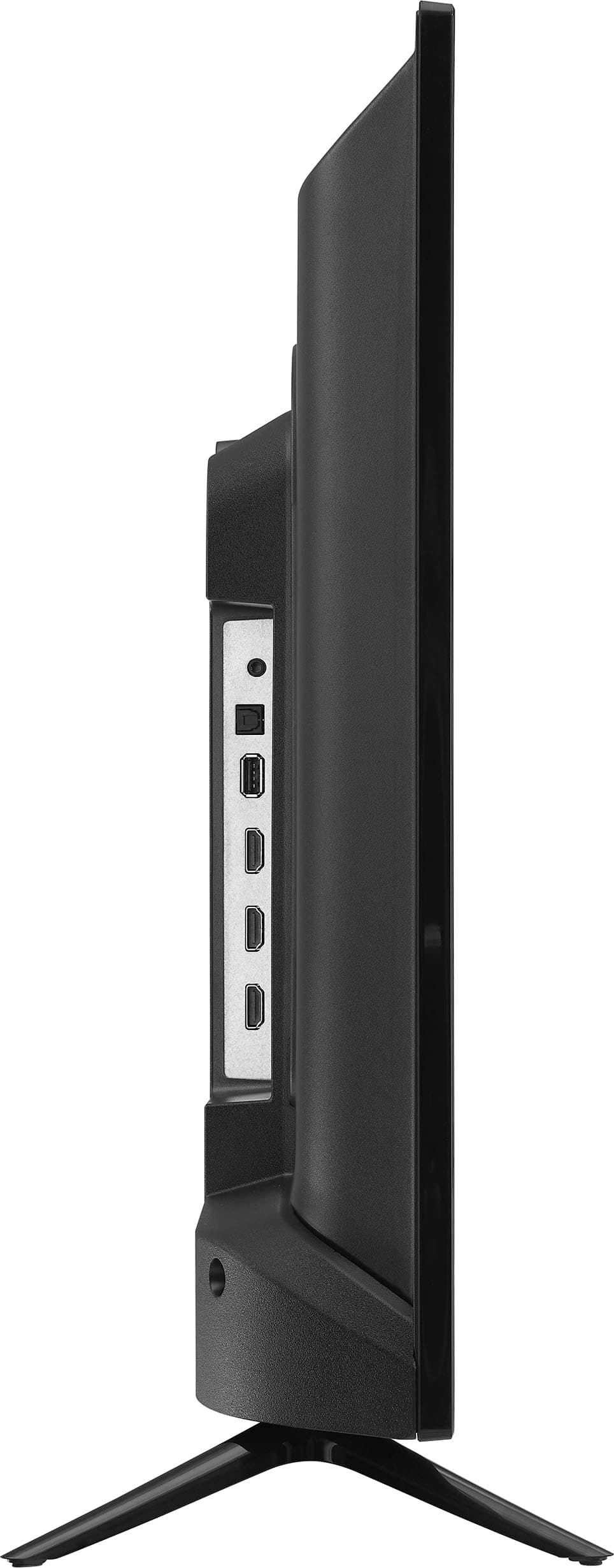
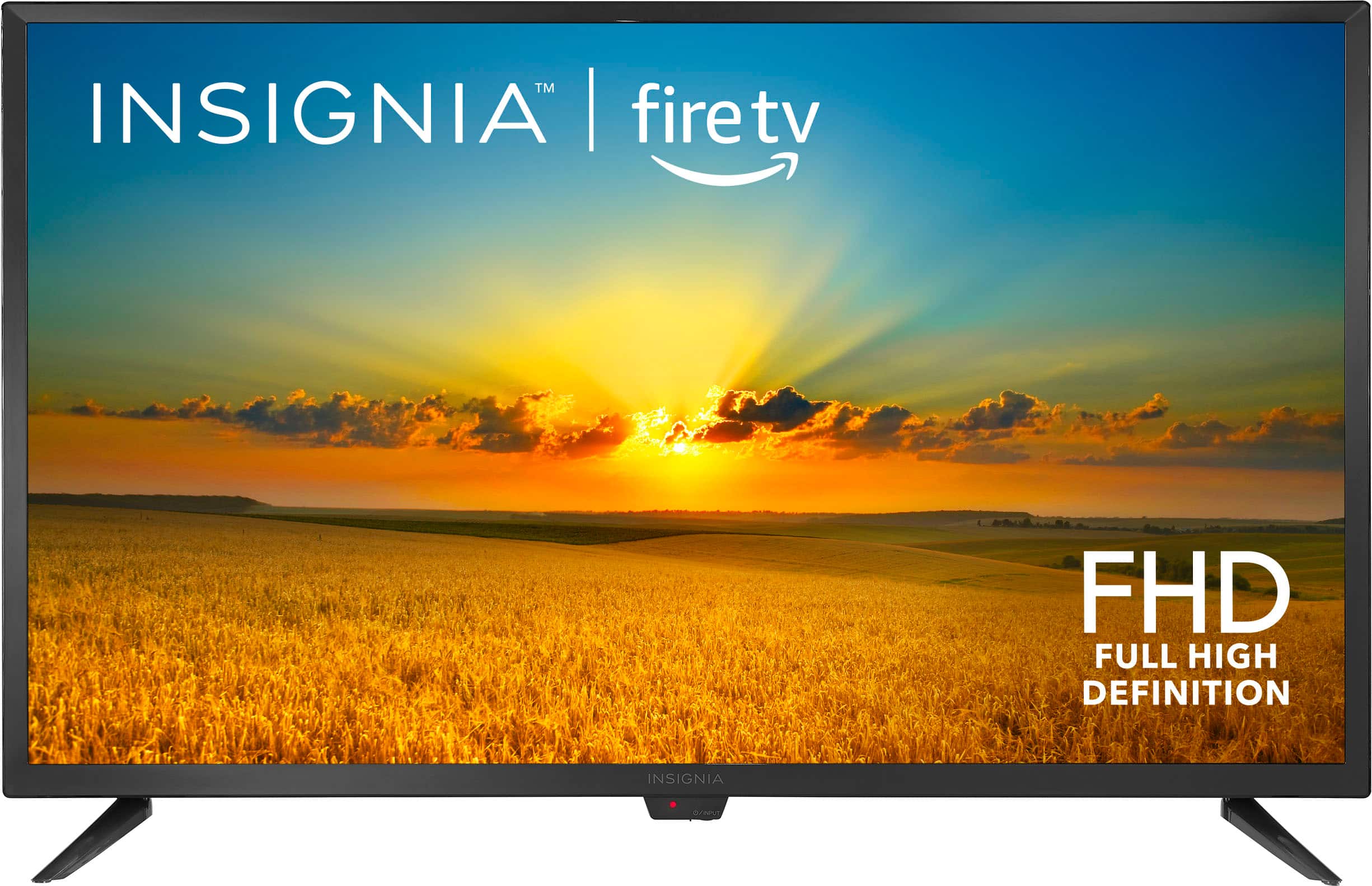
    • Answer Hi Doug, This television has versatile connections which means you can connect your home theater components such as a Blu-ray player, game console, speakers, cable/antenna and more. TV connections include 3 HDMI ports, composite (AV) jacks, digital optical output, USB port, headphone jack, coaxial jack, ethernet port and Wi-Fi technology. For more product details, please visit https://www.bestbuy.com/site/brands/best-buy-brands/pcmcat1596746025285.c?id=pcmcat1596746025285 Insignia Support https://www.bestbuy.com/site/brands/best-buy-brands/pcmcat1596746025285.c?id=pcmcat1596746025285
      Answered by InsigniaCustomerSupport

  • QuestionDo you need to purchase a roku or fire stick separately?

    Asked by Sam.

    • Answer The Fire Stick is built in.

      Answered by Anonymous

  • Questionjust purchased an insignia fire tv. We can't set up the TV for WIFI. The insignia screen just keeps looping and we can;t turn the tv off with the remote. We have changed batteries agreed

    Asked by Debbie.

    • Answer Not sure this will help you but I had a similar problem where the tv would not receive the signal from the remote at the end of the process where it tells you to push the “Home” button to complete setup. It just kept cycling back to the beginning. I was ready to return the tv. Instead I downloaded the Fire TV app and was able to complete the setup through the app using the remote built into the app itself. After it finished setup the remote worked fine. It was just the initial setup that would not receive the signal. The app is free and easy to use.

      Answered by Anonymous

  • QuestionI see most say they can download any app but, can you add the Spectrum app because most say they use Roku to use the app.

    Asked by Abrooks4u.

    • Answer Spectrum app not available on firestick or fire tv only on Roku

      Answered by PaulaM

  • QuestionI purchased this tv on Sunday. Did anyone have problems with the feet being wobbly? It's the oddest thing and they only go on 1 way. Thanks.

    Asked by Wolf.

    • Answer Yes, I'm frustrated with Insignia customer service and because the manual was unclear and did not specify this. I wasted time emailing and calling Insignia about the wobbly legs issue, but nobody in customer service over email and phone knew the legs were not interchangeable. They exhausted their own trouble shooting questions and since I'm still under warranty, they said I should go back to Best Buy. I did not like this idea because I live 21 miles away from the closest Best Buy, but I did it anyway. In hindsight, I wasted time driving 42 miles roundtrip. When I showed up the Best Buy, before even walking to Geek Squad, the employee at the front door said sometimes the legs on TVs are not interchangeable. He got a screwdriver and switched the legs and that was it. I'm so upset by this. Insignia customer service is awful and nobody knew the legs were not interchangeable and didn't even bring that up as a first troubleshooting issue. I've been trying to upload a picture of the manual, but it keeps saying failed. But trust me when I say the instructions just say "Align TV stand screw holes with the holes on your TV's bottom." There's no indication or label to say which legs go where.

      Answered by FrustratedWithInsignia

  • QuestionHow do I access my local channels through my antenna? With my old, "unsmart" TV I had CBS, NBC, ABC, PBS and others. I can't find just plain old national and local programming as it is being broadcasted.

    Asked by pb211.

    • Answer Mine is in my camper and it is stored so I can't look at it to give step by step, but it will pick up regular channels. It will scan for the local channels just like any other TV. Look for settings. This is what Amazon says: Connect a Live TV Source to Your Fire TV Smart TV Connect a supported live TV source to the cable input of your TV with a coaxial cable. Scan for channels: Go to Settings on your Fire TV Smart TV. Select Live TV. Select Channel Scan. Follow the on-screen instructions.

      Answered by dogmama

  • QuestionI'm having issues with what should be the easiest part of the setup. The screws screw tight for the legs, but the legs are loose! The TV is balancing unsecured.

    Asked by Heidi.

    • Answer Make sure the legs are pushed snug up into the slot. This may sound obvious, but make sure you don’t have the left leg and the right leg reversed. I found the need to tear down on the screws to get everything tight, but once I did, the TV is balanced and steady.

      Answered by PeterB

  • QuestionOur new tv is making clicking/popping sounds when we change the channel. We spent a half hour with our cable provider (Breezeline) and thy were stymied. I tried googling the problem but I was stymied again. Thanks for your advice.

    Asked by Frank.

    • Answer I'm sorry to hear about the issues you're experiencing with your Insignia™ 32" Class F20 Series LED Full HD Smart Fire TV. The clicking or popping sounds when changing channels can be quite frustrating. Here are a few steps you can try to resolve the issue: 1. Check Audio Settings: Ensure that the audio settings on your TV are correctly configured. Sometimes, adjusting the sound mode or turning off any sound enhancements can help. 2. Update Firmware: Make sure your TV's firmware is up to date. Manufacturers often release updates to fix bugs and improve performance. You can check for updates in the TV's settings menu. 3. Inspect Connections: Ensure all cables and connections are secure. Loose or faulty connections can sometimes cause audio issues. 4. Reset TV: Try performing a factory reset on your TV. This can resolve many software-related issues. Be sure to back up any important settings or data before doing this. 5. External Devices: If you have any external devices connected to your TV (like a soundbar or external speakers), try disconnecting them to see if the issue persists. Sometimes, the problem can be with the external device rather than the TV itself. If these steps don't resolve the issue, it might be a hardware problem. In that case, I recommend contacting Insignia customer support for further assistance. They can help troubleshoot the problem or arrange for a repair if necessary. I hope this helps! Let me know if you have any other questions or need further assistance.

      Answered by InsigniaCustomerSupport

  • QuestionDoes this TV work with a Digital HDTV Antenna? And does ithis TV have a built in digital tuner?

    Asked by Curious.

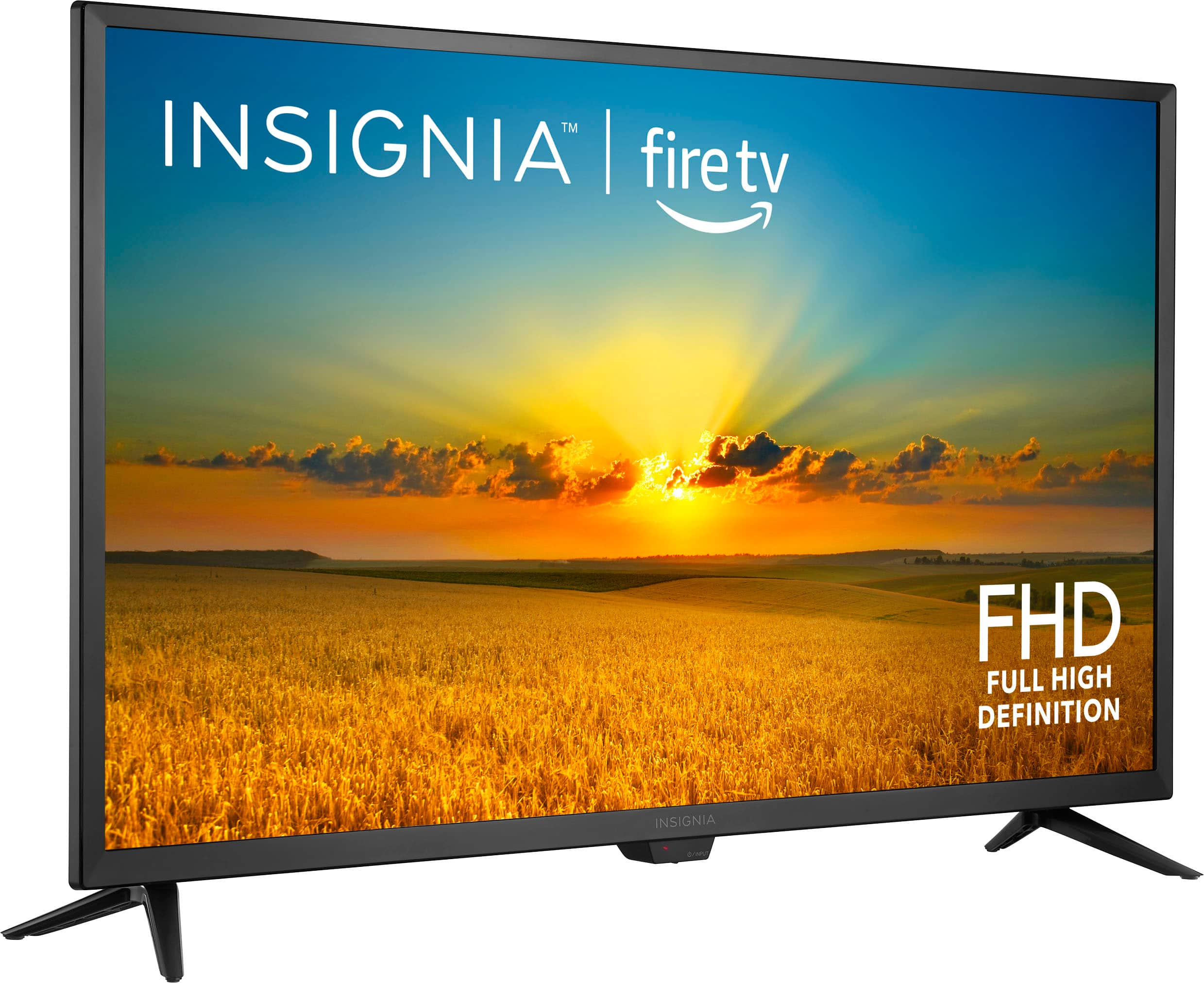
    • Answer Yes, the Insignia™ 32" Class F20 Series LED Full HD Smart Fire TV works with a Digital HDTV Antenna and has a built-in digital tuner. This means you can connect an antenna directly to the TV to receive over-the-air broadcast channels -Ed | Insignia Support | https://www.bestbuy.com/site/brands/best-buy-brands/pcmcat1596746025285.c?id=pcmcat1596746025285
      Answered by InsigniaCustomerSupport

  • QuestionHow much internal storage does this TV have?

    Asked by Paul.

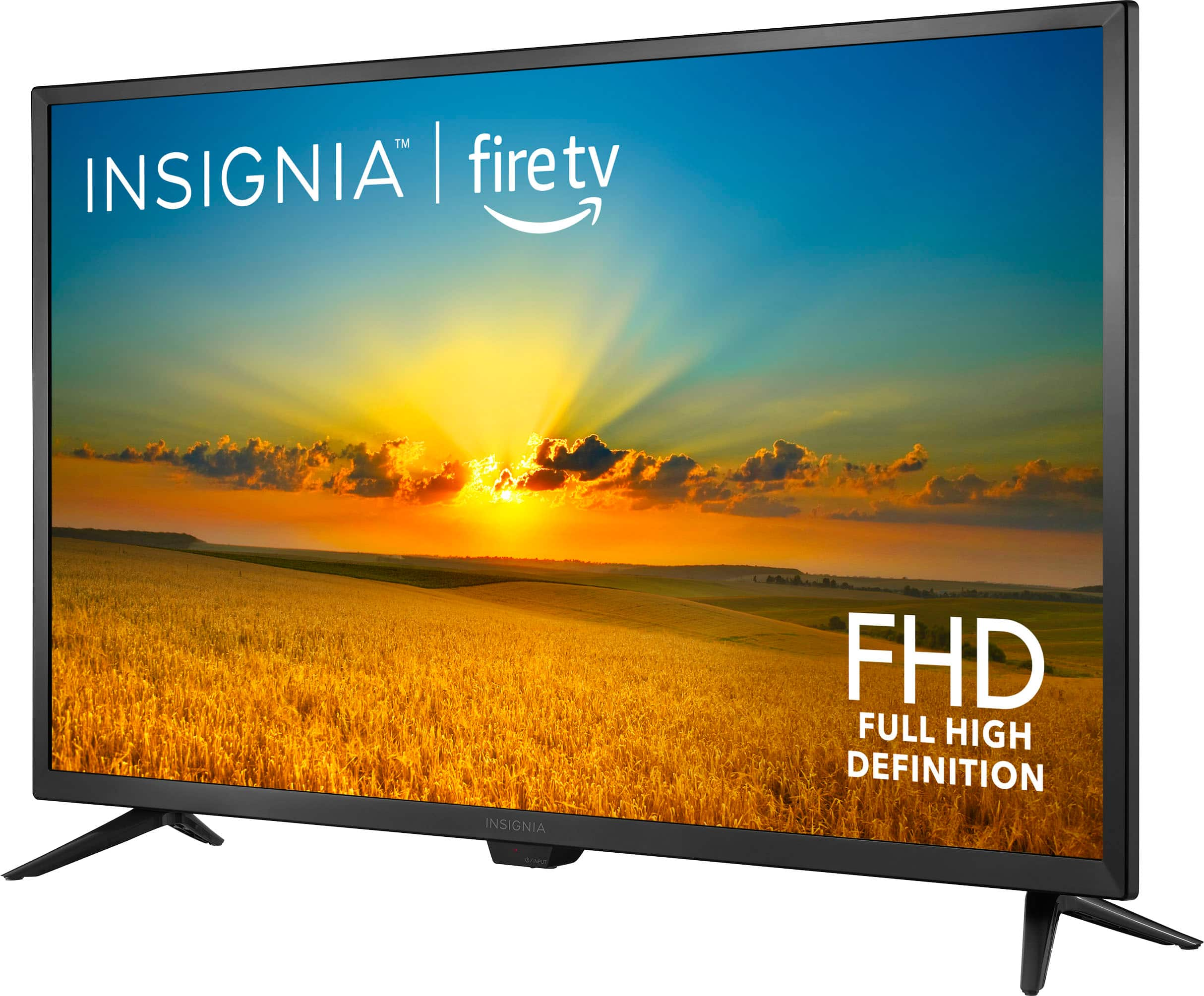
    • Answer The Insignia 32" Class F20 Series LED Full HD Smart Fire TV typically comes with 8 GB of internal storage. This storage is used for apps, system files, and other data. If you have any questions or need further assistance, please don't hesitate to reach out. Thank you for choosing Insignia! | Insignia Support | https://www.bestbuy.com/site/brands/best-buy-brands/pcmcat1596746025285.c?id=pcmcat1596746025285
      Answered by InsigniaCustomerSupport

  • Questionis an instruction sheet availble

    Asked by wiston.

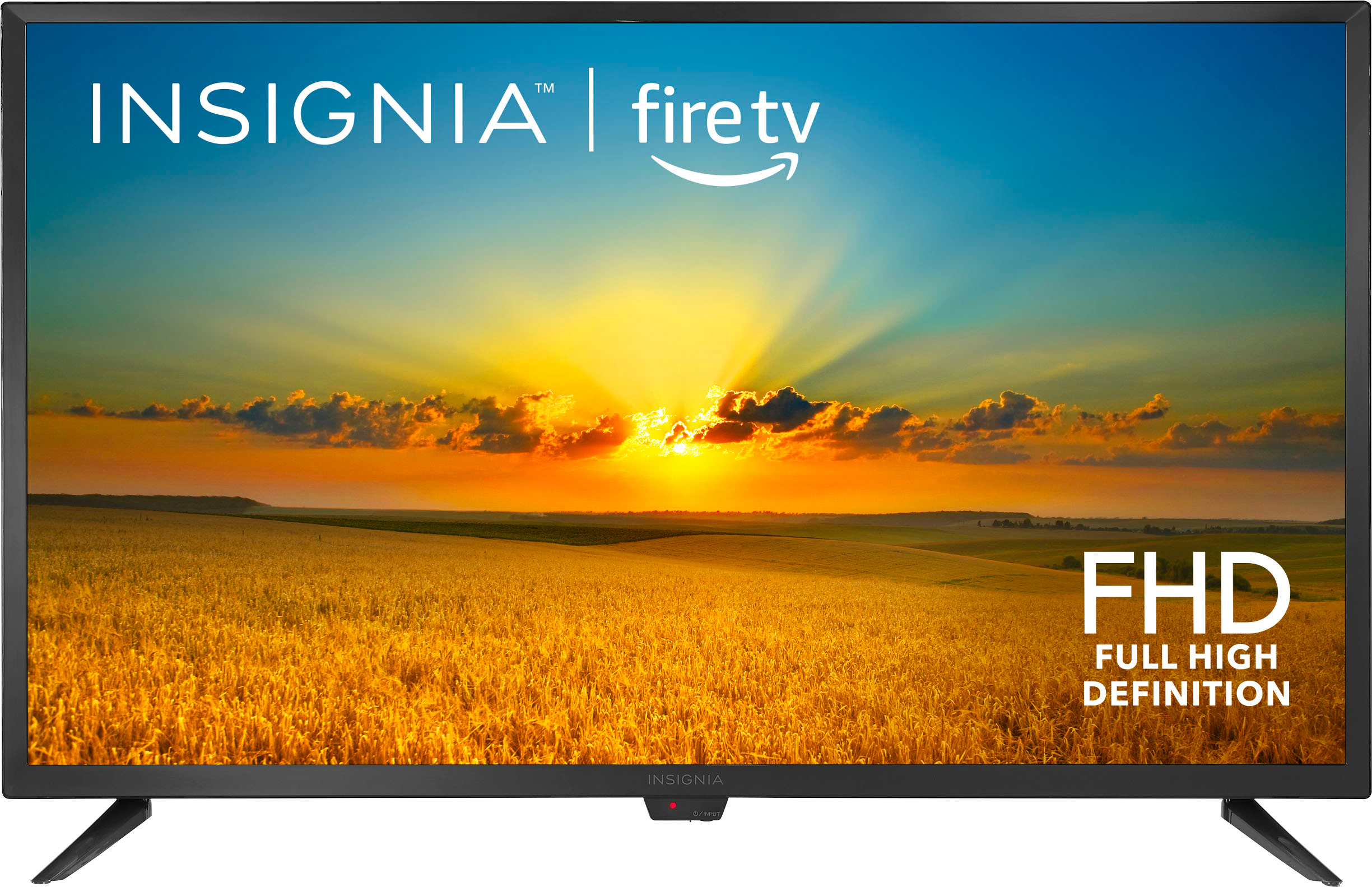
    • Answer Yes, an instruction sheet is available for the Insignia™ 32" Class F20 Series LED Full HD Smart Fire TV. You can find the user manual and quick setup guide online. These documents provide detailed instructions on setting up and using your TV, including connecting devices, adjusting settings, and troubleshooting common issues. Here's the link for the Quick Start Guide: https://files.bbystatic.com/EvQATzL8HOdkeLvNjmnt%2BQ%3D%3D/Quick%2BSetup%2BGuide User Manual: https://files.bbystatic.com/3z04BLLXRRLbV64H1SU6Xg%3D%3D/User%2BGuide If you have any questions or need further assistance, please don't hesitate to reach out. Thank you for choosing Insignia! - Emman | Insignia Support | https://www.bestbuy.com/site/brands/best-buy-brands/pcmcat1596746025285.c?id=pcmcat1596746025285
      Answered by InsigniaCustomerSupport

  • QuestionDoes the TV have web browser

    Asked by Peaches.

    • Answer Yes, the Insignia™ 32" Class F20 Series LED Full HD Smart Fire TV can use the Amazon Silk web browser. You can download the Silk browser from the Amazon Appstore directly on your Fire TV. Once installed, you’ll be able to browse the web just like you would on a computer or mobile device. Patricia | Insignia Support https://www.bestbuy.com/site/insignia-32-class-f20-series-led-full-hd-smart-fire-tv/6495086.p?skuId=6495086

      Answered by InsigniaCustomerSupport

  • QuestionDoes this include screws to attach to wall mount?

    Asked by Ted.

    • Answer Hi Ted! the screws for attaching the TV to the wall mount are typically not included with the TV itself. You may need to purchase the appropriate screws separately, depending on your wall mount specifications. For more product information, visit the link below. |Angelica| Insignia Products| https://www.bestbuy.com/site/insignia-32-class-f20-series-led-full-hd-smart-fire-tv/6495086.p?skuId=6495086

      Answered by InsigniaCustomerSupport