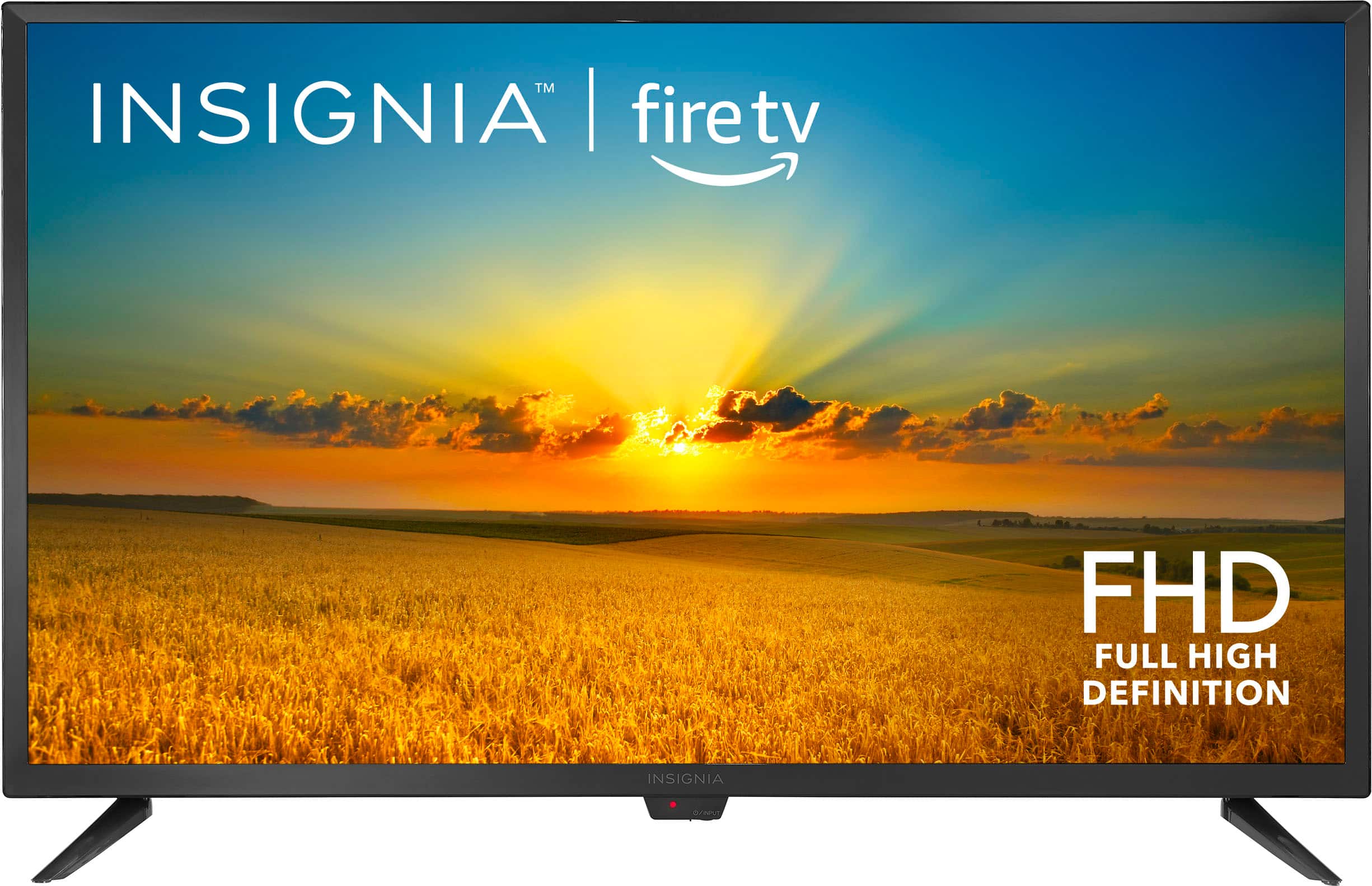
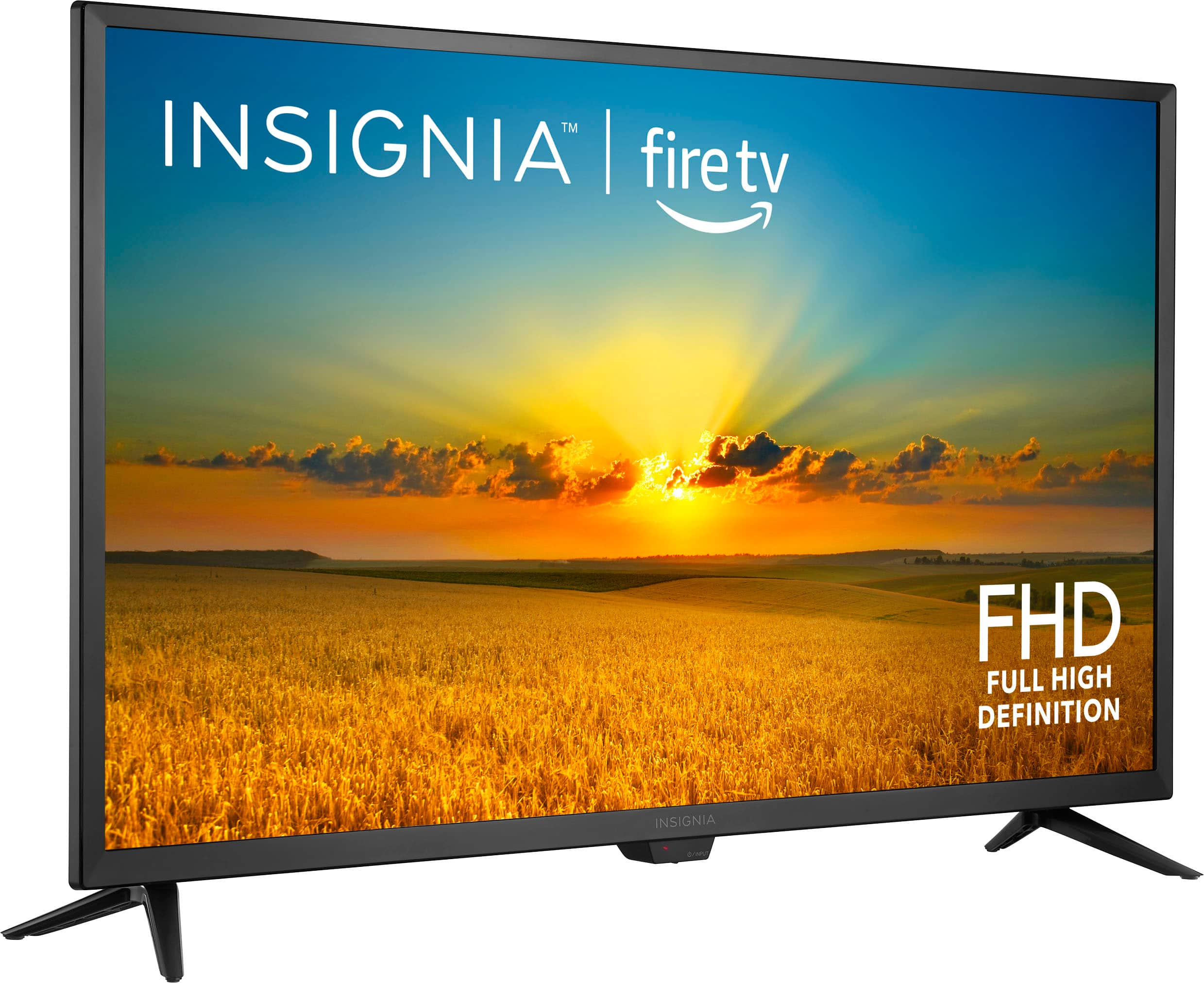
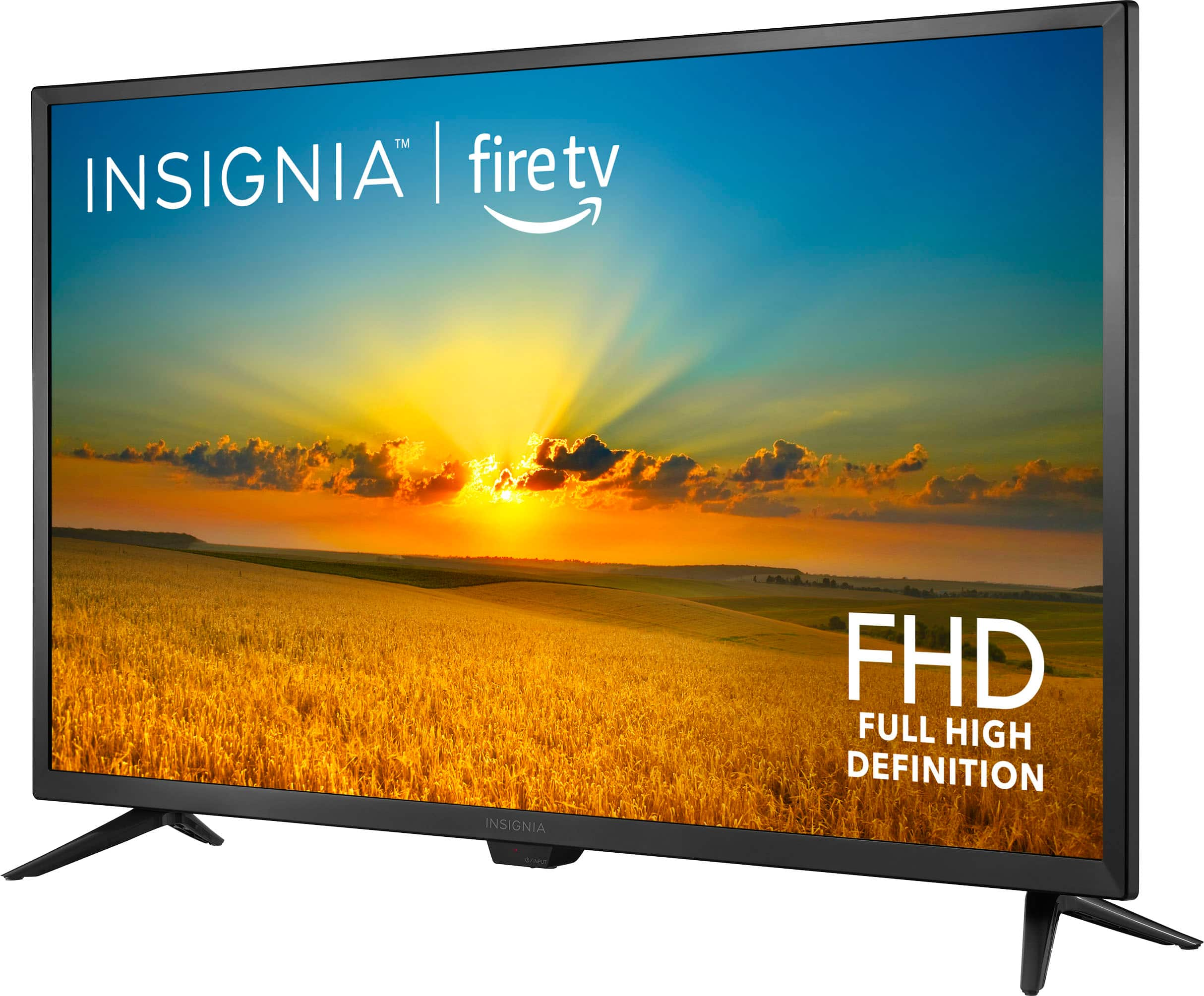
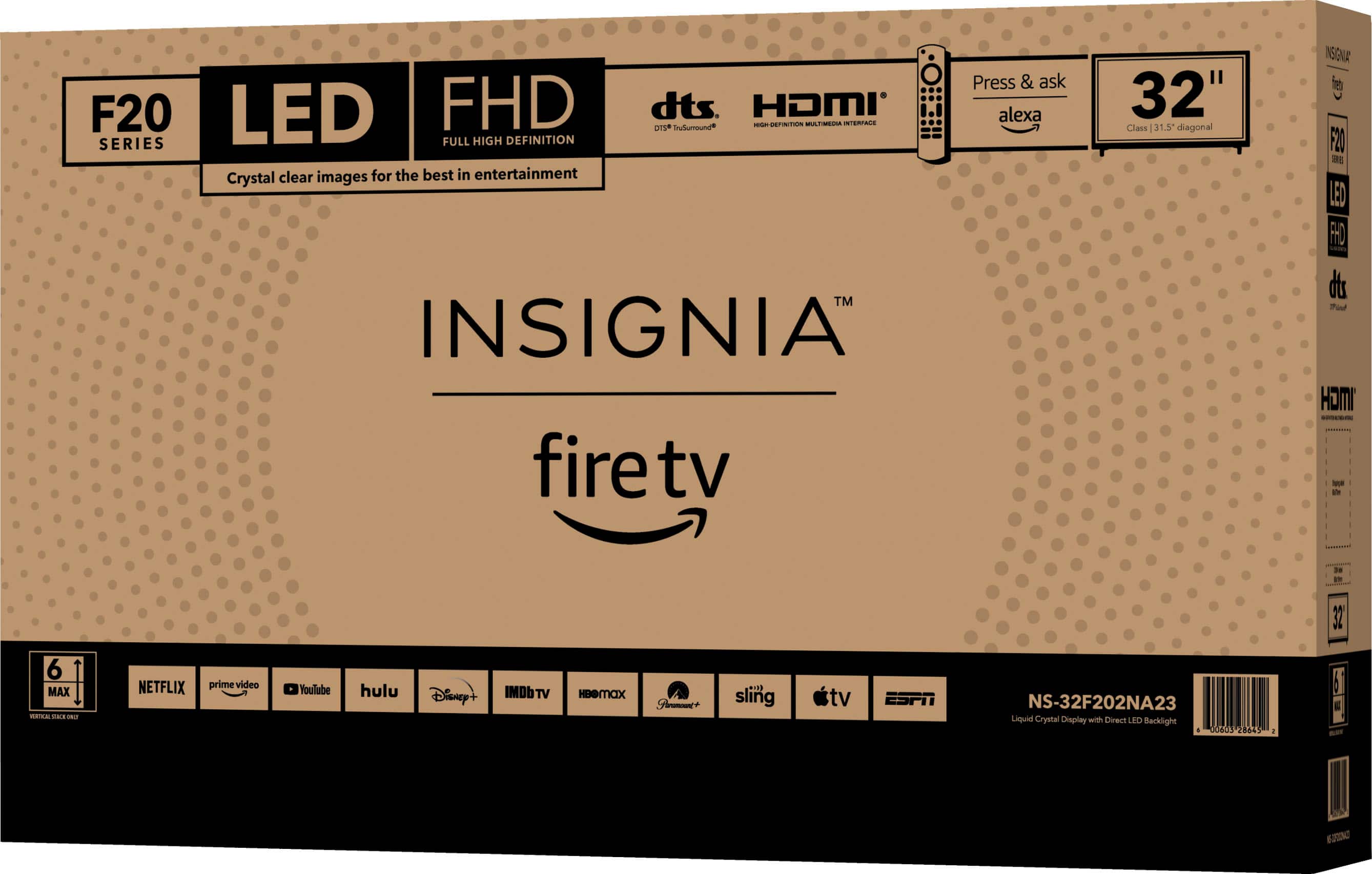
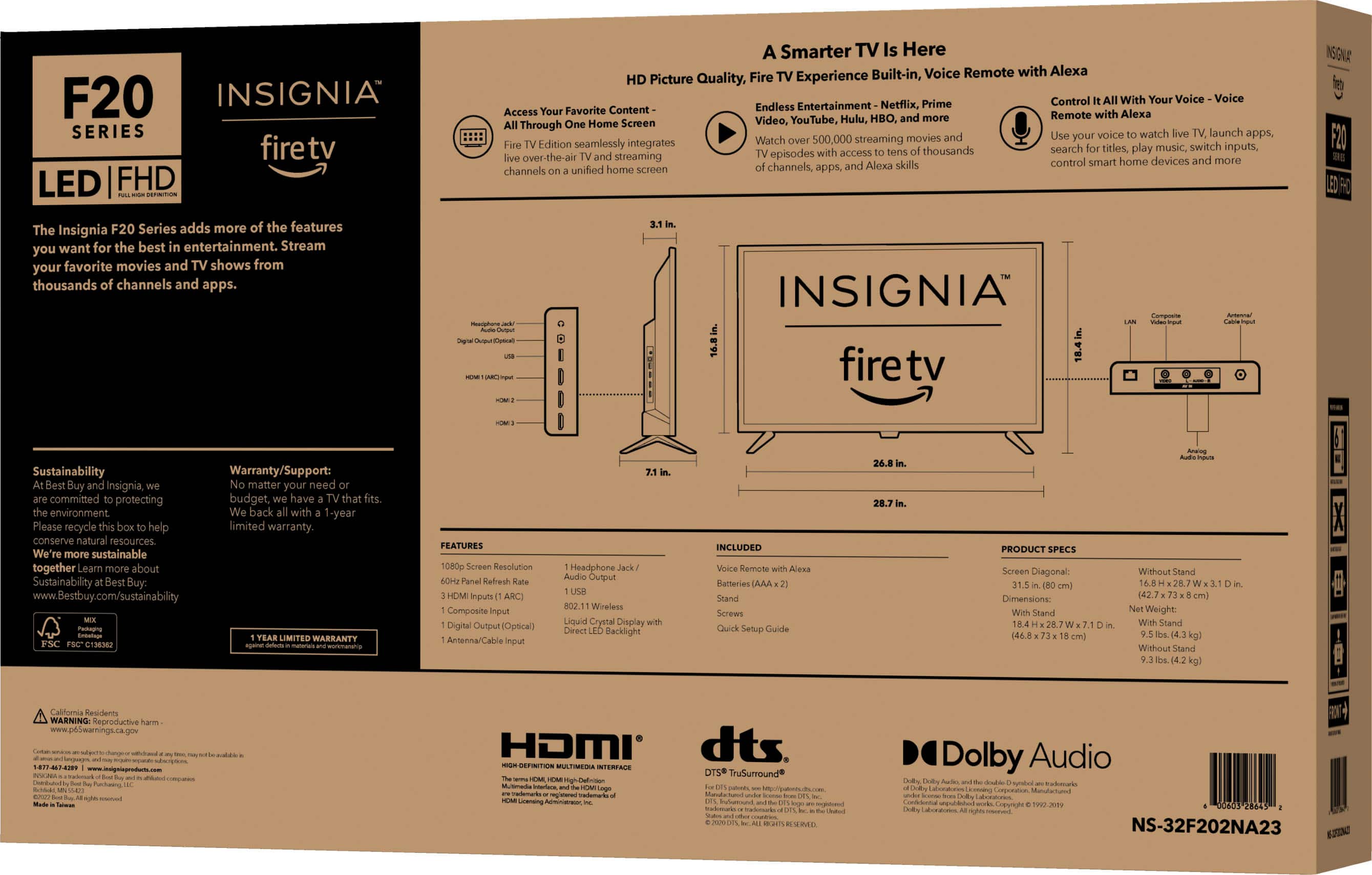
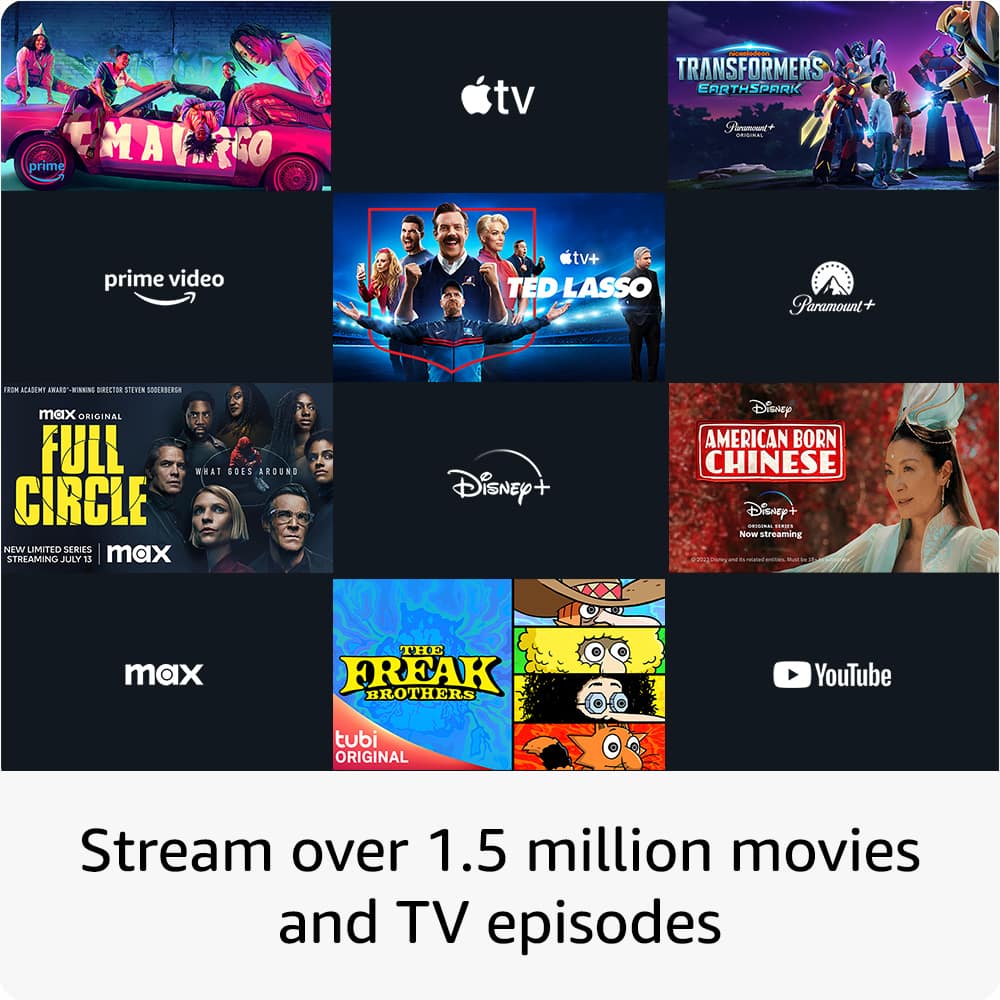
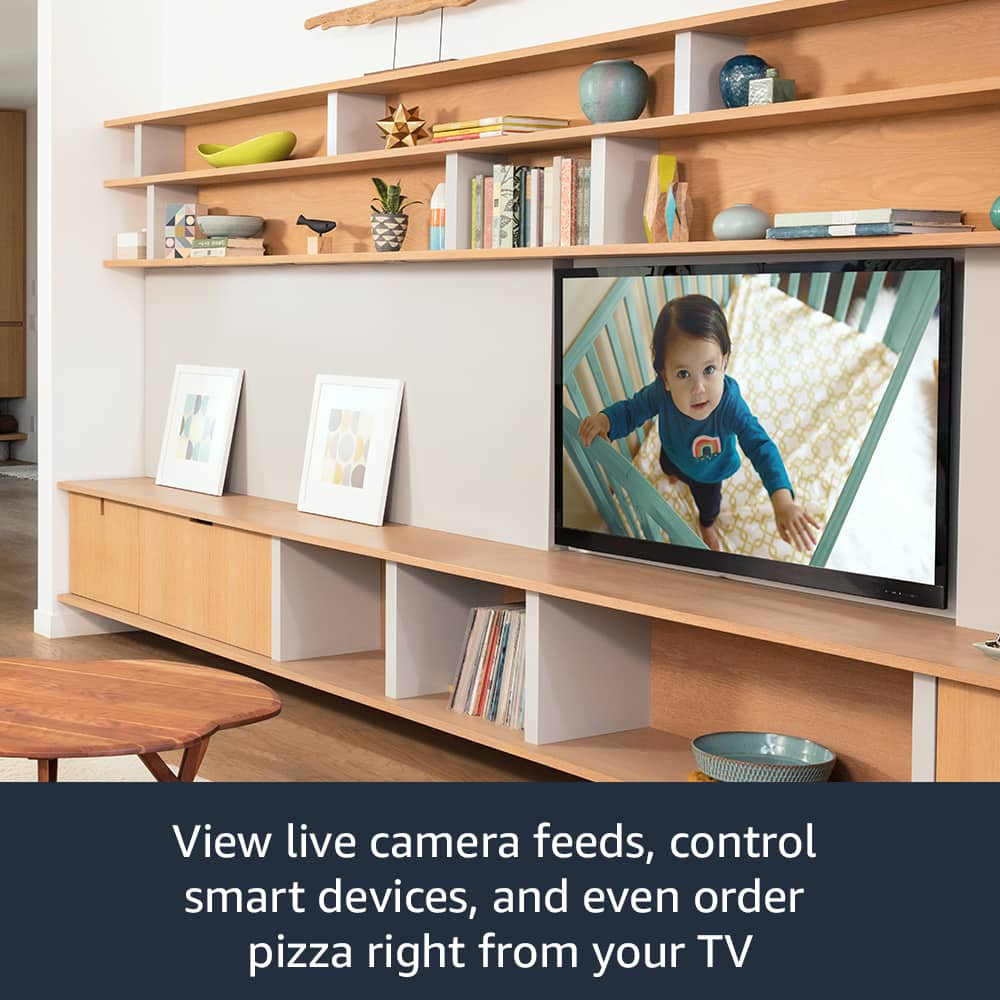
A:AnswerThe Insignia™ 32" Class F20 Series LED Full HD Smart Fire TV does have built-in Bluetooth capabilities and it offers a range of other features, including Full HD resolution, integrated Fire TV platform, and Alexa voice control.
If you have further question or inquiry, feel free to reach out.
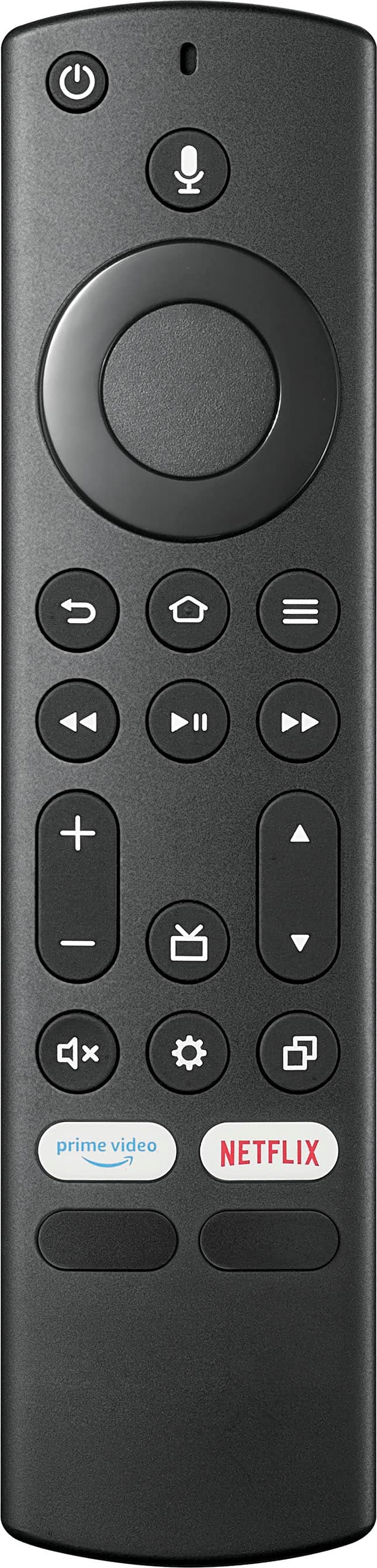
A:AnswerThank you for your inquiry. Yes, you can use the TV remote to adjust the volume, provided that your soundbar is CEC compatible and connected via an HDMI cable. I hope this information is helpful. If you have any further questions, please feel free to ask. - Carl | Insignia Support
A:AnswerGreat questions! The main difference between the 720p HD and 1080p FHD versions of the Insignia™ 32" Class F20 Series LED Smart Fire TV is the resolution. The 1080p FHD model offers a higher resolution, providing clearer and sharper images compared to the 720p HD model.
Regarding the chips/processors, both models generally use similar hardware, so there isn't a significant difference in processing power between the two. However, the 1080p model might have slight enhancements to handle the higher resolution more efficiently.
If brightness is your main criterion, both models should perform similarly as they use the same LED technology. The brightness levels are typically consistent across both resolutions, so your choice can be based more on your preference for image clarity.
If you have any more questions or need further assistance, feel free to ask! -Ed | Insignia Support | https://www.bestbuy.com/site/brands/best-buy-brands/pcmcat1596746025285.c?id=pcmcat1596746025285
A:AnswerYes, you can connect your Sony Bravia sound system to the Insignia™ 32" Class F20 Series LED Full HD Smart Fire TV. Here are a few methods to do so:
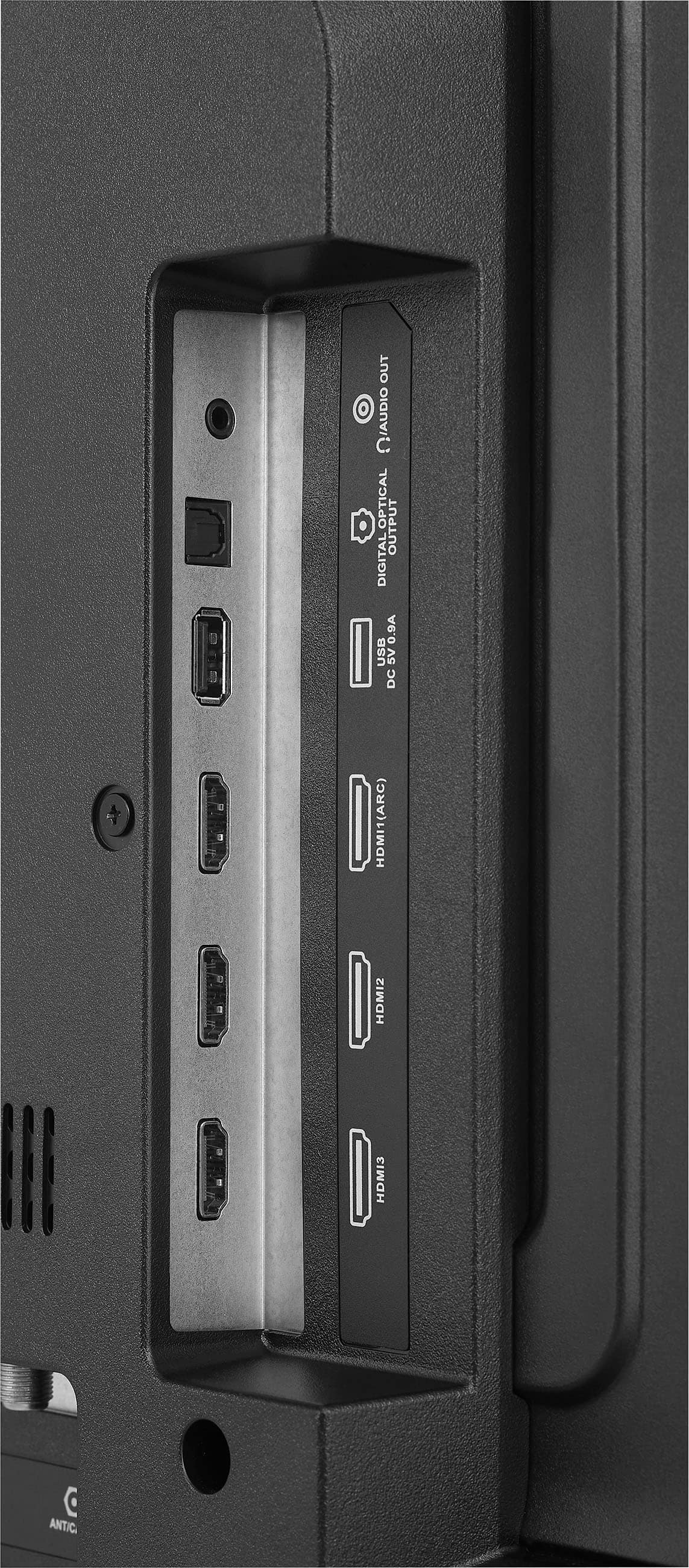
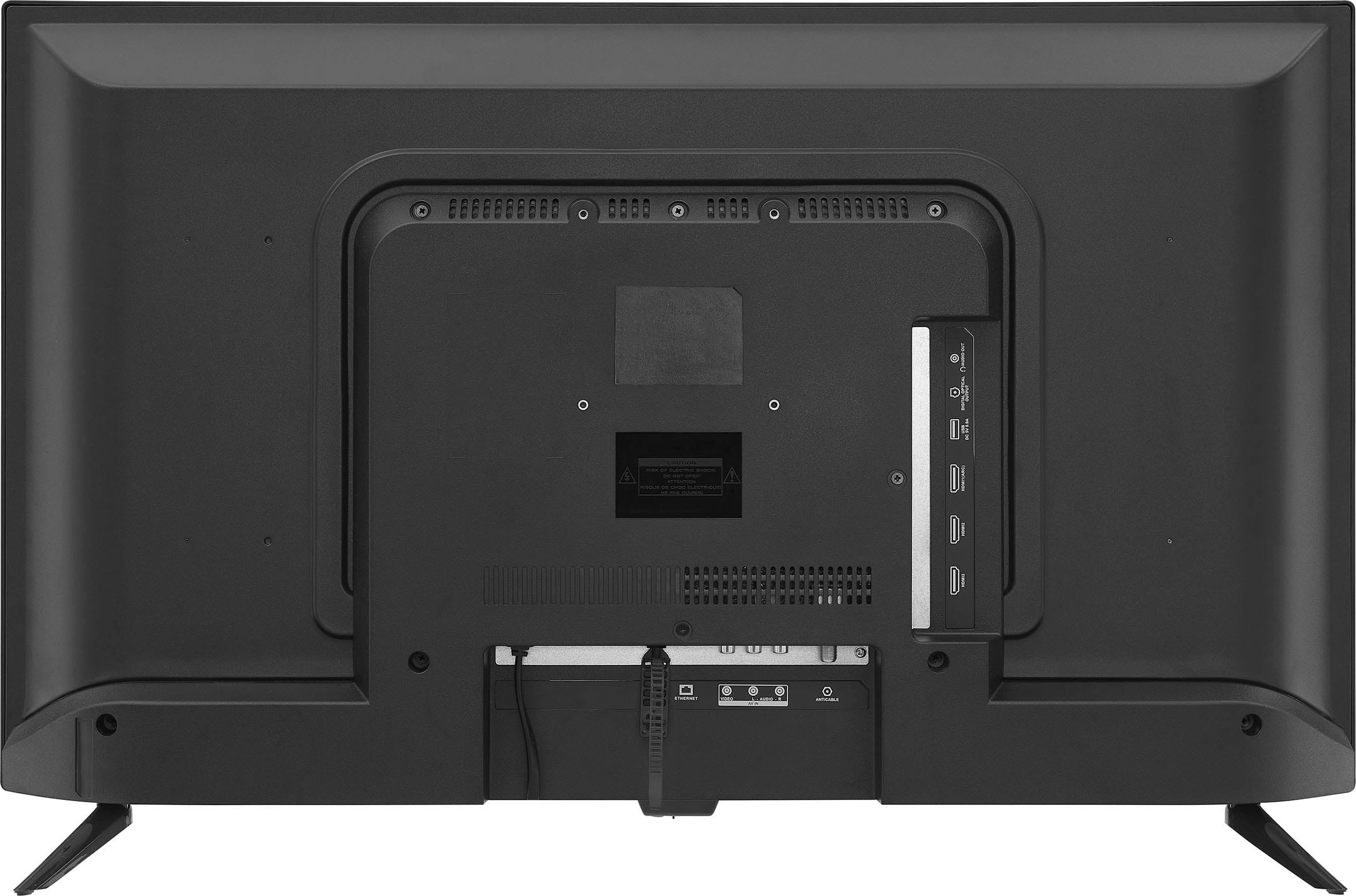
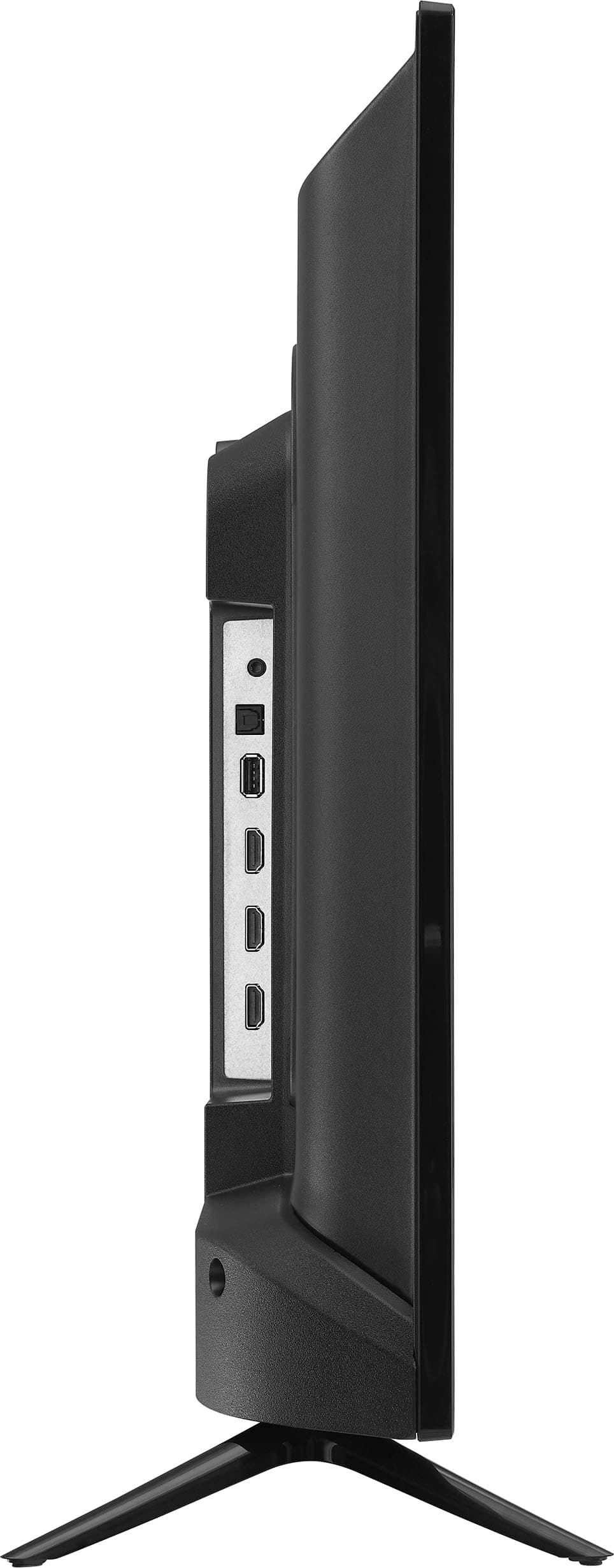
1. HDMI ARC (Audio Return Channel): If both your TV and sound system support HDMI ARC, you can use an HDMI cable to connect them. This allows audio to be sent from the TV to the sound system through the same HDMI cable used for video.
2. Optical Audio Cable: If your sound system has an optical input, you can use an optical audio cable to connect the TV's optical output to the sound system. This provides high-quality digital audio.
3. Analog Audio (RCA): If your sound system has RCA inputs, you can use an RCA cable to connect the TV's analog audio output to the sound system. This is a more traditional method and may not provide the same audio quality as digital connections.
Make sure to check the user manuals for both your TV and sound system for specific instructions and compatibility details.
A:AnswerYes, this would work without an internet connection. I hope this answers your question. Please feel free to reach out if you have any further questions.- Carl | Insignia Support
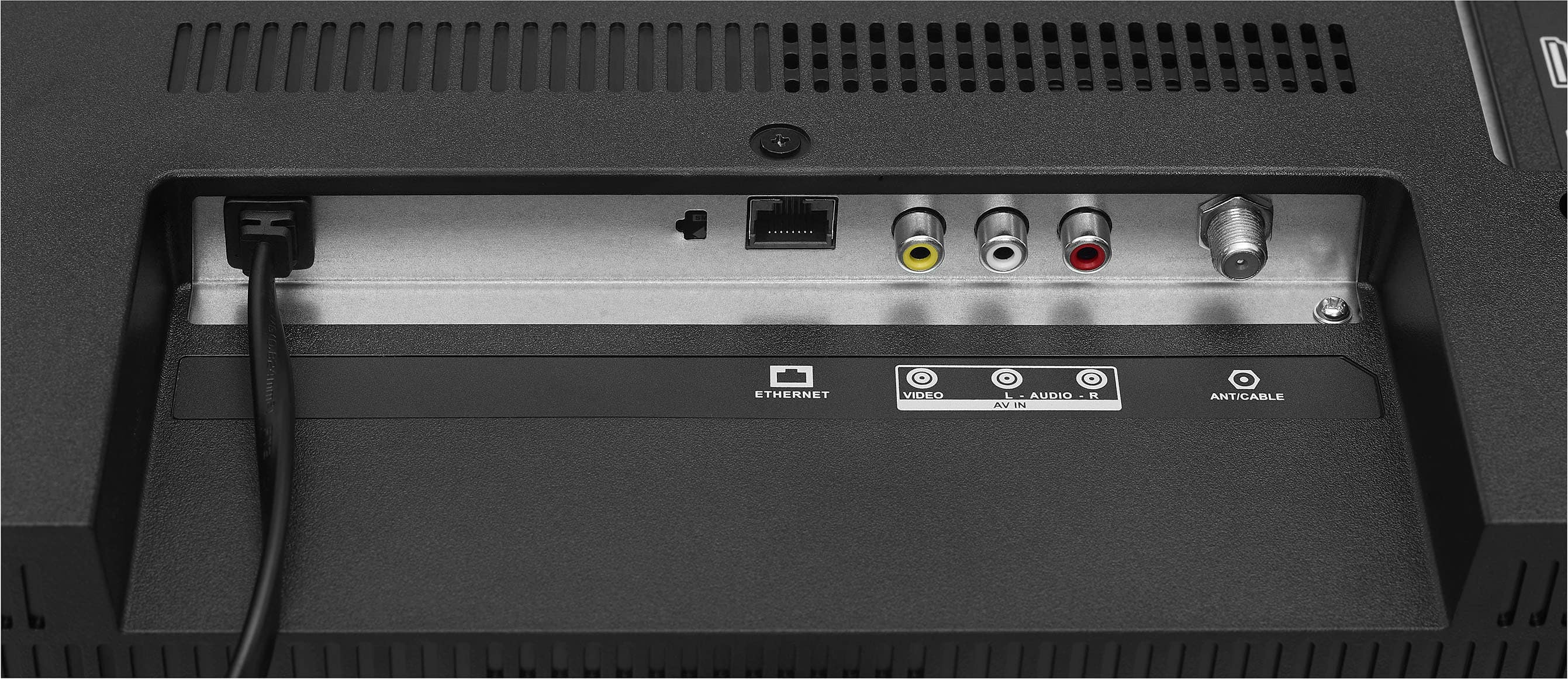
A:AnswerHi there. Yes, the Insignia 32" Class F20 Series LED Full HD Smart Fire TV can be hardwired for internet. It includes an Ethernet port that allows you to connect it directly to your router using an Ethernet cable. If you have any other questions or need further assistance, feel free to reach out. Ivy | Insignia Support
A:AnswerHi there! Yes, the Insignia™ 32" Class F20 Series LED Full HD Smart Fire TV can be connected to DirecTV. This TV has multiple HDMI ports, which you can use to connect your DirecTV receiver. Simply plug the HDMI cable from your DirecTV receiver into one of the HDMI ports on the TV, and you should be good to go. If you need further assistance, please don't hesitate to reach us back. |Angelica| Insignia Products|
A:AnswerHello! Thank you for reaching out. Our F20 Series Fire TVs do not require a Fire Stick to operate. To view your local channels, you will need to have your own antenna. I hope this information is helpful to you! - Carl | Insignia Support
A:AnswerHello! Thank you for reaching out. Yes, our TVs are compatible with the Verizon FIOS TV app. I hope this answers your question. If you have any further inquiries, please feel free to ask. - Carl | Insignia Support
A:AnswerTo sync the audio and picture on your Insignia™ 32" Class F20 Series LED Full HD Smart Fire TV, start by performing a power reset: turn off your TV and any connected devices, unplug them for a few minutes, then plug them back in and turn them on. Ensure all HDMI and audio cables are securely connected, as loose cables can cause sync issues. Next, update your TV's firmware through the settings menu under "System" or "Software Update." As a last resort, you can perform a factory reset on your TV but be aware that this will erase all settings. If the troubleshooting provided did not work, you may contact our customer service team for further assistance. Patricia | Insignia Support
A:AnswerThank you for your inquiry! The Insignia™ - 32" Class F20 Series LED Full HD Smart Fire TV does not have a slot for an external SD memory chip. While the software might suggest compatibility, the physical hardware does not support this feature. Keith | Insignia Support
A:AnswerThe Insignia™ 32" Class F20 Series LED Full HD Smart Fire TV (model NS-32F202NA23) operates at a voltage of 120 volts and typically draws around 1.5 amps.
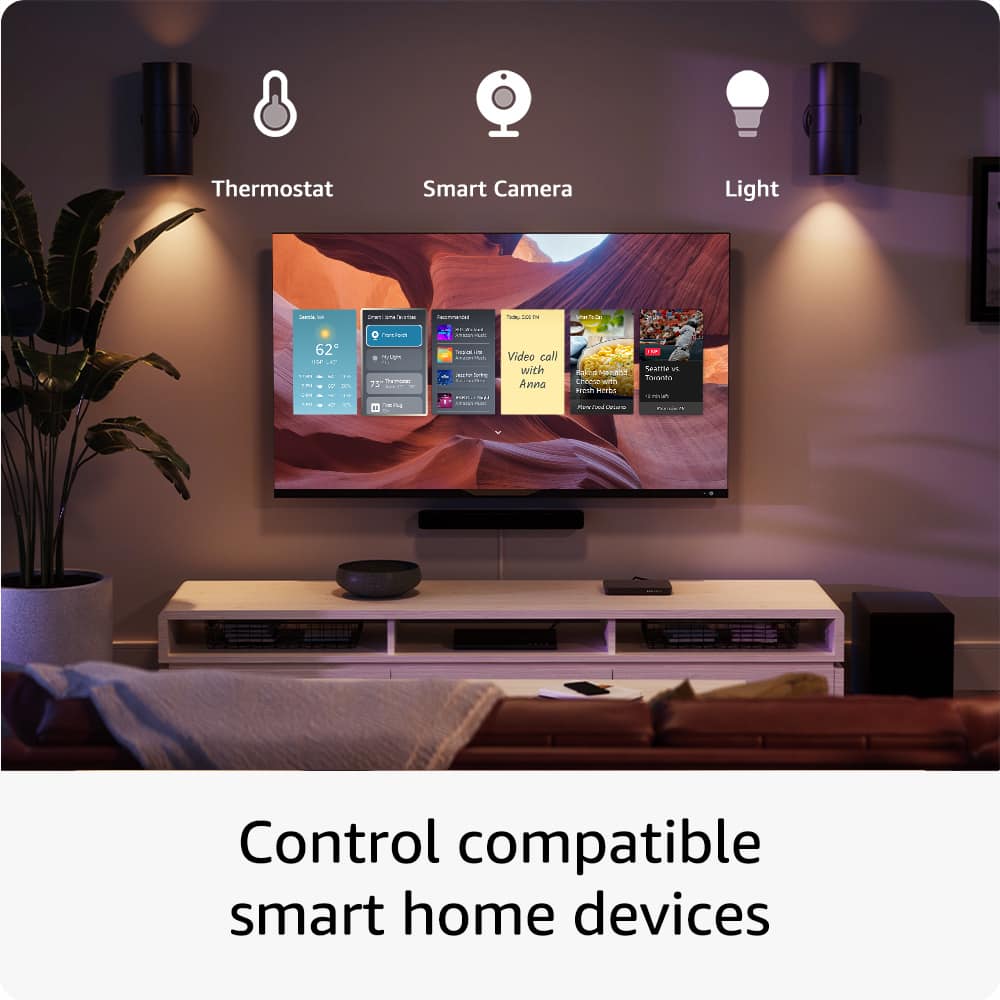
A:AnswerHello RKM! The Insignia™ 32" Class F20 Series LED Full HD Smart Fire TV (NS-32F202NA23) primarily integrates with Amazon Alexa for voice control and smart home features. Unfortunately, it does not natively support Google Home integration. If you have any other questions about this TV or need help with something else, feel free to ask! Jeth | Insignia Support. https://www.bestbuy.com/site/insignia-32-class-f20-series-led-full-hd-smart-fire-tv/6495086.p?skuId=6495086
A:AnswerHi, thank you for bringing this to our attention. To set your TV to start on the antenna input automatically, please go to Settings, then select Display and Sound. Next, choose Power Controls, and under Power On, select Last Input. Finally, go back to Input and select Antenna. I hope this information helps! Patricia | Insignia Support
.
A:AnswerTo get live TV channels on your Insignia™ 32" Class F20 Series LED Full HD Smart Fire TV (Model NS-32F201NA23), connect an antenna or cable to the TV’s input, then go to Settings > Live TV > Channel Scan to scan for available channels. Once the scan is complete, select the Live TV option to start watching. Patricia | Insignia Support https://www.bestbuy.com/site/insignia-32-class-f20-series-led-full-hd-smart-fire-tv/6495086.p?skuId=6495086
A:AnswerThank you for your inquiry! Yes, you can connect a Fire tablet directly to your Insignia™ 32" Class F20 Series LED Full HD Smart Fire TV. One way to do this is by using an HDMI adapter. If your Fire tablet supports HDMI output, you can use a micro HDMI to HDMI adapter to connect the tablet to the TV. Simply plug the adapter into your tablet and connect an HDMI cable from the adapter to one of the HDMI ports on your TV. Another method is screen mirroring. If your Fire tablet supports screen mirroring, you can wirelessly mirror your tablet's display to the TV. To do this, ensure both devices are on the same Wi-Fi network, then enable screen mirroring on your Fire tablet and select your Insignia TV from the list of available devices. These methods will allow you to display your tablet's content on the TV screen. Keith | Insignia Support
A:AnswerThe Insignia™ 32" Class F20 Series LED Full HD Smart Fire TV does not support viewing MP4 files via USB; it only supports JPEG format. However, you can connect a laptop or PC to the TV using an HDMI cable to use it as an extended monitor. Patricia | Insignia Support https://www.bestbuy.com/site/insignia-32-class-f20-series-led-full-hd-smart-fire-tv/6495086.p?skuId=6495086
A:AnswerTo set up your Insignia™ 32" Class F20 Series LED Full HD Smart Fire TV with your Yamaha AV Receiver for a basic home theater, follow these steps:
Connecting the TV to the AV Receiver
1. Using HDMI ARC (Audio Return Channel):
- Connect an HDMI cable from the HDMI ARC port on your TV to the HDMI ARC port on your Yamaha AV Receiver. The HDMI ARC port on your TV is usually labeled as "HDMI ARC" or "HDMI (ARC)".
- Enable HDMI ARC on both the TV and the AV Receiver. On your TV, go to Settings > Display & Sounds > Audio and select HDMI ARC. On your Yamaha AV Receiver, refer to the manual to enable HDMI ARC.
2. Using Digital Optical Cable:
- Connect a digital optical cable from the optical audio out port on your TV to the optical input on your Yamaha AV Receiver.
- Select the optical input on your AV Receiver to receive the audio from the TV.
Setting the TV Inputs
1. For HDMI ARC:
- On your TV, go to Settings > Display & Sounds > Audio and select HDMI ARC as the audio output.
- On your AV Receiver, select the HDMI input that corresponds to the HDMI ARC connection.
2. For Digital Optical:
- On your TV, go to Settings > Display & Sounds > Audio and select Digital Audio Out (Optical).
- On your AV Receiver, select the optical input.
Additional Tips
- Volume Control: You can control the volume using your TV remote if HDMI ARC is enabled. If using an optical cable, you might need to use the AV Receiver's remote for volume control.
- Audio Settings: Ensure that the audio settings on your TV are set to output in a format compatible with your AV Receiver, such as Dolby Digital.
This setup should provide you with a seamless home theater experience. If you encounter any issues or need further assistance, feel free to ask!
A:AnswerYes, the Insignia™ 32" Class F20 Series LED Full HD Smart Fire TV does accept standard Audio/Video input using the red, white, and yellow RCA input jacks. This means you can connect devices like a DVD player to the TV using these inputs. Patricia | Insignia Support https://www.bestbuy.com/site/insignia-32-class-f20-series-led-full-hd-smart-fire-tv/6495086.p?skuId=6495086