A:AnswerHi Nickname,
- Click the link https://www.bestbuy.com/site/insignia-32-class-f20-series-led-full-hd-smart-fire-tv/6495086.p?skuId=6495086
- Click features scroll down you will find user manual
- Click user manual then click arrow down to download
Insignia Products
Marites
www.bestbuy.com/site/brands/best-buy-brands/pcmcat1596746025285.c?id=pcmcat1596746025285
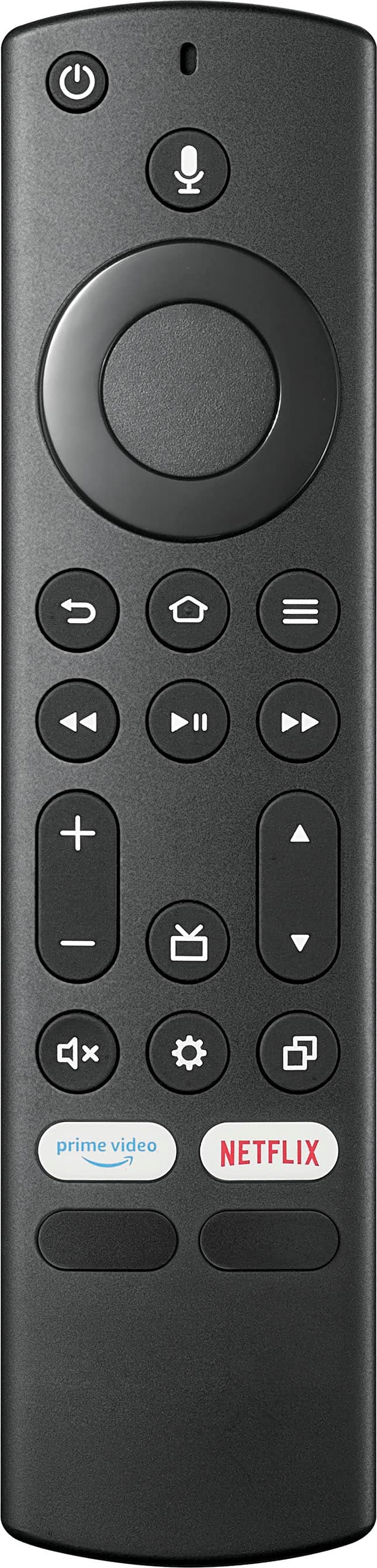
A:AnswerI don't know if the Insignia remote can be configured to control your Cox cable box, but I was able to get my Cox remote to control my Insignia TV. My Cox remote is for a full-function cable box, not one of their miniboxes. The remote came with instructions as to how to use it to control other devices. It explains how to enter a four-digit code that will allow the Cox remote to control your Insignia (or any other) TV. You can get these instructions from Cox if you don't have them. I can use my Cox remote to turn my Insignia TV on and off, change volume and cable channels, adjust inputs, etc.
A:AnswerHi Vagabond,
To remap buttons on Fire TV Smart TVs, the option is under Settings > Device & Software > Developer Options. If the Developer Options menu is not present, follow this guide to reveal it before continuing. Press the app button on your remote that you want to remap and install the real app for that button from the Amazon Appstore.

Dina || Insignia Support || https://www.bestbuy.com/insignia
A:AnswerHi Cas,
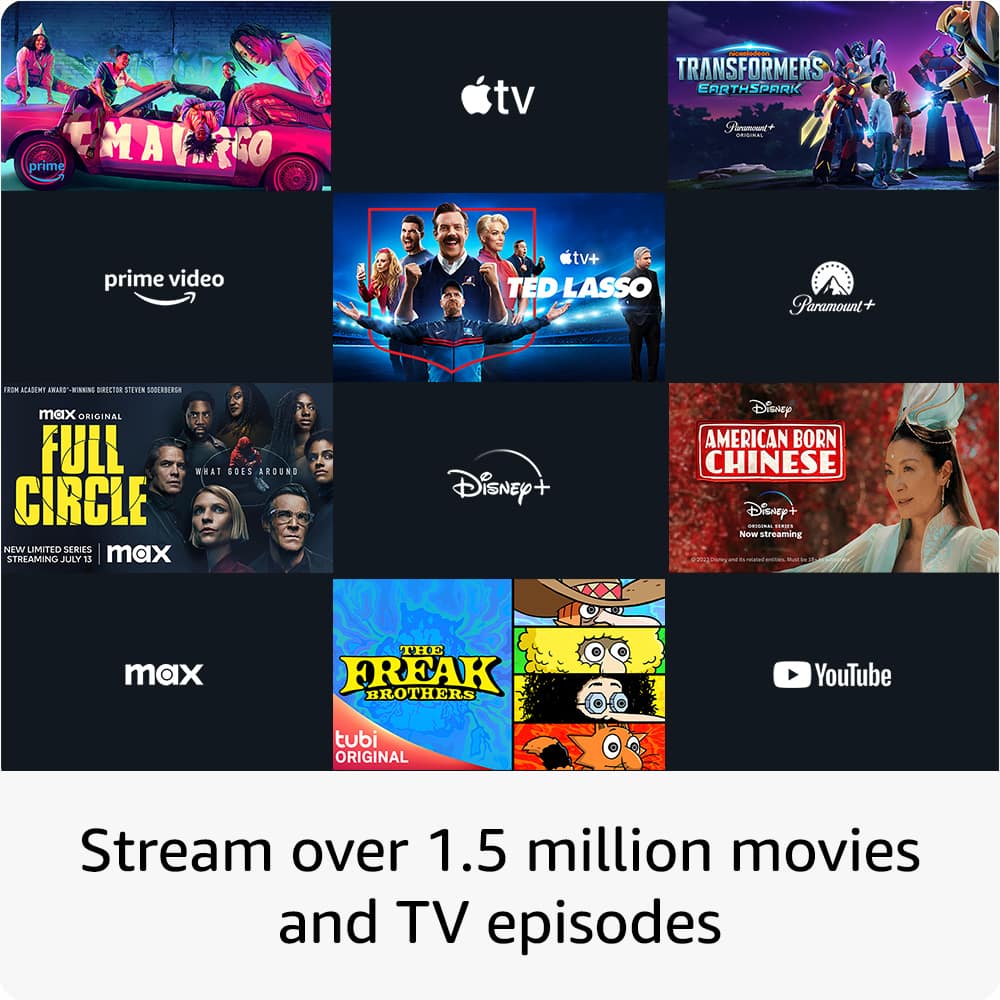
Yes, you can download the application. As long as you have subscription you can stream without a box.
Ritchie |Insignia Support
https:https://www.bestbuy.com/site/brands/best-buy-brands/pcmcat1596746025285.c?id=pcmcat1596746025285
A:AnswerHi ToeJam,
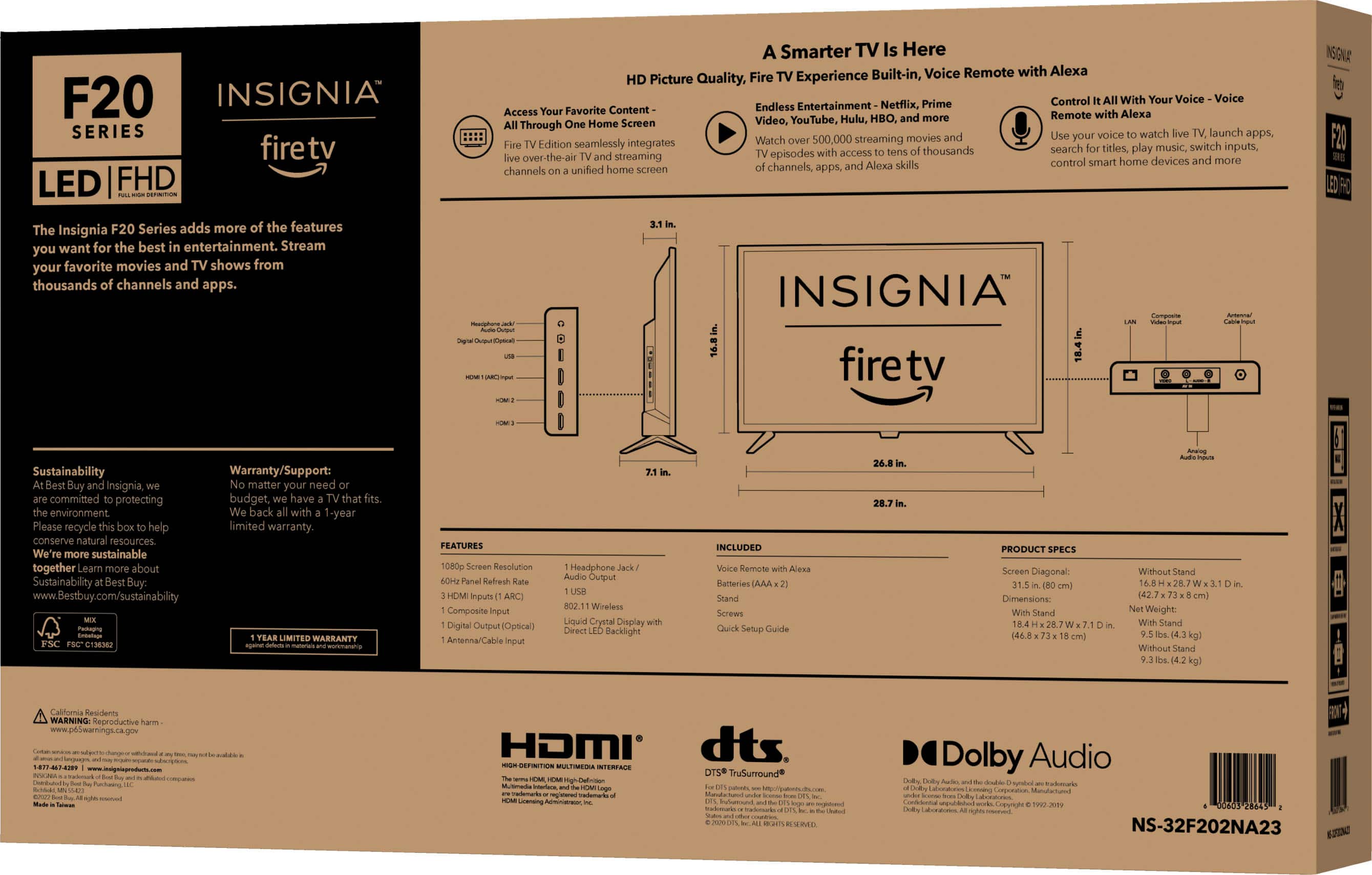
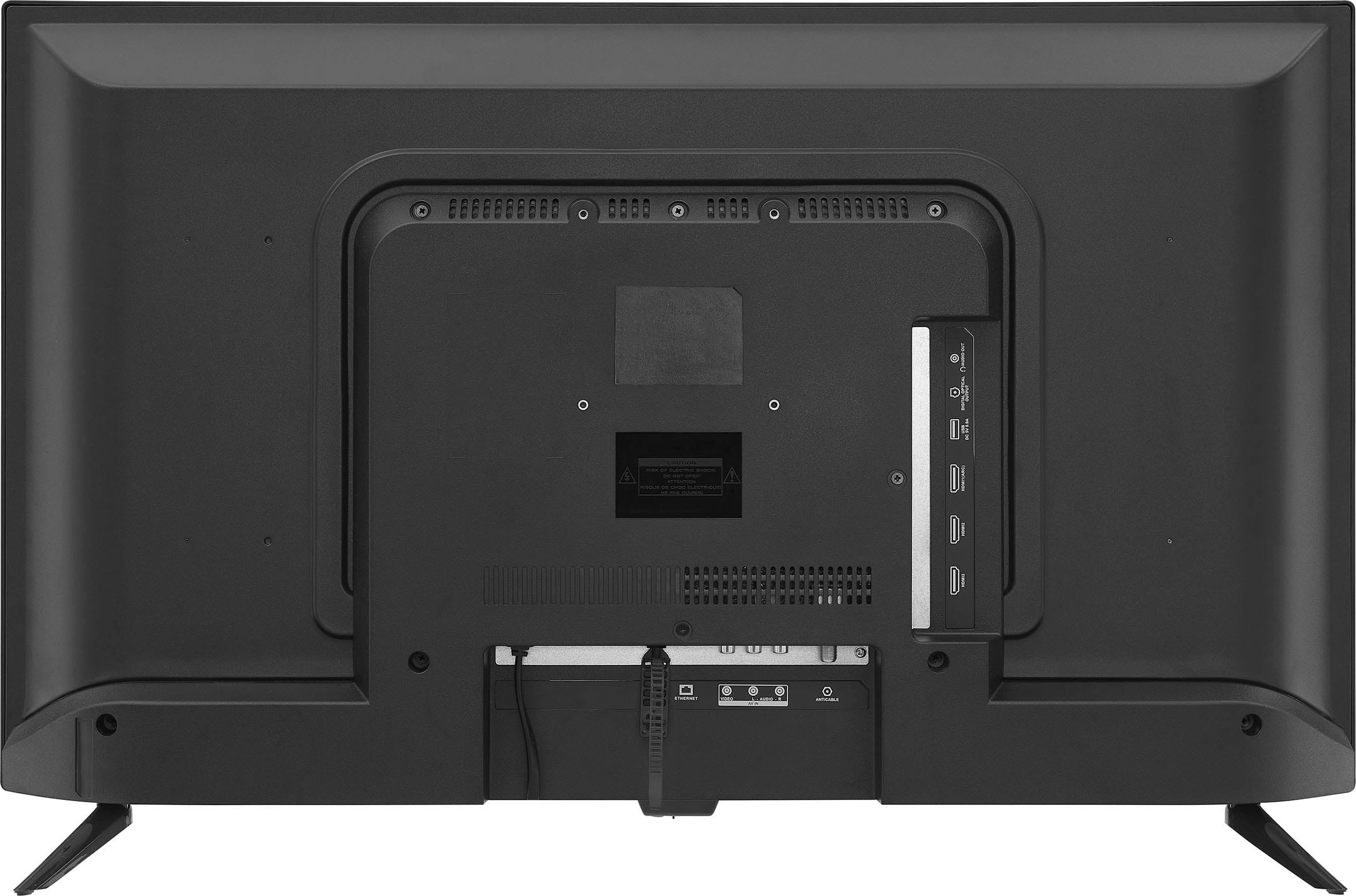
The widest point of the feet is only 26 inches, from outside to outside. No, the stand isn't adjustable.
Ritchie |Insignia Support
https:https://www.bestbuy.com/site/brands/best-buy-brands/pcmcat1596746025285.c?id=pcmcat1596746025285
A:AnswerHello Bill,
For the manual, please click the link below https://files.bbystatic.com/6Ku%2BuLYzTdVzCIKa9a88FA%3D%3D/User%2BGuide or you may used this link below and enter the model number https://www.bestbuy.com/site/brands/best-buy-brands/pcmcat1596746025285.c?id=pcmcat1596746025285
Insignia Support
Shella
https://www.bestbuy.com/site/brands/best-buy-brands/pcmcat1596746025285.c?id=pcmcat1596746025285
A:AnswerHi Mwk1,
Press the "Menu" button (≡) on the Remote to display the "Options" menu. Select "Captions and Audio". For closed captions settings, go to "Home" > "Settings" > "Accessibility".
Insignia Product
Marites
www.bestbuy.com/site/brands/best-buy-brands/pcmcat1596746025285.c?id=pcmcat1596746025285
A:AnswerHi Phicro,
It is 31.5 inches. The group size measurement of a screen. This differs from a screen size measured diagonally from corner to corner.
Insignia Products
Shella
For more information about your product visit:
https://www.bestbuy.com/site/brands/best-buy-brands/pcmcat1596746025285.c?id=pcmcat1596746025285
A:AnswerHi Dolphins,
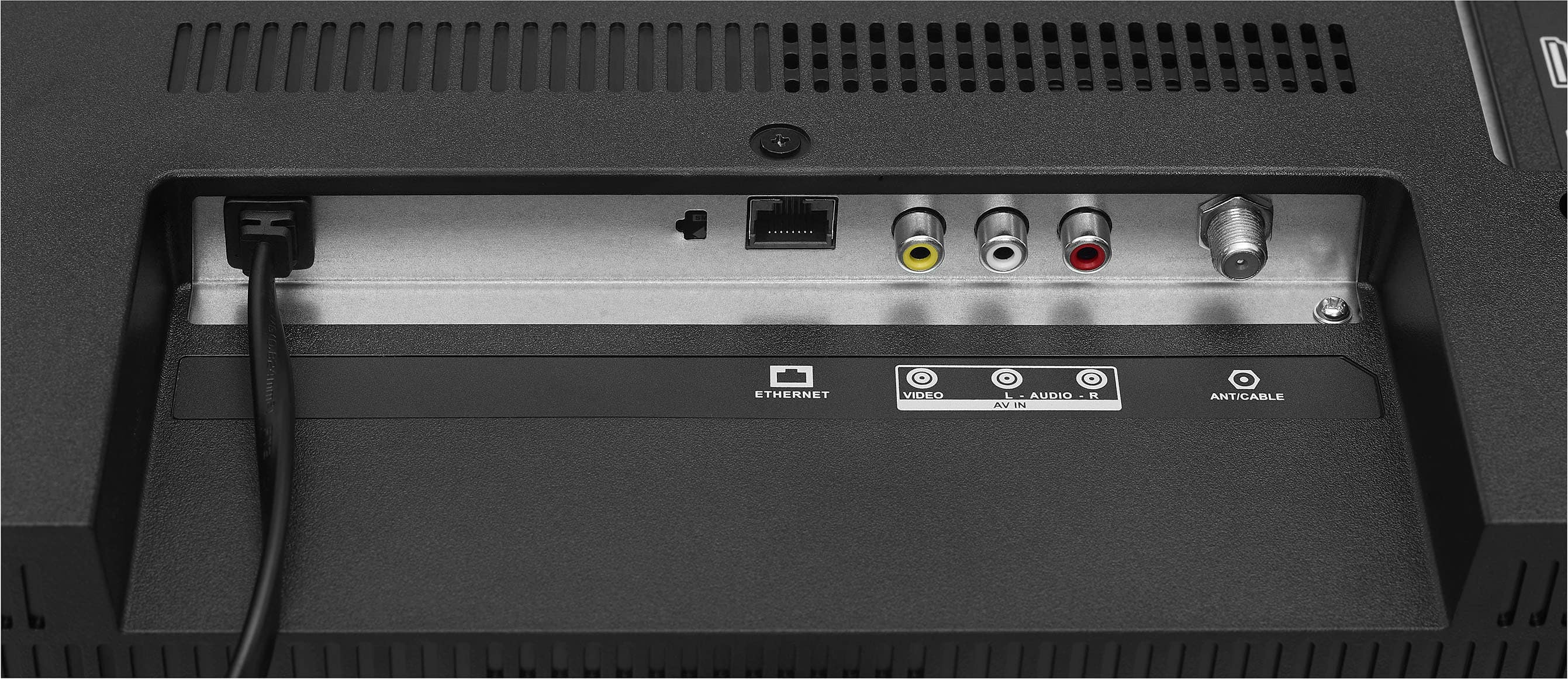
No, It is okay if you will use Antenna.
Ritchie |Insignia Support
https:https://www.bestbuy.com/site/brands/best-buy-brands/pcmcat1596746025285.c?id=pcmcat1596746025285
A:AnswerHi Godson,
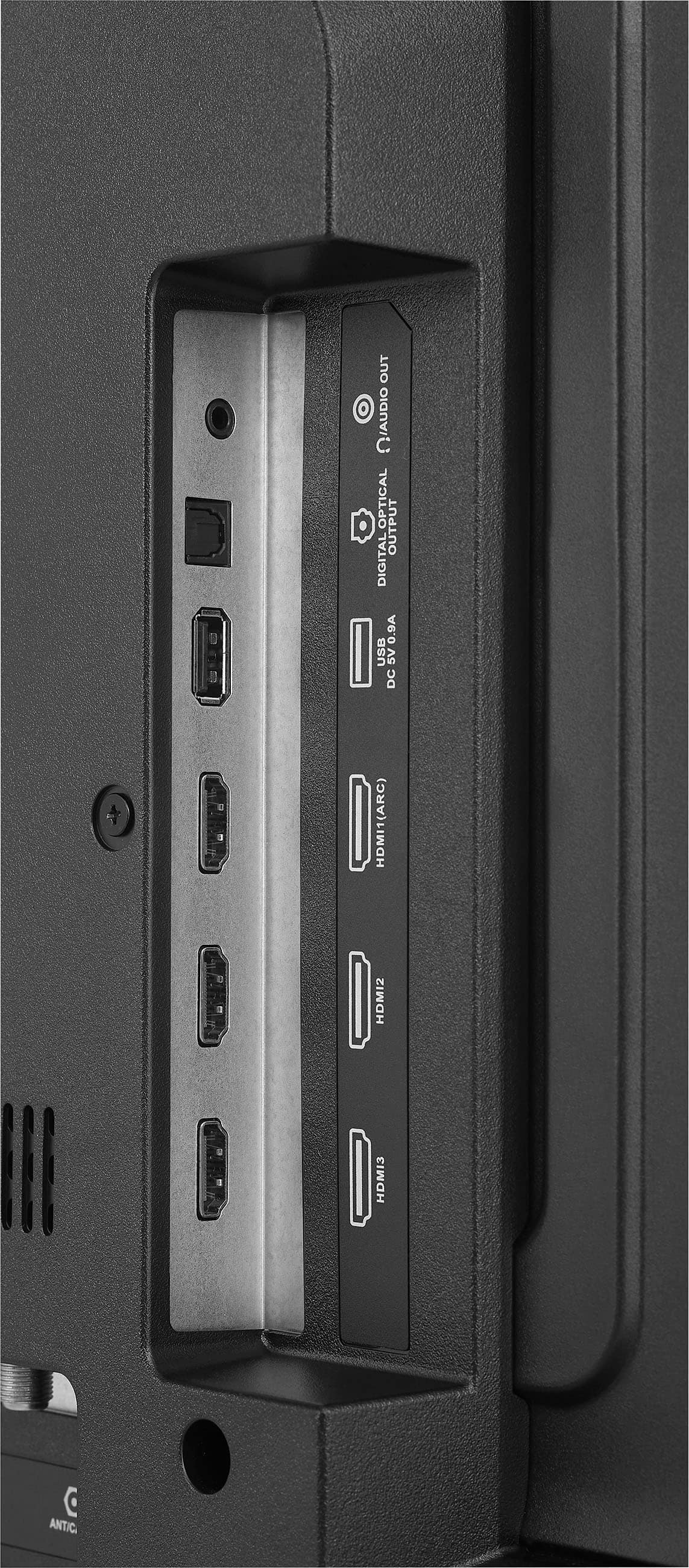
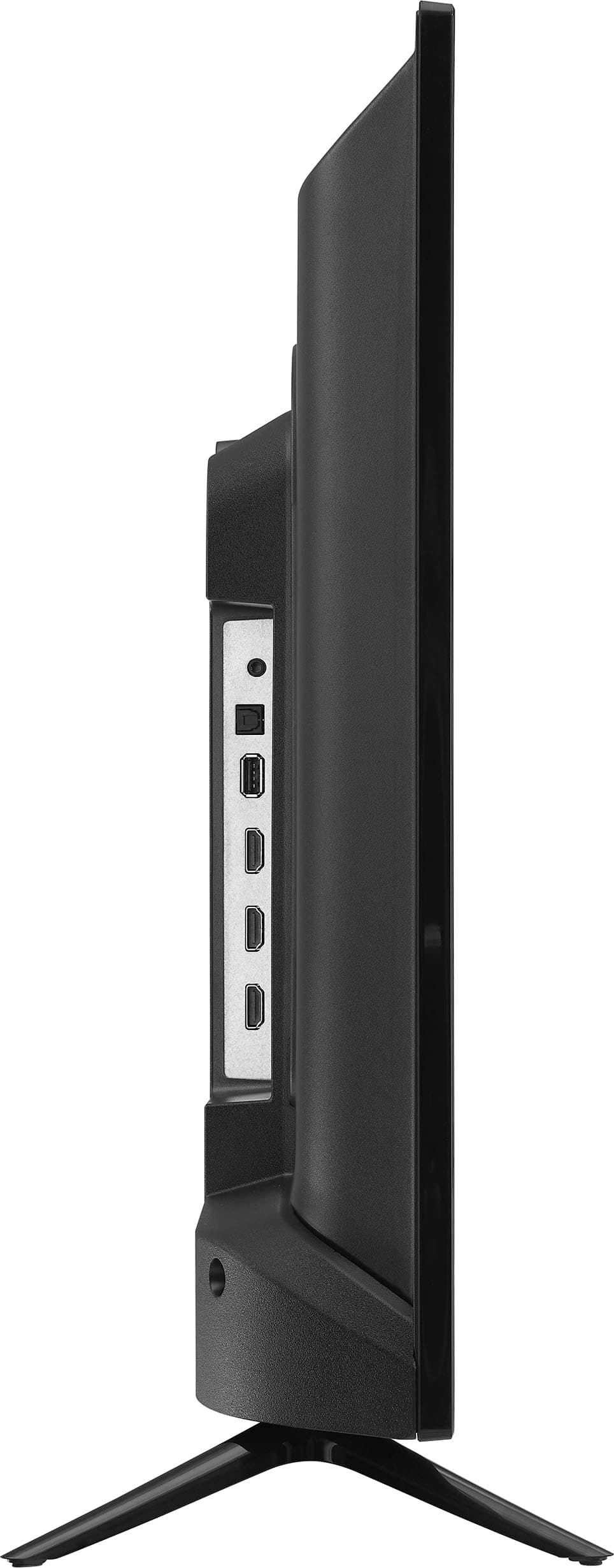
Yes, you can connect it using HDMI cable.
Ritchie |Insignia Support
https:https://www.bestbuy.com/site/brands/best-buy-brands/pcmcat1596746025285.c?id=pcmcat1596746025285
A:AnswerHi. best buy should send emails with links and codes, including steps to set up. Check your spam tray, but them use to go to your inbox tray. To be honest, I never use it.