A:AnswerHi Renee,
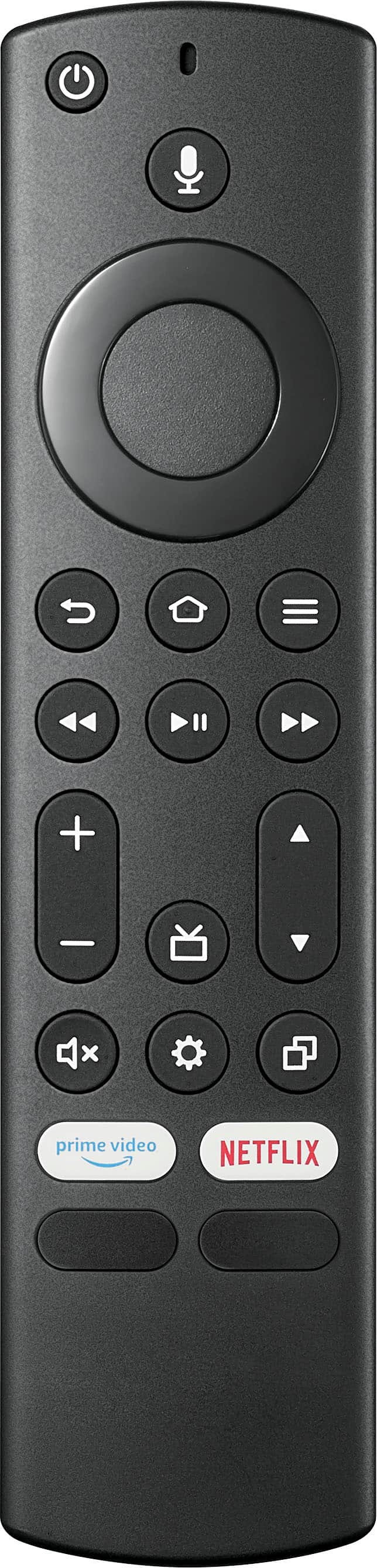
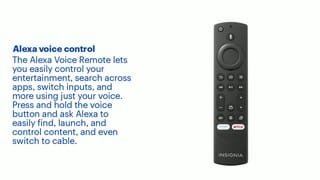
It is advised to use the Alexa voice remote control to experience its great quality, furthermore, there are also other universal remote control that you can use for this television f you are more convenient with it. For the codes and details on how to use these remotes, you may check this website https://www.bestbuy.com/site/brands/best-buy-brands/pcmcat1596746025285.c?id=pcmcat1596746025285 for further instructions.
Insignia Support
https://www.bestbuy.com/site/brands/best-buy-brands/pcmcat1596746025285.c?id=pcmcat1596746025285
A:AnswerHi there,
It has a 1 year manufacturer's warranty.
Ritchie |Insignia Support
https:https://www.bestbuy.com/site/brands/best-buy-brands/pcmcat1596746025285.c?id=pcmcat1596746025285
A:AnswerHi Binaca,
Follow the steps below to set up your television.
1 Make sure that you have connected the power cord to your TV and that you turned on your TV.
2 Make sure that you have installed the batteries in your new Voice Remote with Alexa.
3 Make sure that your remote is paired with your TV. Pairing should occur automatically. If you have issues, press (Home). If you continue to have issues, try re-inserting your batteries or replacing them, then repeat this step again.
4 Select your Wi-Fi network from the networks displayed on the screen.
Note: If your Wi-Fi network is password protected, have your Wi-Fi network password handy to connect your TV to the Internet. If your network is hidden, select the Join Other Network tile from the list. If required, enter your network password using the on-screen keyboard.
5 Select your experience: Full (Recommended) or Basic.
• Full: Get the most out of your experience with access to live TV, over 500,000 streaming movies and TV episodes, thousands of apps, and Alexa skills. To get started, sign in or sign up for a free Amazon account.
• Basic: This experience is limited to live TV and only six streaming apps. Alexa and the full Appstore are not included. For more information about setting up your TV, go to: http://www.amazon.com/help/firetveditiontv
If you need further assistance in setting up your TV, you may also visit https://www.bestbuy.com/site/brands/best-buy-brands/pcmcat1596746025285.c?id=pcmcat1596746025285 or contact us directly at (877) 467-4289 and we will be glad to assist you.
Insignia Support
https://www.bestbuy.com/site/brands/best-buy-brands/pcmcat1596746025285.c?id=pcmcat1596746025285
A:AnswerHello ChristopheM,
It does not have a power saving mode feature but the TV will automatically turn off if there is no video playing on the screen.
Insignia Support
Molina
https://www.bestbuy.com/site/brands/best-buy-brands/pcmcat1596746025285.c?id=pcmcat1596746025285
A:AnswerHi Walt,
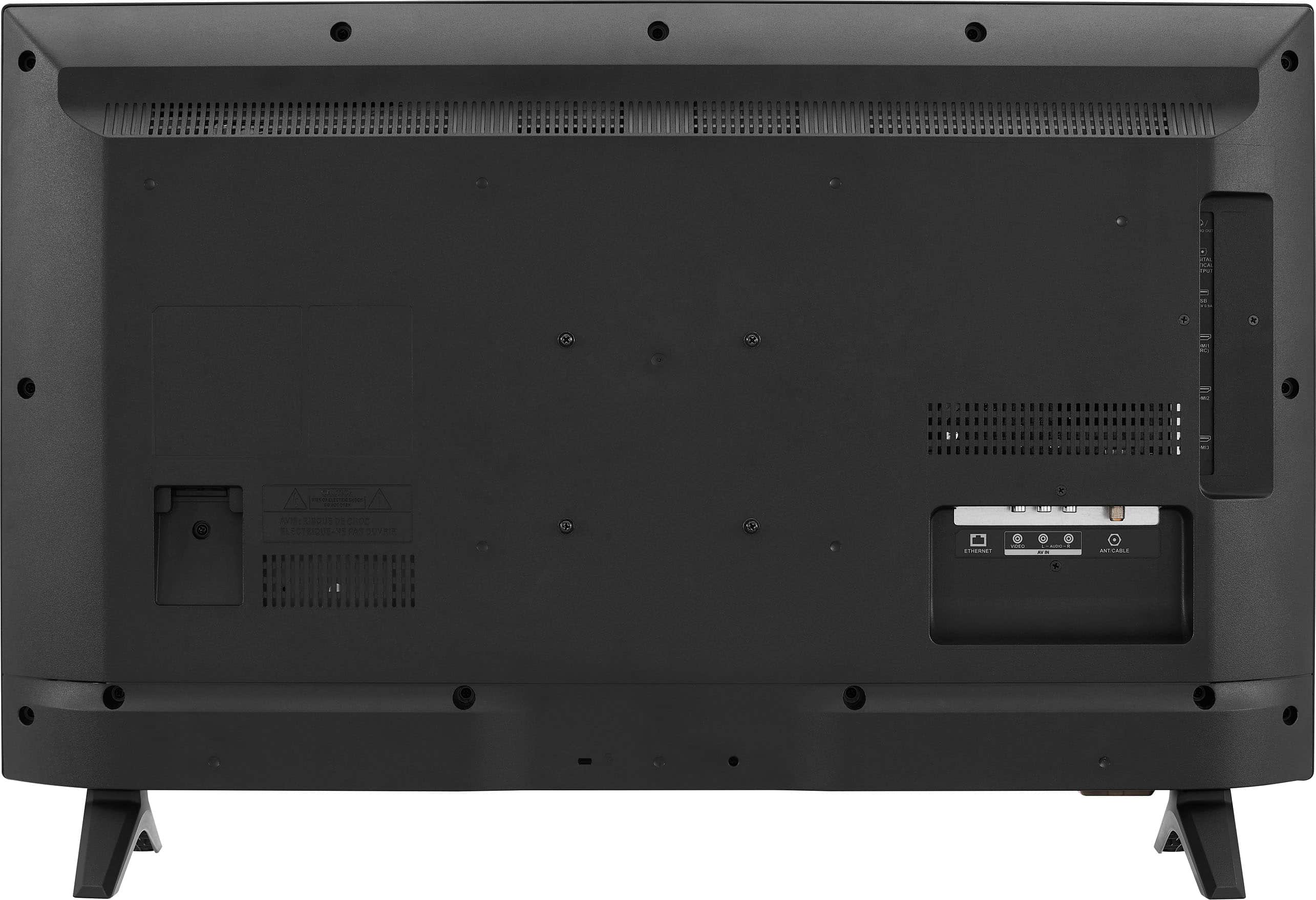
To check if this is just a minor glitch or an internal problem with the set, we are going to reset the TV internally by draining the power remaining in the power supply. This procedure is called a “power cycle”, and to do so, please follow the next set of instructions:
1. Unplug your TV from the power outlet.
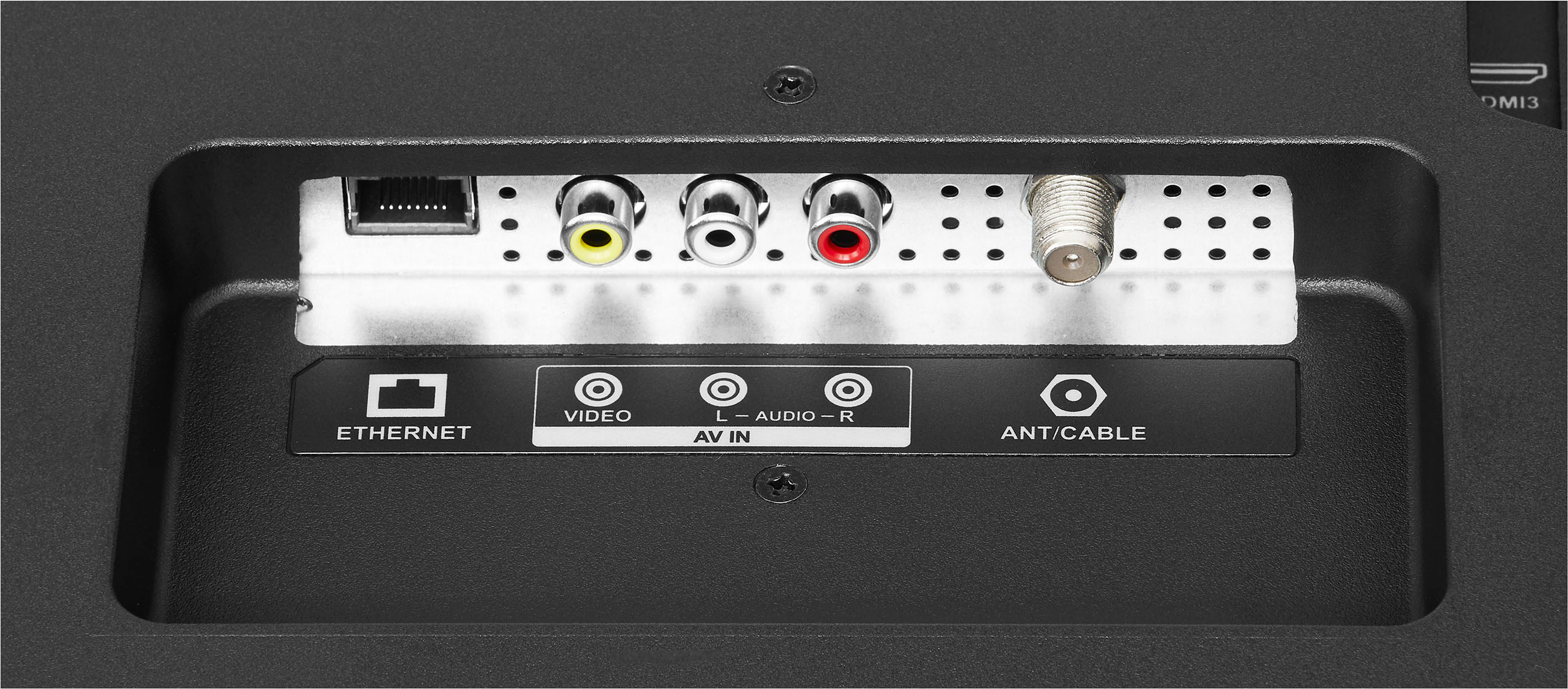
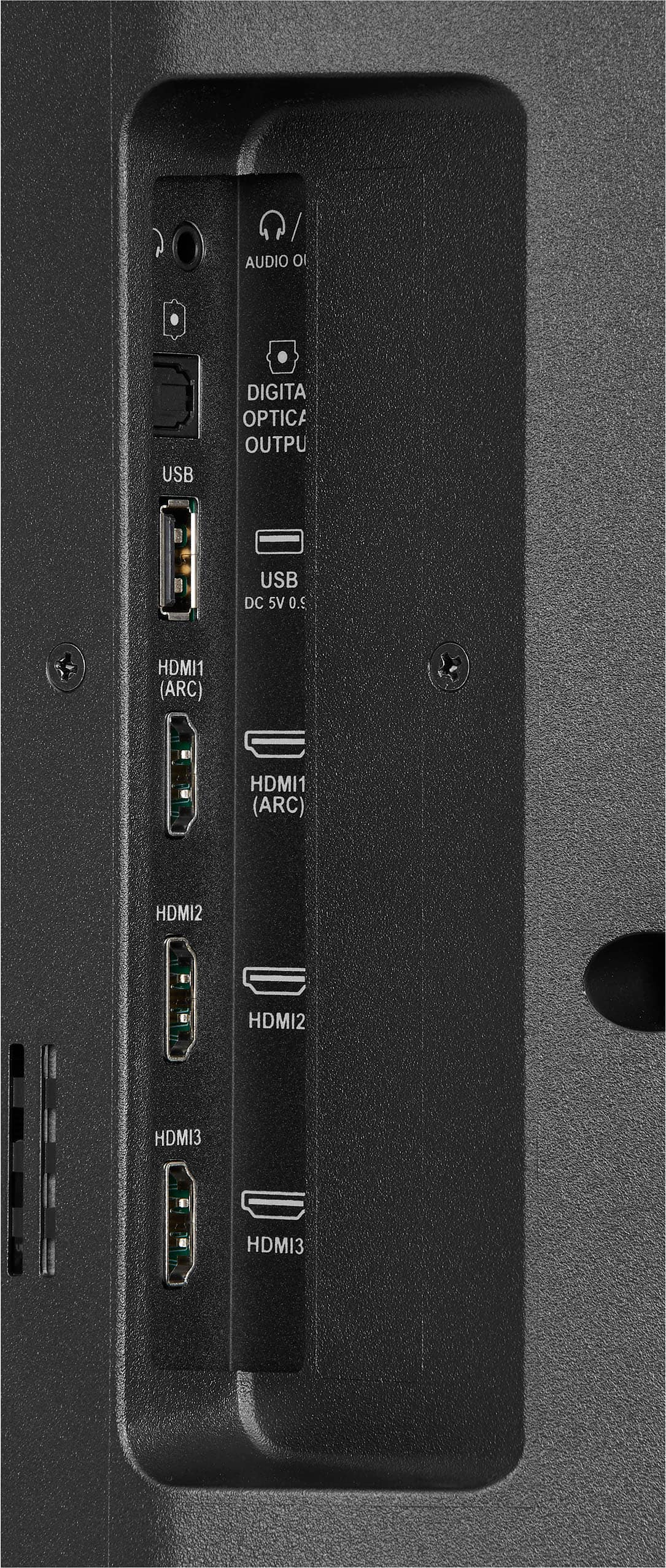
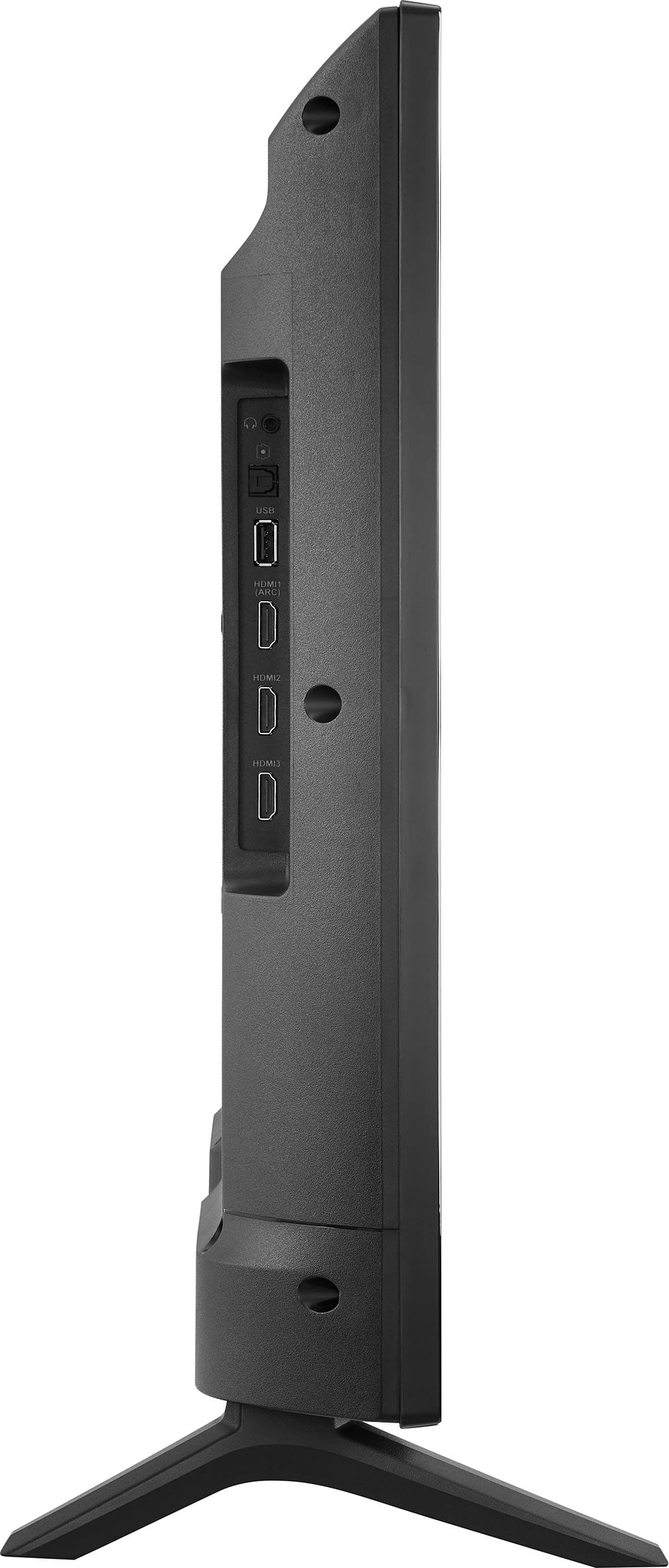
2. Remove all connections from the back of the TV.
3. While everything is unplugged, press and hold the "POWER" button on your TV for 60 seconds.
4. Plug all connections at the back of your TV making sure all of them are properly connected.
5. Plug the set to the power outlet, if possible, try to connect to a different power outlet or a surge protector.
6. Turn it on and test it.
If this doesn't fix the issue, please proceed to the hard factory reset steps. Take note: during a factory reset, all password-related services will be disconnected as well. This includes parental control pins as well as WiFi passwords:
1. Turn Off your TV, then unplug the TV from the power source.
2. Locate and hold the power button on the actual TV, not on the remote.
4. While holding the power button down plug your TV back in.
5. Once you see any picture on screen like the logo or the backlight lighting up, immediately release the button.
6. The TV is going to show you the "restart" menu, where you're going to use the power button to change options, by clicking on this button you'll scroll down one option and by holding it for just 3 seconds and 3 seconds only you're going to make the selection.
7. Scroll down to "Wipe data/Factory reset" and select that option.
8. Then select "Yes" when the TV asks you if you're sure to do it.
9. The TV then will restart, and you will need to perform set it up steps again.
If you have any questions or concerns, please use the link below to reach us and also you can contact this phone number 877-467-4289 for further assistance.
Insignia Products
Nikki
Please visit https://www.bestbuy.com/site/insignia-32-class-f20-series-led-hd-smart-fire-tv/6482022.p?skuId=6482022
A:AnswerHi Hunutss,
Yes, you can use it as a regular remote without an Alexa.
Insignia Support
Shella
https://www.bestbuy.com/site/brands/best-buy-brands/pcmcat1596746025285.c?id=pcmcat1596746025285
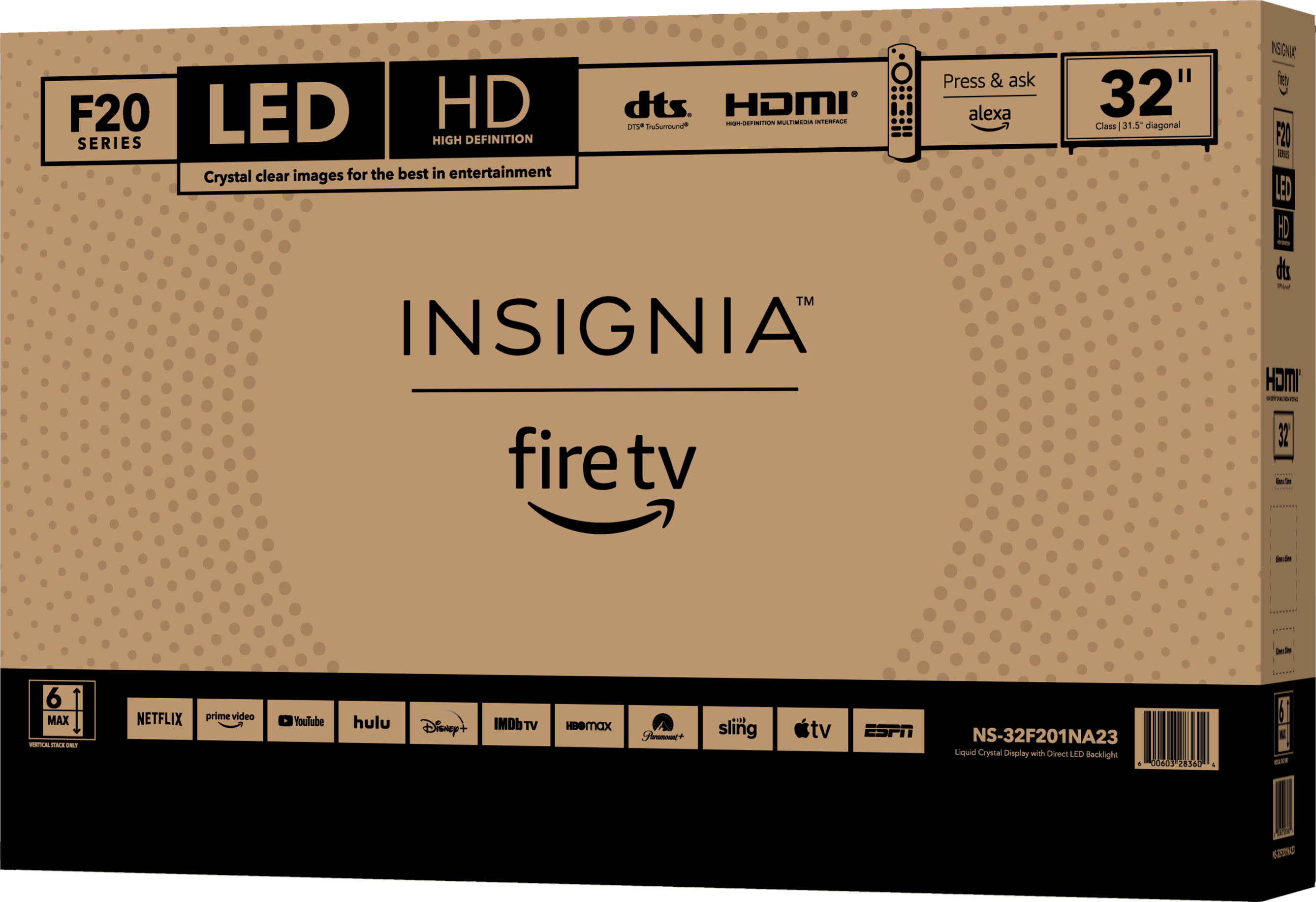
A:AnswerYes, this TV supports Sling App. You can search for apps from the main menu and then download them on your Fire TV device. Use the main menu on your Fire TV to search for apps. You can also use your voice to search for specific apps. Just press the voice button on your Alexa Voice Remote. Select the app you want to download. Select Get or the shopping cart icon to start your download.
Dina || Insignia Support || https://www.bestbuy.com/insignia
A:AnswerHi Kory,
No, only power chord. If you have any questions or concerns, please use the link below to reach us and also you can contact this phone number 877-467-4289 for further assistance.
Insignia Products
Nikki
https://www.bestbuy.com/site/brands/best-buy-brands/pcmcat1596746025285.c?id=pcmcat1596746025285
A:AnswerNO!!!!! Charter Spectrum Cable Internet and telephone (wi-fi) Does NOT work with Insignia Class 20 Series LED HD Smart Fire TV. All customers must be aware of the need to add added and additional financial expenses cost/ Spend some more money to buy an Antenna and ROKU for the TV to work and then the preloaded Amazon and Prime automatic advertisements is the worse of all major PITA freaking headache b/c of the constant continuing ongoing and non-stop pop ups. A HARD SALE!