A:AnswerIf a PC, make sure your Multiple Display setting is at "extend these displays" which will enable you to have the mirror display with the main screen/desktop active.
A:AnswerHi there,
Once connected to your antenna or cable wire, automatically the channels will show. If not, you may need to scan the list of channels.
Gem
Insignia Products
Please visit https://www.insigniaproducts.com/
A:AnswerInsigna does have a set with a built in dvd player. This is not it. I own both. My dvd capable Insigna 32" LED was purchased in 2013, surely that model has been upgraded & has a different model and serial number. Search Best Buy website for something a little more current.
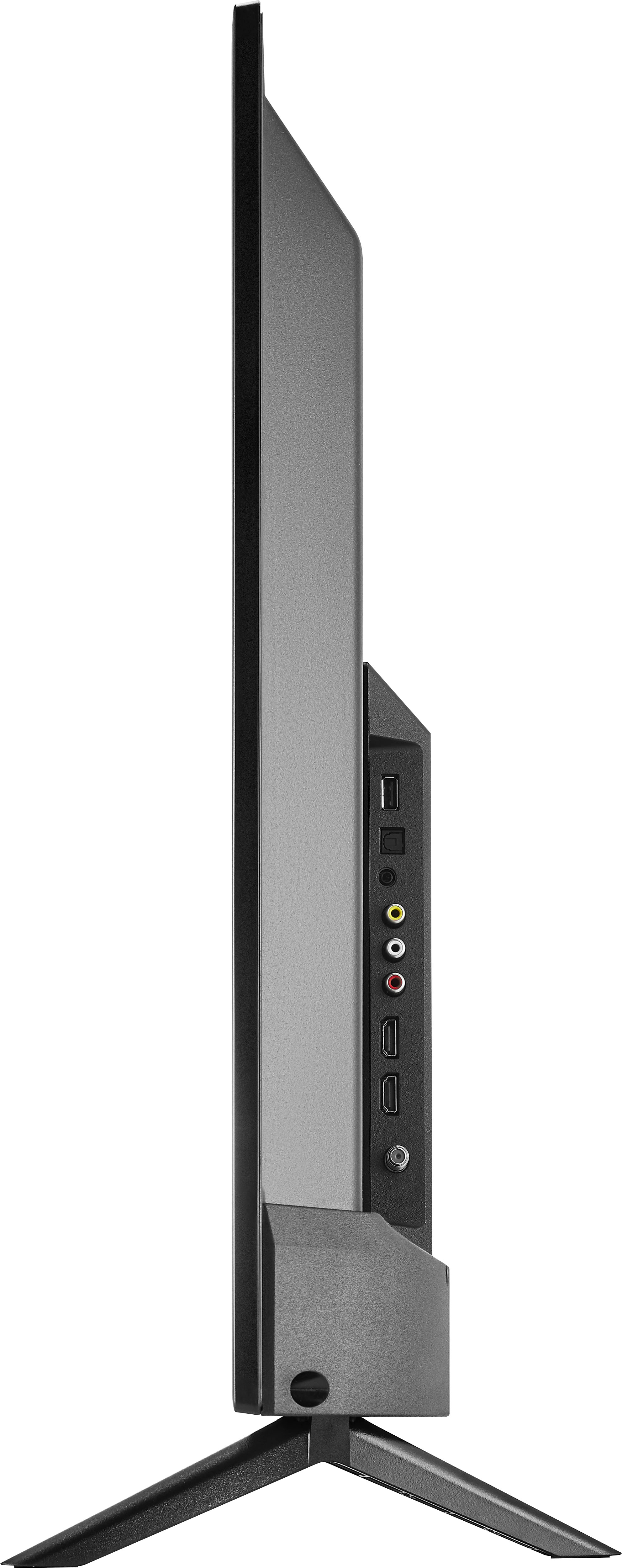
A:AnswerThe controls on my Insignia are located on the bottom right hand corner of the tv. Rub your fingers on the bottom right hand ridge of the television for the manuel controls.
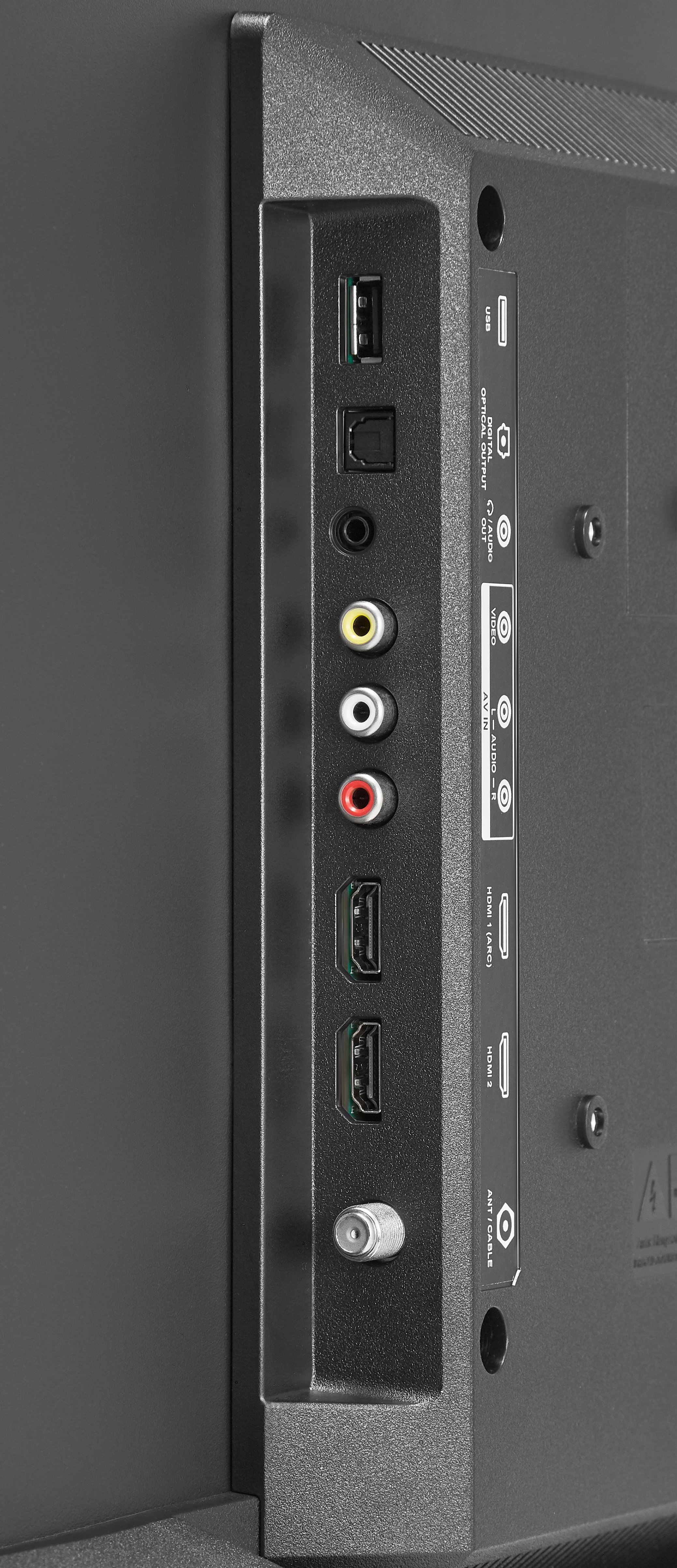
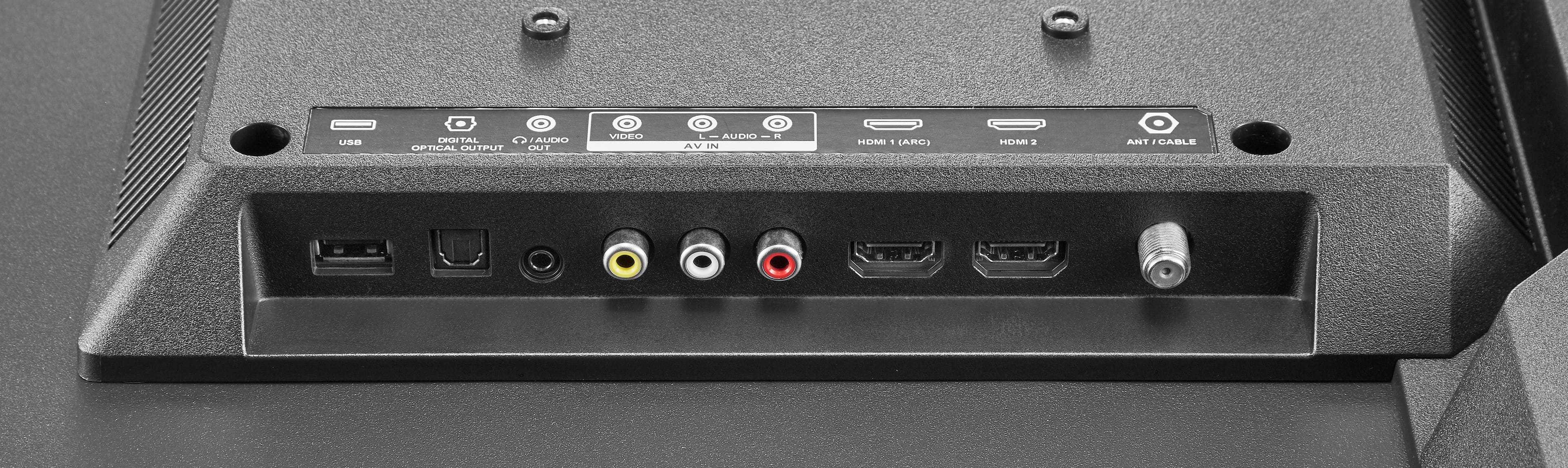
A:AnswerYou may press Menu and select Input. You may choose your HDMI1 or 2 or antenna to exit from slideshow.
Mary II Insignia Products II https://www.insigniaproducts.com/contact-us
A:AnswerYou must follow the Dish instructions for programing. When excuted correctly, the Dish remote will confirm it's success by flashing it's lights. Read your Dish manuel for these instructions.
A:AnswerHi there,
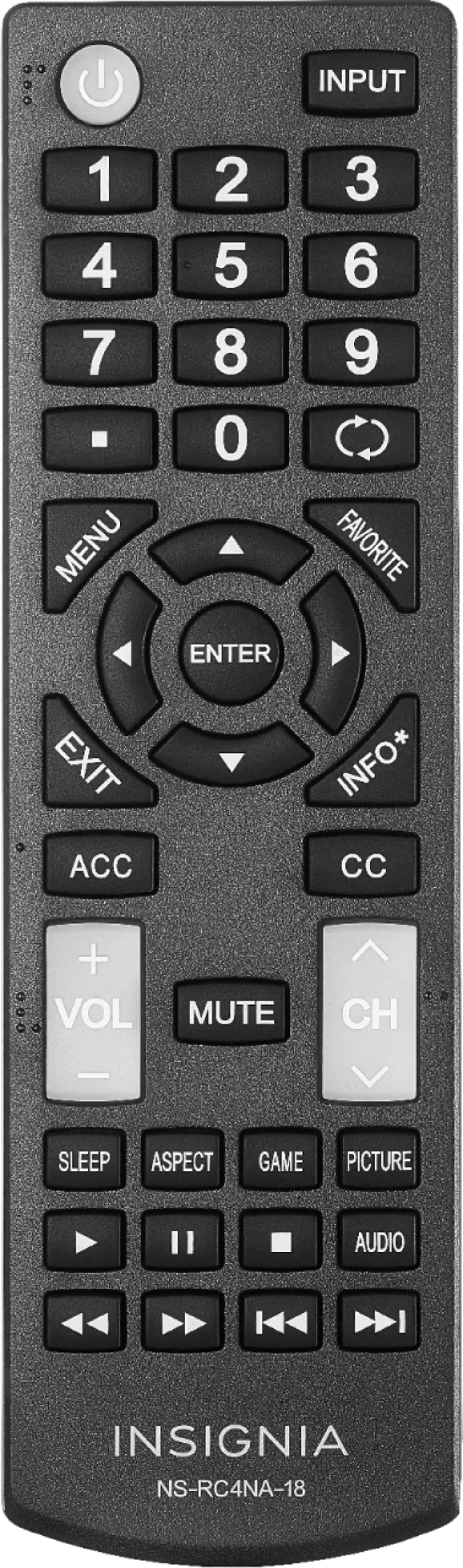
Absolutely yes. Check on the SLEEP button. Set the sleep timer. You can select Off, 5, 10, 15, 30, 60, 90, 120, 180, or 240 minutes.
Merjorie
Insignia Products
Please visit https://www.insigniaproducts.com/