Black Friday is hereShop new DoorbustersShop now

Main Content

Questions & Answers

Your price for this item is $98.99
Clearance
The comparable value price is $179.99
Page Showing 81-100 of 358 questions
  • QuestionWill this tv run on 12 volt for rv

    Asked by Anonymous.

    • Answer Thank you for your inquiry! The Insignia™ 42" Class F20 Series LED Full HD Smart Fire TV is designed to operate on standard 120V AC household power and does not support 12V DC input, which is the typical power system used in RVs. This means it cannot be powered directly from a 12V RV battery system without additional equipment. Keith | Insignia Support

      Answered by InsigniaCustomerSupport

  • QuestionCan this TV be hung with an existing arm mount and frame over a fireplace? Looking to replace the current TV I have with one that will fit in this frame and be hung with the current arm amount. The tv dimensions appear to be the same as current one

    Asked by Anonymous.

    • Answer If the dimensions are the same I don't see why you wouldn't be able to use it.

      Answered by Ladyday

  • QuestionI lost the control, which one is compatible to this tv

    Asked by Anonymous.

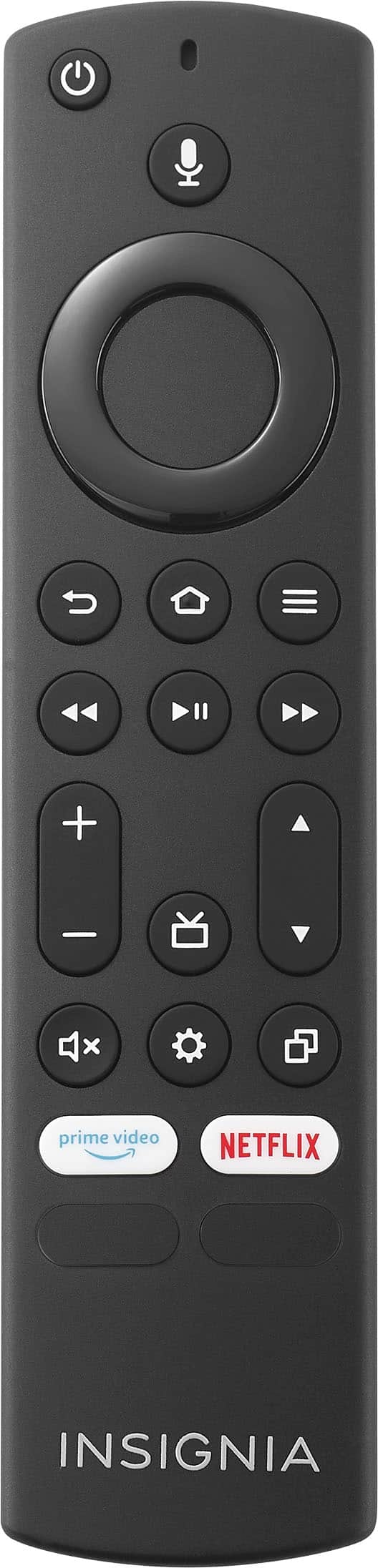
    • Answer Hi Insignia Customer, thank you for reaching out. I'm sorry to hear that you've lost control of your TV. If you are looking for a replacement remote, you can purchase model number NS-RCFNA-21. I hope this information is helpful, and if you have any further questions, please feel free to ask! - Carl | Insignia Support

      Answered by InsigniaCustomerSupport

  • QuestionWill this TvV play from USb on a loop?

    Asked by Anonymous.

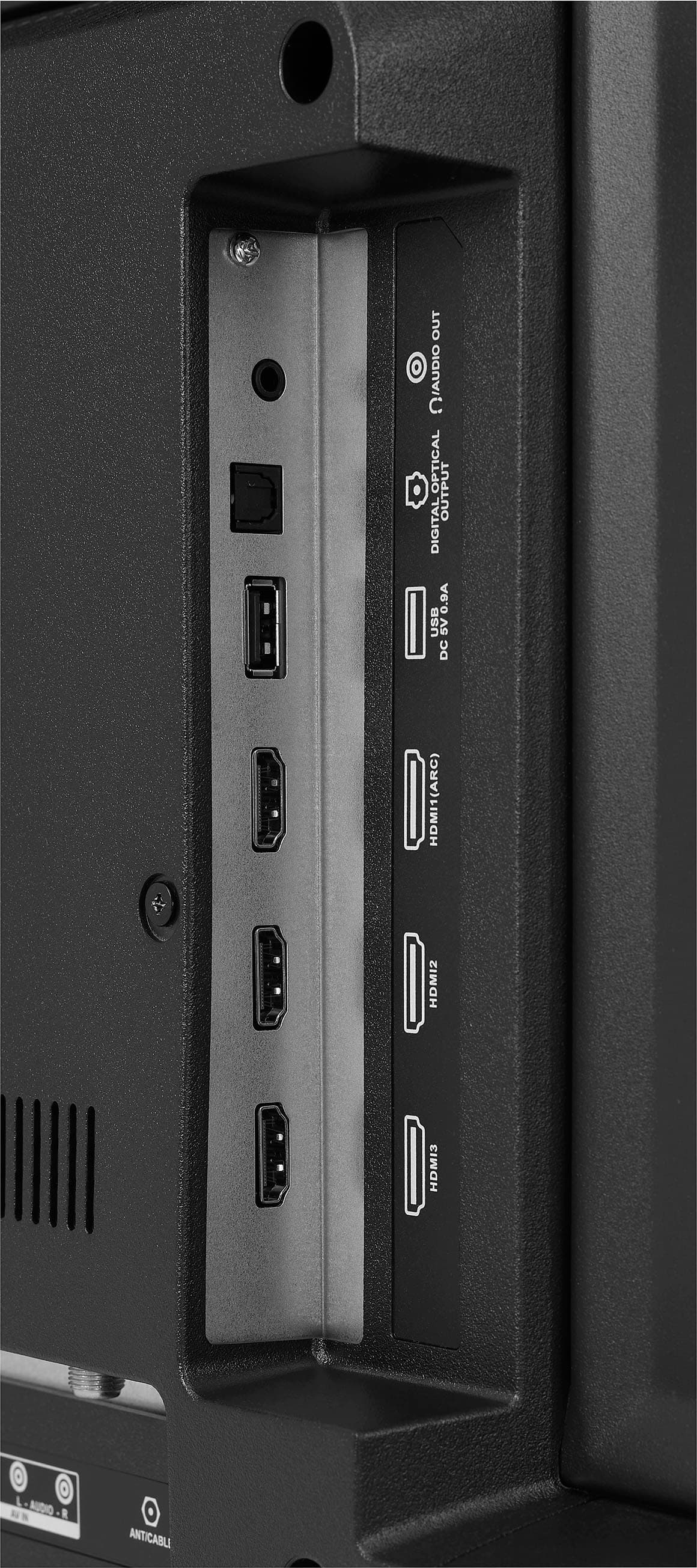
    • Answer Hi there. The USB port on the Insignia™ 42" Class F20 Series LED Full HD Smart Fire TV (NS-42F201NA23) is primarily designed for displaying photos and may not support video playback on its own. To play videos on a loop from a USB drive, you'll likely need to install a third-party app like ES Explorer or VLC Media Player from the app store on the TV. These apps allow you to navigate to the USB drive and enable looping playback. If you have any questions or need further assistance, please don't hesitate to reach out. Ivy | Insignia Support

      Answered by InsigniaCustomerSupport

  • Questionwieght?

    Asked by Anonymous.

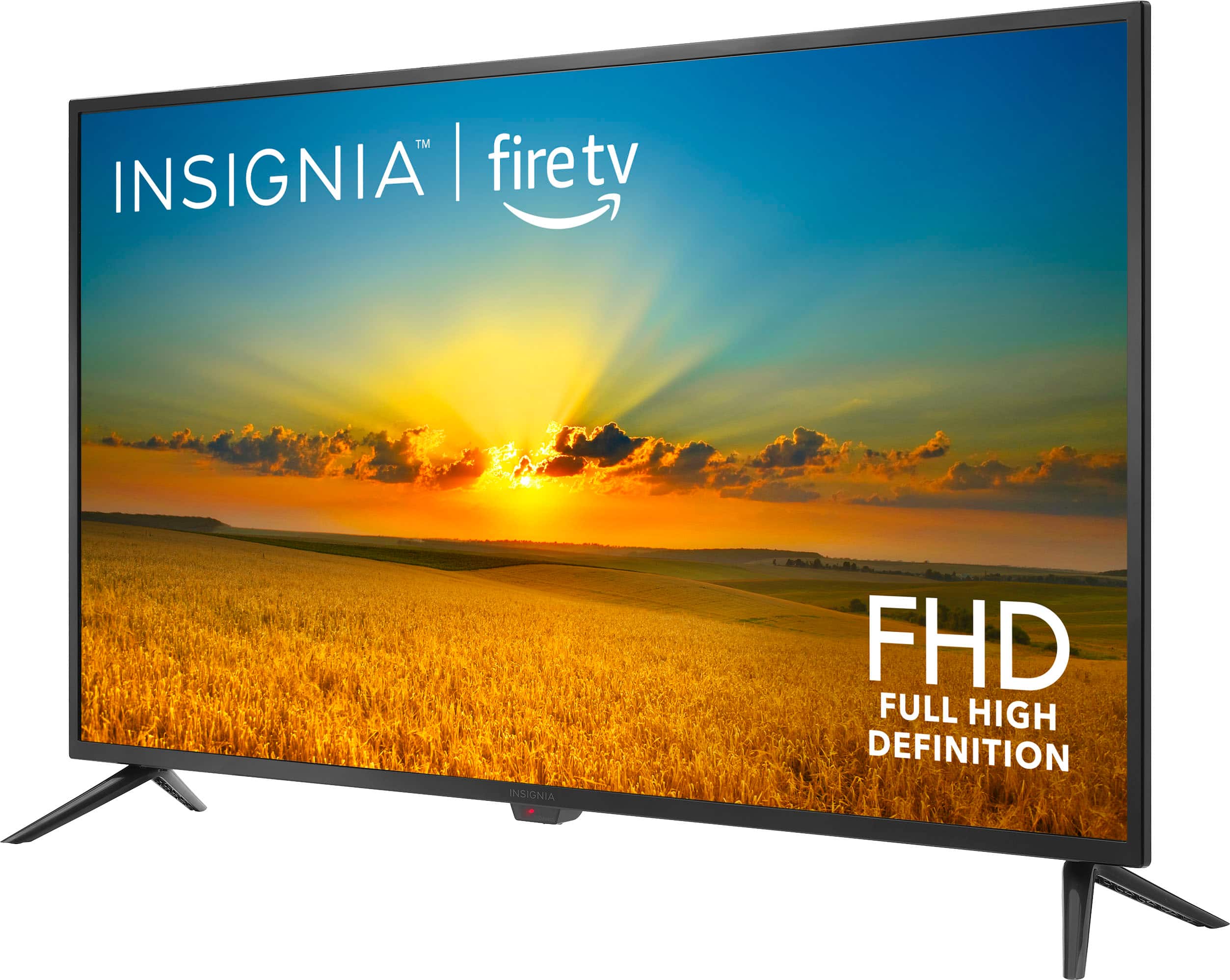
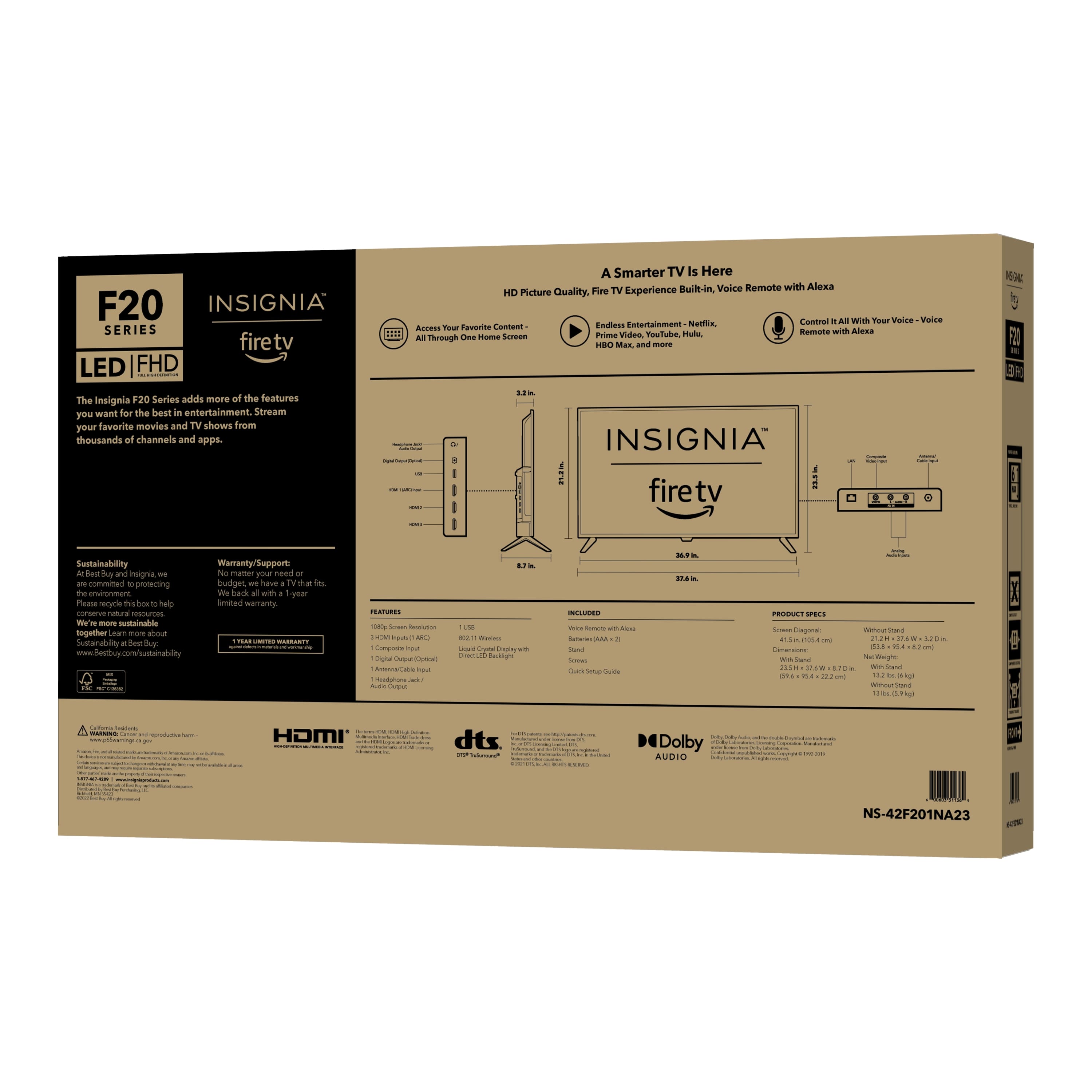
    • Answer Thank you for your inquiry! The Insignia™ 42" Class F20 Series LED Full HD Smart Fire TV weighs approximately 13 pounds without the stand. This relatively lightweight design makes it easy to handle and set up, whether you're mounting it on a wall or placing it on a stand. Its manageable weight ensures that you can move and position the TV without much hassle, making the setup process more convenient. Keith | Insignia Support

      Answered by InsigniaCustomerSupport

  • QuestionIs this wireless and can be connected wirelessly to my home WiFi.

    Asked by Dodger.

    • Answer yes

      Answered by JenniferB

  • QuestionDoes it support Bluetooth

    Asked by Anonymous.

    • Answer I've read that it does but I've never tried to do so.

      Answered by Ladyday

  • QuestionCan you get online with this tv??? Can you view websites???

    Asked by bowlup.

    • Answer Not that I know of. I do all of my viewing in apps or live tv

      Answered by Ladyday

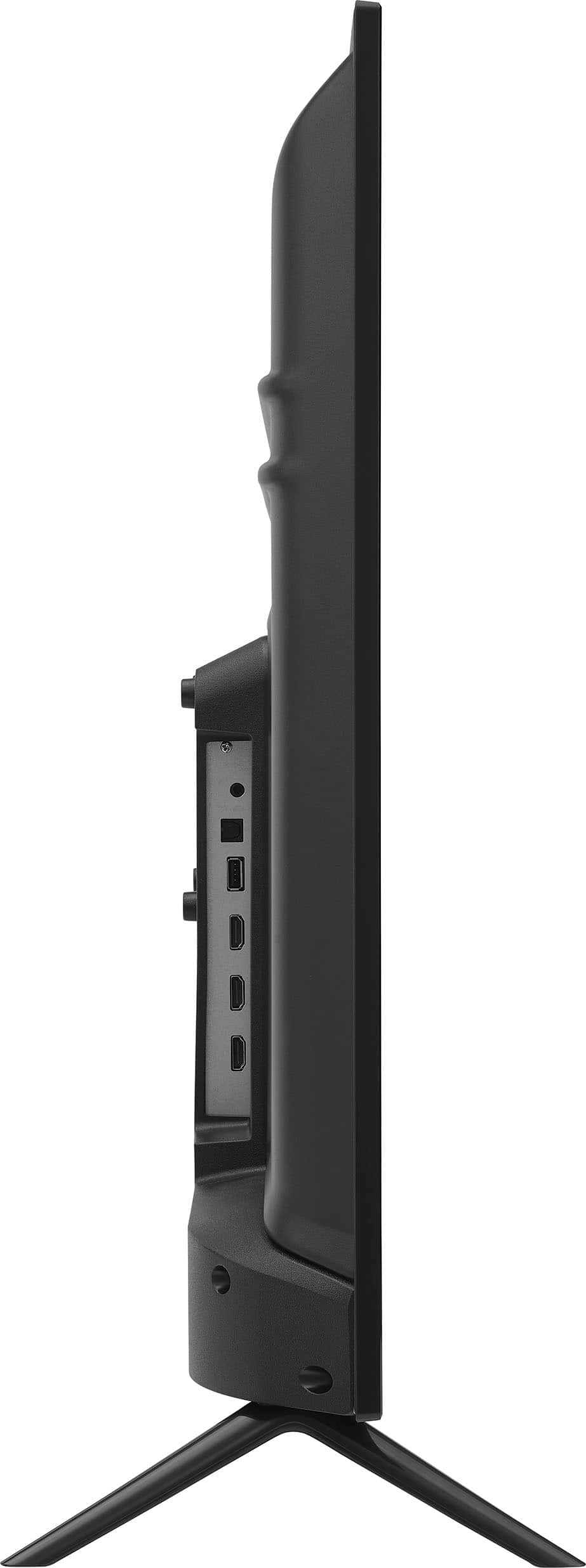
  • Questioncan I hook up my comcast/xfinity cable box and an HD antenna ?

    Asked by durk.

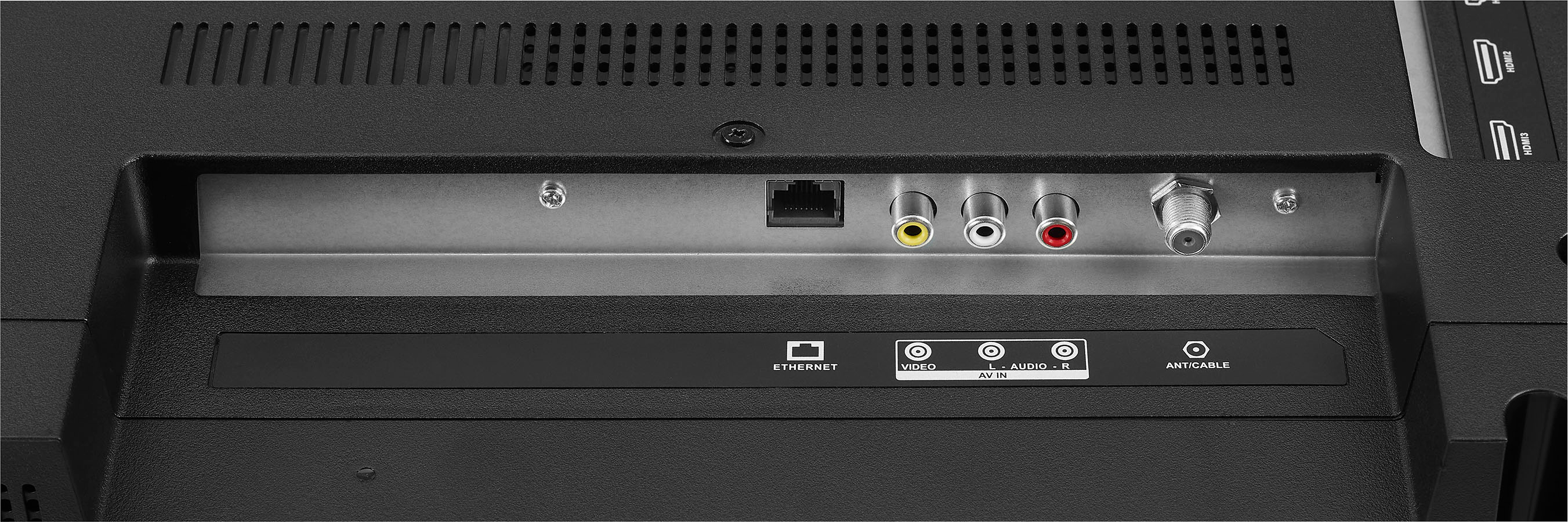
    • Answer Hi there. Yes, you can hook up both your Comcast/Xfinity cable box and an HD antenna to your Insignia™ 42" Class F20 Series LED Full HD Smart Fire TV. This means you can easily switch between cable TV and over-the-air HD channels. If you have any questions or need further assistance, please don't hesitate to reach out. Ivy | Insignia Support

      Answered by InsigniaCustomerSupport

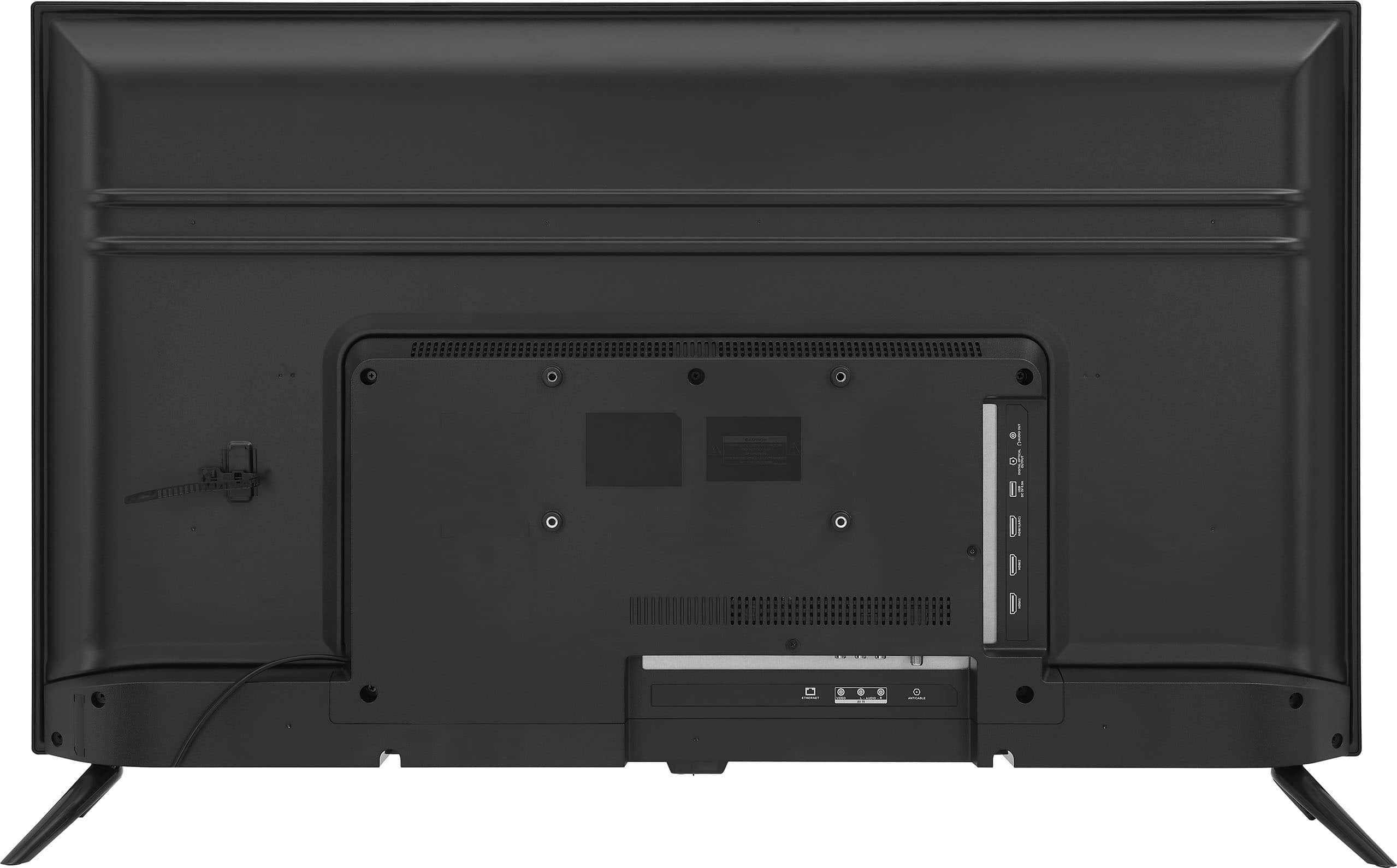
  • QuestionCan this tv be used with wall mount or rolling cart mount?

    Asked by Anonymous.

    • Answer Yes, it can be used with a wall mount.

      Answered by Ladyday

  • QuestionCan this TV play a video saved on a thumb drive?

    Asked by Russ.

    • Answer Thank you for your inquiry! Yes, the Insignia™ 42" Class F20 Series LED Full HD Smart Fire TV can play videos saved on a thumb drive. You can connect a USB flash drive to the TV and access your media files through the built-in media player. Keith | Insignia Support

      Answered by InsigniaCustomerSupport

  • QuestionWhat is the remote code for Insignia TV to use in programming a universal remote?

    Asked by Anonymous.

    • Answer You should be able to locate this information in the manual that came with the remote control.

      Answered by Ladyday

  • Questionhow to hook up to verizon fios

    Asked by wwasz7564.

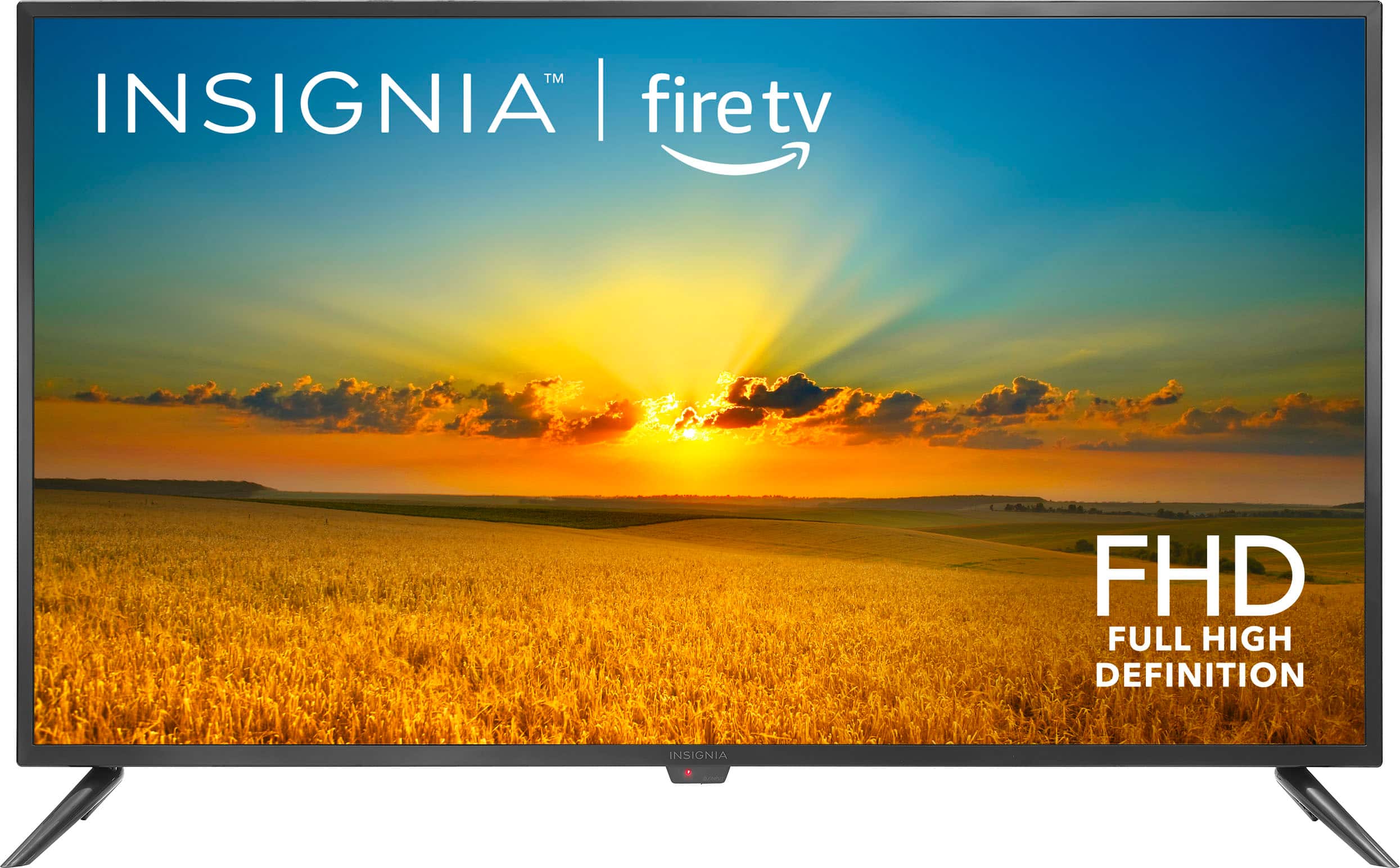
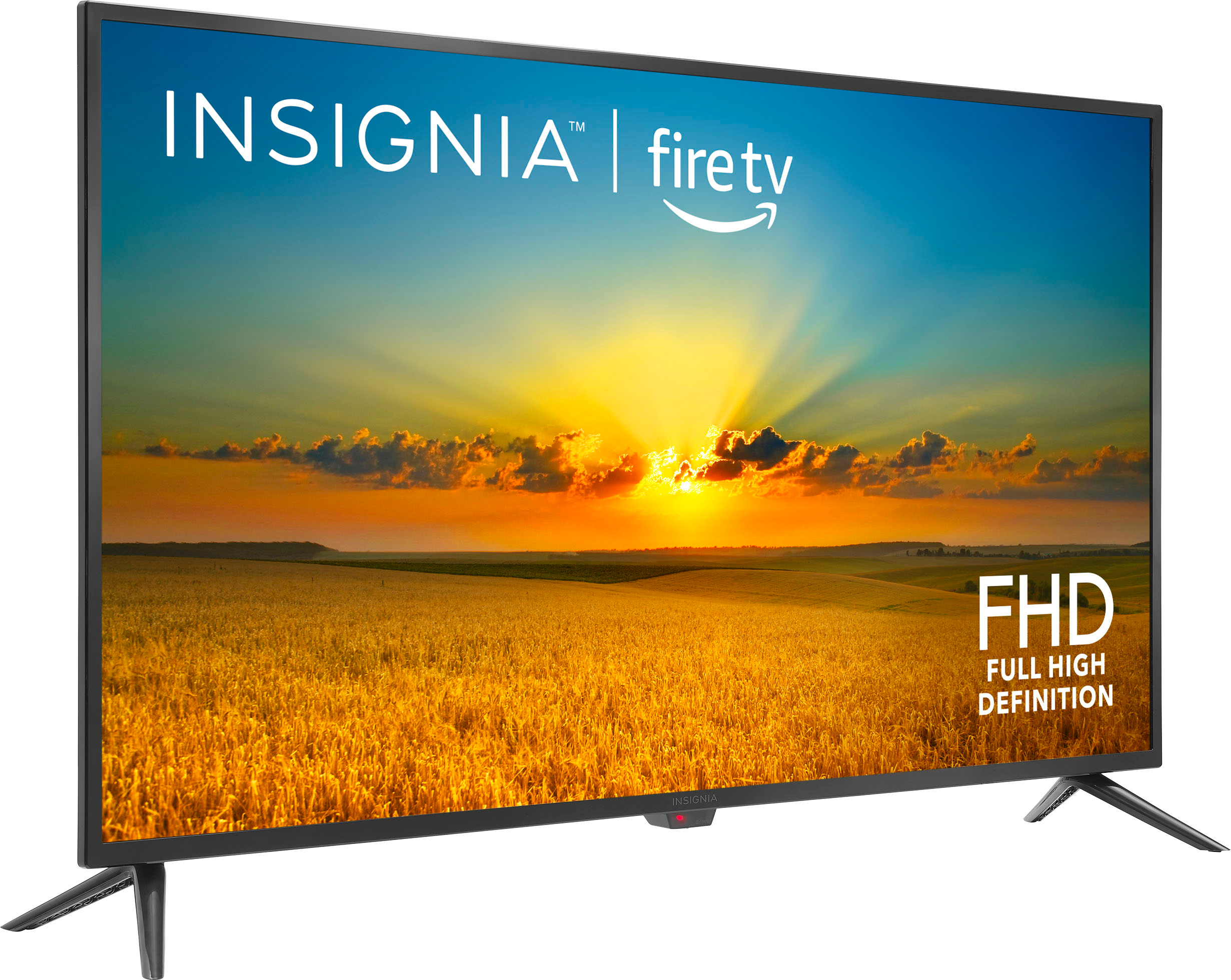
    • Answer Thank you for your inquiry! To connect your Insignia™ 42" Class F20 Series LED Full HD Smart Fire TV to Verizon Fios, start by using an HDMI cable to link the Fios box to one of the HDMI ports on your TV, as this ensures high-quality audio and video. Alternatively, you can use AV cables (red, white, and yellow) if you prefer. Once connected, plug in both your TV and Fios box, and turn them on. Navigate to the HOME screen on your TV, select the INPUTS row, and choose the HDMI port (e.g., HDMI1, HDMI2, or HDMI3) or AV input where you connected the Fios box. Follow any on-screen prompts to complete the setup, ensuring your TV is set to the correct input source to receive the signal from the Fios box.
      Answered by InsigniaCustomerSupport

  • Questioncan you hook up a PS 5 to this tv?

    Asked by Birthday.

    • Answer Yes via the HDMI ports in the back

      Answered by JoseB

  • QuestionDo I have to pay insignia to activate tv?

    Asked by Psudsu.

    • Answer No

      Answered by SherryA

  • QuestionCan I connect this to my laptop to view architectural drawings

    Asked by Rusty.

    • Answer Hi Rusty, yes, you can connect your laptop to the Insignia™ 42" Class F20 Series LED Full HD Smart Fire TV to view architectural drawings. Simply use an HDMI cable to connect your laptop to one of the HDMI ports on the TV. This will allow you to display your laptop screen on the TV, making it easier to view detailed drawings. - Shiela | Insignia Support

      Answered by InsigniaCustomerSupport

  • QuestionDoes the remote have a mute button?

    Asked by Olive.

    • Answer Thank you for your inquiry! Yes, the remote for the Insignia™ 42" Class F20 Series LED Full HD Smart Fire TV does have a mute button. This button allows you to quickly mute the TV's audio when needed. Keith | Insignia Support

      Answered by InsigniaCustomerSupport

  • QuestionHow high is this TV with the stand?

    Asked by BillyVee.

    • Answer The Insignia™ 42" Class F20 Series LED Full HD Smart Fire TV has a height of 23.5 inches with the stand attached. Patricia | Insignia Support

      Answered by InsigniaCustomerSupport

  • Questiondo you need a roku or fire stick to operate this tv

    Asked by Anonymous.

    • Answer No

      Answered by SherryA

  • Questiondoes this TV come with a remote

    Asked by Anonymous.

    • Answer Yes

      Answered by LelitaW