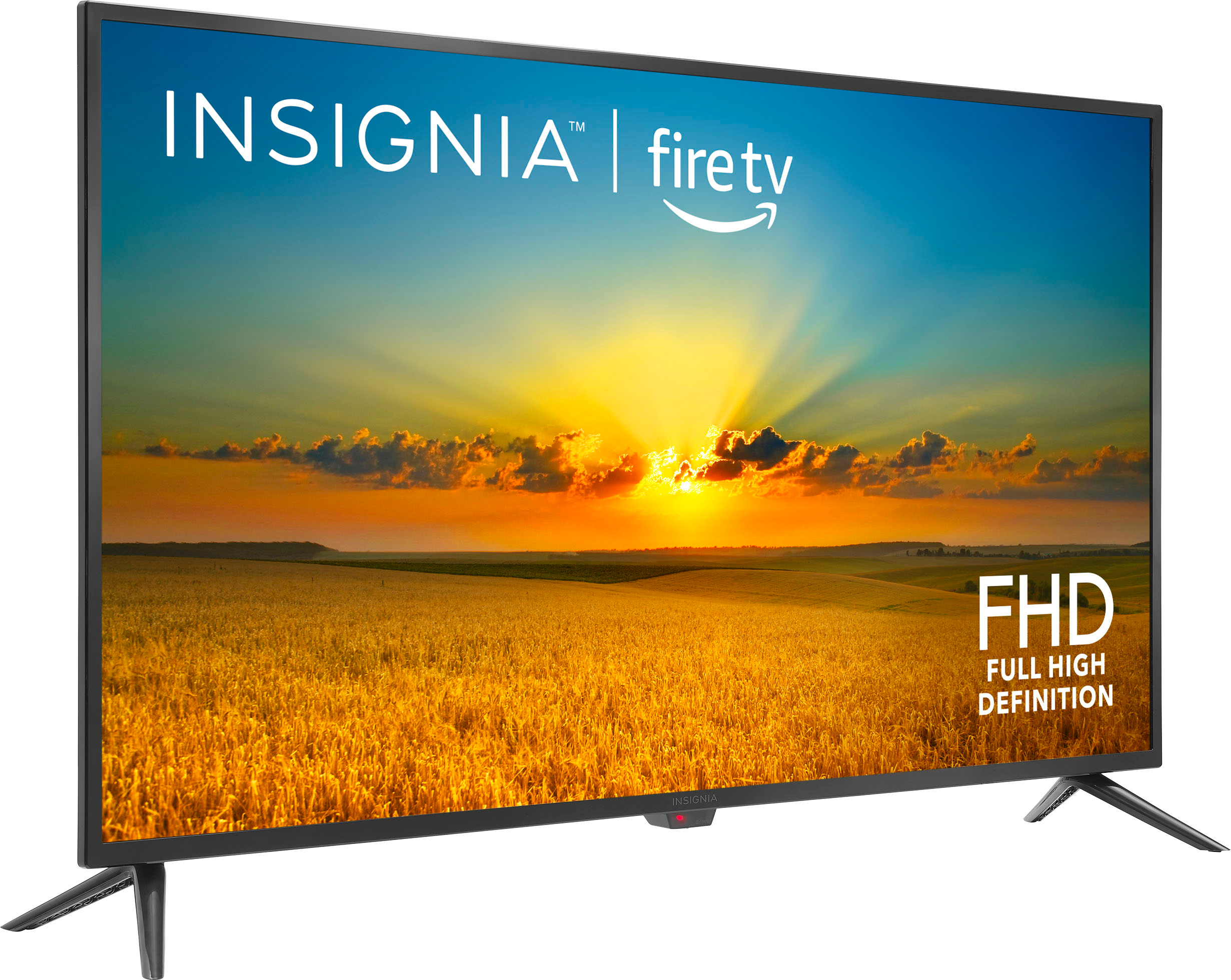
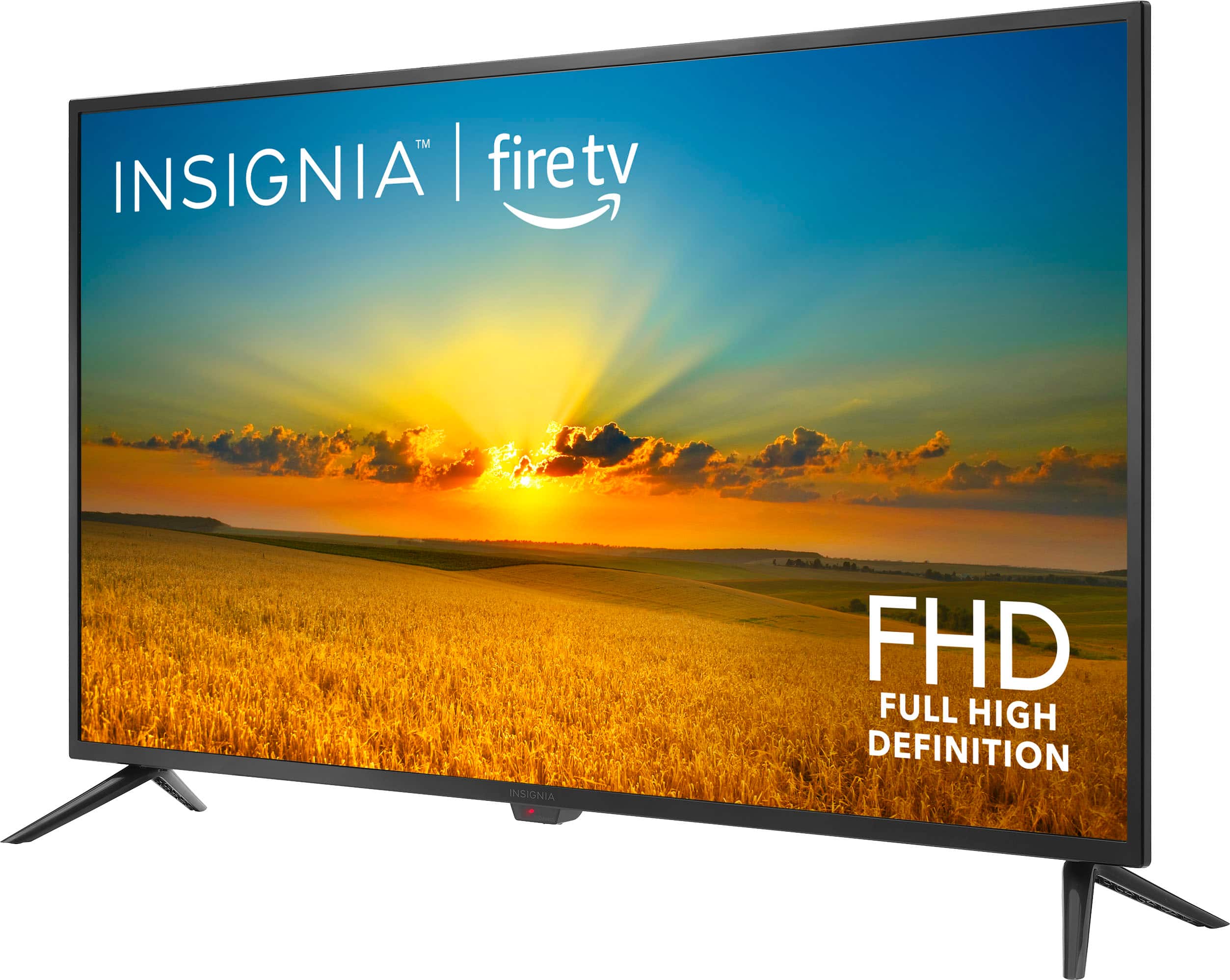
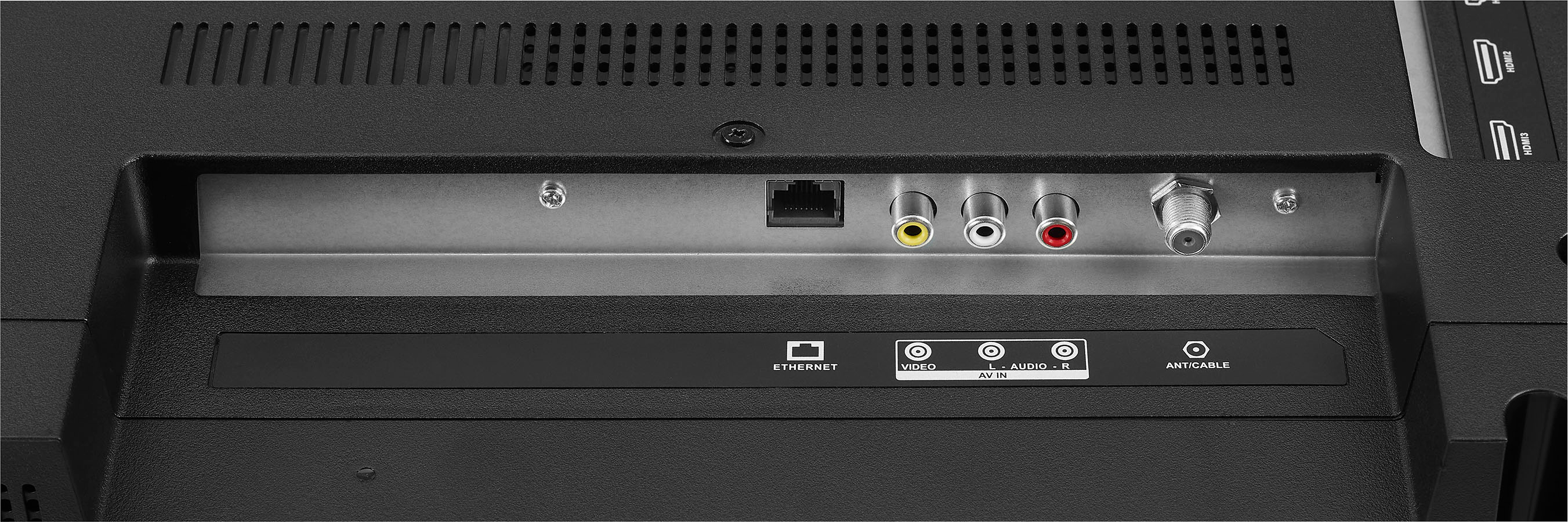
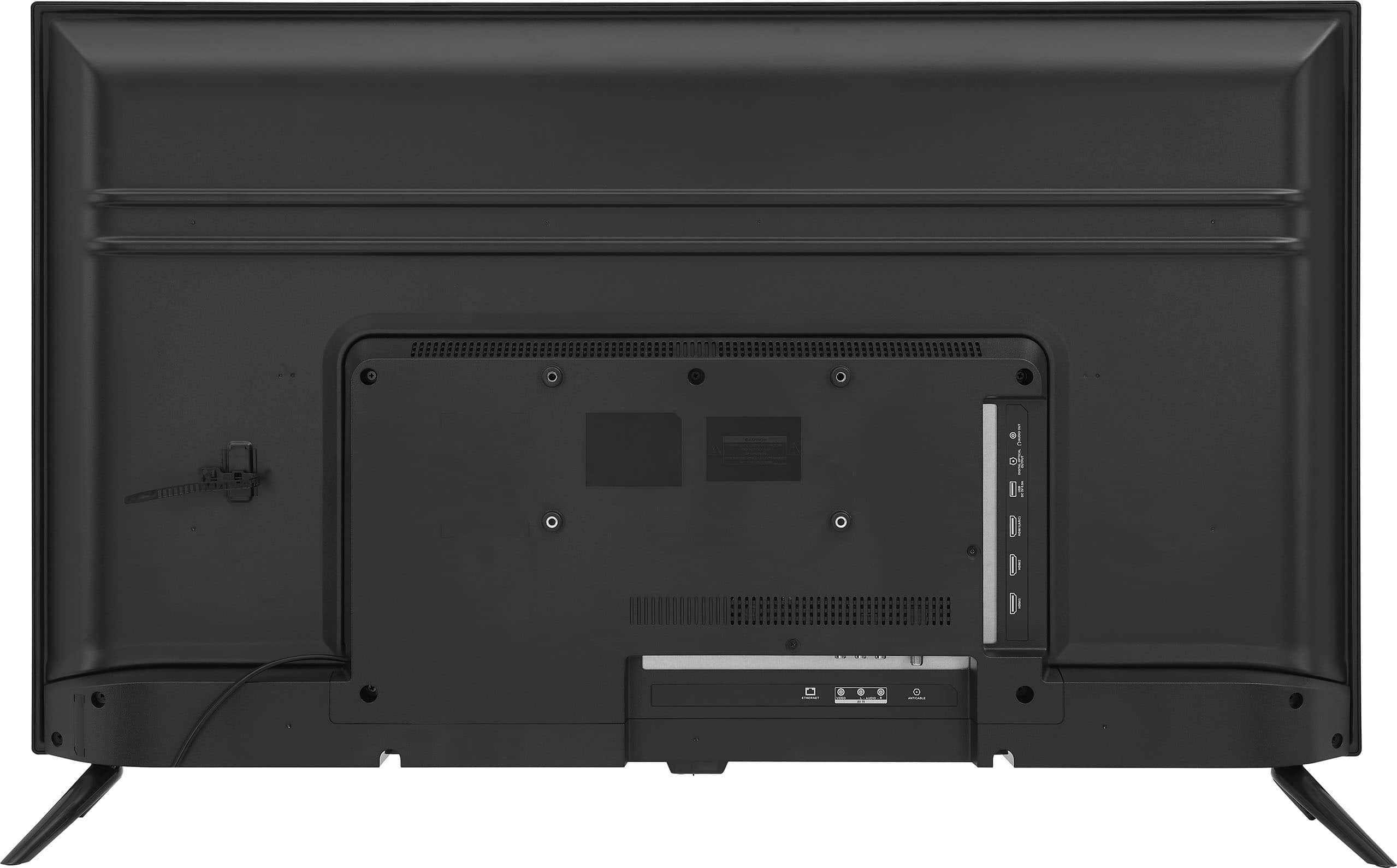
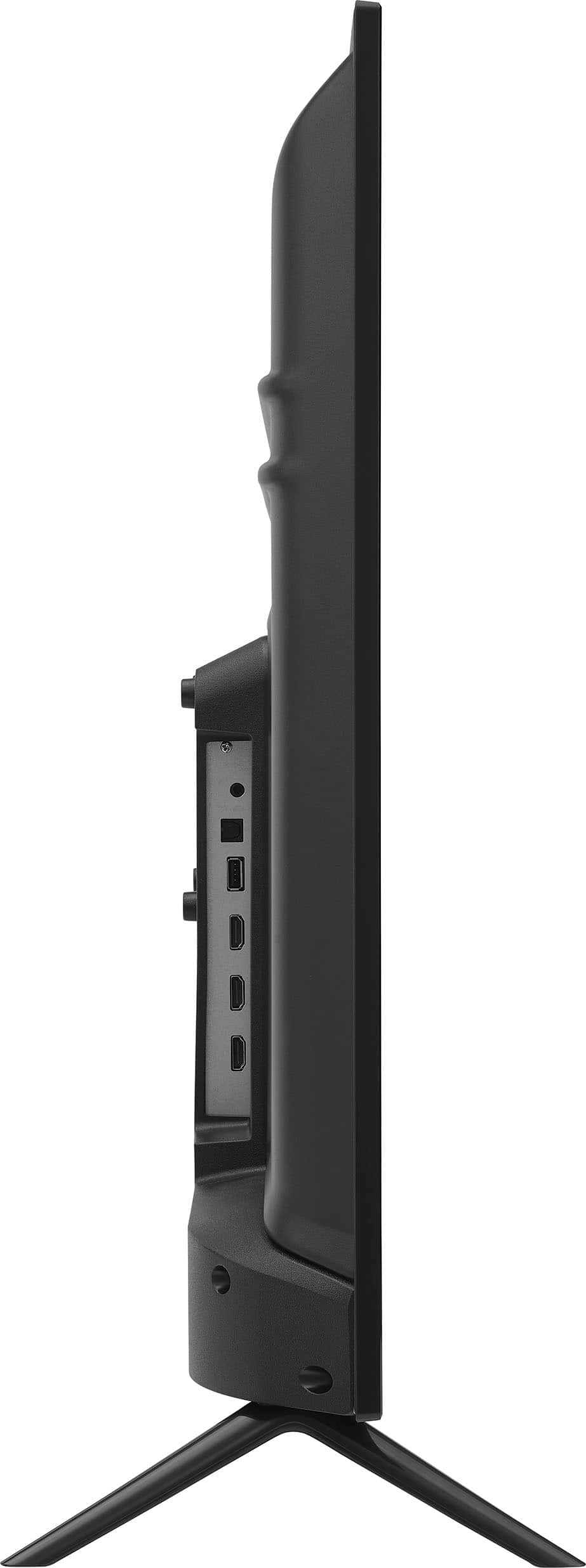
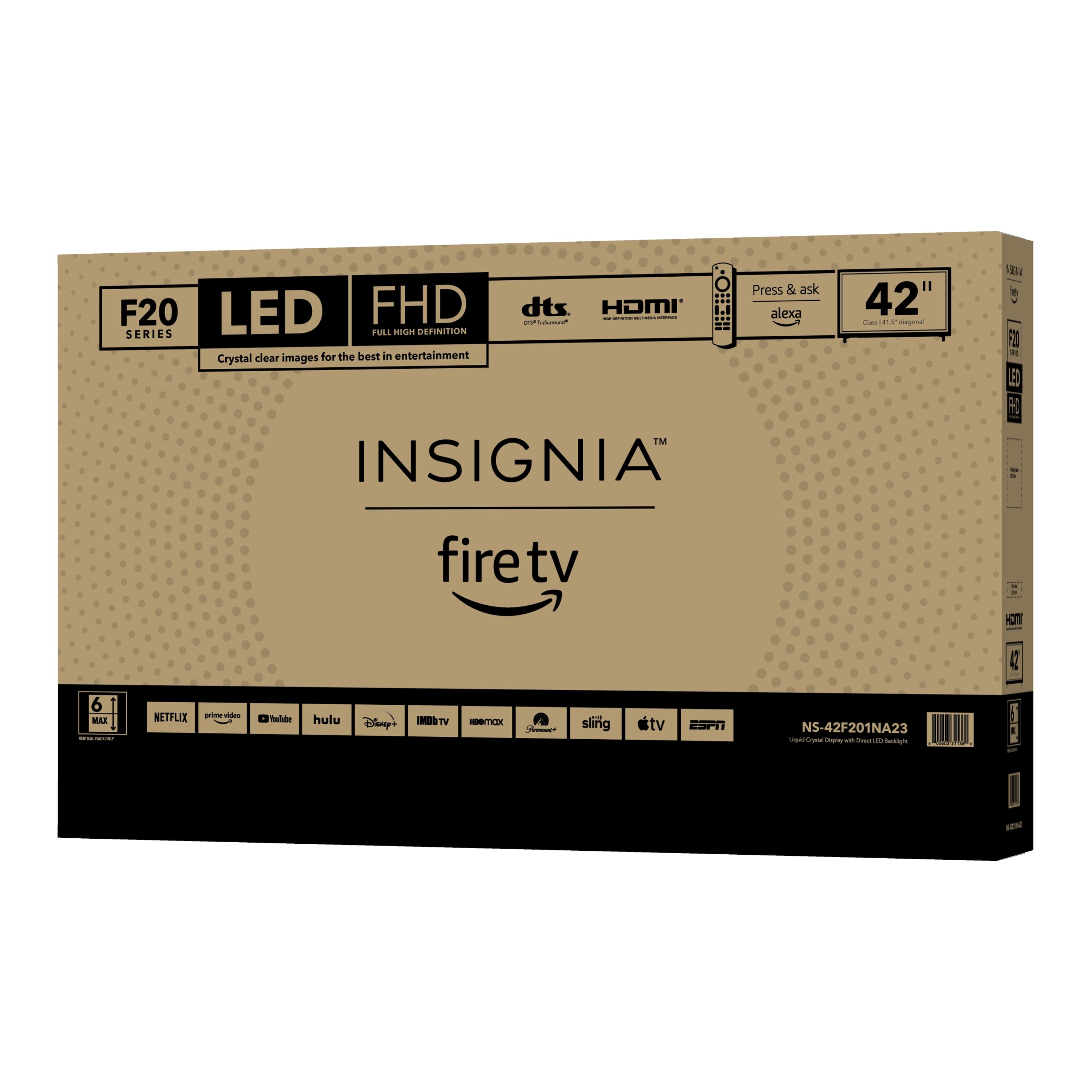
A:AnswerThank you for your inquiry! The Insignia™ 42" Class F20 Series LED Full HD Smart Fire TV does not have a specific "automatic power on" feature in its settings. This means that if the TV was on and the power is cut, it will not automatically turn back on when power is restored. You would need to manually turn it back on. Keith | Insignia Support
A:AnswerThe Insignia™ 42" Class F20 Series LED Full HD Smart Fire TV does not have a built-in wake-up timer feature that allows it to turn on automatically at a specific time. If you have any other questions or need further assistance, feel free to ask! - Mae | Insignia Support
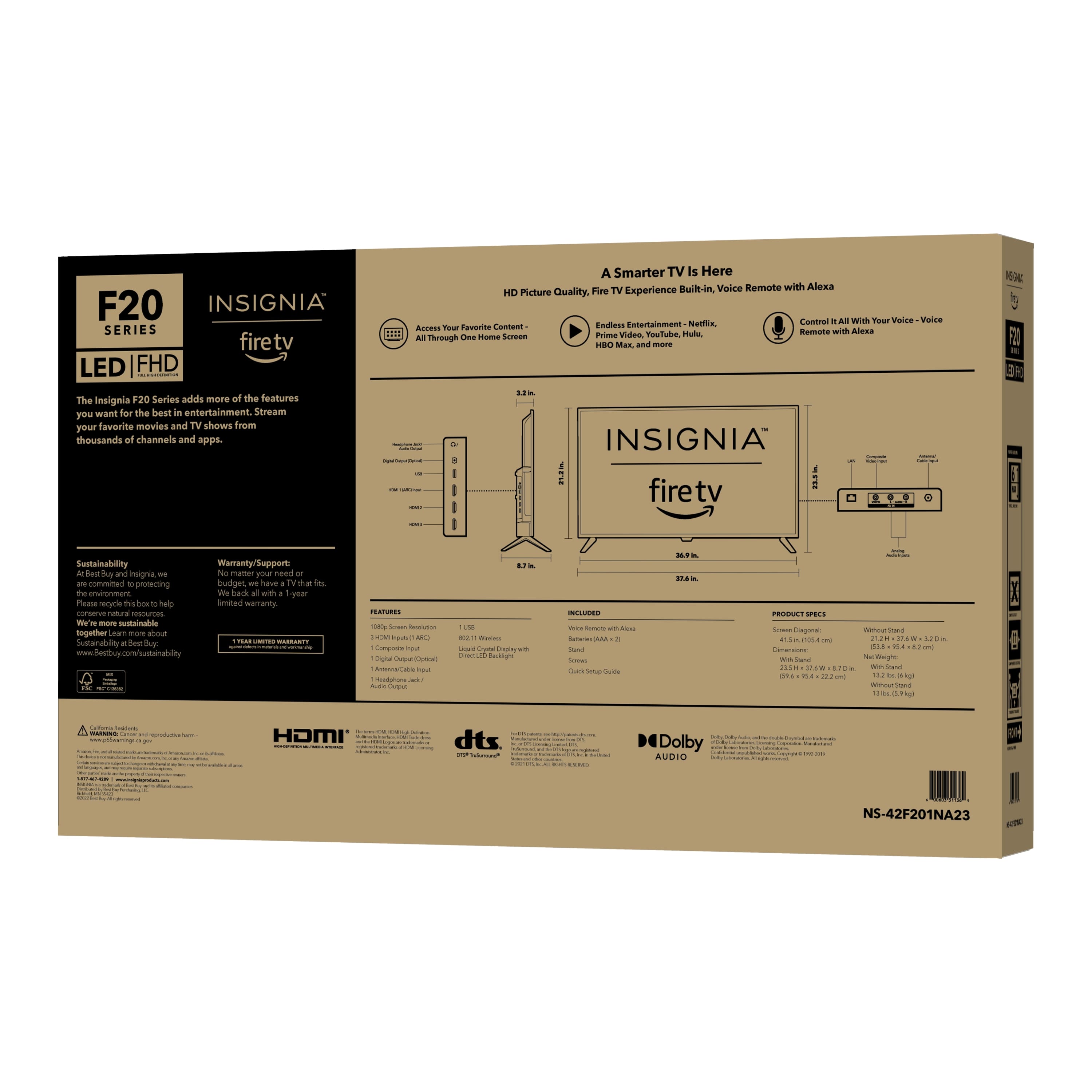
A:AnswerThe Insignia™ 42" Class F20 Series LED Full HD Smart Fire TV weighs 13 pounds (approximately 5.9 kg) without the stand.
If you have any more questions or need further assistance, feel free to ask!
A:AnswerIt sounds like you've already checked the common settings, but let's try a few more steps to turn off the narration on your Insignia™ 42" Class F20 Series LED Full HD Smart Fire TV while watching a movie on MAX:
1. Check MAX App Settings:
- While watching a movie, pause the playback.
- Select the Audio and Subtitles icon.
- Under Audio, choose a language other than "English - Audio Description".
2. TV Accessibility Settings:
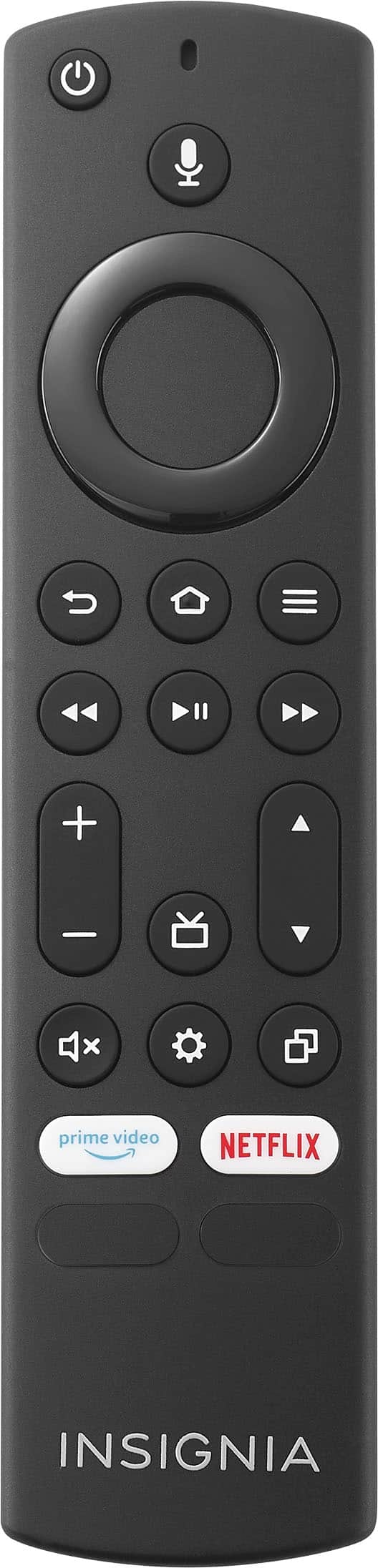
- Press the Home button on your remote.
- Go to Settings > Accessibility.
- Ensure that all accessibility features like Voice Guide, TalkBack, and Screen Reader are turned off.
If these steps don't resolve the issue, it might be helpful to restart your TV and the MAX app. If the problem persists, contacting Insignia customer support or MAX support for further assistance could be the next best step.
I hope this helps! Let me know if you need any more assistance.
A:AnswerThe Insignia™ - 42" Class F20 Series LED Full HD Smart Fire TV does not have a direct feature to connect to Google Calendar. However, you can use the built-in Amazon Alexa to manage your calendar. By linking your Google Calendar to Alexa, you can ask Alexa to add events, check your schedule, and more.
If you have further questions or inquiries, please do not hesitate to ask!
A:AnswerThe Insignia™ - 42" Class F20 Series LED Full HD Smart Fire TV is compatible with wall mounts that support a VESA pattern of 200 x 100 mm. Patricia | Insignia Support
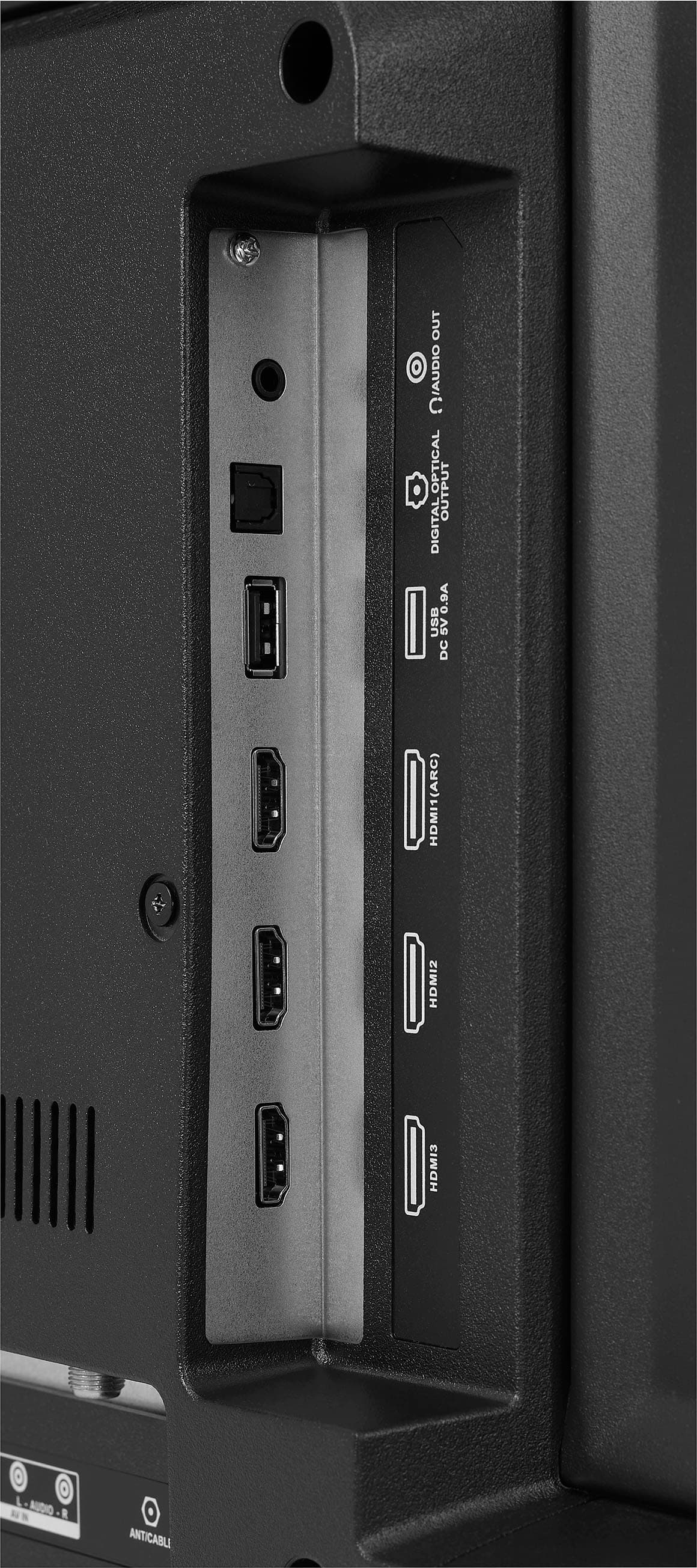
A:AnswerUnfortunately, the Insignia™ 42" Class F20 Series LED Full HD Smart Fire TV does not support simultaneous audio output to both the TV speakers and headphones. You can only use one audio output at a time, either through the TV speakers or the headphones.
If you have any other questions or need further assistance, feel free to ask! -Ed | Insignia Support | https://www.bestbuy.com/site/brands/best-buy-brands/pcmcat1596746025285.c?id=pcmcat1596746025285
A:AnswerThank you for your Inquiry! The Insignia™ 42" Class F20 Series LED Full HD Smart Fire TV does not come with a built-in web browser. However, it offers a wide range of streaming apps and services, including Netflix, Hulu, Amazon Prime Video, and more. Keith | Insignia Support https://www.bestbuy.com/site/insignia-42-class-f20-series-led-full-hd-smart-fire-tv/6495088.p?skuId=6495088