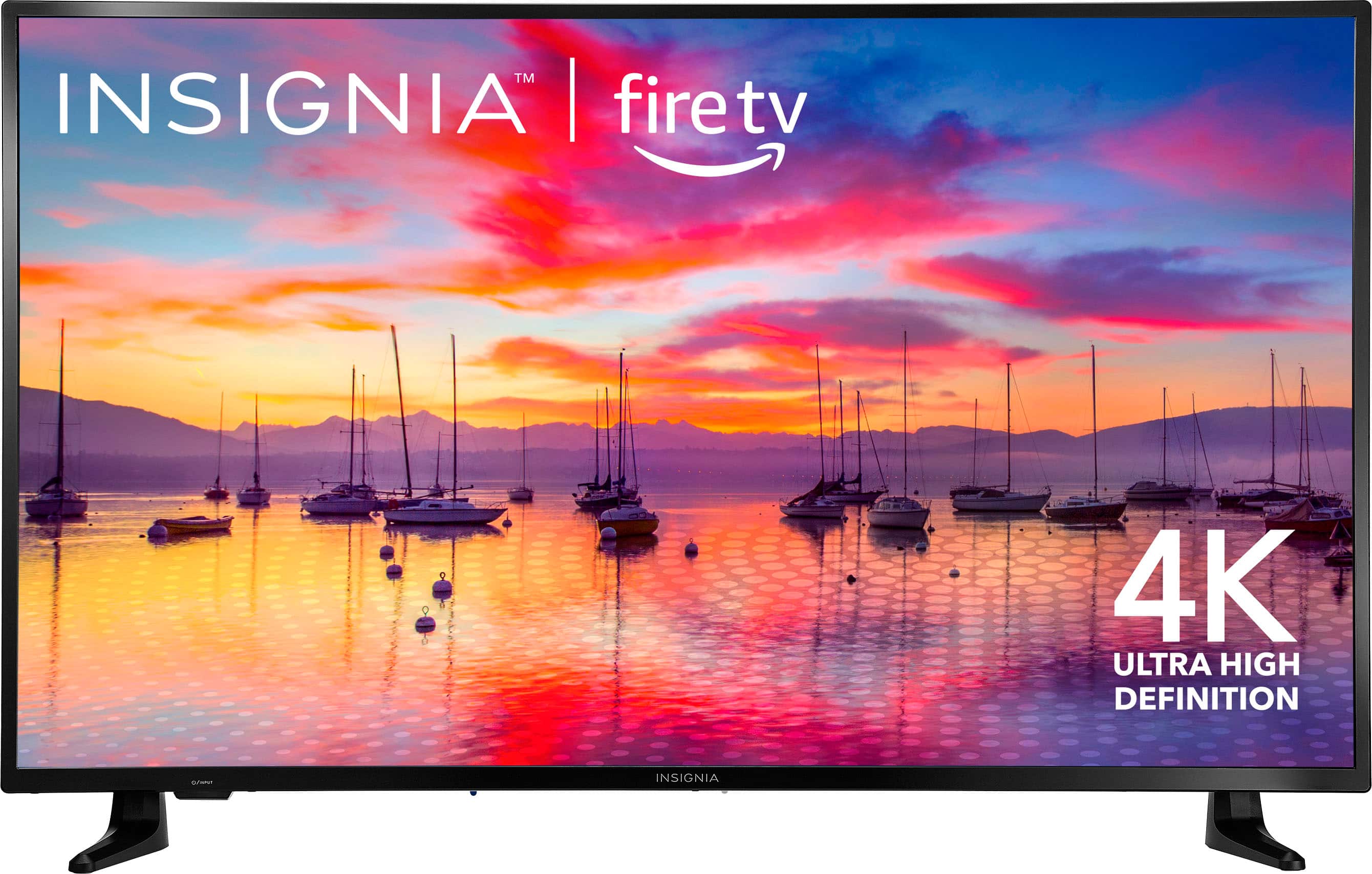
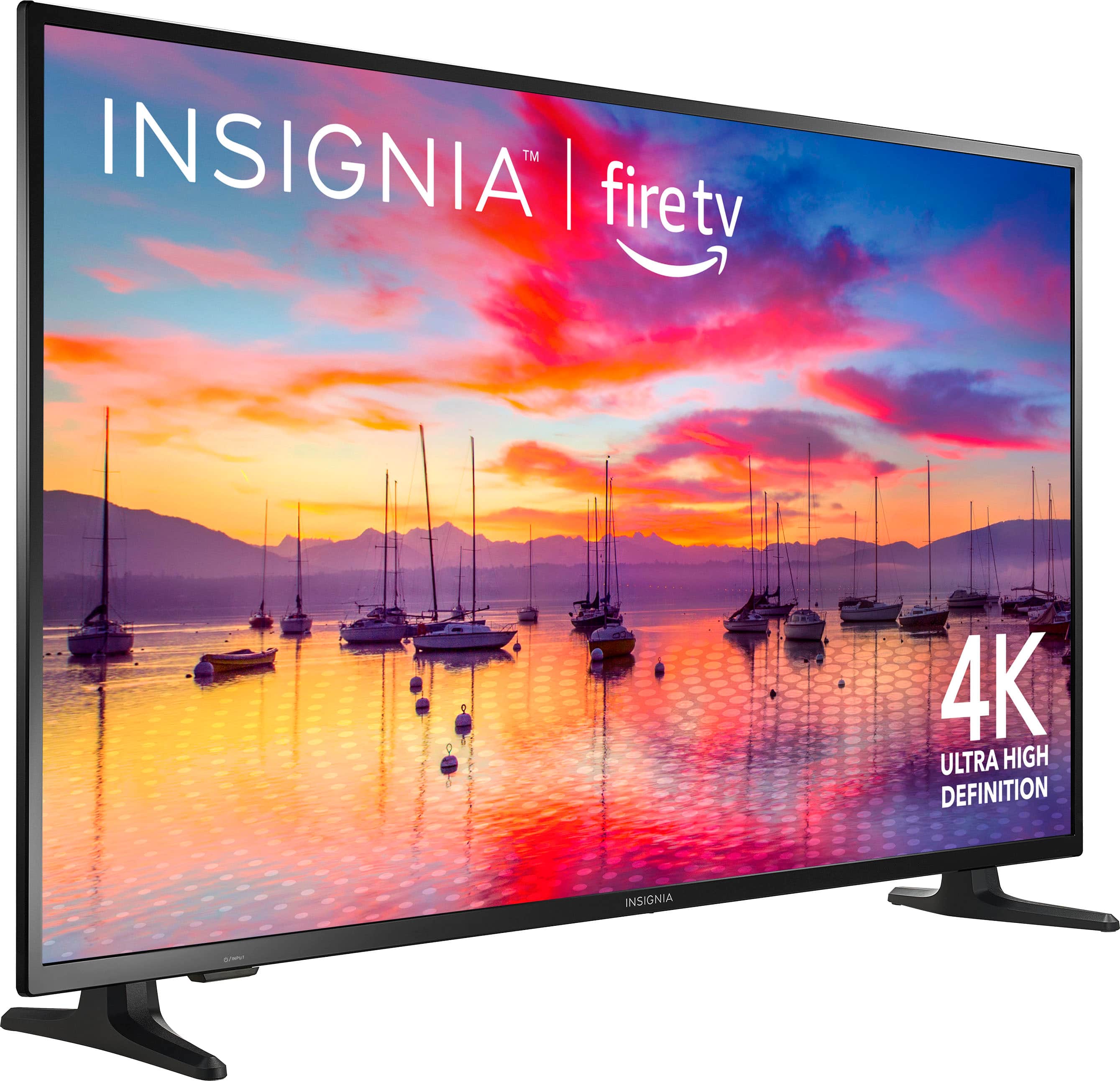
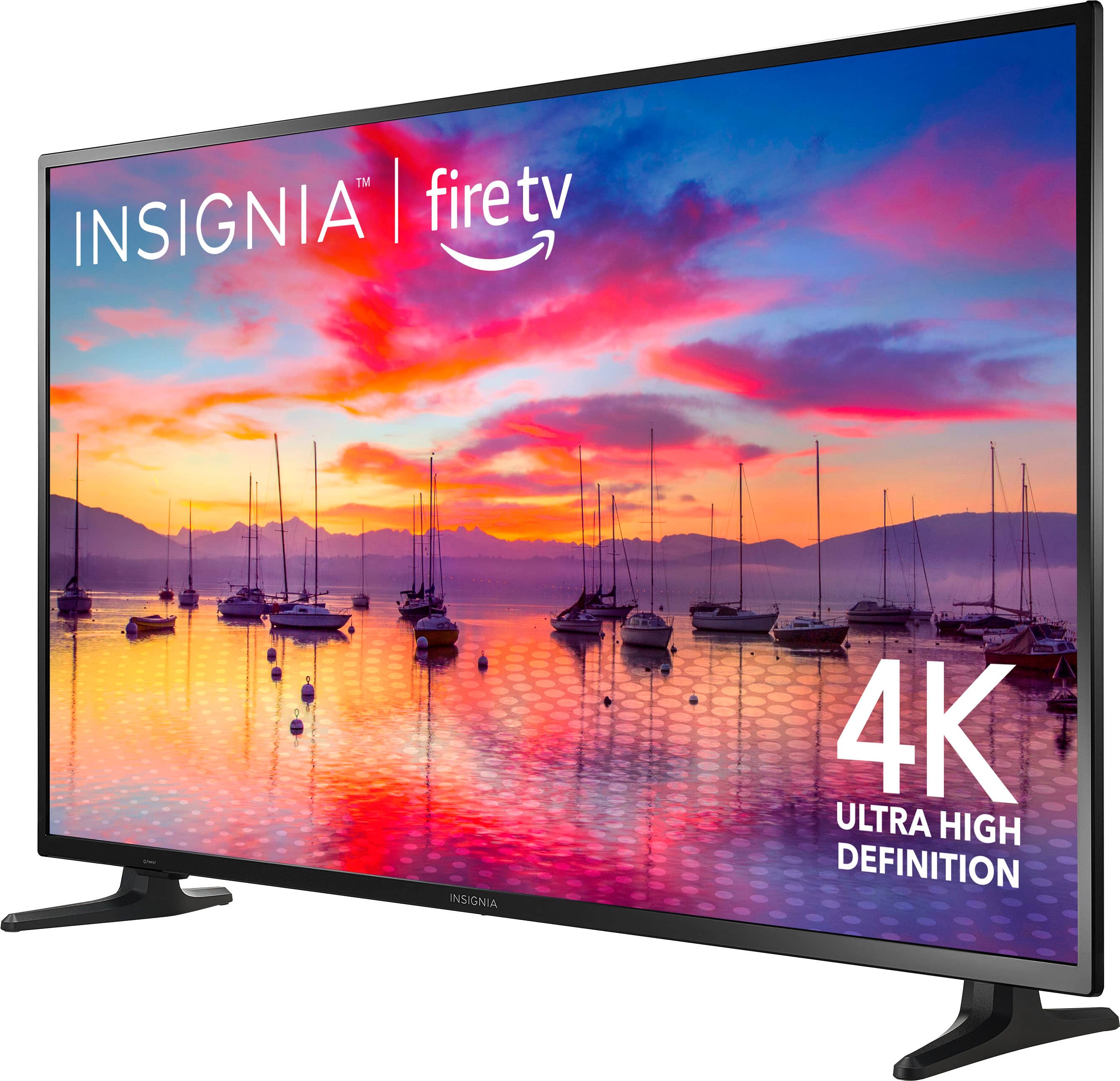
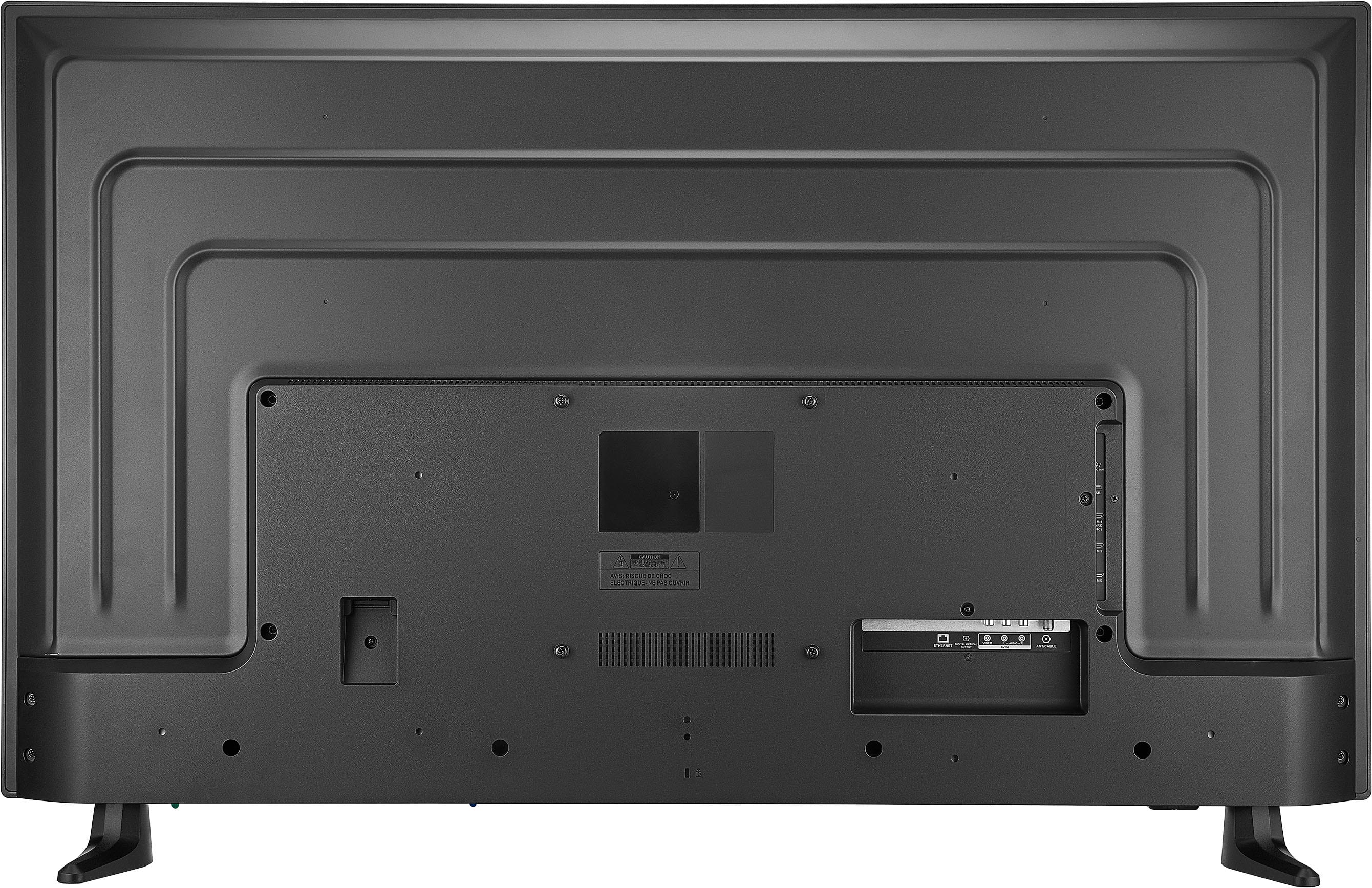
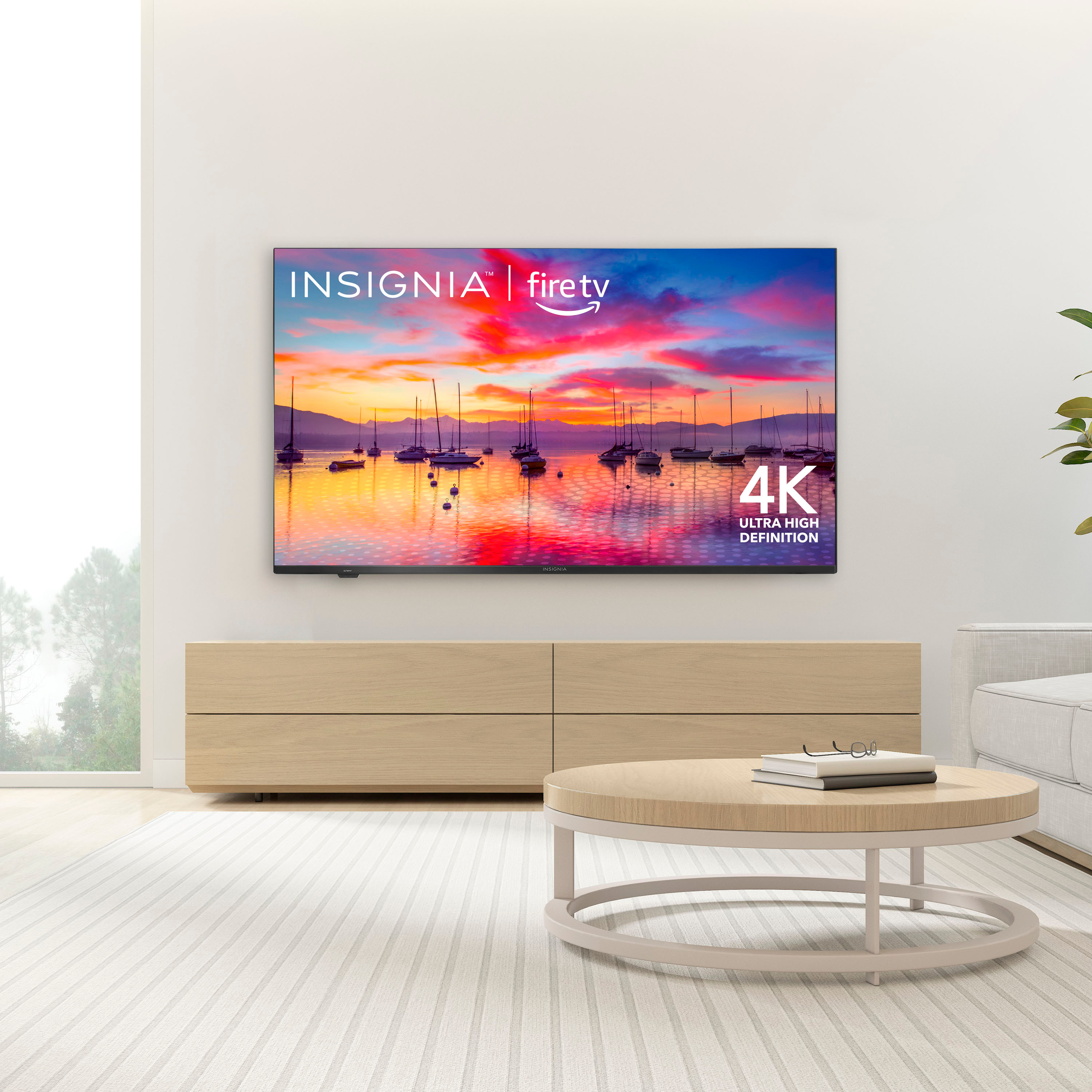
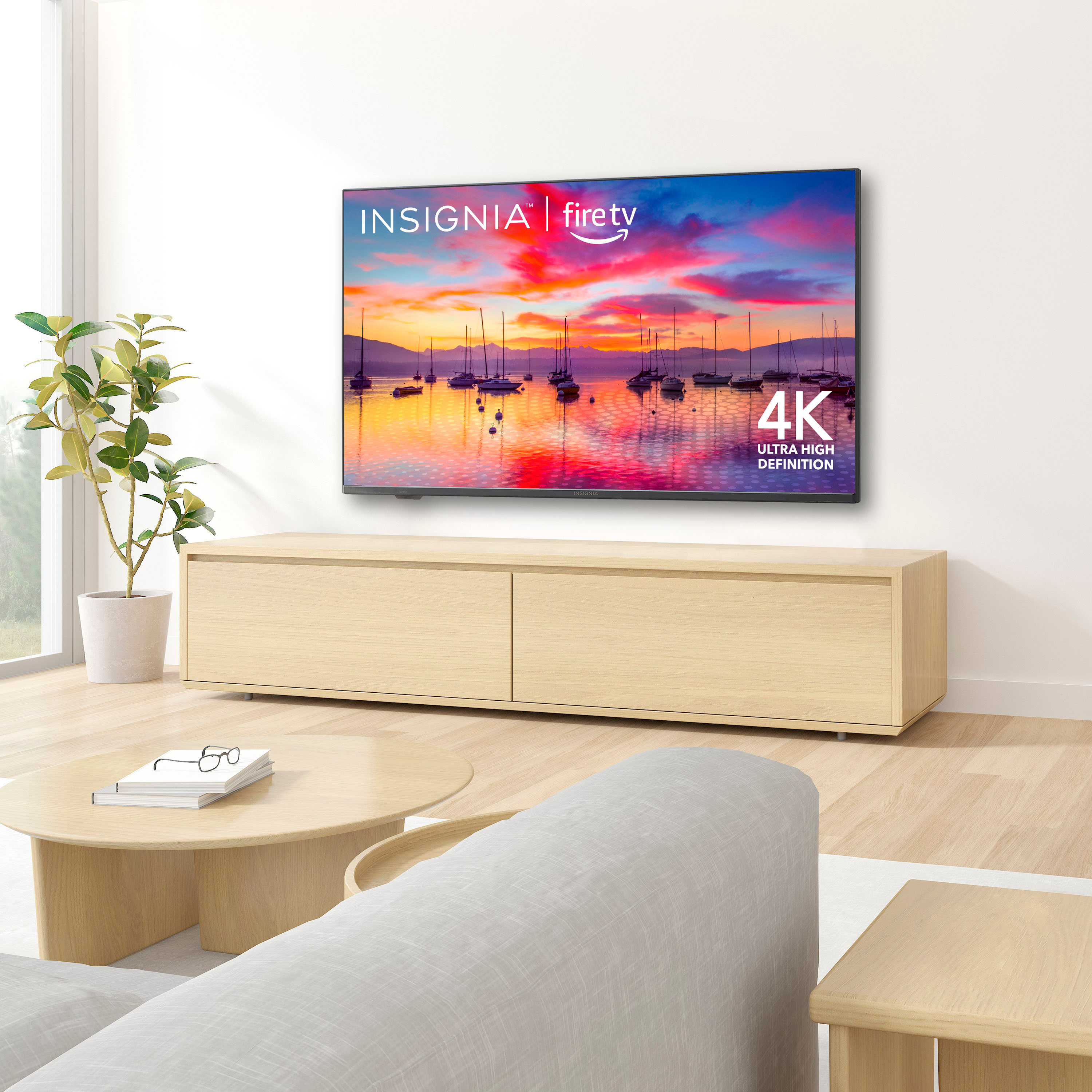
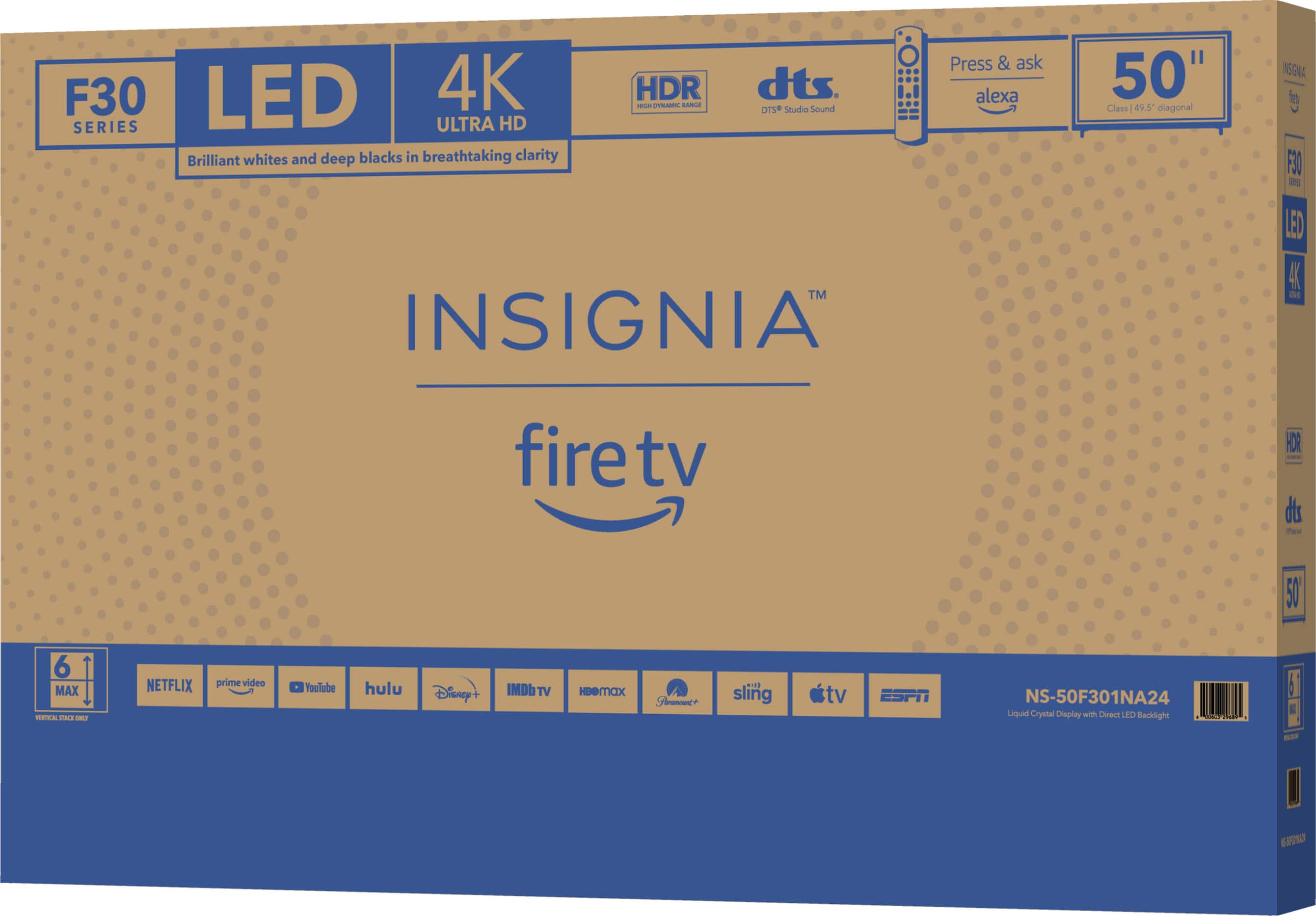
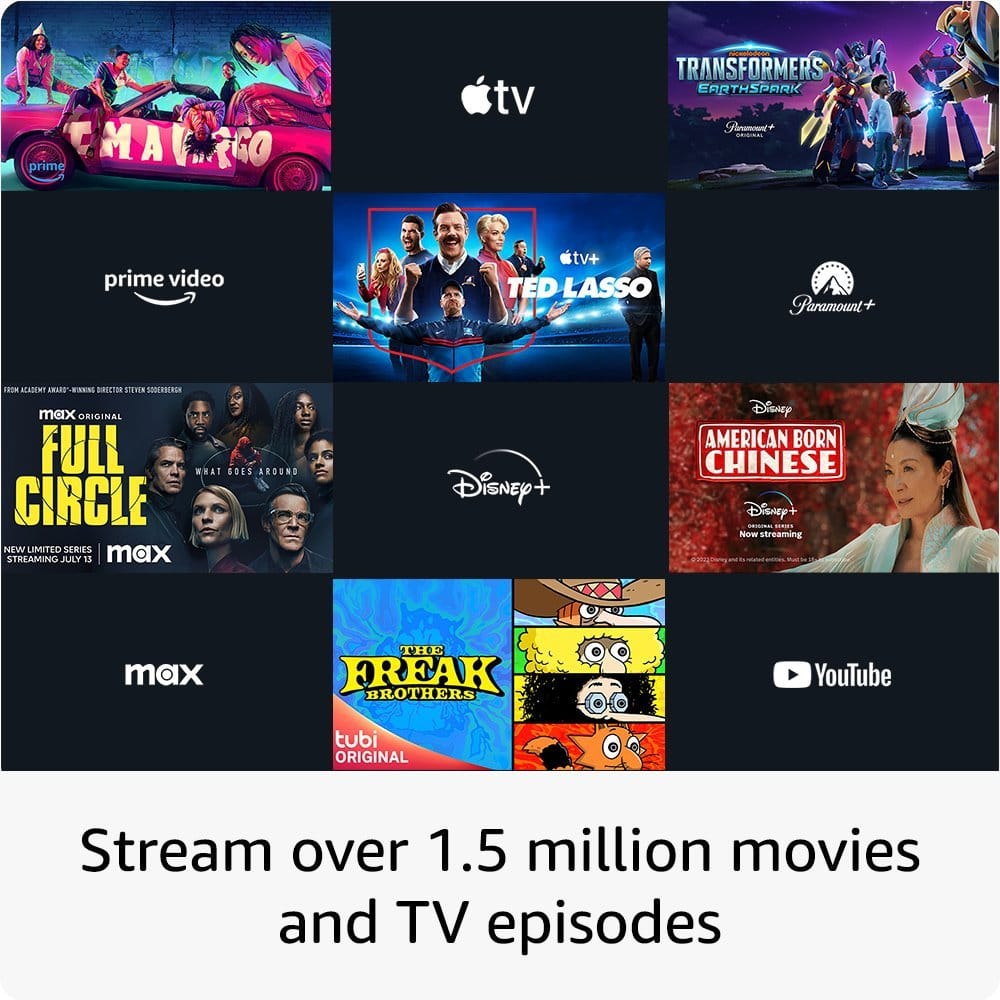
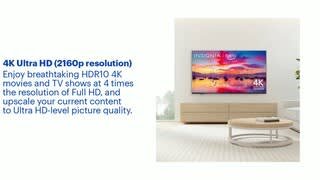
A:Answer Thank you for your inquiry! Yes, you can download and install apps on the Insignia 50" Class F30 Series LED 4K UHD Smart Fire TV. This TV runs on Amazon's Fire TV operating system, which allows you to access thousands of apps from the Amazon Appstore, including streaming services like Netflix, Hulu, and Disney+, as well as games, news, and more. Just navigate to the Amazon Appstore on your TV, search for the app you want to download, and follow the on-screen instructions to install it. Keith | Insignia Support https://www.bestbuy.com/site/insignia-50-class-f30-series-led-4k-uhd-smart-fire-tv/6525240.p?skuId=6525240