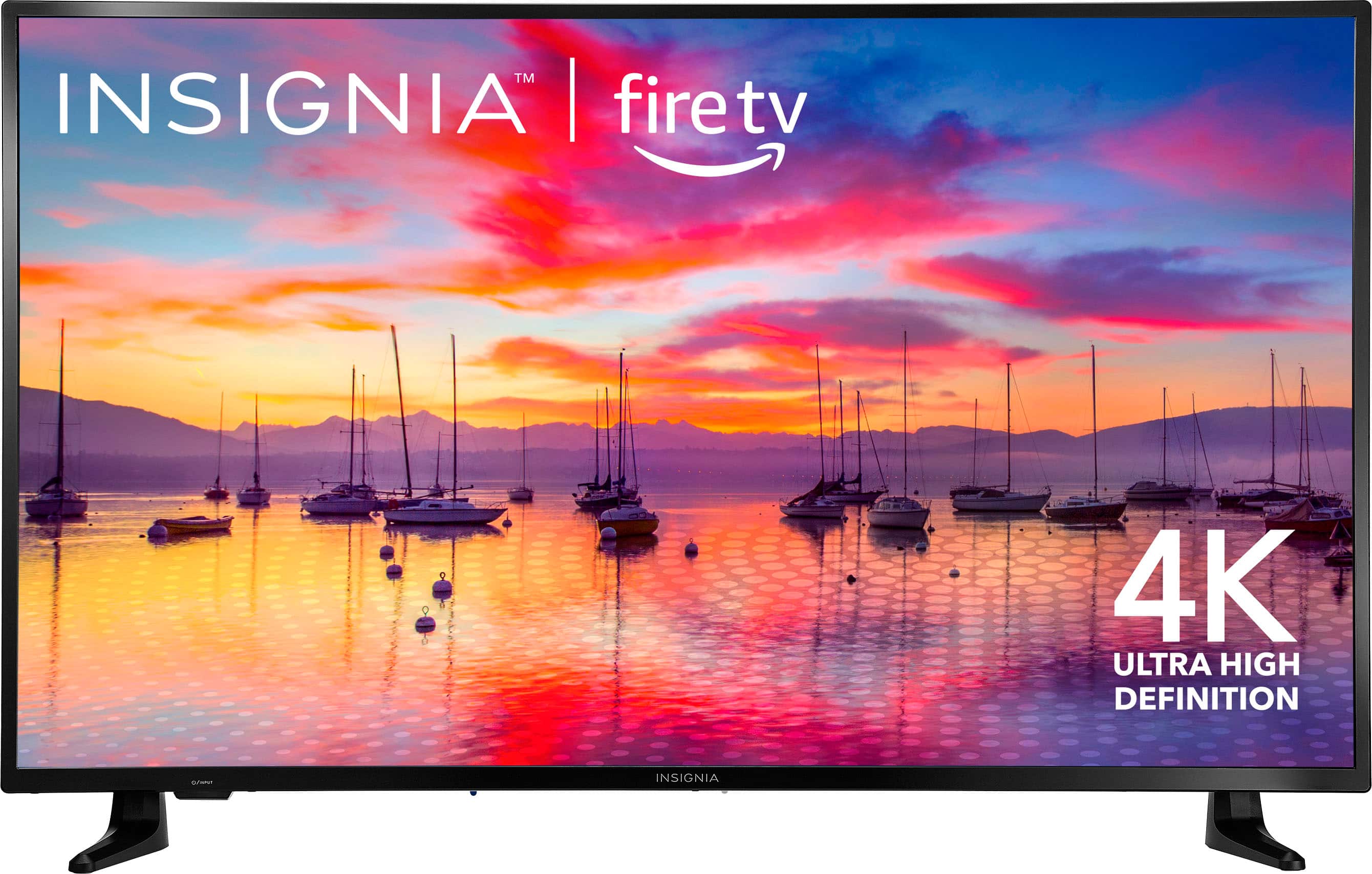
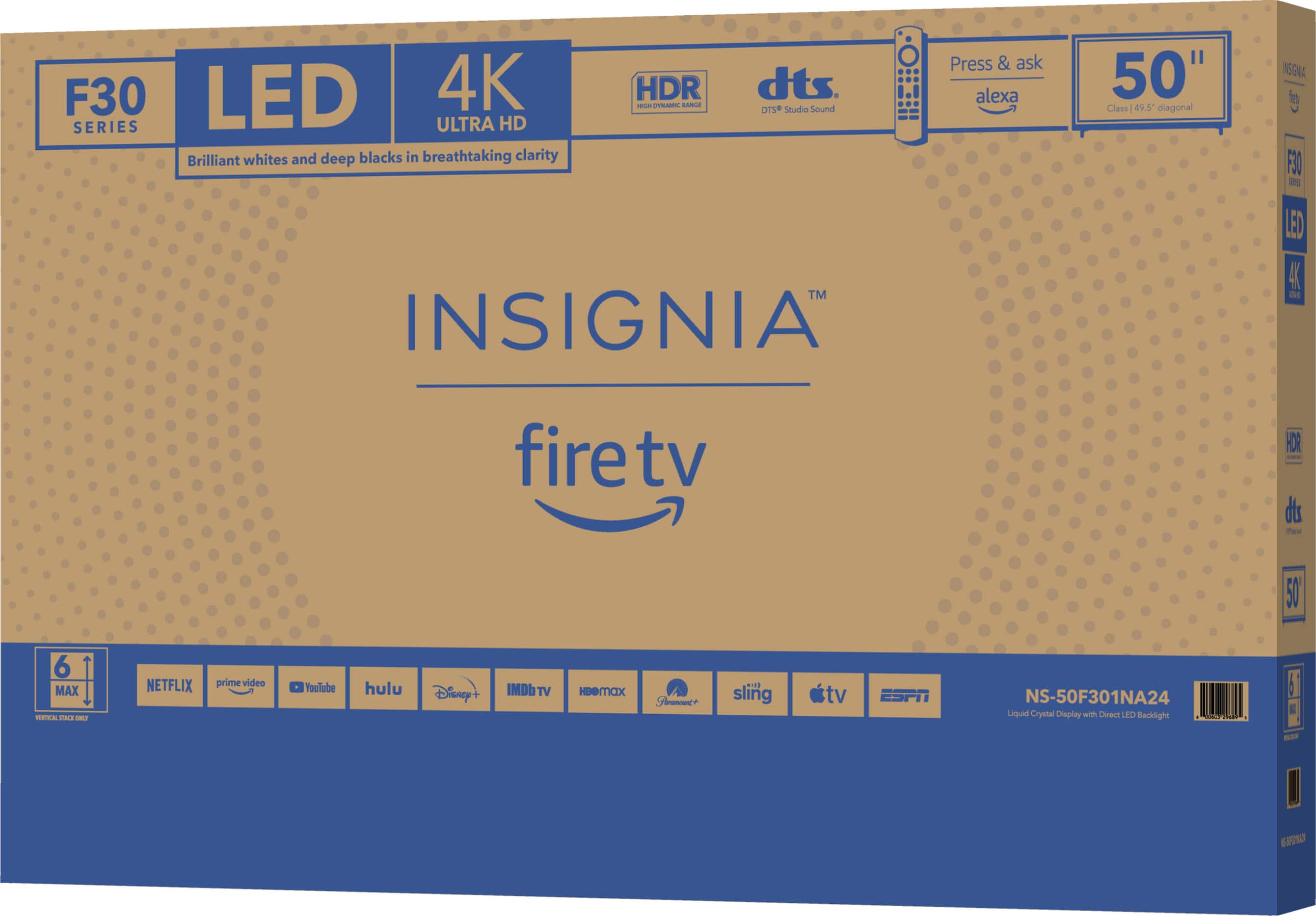
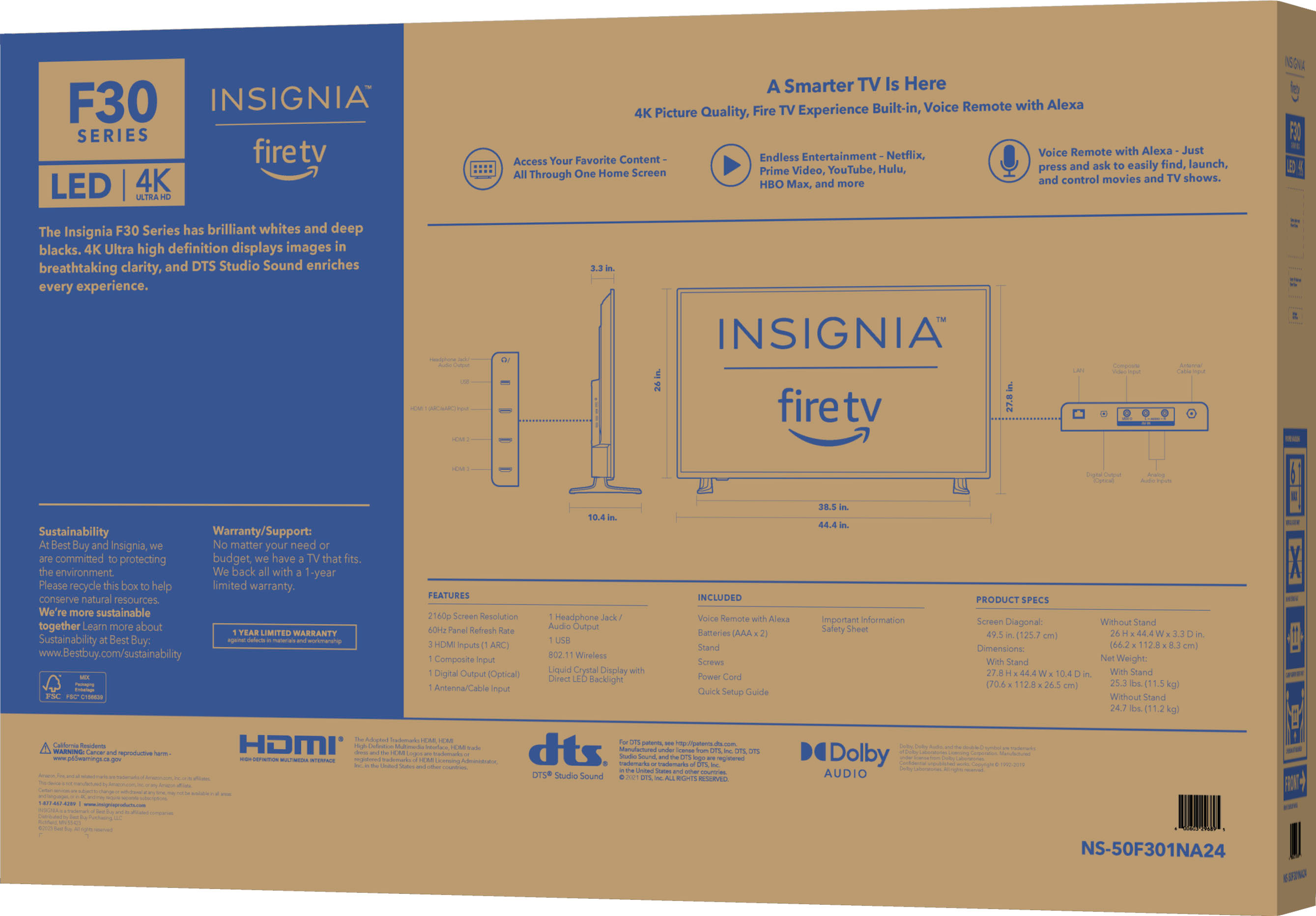
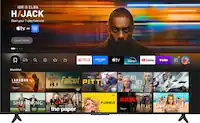
A:AnswerHi Bstrothkamp, thank you for your inquiry! Insignia™ - 50" Class F30 Series LED 4K UHD Smart Fire TV (Model: NS-50F301NA24) doesn't have a built-in feature to divide the screen into quadrants, its advanced features and connectivity options provide a high-quality viewing experience. For more information about this product, you may click this link: https://www.bestbuy.com/site/insignia-50-class-f30-series-led-4k-uhd-smart-fire-tv/6525240.p?skuId=6525240. Carlo | Insignia Support
A:AnswerHi Alfredo! If you are experiencing issues with installing the F1 TV app on your Insignia Fire TV, here are a few steps you can try to troubleshoot the problem:
1. Check for updates: Make sure that your Fire TV software is up to date. Go to Settings > My Fire TV > About > Check for Updates.
2. Clear cache and data: Go to Settings > Applications > Manage Installed Applications > F1 TV > Clear cache and Clear data.
3. Restart your Fire TV: Sometimes a simple restart can resolve app installation issues. Go to Settings > My Fire TV > Restart.
4. Contact F1 TV support: If you continue to experience issues, reach out to F1 TV's customer support for further assistance. They may be able to provide additional troubleshooting steps specific to their app.
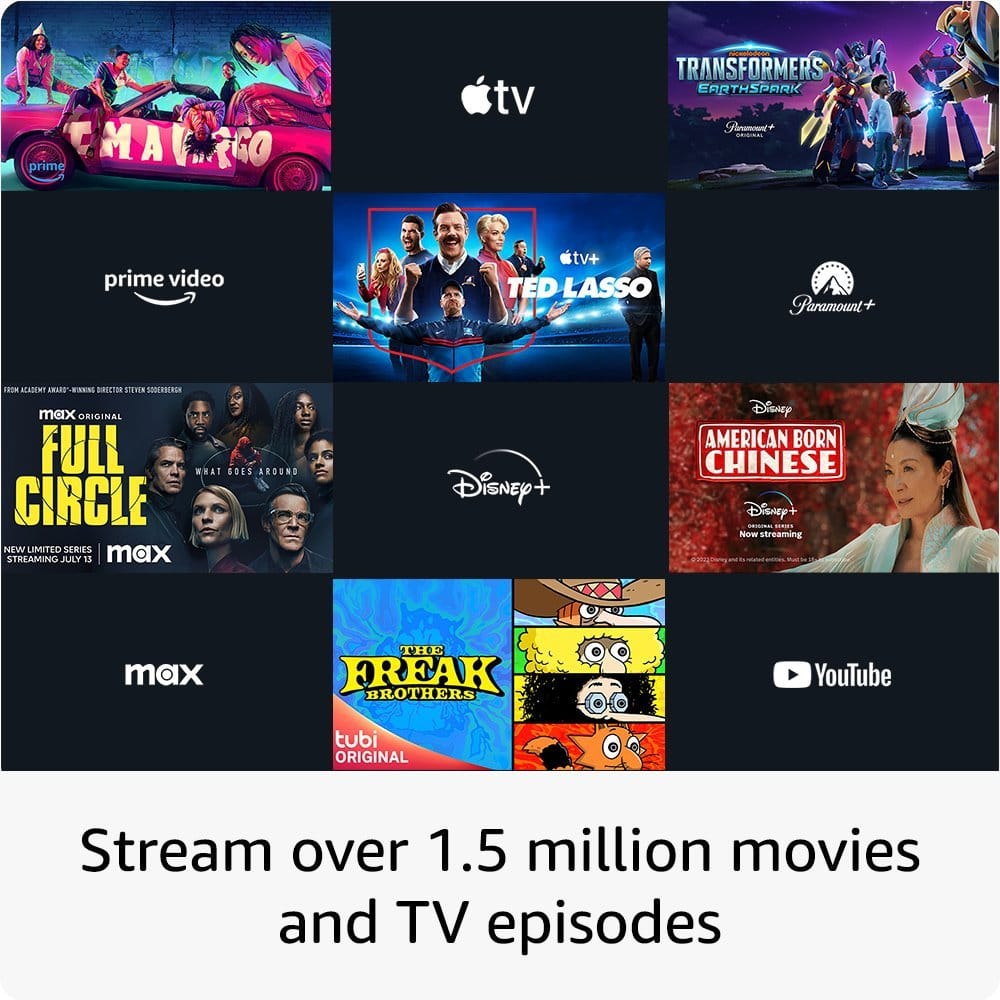
Unfortunately, ESPN is not available on the Amazon Appstore for Fire TV devices at the moment. However, you may be able to access ESPN content through other streaming services that are available on Fire TV, such as Hulu + Live TV, Sling TV, YouTube TV, or the ESPN app on Fire TV.
JC | Insignia Support https://www.bestbuy.com/site/insignia-50-class-f30-series-led-4k-uhd-smart-fire-tv/6525240.p?skuId=6525240
A:AnswerHi Insignia Customer! Yes, unmounting of the old TV is included in the service. Please note, that this is only for removing the old TV on the wall or stand and installing the new one. For the haul away of the old tv, additional fee applies. |Angelica| Insignia Support| https://www.bestbuy.com/site/insignia-50-class-f30-series-led-4k-uhd-smart-fire-tv/6525240.p?skuId=6525240
A:AnswerHi Joy,
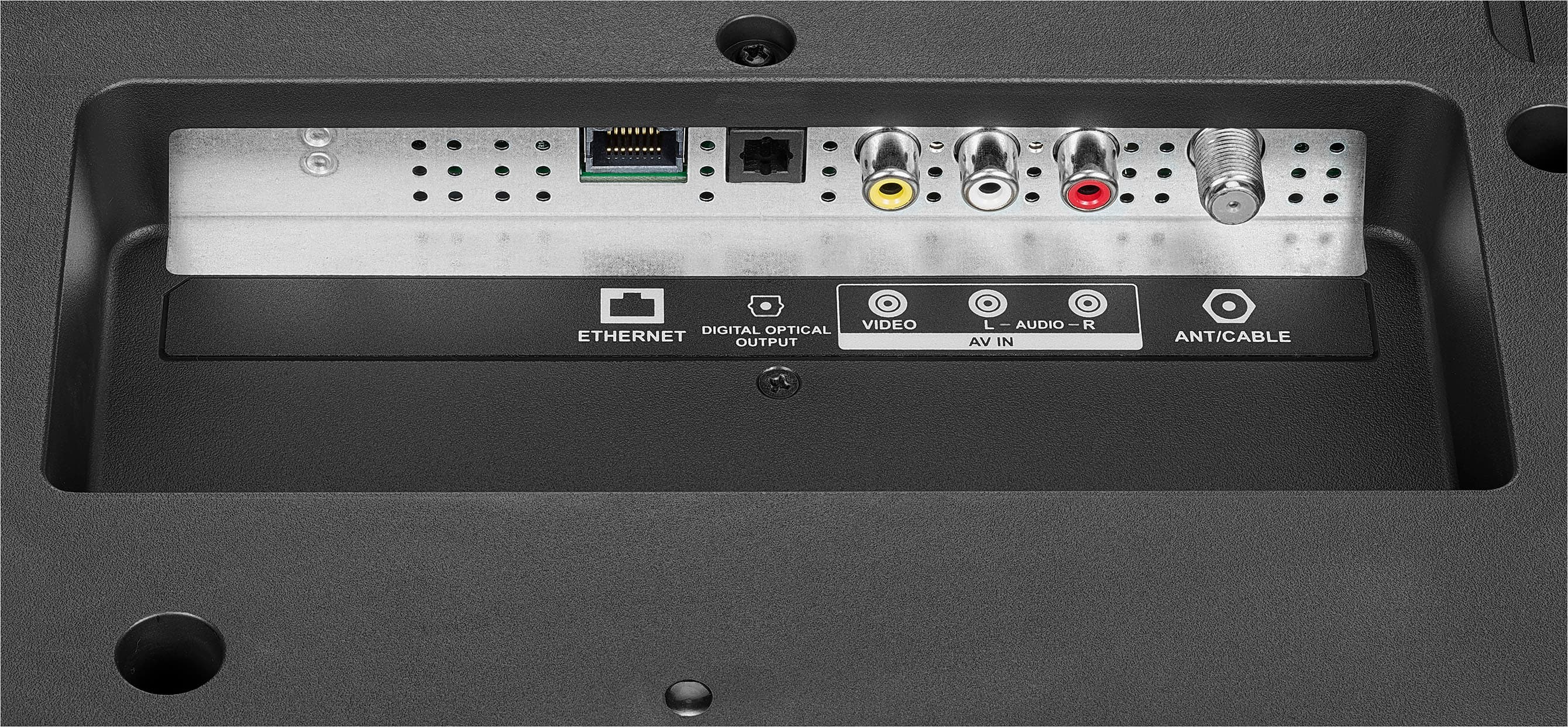
Most of our newer models no longer have built-in DVD Player. Most of our products allow DVD Players to be connected via HDMI or AV.
Dina || Insignia Support || https://www.bestbuy.com/insignia
A:AnswerI'm a senior,senior and the set up was so easy for me. Didn't need to buy anything extra. It recognized our wi-fi .... just had to put in the password on the tv screen. Connected our outside tv antenna and scanned for all the local channels. Works perfect. So happy we bought this tv.
A:AnswerHi Arsmom24,
To check if this is just a minor glitch or an internal problem with the set, we are going to reset the TV internally by draining the power remaining in the power supply. This procedure is called a “power cycle”, and to do so, please follow the next set of instructions:
1. Unplug your TV from the power outlet.
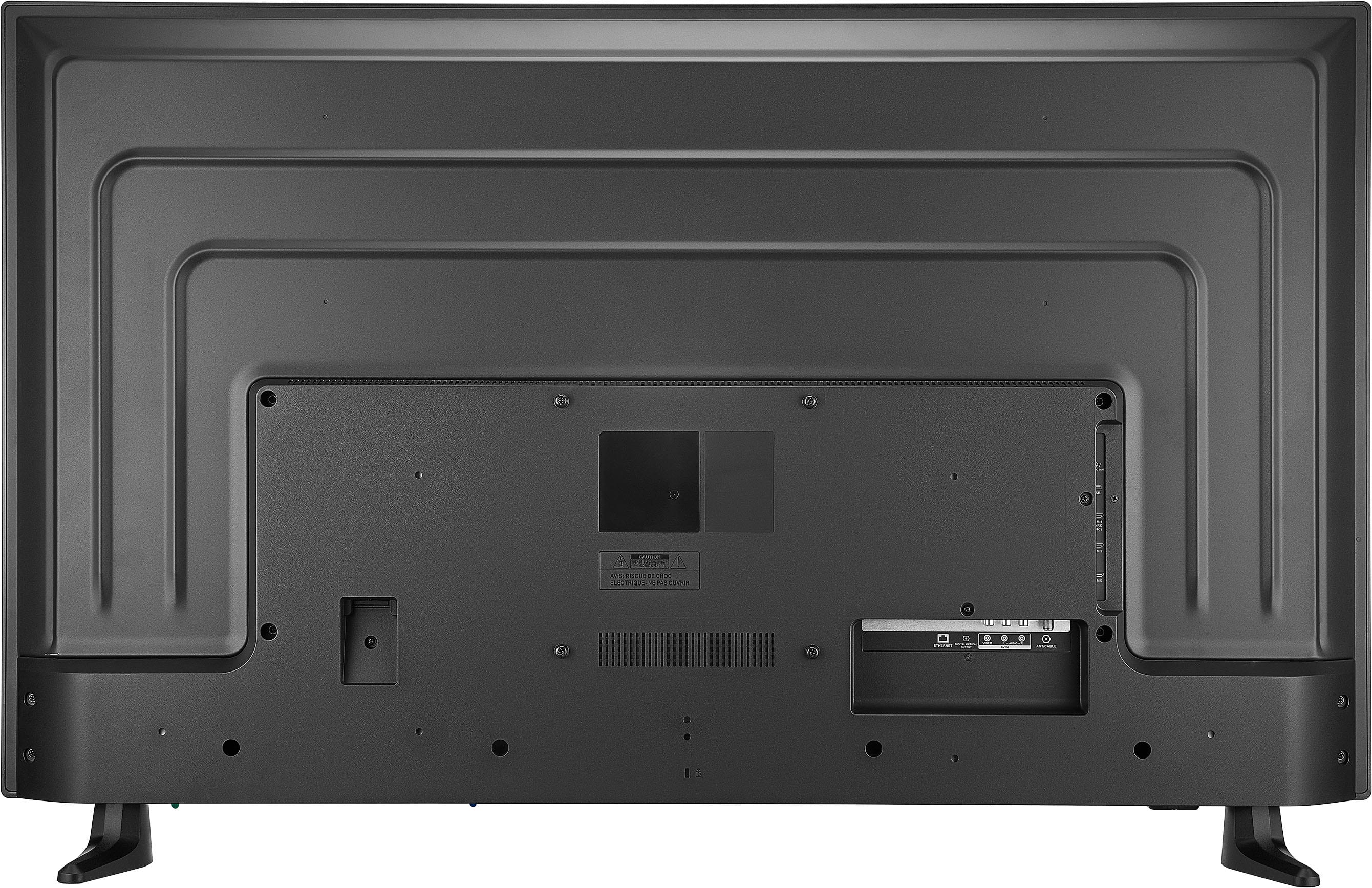
2. Remove all connections from the back of the TV.
3. While everything is unplugged, press and hold the "POWER" button on your TV for 60 seconds.
4. Plug all connections at the back of your TV making sure all of them are properly connected.
5. Plug the set to the power outlet, if possible, try to connect to a different power outlet or a surge protector.
6. Turn it on and test it.
If this does not fix the issue, please proceed to the hard factory reset steps. Take note: during a factory reset, all password-related services will be disconnected as well. This includes parental control pins as well as Wi-Fi passwords.
1. Turn Off your TV, then unplug the TV from the power source.
2. Locate and hold the power button on the actual TV, not on the remote.
4. While holding the power button down plug your TV back in.
5. Once you see any picture on screen like the logo or the backlight lighting up, immediately release the button.
6. The TV is going to show you the "restart" menu, where you're going to use the power button to change options, by clicking on this button you'll scroll down one option and by holding it for just 3 seconds and 3 seconds only you're going to make the selection.
7. Scroll down to "Wipe data/Factory reset" and select that option.
8. Then select "Yes" when the TV asks you if you're sure to do it.
9. The TV then will restart, and you will need to perform set it up steps again.
If you have any questions or concerns, please use the link below to reach us and also you can contact this phone number 877-467-4289 for further assistance.
Insignia Products
Nikki
https://www.bestbuy.com/site/insignia-50-class-f30-series-led-4k-uhd-smart-fire-tv/6525240.p?skuId=6525240
A:AnswerHi there,
No, it does not work.
Insignia Products
Shella
For more information about your product visit:
https://www.bestbuy.com/site/brands/best-buy-brands/pcmcat1596746025285.c?id=pcmcat1596746025285