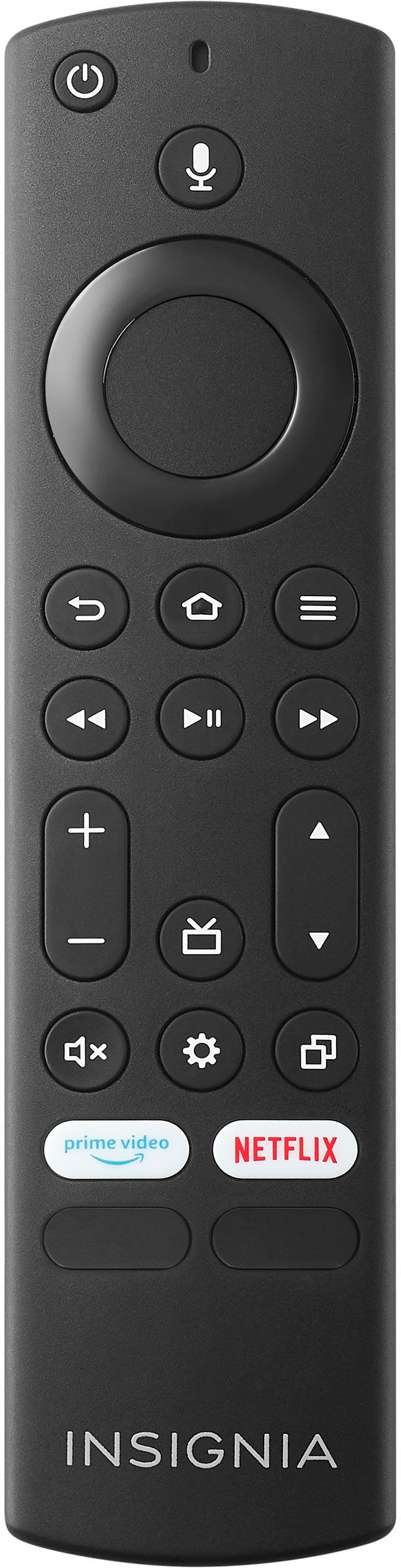
A:AnswerInsignia™ - Fire TV Replacement Remote for Insignia-Toshiba-Pioneer - Black --Ed | Insignia Support |
https://www.bestbuy.com/site/brands/best-buy-brands/pcmcat1596746025285.c?id=pcmcat1596746025285
A:AnswerHi Jmac,
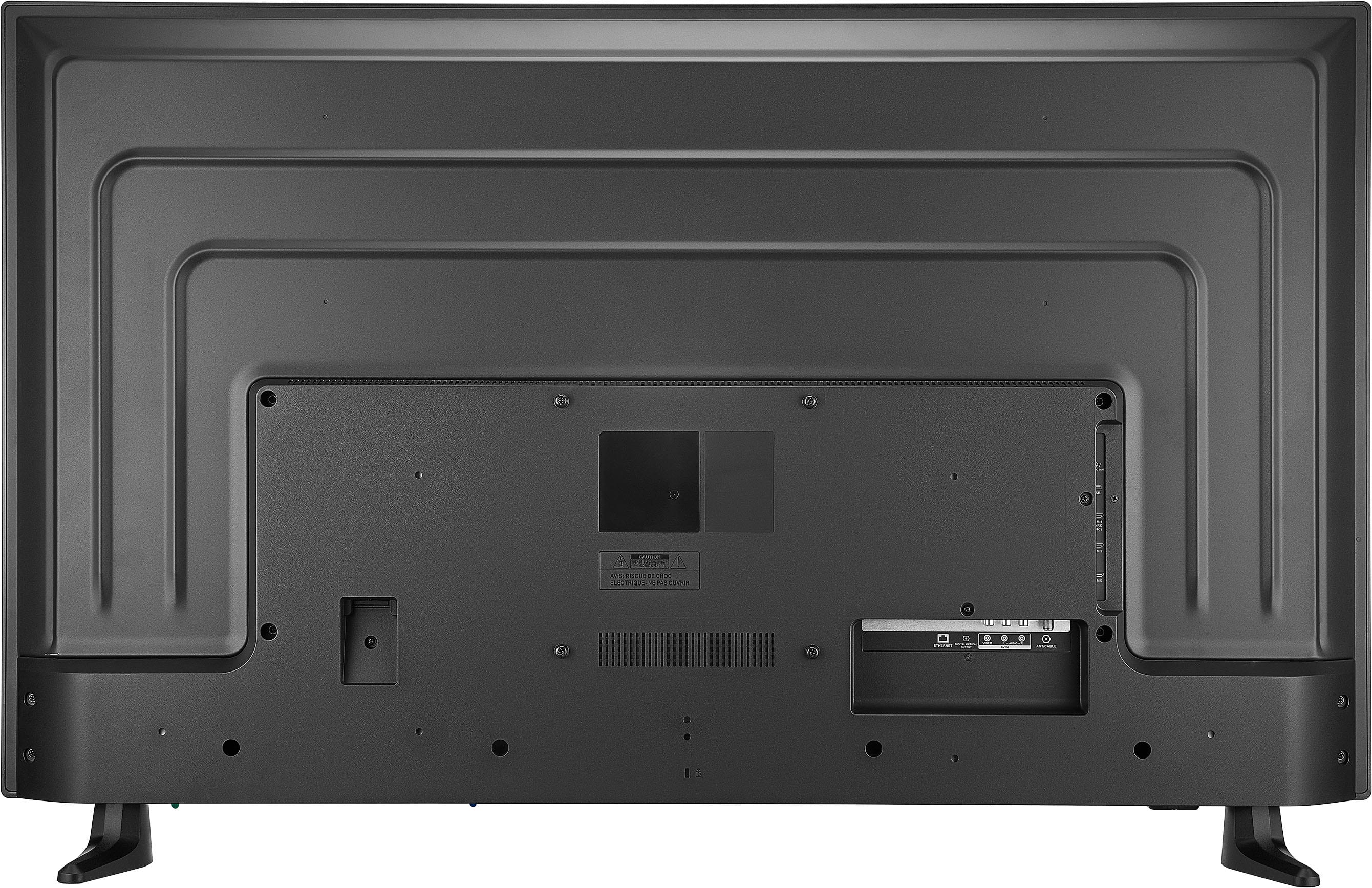
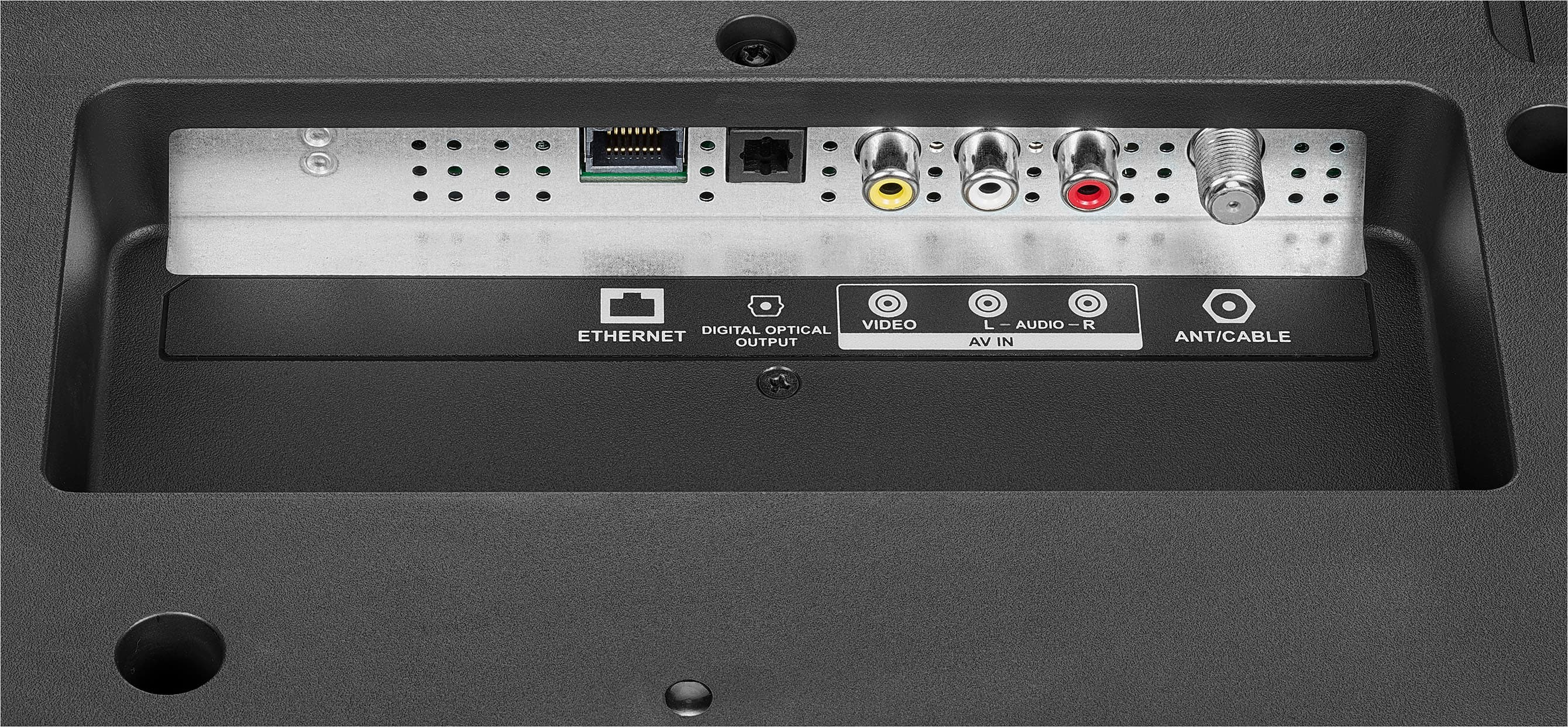
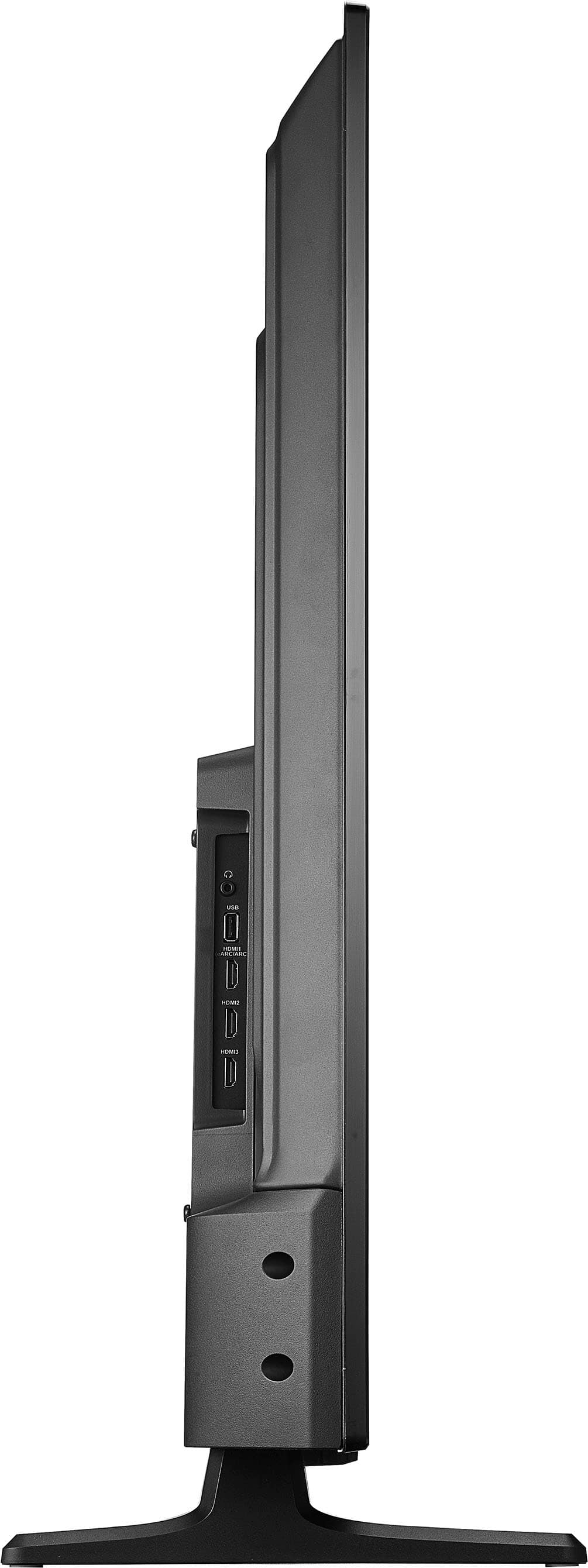
No, You must connect an HDMI cable (not provided) to one of the HDMI jacks on your TV and to the HDMI out jack on the computer.
Insignia Support
Irene
www.insigniaproducts.com/support
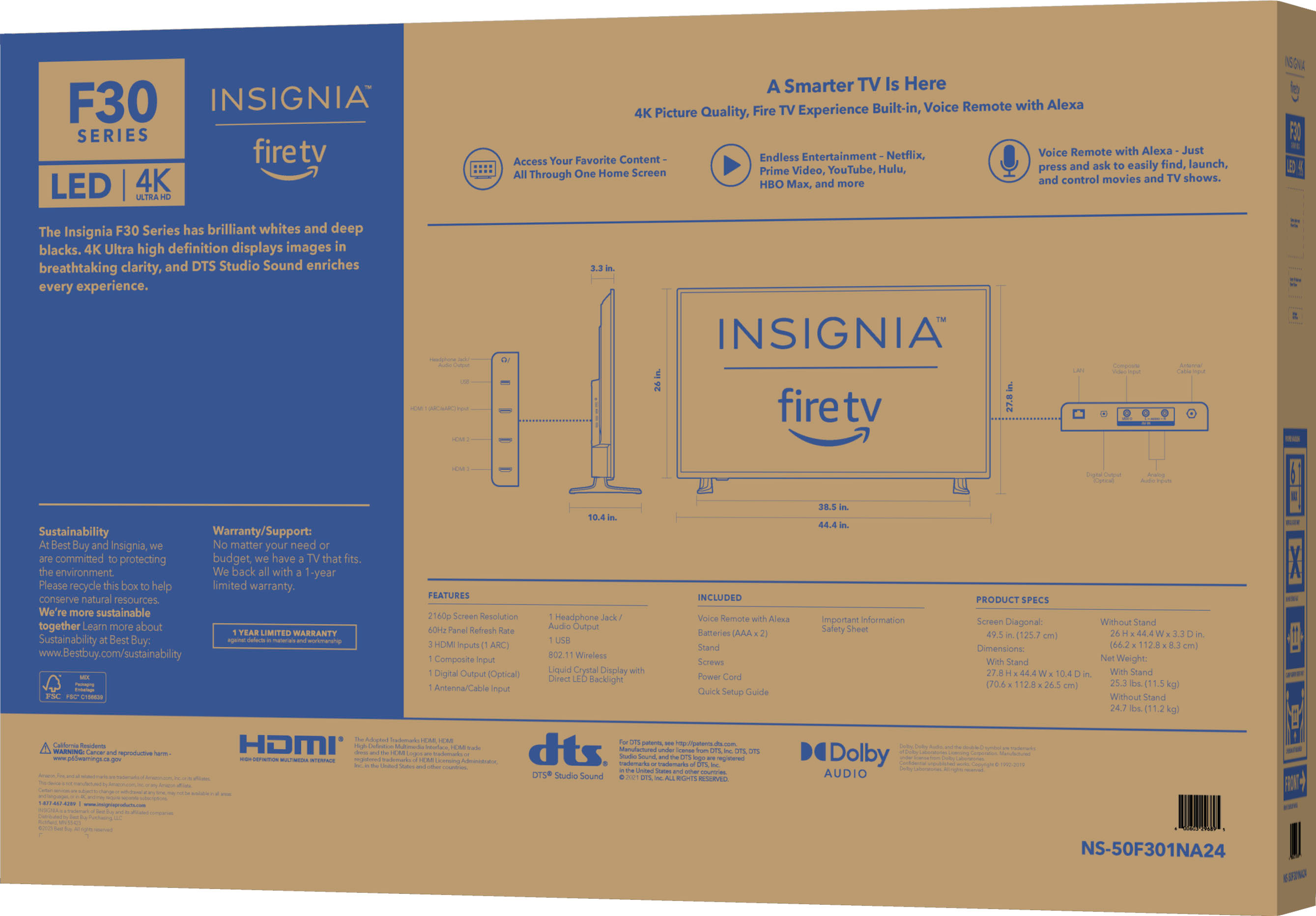
A:AnswerDoes. Your DVD player have an HDMI cord? There are 3 HDMI inputs on the TV plug it in and on the home screen, go to inputs and the corresponding HDMI slot number, 1-3
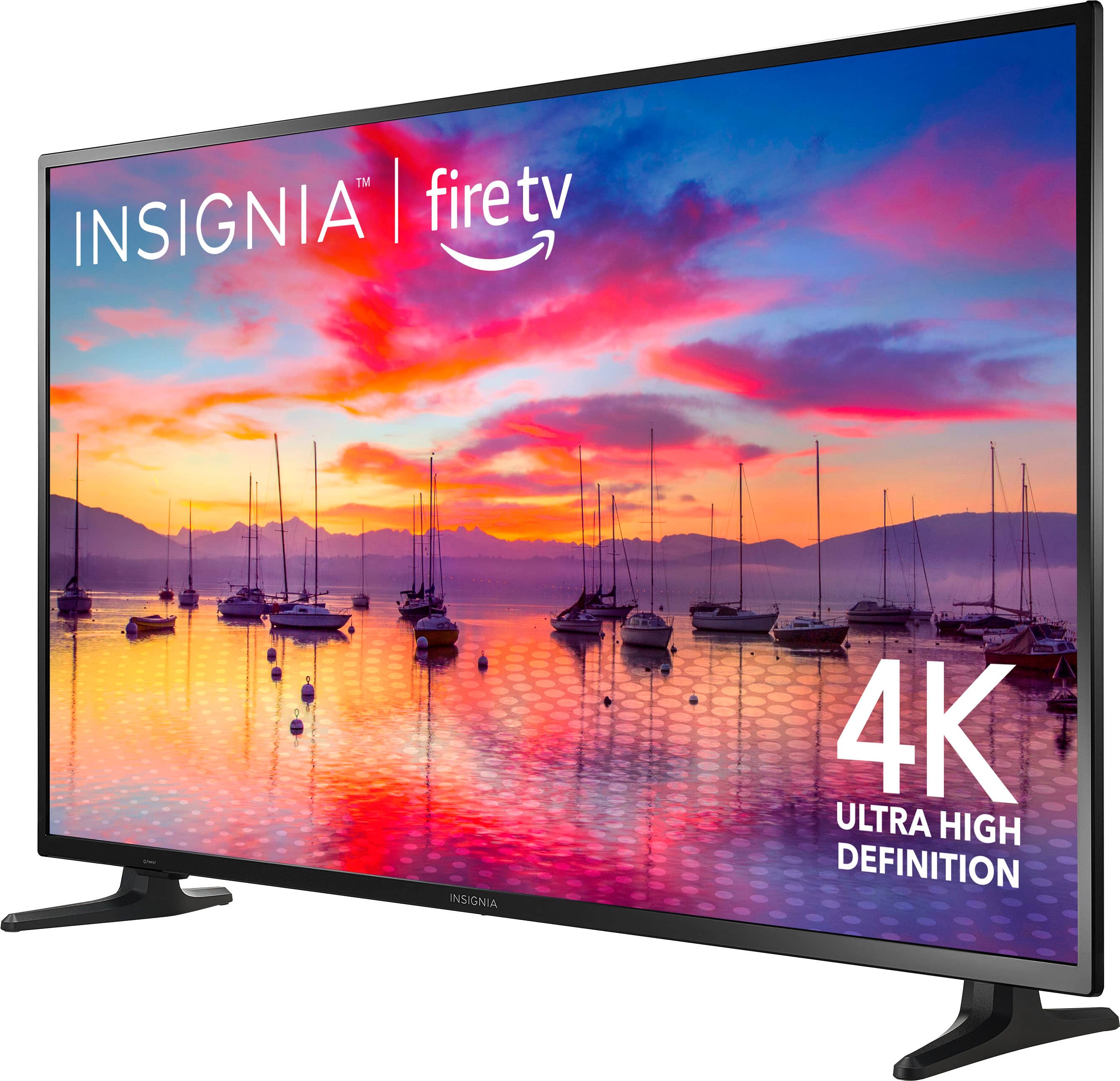
A:AnswerThank you for your inquiry! To have your Insignia™ 50" Class F30 Series LED 4K UHD Smart Fire TV automatically go to the HDMI1 input when you turn it on, you can follow a few steps. First, turn on your TV using the remote. Navigate to the settings menu by pressing the "Home" button on your remote, scrolling to "Settings," and selecting it. Next, go to "Display & Sounds" within the settings menu and find the "Power On" option. In the "Power On" menu, select "Last Input," which tells the TV to remember the last input source used before it was turned off and to switch to that input automatically when the TV is turned on. After setting this, manually switch to the HDMI1 input by pressing the "Input" or "Source" button on your remote and selecting HDMI1 from the list of input sources. Finally, turn off your TV and then turn it back on to ensure it automatically switches to HDMI1. If your TV does not have a "Power On" option to select "Last Input," it may default to the Fire TV home screen. In this case, you can use a workaround with a programmable universal remote or a smart home automation system that can send the command to switch to HDMI1 automatically when the TV is powered on. Keith | Insignia Support https://www.bestbuy.com/site/insignia-50-class-f30-series-led-4k-uhd-smart-fire-tv/6525240.p?skuId=6525240
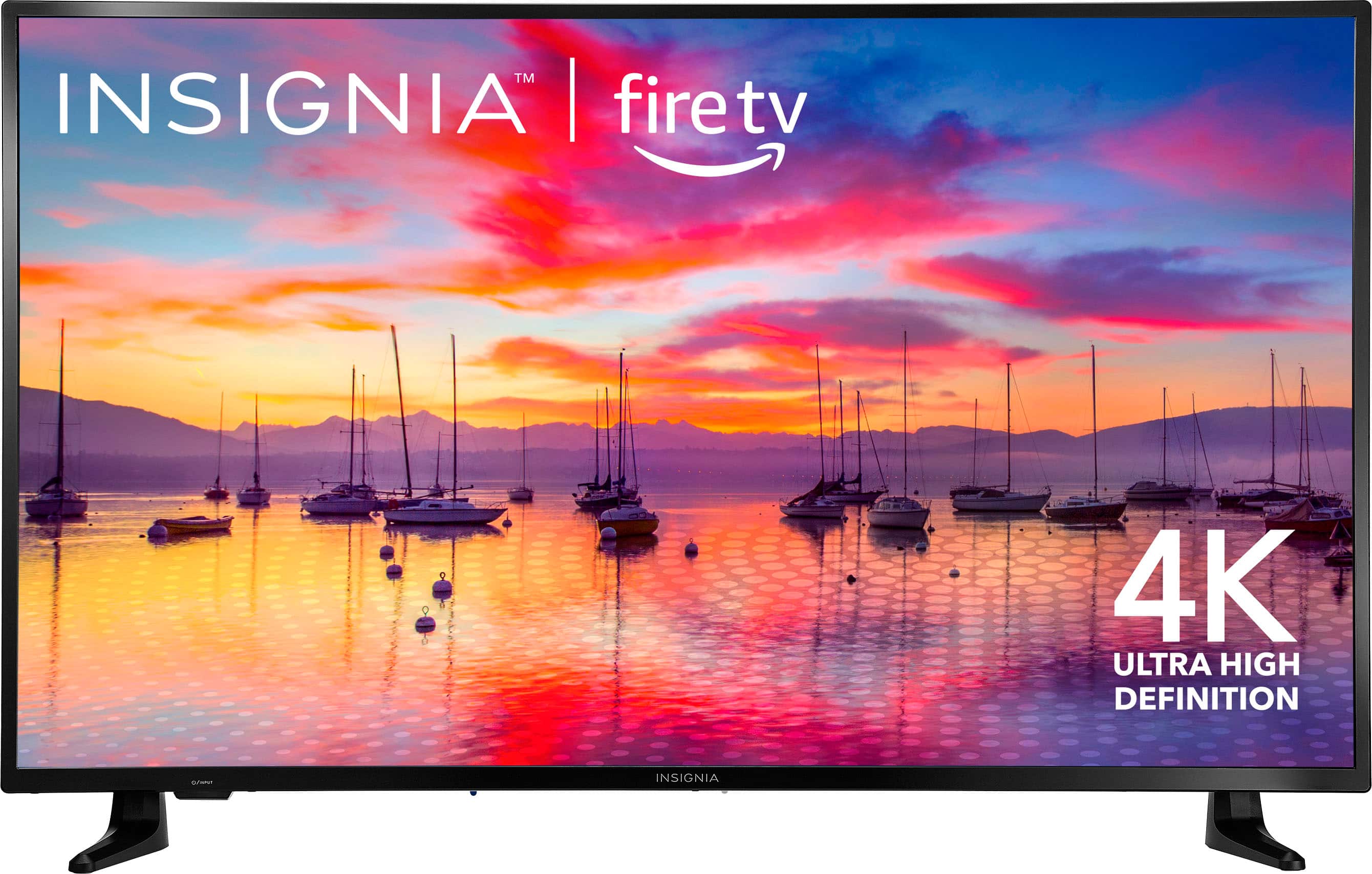
A:AnswerThank you for your Inquiry! The viewing angle of the Insignia™ 50" Class F30 Series LED 4K UHD Smart Fire TV is typically around 178 degrees. This means that you can enjoy clear and consistent picture quality from various positions in the room, whether you're sitting directly in front of the TV or viewing it from the side. Keith | Insignia Support https://www.bestbuy.com/site/insignia-50-class-f30-series-led-4k-uhd-smart-fire-tv/6525240.p?skuId=6525240
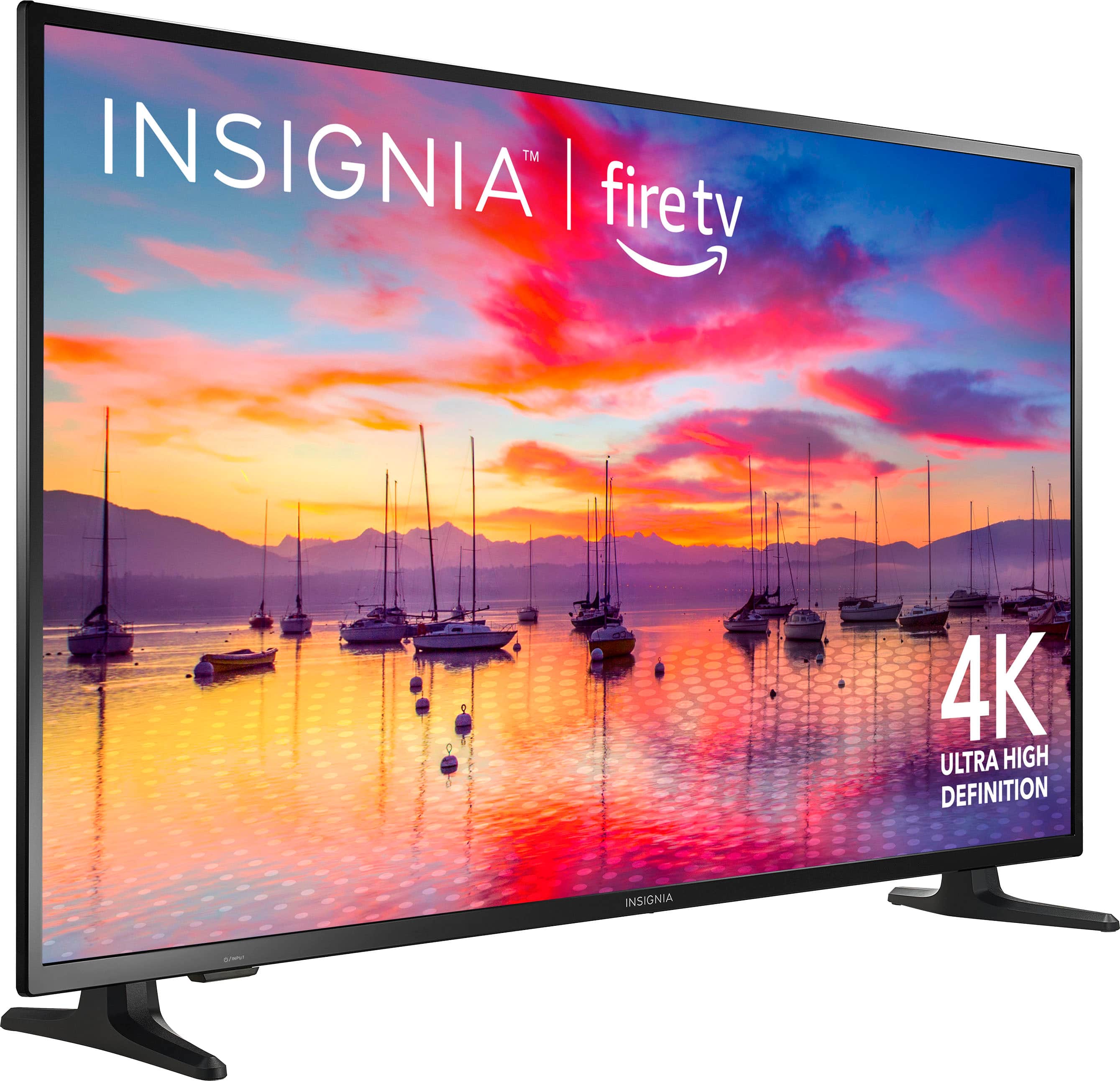
A:AnswerHi, MelS! We appreciate this inquiry. As of now, the Insignia™ - 50" Class F30 Series LED 4K UHD Smart Fire TV's USB mode only supports JPEG format images (with ".jpg" file extensions), and not all JPEG files are compatible with the TV. You may check more product information by visiting the link below. Dalainne | Insignia Support. https://www.bestbuy.com/site/insignia-50-class-f30-series-led-4k-uhd-smart-fire-tv/6525240.p?skuId=6525240