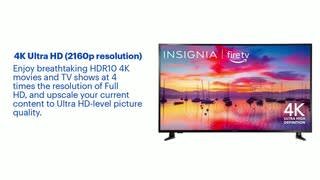
A:AnswerHi, you may use the comparison option to compare the features between the F30 and the F50. If you have further questions, feel free to ask. Patricia | Insignia Support https://www.bestbuy.com/site/insignia-55-class-f30-series-led-4k-uhd-smart-fire-tv/6562188.p?skuId=6562188
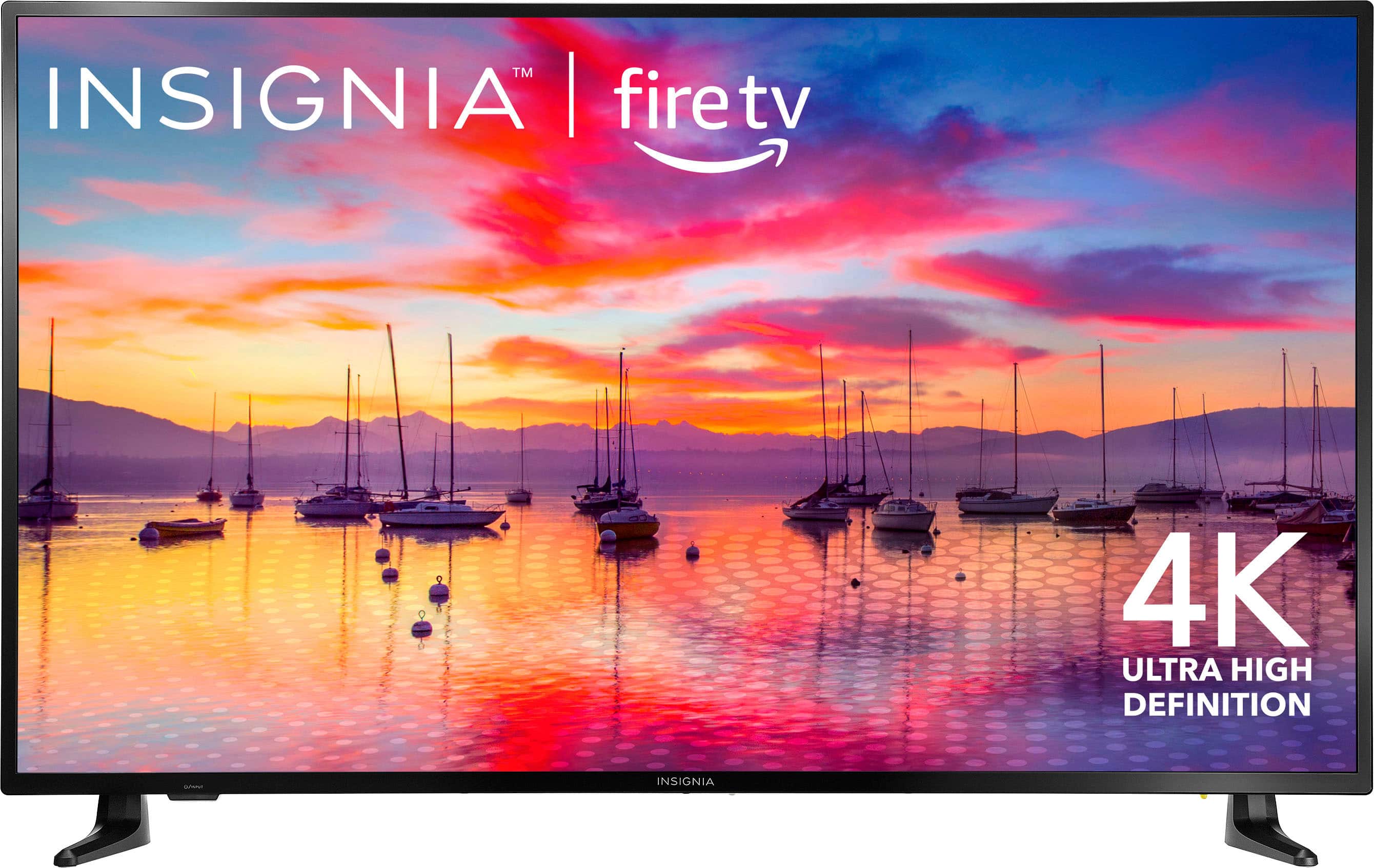
A:AnswerHi there, thank you for reaching out! I’d like to confirm that Insignia™ TVs, including the 55" Class F30 Series LED 4K UHD Smart Fire TV, are manufactured by Best Buy. Best Buy owns the Insignia brand and provides a variety of electronics and appliances under this label.
- Shiela | Insignia Support
A:AnswerI followed these instructions and set to last input, but the last input is always the home page since you have to go to home page to access the settings.
A:AnswerHello! Thank you for reaching out. I'm sorry to hear that you're experiencing issues with your TV. Please try performing a software restart by going to "Settings" > "Device and Software" > "Restart."
I hope this helps resolve your issue. If you need further assistance, please feel free to reach out again! - Carl | Insignia Support
A:AnswerHi Bill! The Insignia™ - 55" Class F30 Series LED 4K UHD Smart Fire TV comes with 8 GB of internal storage. This storage is used for apps and system data, which is typical for smart TVs in this range. For more product information, please check the link below. |Angelica| Insignia Products|
A:AnswerYes, the Insignia™ 55" Class F30 Series LED 4K UHD Smart Fire TV can broadcast DISH satellite stations. You can connect your DISH receiver to the TV using an HDMI cable. Once connected, you can use the TV’s input settings to switch to the HDMI port where your DISH receiver is connected.
If you have any questions or need further assistance, please don't hesitate to reach out. Thank you for choosing Insignia! - Emman | Insignia Support | https://www.bestbuy.com/site/brands/best-buy-brands/pcmcat1596746025285.c?id=pcmcat1596746025285
A:AnswerLet’s try to fix that! Here are a few steps you can follow to adjust the picture size on your Insignia™ 55" Class F30 Series LED 4K UHD Smart Fire TV:
1. Open Quick Settings: Press and hold the Home button on your remote until the Quick Settings menu opens.
2. Adjust Picture Size: Navigate to Display > Picture Size. Change the setting to fit your screen.
3. Disable Auto Aspect: If the Picture Size option is grayed out, go to Settings > Display & Sounds > Picture Size and turn off the Auto Aspect setting.
If you have any questions or need further assistance, please don't hesitate to reach out. Thank you for choosing Insignia! - Emman | Insignia Support | https://www.bestbuy.com/site/brands/best-buy-brands/pcmcat1596746025285.c?id=pcmcat1596746025285
A:AnswerHi Norm! Yes, you can do that. To enable closed captions on the Insignia™ - 55" Class F30 Series LED 4K UHD Smart Fire TV, especially when the TV is muted, you can usually do so through the TV’s settings menu. For more product information, please check the link below. |Angelica| Insignia Support| https://www.bestbuy.com/site/insignia-55-class-f30-series-led-4k-uhd-smart-fire-tv/6562188.p?skuId=6562188
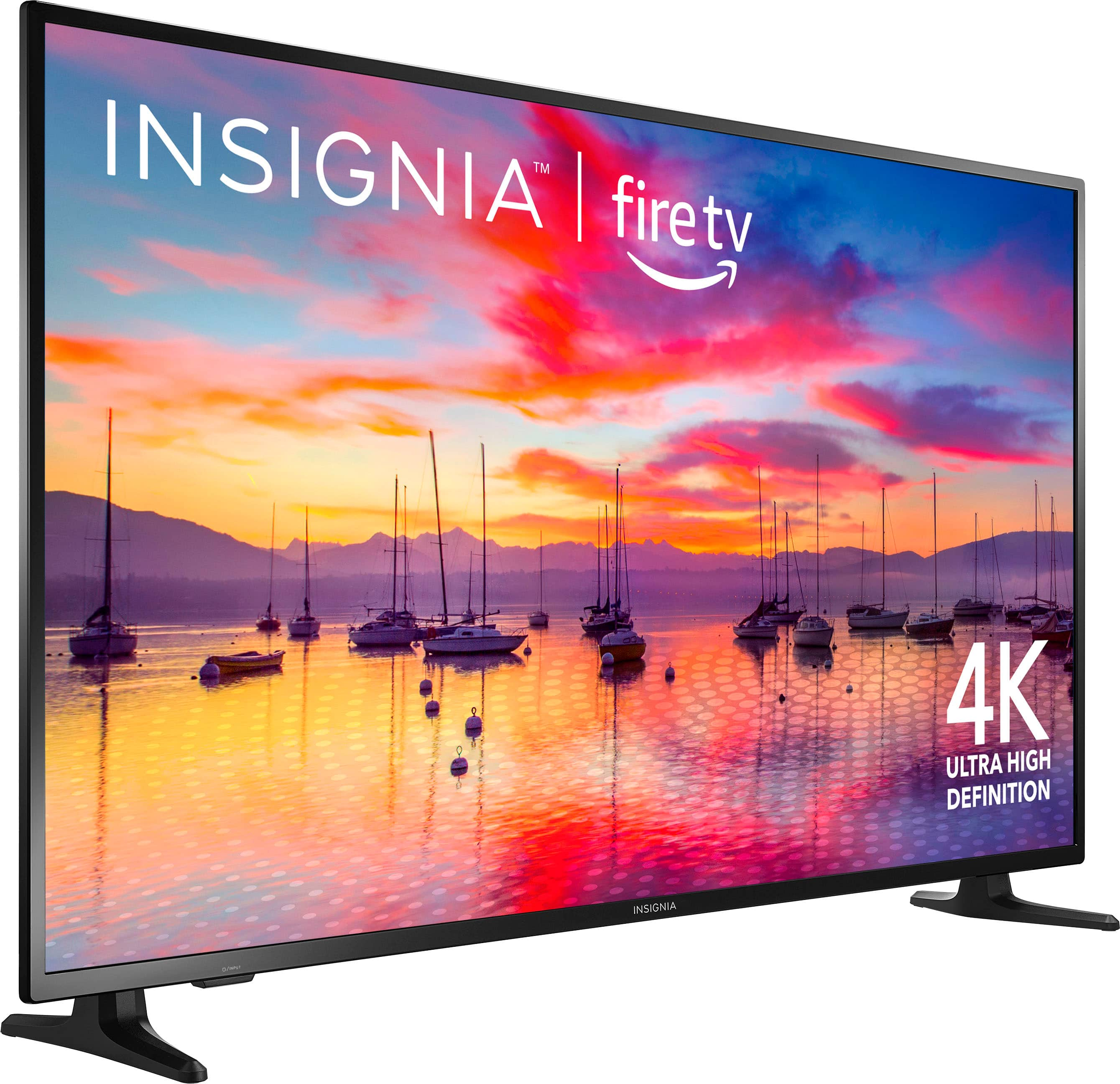
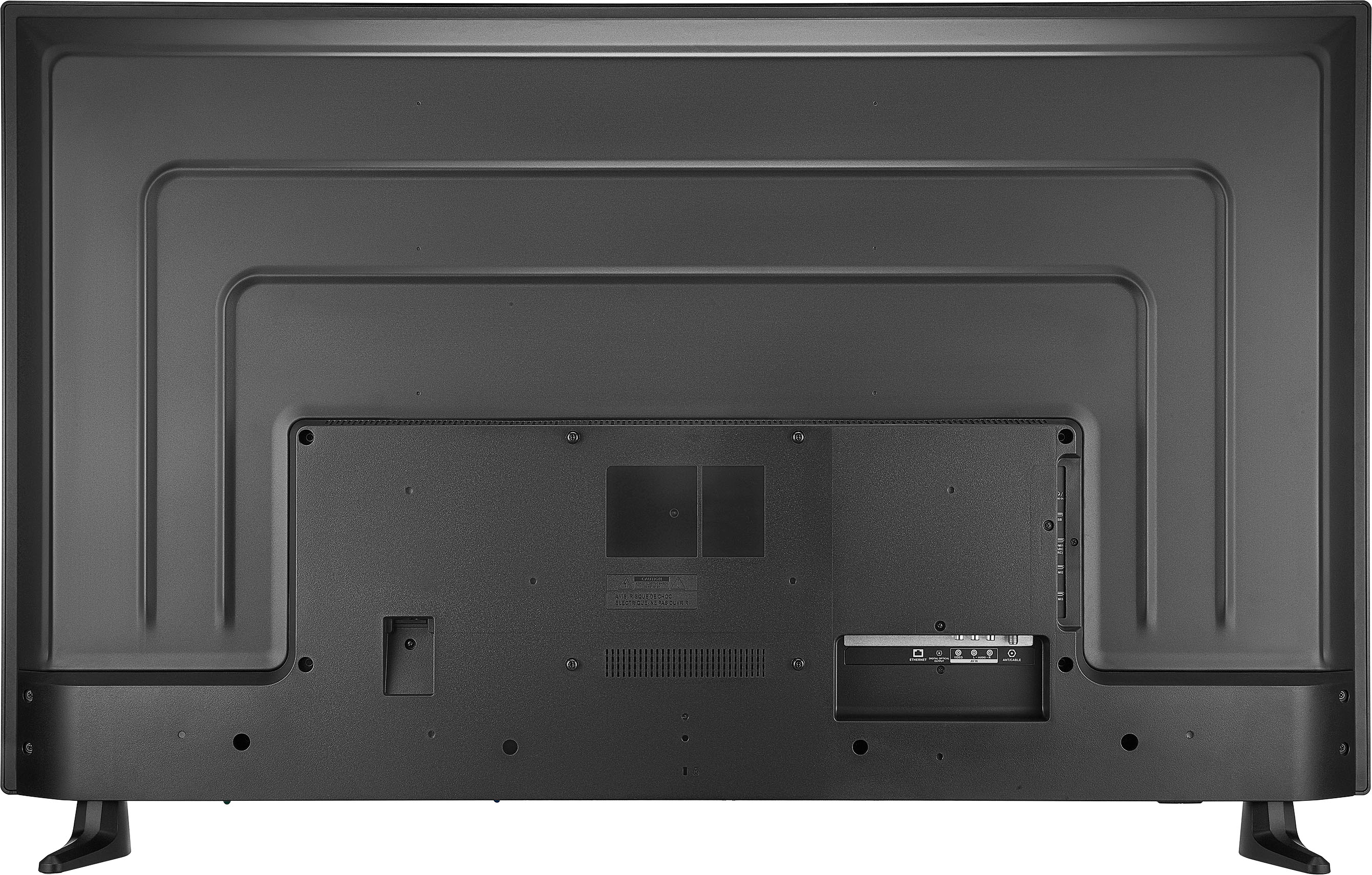
A:AnswerHi there! Thank you for reaching out. Our Insignia TVs are VESA Wall Mount compatible. You can use a wall mount with a VESA Wall Mount Pattern of 300mm x 200mm. I hope this answers your question. If you have further questions, feel free to reach out. - Carl | Insignia Support
A:AnswerThere are mounting screws, but they were smaller than the ones on my previous TV. You may need washers depending on your wall bracket. Also the mounting holes were lower on this TV than my previous one, so a new position on the bracket needed to be found.
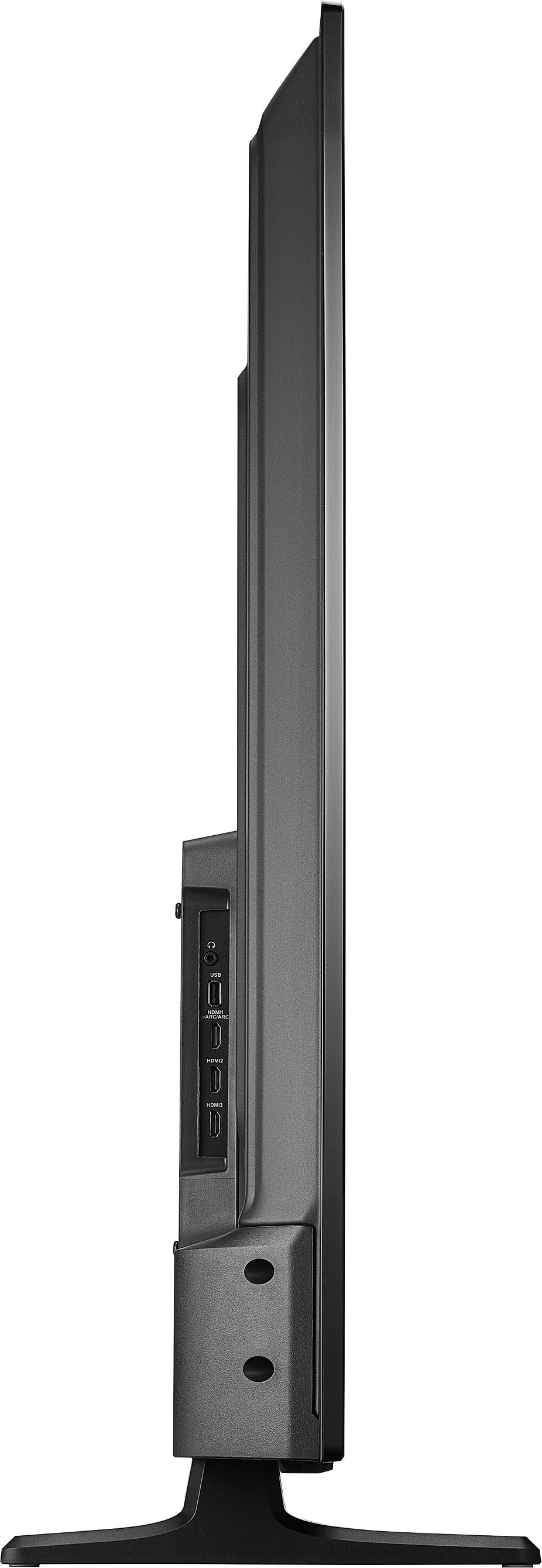
A:AnswerHi There, I'm sorry, but this Insignia™ - 55" Class F30 Series LED 4K UHD Smart Fire TV doesn't come with HDMI 2.1 port for more detailed information, you can visit bestbuy.com, search for your product model and select full specs. Jeth | Insignia™ Support. https://www.bestbuy.com/site/insignia-55-class-f30-series-led-4k-uhd-smart-fire-tv/6562188.p?skuId=6562188
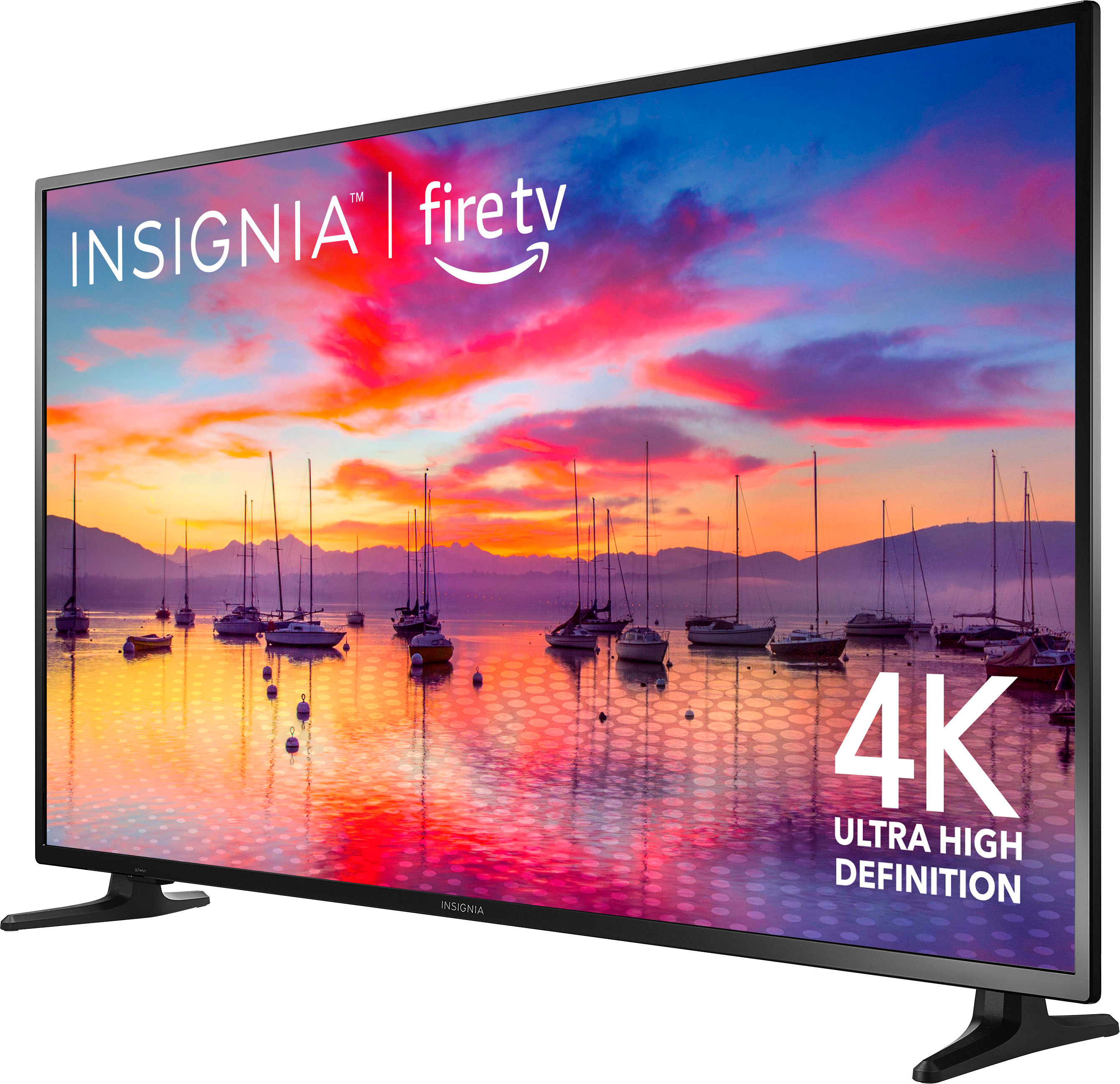
A:AnswerHi Rave808, thank you for your inquiry. The size of this Insignia™ - 55" Class F30 Series LED 4K UHD Smart Fire TV for VESA mounting pattern is 200 x 200 mm. For screws type M6, 16mm to 24mm length depending on the wall mount. If you have further questions, feel free to reach out to us. Patricia | Insignia Support https://www.bestbuy.com/site/brands/best-buy-brands/pcmcat1596746025285.c?id=pcmcat1596746025285