Questions & Answers
- Model:
- NS-55F301NA25
- |
- SKU:
- 6562188
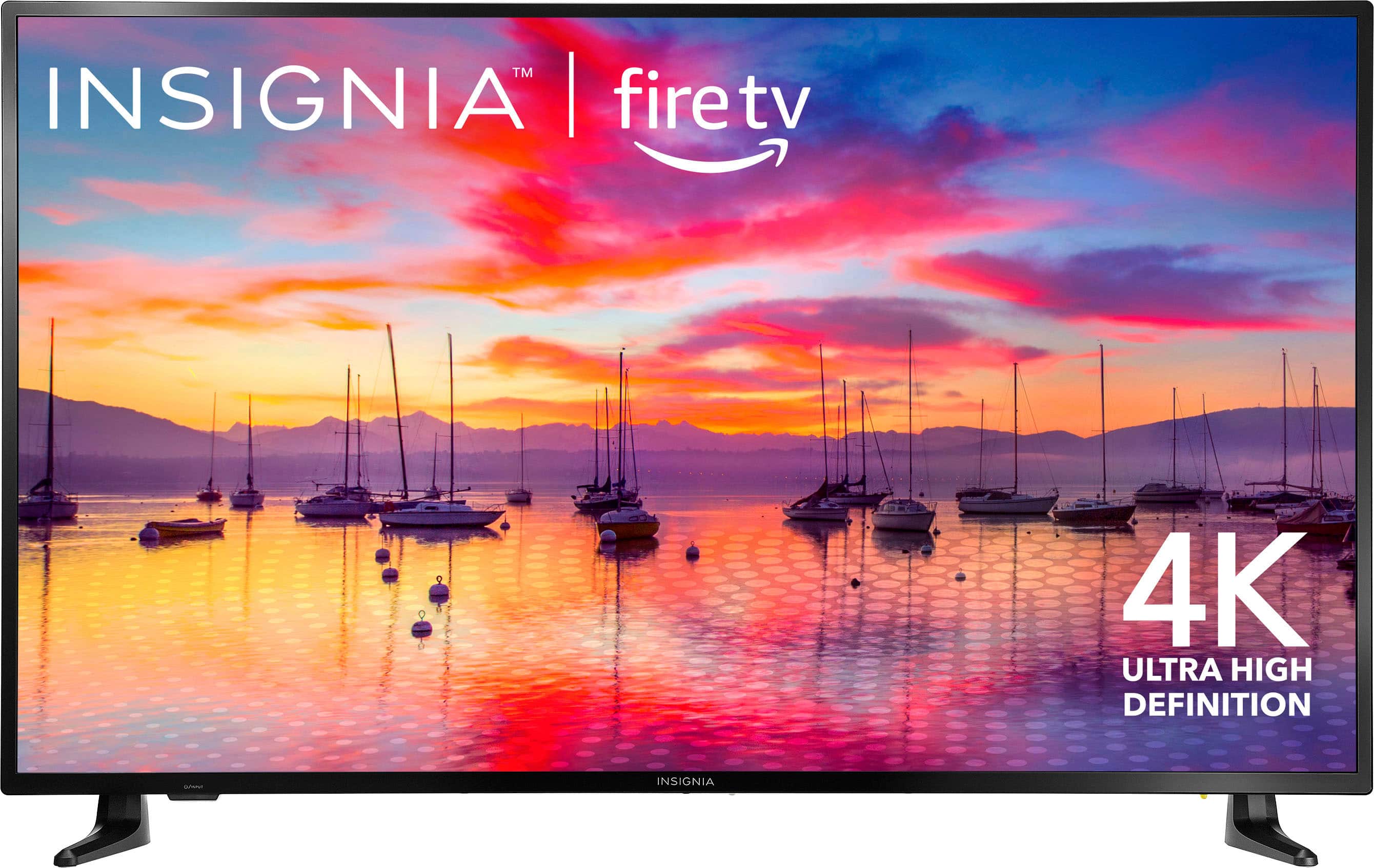
Q: QuestionWhen I turn on my insignia 55"tv it will not get past the fire tv screen. It sits there and thinks. I have tried unplugging and doing a reset but it still stalls out. I have tried many times. Any suggestions??
Asked by Firetv.
- A:Answer I'm sorry to hear you're still having trouble with your Insignia TV. Here are a few additional steps you can try: 1. Power Cycle: Unplug the TV from the power outlet, wait for about 60 seconds, and then plug it back in. This can sometimes clear minor glitches. 2. Factory Reset: - Without Remote: Unplug the TV, press and hold the power button on the TV itself, plug it back in while still holding the power button until the TV turns on and you see the recovery menu. Use the power button to navigate to "Wipe data/factory reset" and confirm. - With Remote: If you have the remote, you can try pressing and holding the "Back" and "Right" buttons on the remote simultaneously for about 10 seconds until the reset screen appears. If you have any questions or need further assistance, please don't hesitate to reach out. Thank you for choosing Insignia! - Emman | Insignia Support | https://www.bestbuy.com/site/brands/best-buy-brands/pcmcat1596746025285.c?id=pcmcat1596746025285
Answered by InsigniaCustomerSupport

Q: QuestionHow much does this 55 in insignia weigh??
Asked by GP.
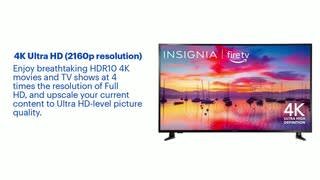
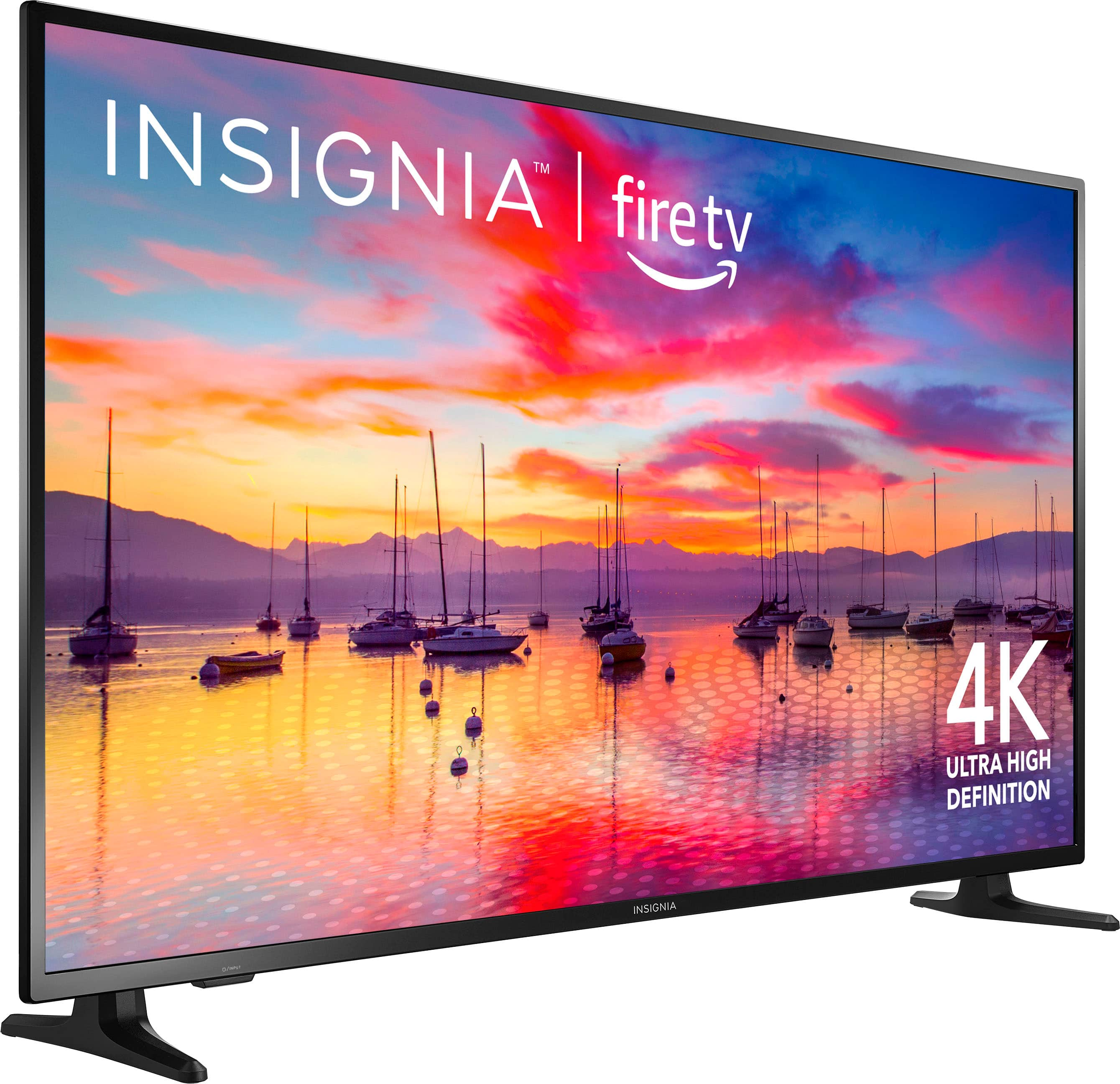
- A:Answer The Insignia™ 55” Class F30 Series LED 4K UHD Smart Fire TV weighs 30 pounds with the stand and 29.3 pounds without the stand. Patricia | Insignia Support https://www.bestbuy.com/site/insignia-55-class-f30-series-led-4k-uhd-smart-fire-tv/6562188.p?skuId=6562188
Answered by InsigniaCustomerSupport

Q: QuestionIs this tv capable of 120 fps
Asked by Anonymous.
- A:Answer The Insignia™ 55" Class F30 Series LED 4K UHD Smart Fire TV is not capable of 120 frames per second (fps). It has a refresh rate of 60Hz, which means it can display up to 60 fps This makes it suitable for most streaming and casual viewing needs, but it might not be ideal for high-performance gaming that requires 120 fps. If you have any questions or need further assistance, please don't hesitate to reach out. Thank you for choosing Insignia! - Emman | Insignia Support | https://www.bestbuy.com/site/brands/best-buy-brands/pcmcat1596746025285.c?id=pcmcat1596746025285
Answered by InsigniaCustomerSupport

Q: QuestionHow do I set tv not to turn on by itself?
Asked by Alida.
- A:Answer To prevent your Insignia™ 55" Class F30 Series LED 4K UHD Smart Fire TV from turning on by itself, you can try the following steps: 1. **Disable HDMI-CEC: Sometimes, connected devices can turn on your TV through HDMI-CEC (Consumer Electronics Control). To disable this: - Go to Settings. - Select Display & Sounds. - Choose HDMI CEC Device Control and turn it off. 2. Check for Scheduled Tasks: Ensure there are no scheduled tasks set to turn on the TV. - Go to Settings. - Select Preferences. - Choose Clock/Timers and check for any scheduled tasks. 3. Update Firmware: Make sure your TV's firmware is up to date, as updates can fix bugs that might cause the TV to turn on unexpectedly. - Go to Settings. - Select Device & Software. - Choose About and then Check for System Update. 4. Power Cycle: Sometimes, a simple power cycle can resolve the issue. - Unplug the TV from the power outlet. - Wait for about 60 seconds. - Plug it back in and turn it on. If you have any questions or need further assistance, please don't hesitate to reach out. Thank you for choosing Insignia! - Emman | Insignia Support | https://www.bestbuy.com/site/brands/best-buy-brands/pcmcat1596746025285.c?id=pcmcat1596746025285
Answered by InsigniaCustomerSupport

Q: Questionwhat is the total size top to bottom and side to side ??
Asked by Flattop1913.
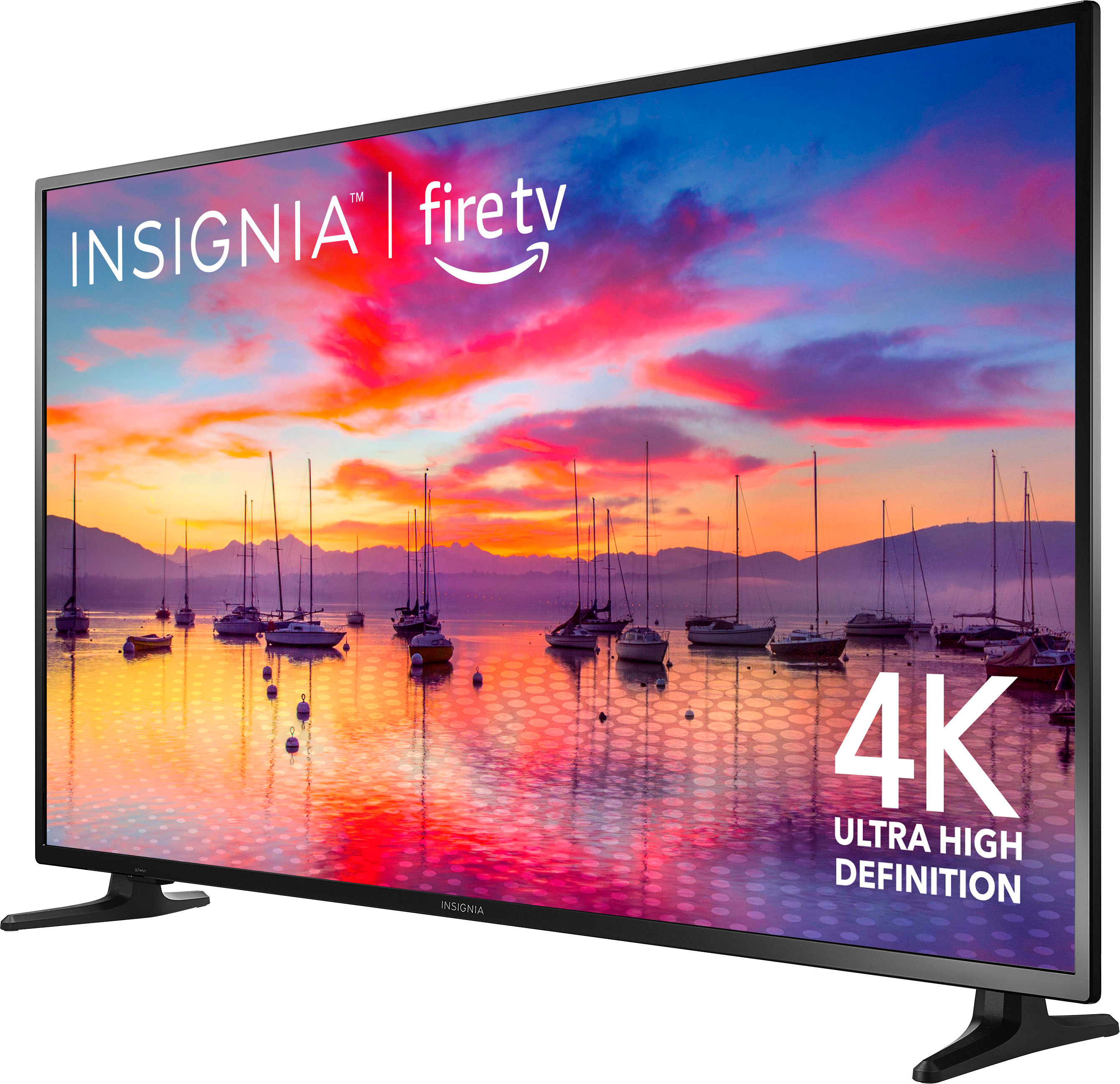
- A:Answer The dimensions of this television are as follows: the width is 48.9 inches, the height is 28.6 inches, and the height with the stand is 30.5 inches. Lastly, the stand width is 43.43 inches. Patricia | Insignia Support https://www.bestbuy.com/site/insignia-55-class-f30-series-led-4k-uhd-smart-fire-tv/6562188.p?skuId=6562188
Answered by InsigniaCustomerSupport

Q: QuestionIs this tv Roku compatible?
Asked by Cai.
- A:Answer The Insignia™ 55" Class F30 Series LED 4K UHD Smart Fire TV comes with built-in Fire TV, which provides access to a wide range of streaming services. While it doesn’t have Roku built-in, you can still use a Roku device by connecting it to one of the TV’s HDMI ports. Patricia | Insignia Support https://www.bestbuy.com/site/insignia-55-class-f30-series-led-4k-uhd-smart-fire-tv/6562188.p?skuId=6562188
Answered by InsigniaCustomerSupport

Q: QuestionDo you need an amzon fire stick to use this TV?
Asked by Intrigued.
- A:Answer No, it has access to all the apps needed already available without a firestick
Answered by JessR
Q: QuestionIs this tv fireOS can be upgraded?
Asked by Anonymous.
- A:Answer Hello! Thank you for reaching out. Yes, Fire OS can be upgraded whenever an update is available. I hope this information answers your question. If you have any further inquiries, please feel free to reach out. - Carl | Insignia Products
Answered by InsigniaCustomerSupport

Q: QuestionWhere can I download a manual for this TV ? the sales clerk started you could download from BestBuy but I cannot find it.
Asked by JB.
- A:Answer Hi JB, to download the user manual for the Insignia™ - 55" Class F30 Series LED 4K UHD Smart Fire TV, please visit this link: https://www.bestbuy.com/site/insignia-55-class-f30-series-led-4k-uhd-smart-fire-tv/6562188.p?skuId=6562188. Navigate to the Features section, then click on Manual and Guides, and finally, select User Manual to download it easily. Patricia | Insignia Support
Answered by InsigniaCustomerSupport

Q: QuestionIs there a built in firestick
Asked by Flea.
- A:Answer Thank you for your inquiry! Yes, the Insignia™ 55" Class F30 Series LED 4K UHD Smart Fire TV has Fire TV built-in. This means you can enjoy a wide range of streaming services such as Prime Video, Netflix, Disney+, and Hulu directly on the TV without needing an external Fire TV Stick. The TV also comes with an Alexa Voice Remote, allowing you to control your entertainment, search for content, and switch inputs using voice commands. This integration provides a seamless and convenient streaming experience right out of the box. Keith | Insignia Support
Answered by InsigniaCustomerSupport

Q: Questiondoes it have remote with alexa to select shows?
Asked by Anonymous.
- A:Answer Yes, the Insignia™ 55" Class F30 Series LED 4K UHD Smart Fire TV comes with an Alexa Voice Remote. This remote allows you to easily control your entertainment, search for shows, switch inputs, and more using just your voice. Patricia | Insignia Support https://www.bestbuy.com/site/insignia-55-class-f30-series-led-4k-uhd-smart-fire-tv/6562188.p?skuId=6562188
Answered by InsigniaCustomerSupport

Q: Questionmy Insignia F30 series TV powers on but the screen fades to black within 30 seconds. Please let me know what the issue might be. I have power cycled it.
Asked by RSR.
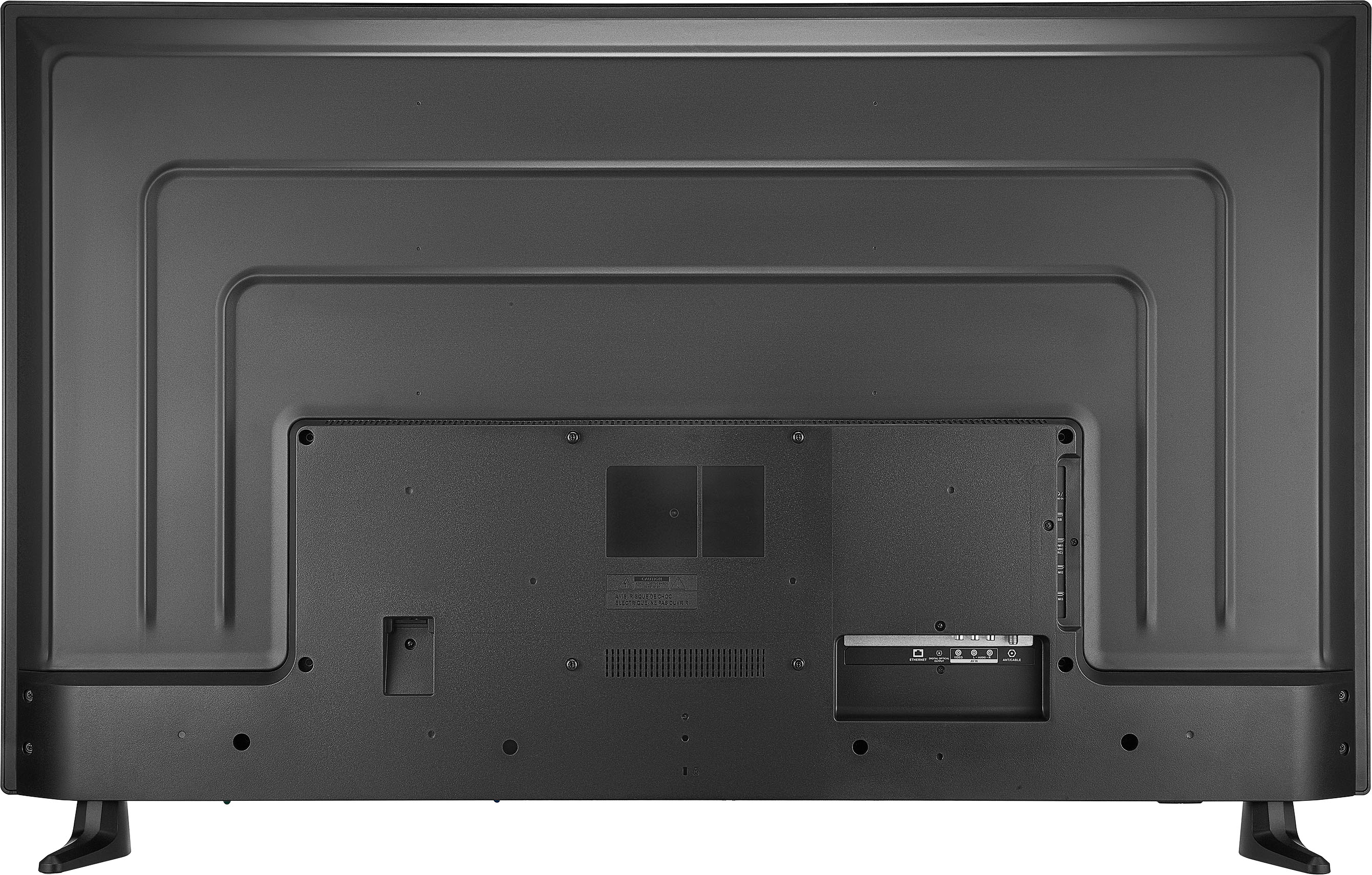
- A:Answer I'm sorry to hear you're having trouble with your Insignia F30 series TV. Here are a few steps you can try to troubleshoot the issue: 1. Check the Power Source: Ensure the TV is properly plugged in and the power outlet is functioning correctly). 2. Inspect Cables: Verify that all cables, including HDMI and power cables, are securely connected and not damaged. 3. Update Firmware: Sometimes, a software glitch can cause display issues. Check if there are any available firmware updates for your TV. 4. Factory Reset: If the issue persists, you might need to perform a factory reset. This can resolve software conflicts but will erase all your settings and downloaded content. If these steps don't resolve the problem, it might be a hardware issue, such as a faulty backlight or T-Con board, which would require professional repair. If you have any questions or need further assistance, please don't hesitate to reach out. Thank you for choosing Insignia! - Emman | Insignia Support | https://www.bestbuy.com/site/brands/best-buy-brands/pcmcat1596746025285.c?id=pcmcat1596746025285
Answered by InsigniaCustomerSupport

Q: QuestionDoes this TV support Google TV?
Asked by GoogleTV.
- A:Answer Thank you for your interest in the Insignia™ 55" Class F30 Series LED 4K UHD Smart Fire TV! This model comes with the Fire TV experience built-in, which includes access to a wide range of streaming services and apps. However, it does not support Google TV. If you have any other questions or need further assistance, feel free to ask! - Mae | Insignia Support | https://www.bestbuy.com/site/brands/best-buy-brands/pcmcat1596746025285.c?id=pcmcat1596746025285
Answered by InsigniaCustomerSupport

Q: QuestionWill I be able to connect back to my Directv genie if I purchase this tv?
Asked by Simple1.
- A:Answer Yes, you will be able to connect your DirecTV Genie to the Insignia™ 55" Class F30 Series LED 4K UHD Smart Fire TV. This TV has multiple HDMI ports, which are compatible with the DirecTV Genie. You can easily connect the Genie to one of these HDMI ports to enjoy your DirecTV service. Patricia | Insignia Support https://www.bestbuy.com/site/insignia-55-class-f30-series-led-4k-uhd-smart-fire-tv/6562188.p?skuId=6562188
Answered by InsigniaCustomerSupport

Q: QuestionCan I pause rewind with this tv, and is the remote easy to use
Asked by Trout.
- A:Answer Hi Trout! Yes, you can pause and rewind with the Insignia™ - 55" Class F30 Series LED 4K UHD Smart Fire TV. The remote control has dedicated buttons for these functions, making it convenient to manage your viewing experience. The remote is designed to be user-friendly, featuring Alexa voice control. You can easily search for content, switch inputs, and control your entertainment using voice commands. This makes it quite intuitive and easy to use. If you need further assistance, please feel free to ask. |Angelica| Insignia Products| https://www.bestbuy.com/site/insignia-55-class-f30-series-led-4k-uhd-smart-fire-tv/6562188.p?skuId=6562188
Answered by InsigniaCustomerSupport

Q: QuestionIs this TV mountable?
Asked by Anonymous.
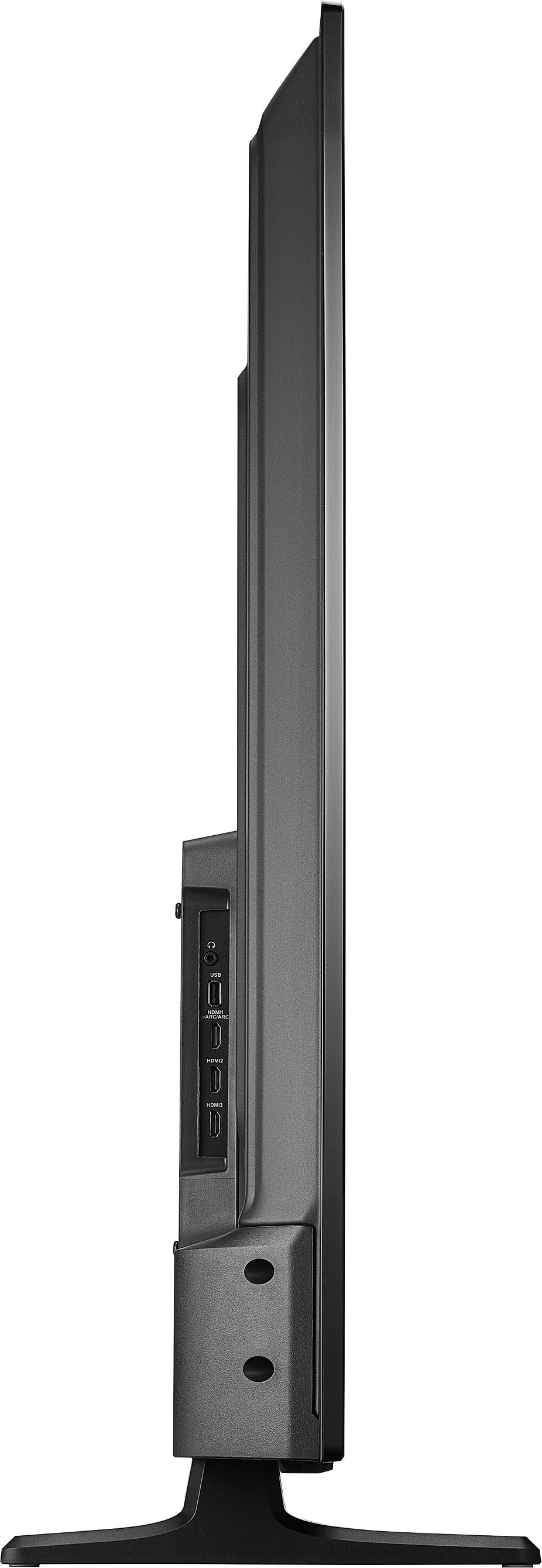
- A:Answer Yes, the Insignia™ - 55" Class F30 Series LED 4K UHD Smart Fire TV is mountable. It is compatible with the VESA pattern 200 × 200 for simple and safe wall mounting. If you have any questions or need further assistance, please don't hesitate to reach out. Thank you for choosing Insignia! - Emman | Insignia Support | https://www.bestbuy.com/site/brands/best-buy-brands/pcmcat1596746025285.c?id=pcmcat1596746025285
Answered by InsigniaCustomerSupport

Q: QuestionCan this TV be use to watch in the garage
Asked by BigB.
- A:Answer The Insignia™ - 55" Class F30 Series LED 4K UHD Smart Fire TV is designed for indoor use only. Using it in a garage could expose it to temperature fluctuations and moisture, which might damage the TV. If you need a TV for outdoor or semi-outdoor spaces, you might want to look for models specifically designed for those conditions. If you have any other questions or need further assistance, feel free to ask! Patricia | Insignia Support https://www.bestbuy.com/site/insignia-55-class-f30-series-led-4k-uhd-smart-fire-tv/6562188.p?skuId=6562188
Answered by InsigniaCustomerSupport

Q: QuestionCan you remap the buttons on the remote. I have YouTube TV but my remote has Direct.
Asked by Maggie.
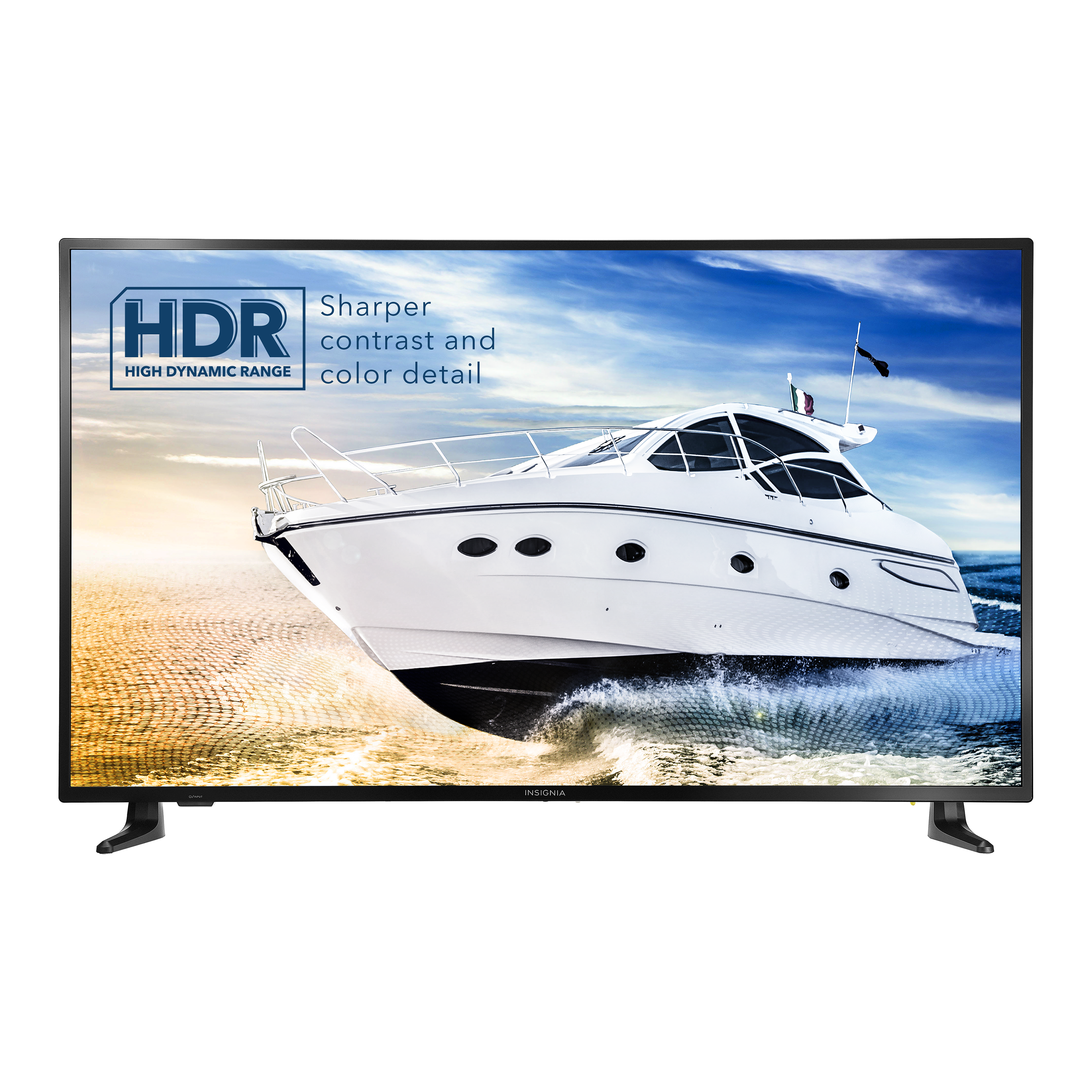
- A:Answer Unfortunately, the buttons on the Insignia™ - 55" Class F30 Series LED 4K UHD Smart Fire TV remote cannot be remapped. The pre-programmed buttons, such as those for specific streaming services like Direct, are fixed and cannot be changed to other services like YouTube TV. However, you can still access YouTube TV easily by using the voice control feature: 1. Voice Control: Press and hold the microphone button on your remote and say “Open YouTube TV.” 2. Home Screen: Navigate to the YouTube TV app from the home screen. If you have any questions or need further assistance, please don't hesitate to reach out. Thank you for choosing Insignia! - Emman | Insignia Support | https://www.bestbuy.com/site/brands/best-buy-brands/pcmcat1596746025285.c?id=pcmcat1596746025285
Answered by InsigniaCustomerSupport

Q: QuestionDoes this TV have web browser capabilities?
Asked by Mil.
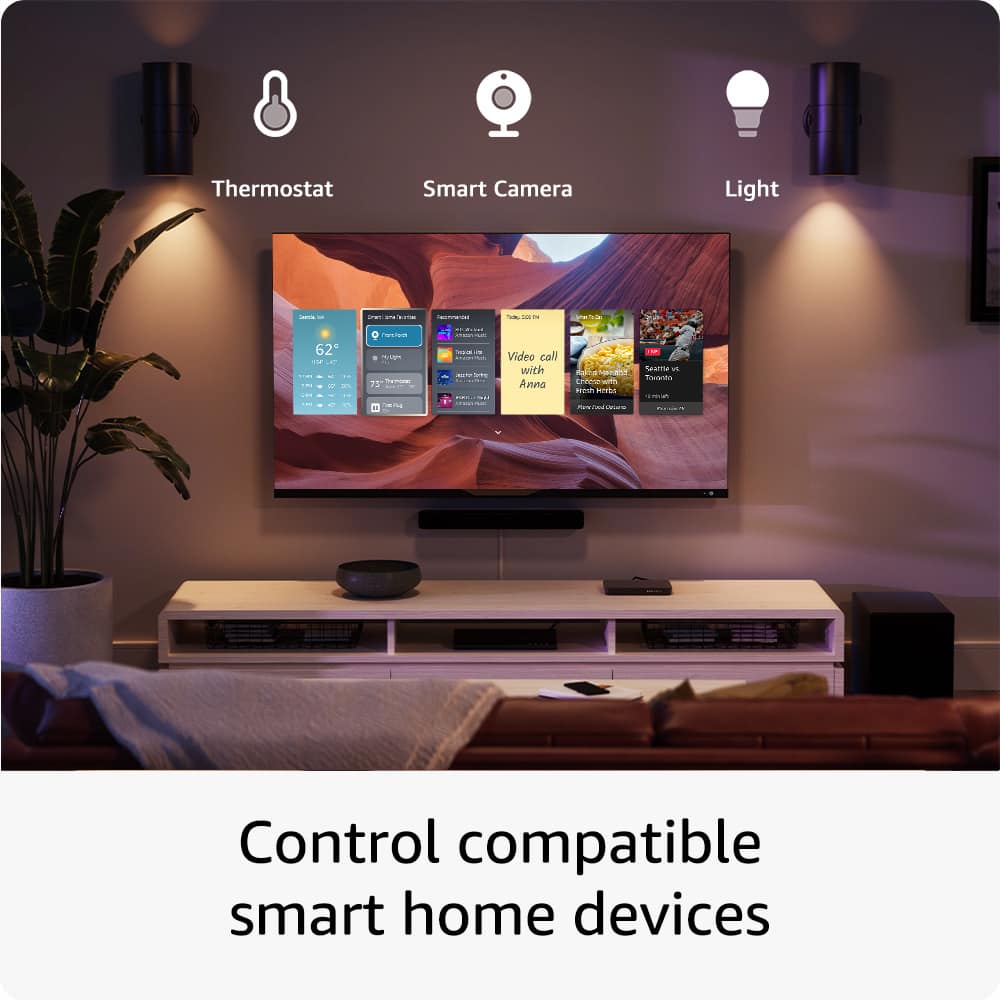
- A:Answer Yes, the Insignia 55" Class F30 Series LED 4K UHD Smart Fire TV does have web browser capabilities. You can install web browsers like Firefox or Silk on this TV, thanks to its Fire TV software. If you have any questions or need further assistance, please don't hesitate to reach out. Thank you for choosing Insignia! - Mae | Insignia Support | https://www.bestbuy.com/site/brands/best-buy-brands/pcmcat1596746025285.c?id=pcmcat1596746025285
Answered by InsigniaCustomerSupport

Q: QuestionCan I cast from my phone to this tv via the home wifi
Asked by bryan.
- A:Answer I've tried but haven't been successful
Answered by Never
Top Rated
- $189.99Your price for this item is $189.99$249.99The comparable value for this item is $249.99
- $109.99Your price for this item is $109.99$149.99The comparable value for this item is $149.99
- Black Friday Deal$229.99Your price for this item is $229.99
- $199.99Your price for this item is $199.99$349.99The comparable value for this item is $349.99
- $279.99Your price for this item is $279.99$379.99The comparable value for this item is $379.99
- $479.99Your price for this item is $479.99$649.99The comparable value for this item is $649.99
- $139.99Your price for this item is $139.99$189.99The comparable value for this item is $189.99
- $699.99Your price for this item is $699.99$999.99The comparable value for this item is $999.99
- Black Friday Deal$1,399.99Your price for this item is $1,399.99
- $399.99Your price for this item is $399.99$469.99The comparable value for this item is $469.99
- Black Friday Deal$499.99Your price for this item is $499.99
- $369.99Your price for this item is $369.99$489.99The comparable value for this item is $489.99
- $179.99Your price for this item is $179.99$299.99The comparable value for this item is $299.99
- Black Friday Deal$1,999.99Your price for this item is $1,999.99
- $449.99Your price for this item is $449.99$729.99The comparable value for this item is $729.99
- $74.99Your price for this item is $74.99$149.99The comparable value for this item is $149.99
- $179.99Your price for this item is $179.99$259.99The comparable value for this item is $259.99
- $299.99Your price for this item is $299.99$469.99The comparable value for this item is $469.99
- $379.99Your price for this item is $379.99$699.99The comparable value for this item is $699.99
- $949.99Your price for this item is $949.99$1,999.99The comparable value for this item is $1,999.99