Questions & Answers
- Model:
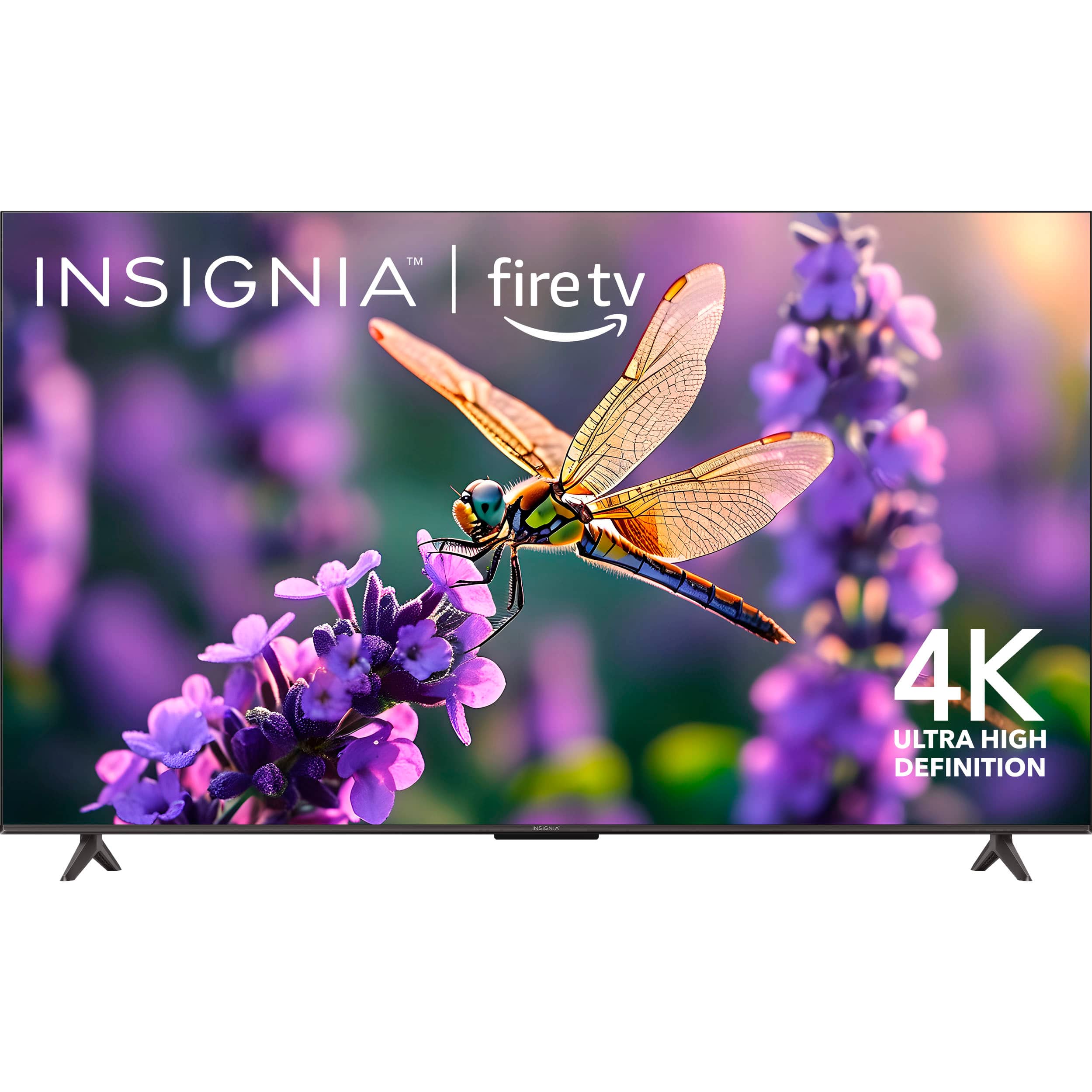
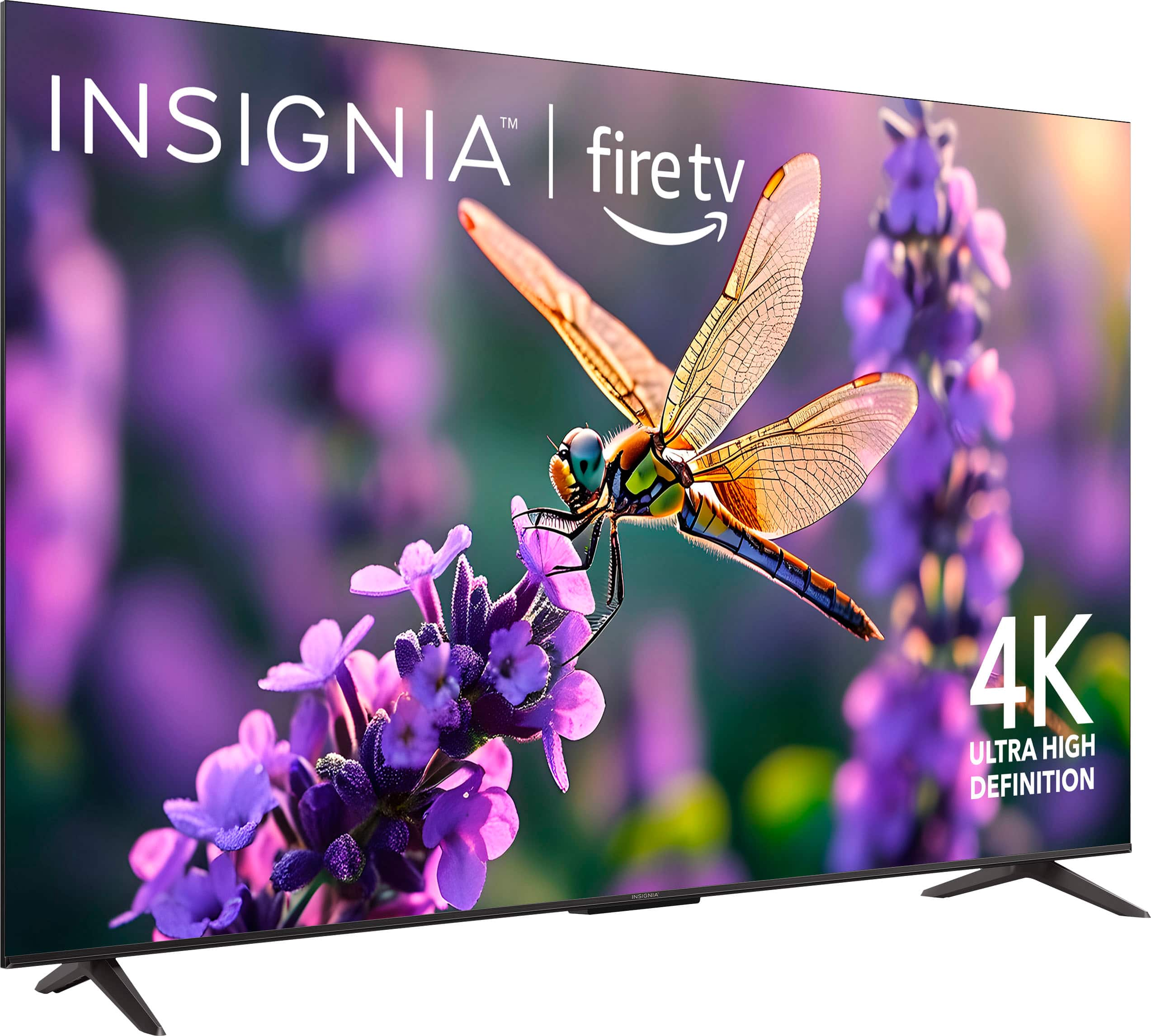
- NS-65F501NA24
- |
- SKU:
- 6605982
Highly rated by customers for: Picture Quality, Ease of Use, Weight
$279.99$279.99
Save $170
The comparable value is Comp. Value: $449.99
Page Showing 101-106 of 106 questions
Q: QuestionWhat are the apps included on the TV and can you download other apps such as MLB, ESPN, HBO MAX?
Asked by Apps.
- A:Answer Has the amazon appstore , so you can download pretty much any app you would like
Answered by MarshallS
Q: QuestionCan the Roku channel free app be added or downloaded onto the Insignia 65" Class F50 UHD Smart Fire TV without having to use a Roku stick?
Asked by Sonia.
- A:Answer Yes
Answered by TaraH
Q: QuestionHow do I turn off the auto sleep option when it's in media mode displaying a picture from a USB?
Asked by ZWagon.
- A:Answer Hi ZWagon, great question! When your Insignia™ 65" F50 Series TV is playing media from a USB drive, it may still follow the system’s power-saving settings, which can cause it to enter sleep mode after a period of inactivity, even if a photo slideshow is running. Here are some steps that you do to adjust the turning off of your TV: Go to Settings from the home screen.Navigate to Display & Sounds > Power Controls.ook for Sleep Timer or Auto Power Savings and set it to Off. However, it cannot be turned off since it is one of the feature of the tv on the power-saving when inactivity was detected. Tine | Insignia Support
Answered by InsigniaCustomerSupport
Q: QuestionI purchased this TV & it did not come with a physical manual, just the quick start guide. The manual is not available on the best buy website, nor could I find one anywhere online. How can I access a copy of this manual?
Asked by Mike.
- A:Answer Hi Mike, thank you for your question and for choosing the Insignia™ 65" Class F50 Series LED 4K UHD Smart Fire TV. We understand how important it is to have access to the full user manual. While the TV includes a quick start guide, the full manual may not always be packaged physically. Since you weren’t able to locate it online, we recommend reaching out directly to Insignia Support for assistance. They can provide you with the correct manual and any additional support you may need. You can contact Insignia Support at 877-467-4289. We appreciate your patience and hope this helps! — Shiela | Insignia Support
Answered by InsigniaCustomerSupport
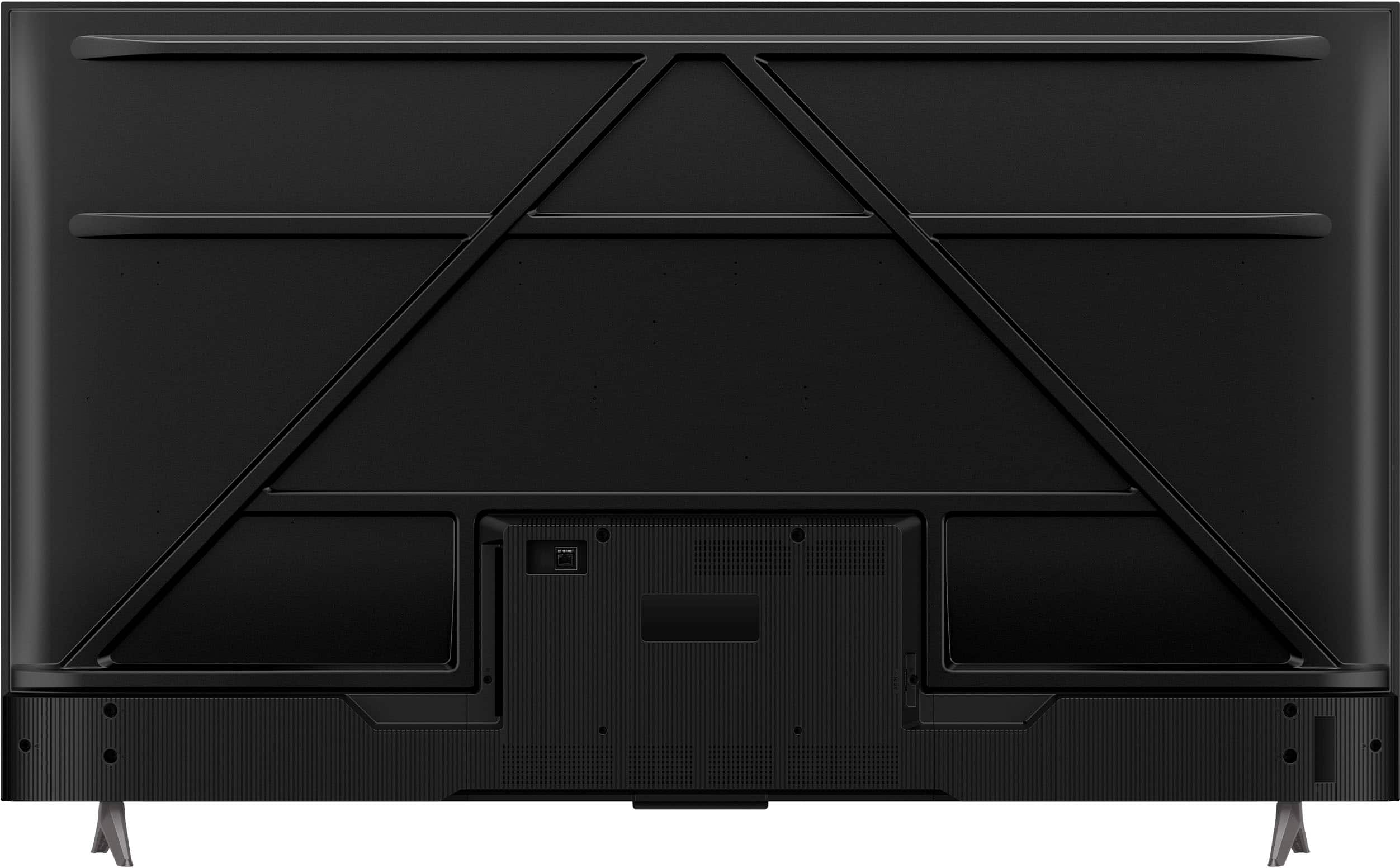
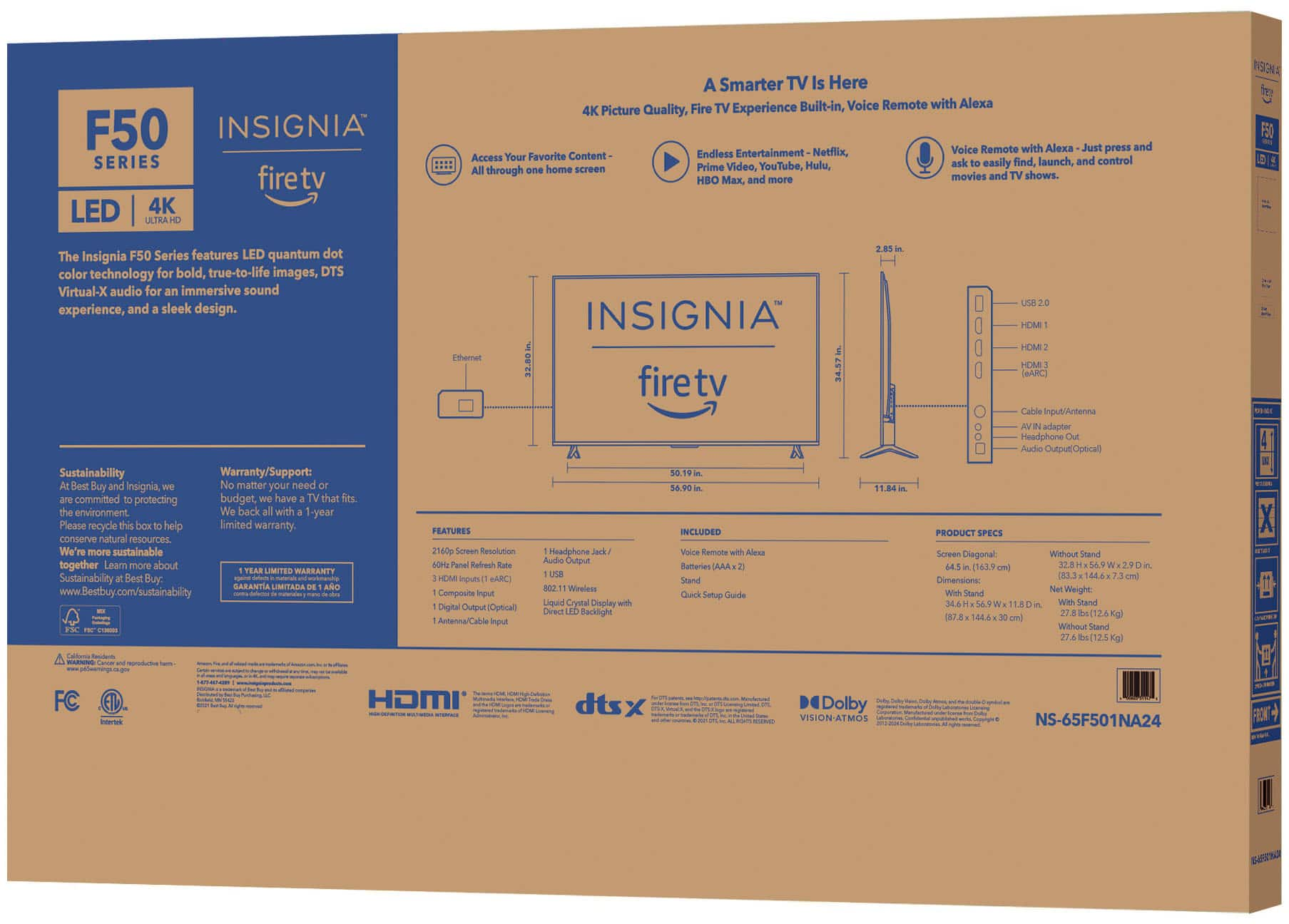
Q: QuestionWhat wall mount can I use and how do I attach it to the back of the TV
Asked by Lonie.
- A:Answer I used a $20 harbor freight mount. 4 mounting screws in a square configuration on back of tv line up with standard tv mounts
Answered by ClintD
Q: QuestionEmail me the user manual for NS-65F501NA24
Asked by Paul.
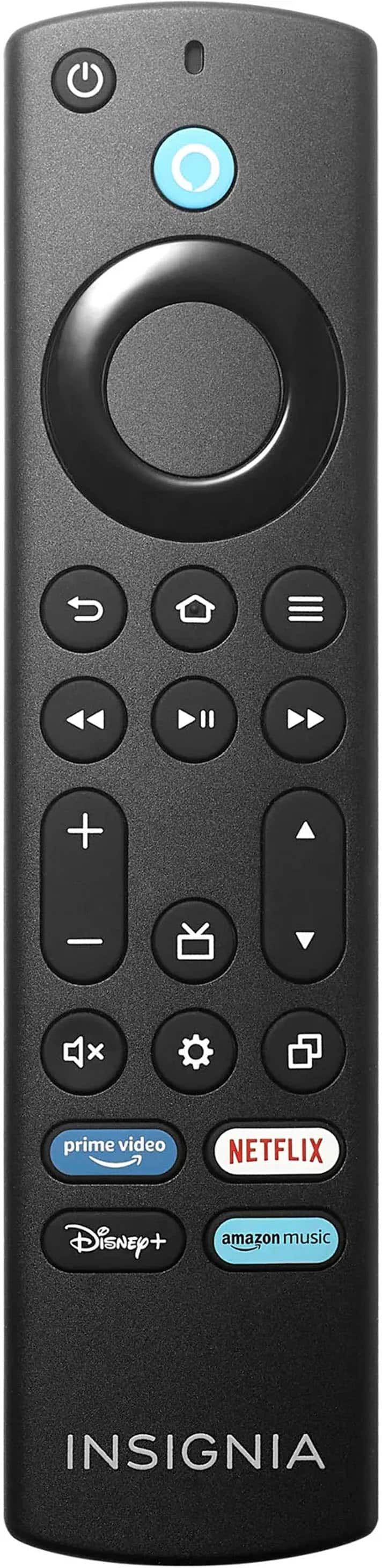
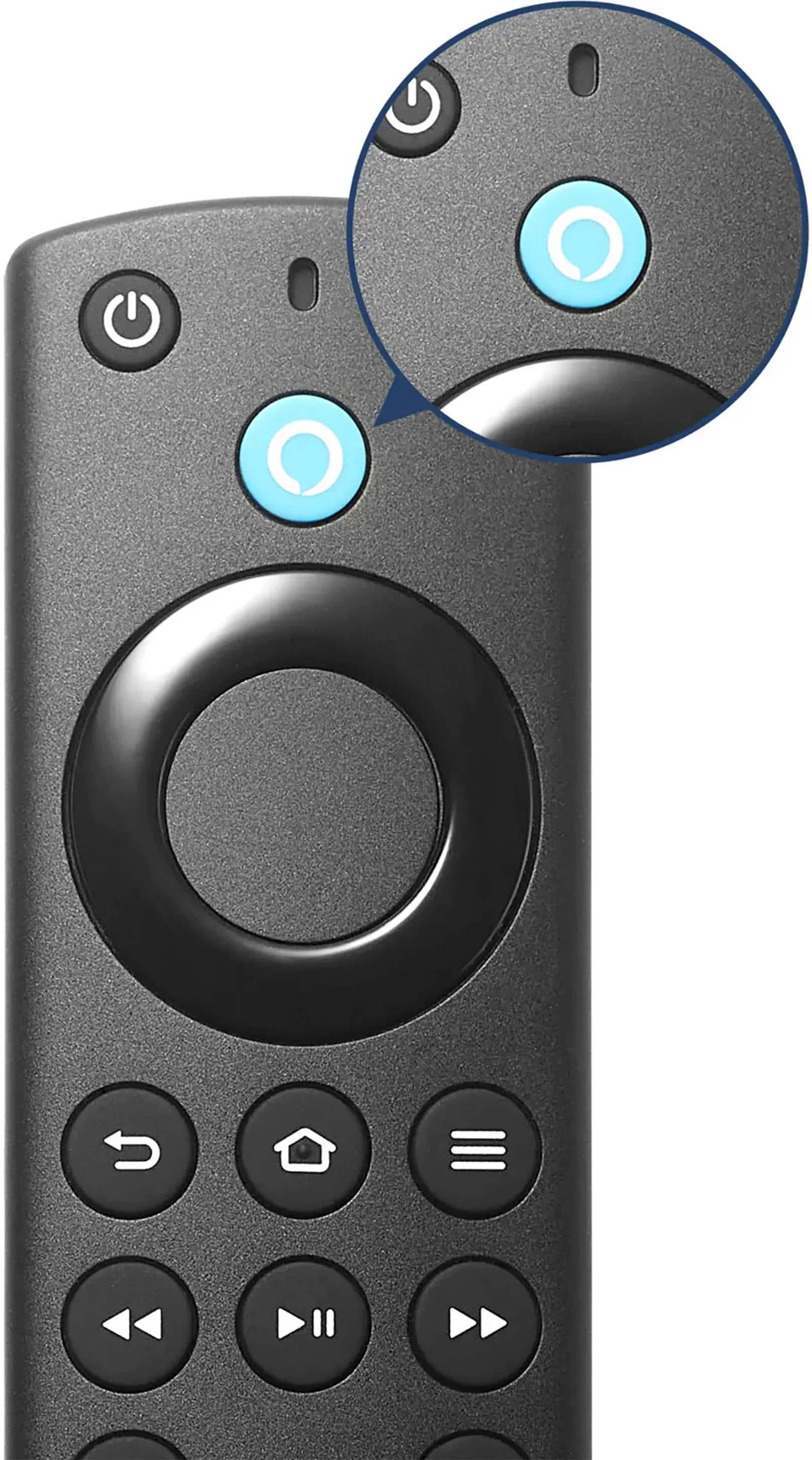
- A:Answer Email me the user manual for NS-65F501NA24 PLEASE my remote stopped working and I just purchased the TV July 10th of 2025.
Answered by Anonymous
Top Rated
- $329.99$329.99The price was $469.99
- $449.99$449.99The price was $649.99
- $179.99$179.99The price was $299.99
- $249.99$249.99The price was $379.99
- $199.99$199.99The price was $349.99
- $1,399.99$1,399.99The price was $2,699.99
- $399.99$399.99The price was $599.99
- $649.99$649.99The price was $1,299.99
- $329.99$329.99The price was $489.99
- $229.99$229.99The price was $249.99
- $1,999.99$1,999.99The price was $3,699.99
- $449.99$449.99The price was $689.99
- $899.99$899.99The price was $1,999.99
- $649.99$649.99The price was $999.99
- $1,499.99$1,499.99The price was $2,999.99
- $89.99$89.99The price was $129.99
- $1,399.99$1,399.99The price was $2,499.99
- $1,297.99$1,297.99The price was $2,999.99