Everything for Back to School — and then someShop now

Main Content

Questions & Answers

Page Showing 81-86 of 86 questions
  • Questionis there a video on how to set up this remote? the instructions baffle me

    Asked by DD.

    • Answer I understand that setting up a universal remote can be tricky! Here are a couple of helpful videos that guide you through the process: 1. [Setup a 3 Device Insignia Universal Remote Control]: This video covers programming methods like popular brands, direct code entry, and auto code search. It also explains how to use the learning function to add features from the original remote. 2. [How to Program Insignia Universal Remote Codes]: This shorter video provides a quick overview of programming the remote using device codes. These should help you get your remote set up without too much hassle. If you have any other questions or need further assistance, feel free to ask!

      Answered by InsigniaCustomerSupport

  • QuestionCan I program a button to eject discs on my 4k player. I have pause play rewind fast forward but there's no eject button.

    Asked by walterwhite.

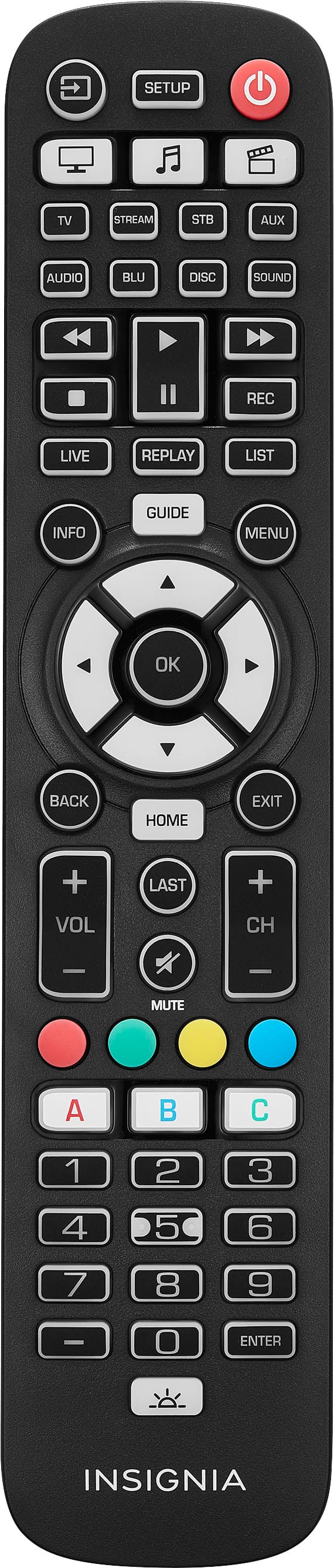
    • Answer Yes, the Insignia™ 8-Device Backlit Universal Remote allows you to program the remote to reject certain functions or devices. For further information, you may access the user manual on bestbuy.com or you may contact us at 1-877-467-4289. JC | Insignia Support

      Answered by InsigniaCustomerSupport

  • QuestionWhen you press the watch TV button does the remote turn on the devices (tv and sound bar) or do you have to press watch TV when everything is already turned on?

    Asked by Joe82app.

    • Answer Page 20 of the User Guide under the “Using the power macro” section says: ”If you press and hold the Power button for two seconds in any Activity, your remote sends the power signal to each device within that Activity. For example, pressing the Power button in the default setting for the Watch TV Activity turns both the TV and set top box on or off.”

      Answered by Anonymous

  • QuestionWill this remote work with Apple TV and video game system ?

    Asked by Anonymous.

    • Answer This remote will work with Apple TV, but I’m not sure what your question is regarding video game systems since these usually use gaming remotes and this is not a gaming remote. The video game system would need to support IR (infrared) input to work with this remote.

      Answered by interactiondesigner

  • QuestionDoes it work with Apple TV

    Asked by Kitkat.

    • Answer Yes

      Answered by interactiondesigner

  • QuestionI need a remote for stereo NS SH513, will this work for it?

    Asked by Frustrated.

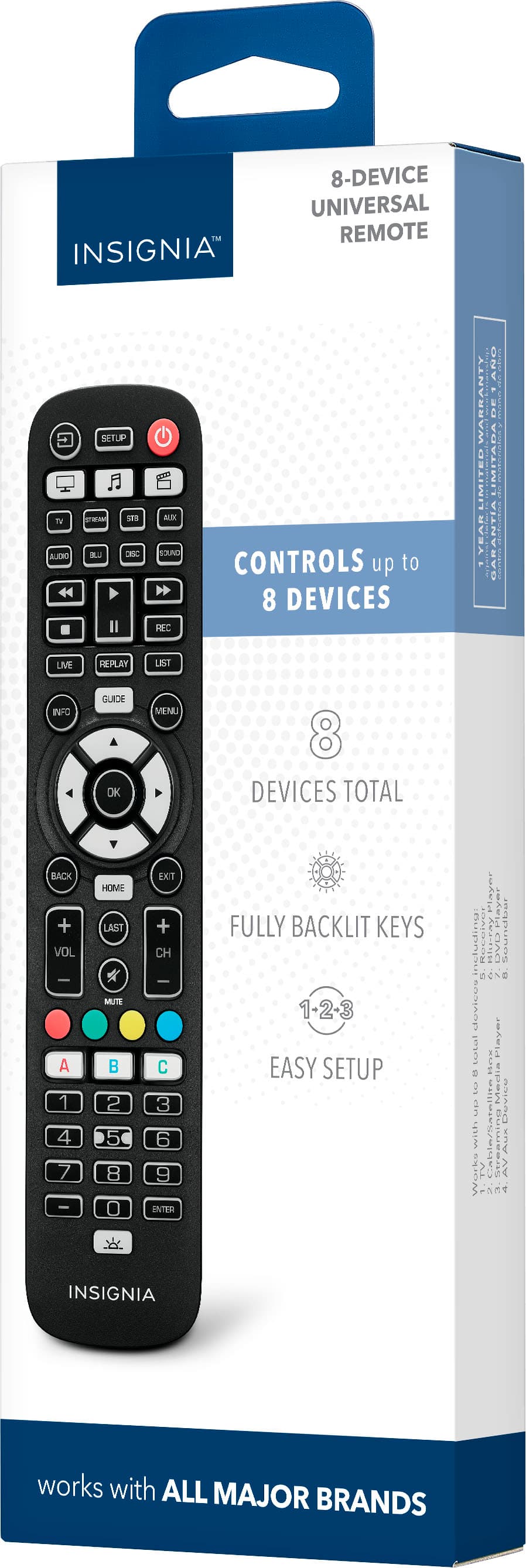
    • Answer Hi, This controls up to 8 devices. Use with your TV, soundbar, cable box/satellite receiver and media players for easy preprogramming for an effortless pairing that will not require any codes. For more product details, please visit https://www.bestbuy.com/site/brands/best-buy-brands/pcmcat1596746025285.c?id=pcmcat1596746025285 Insignia Support https://www.bestbuy.com/site/brands/best-buy-brands/pcmcat1596746025285.c?id=pcmcat1596746025285

      Answered by InsigniaCustomerSupport