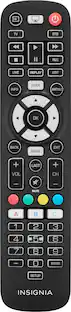
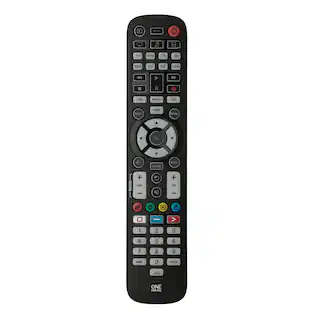
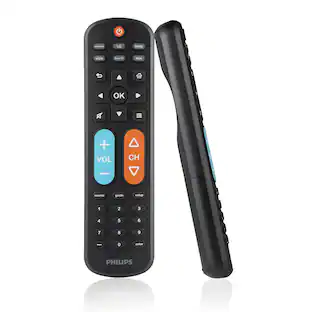
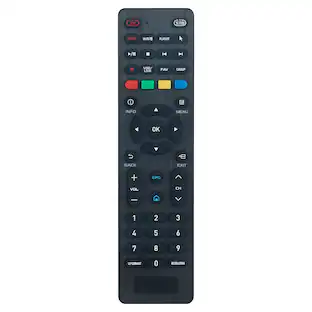
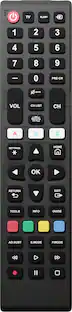
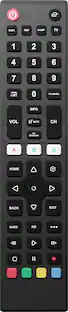
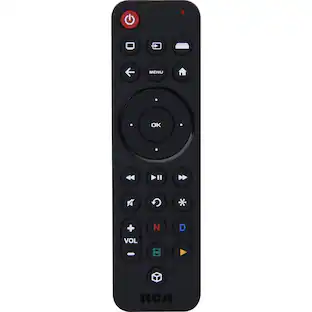
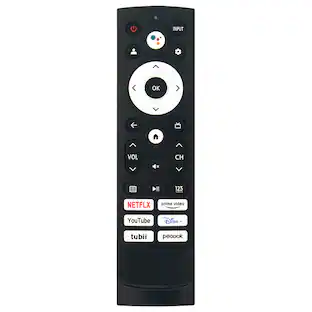
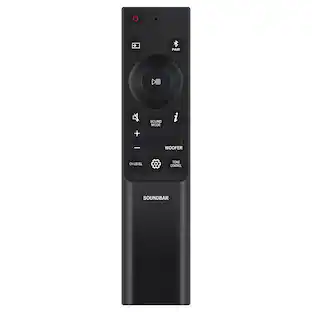
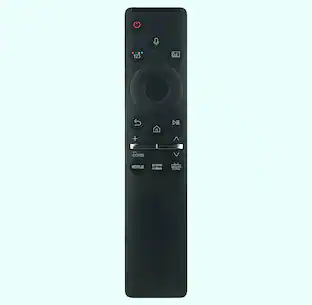
Insignia™ - 8-Device Backlit Universal Remote - Black
Customers are saying
Customers commend the 8-Device Backlit Universal Remote for its ease of use, overall performance, and compatibility with multiple devices. The backlight feature is also appreciated. Some customers have noted concerns about the button size and programming process, while others have experienced connectivity issues.
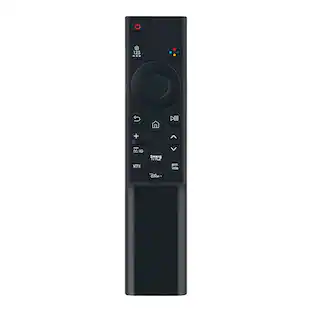
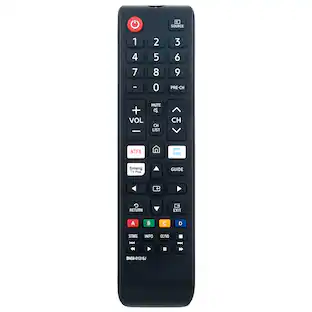
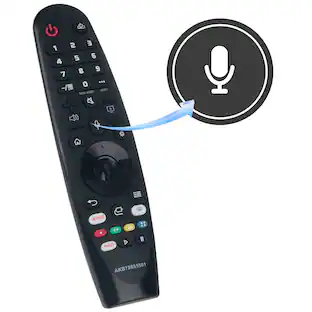
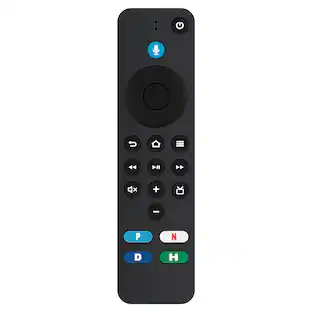
Easily replace missing or damaged remote
Pairs quickly and easily with nearly all major brands.
Controls up to 8 devices
Use with your TV, soundbar, cable box/satellite receiver and media players.
Easy programming
Connects to your major brand devices without needing a code.
30 ft. (9.1 m) range
Long range is ideal for large rooms.
Learnability feature
Enables remote to learn additional functions from your original remote.
Shortcut access
Lets you program specific keys for quick access to your favorite channels and streaming apps.
Fully backlit keys
Helps you operate this remote in dim lighting.
Audio lock feature
Adjusts the volume of your soundbar without changing devices.
Premiere design
Blends ergonomics and key layout for easy, enjoyable use.
Batteries required
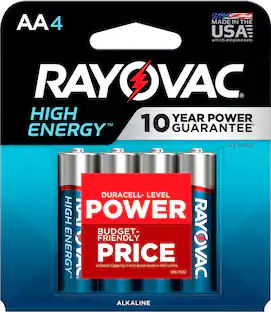
Requires 2 AA batteries (not included).
- Remote Control TypeUniversalRemote Control FeaturesIR device control, Auto code search, Full function, Menu and guide support, BacklitNumber Of Devices Controlled8
Reviews
Rating 4.1 out of 5 stars with 294 reviews
- Ease of use (121)
- Overall Performance (34)
- Compatibility (27)
- Backlight (18)
- Price (4)
- Button Size (16)
- Connectivity (4)
- Programming (4)
Customer Images
The vast majority of our reviews come from verified purchases. Reviews from customers may include My Best Buy members, employees, and Tech Insider Network members (as tagged). Select reviewers may receive discounted products, promotional considerations or entries into drawings for honest, helpful reviews.
Compare similar products

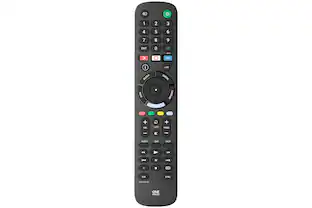
Losing or damaging your remote control can be a headache, but you can regain control of your TV and other devices with the Insignia NS-RMT8D21 8-Device Backlit Universal Remote. Our remote is compatible with nearly all major brands and offers easy preprogramming for an effortless pairing that won’t require any codes. And you can even set up your remote to adjust your soundbar volume without changing devices, giving you full control of your audio. Program your favorite apps to the remote to open your most-used streaming services and more. If you still have your old remote, you can even teach your new remote functions from it, guaranteeing that you’ll have access to everything right at your fingertips.

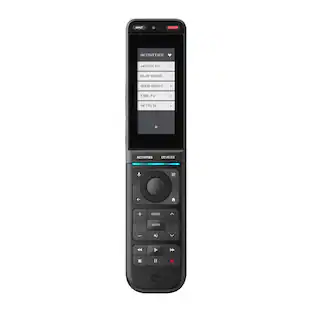
The One For All Smart Control 5 Remote Control is perfect for controlling up to 5 devices seamlessly: TV, Set Top Box, DVD/Blu-ray, Sound bar, Audio devices, and Media Streamers (Roku Ultra, Apple TV). Programming starts with downlowding the free OFA Advanced app on your Smartphone. Simply connect your Smartphone to the Smart Pro 5 Remote and follow the prompts to set up this remote customized to your devices. The APP guides you through a few easy steps to complete the setup of your remote. Use the learning feature to fully customize this remote with ease, by copying unique functions directly from your original remote to the Smart Pro 5. The three app shortcut keys give you instant access to Netflix, Amazon Prime, YouTube or any other online streaming app. The three smart activities, Watch TV, Watch Movie and Listen to Music offer seamless control of your Home Theater Syset with the push of a button!

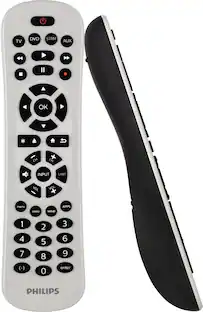
Losing or damaging your remote control can be a headache, but you can regain control of your TV and other devices with the Insignia NS-RMT3D21 3-Device Universal Remote. Our remote is compatible with nearly all major brands and offers easy preprogramming for an effortless pairing that won’t require any codes. And you can even set up your remote to adjust your soundbar volume without changing devices, giving you full control of your audio. Program the remote with your favorite apps, using it to open your most-used streaming services. If you still have your old remote, you can even teach your new remote its functions, guaranteeing that you’ll have access to everything right at your fingertips.

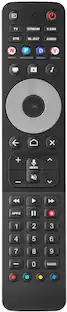
The Smart 8 remote operates the following devices: Smart Tv's, Streaming Boxes (Roku), Cable Set Top Boxes -DirecTv, Comcast, Dish, DVD & Blu-ray Players, Soundbars, Gaming Consoles, and more. Follow three simple steps to set up your remote in literally less than two minutes. An easy to understand quick start guide is included. The Smart 8 remote also has a Smart App to program your remote by pairing it to bluetooth. Simply select the devices you want to control in the app (Anroid and iOS) and the codes are sent to your remote. Control multiple devices as if they were one using the 5 activity keys - one button controls multiple devices. App direct keys allow quick access to your favorite streaming service such as Netflix, Hulu, Amazon Prime, YouTube.
| Pros for Insignia™ - 8-Device Backlit Universal Remote - Black | |||
|---|---|---|---|
| Ease of use, Overall Performance, Compatibility, Price, Backlight | Overall Performance, Ease of Use | Ease of use, Overall Performance, Compatibility, Price, Setup | Ease of use, Compatibility, Overall Performance, Price, Connectivity |
| Cons for Insignia™ - 8-Device Backlit Universal Remote - Black | |||
| Button Size, Connectivity, Programming | There were no cons for this product— | Button Layout, Voice Control, Battery Life, Instructions | Backlight |
Specs
Customers often buy these together
 Clearance$2.99The price was $4.49