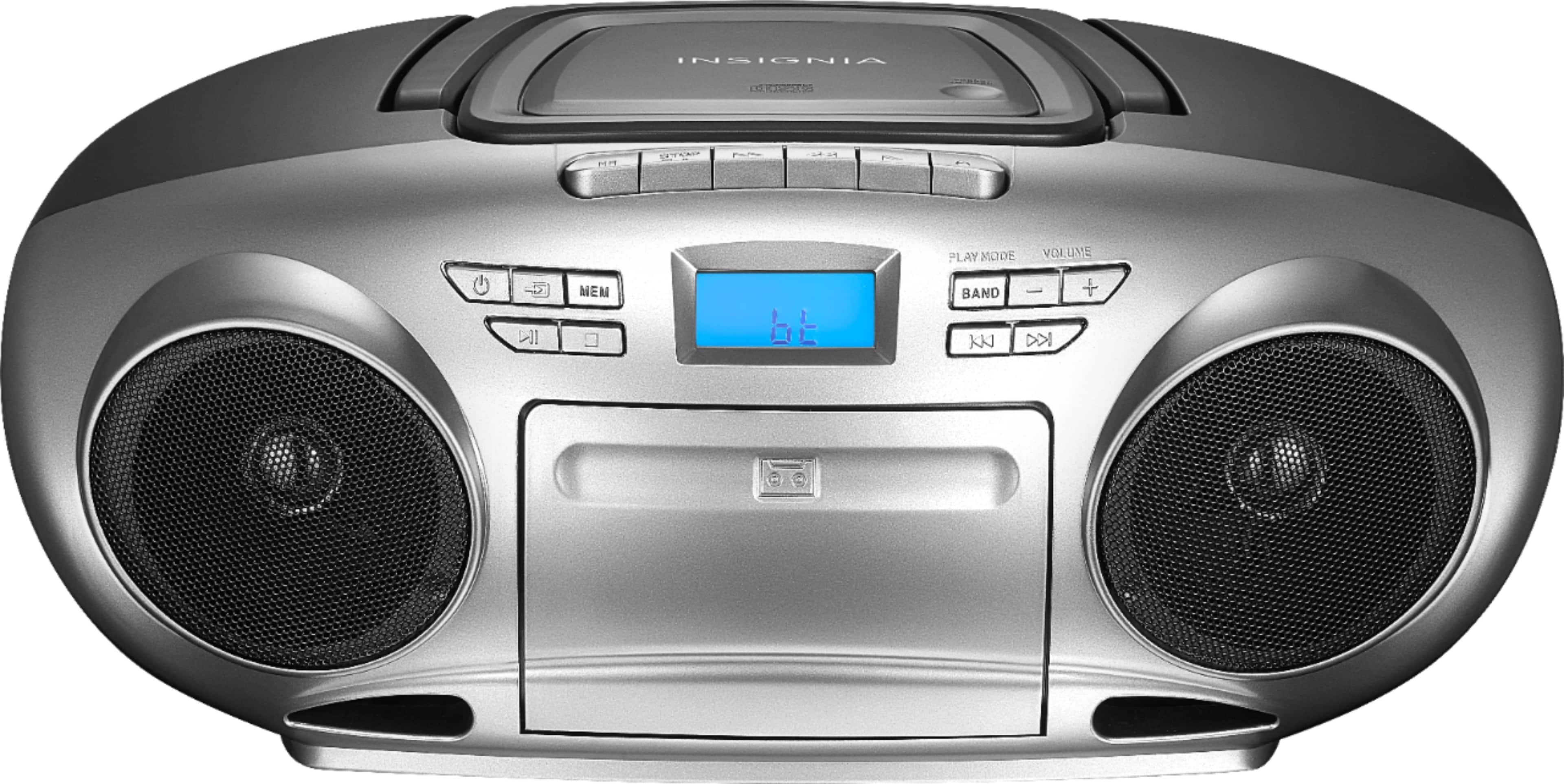
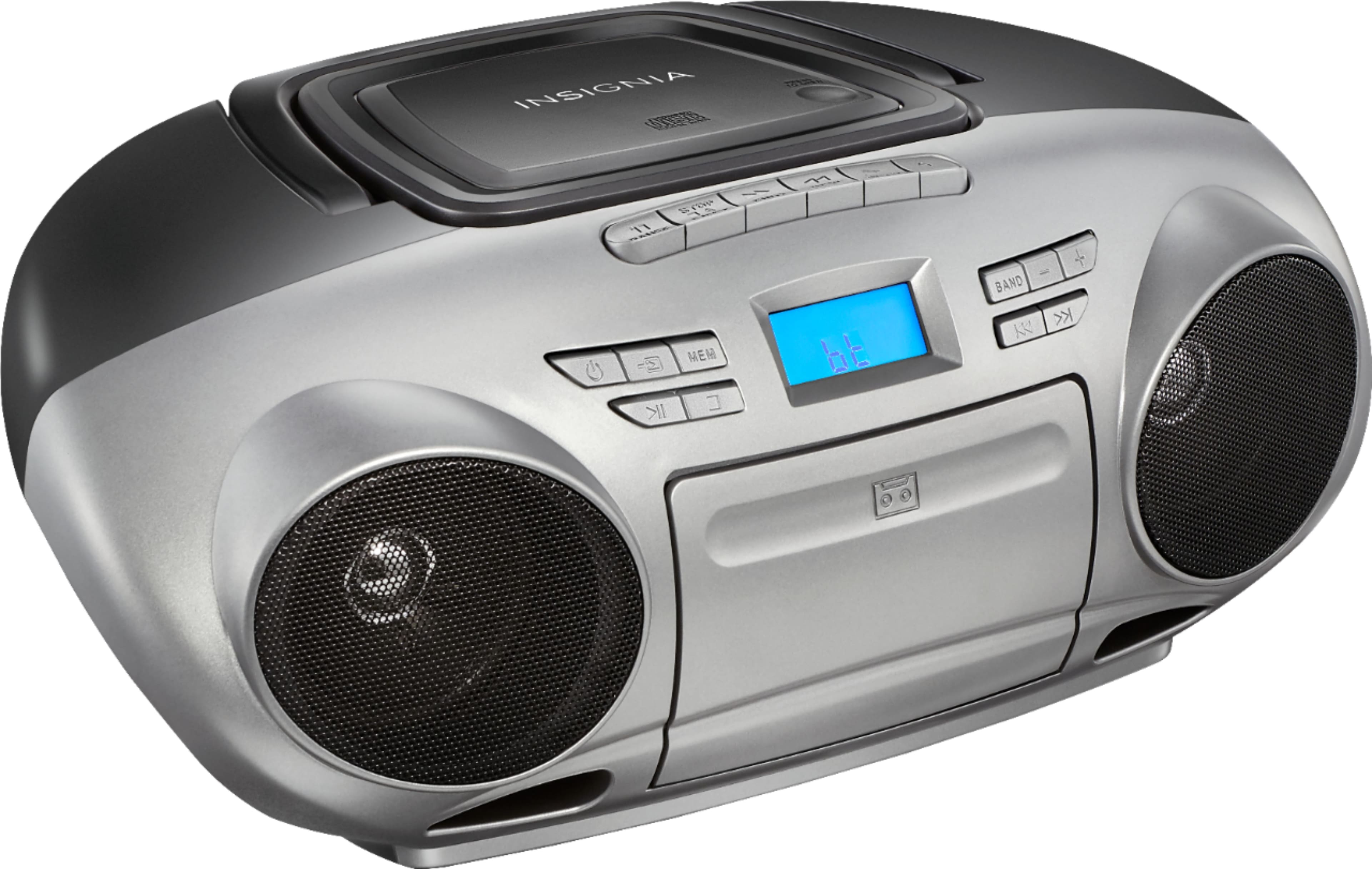
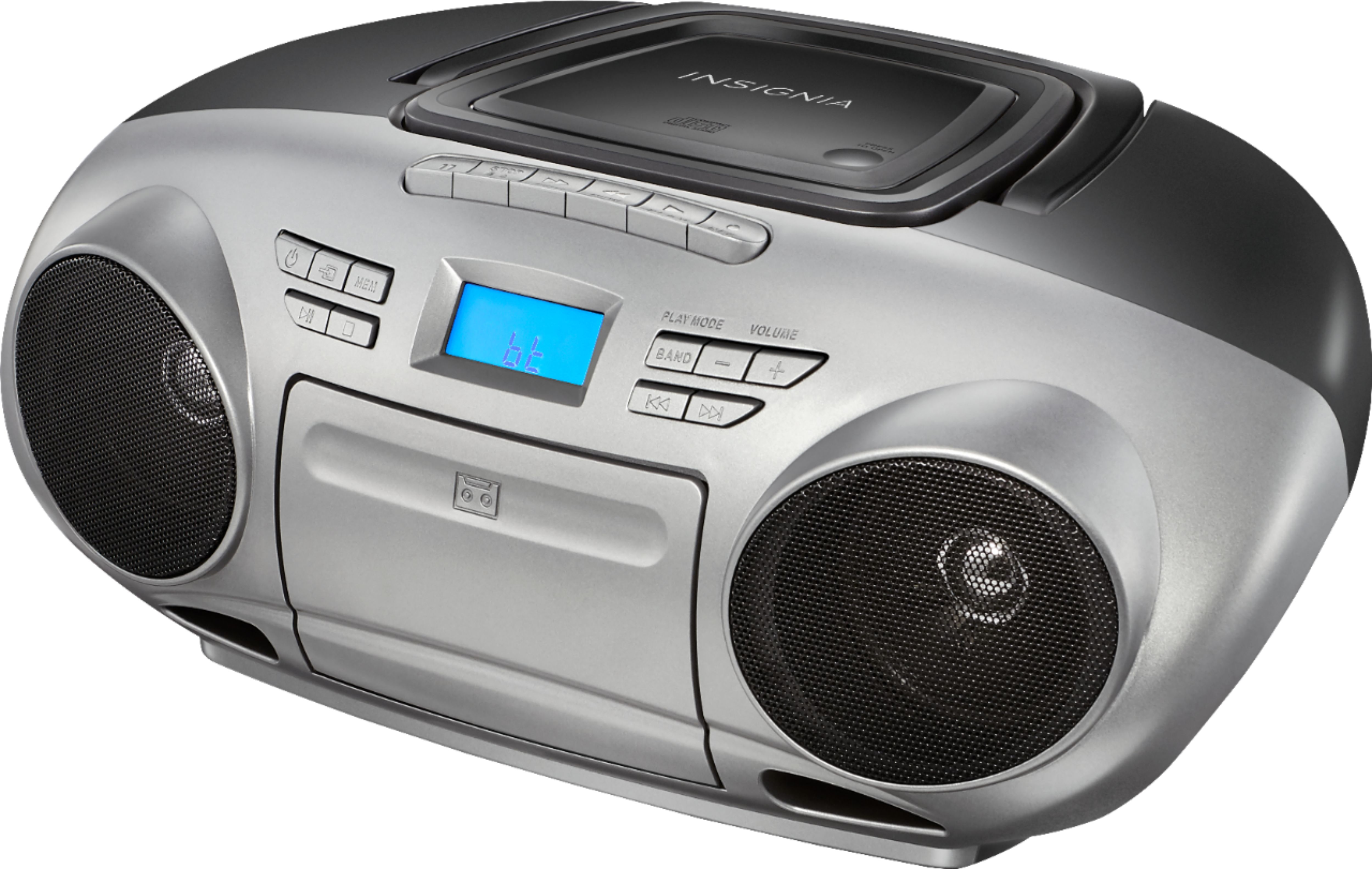
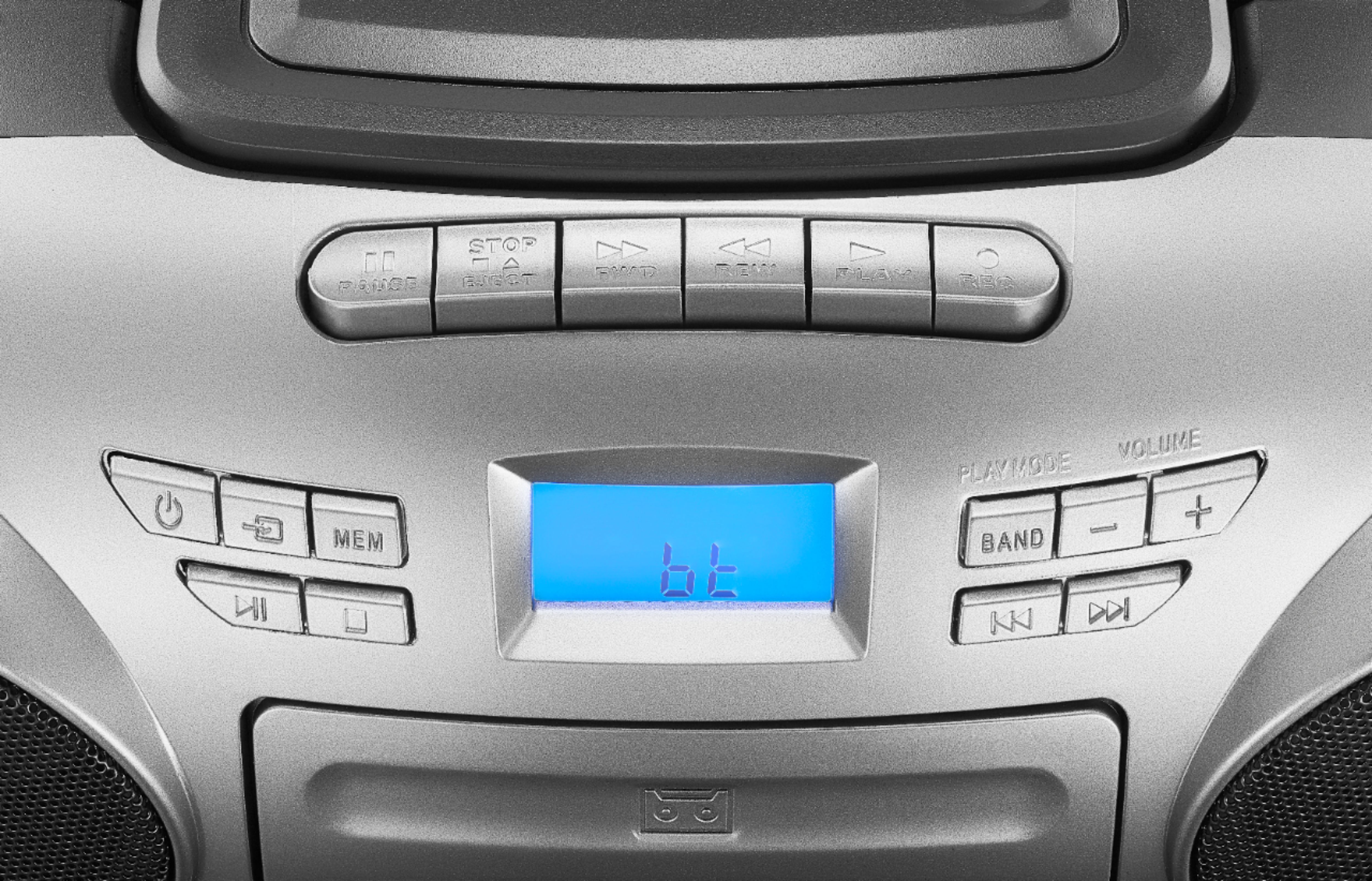
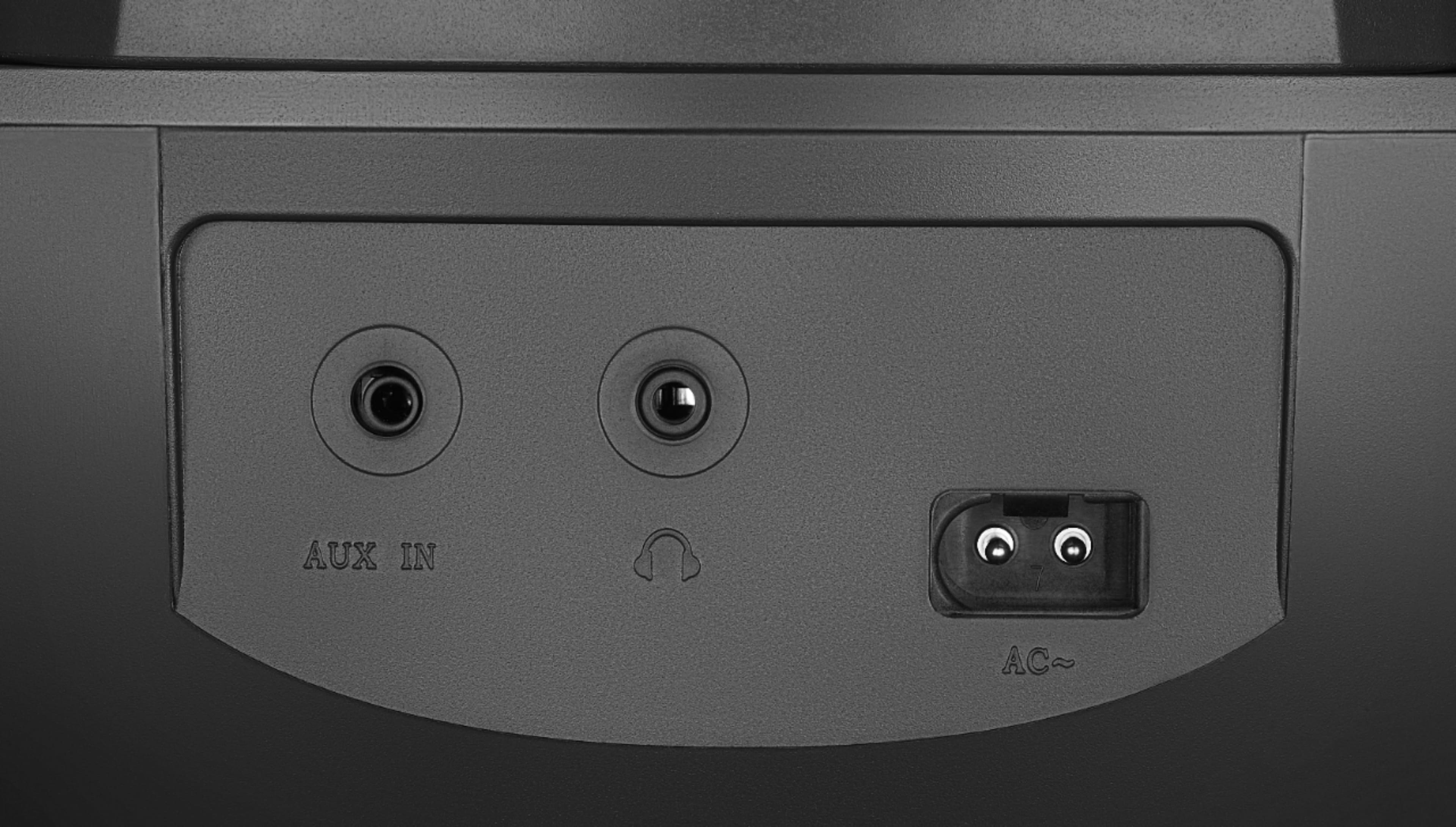
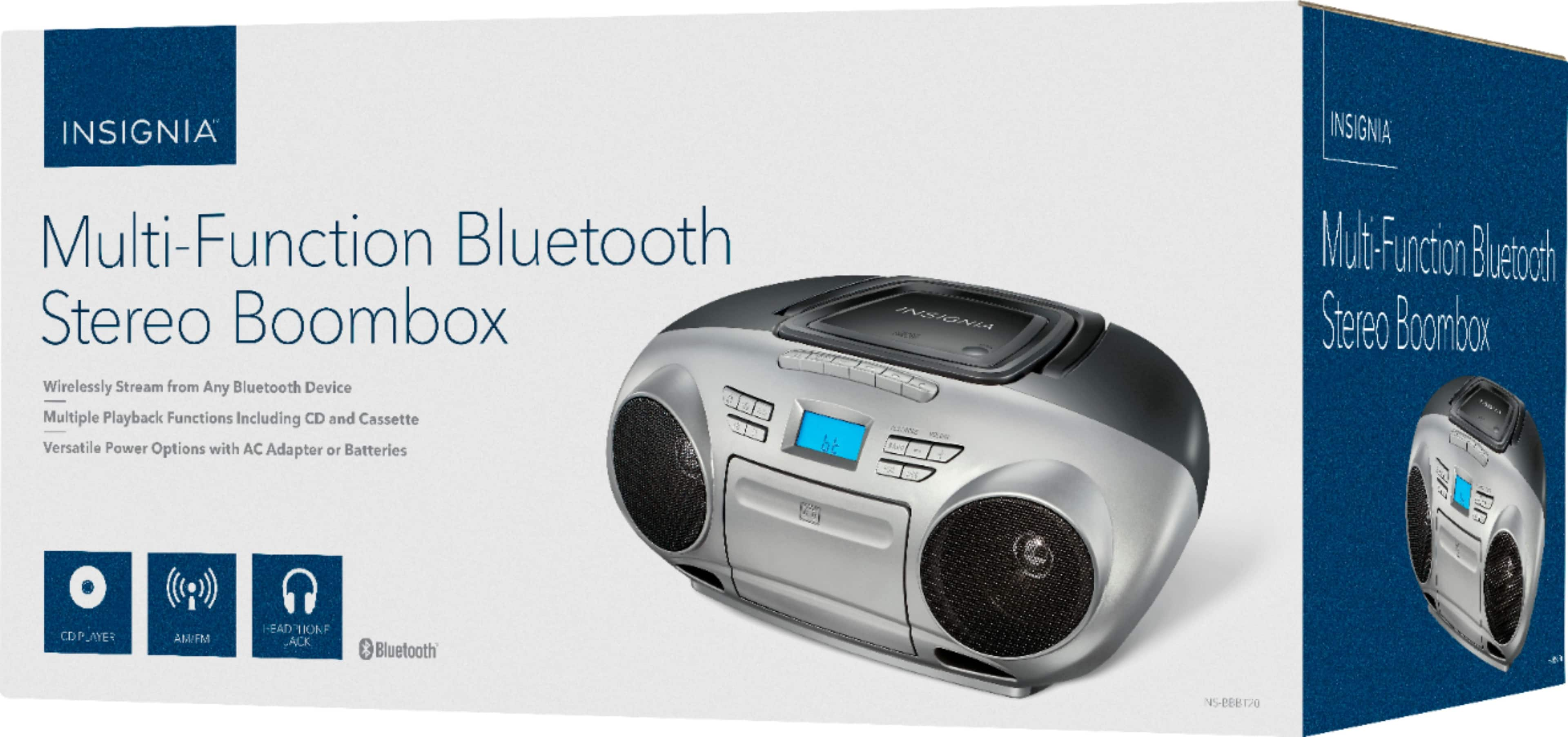
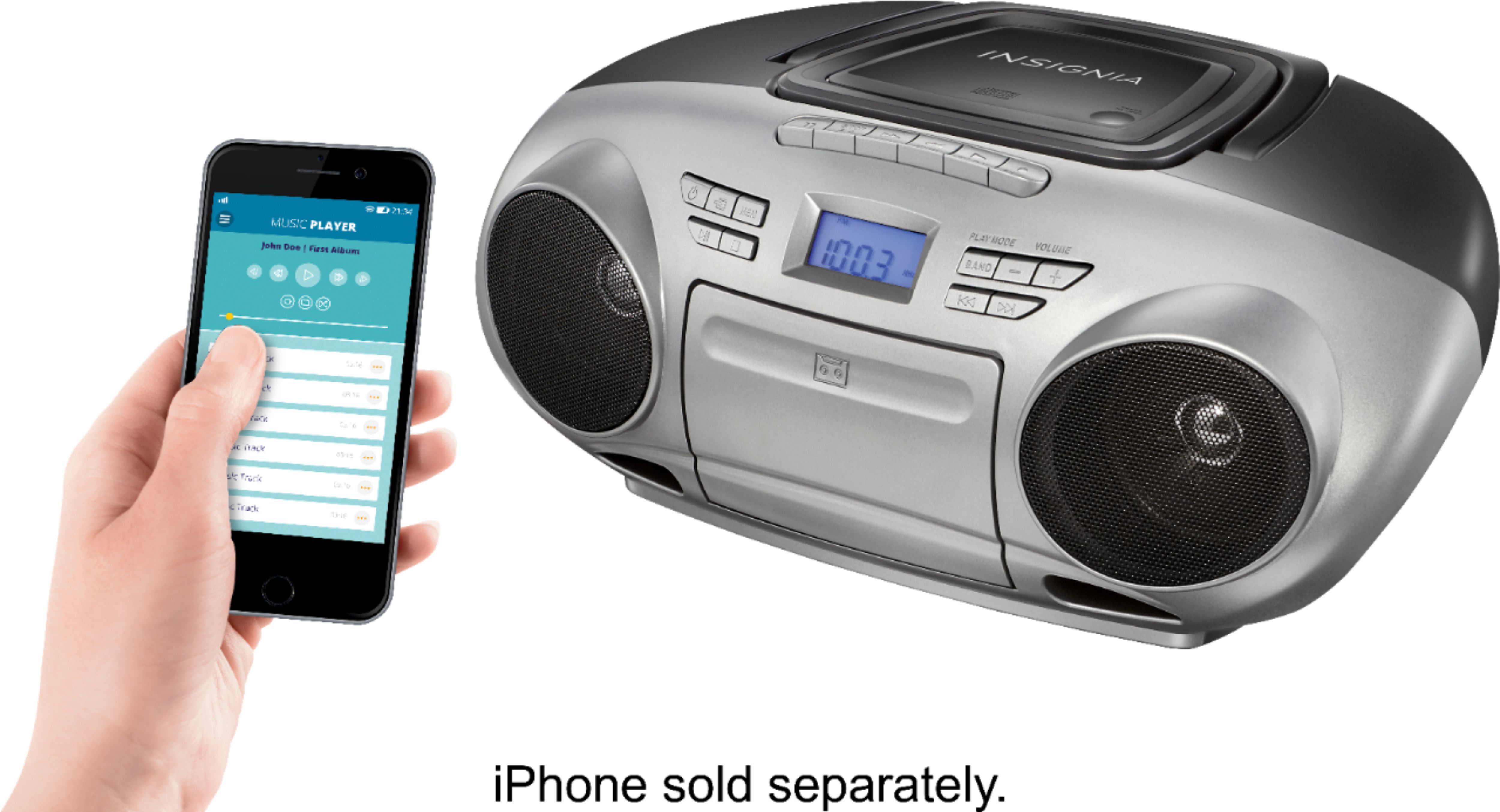
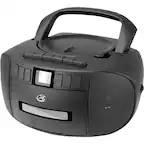
A:Answer Hello Karen, thank you for your question. Yes, for a portable CD boombox with Bluetooth, a power adapter and an AC adapter refer to the same thing. It’s the external plug‑in device that converts wall outlet AC power into the DC power the boombox uses, allowing the unit to run without batteries. If you have any other product questions, feel free to reach out to us at 1‑877‑467‑4289. We will be happy to help you. Sudeep | Insignia