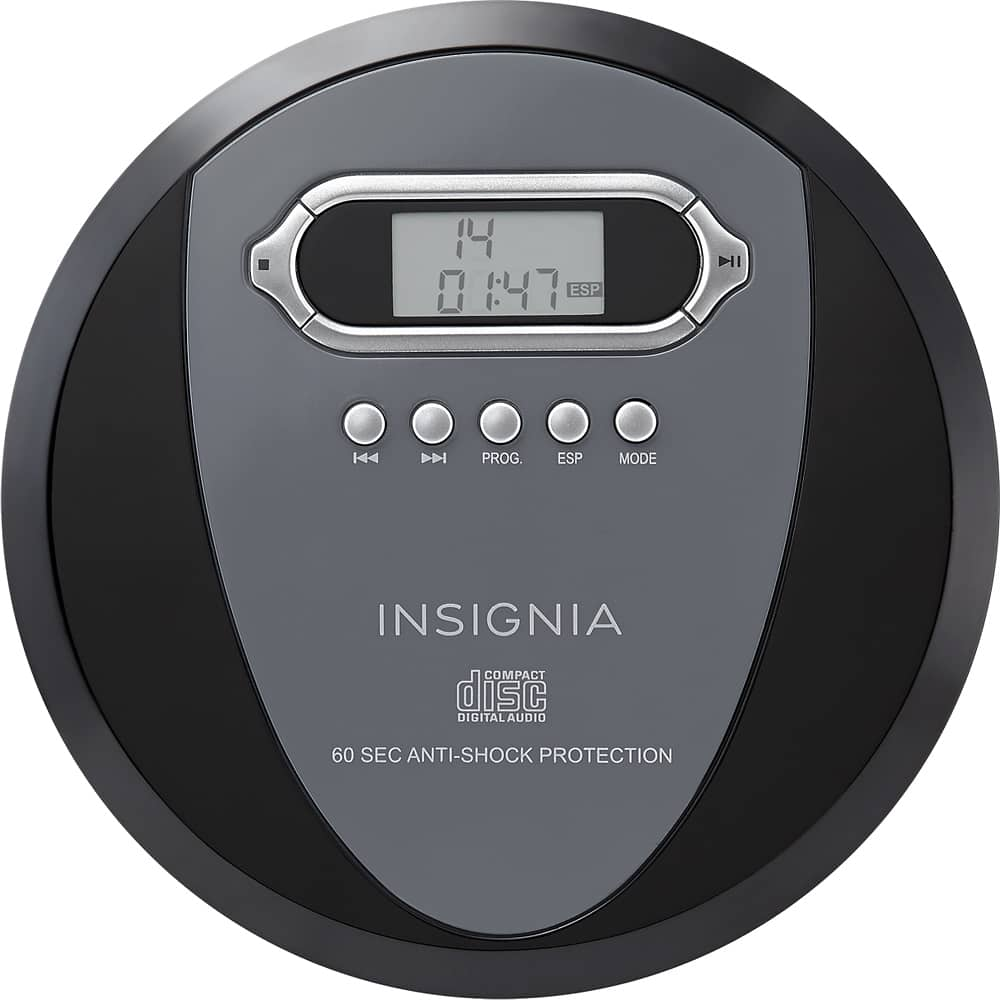
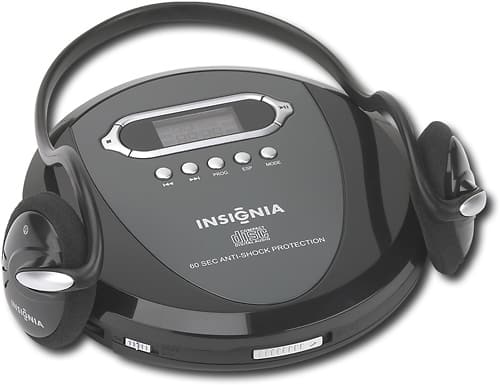
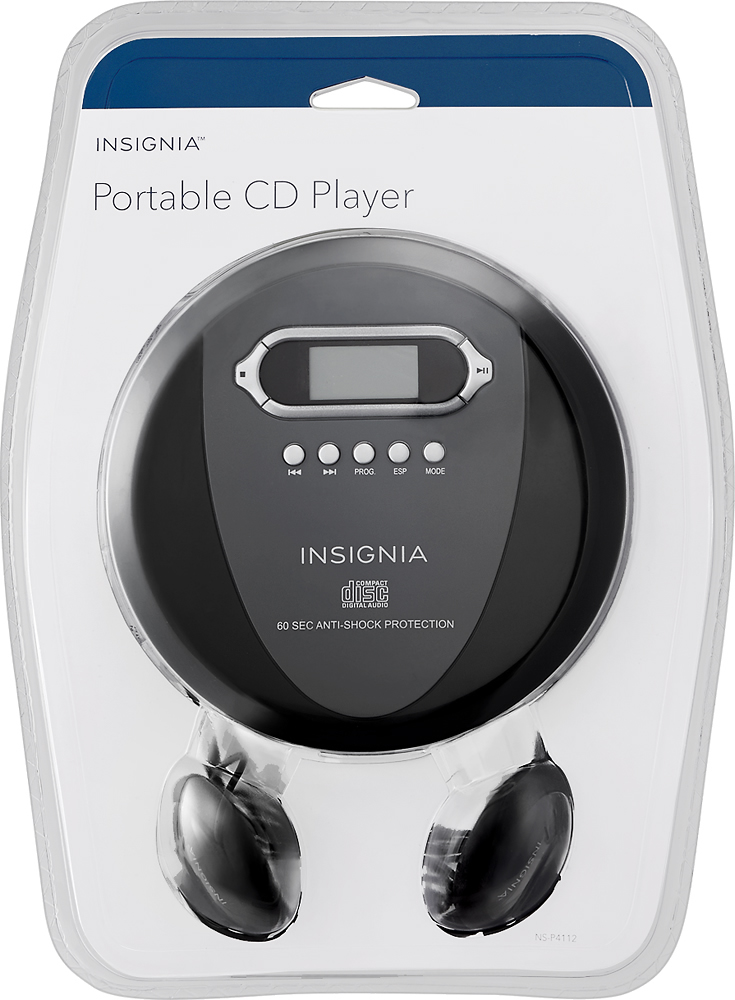
A:Answer I only recently purchased my Insignia Portable CD Player. In reviewing your question, I was reading through the manual a few times. I will try to help you... Your question was, and I quote yourself: "Whenever I stop the player, the CD starts over when I turn it back on. Is there a way to make it start where I left off?" In reading the manual, I give you some instructions which may help you: SEARCHING FOR A TRACK: To Search For A Track, Press one time Either of the 2 Very First Little Circular Buttons at the Far Left. The 1st Little Circular Button furthest to the left, when pressed once directs the CD to go to ONE TRACK BACKWARDS (the track before the one currently playing). The 2nd Little Circular Button next to the 1st one, directs the CD to go to ONE TRACK FORWARDS (the track after the current one playing). If you want to go FORWARDS or BACKWARDS more than one track, press REPEATEDLY tap tap tap tap---EITHER OF THE 1st OR 2nd CIRCULAR BUTTONS (depending upon WHICH DIRECTION you wish the CD to go, of course). I think if you stop the player, and then want to pick up where you left off, maybe the player by default automatically goes back to beginning of the CD, so the instruction above may be the next best option to "search for where you left off". Hope this helps.