A:AnswerI suspect most LATE MODEL Android phones. It works with my ipad but doesn't work with a 5 year old Sidekick 4g which HAS BLUETOOTH, which I tried just for kicks. Could not recognize the speaker at all but can recognize another Sidekick (old dinosaur phone at this point). So older devices will probably not be compatible, so it's not "any" Android device, even those that have Bluetooth. Unfortunately, it doesn't come with an explanation of which devices are compatible and why, so we don't know where the cutoff is for how old the devices are for them to work. If your device is relatively new, I wouldn't worry about it, but just thought you should know that "any Android device" would not be a correct answer.
A:AnswerThe administrator password would be an issue with your device (probably laptop or tablet). In most instances you shouldn't need admin-status to pair the device. There are no codes or passwords to pair the device, as far as the speaker is concerned. If you need special permissioning on your personal device, than I would look into their customer support to help you out.
A:AnswerWhen you're listening to music/ podcast and your phone rings, you can hear it through the speaker. Your phone gives you an option to use this speaker, answer as a regular call, or use the speaker on your phone. The one time I did answer with this speaker, it didn't work all that well. Hope this helps
A:AnswerIt can only connect to one source at at time. So you would have to turnoff Bluetooth on the original source or have it forget it before connecting to another source.
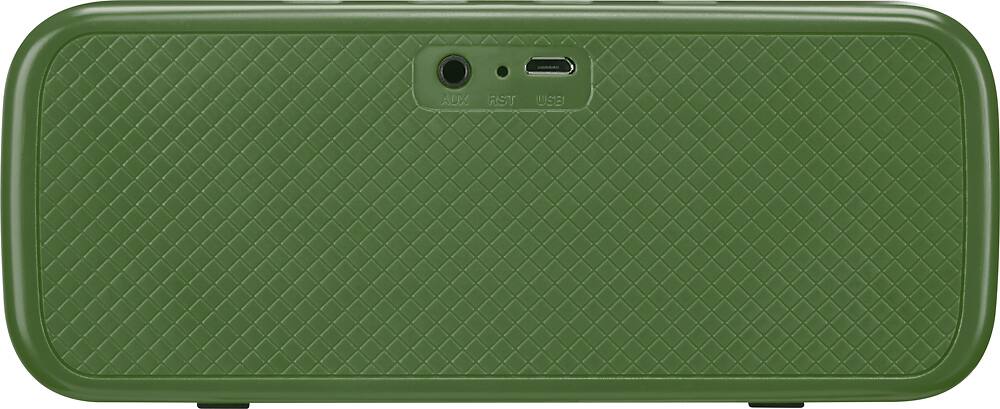
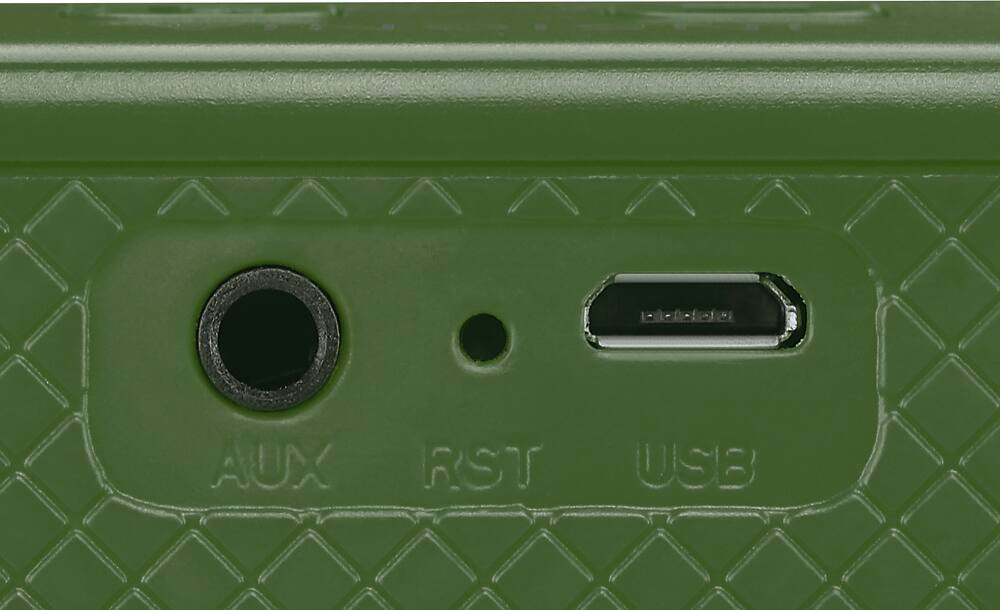
A:AnswerIt doesn't have a USB slot. I don't think this will work without an MP3 player for your USB drive - then you could direct connect via a 3.5mm cable or bluetooth to the speaker. Good luck.