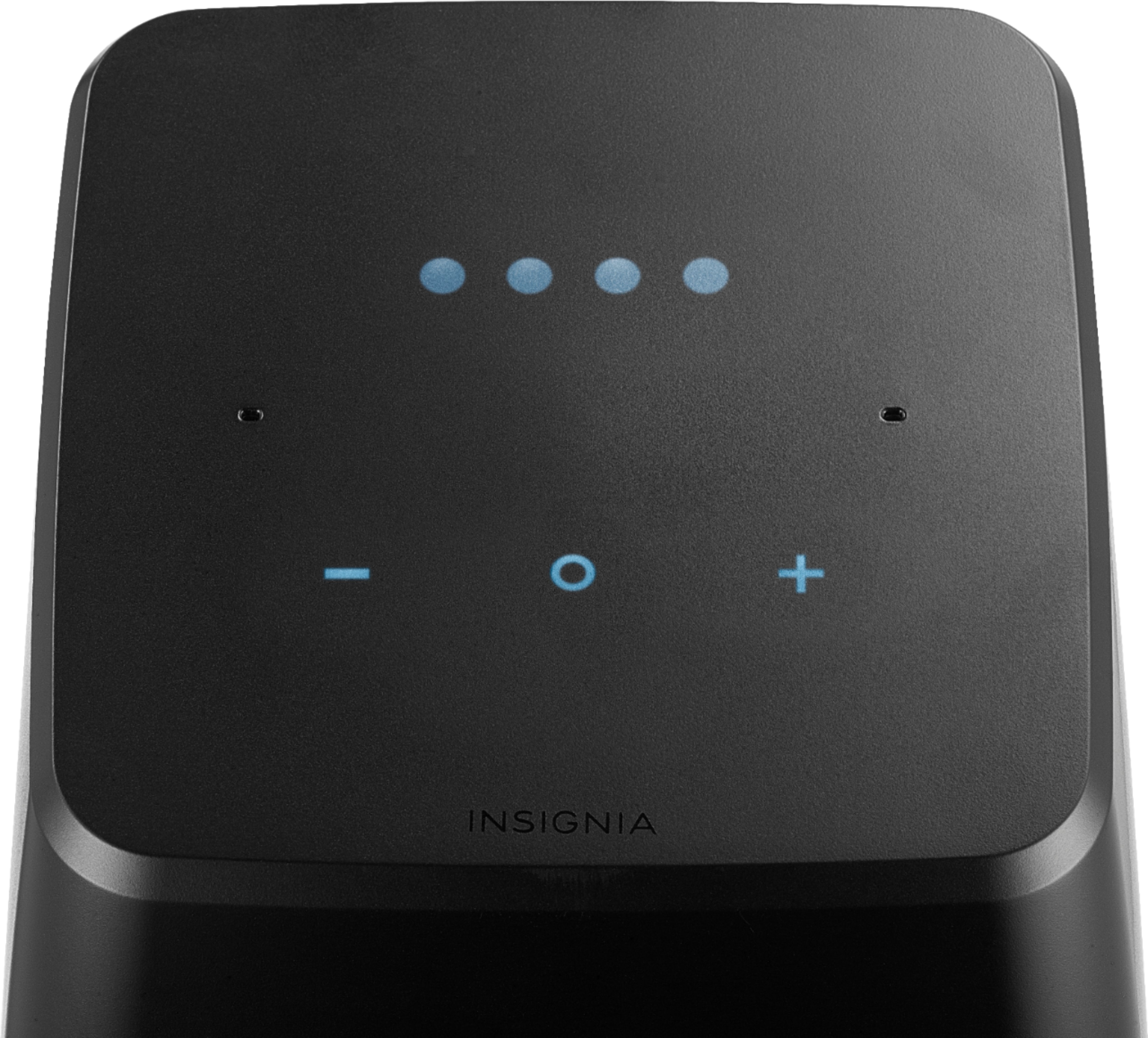
A:AnswerTry saying "Hey Google. Set volume to 6." That should be sufficient. I accidentally set the voice level to 10 and it just about blasted me out of the room.
A:AnswerSet it up with the google home app. Don't click on your wifi ssid! Choose other wifi, type the id, choose wpa2, type the password.
Basically, the only way it saves the password, is, you type it in.
A:AnswerProbably not. I had an issue with that too. It was my Wi-Fi trying to send info, so somewhere in between it couldn't finish and it was hard to recover. Try resetting the router and do all the same startup steps again. It will work eventually. Don't give up on the speaker, its been awesome for me after the issue was fixed.
A:Answerit works for me. you should be able to cast from the iheart app to the device using your phone. Or just ask it to play whatever station you want it to play. Since I listen to DC101 I tell it to set an alarm for whatever time to play DC101. And that works.
A:Answerthis requires more info. whats not working. input, output or both. what colour are the lights? when you plugged it back in did it register the net connection?
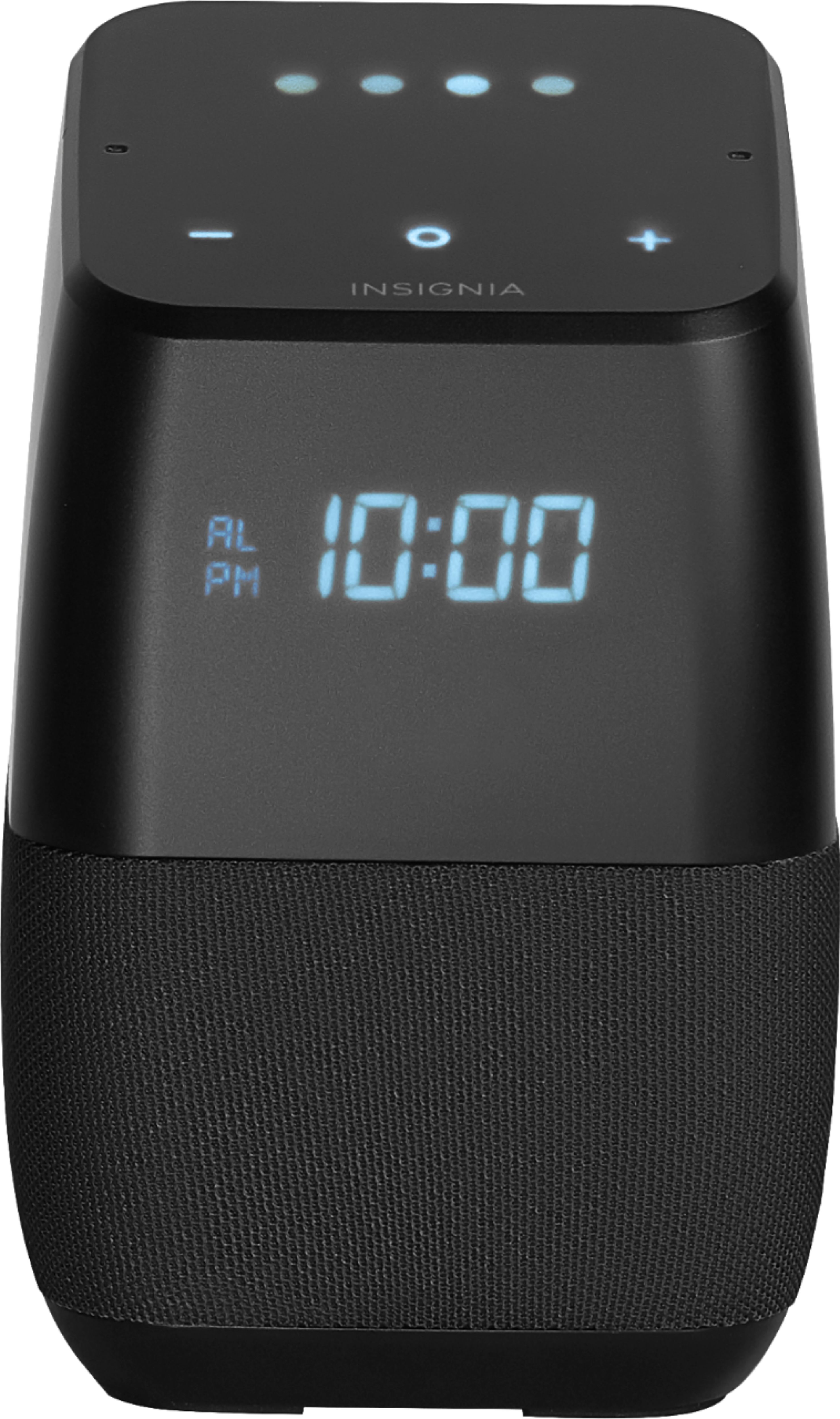
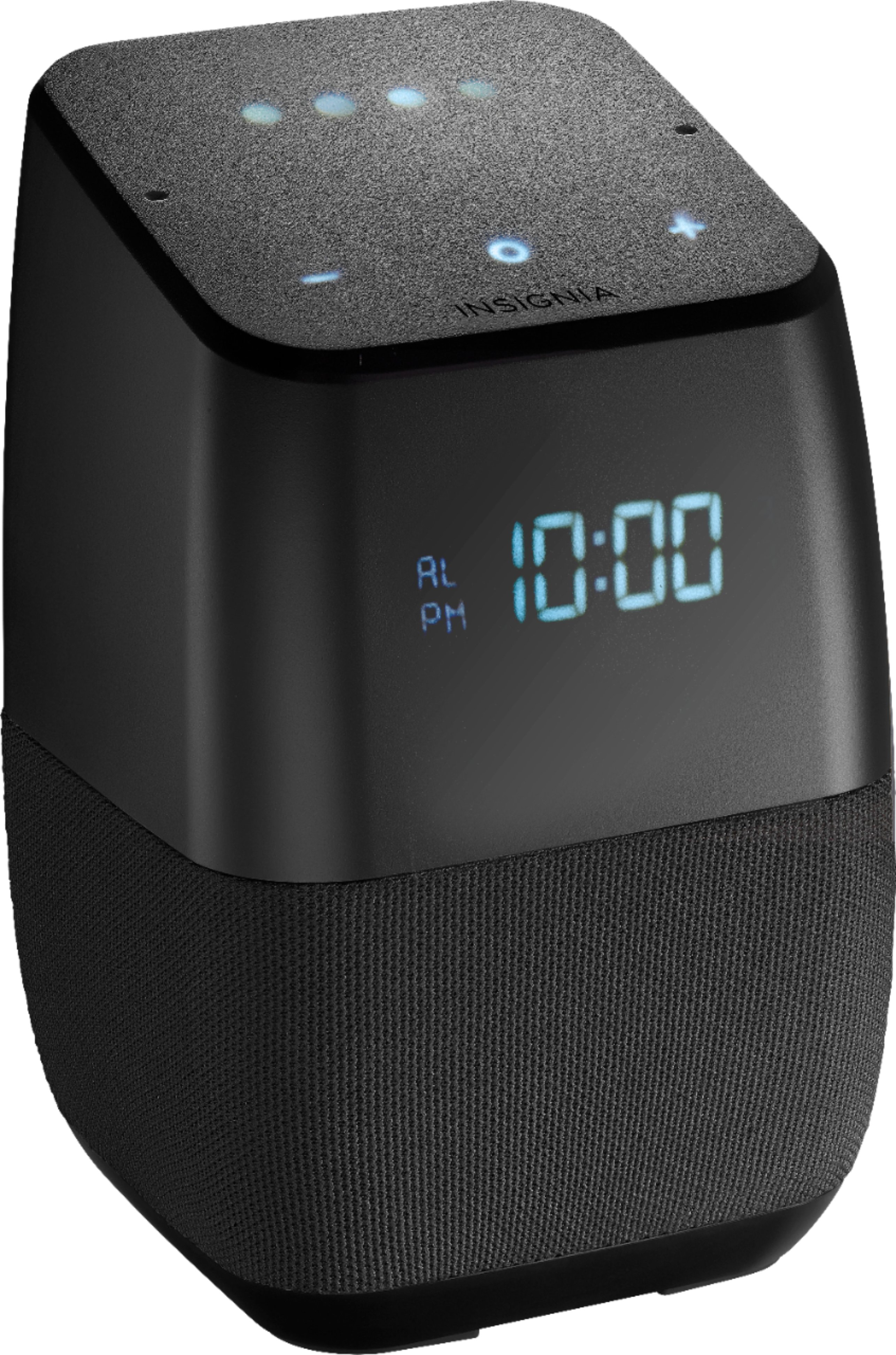
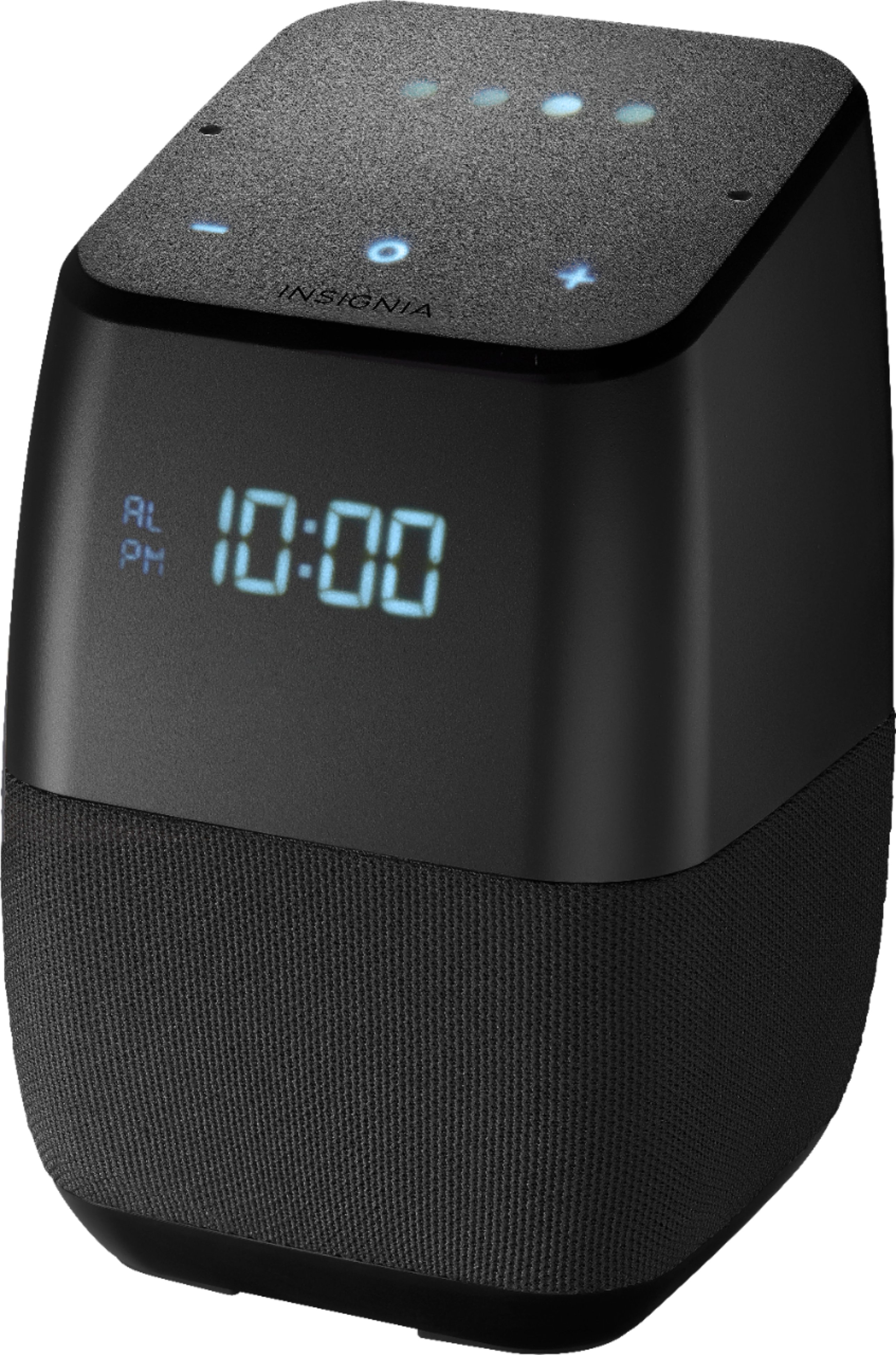
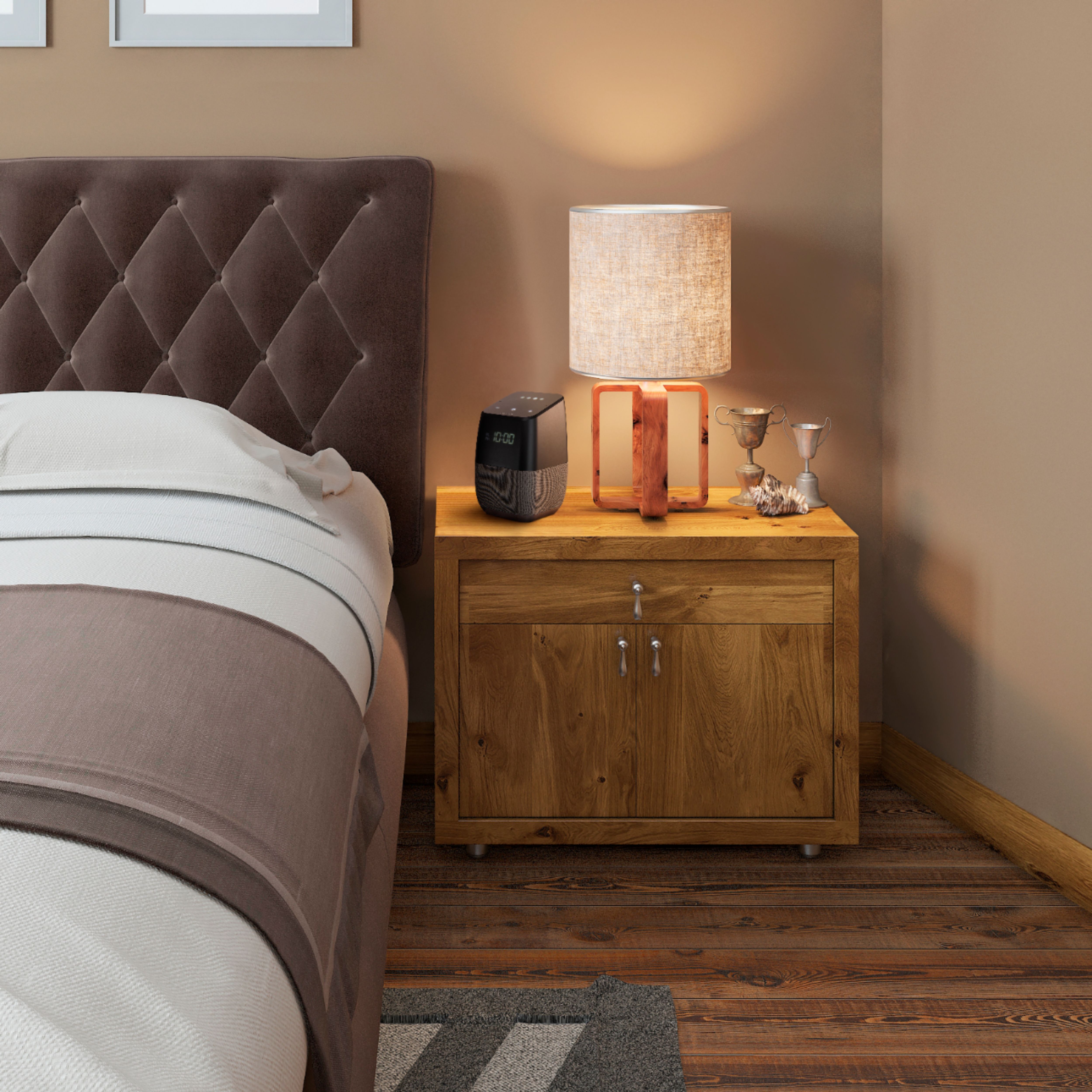
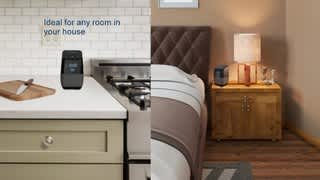
A:AnswerDisplay is a matt blue it really does not bother you while your sleeping. I will say that the Google assist works pretty good it definitely learns as it goes and gets more familiar with voice pattern. Overall a nice little alarm radio and world news information out of ten it’s a eight.