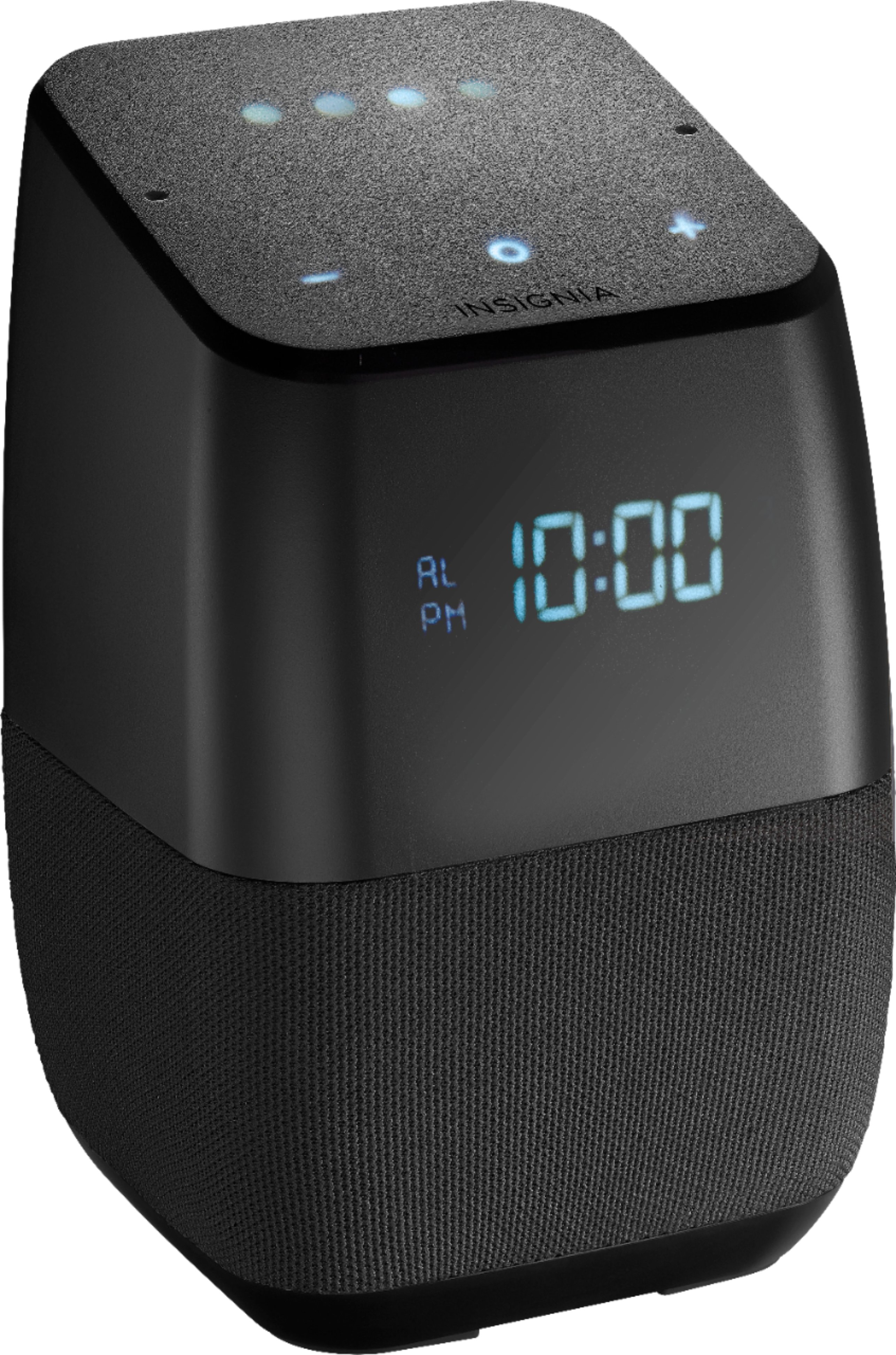
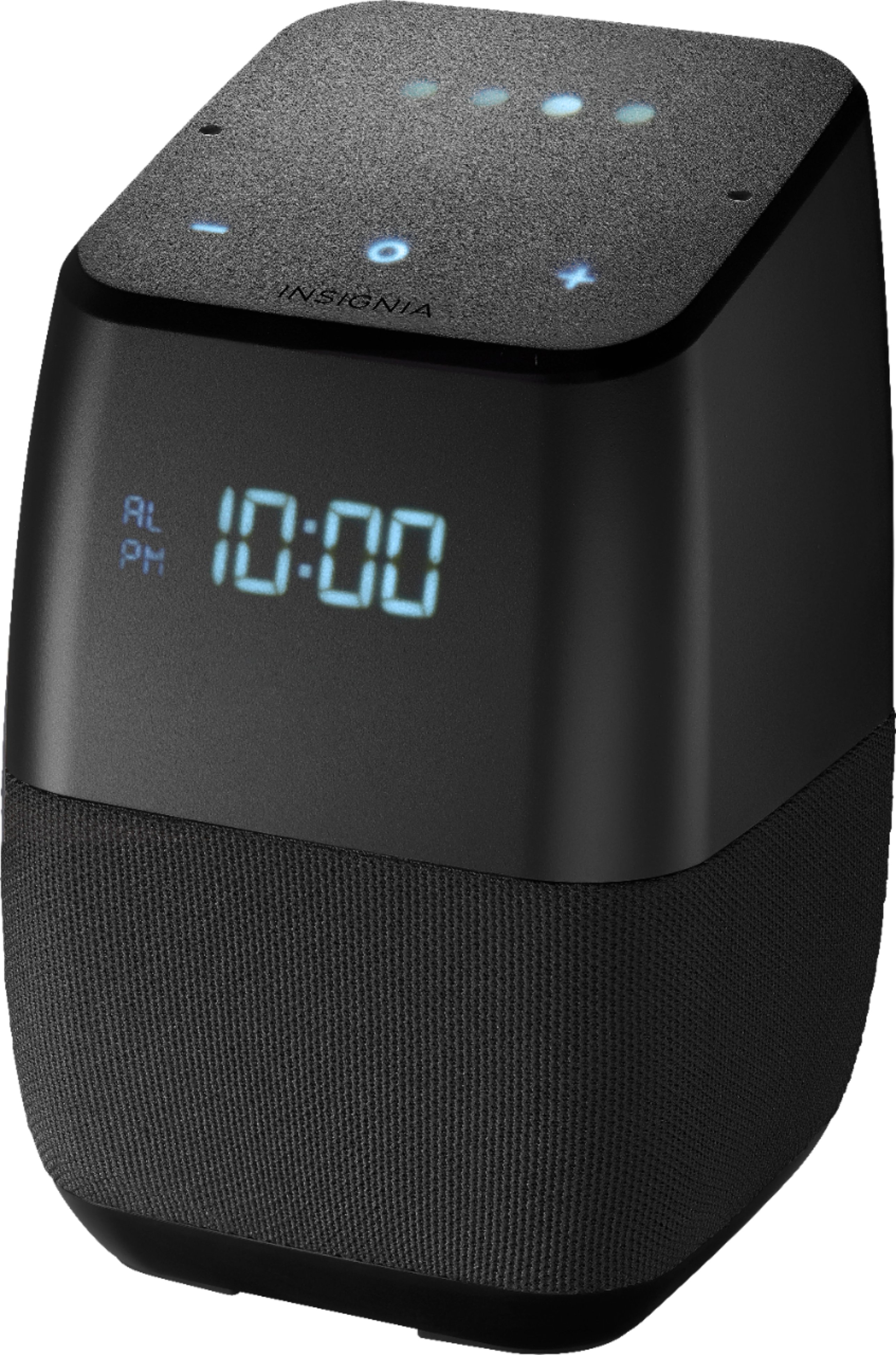
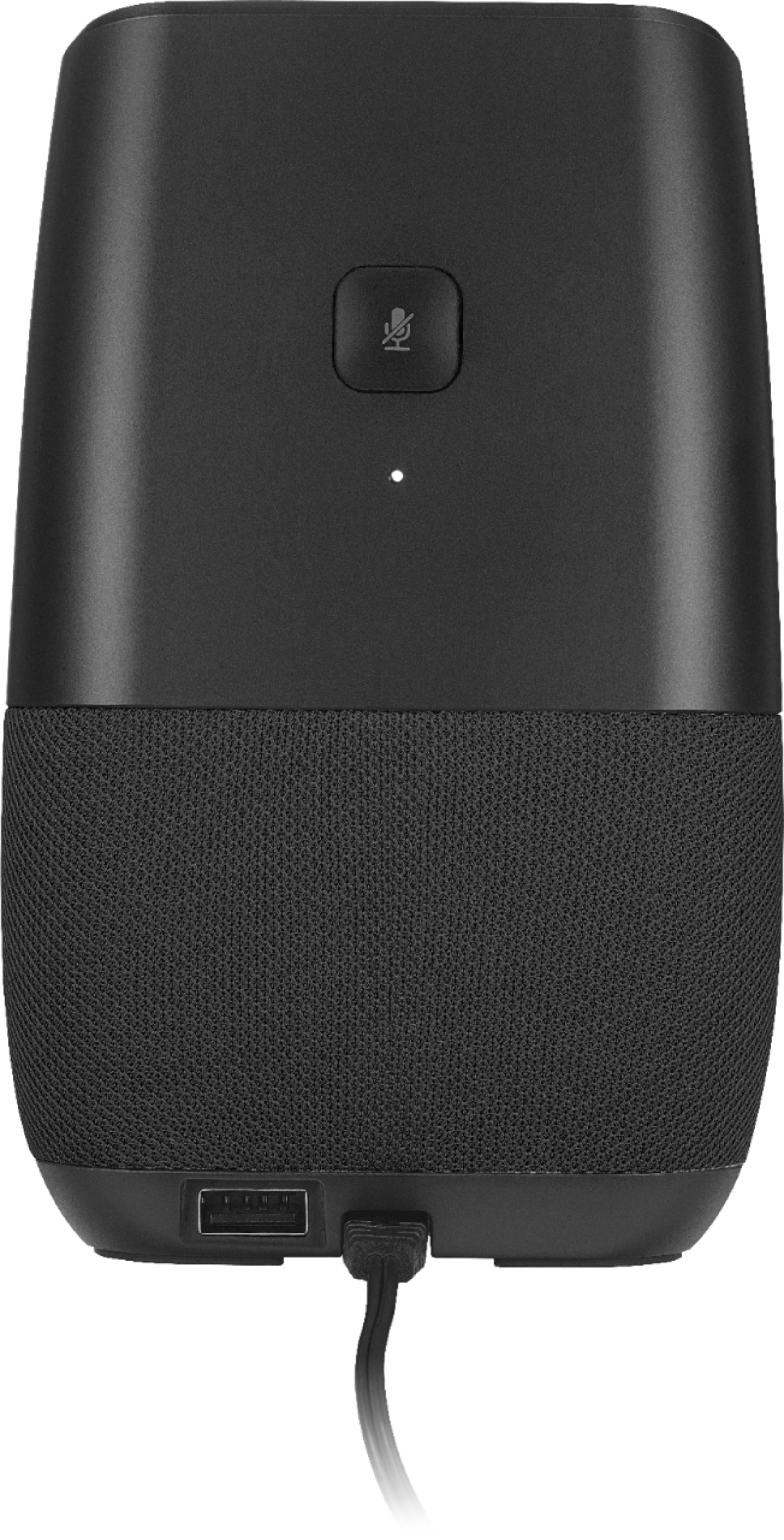
A:AnswerYes, you can. Set them up as a group in the Google home app, and you can ask to play music on the group of devices. They will all play the same music perfectly in sync.
A:AnswerI also have this issue if I pair the device to my Pixel 2 XL via Bluetooth and watch a video on my phone. Obviously the issue isn't on the Pixel's end because it's a top end, basically brand new device, and doing the exact same thing when a UE Boom and also an Amazon Echo produces in-sync results. The only way to improve it is for the Insignia team to release a fix (probably unlikely) or for you to use a video player that allows you to stagger the audio playback - in this case you'd set the audio ahead of the video to compensate for the lagging.
A:AnswerIt appears the latest firmware update, 314, has limited some functionality. Broadcasting no longer works nor do routines. Hope the next update resolves these issues.
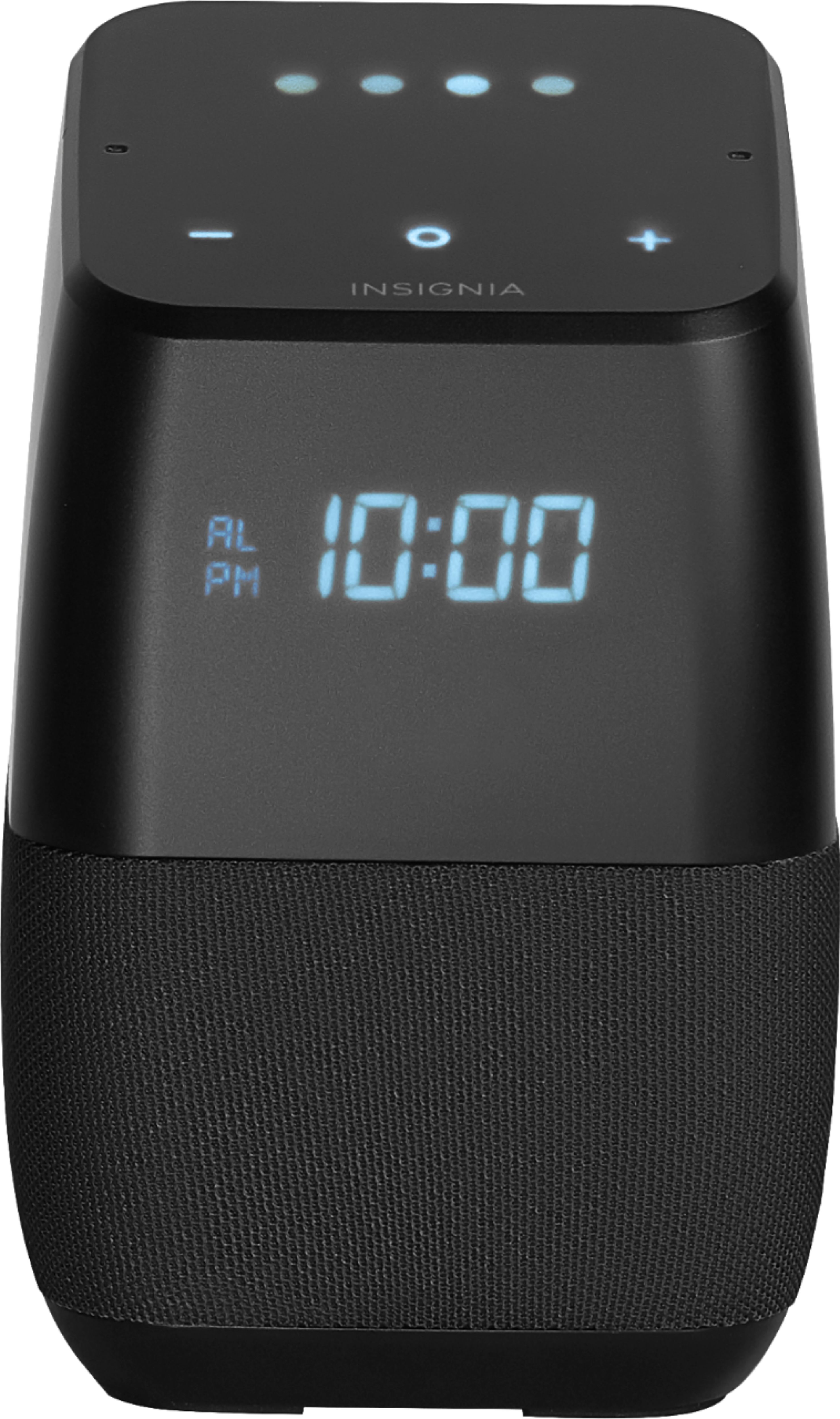
A:AnswerThe alarm will still go off even if there is no WiFi at the time of the alarm. Without power the device is useless. But when power returns alarm clock will still go off at assinged time. There is a nicer version of this that does have a battery backup option.
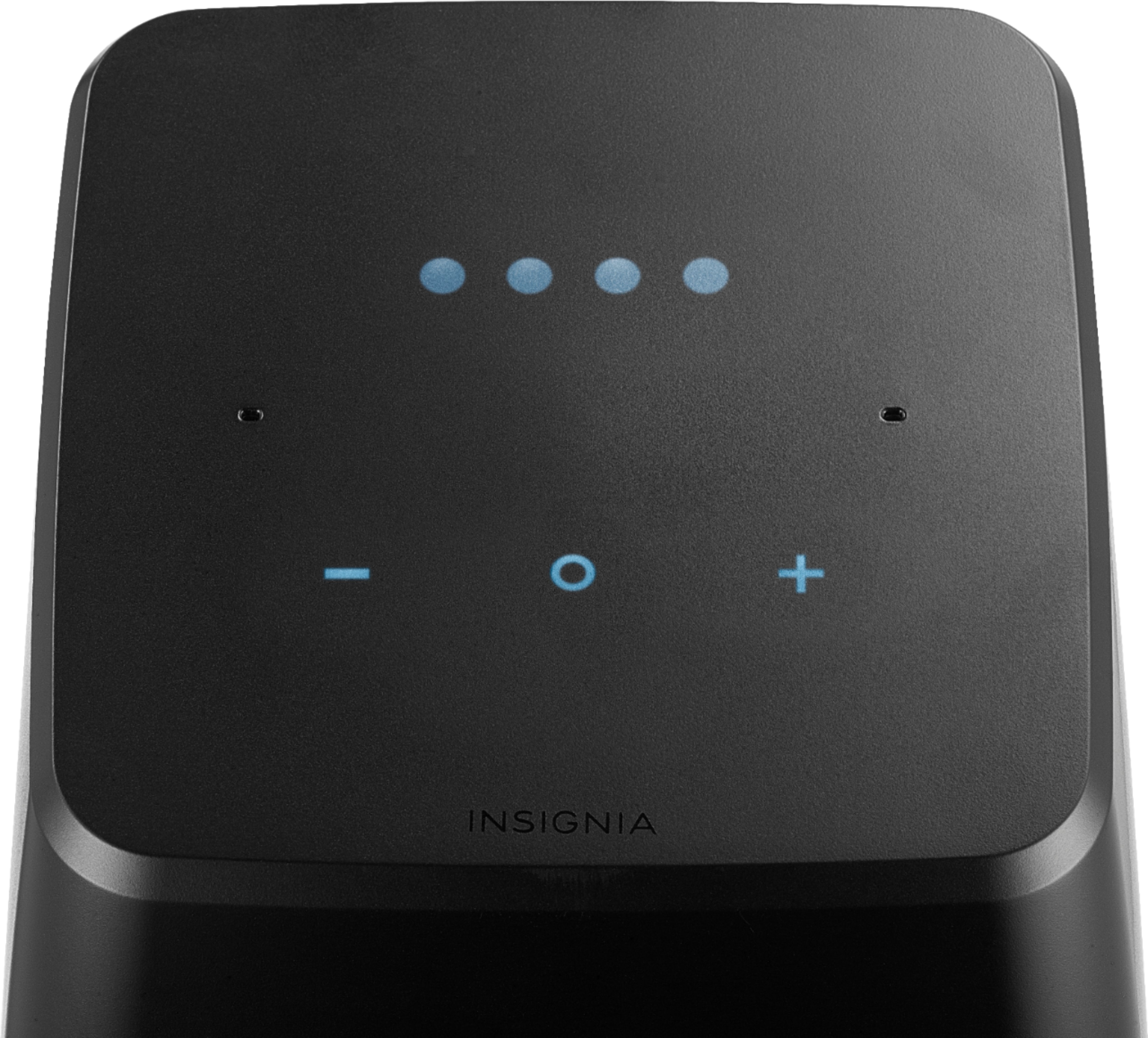
A:AnswerIf you hold the three buttons on top of the device, it will bring you to a hidden settings menu, where you can turn on/off the proximity (Pr) features. If you press the center (o) button again, it will allow you to change the temperature display (tr), '-' turns it off and '+' turns it on. Hope this helps!
A:Answerhttp://forums.bestbuy.com/t5/Home-Audio-Video/Insignia-smart-speakers-no-longer-executing-Google-Assistant/td-p/1244323
Same issues occured with continued conversation. No answers from Insignia, seems to lose features as Google updates and Insignia does not
A:AnswerI've had mine for 6 months and the routines just stopped working a few days ago. Must be a software issue with Insignia, has happened before. Does your good morning routine still work? Mine does.
A:AnswerHi PeterSweden,
Thank you for letting us know your questions. In response to them Google doesn't support the 24 hour format. As for the temperature you can actually choose it from Google Home app> Settings Menu> Preferences> Weather.
The speaker is compatible with 220volt, you should have no problems with it.
Gaby R. - Insignia Support
A:AnswerYes, but it doesn’t have an automatic update function so when Google rolls out new firmware, it won’t update and no way to do it yourself. I wouldn’t mind, but asking it to tell you about your day or any other typical “action” doesn’t work and I assume it’s a software issue.
A:AnswerYes, this unit can now make calls. The Cast firmware version was automatically updated to 1.32.129357 in October 2018. Finally, yaw whooo!! It now handles calendar agenda reporting much better, too.