A:AnswerI got a version 105 unit and was never able to get it to update. I spent an hour on the phone with a tech support supervisor, and we tried a bunch of factory resets, and it never updated.
It's going back today.
A:AnswerChange the language in the Google Home app to English (Canadian). It will fix it and the alarms will work as expected. I had the same issue and found reviews and questions from several others. This seems to be the only working fix posted by others.
A:AnswerYes, We use it nightly.
Just say Hey Google... Play me the sound of rain.. (or any other sound you prefer, we have listened to ocean, storm, etc.)
you can also give it a time limit to play also.
A:AnswerGoogle uses Chromecast to cast the music from the source. Apple never has supported Chromecast and probably never will. Sorry, but you are out of luck.
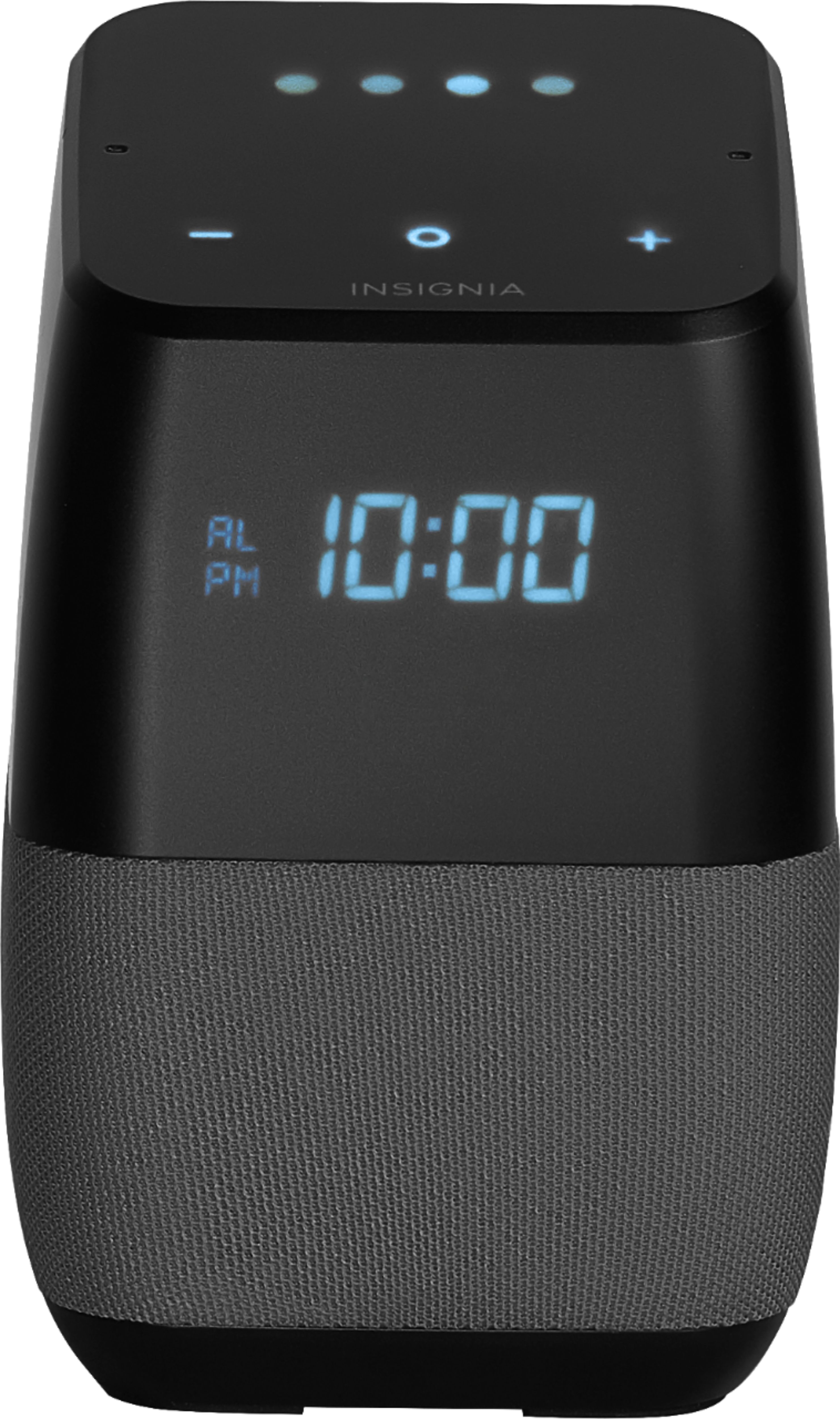
A:AnswerSay this "Hey Google,set alarm for tomorrow/daily at 7am" it will reply "Okay alarm set for 7am tomorrow/daily" and it will be shown in display.
A:AnswerI'm also very disappointed that this has not gotten the Google updates in months. My specific issue is that I must enter my weekday alarm one day at a time. It appears that this is an "orphaned" product even though Best Buy has been claiming for many months that an update is coming.
A:AnswerMine didn't work until it updated to the latest system firmware version 314. If yours doesn't auto update, you might want to call customer support and see if they can push the update to your device.
A:AnswerI reached out to Best Buy on Twitter and they assured me that this device would be receiving further firmware updates. They also mentioned that they "cannot provide a time frame."
A:AnswerI would like to know this also. It seems like there has not been an update for a while. I hope this speaker does not phase out of getting updates.