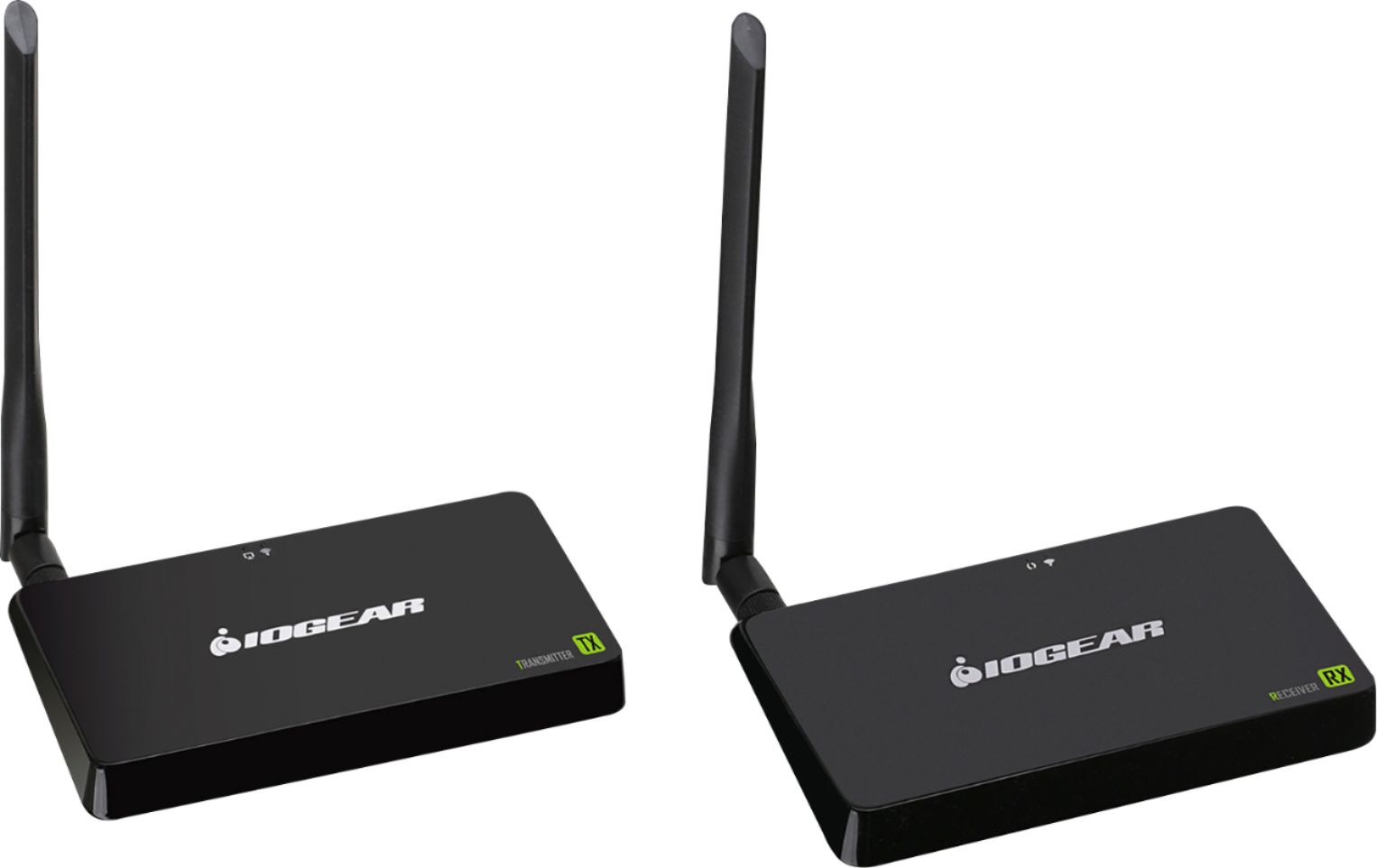
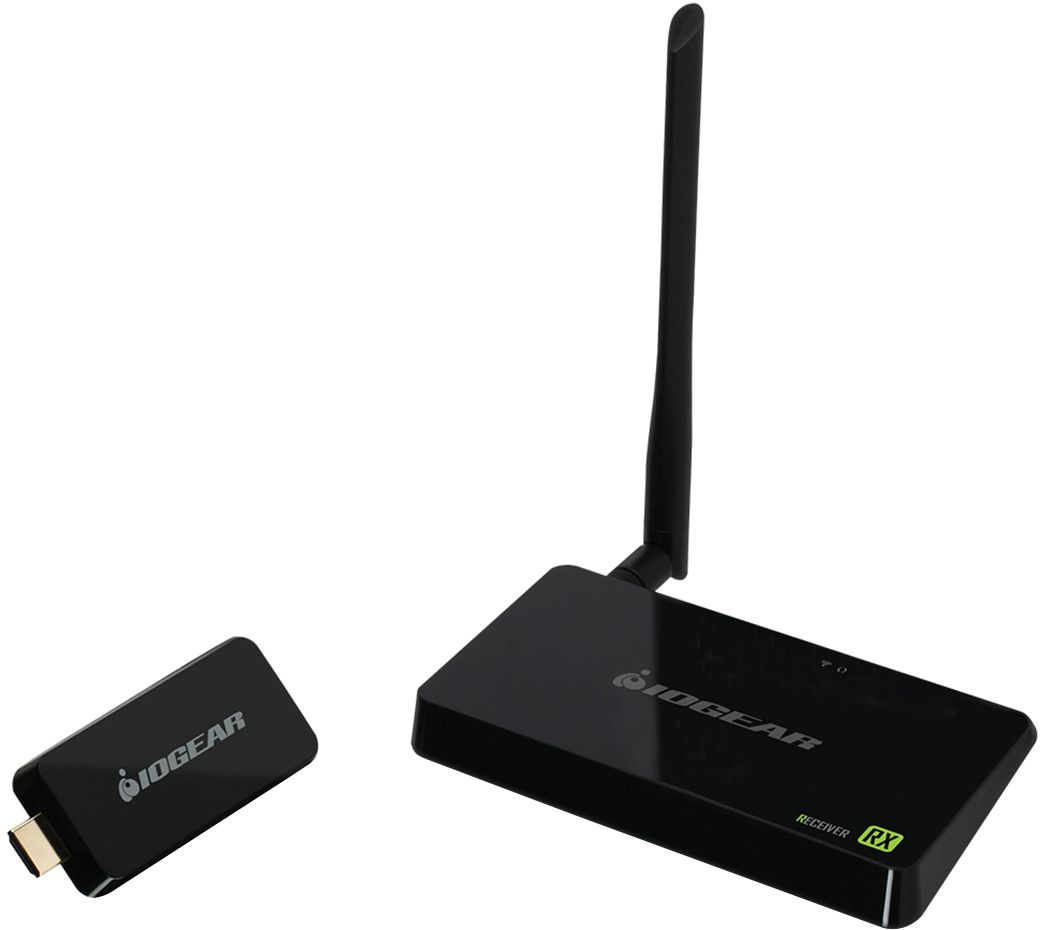
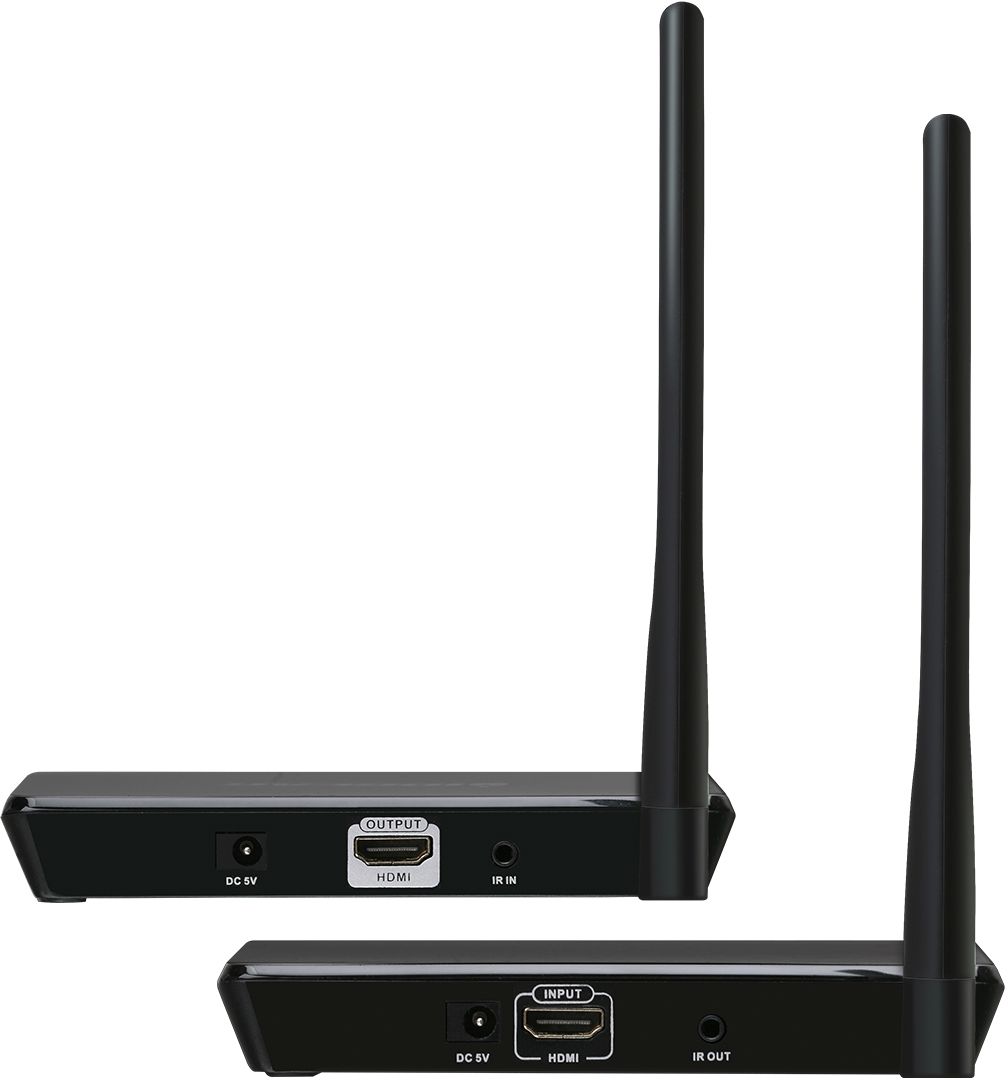
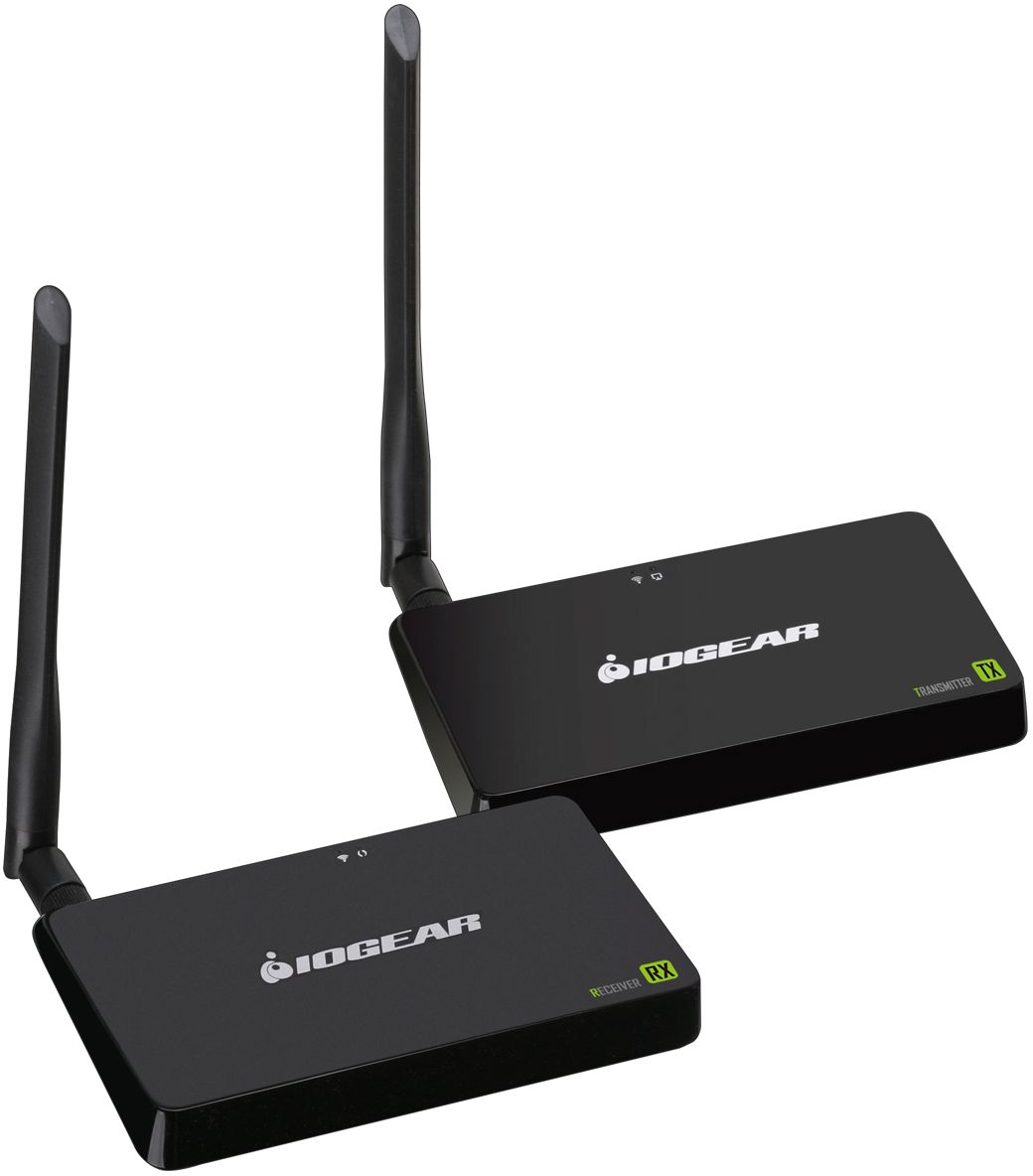
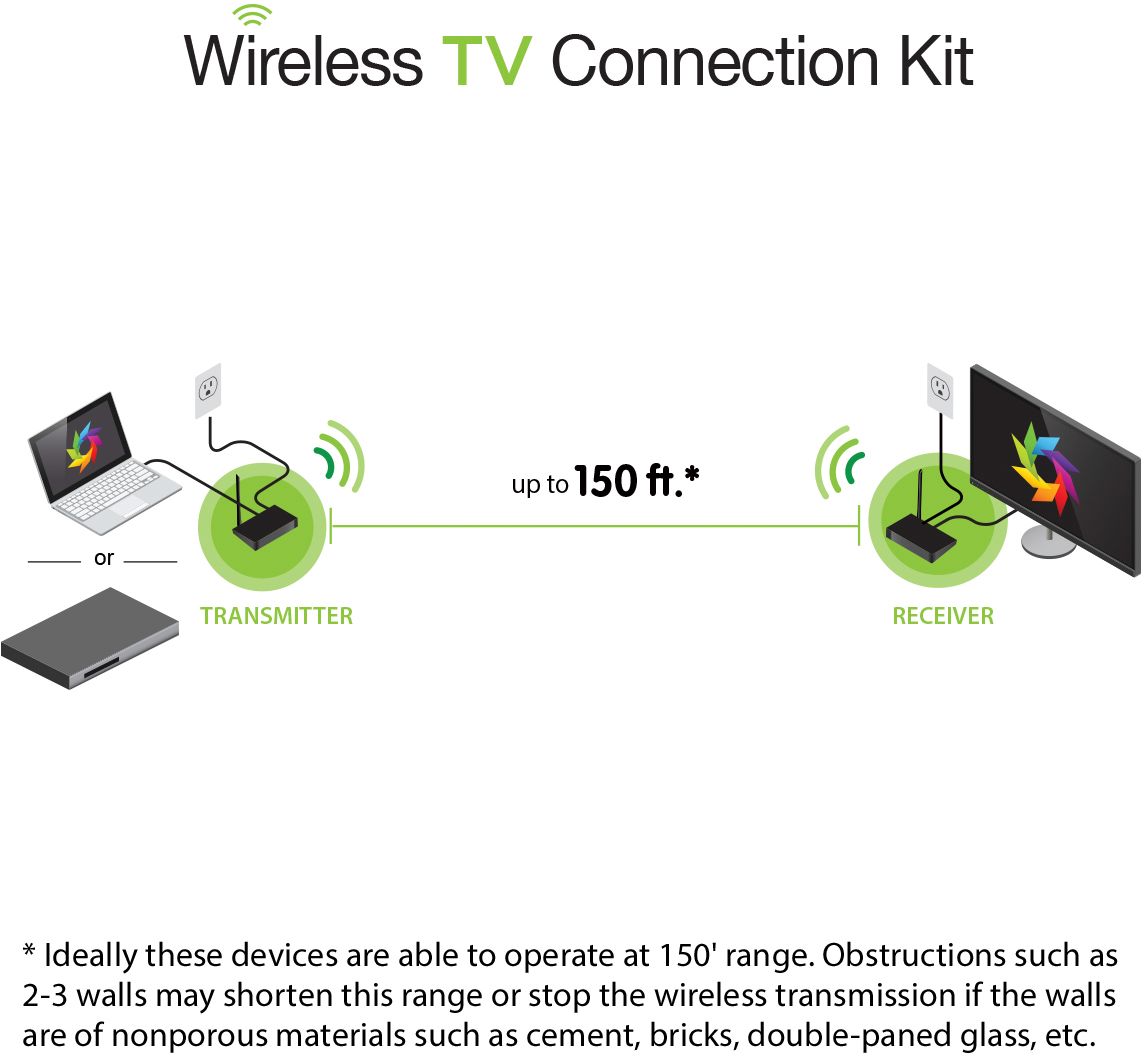
A:Answer As long as there is nothing like a metal ventilation vent in the way of the signal, it should go right through wood, insulation and wall board and all that. I also used it to avoid running a cable. I did not go very far though. The two devices are about 15 feet apart. I’ve seen other comments about the range of the device, so I’d advise paying attention to that. Going through a wall won’t be relevant if the range is too far. For me, one room to the next on relatively short range works great. The signal is also passing through a wooden book cabinet, no problem. And no added cable. I’m happy. ... and you want to make sure the older TV is HDMI capable, maybe test it via a cable before buying and installing this only to find out the TV is too old. If you’re cautious like me. If you just want to go for it, remember Best Buy has a gracious return policy.