A:AnswerHello, sorry to hear you are having trouble. Please attempt to charge with an alternate electrical outlet, and if the issue continues, please reach out to us at www.ionaudio.com/support.
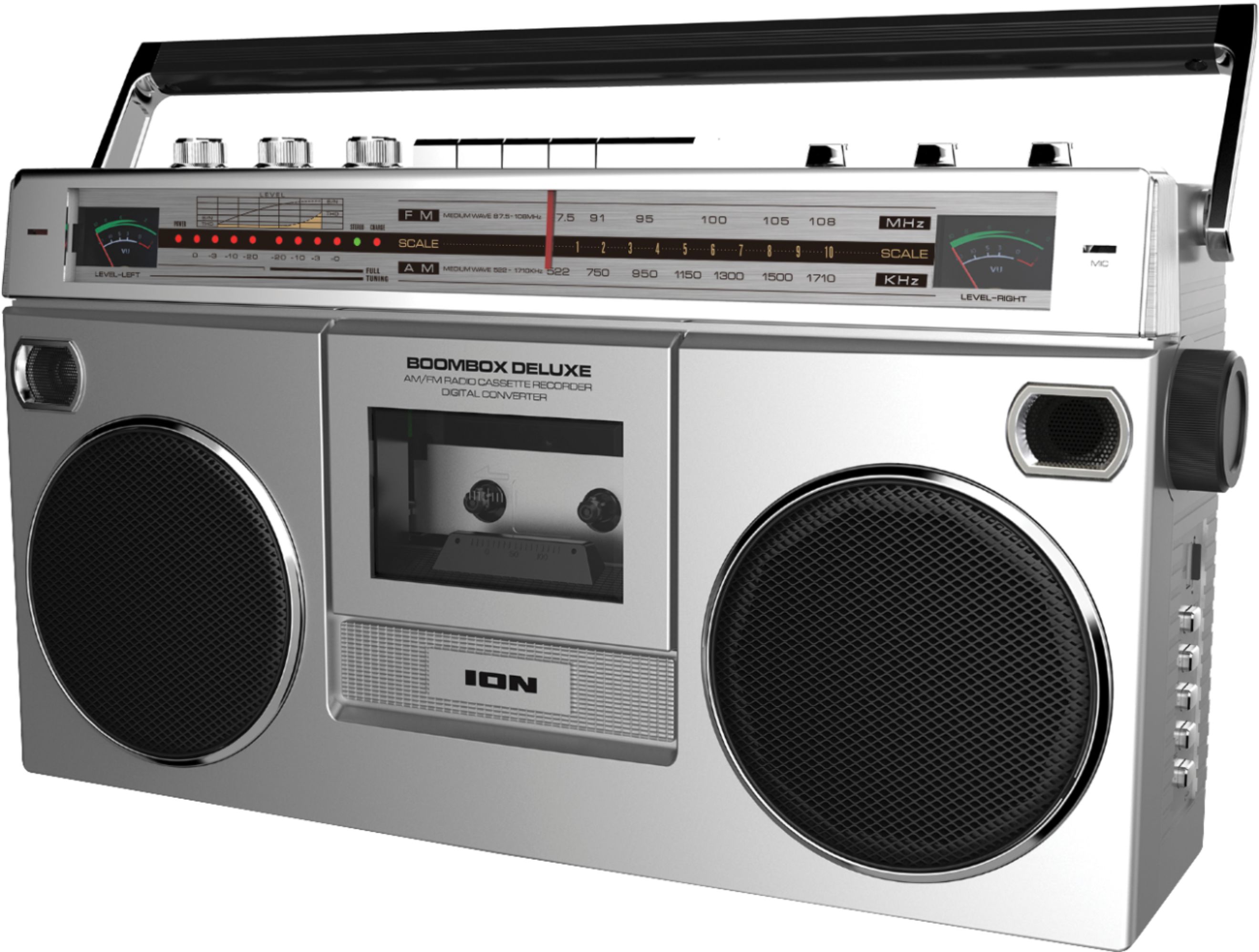
A:AnswerWe have a product called the Retro Rocker, Boom Box Deluxe, and the Street Rocker, all of these will list that information in the back of the manual found on the product page at www.ionaudio.com. For example, the Retro Rocker has the following requirements:
USB/SD Card File Types .MP3, .WAV
USB/SD Card File System FAT32
USB/SD Card Maximum File Size 32 G
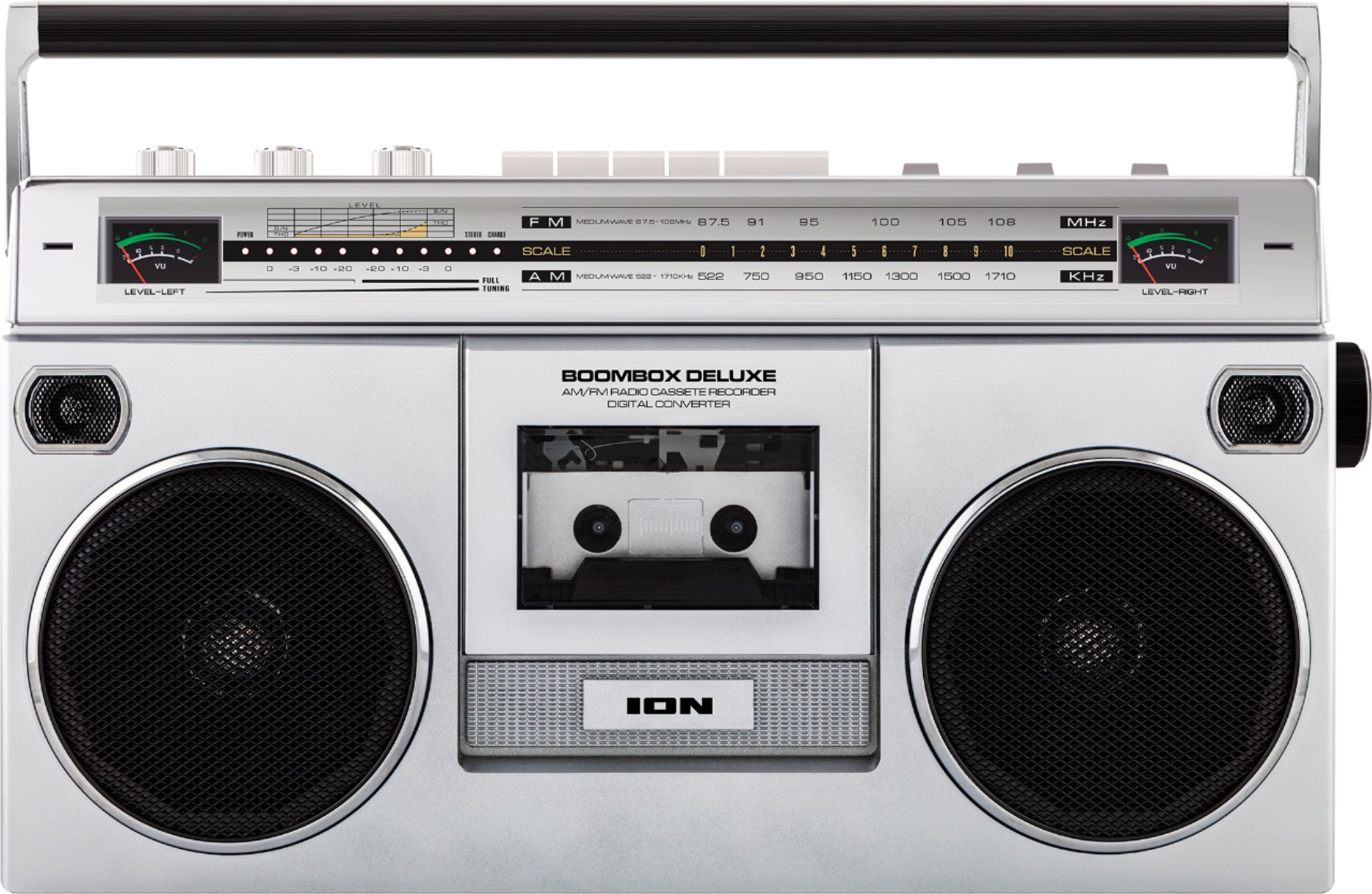
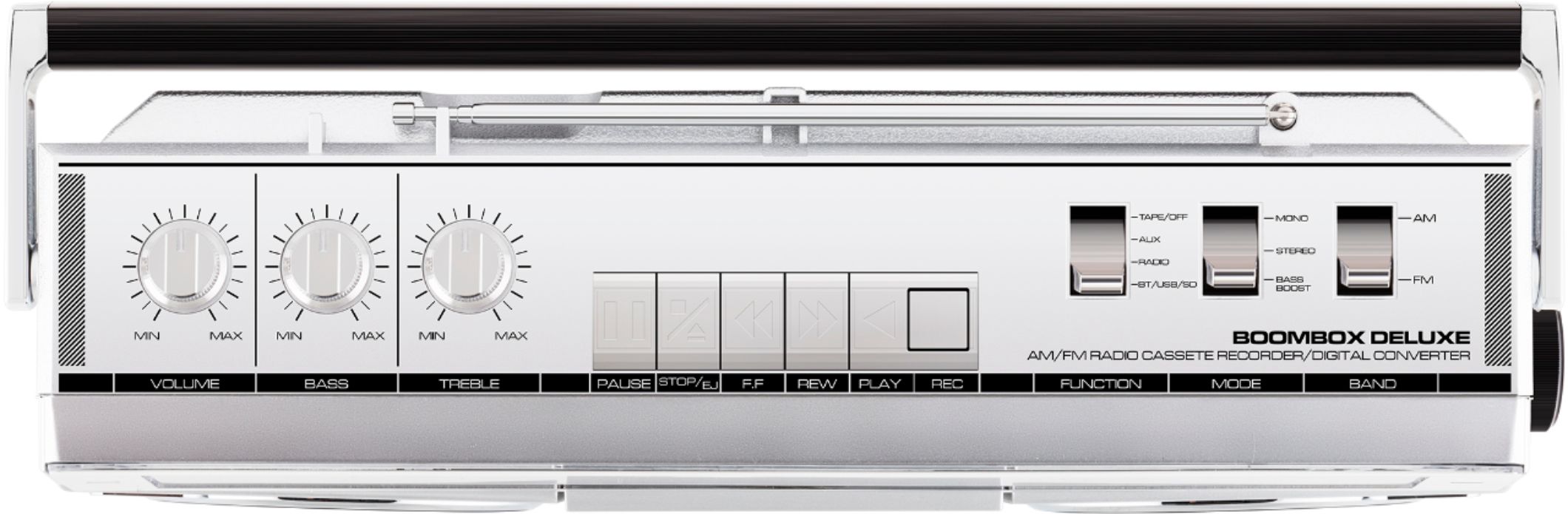
A:AnswerHi, I would make sure that the source is set to the radio using the function button and that the volume is at an adequate level. Please reach out to us at https://www.ionaudio.com/support and we would be happy to help as we will need to ask a few questions to better understand the issue your are experiencing. Thanks!
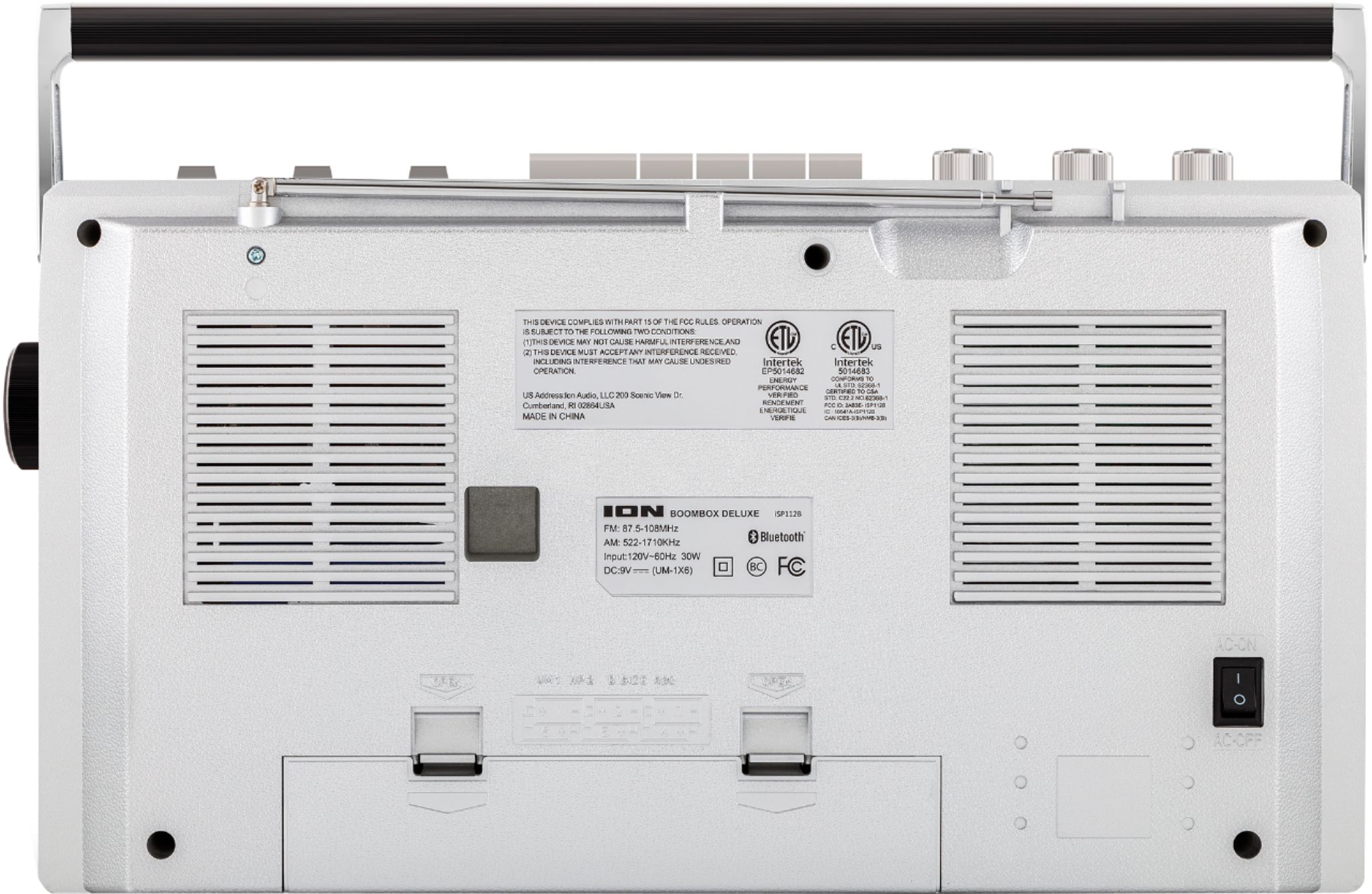
A:AnswerHave not tried that. However there is a switch on the bottom right in the back to switch to using your D Batteries. Switch to DC from AC into DC
position for the D Batteries to work.
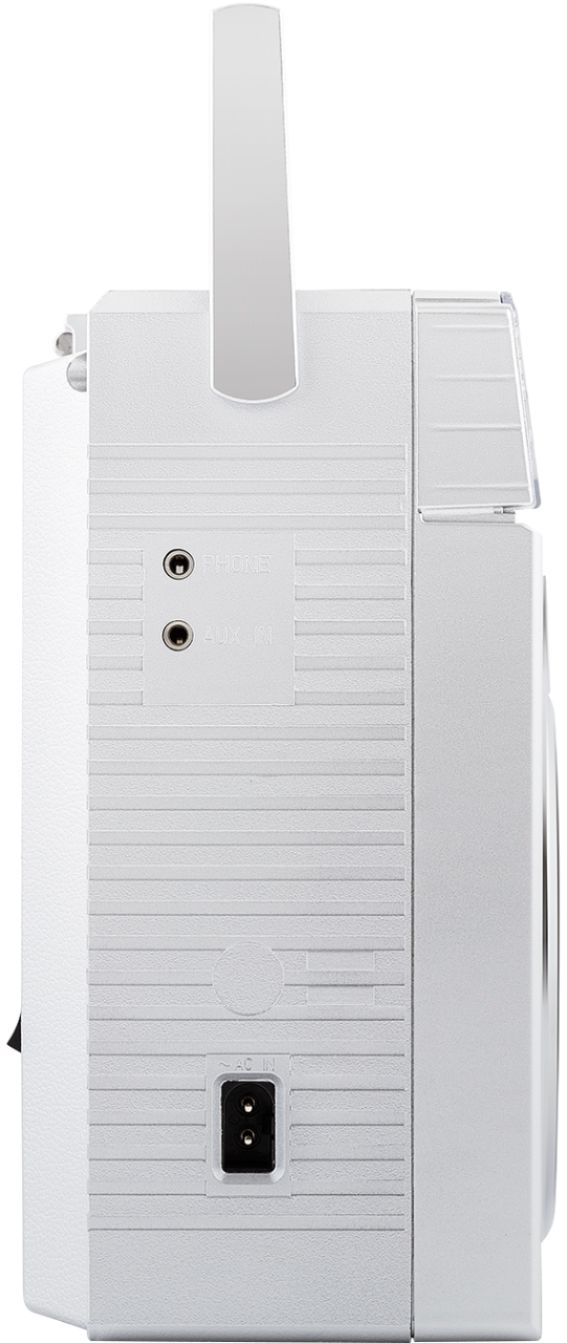
A:AnswerYes. There are mode and navigation buttons on the side to advance to additional tracks. We use it with an MP3 player plugged into the USB and can navigate from the boombox or the MP3 player.