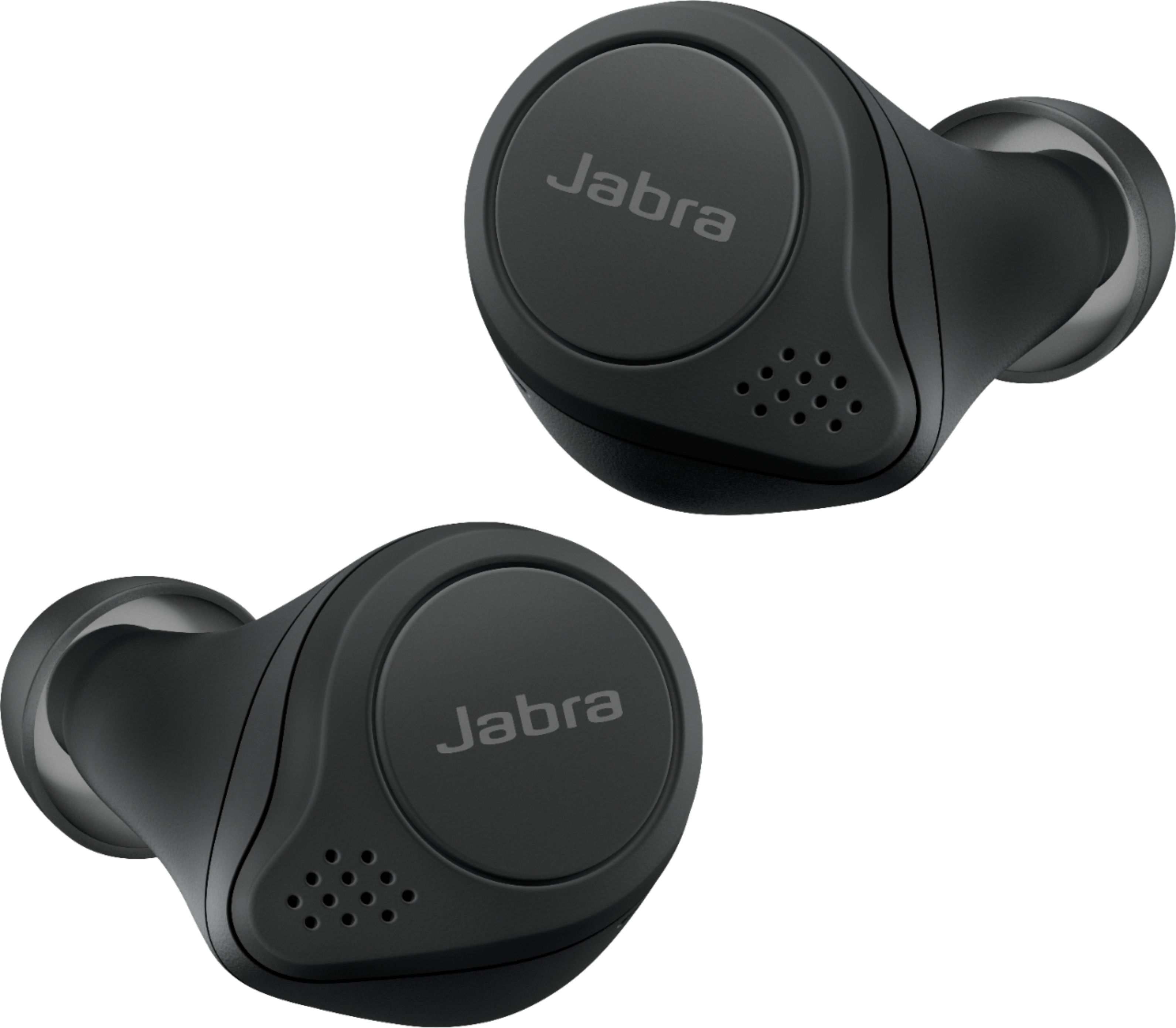
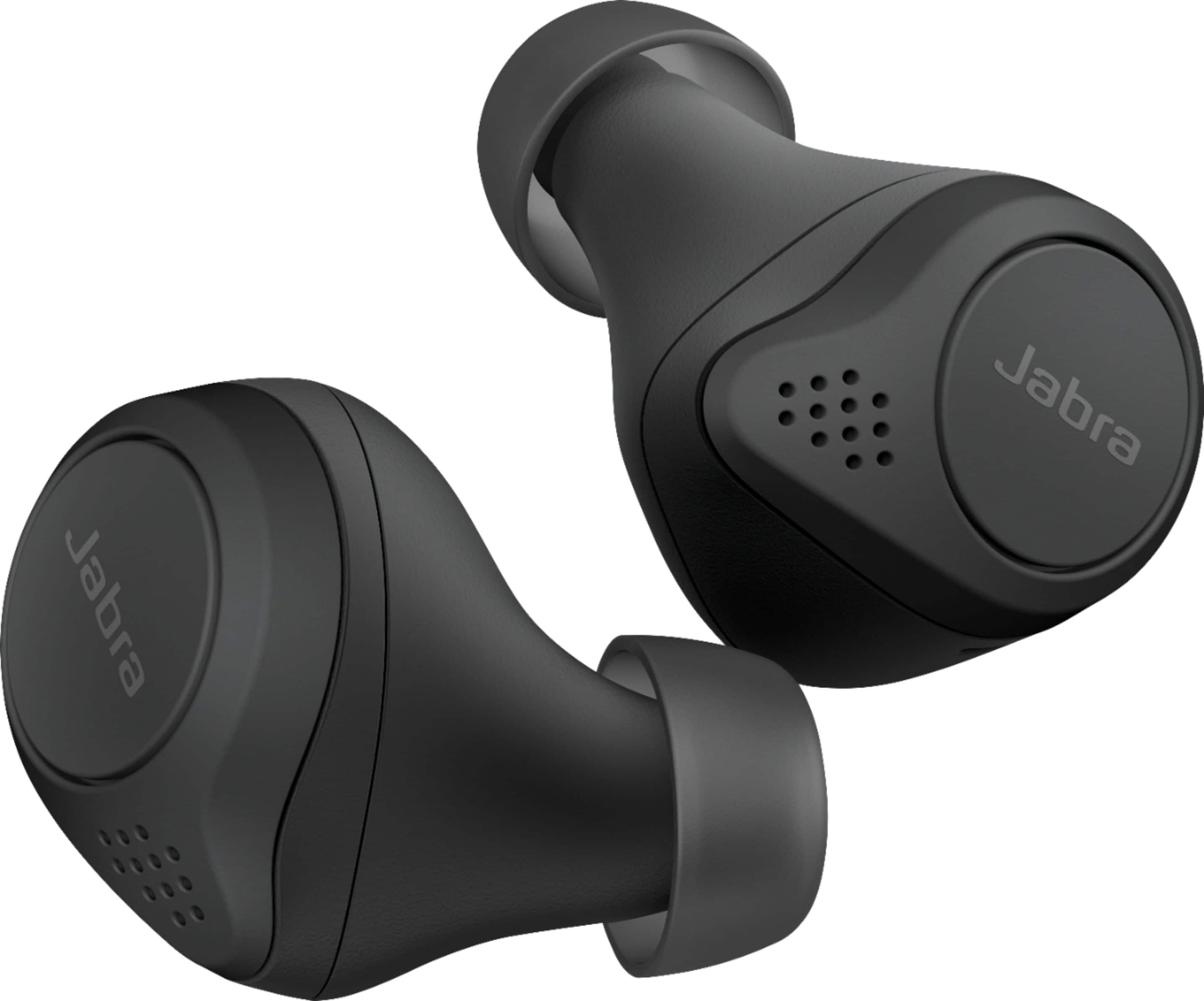
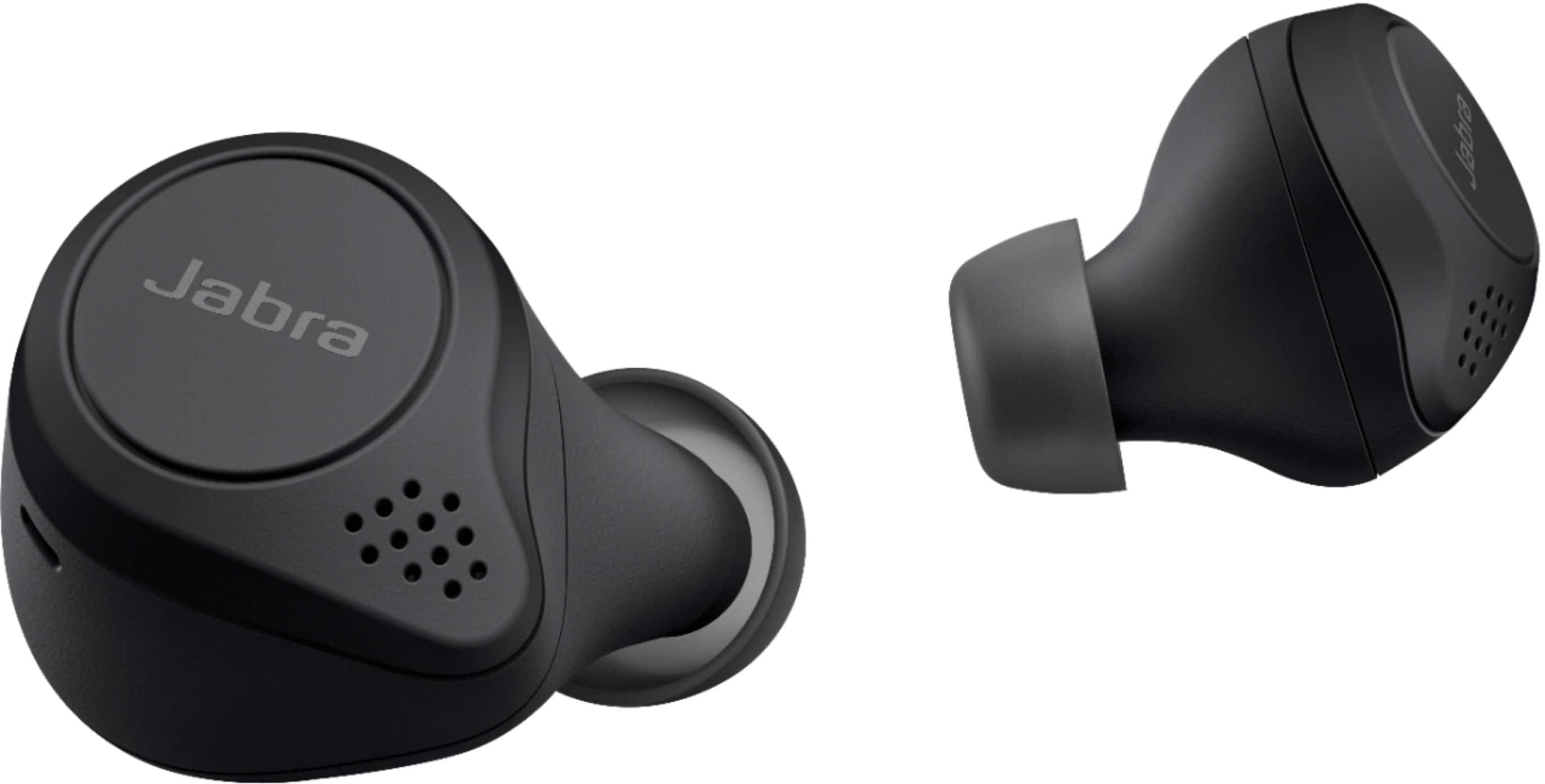
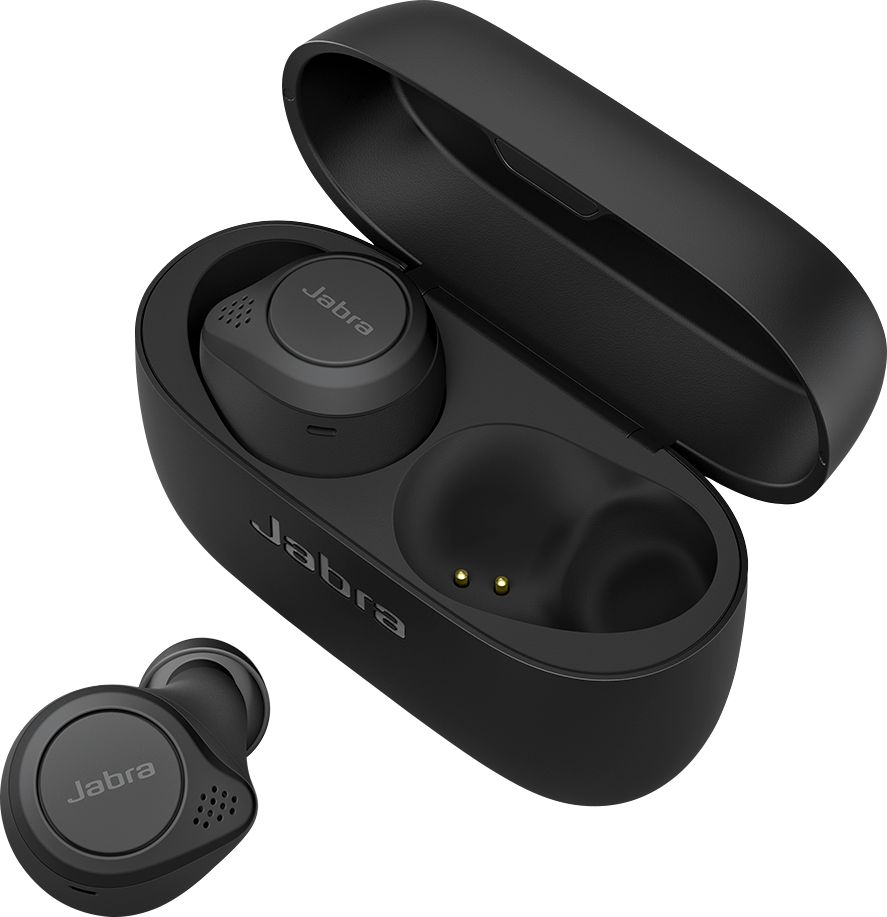
A:AnswerI have an iPhone 12 Pro Max, if you download the Jabra app, they work great with iOS. You can eve program the buttons to activate Siri, raise and lower the volume, start and stop tracks, answer phone calls, etc. Highly recommend them.
A:AnswerYes I paired them to my laptop and my phone at the same time and can be on a webex and switch to a phone call and back to the Webex with no issue.
A:AnswerHello mosh87- Thank you for your interest in the Jabra Elite 75t. The Elite 75t is compatible with most Android smartphones. You can check out our Compatibility Guide here to see a complete list of Jabra devices compatible with your Android phone: https://www.jabra.com/compatibilityguide/.
Be advised, however, that this time, we do not recommend you pair your Jabra Elite 75t directly with a computer. The Elite 75t is optimized primarily for smartphones or tablets running either iOS or Android. While many of our users have found success pairing their devices to their computers, this is not something that we officially support. For this reason, we cannot guarantee device performance or provide support for performance problems that may result.
A:AnswerHello Zoomies- At this time we do not recommend you pair the Jabra Elite 75t directly with your computer or with any of our Jabra Link USB dongles. The Elite 75t is optimized to be used with smartphones or tablets running either iOS or Android. While many of our users have found success pairing their devices to their USB dongles and their computers, this is not something that we officially support. For this reason, we cannot guarantee device performance or provide support for performance problems that may result.
You can see a complete list of all of the Jabra devices which are supported with your softphone and computer on our compatibility guide linked here: https://www.jabra.com/compatibilityguide/.
A:AnswerLag is more dependant on your phone and apps. I helps if you have bluetooth 5.0 on your phone which is the most power efficient highest bandwidth BT currently available. I haven't experienced any such lag on the S20+ or Pixel 4 XL.
A:AnswerHello WNJP - The Jabra Elite 75t is optimized for use with a mobile device such as a smartphone or tablet. Some users may have success pairing a Jabra Bluetooth device with a television or video game console. However, the full functionality of the Jabra device may not be available. For example, you may be able to send and receive audio, but the buttons may not work for music controls the way they would with a mobile device.
A:AnswerYes. I have an iPad mini. It's just a regular bluetooth headset (with added features). I believe I once tried these types of headphones on a Windows Phone of all things... and it worked fine there too.
There's an app for it that works on iPad too.