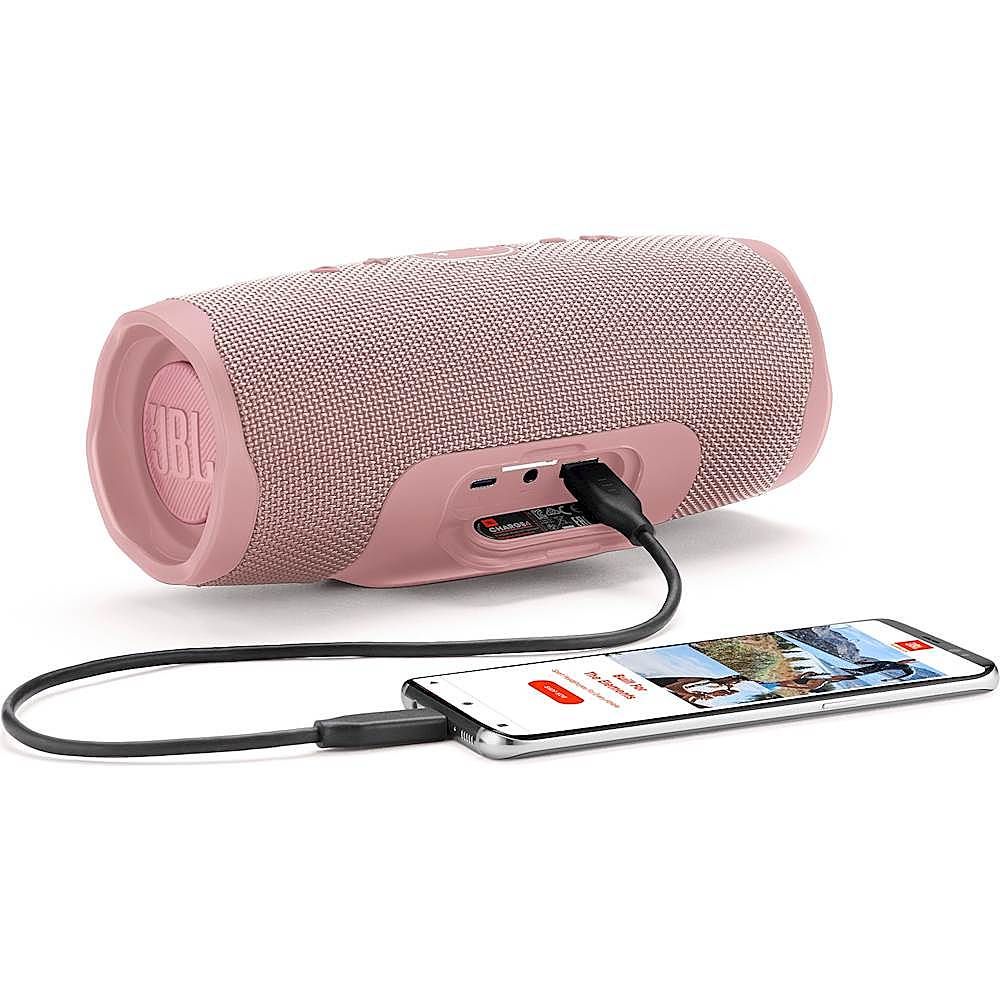
A:AnswerHi, thanks for your question. Yes, you can. If you connect one of your devices with your computer via Bluetooth, and then press the 'connect' button on both devices, they will play audio from the same source. If you need further assistance, please submit a case request at https://www.harmanaudio.com/support-contact.html and the Customer Service Team will be more than happy to assist you.
A:AnswerTo answer your question regarding “is it more powerful then the Bose mini” yes, it is, and slightly less tinny. It’s not the base I expected, but it’s still pretty clear. Very pleased with it.
A:AnswerLots of people with the Charge 4 including myself have the same problem. I even took mine into an authorized repair centre - Microland in Markham Ontario. After 3 weeks they returned the speaker stating not repairable as it required a main circuit board and JBL said the part is not available. Nice customer service. I've only had my Charge 4 for over two years and of course out of warranty. It also randomly keeps turning on without touching any buttons. I tried a factory reset to no avail. JBL should have had a recall on this defective product. I've been getting the runaround since May 2024 after contacting head office in USA. They sent me to Canadian JBL who referred me to Microland. What a joke. I will never buy a JBL product again. Should consider a class action to get some results from Harman Kardon who owns JBL.
A:AnswerOur JBL Xtreme 2 is about 30% longer and wider than the JBL Charge 4, and more than double the weight. The Xtreme 2 has the better sounding speaker with more bass and volume.
A:AnswerOur JBL Charge 4 has the Connect+ feature that can only connect with other Connect + enabled JBL speakers like Flip 4, Boombox, and Pulse 3. To learn more about this speaker, here's the link: https://bit.ly/3HtLzOS
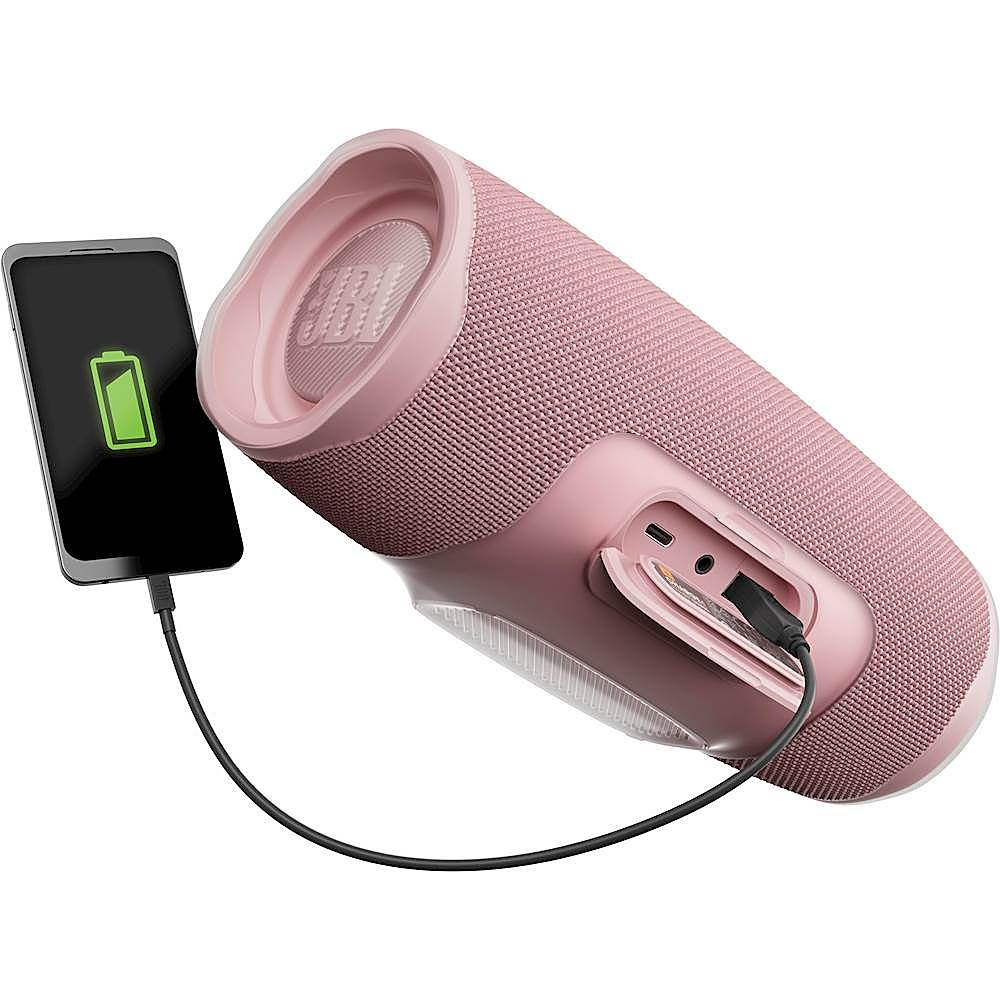
A:AnswerThat seems to indicate the battery isnt taking a charge. That can indicate the battery wont hold a charge, or the port isnt passing the recharge current to the battery from the port.