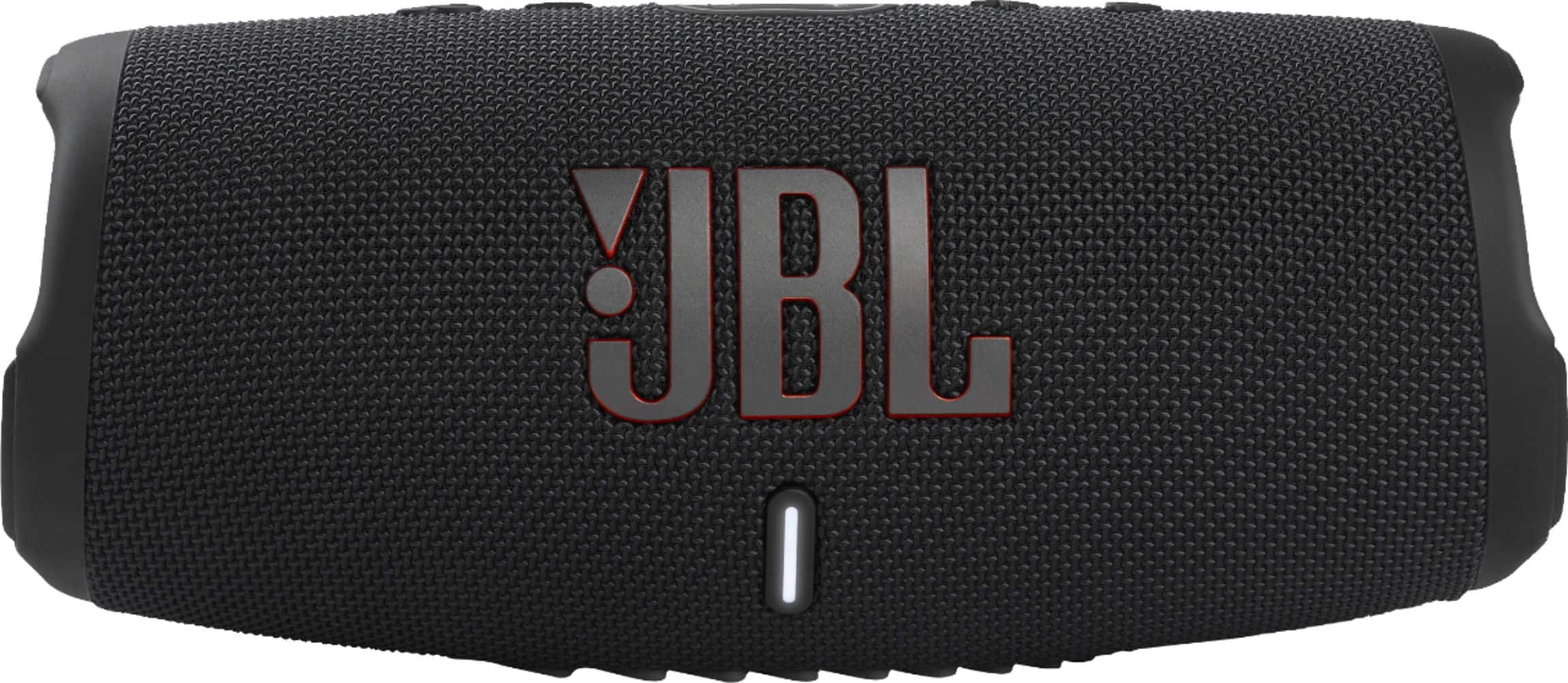
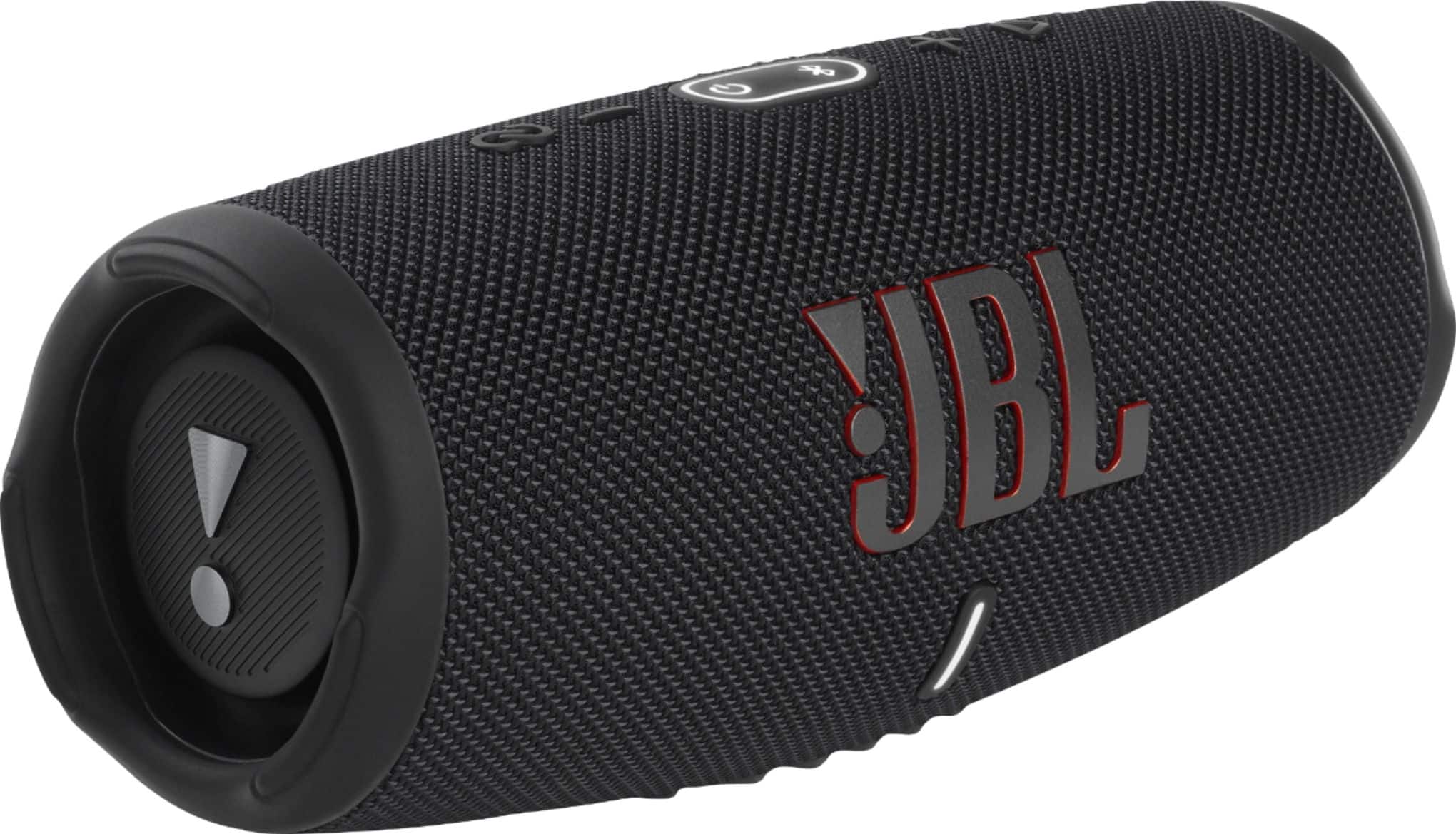
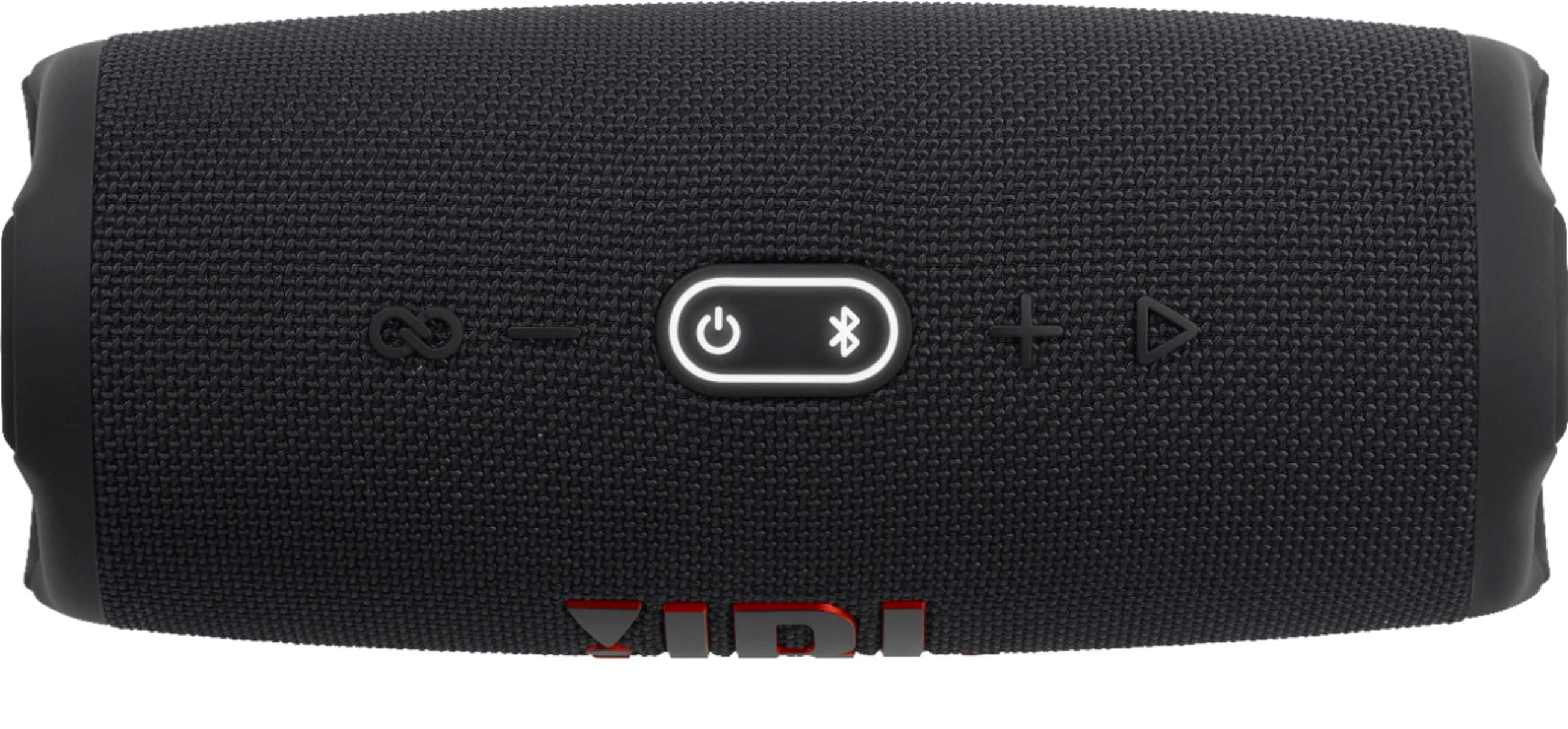
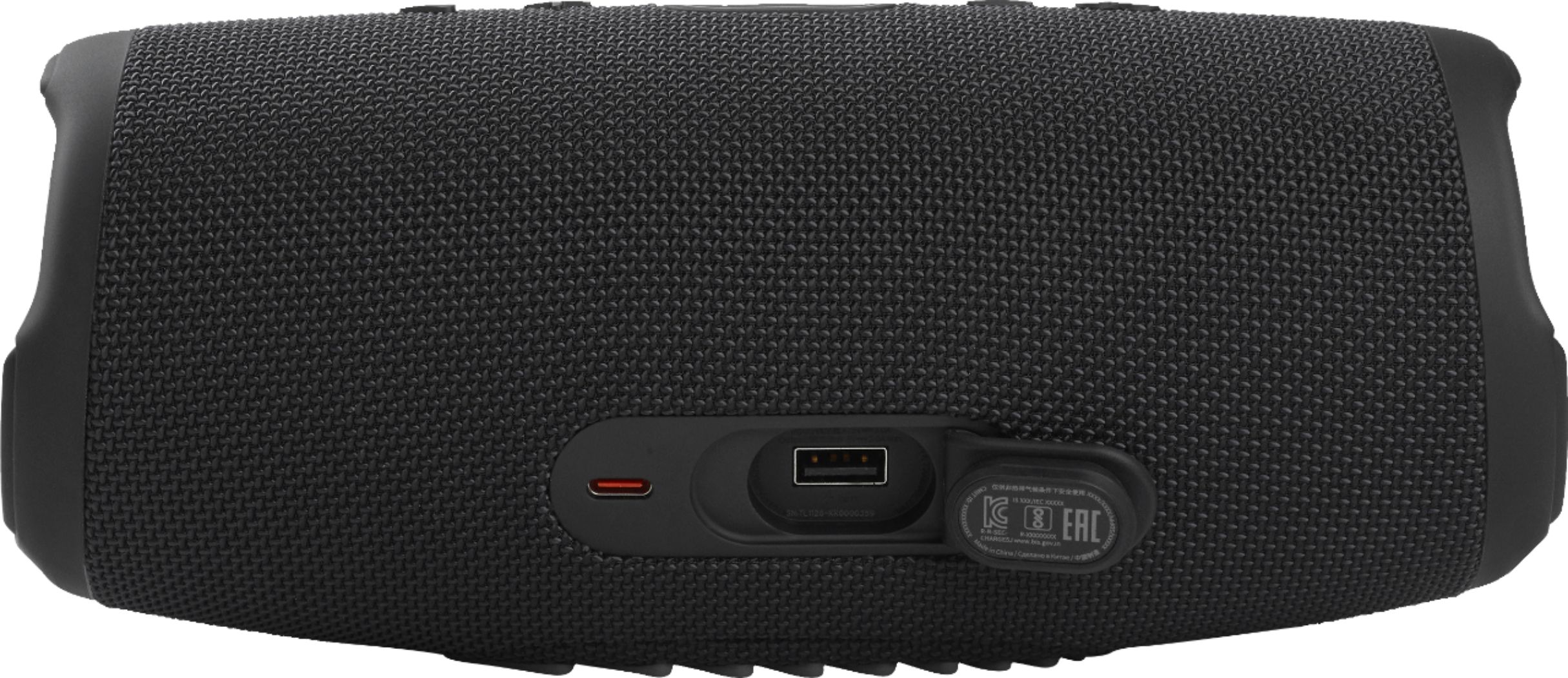
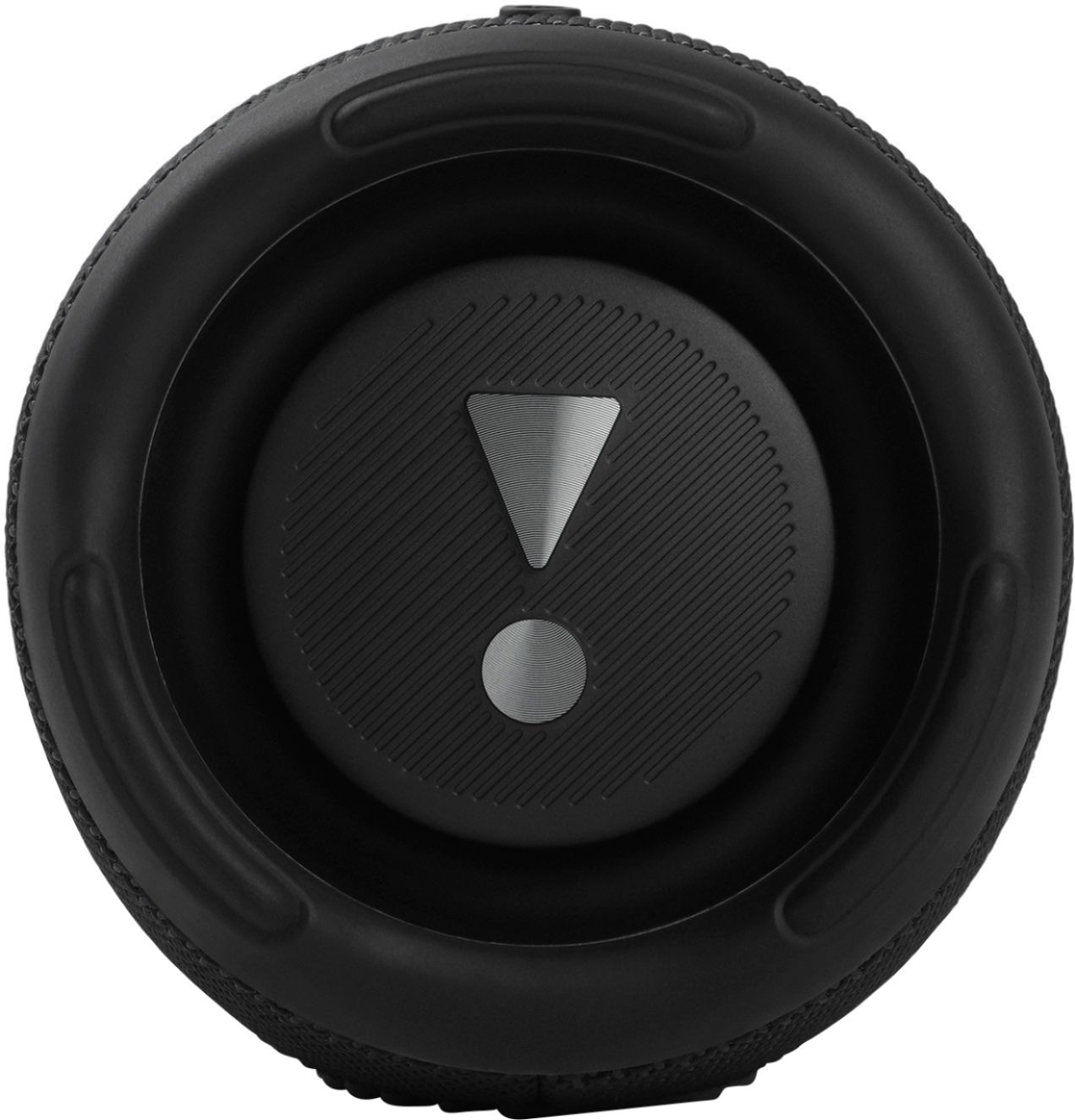
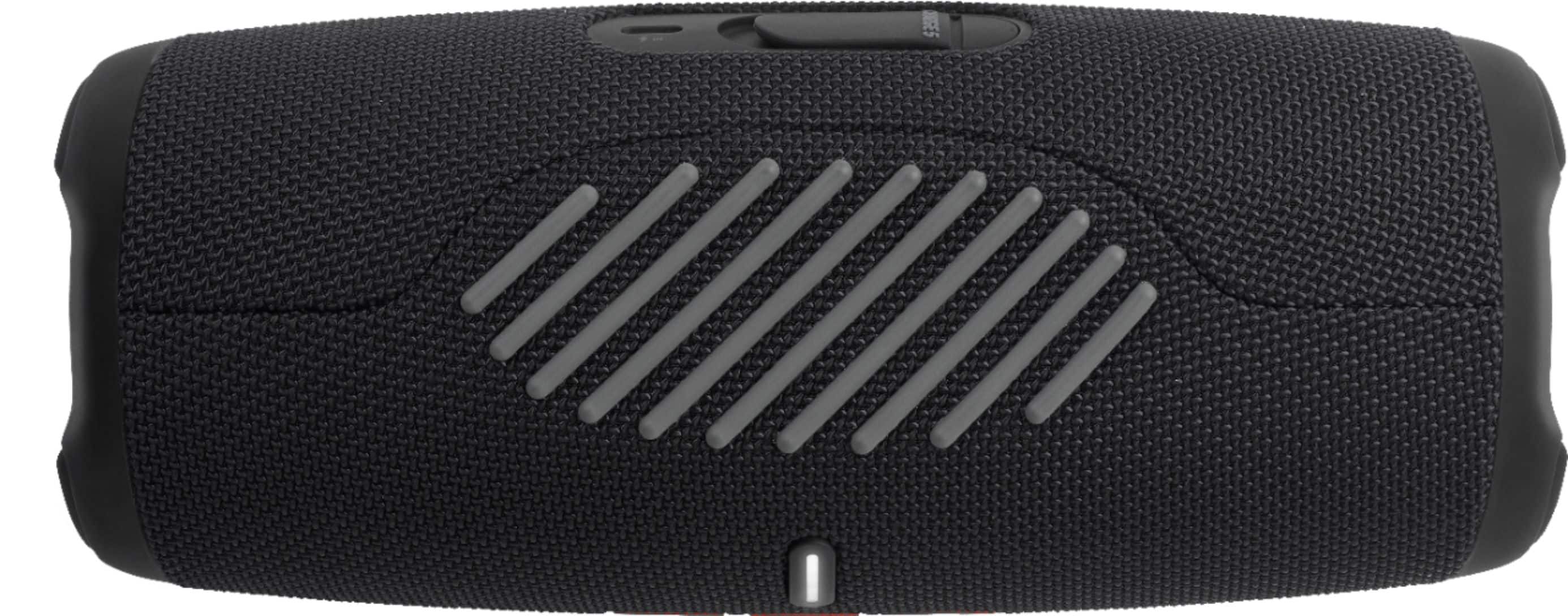
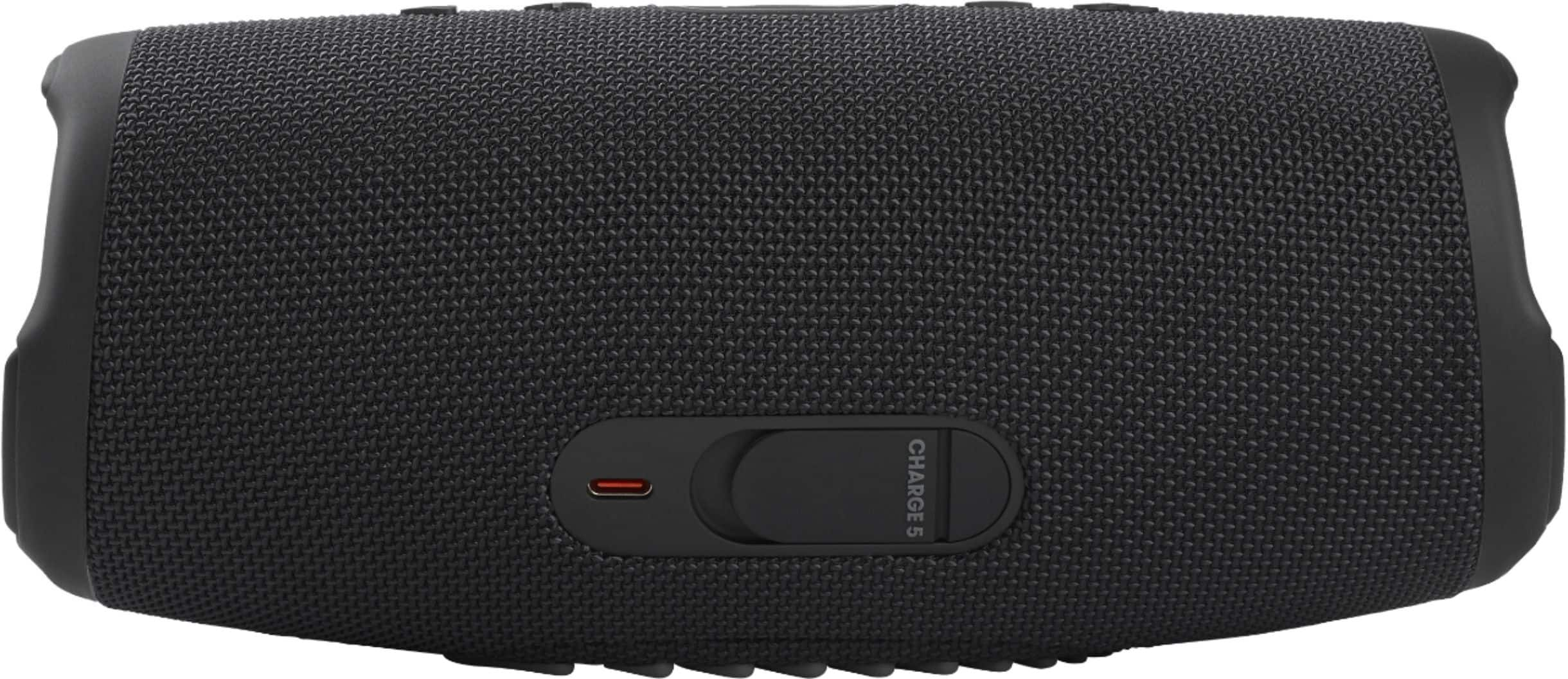
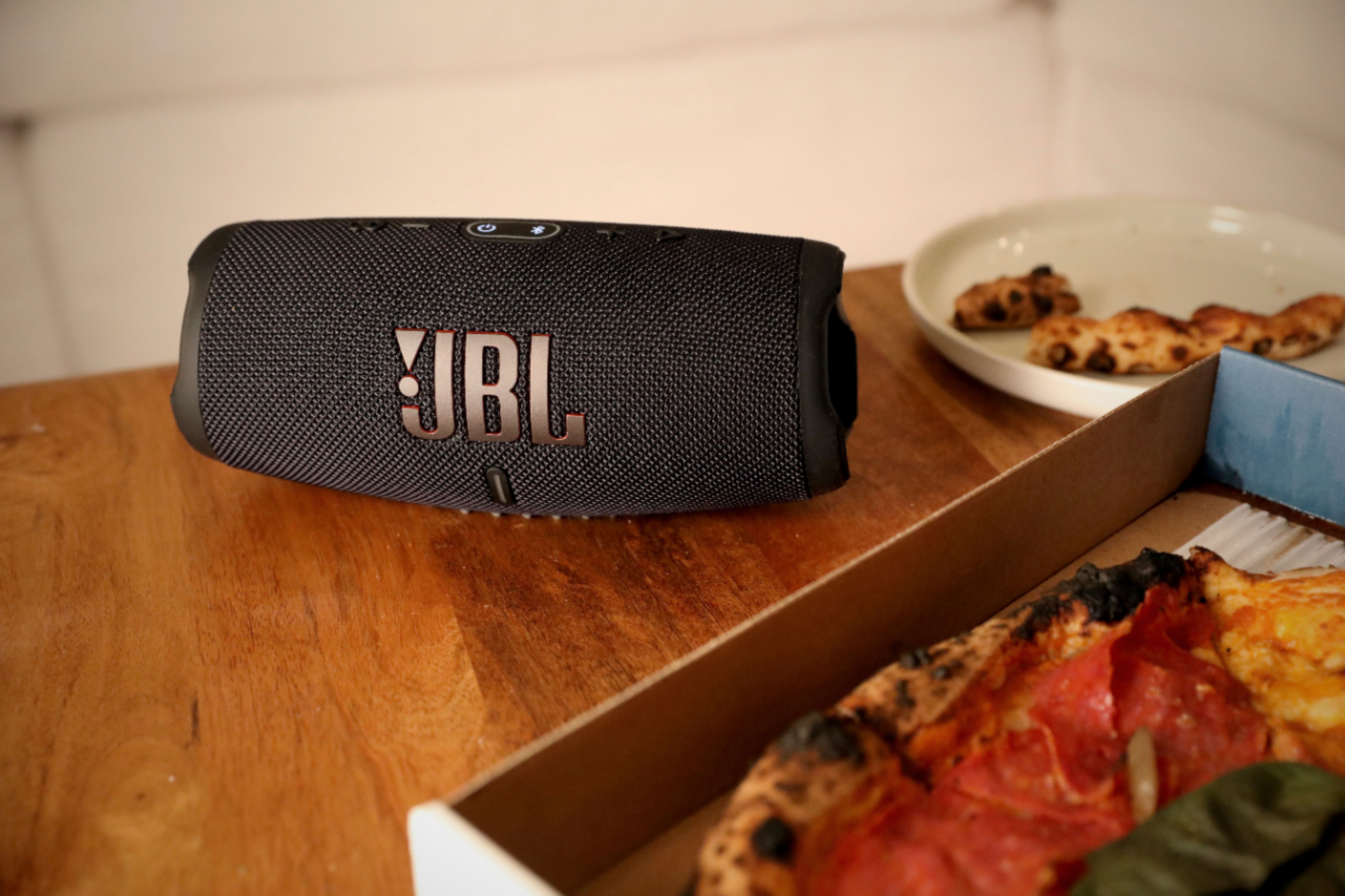
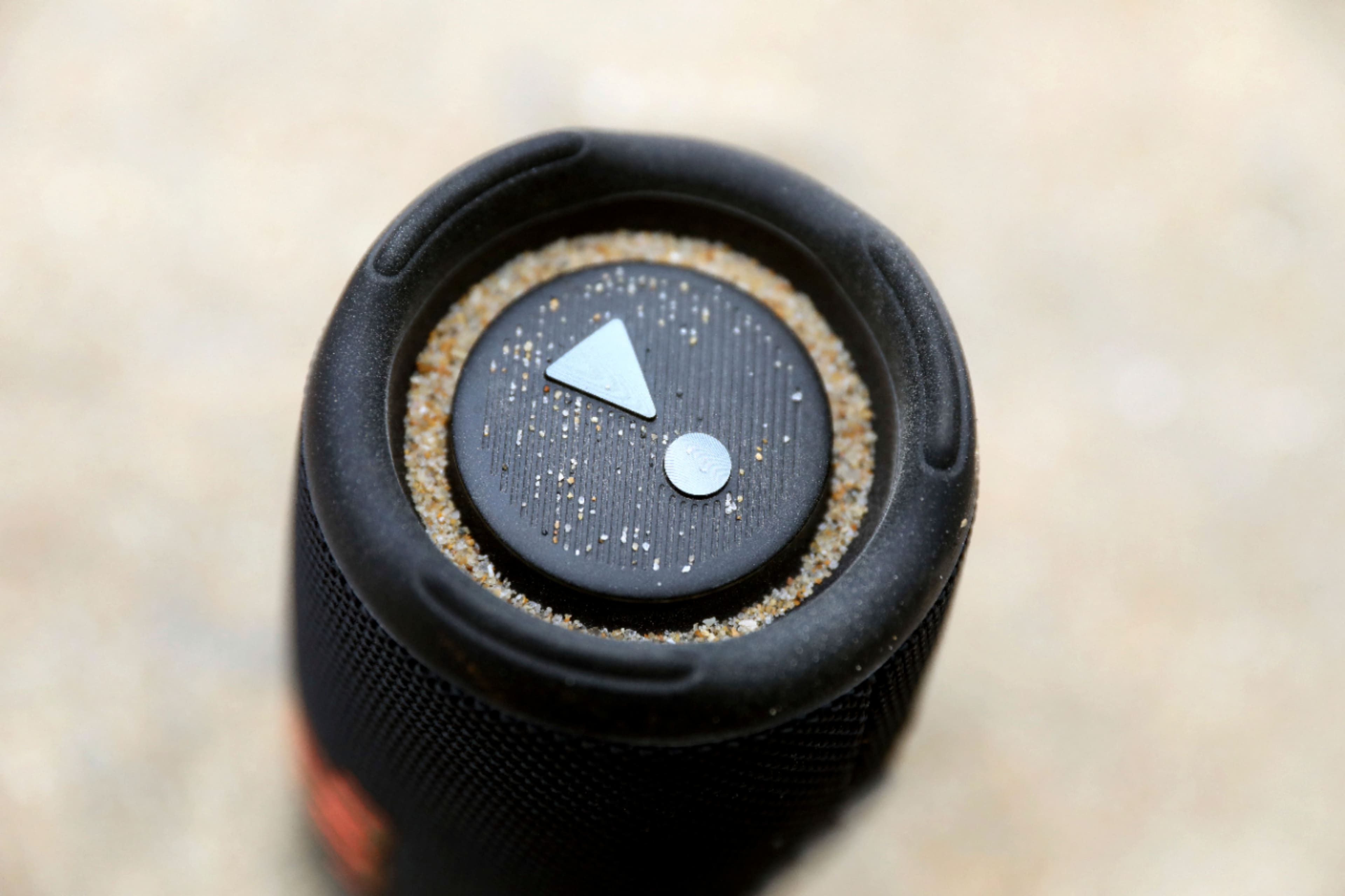
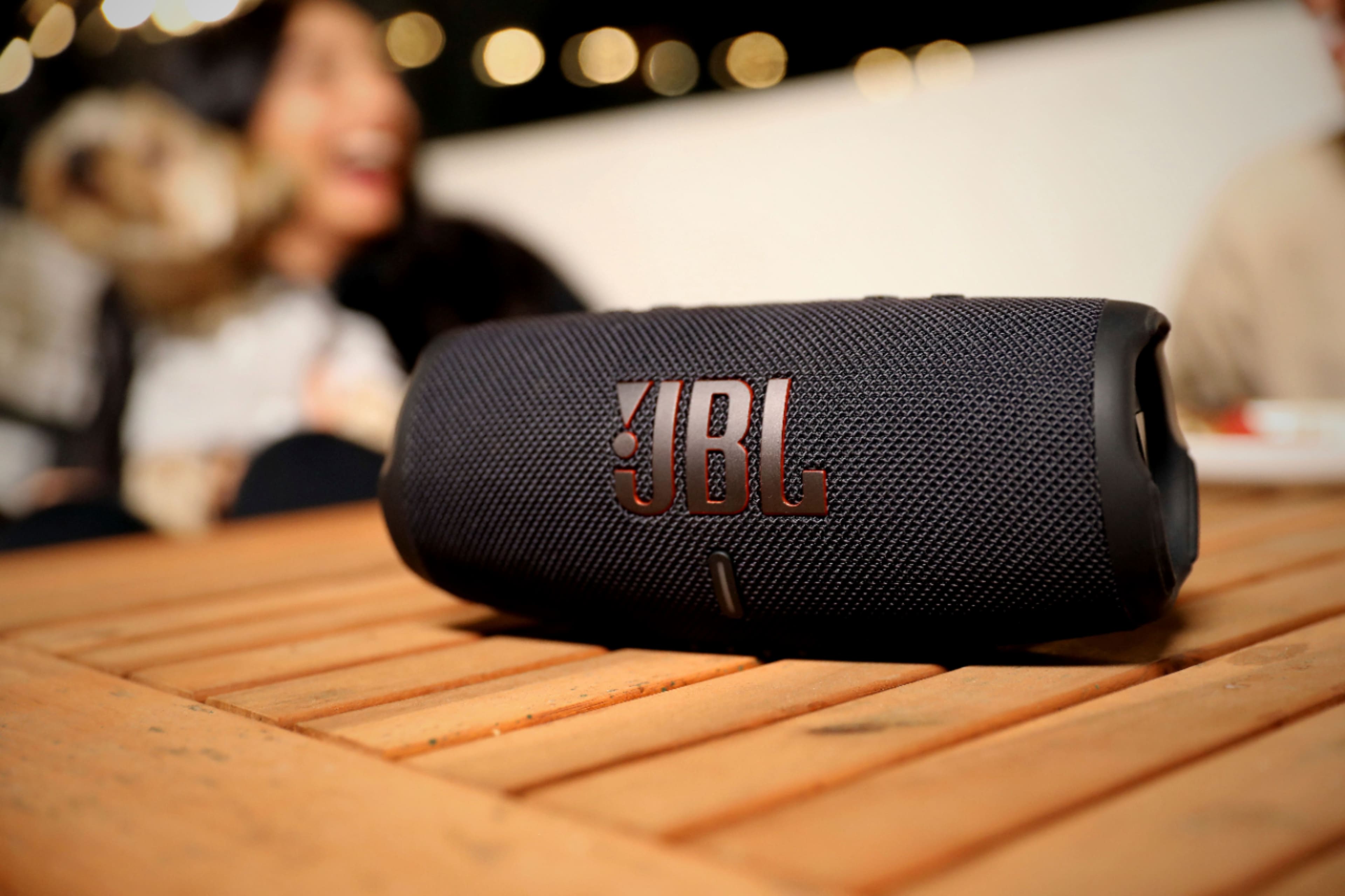
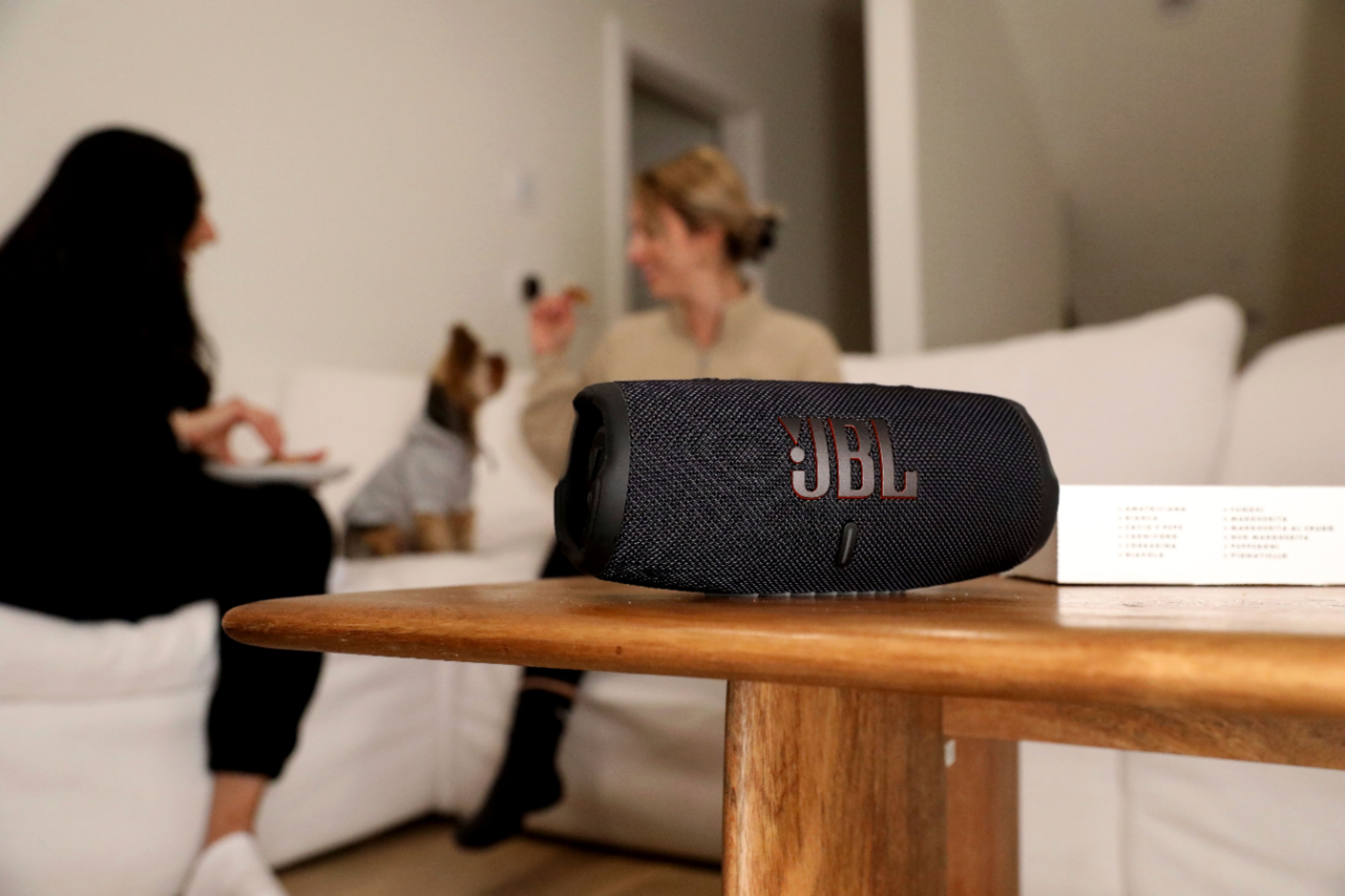
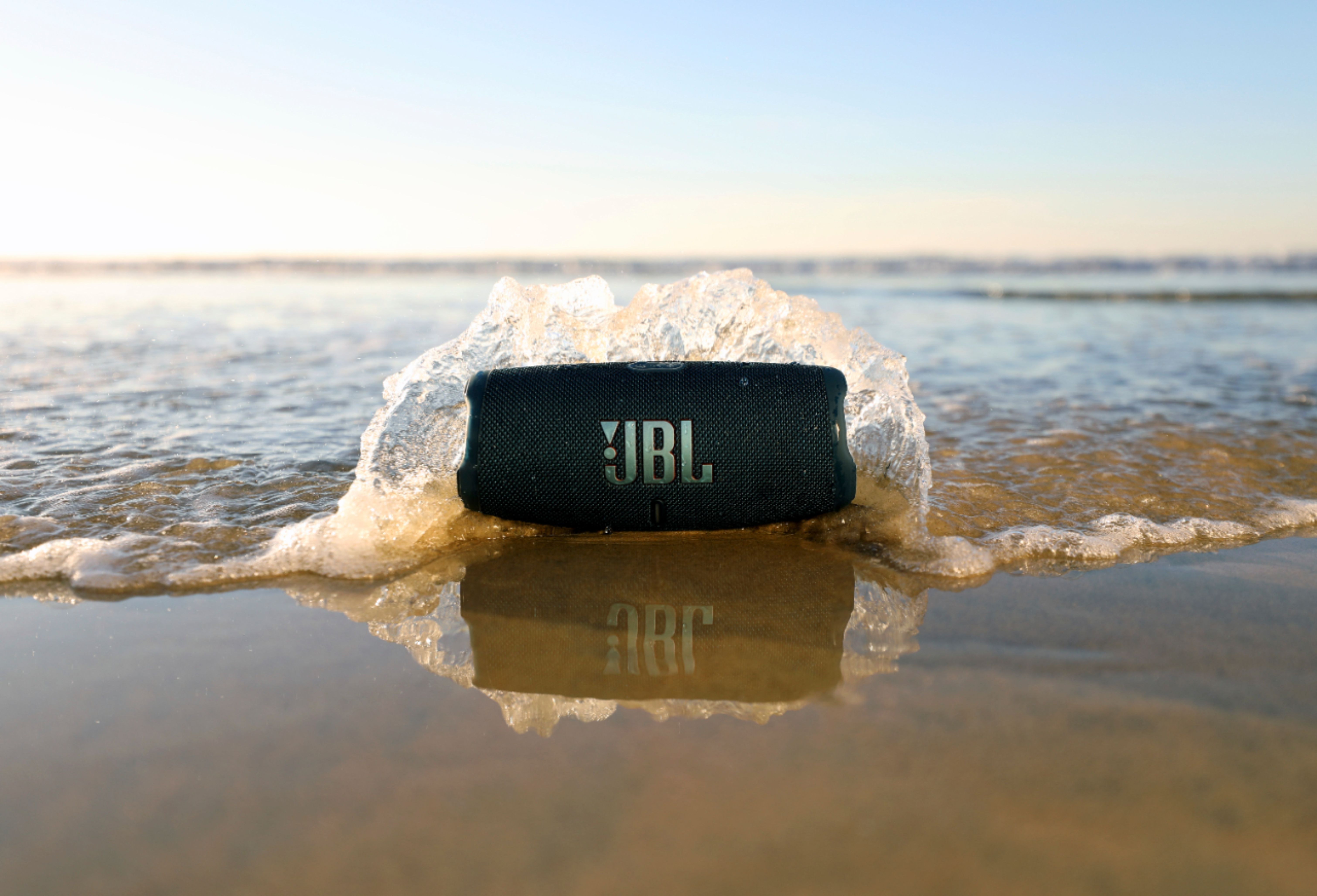
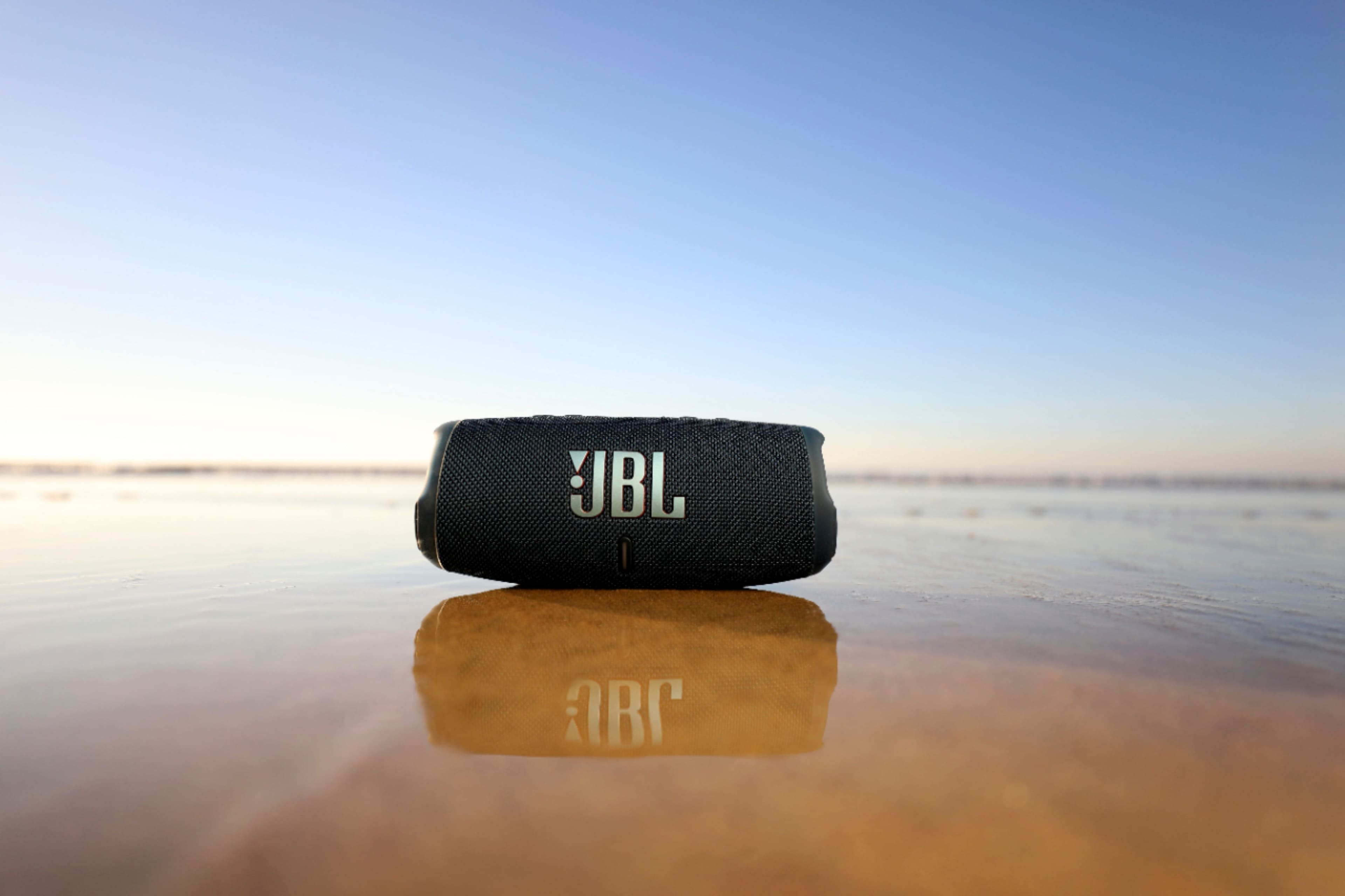
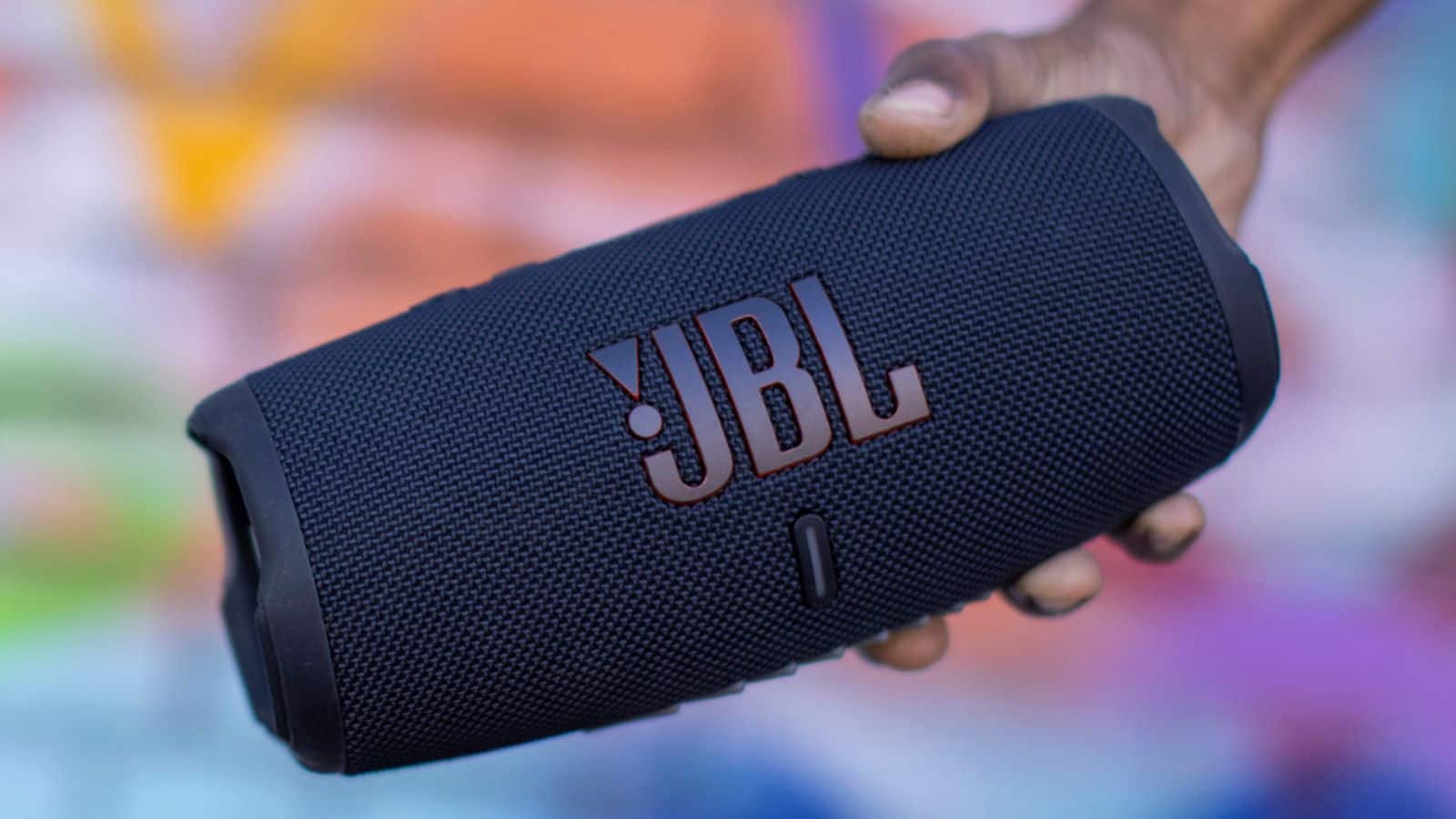
A:Answer Our latest addition to the popular JBL Charge Series, the JBL Charge 5 will be available on JBL.com and select retailers starting in April 2021 for $179.95.The JBL Charge 5 will be available in six color options including black, blue, gray, red, teal and squad. To hear about our latest updates, you can sign up for the JBL's Newsletter at. https://bit.ly/39utvWc