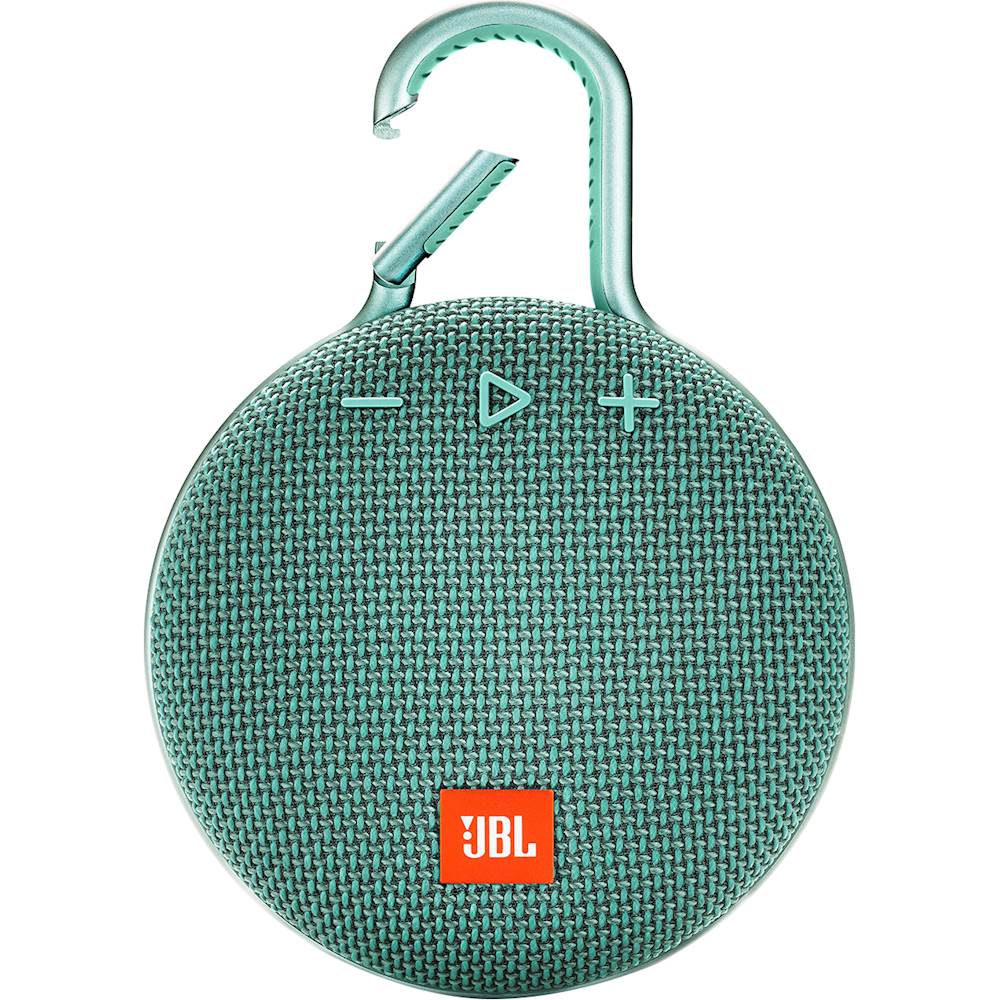
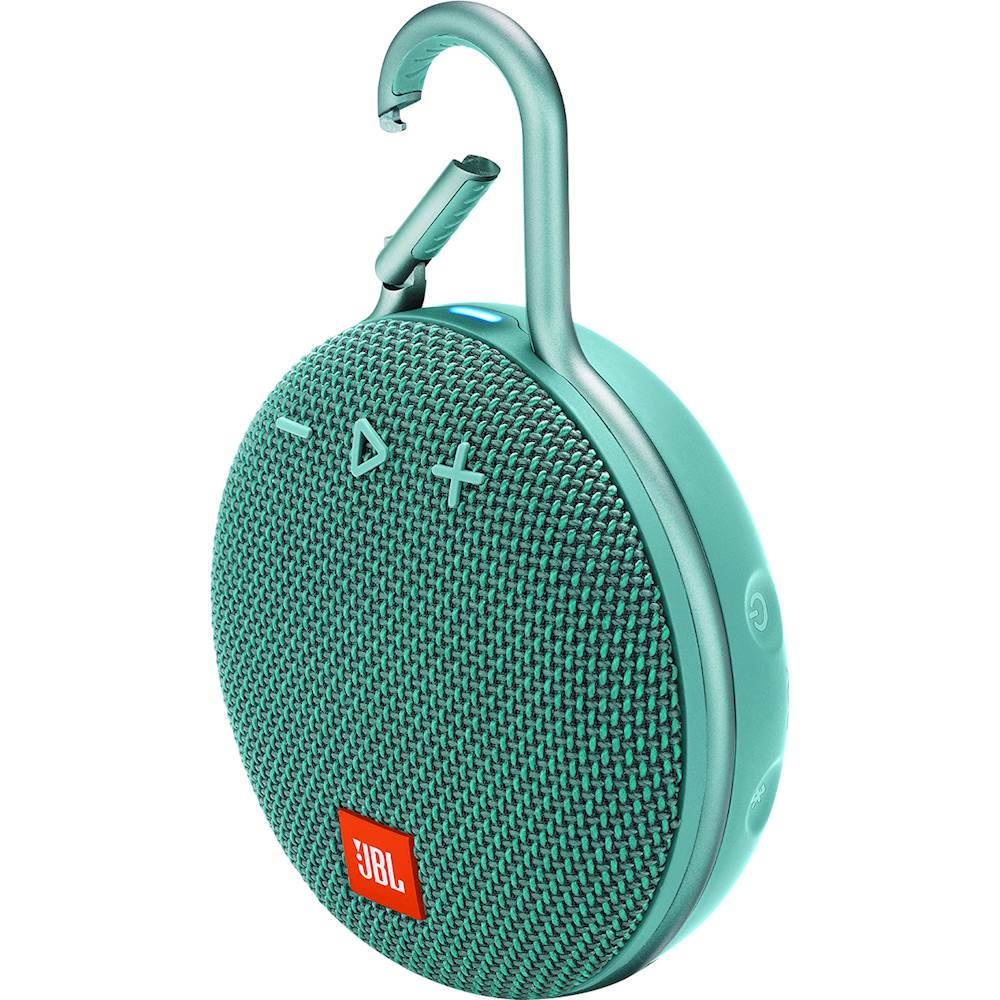
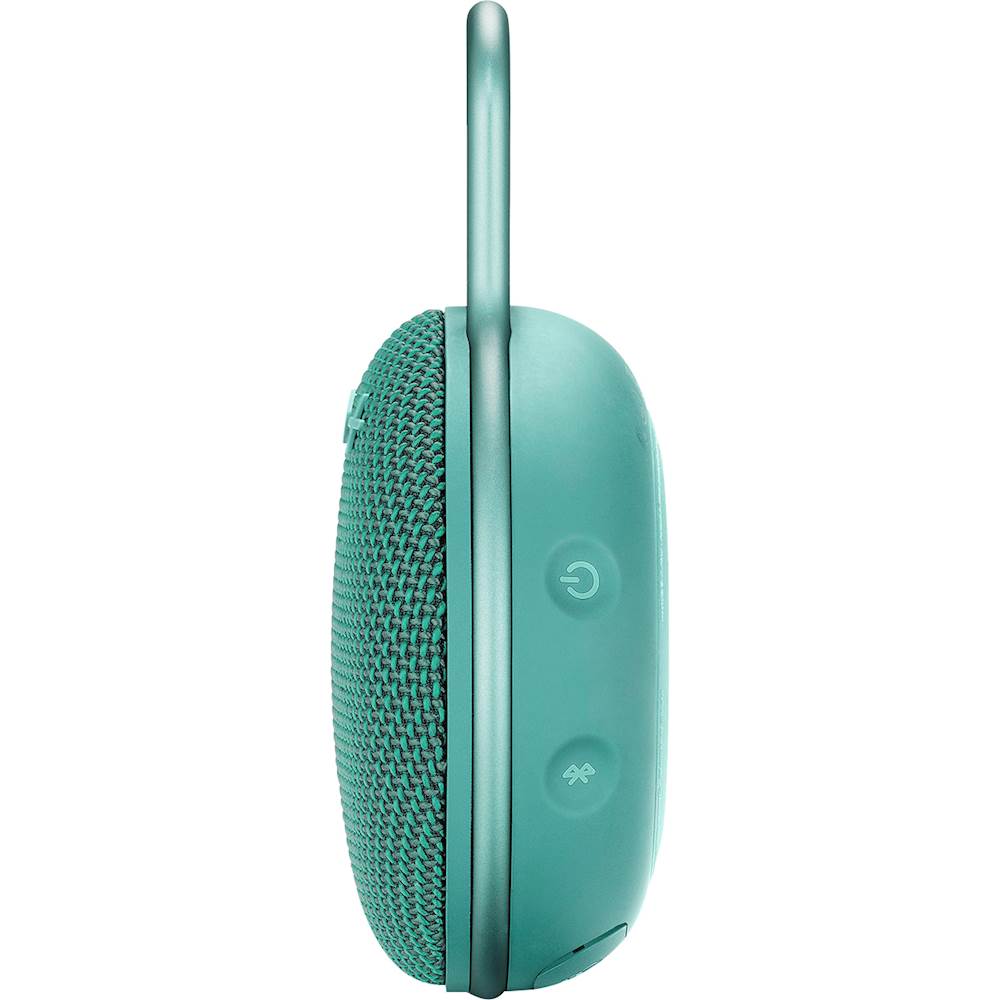
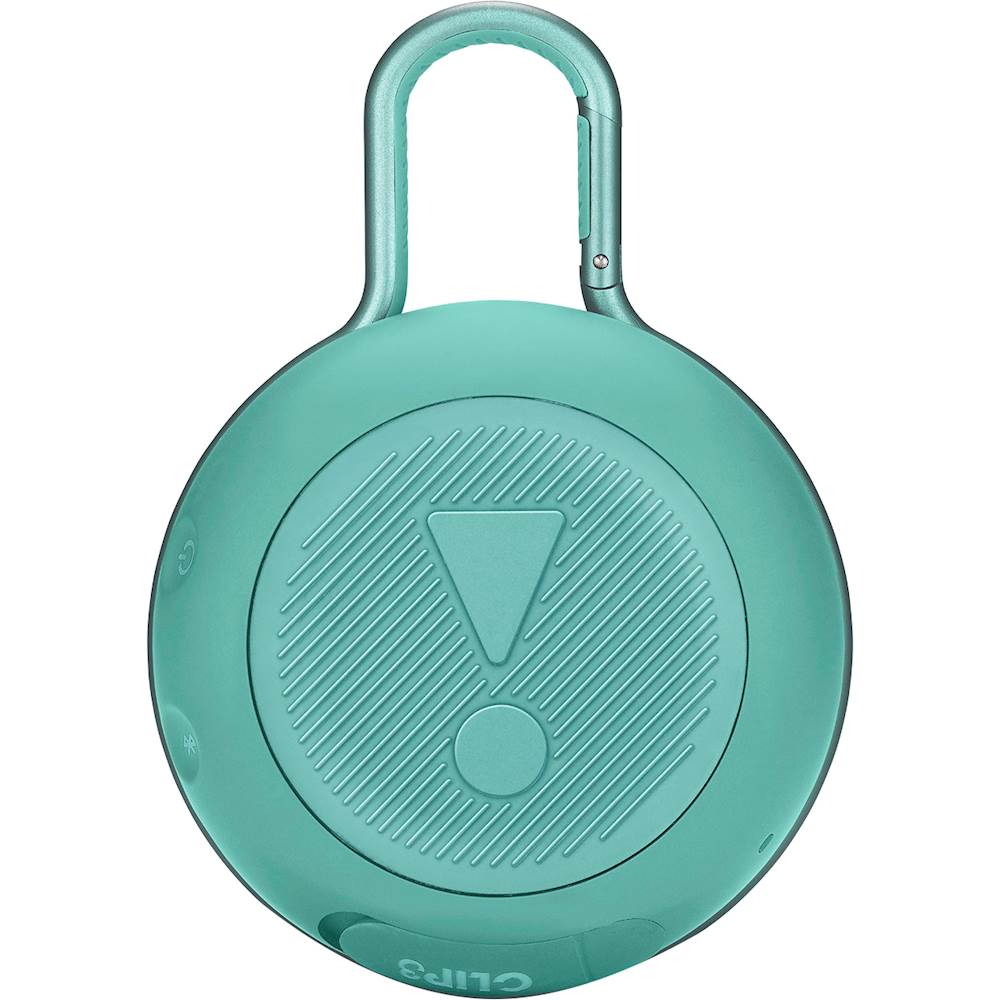
A:AnswerMuch louder than phone speakers but this will not get complaints from the neighbors.
Excellent sound quality a normal listening levels.
Would work good in a small to medium size room or a smaller outdoor area like a porch, deck or patio.
Not going be able to host a rave or a feild party with this but sitting around a campfire with family or a few freinds this would be perfect.
Sound quality is very good. In my opinion Jbl has a bit of a lower mid frequncy cut compared to other brands. This gives enhance clarity, but will not sound as full as many other brands. In side by side comparisions I always choose the clearer sound. Therefore jbl is winning my buisness on selfpowered speakers.
A:AnswerYes, with the proper 5V@1A adapter, you may charge your JBL Clip 3 speaker on DC. Most of the adapter from an Android phone has the same power rating, so if you have one, you can also use it. Let us know if you have other questions using this link: https://www.jbl.com/support-contact.html
A:AnswerThanks for reaching out. Our portable or Bluetooth speakers/headphones has a default Bluetooth range of 10 meters (33 feet).This could be less if your connection is experiencing interferences/interruptions or devices in between the connection. If you have other questions or any inquiries, please submit a case request so we can help you out: https://www.jbl.com/support-contact.html
A:AnswerThanks for reaching out. Our portable or Bluetooth speakers/headphones has a default Bluetooth range of 10 meters (33 feet).This could be less if your connection is experiencing interferences/interruptions. If you have other questions or any inquiries, please submit a case request at https://www.jbl.com/support-contact.html and the Customer Service Team will be more than happy to assist you.
A:AnswerYep. You may need to reset your iPad Bluetooth settings or, check your settings. Can you connect anything else via Bluetooth to your iPad? Also, make sure that your Bluetooth pairing signal is on and scan for it in available devices to connect to in your iPod Bluetooth connection settings
A:AnswerI'd check the charging cable first before I condemn the speaker. See if the cable can be plugged into a rechargeable item that uses the same plug to check if electricity still flows through it or use a multimeter to check the electrical output of the plug. If your speaker is still under warranty, simply have it replaced or it may be time to buy a new one if your speaker is old.