A:AnswerPlease try the troubleshooting steps on our support page article about "Battery and Charging" for your JBL Link 10.
https://support.jbl.com/us/en/
A:AnswerYes, you will first need to set our JBL Link 10 with your pixel through the Google Home app. If you need more help, please contact us here: https://bit.ly/2zwFkYM
A:AnswerPlease try the troubleshooting steps for Battery and Charging Issues on your JBL Link 10 through here: https://bit.ly/2S4XpHm
If you still need help, please reach out to our Customer Support so we can check on the next steps. https://bit.ly/31EPvHP
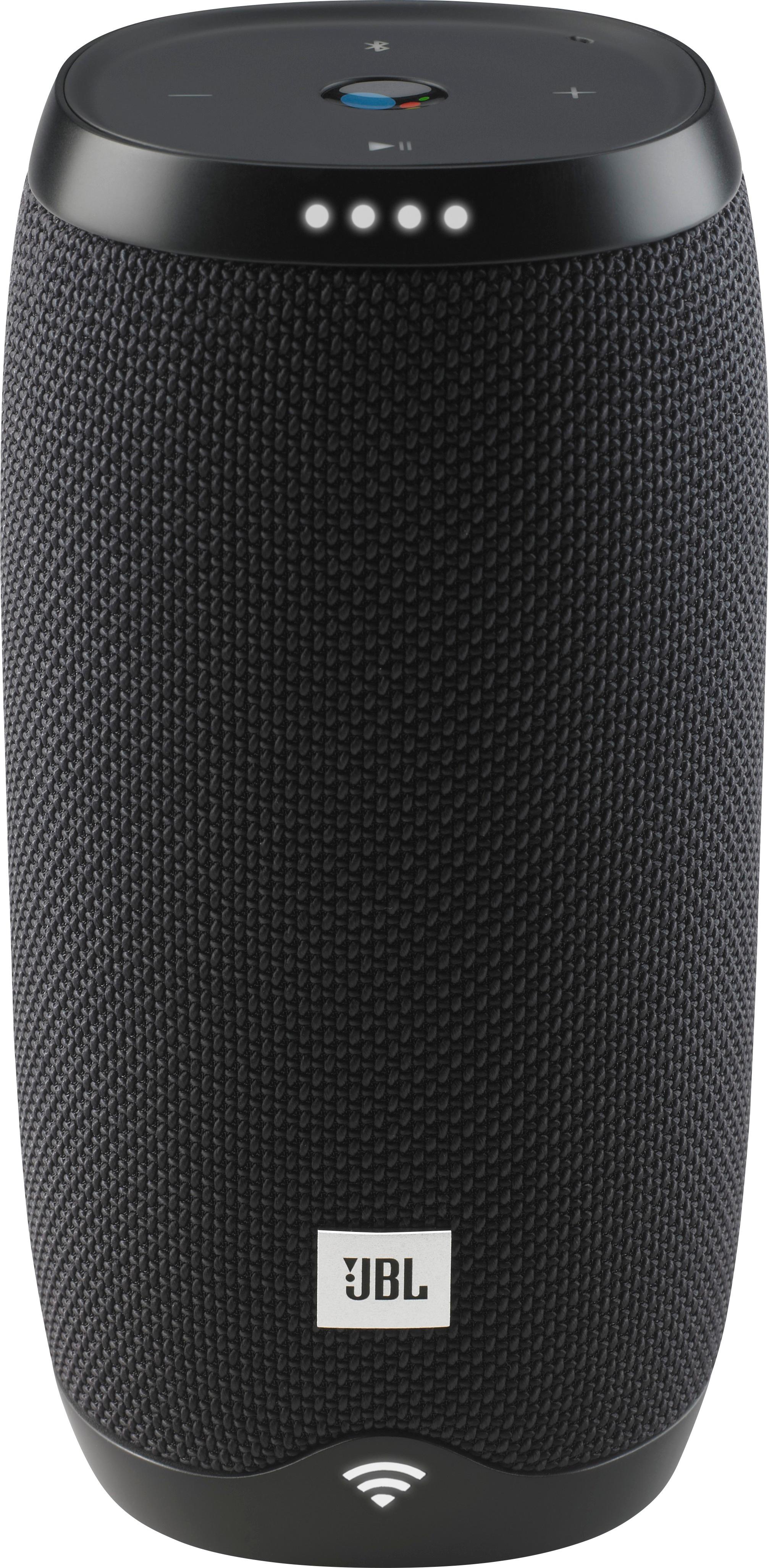
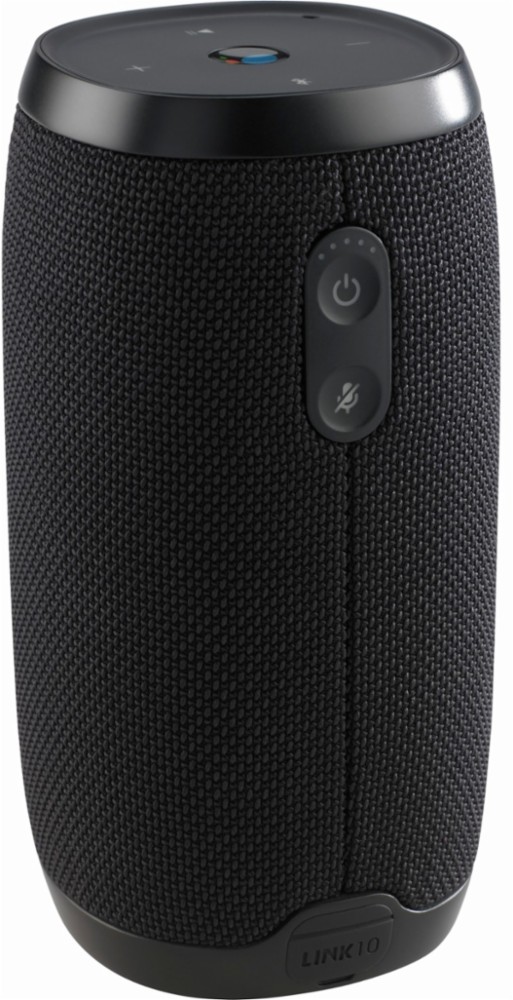
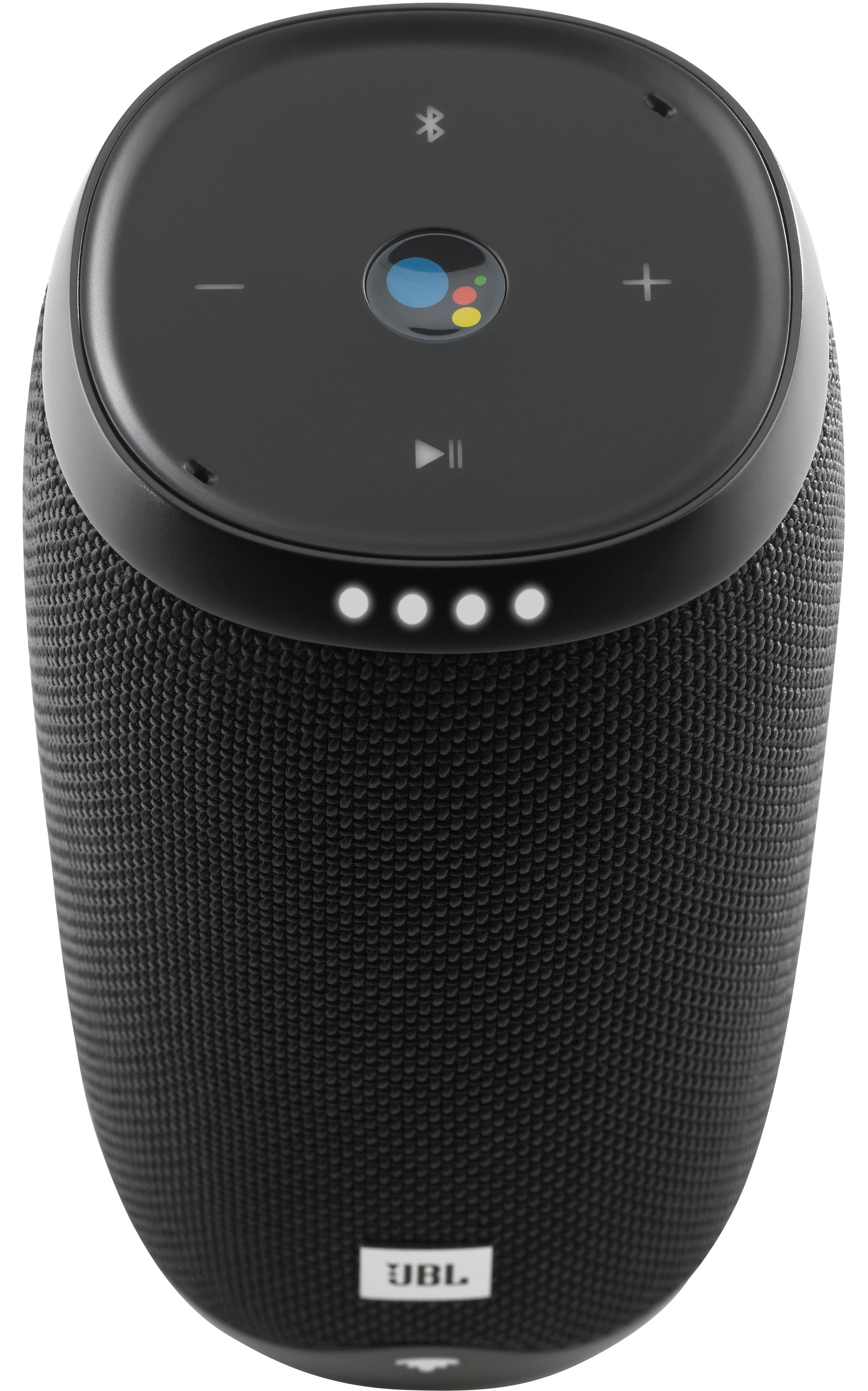
A:AnswerJBL Link 10 is a WiFi enabled speaker with built-in Google Assistant. Unfortunately, it can't be used as a speakerphone for phone calls and it doesn't have Siri. If you have more questions, please reach out to our Customer Support. https://www.jbl.com/sport-headphones/