A:AnswerI have been able to connect and play both speakers at the same time while connected to my (android) Samsung phone and tablet but I was only able to play one speaker at a time from my laptop.
A:AnswerIf you need assistance with troubleshooting or set up concerns, you may reach out to our Customer Support. We'll be here to help. https://www.jbl.com/support-contact.html
A:AnswerWife left ours in the heavy thunderstorms last night but having placed a decent fan in front of it for around a hour this morning, it seems to have dried the interior and it now works ok. So no, i wouldn't suggest doing the same but it does dry out
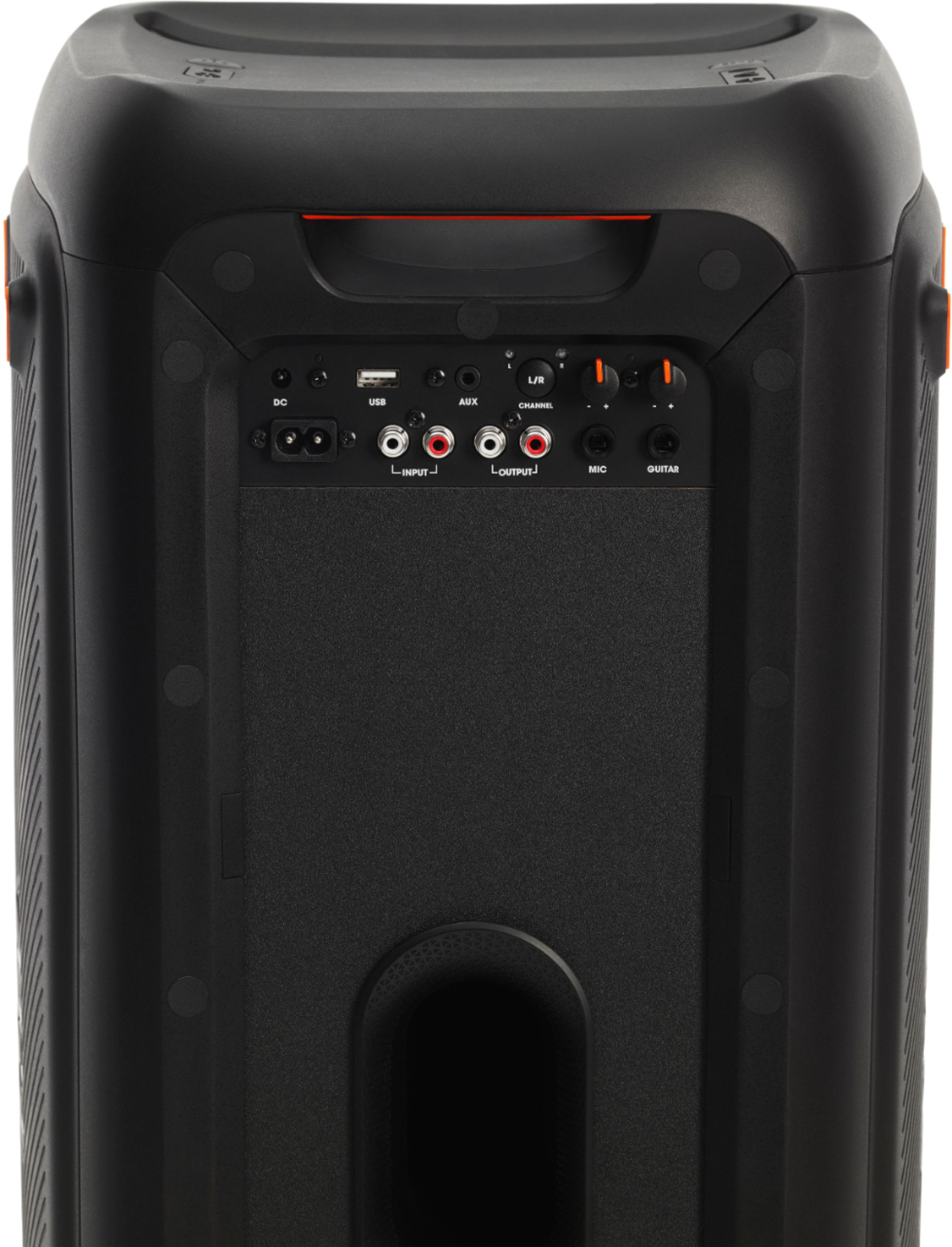
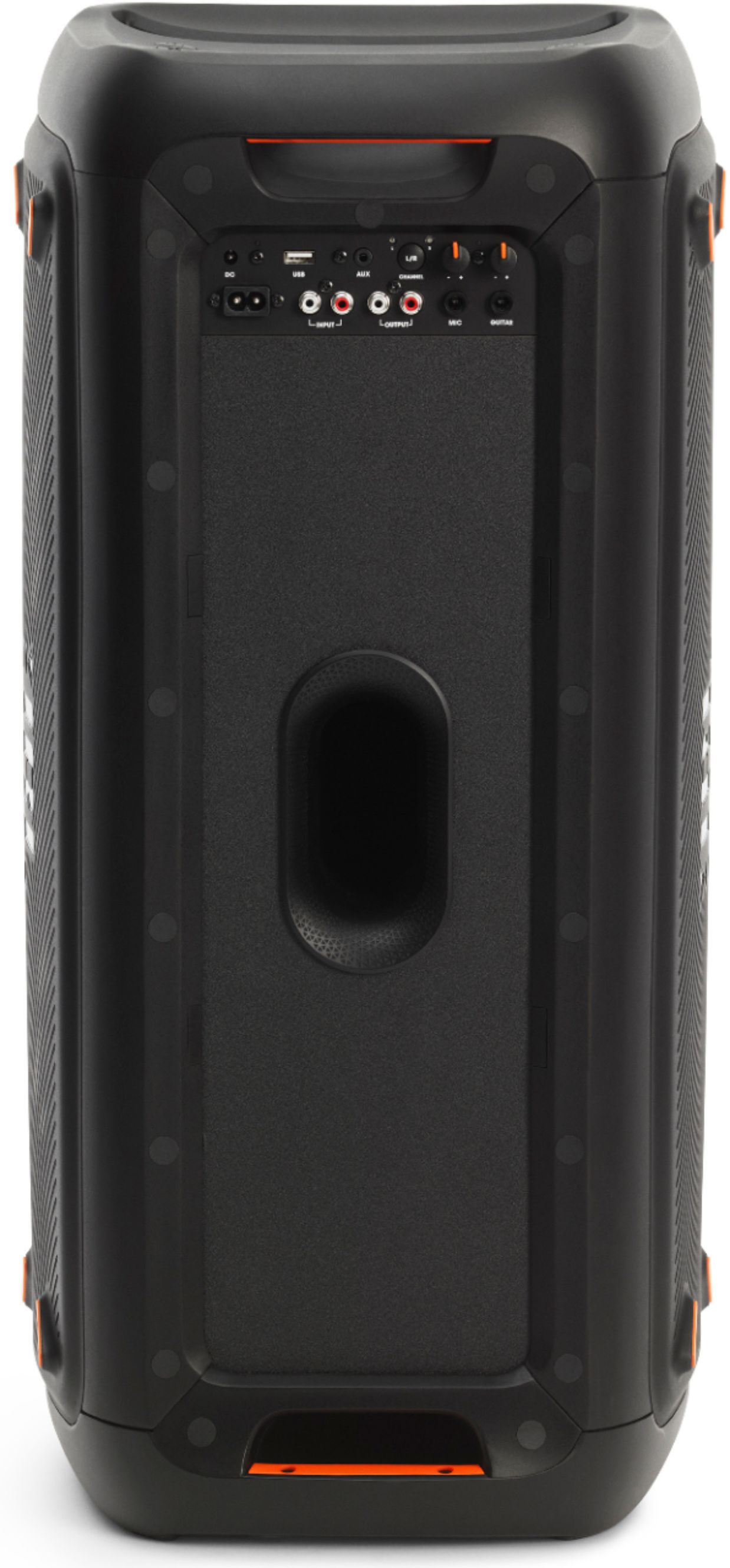
A:AnswerYou would need to use a high-quality type of RCA cables with good shielding if you're planning to get longer ones to avoid any unwanted noise. If you need more help, please reach out to our customer support through our JBL support page.
A:AnswerThis would depend if your device is capable of connecting 2 speakers at the same time. However, our JBL PartyBox 300 has a feature called TWS(True Wireless Stereo) which allows 2 JBL PartyBox 300 speakers play the same music even if you only have only connected your device to one of it. You can check out how to activate through our Owner's Manual.