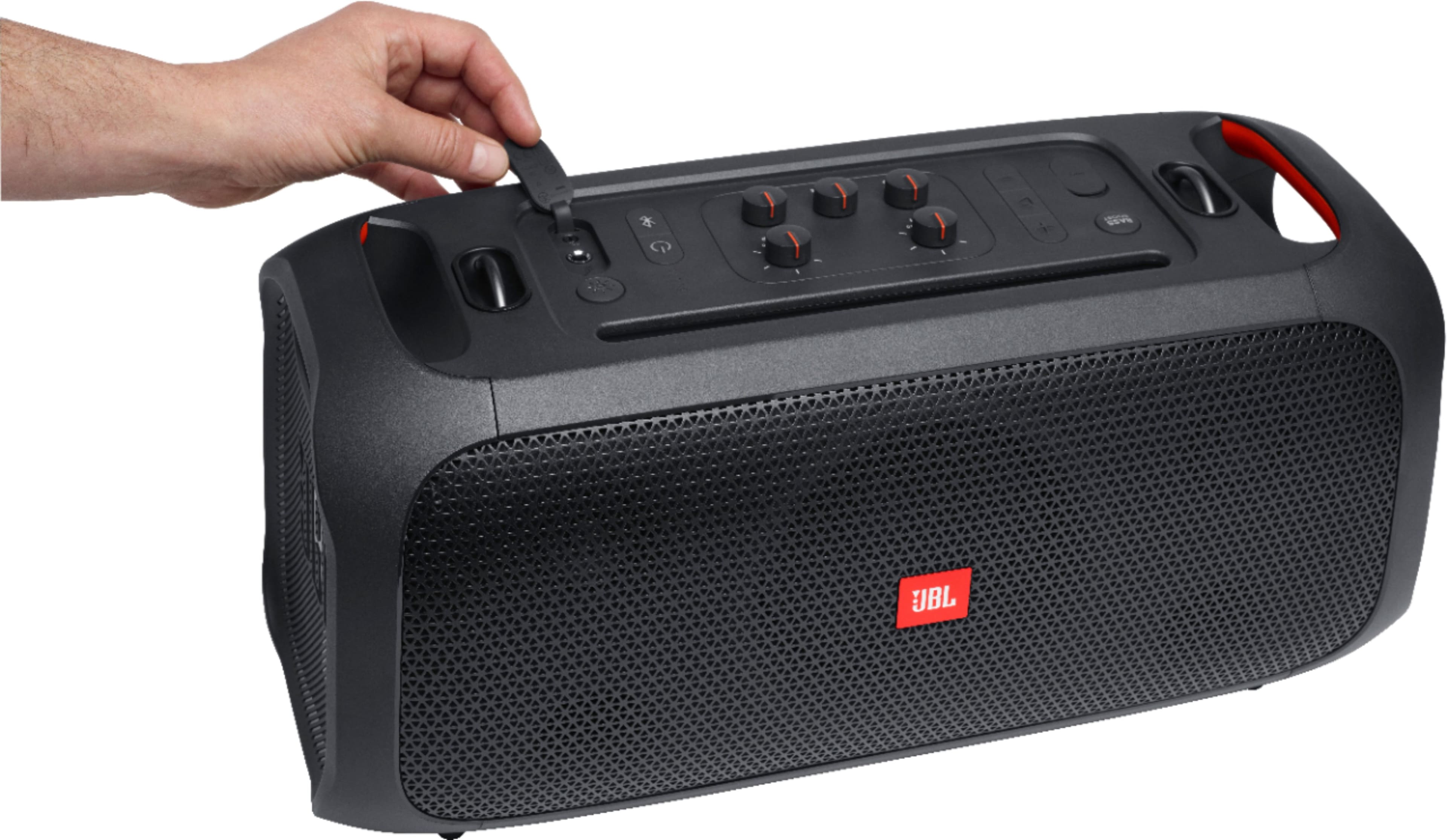
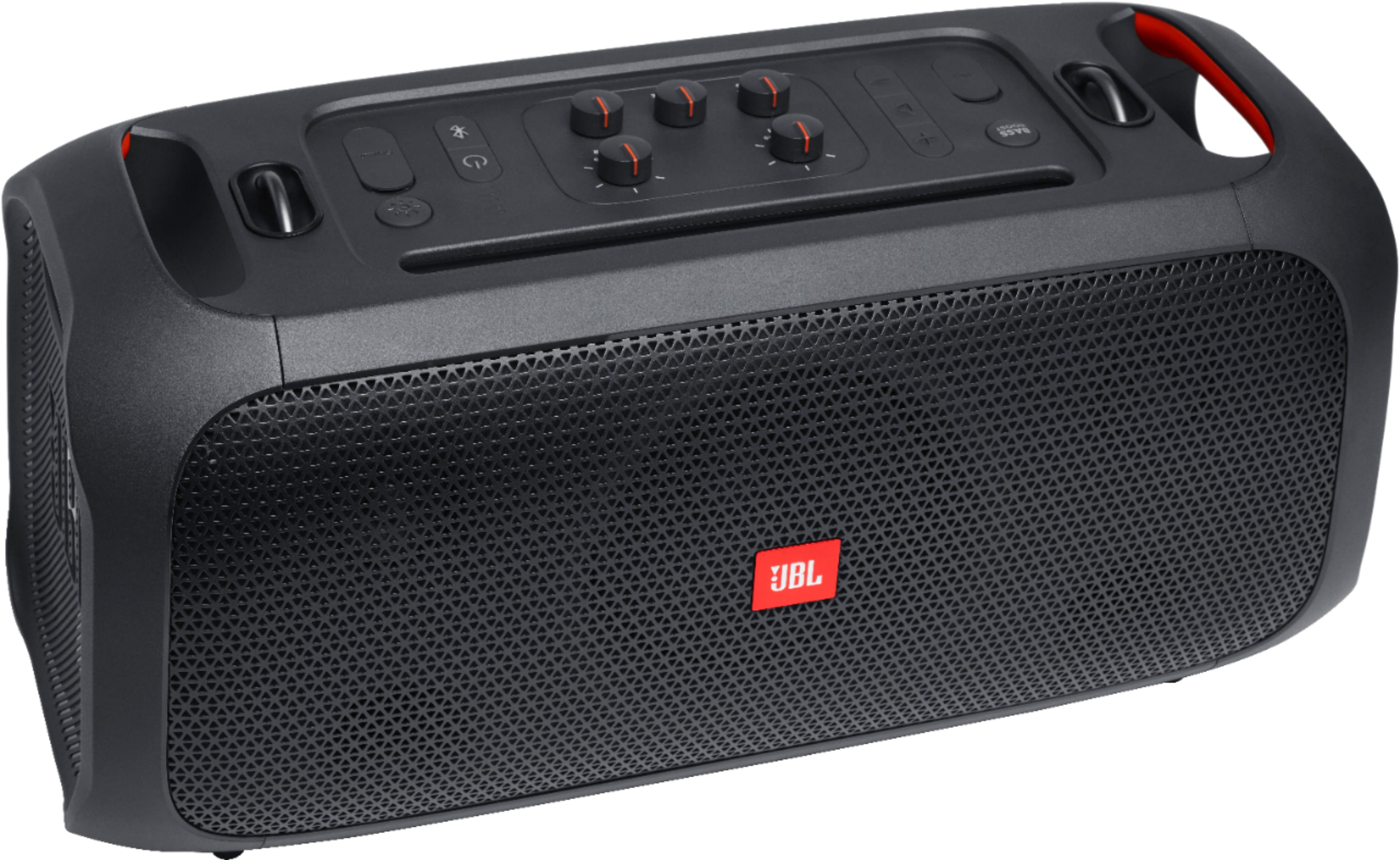
A:AnswerThanks for your interest. We don't have news to share about when our JBL Partybox On-The-Go will be available in the US again. This speaker hasn't been discontinued, it's just not currently in stock. You could sign up for the JBL Newsletter or continue following us for news and updates.
A:AnswerOur JBL PartyBox On-The-Go has IPX4 protection making it resistant to water splashes from any direction, but it is not capable of resisting sustained low-pressure water jet spray nor can it be submerged in water.
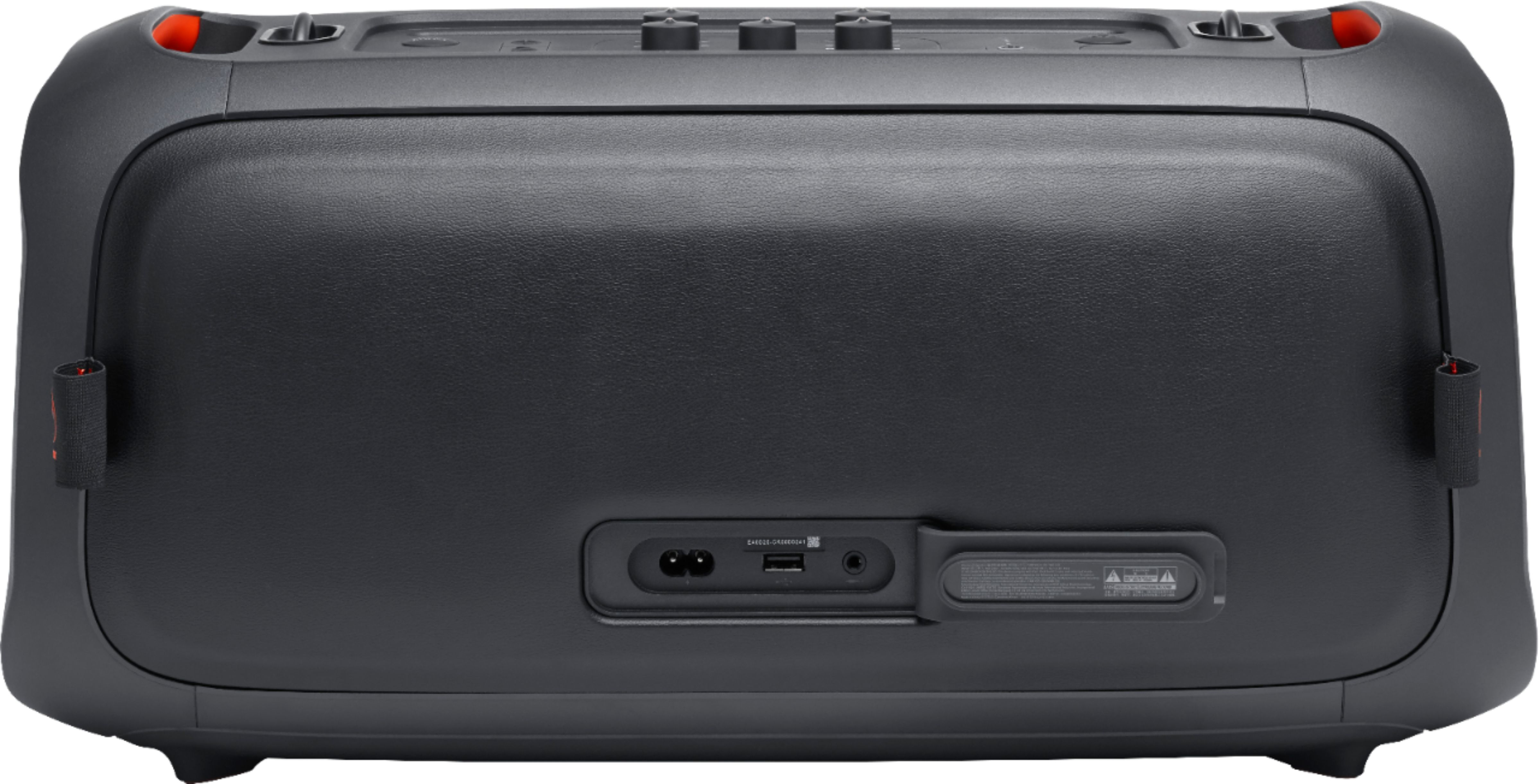
A:AnswerThere's no harm in using the JBL PartyBox On-The-Go while charging. The battery will not overcharge. You can pick it up, unplug it from the charger and be on your way, knowing that you have a full charge. However, if you’d like to conserve electrical energy, disconnect from charging.

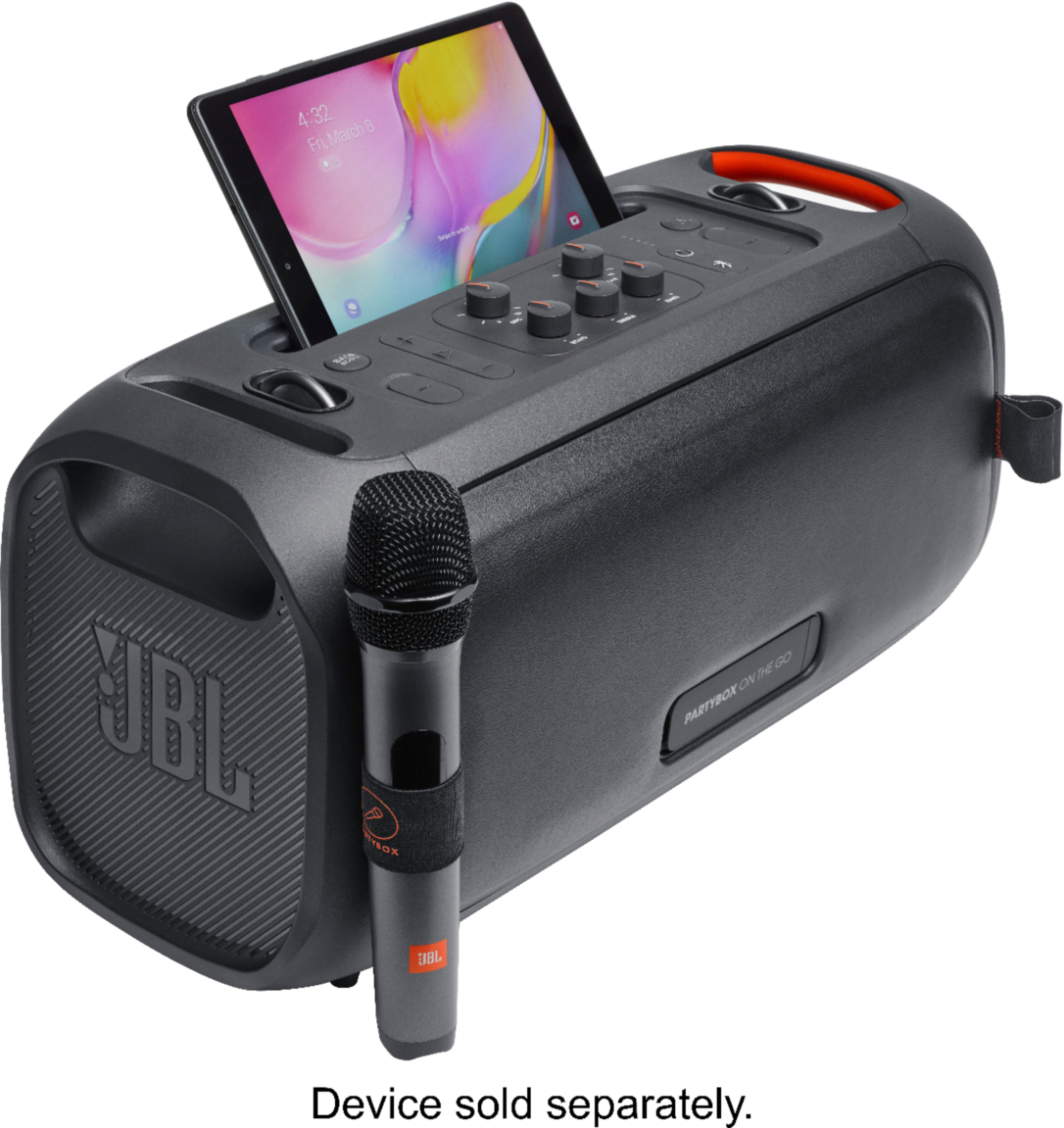
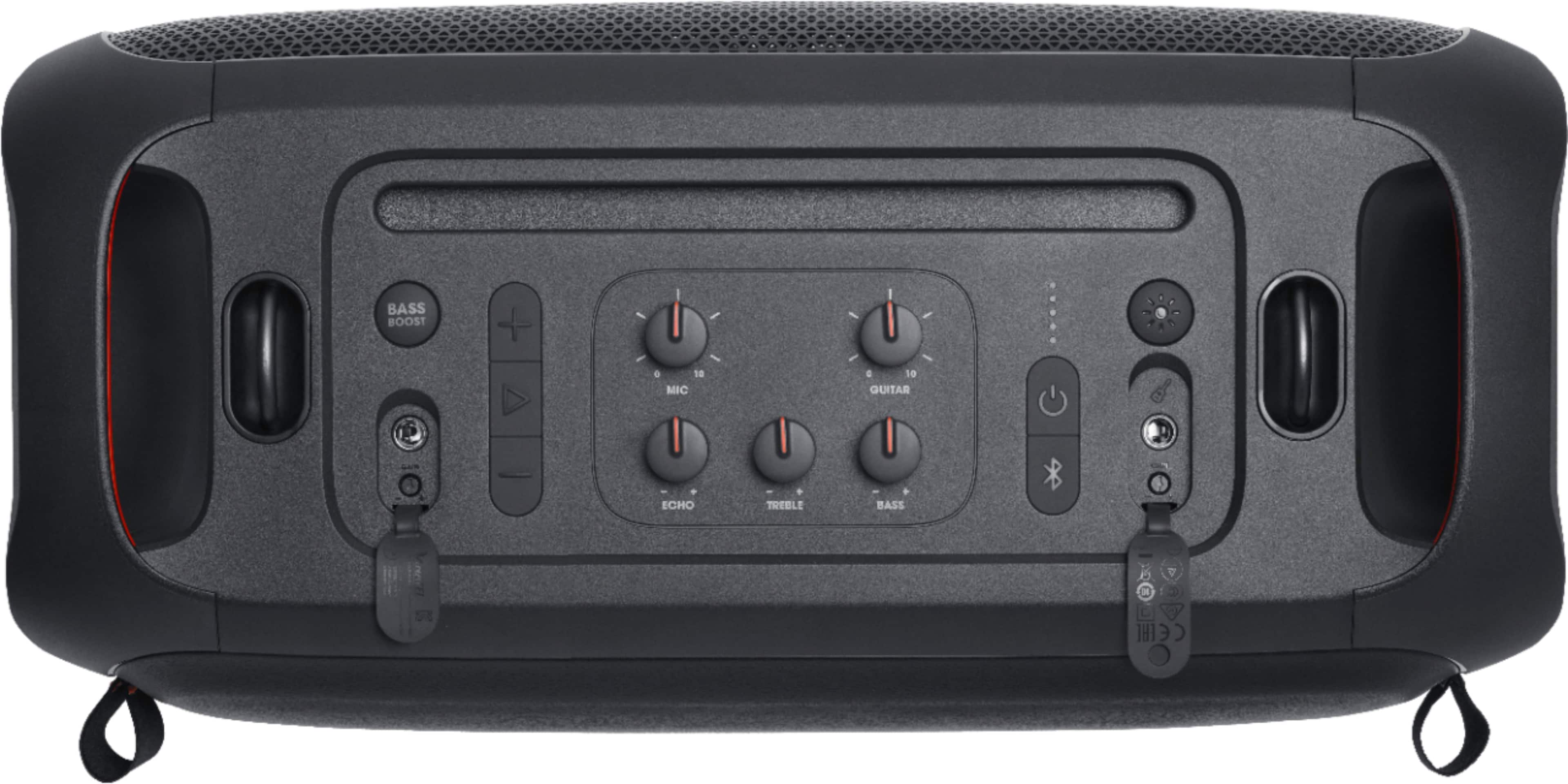
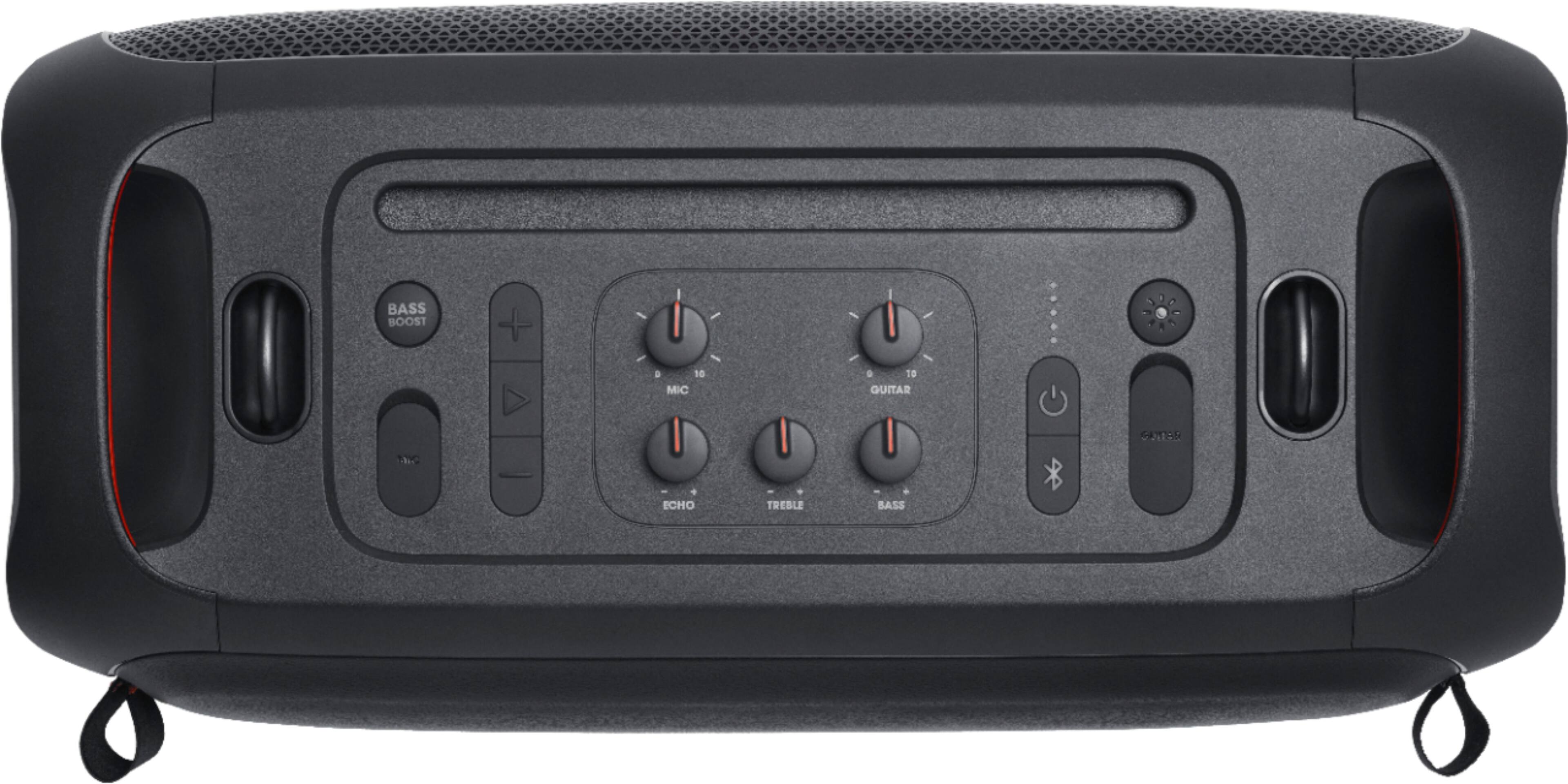
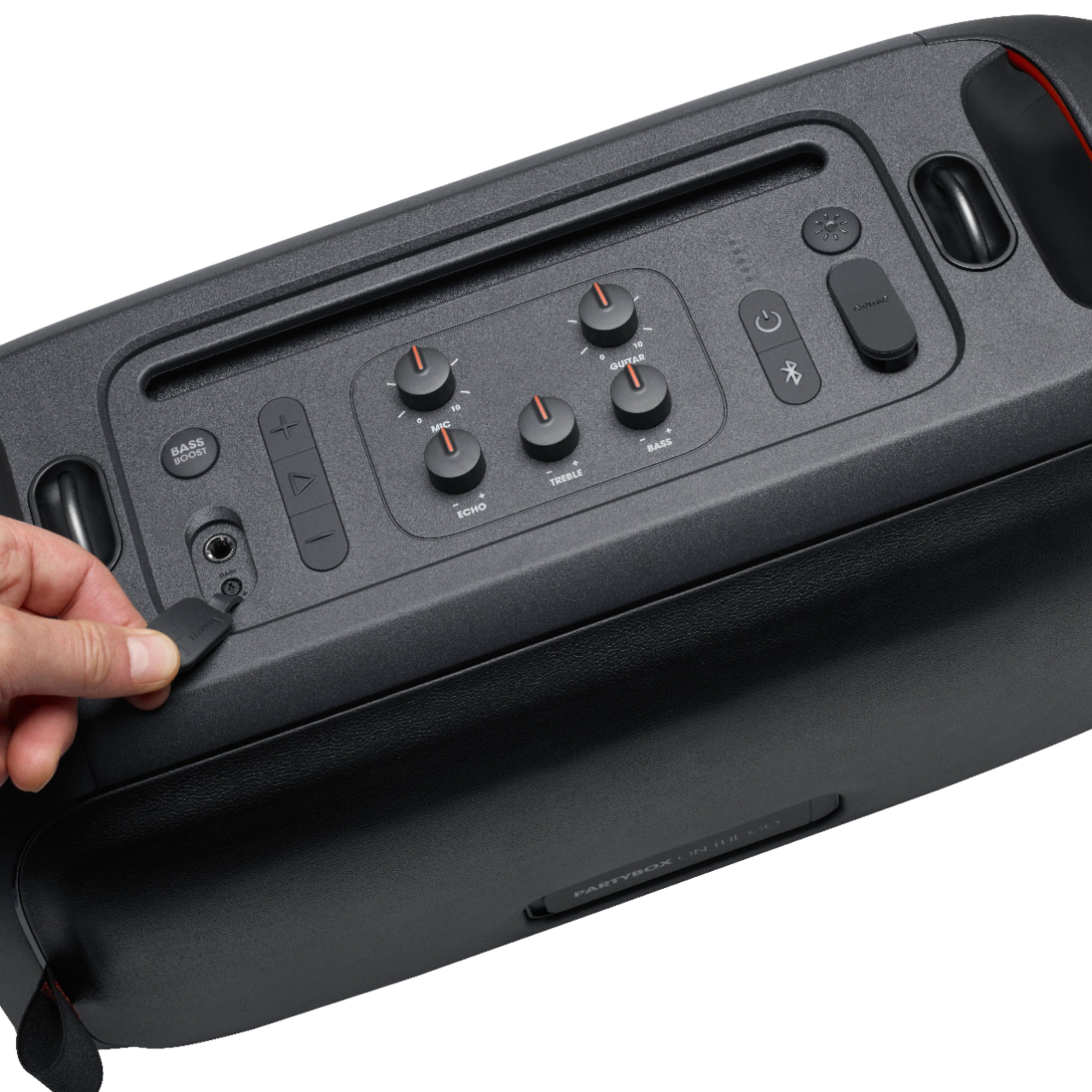
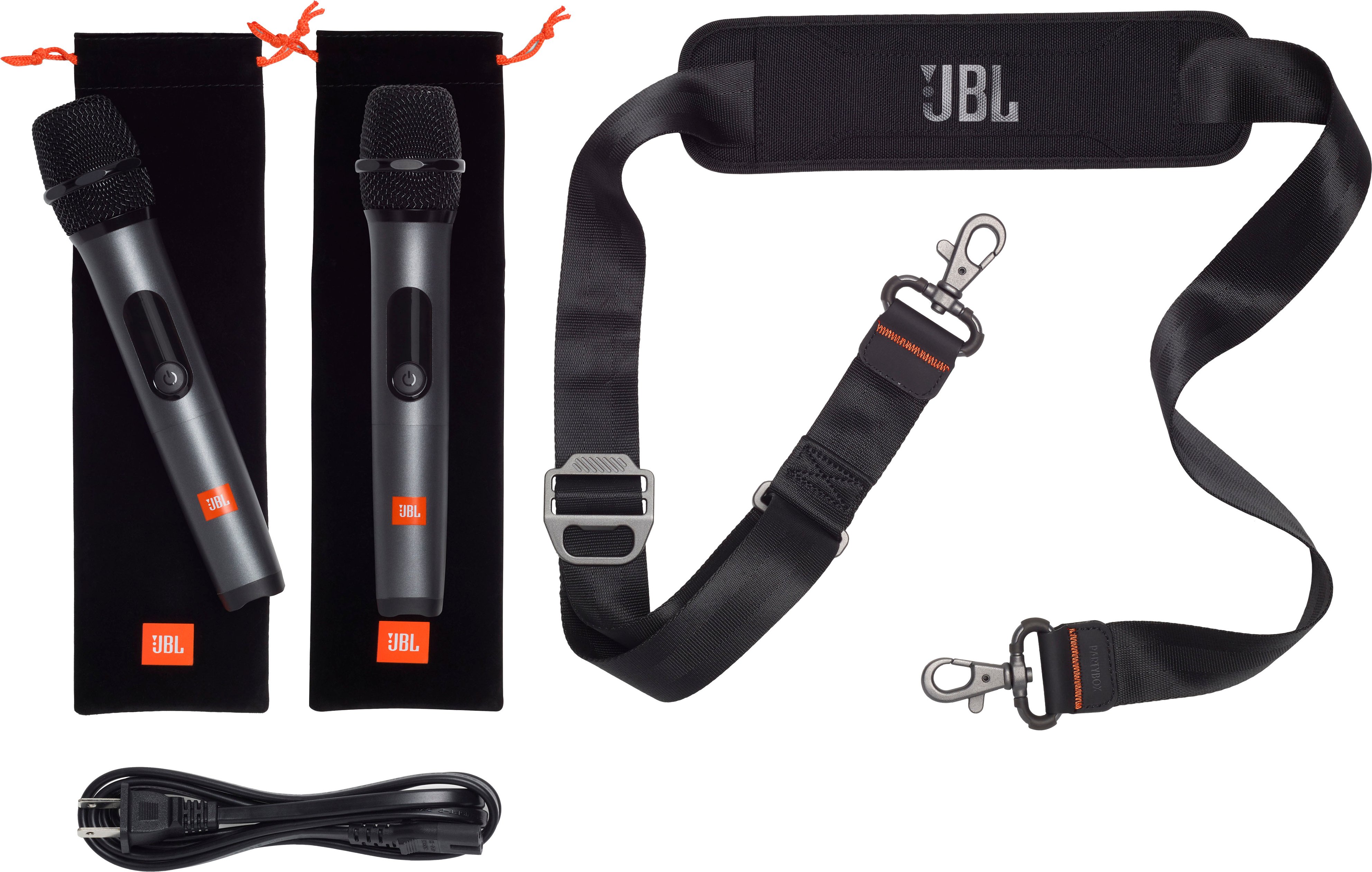
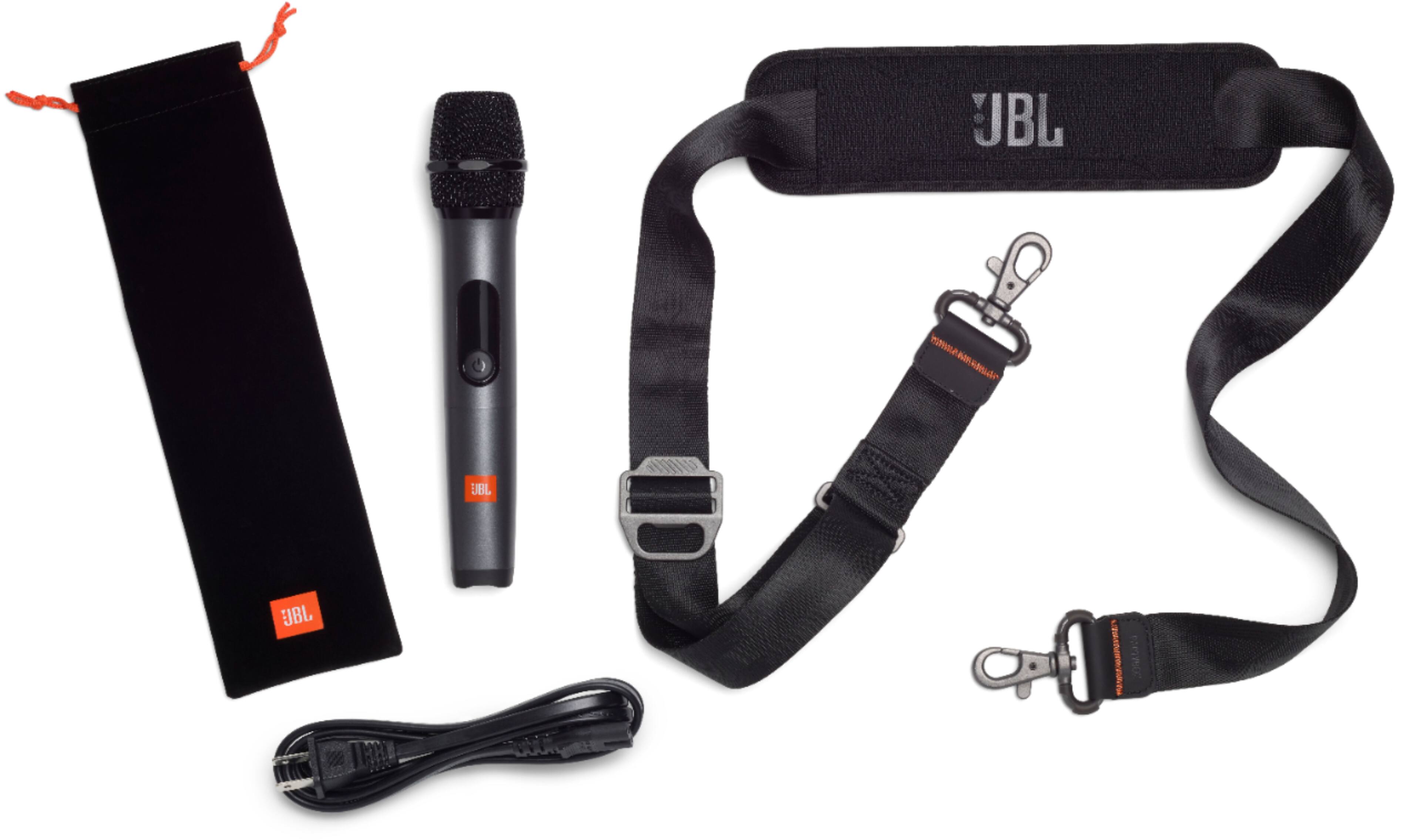
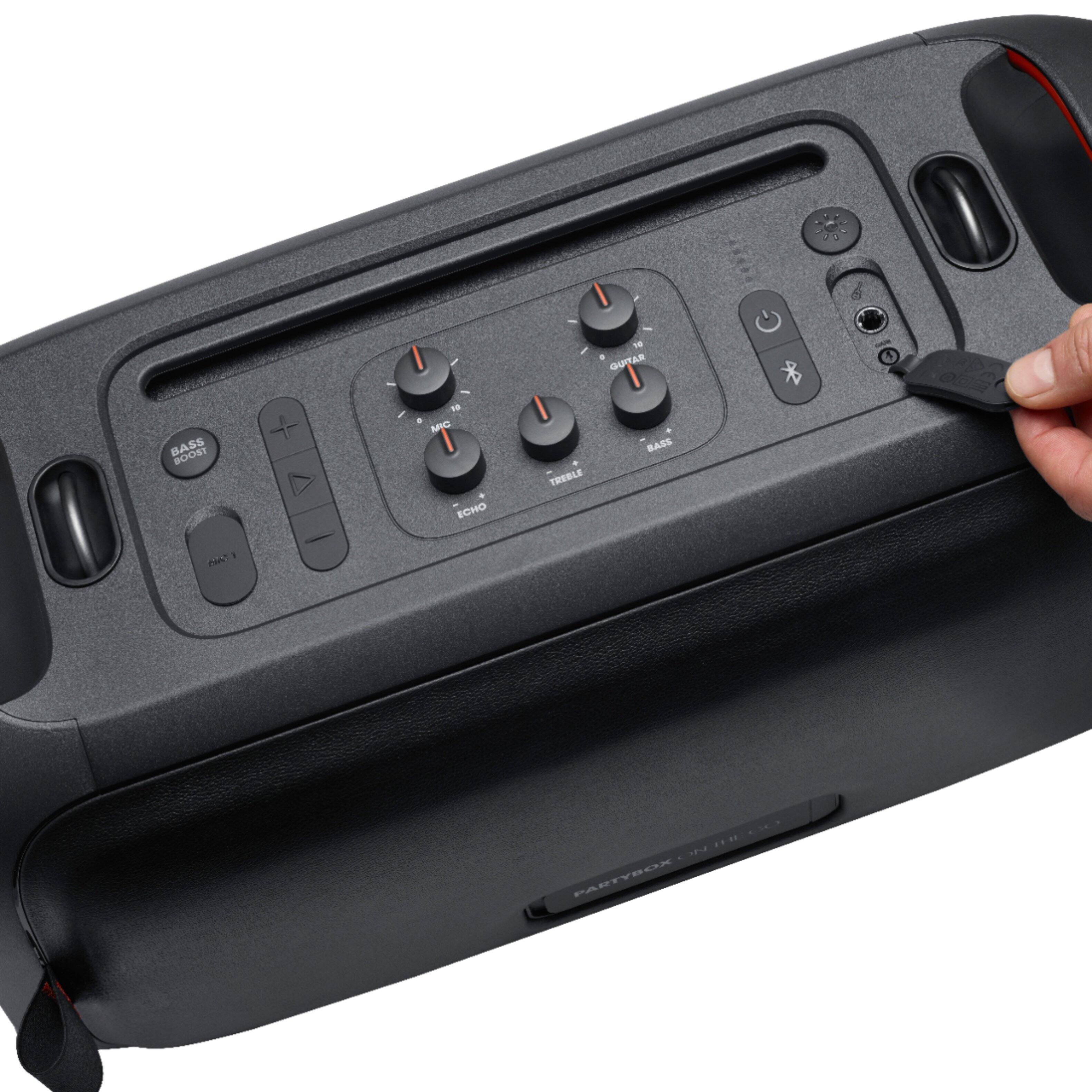
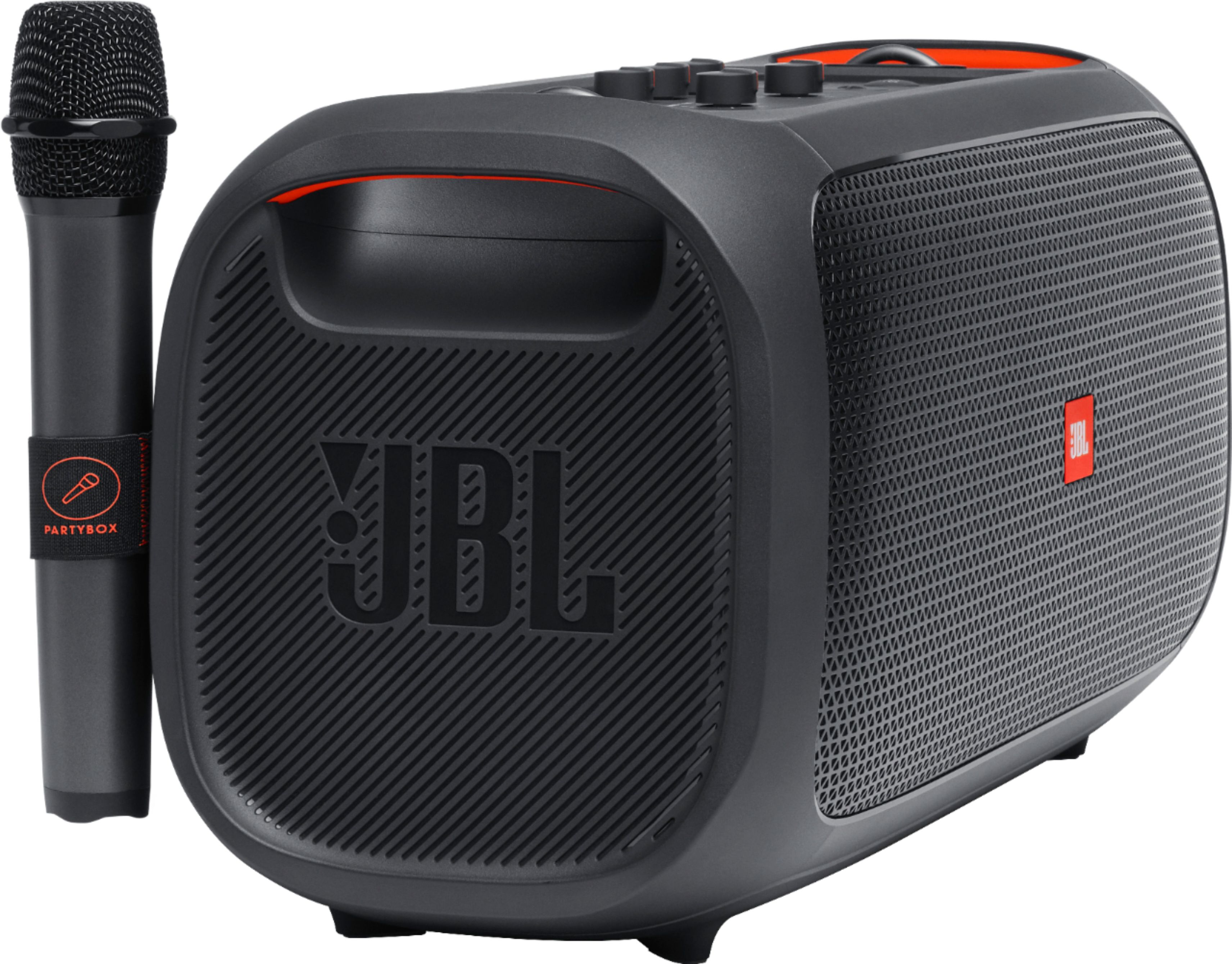
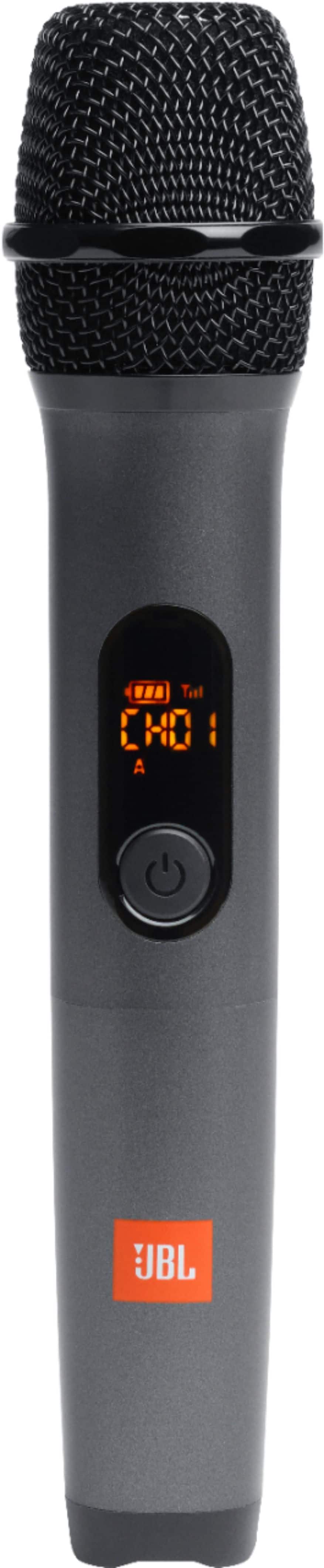
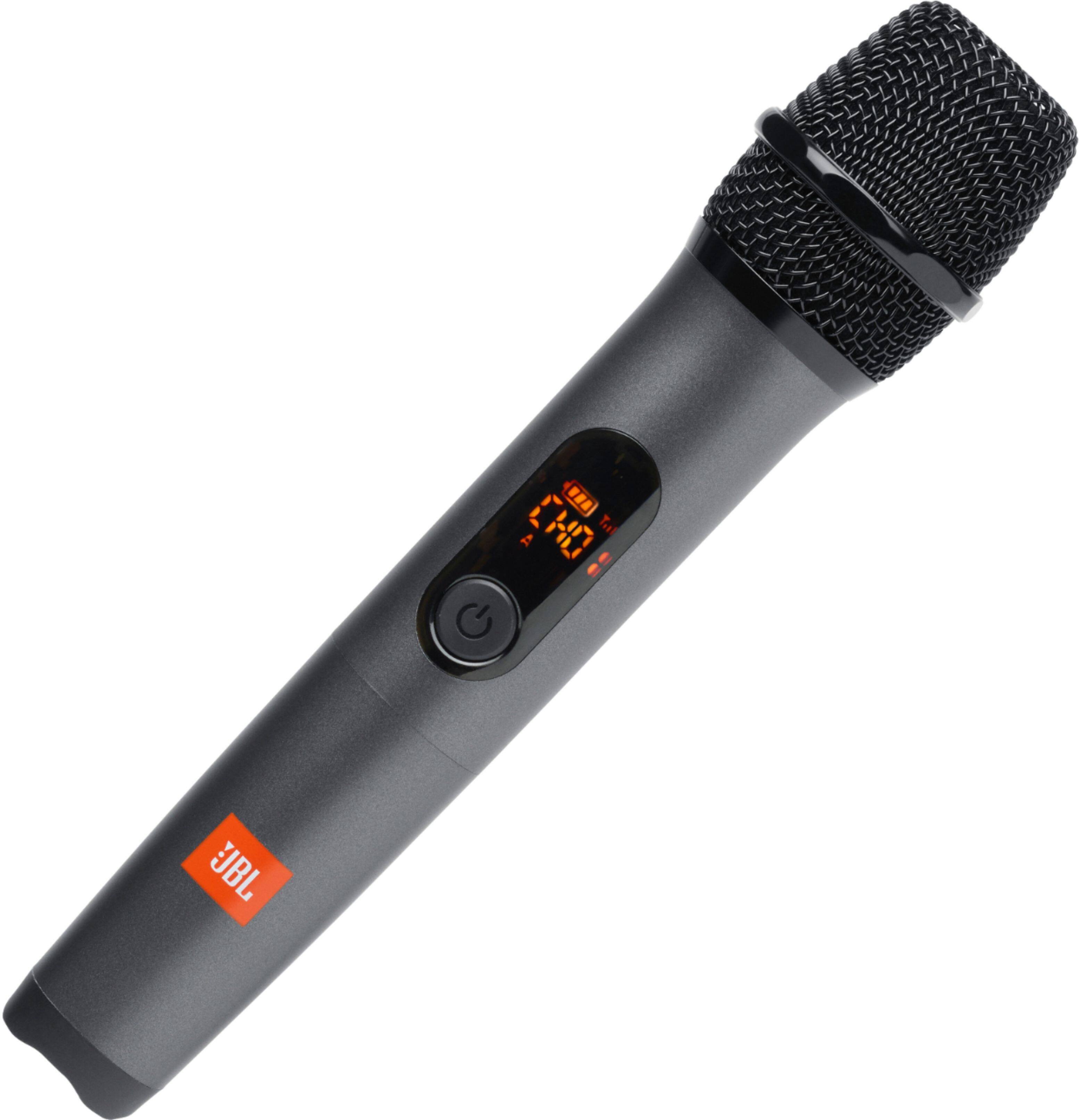
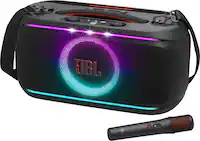
A:AnswerThanks for your inquiry. Our JBL PartyBox On-The-Go speaker comes with 1x wireless microphone, a microphone pouch, a shoulder strap, a power cord, quick-start guide, warranty card, and safety sheet. This does not come with a remote control, but you can use the JBL PartyBox App to control some of the functions, such as music playback, karaoke settings, DJ sound effects, and top panel control. You can also use the buttons on the speaker itself to adjust the volume, bass boost, and light show.
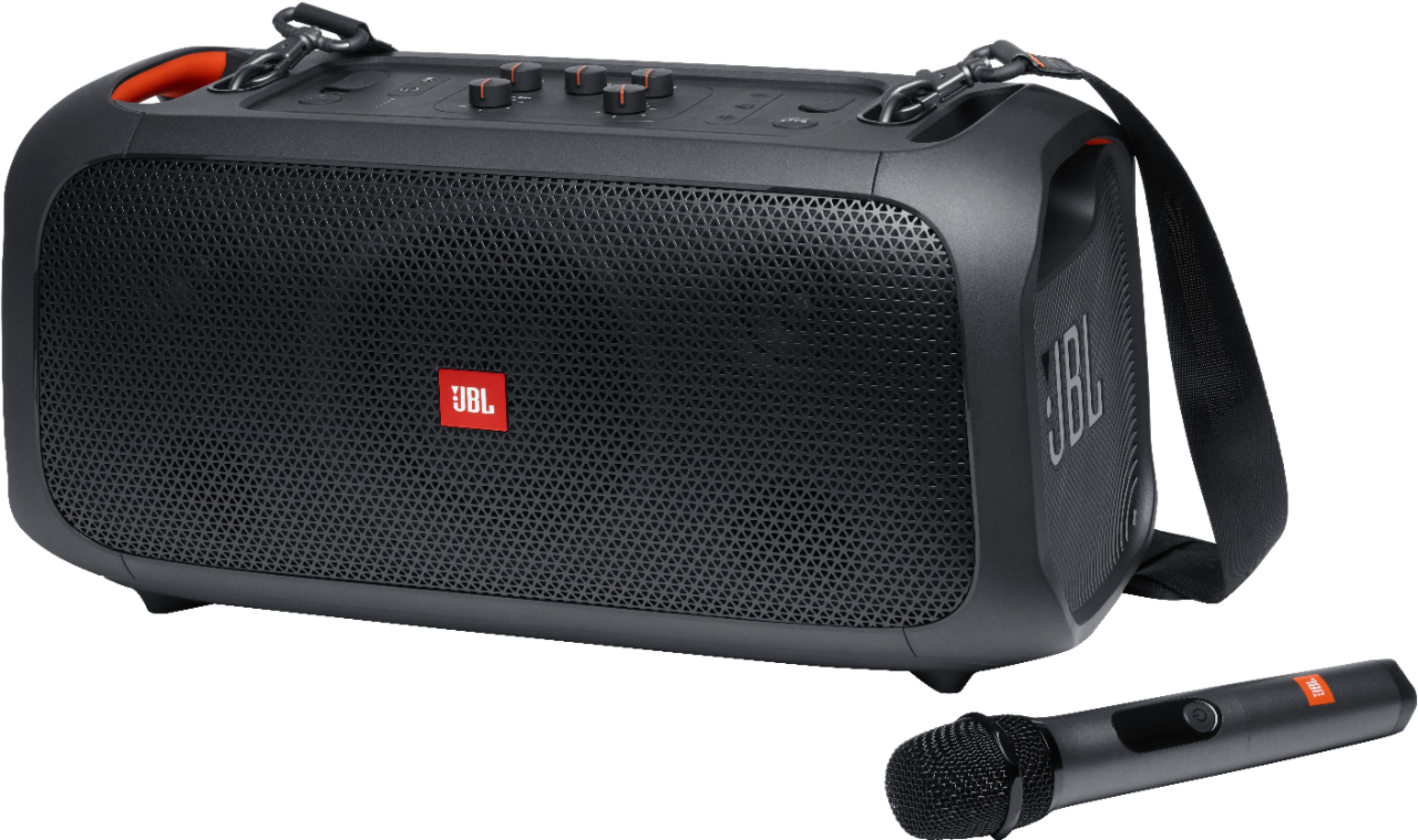
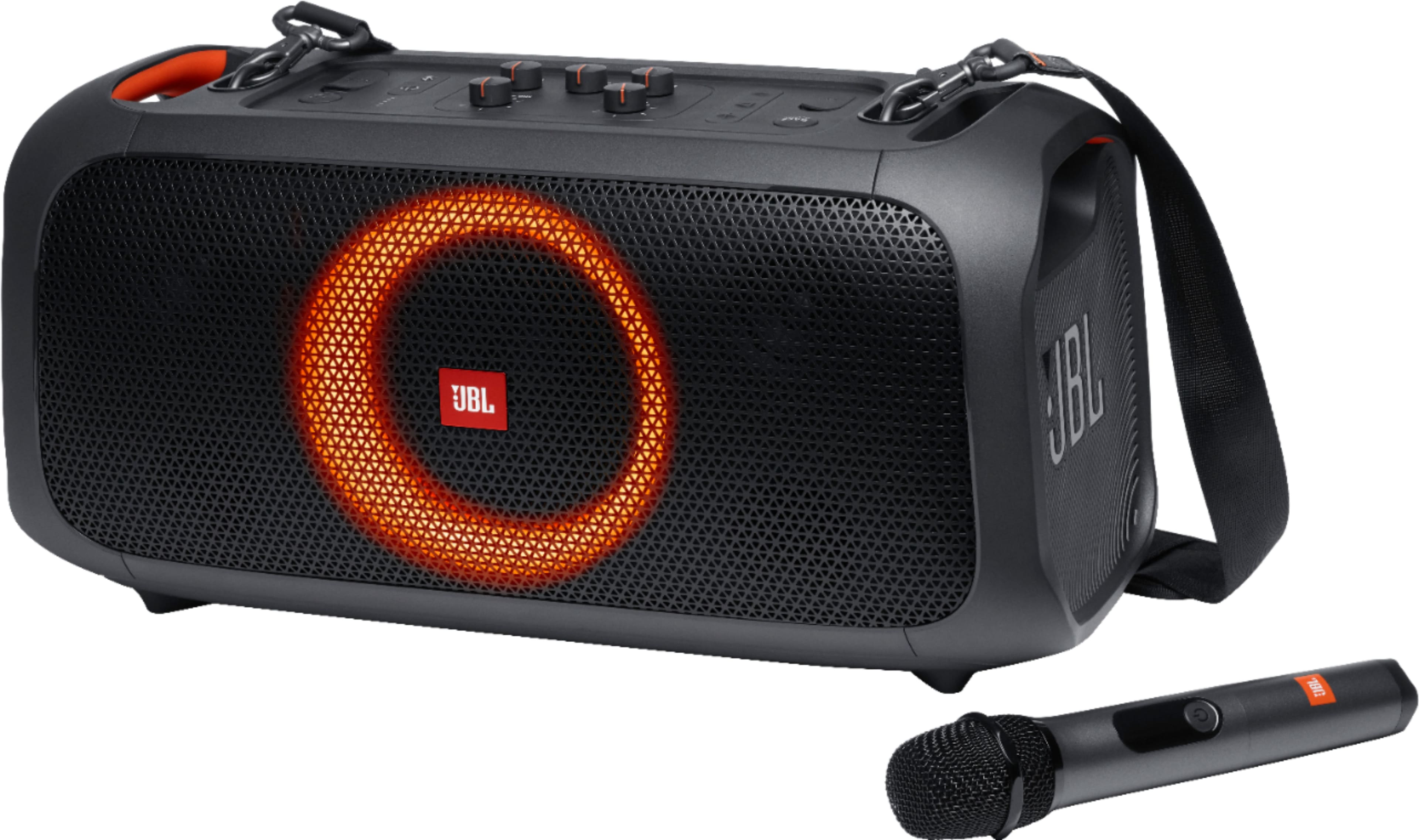
A:AnswerThanks for your question. To turn off the light on your JBL PartyBox On-The-Go, simply press the light button through light effects until it shuts off. If you need more help, please contact JBL Customer Support.
A:AnswerThanks for reaching out. Our JBL PartyBox On-The-Go comes with one wireless microphone. The second mic is available for purchase directly from the manufacturer, JBL. If you need more help with the unit, please contact our customer support.
A:AnswerI am sorry to hear you are having problems with your JBL speaker, kindly contact our technical support line for troubleshooting assistance or to help you determine your warranty options.
A:AnswerWe'd like to work with you directly to troubleshoot the issues you're experiencing with the microphone on our JBL Partybox On the Go. Please contact customer service at. https://bit.ly/2WocMfi

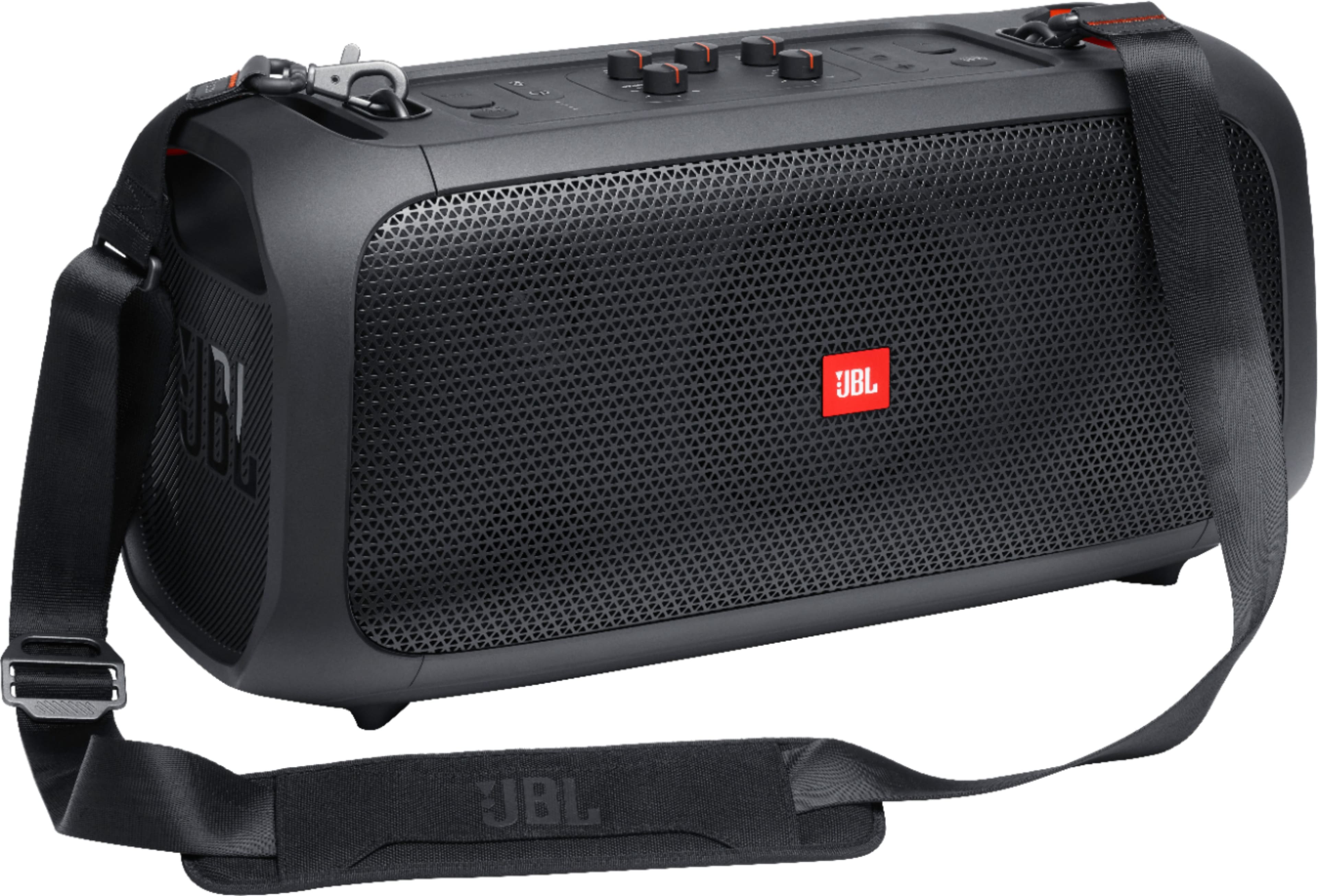
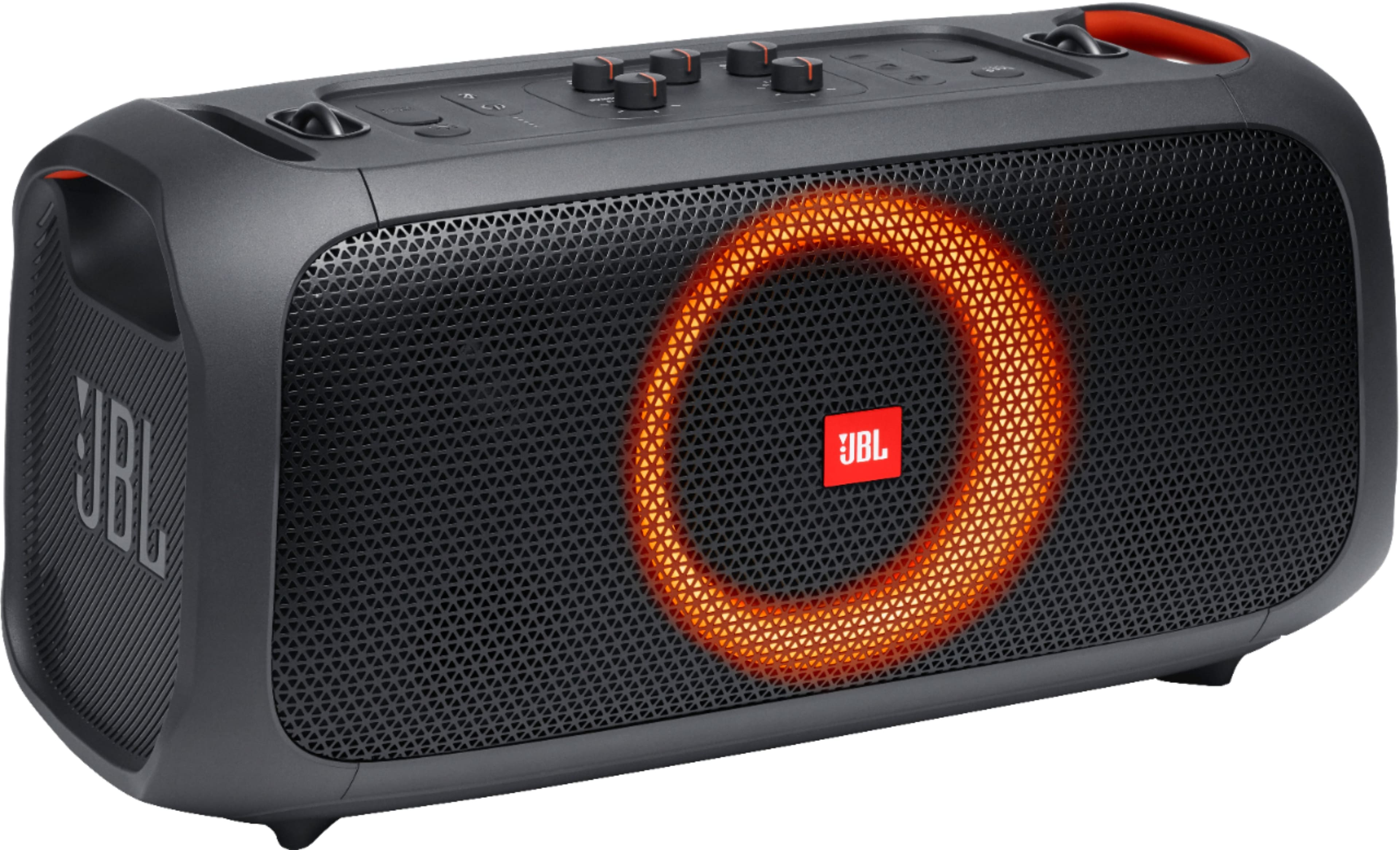
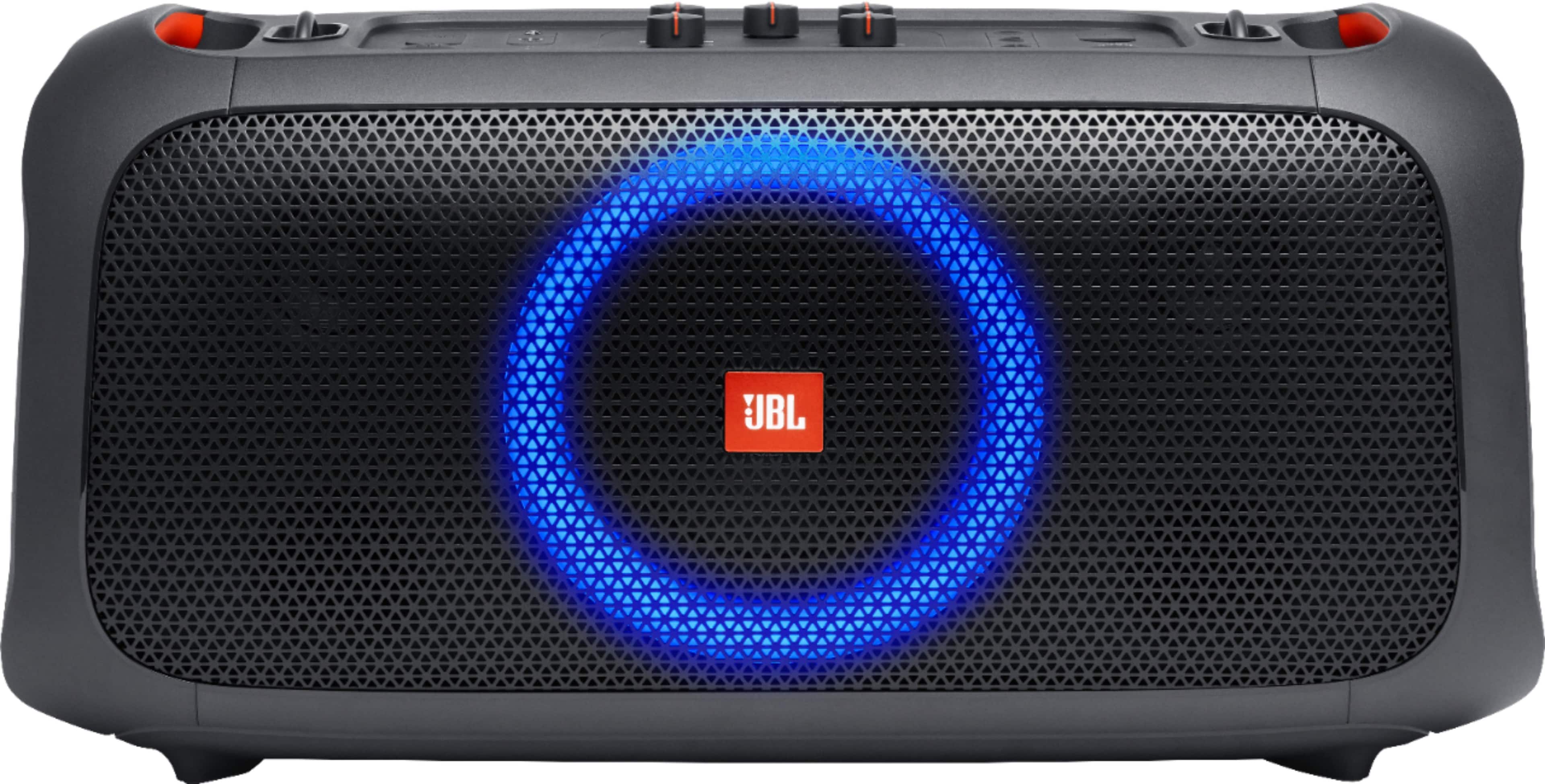
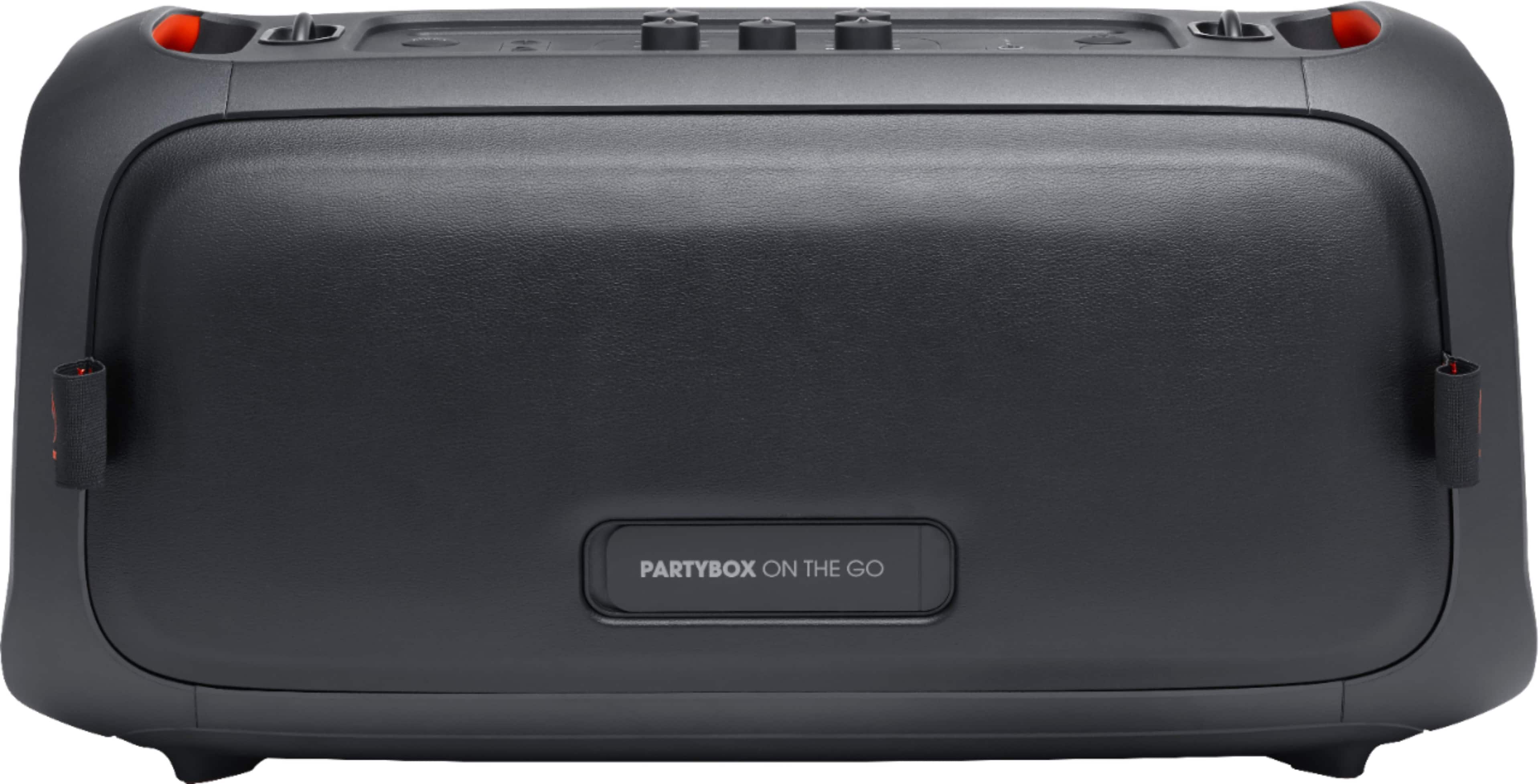
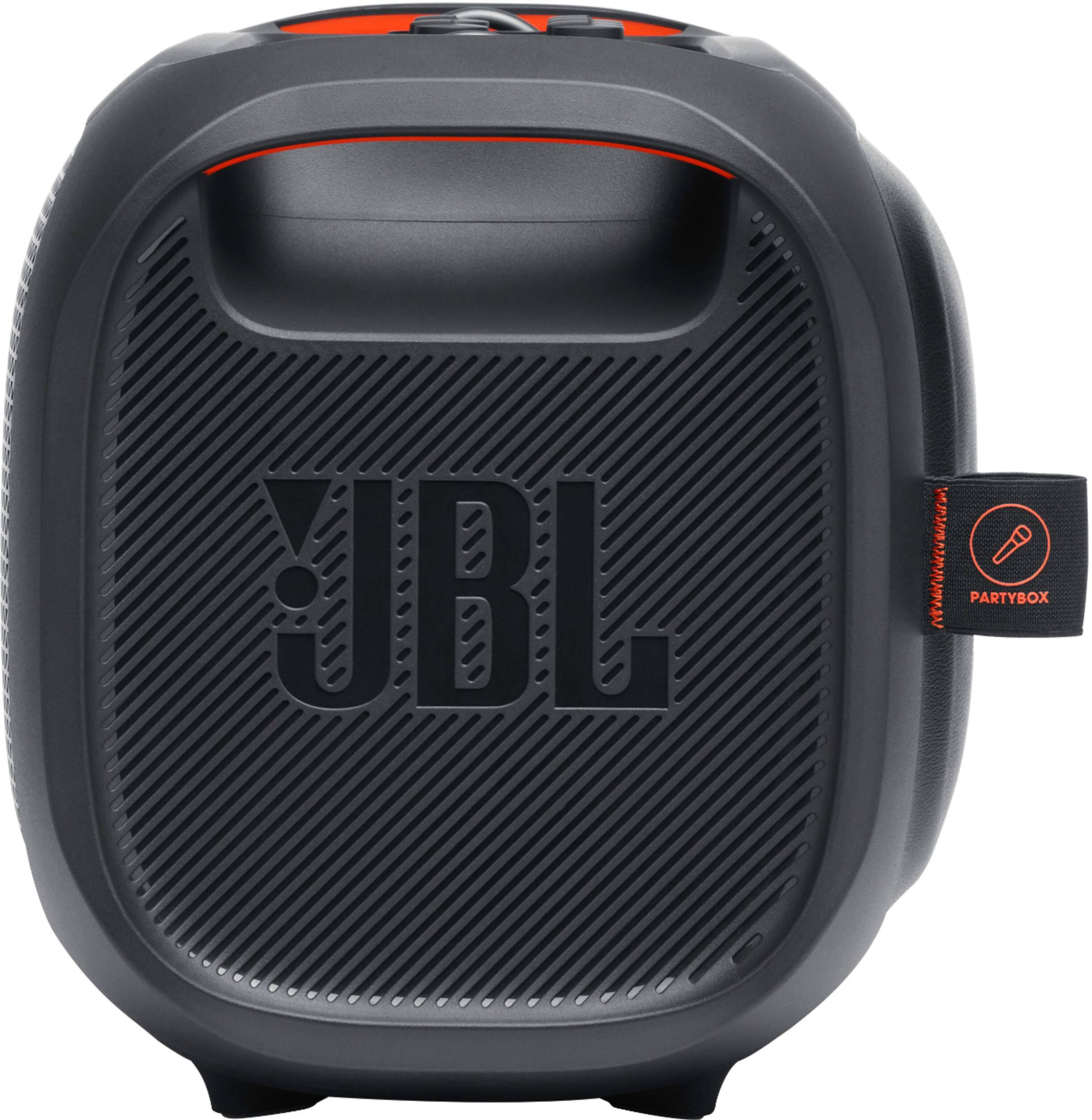
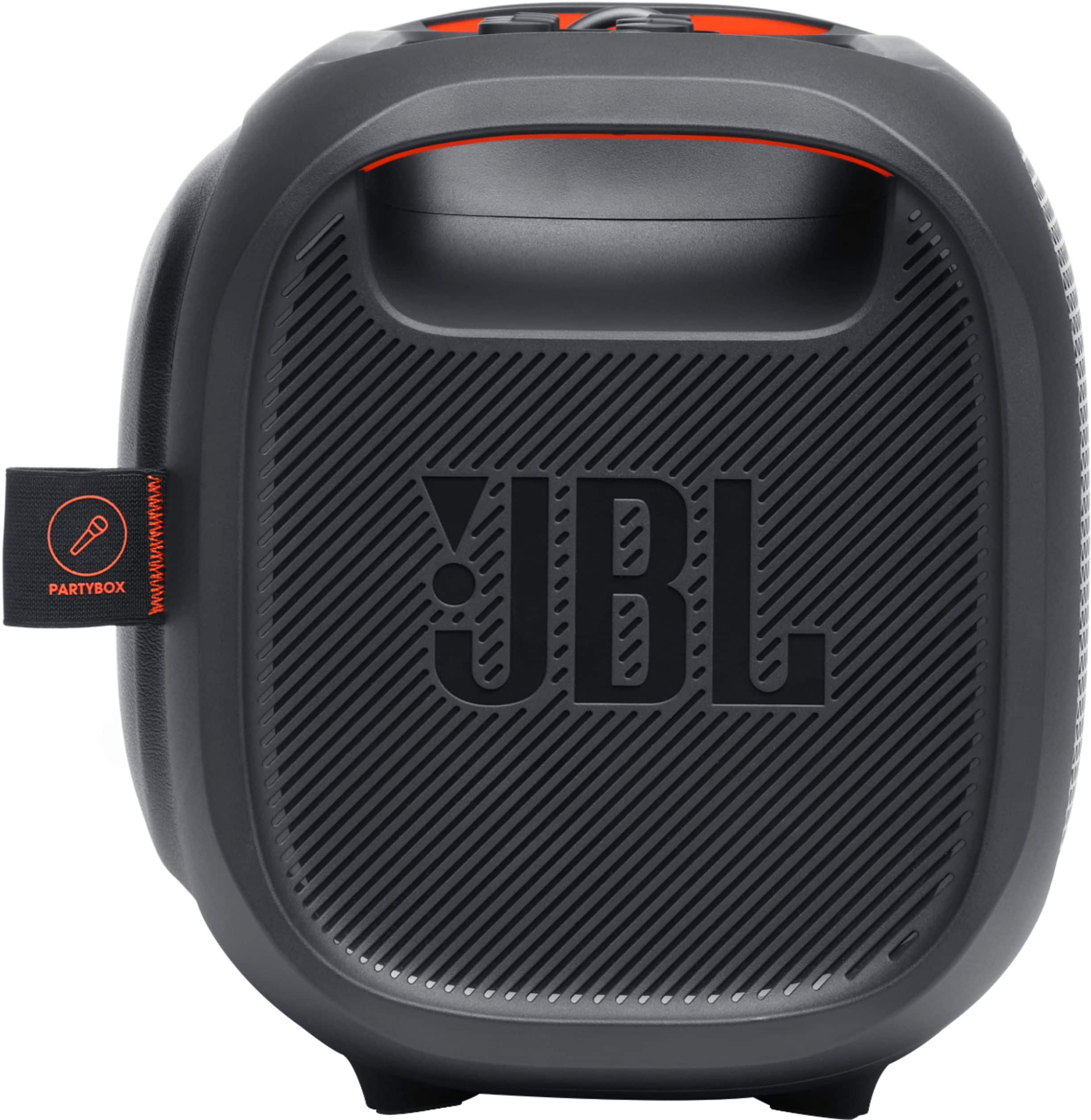
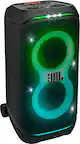
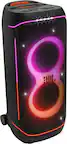
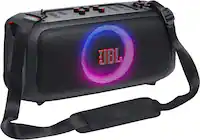
A:AnswerOur JBL PartyBox On-The-Go lets you see, hear and feel the beat. Turn it up loud with 100 watts of powerful JBL Pro Sound, synched to a dazzling light show. Access your favorite tunes with Bluetooth, USB, AUX and TWS (True Wireless Stereo) connectivity, grab a friend and sing your hearts out with the JBL wireless mics, or use the instrument input to play along. With a bottle opener, padded shoulder strap, rechargeable battery and IPX4 splash-proof protection, the JBL PartyBox On-The-Go has everything you need to get the party started and take it with you.
A:AnswerOur JBL Partybox On-The-Go comes with a wireless microphone already linked with the speaker as a factory default setting. You can add a wired microphone to be plugged into the mic gain port located at the top of the speaker. You can also connect another wireless microphone (sold separately), A maximum of 2 wireless microphones are supported or 1 wireless and 1 wired. So you can sing in a duet with another person. If you have other questions or concerns, contact customer service at. https://bit.ly/3x5m7d1
A:AnswerThanks for your question! Our JBL Partybox-On-the-Go automatically goes into power-saving mode after 10-15 minutes of inactivity if no audio signal is detected. This feature can't be disabled.