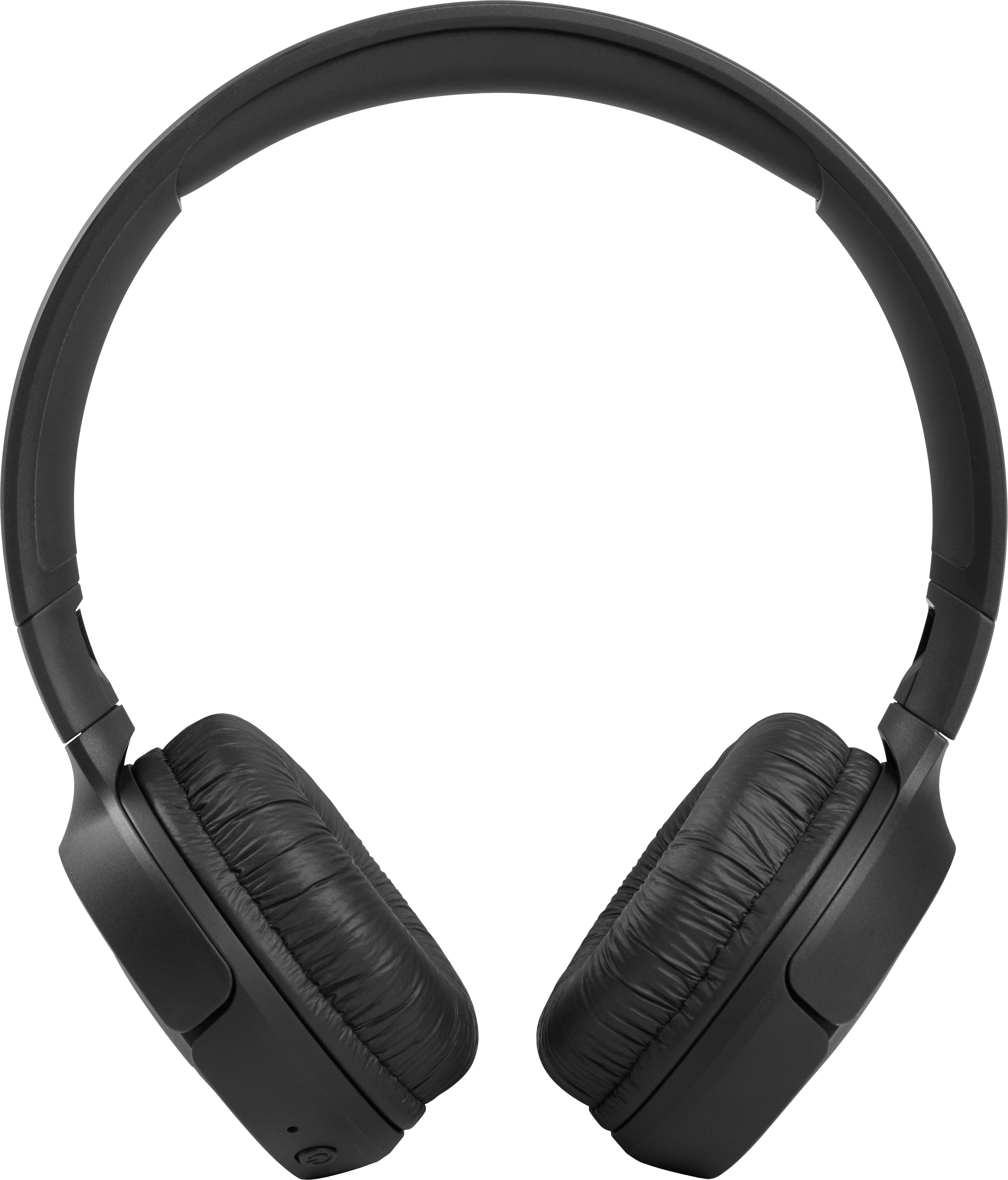
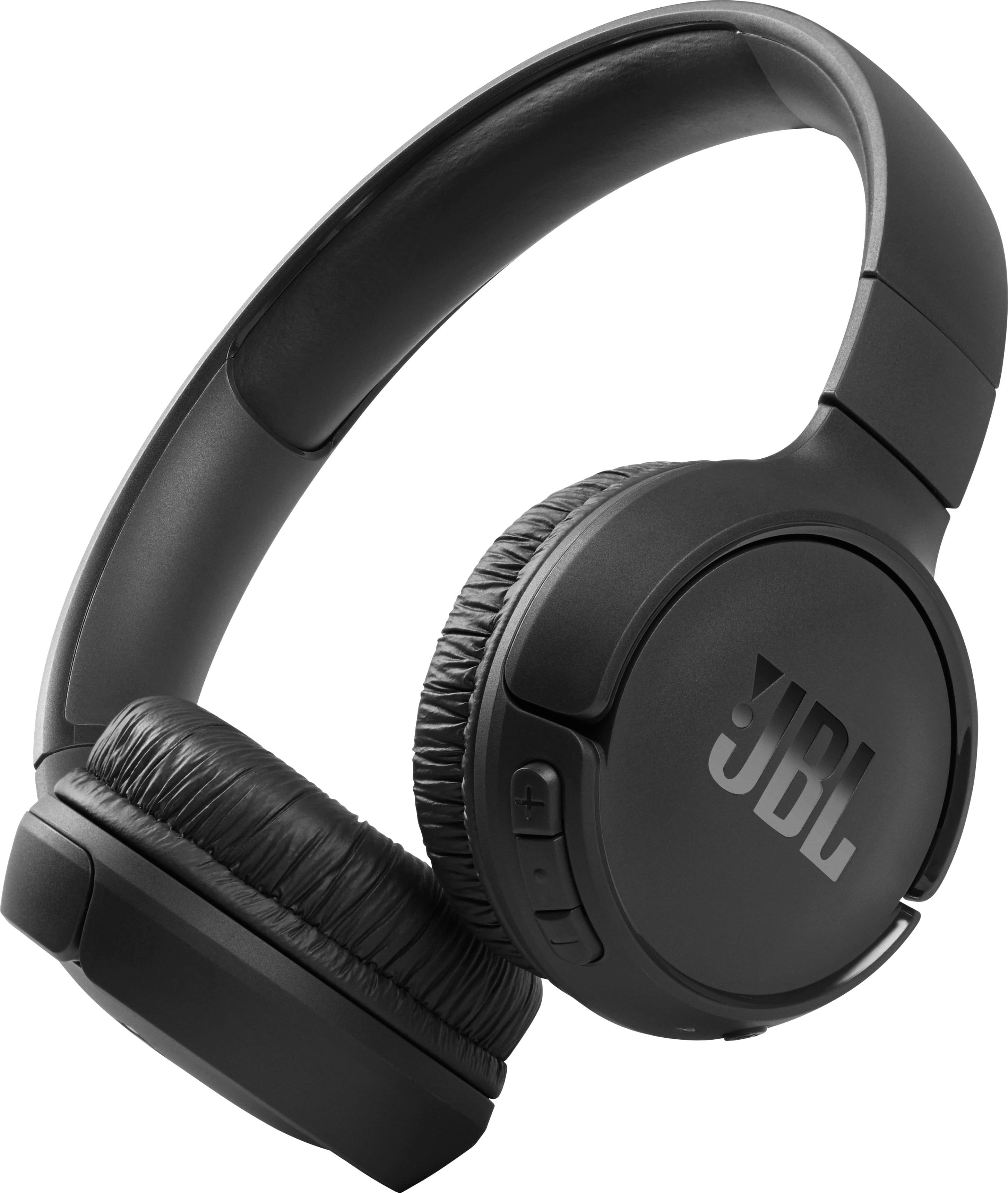
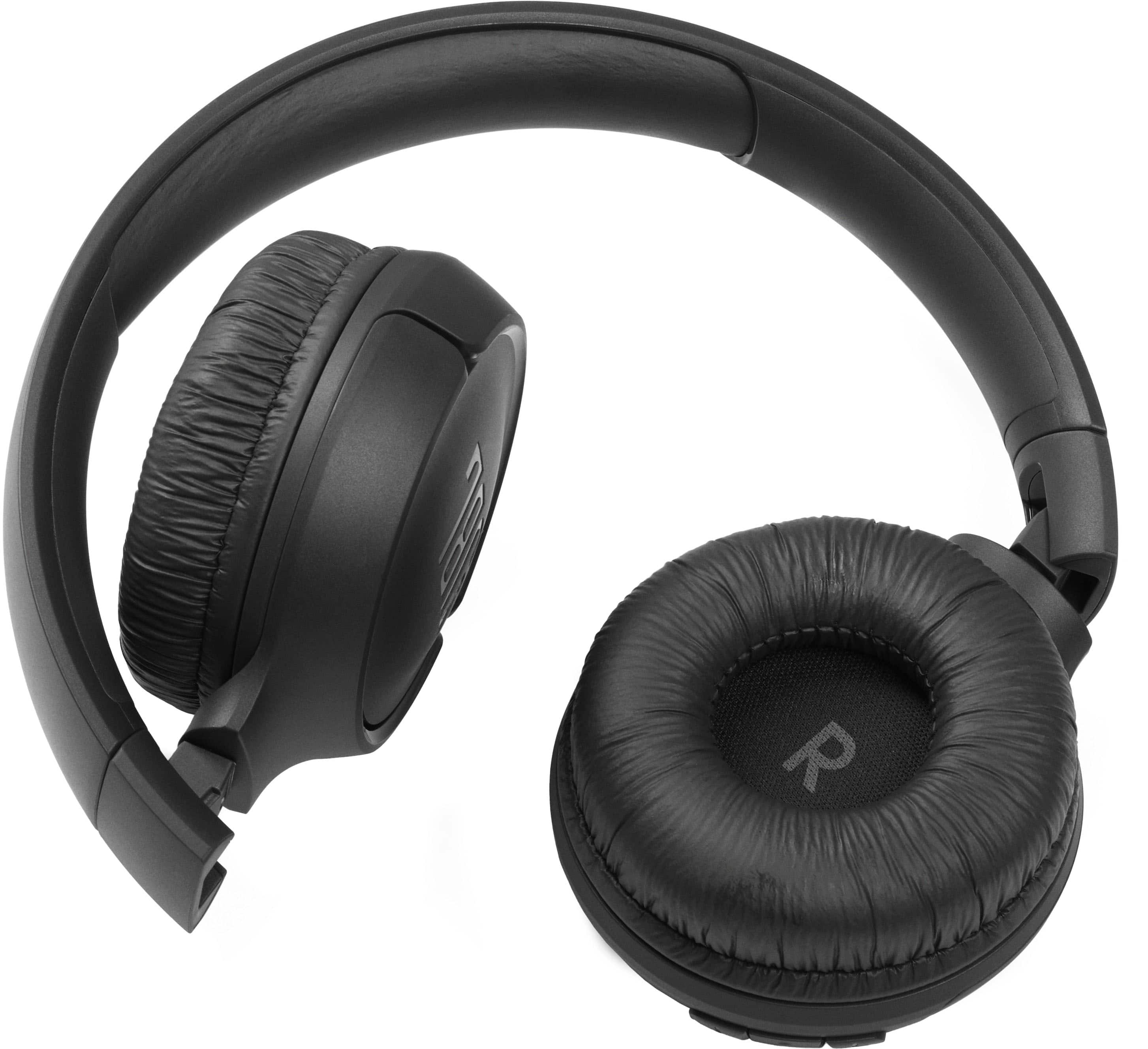
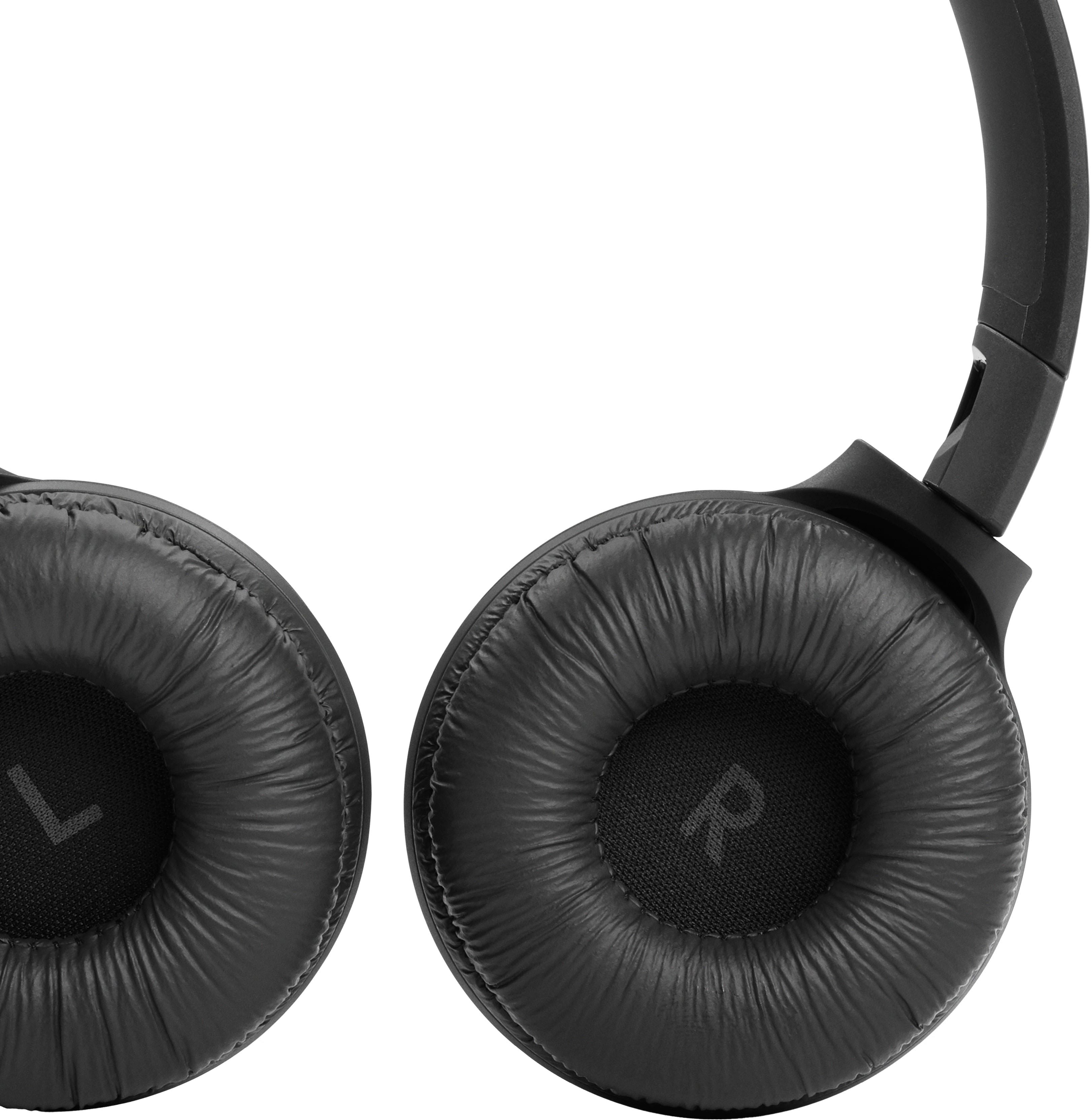
A:Answer Thank you for bringing this to our attention. Please try the troubleshooting steps below to see if it will resolve the issue with your JBL Tune 510BT.
1. Please select the headphone's name on the Audio Bluetooth settings listed beside the Camera button in FaceTime. If the issue persists, procced to the next step.
2. Make sure you are not muted during the call. To verify, tap the microphone icon in FaceTime twice, Each tap, speak or make a sound to whether the other person on the line can hear you. If the problem continues, move to step 3.
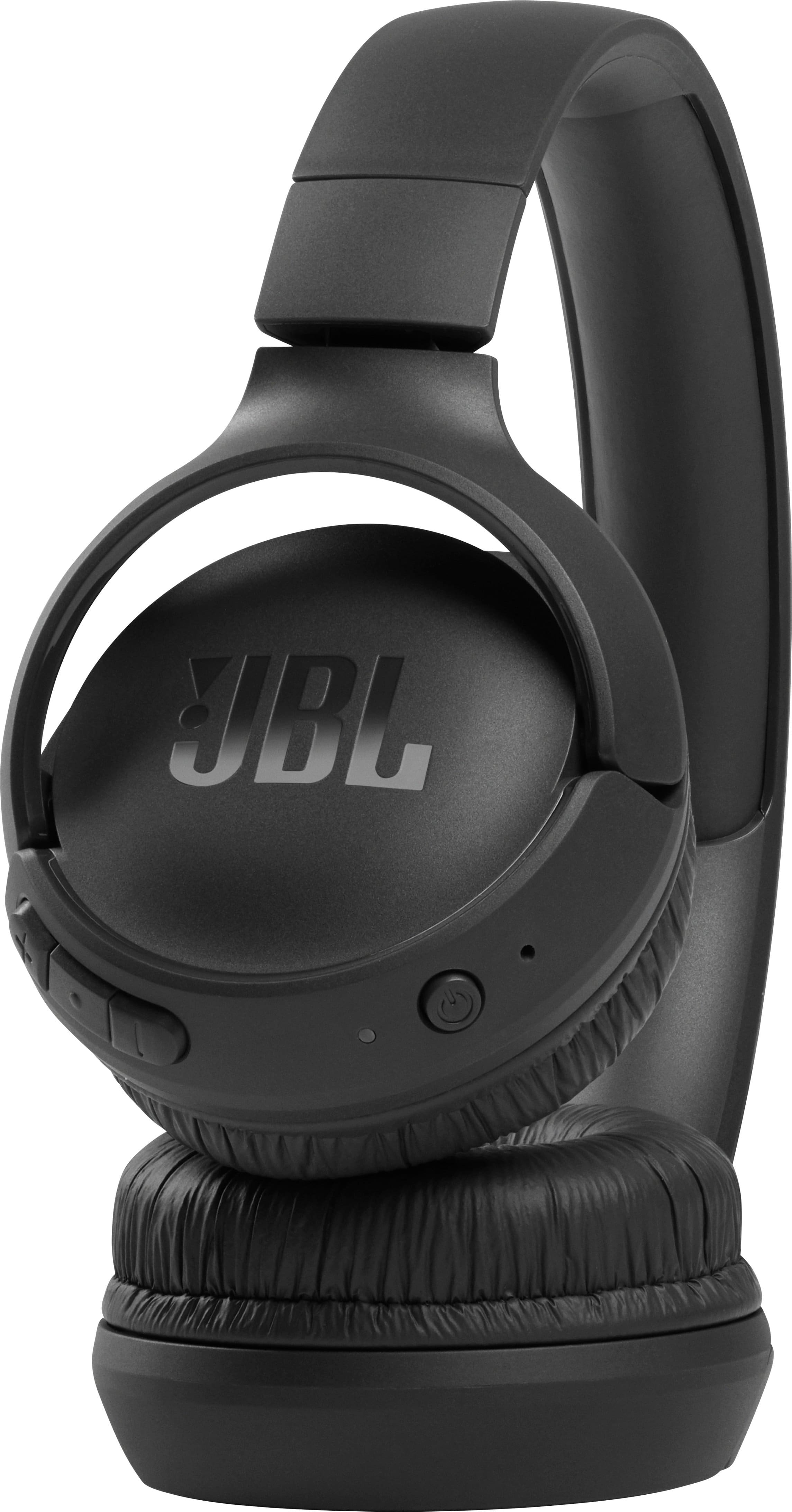
3. Check if the headphones itself is not muted. To check, press and hold the button located between the volume plus and volume down for 2 seconds. Do this twice and after each press and hold for 2 seconds, speak to see if it's working. If the steps above do not work, feel free to contact our customer support for further assistance.