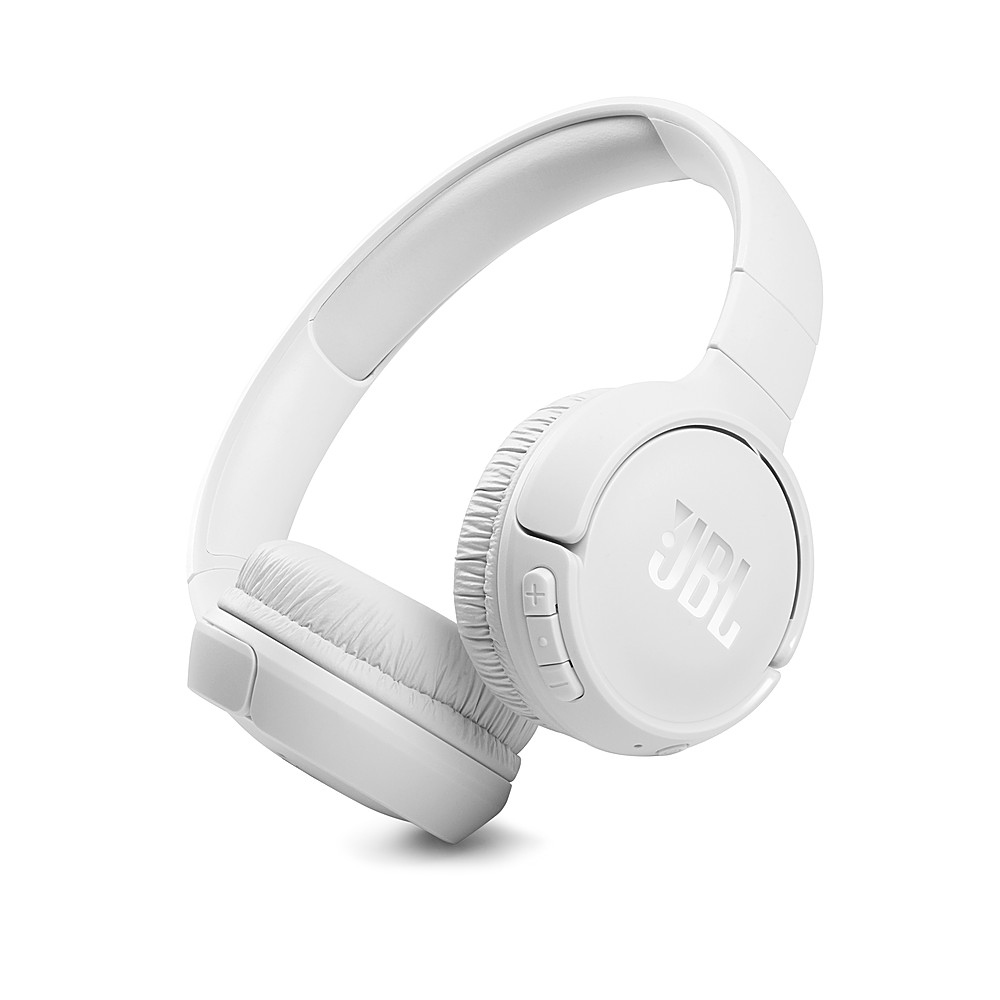
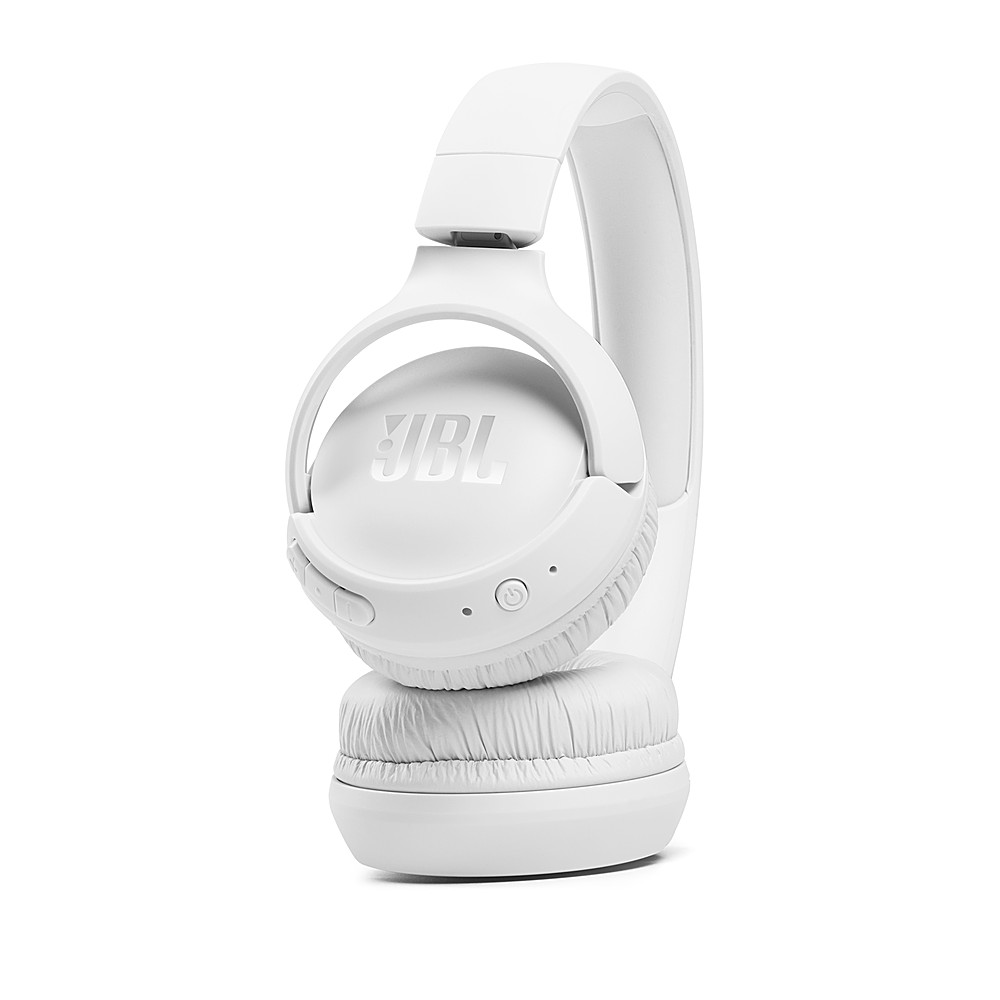
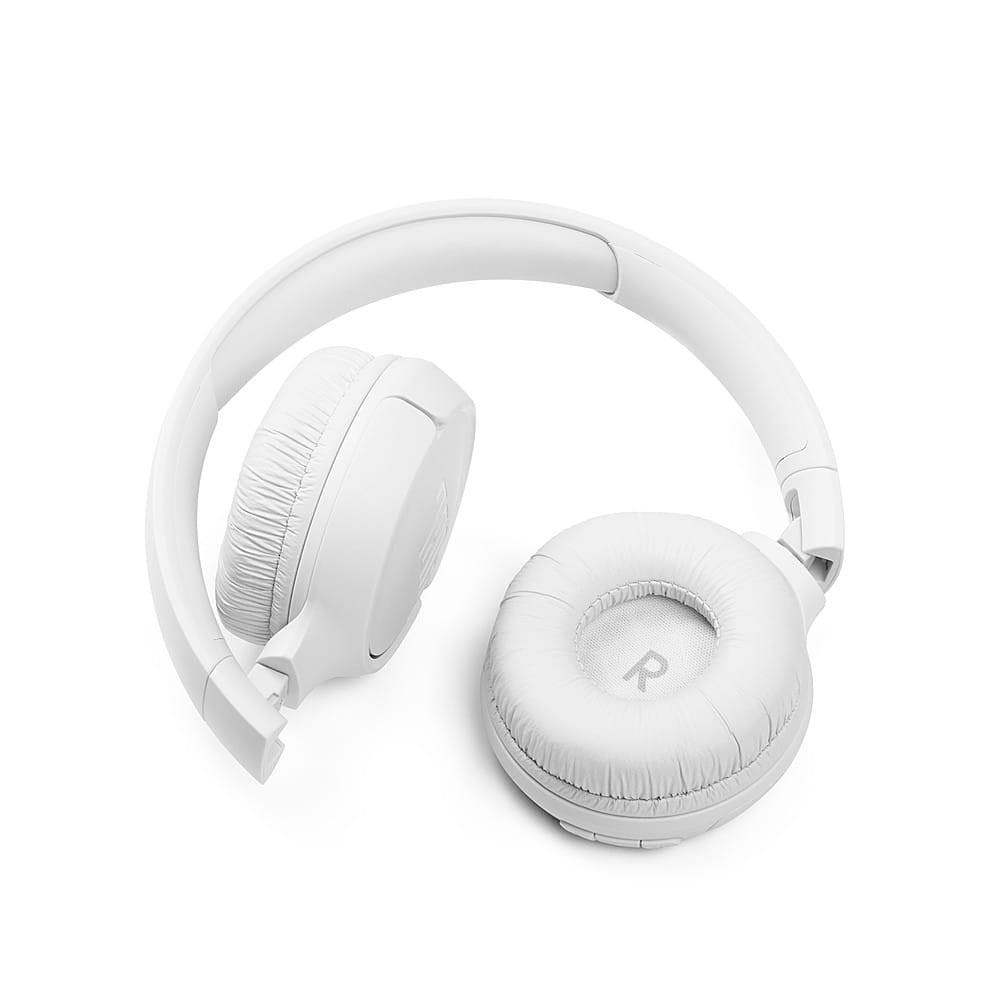
A:AnswerOur JBL Tune 510BT can pair with and connect with devices that are capable of transmitting Bluetooth. We can't guarantee it will work with a non-smart TV.
A:AnswerThank you for bringing this to our attention. We'd like to work with you directly to address the issues you're experiencing with your JBL Tune 510BT. If needed, we'd also like to get more information so we can check your options. Please contact our customer support service via our official website or toll-free hotline.
A:AnswerThanks for your inquiry. Our JBL Tune 510BT has a maximum Bluetooth range of 10 - 15 meters, with no large objects blocking the line of sight. A distance farther than that would pose signal deterioration. If you need more help, please contact our customer support so we can assist you.
A:AnswerBluetooth is a wireless technology. If your television set has Bluetooth, you can go into the Sound settings and "pair" the headset to establish a connection. You do NOT need to make a physical connection if that's what the question implied.
A:AnswerThanks for your inquiry. Our JBL Tune 510BT does not have a tracking feature that can help you locate it if it's lost or stolen. This means it does not have a GPS chip or app feature that can show its last known location.
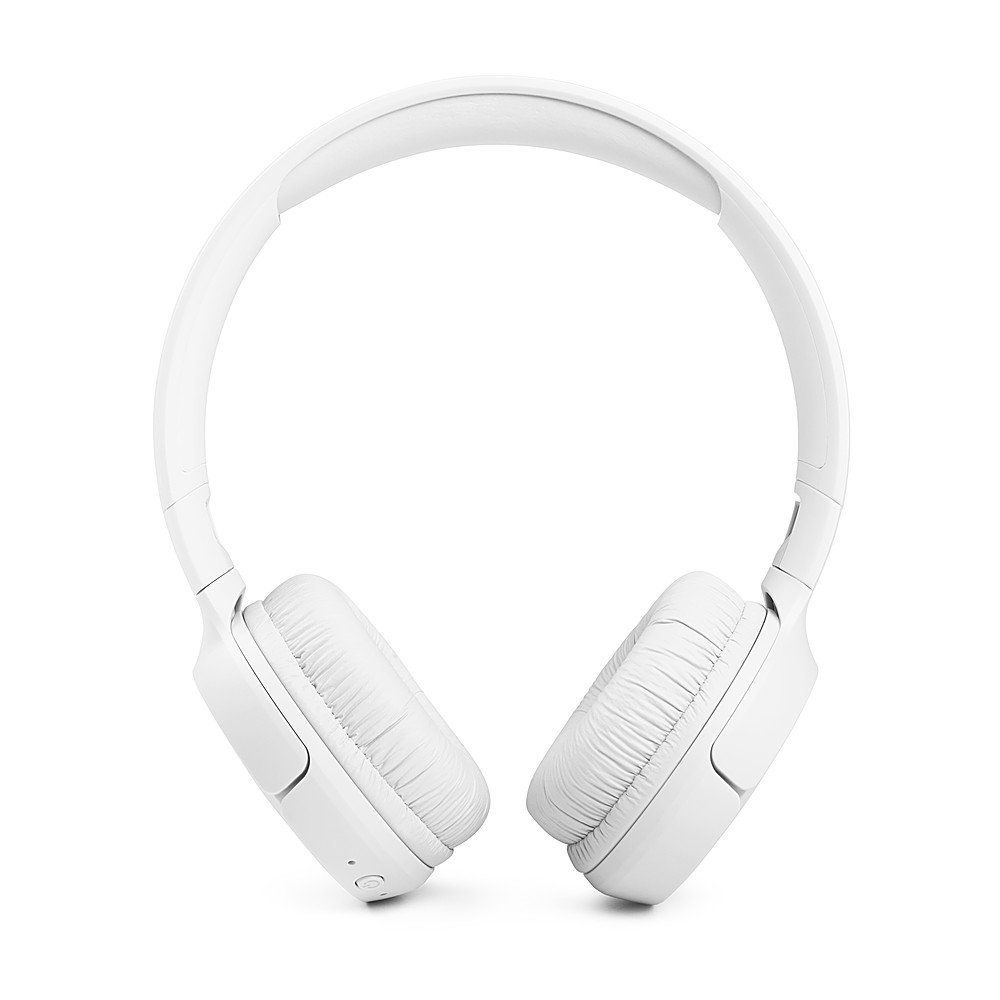
A:AnswerWe're here to help. Our JBL Tune 510BT displays a solid red light while charging. Once it's full, the red light will turn off, indicating that the headphone is fully charged. If the unit is not charging, try a different charging cable, or adapter and try plugging it into a different outlet. If the issue continues, please contact JBL Customer Support via our official website or toll-free hotline.
A:AnswerThank you for your question.
Our JBL Tune 510BT is not listed as a compatible model on the app description or JBL's official website, as it is not supported by the app. If you need more help, please contact our customer support.