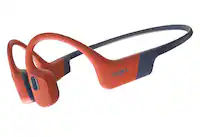
A:AnswerMaybe you got a dud, but I'd try the following.
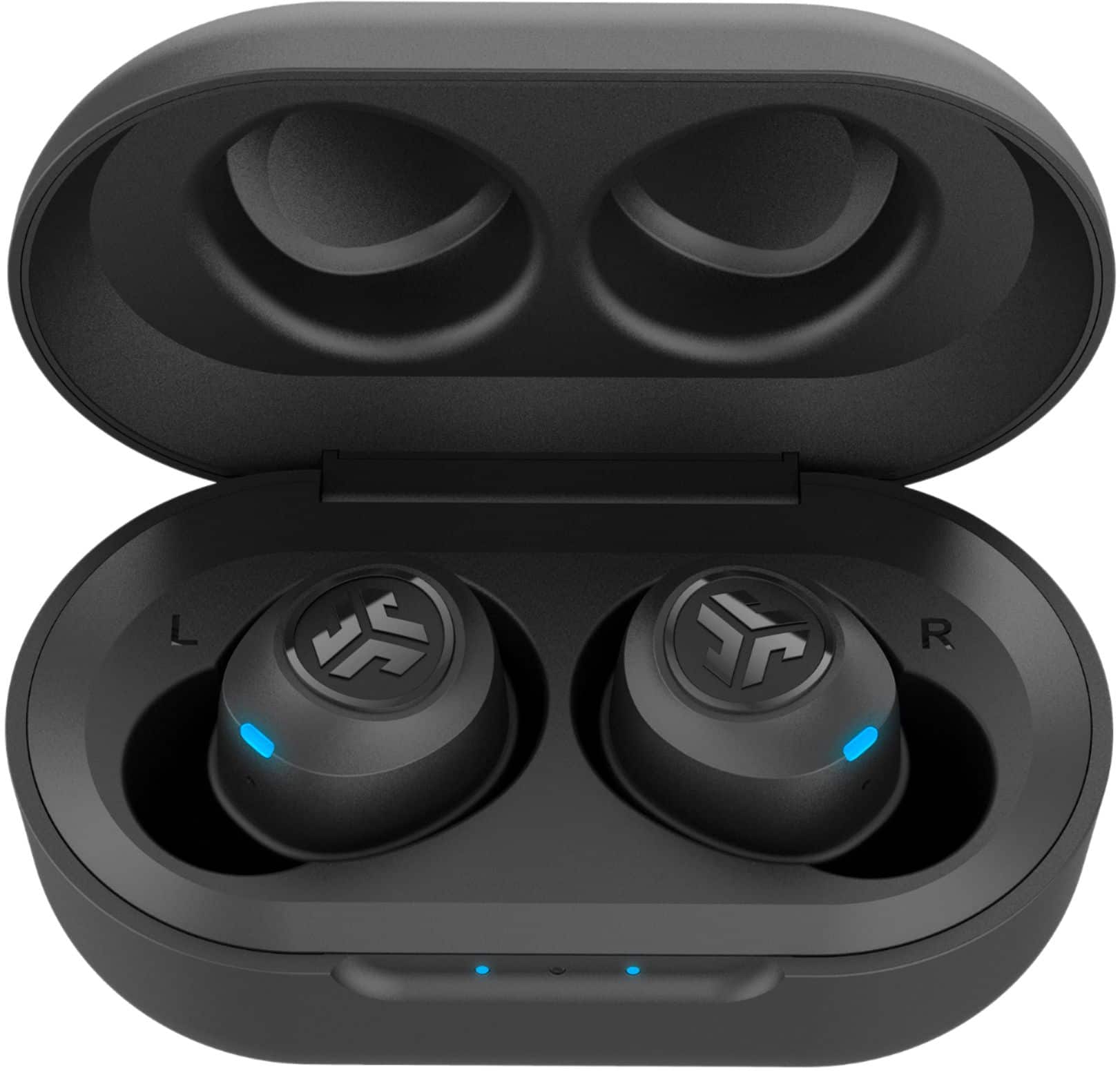
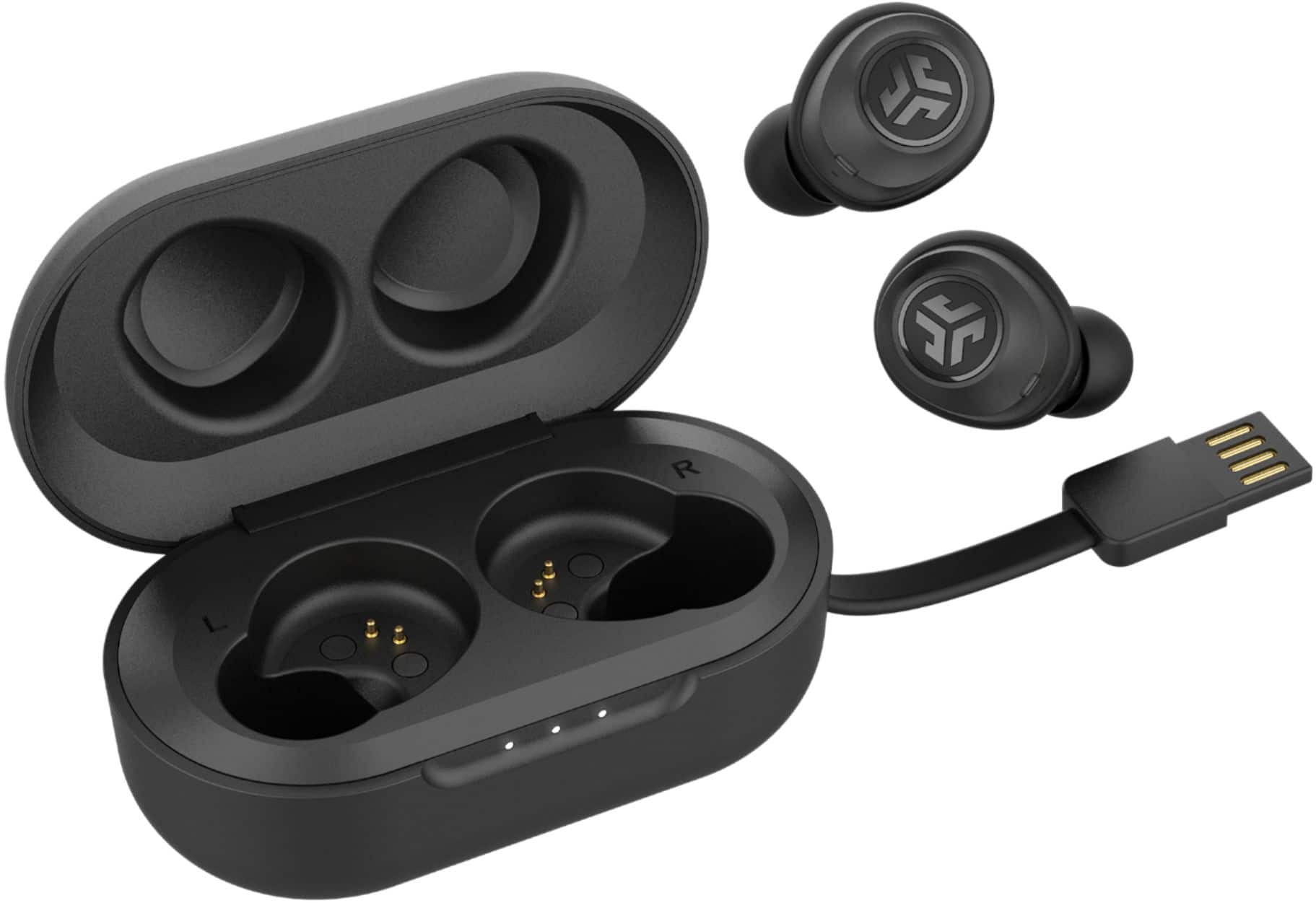
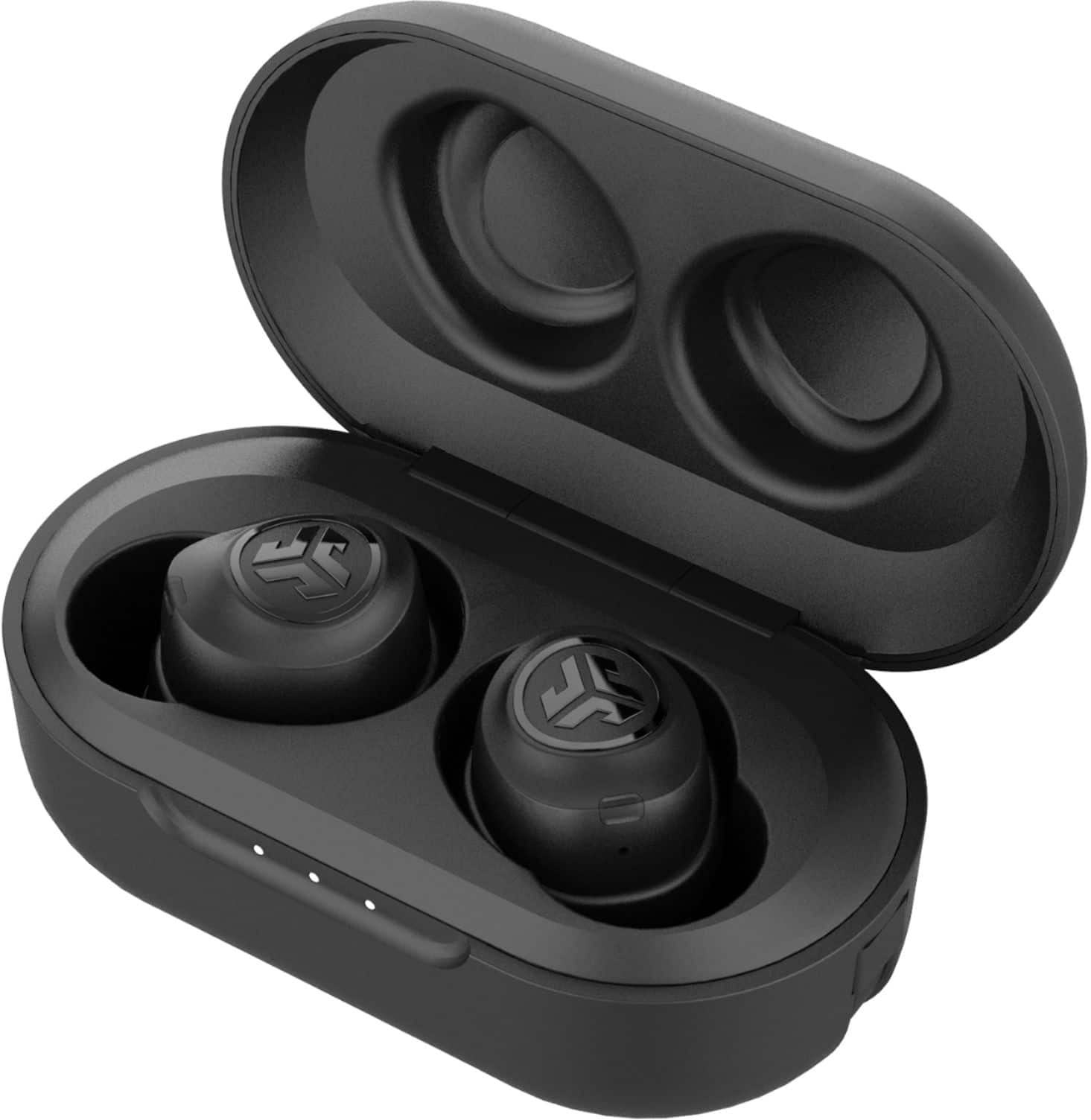
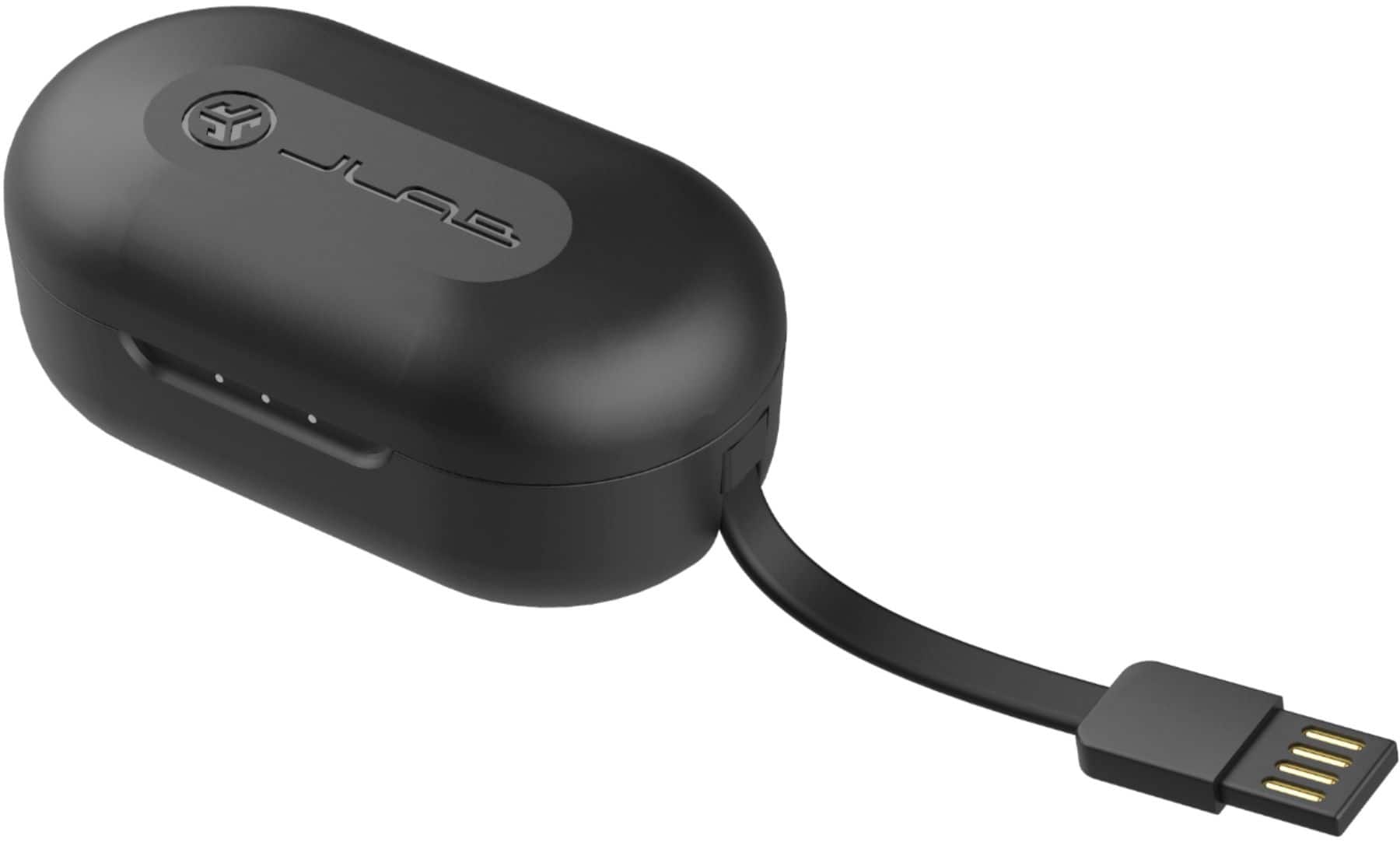
1: Try turning both off and fully charging the case/buds in the case through a usb port (do they both light up when in the charging case?)
2: Try turning them on again, after they come on it takes a few seconds for them to say they are paired (you'll hear it audibly in the ear piece).
3: If that doesn't work, try holding the button down for 30s or longer on the non working earbud
4: Return them for an exchange if all else fails
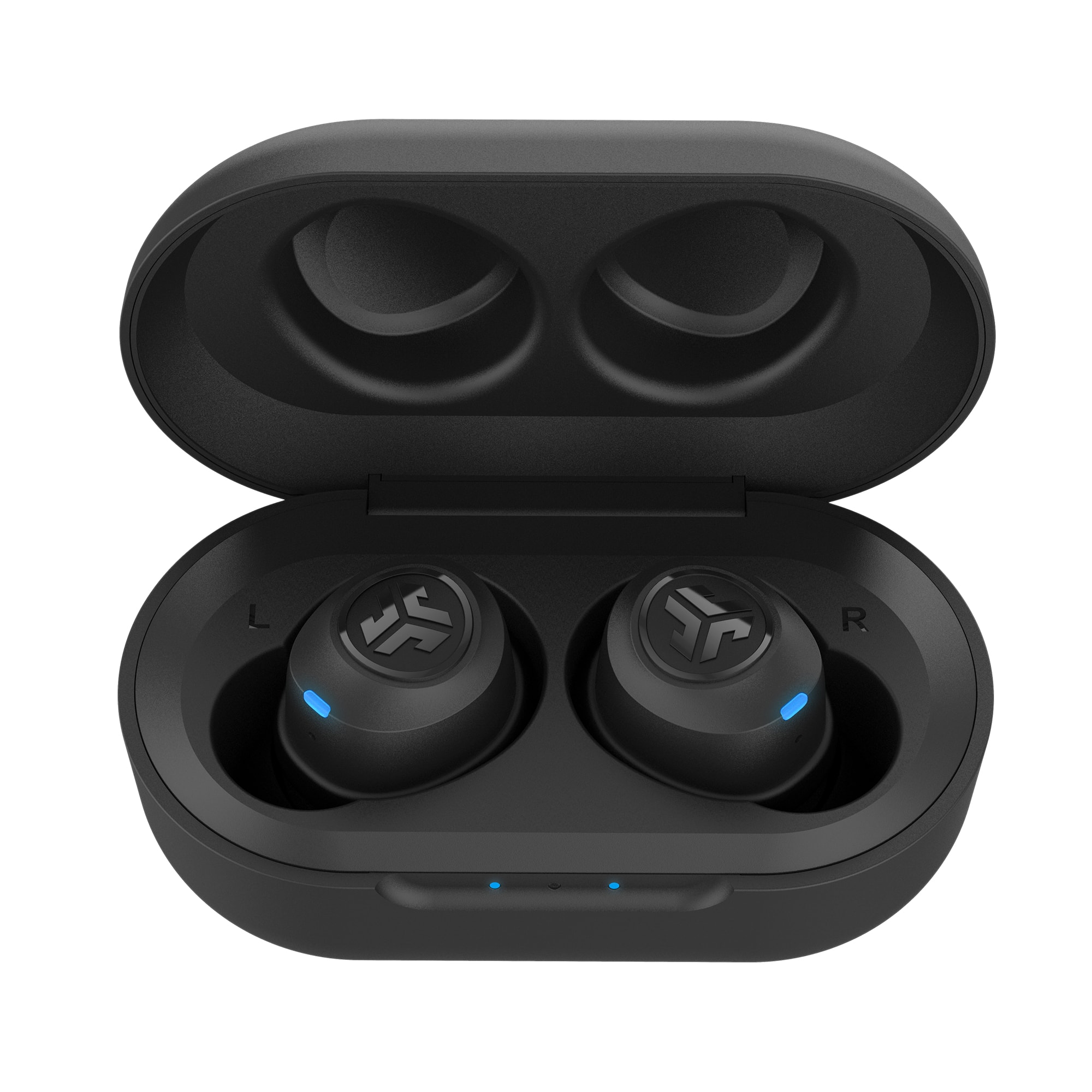
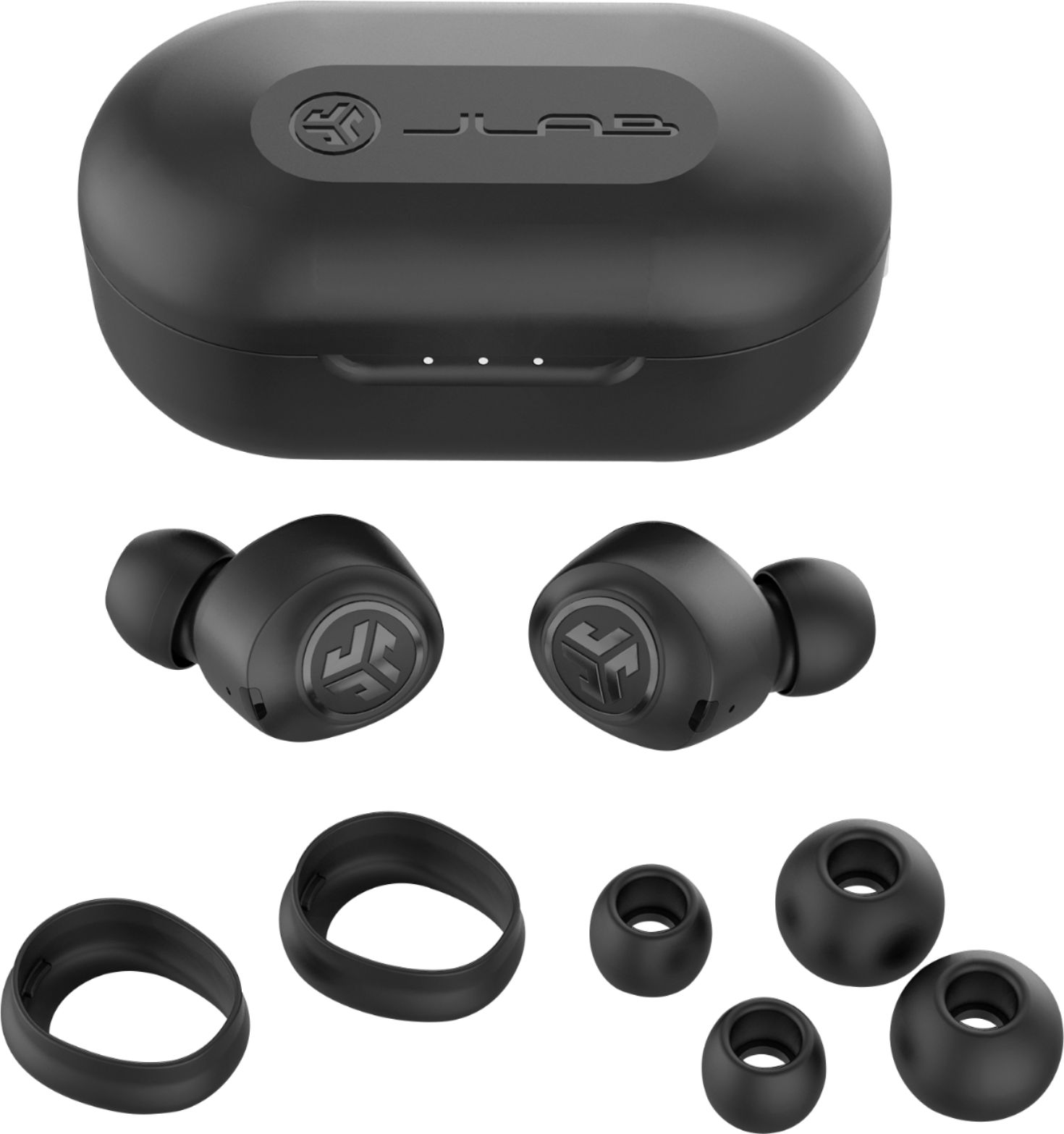
A:AnswerThere isn't any active noise cancelling but they do a good job cancelling out most noise when you give them a twist and create a seal with the cush fins in place.
A:AnswerHey joey,
Please run through the following instructions. If you have any troubles please reach out to us. I will have contact info following the instructions. 1. Remove the connection from your device
2. Turn both earbuds off
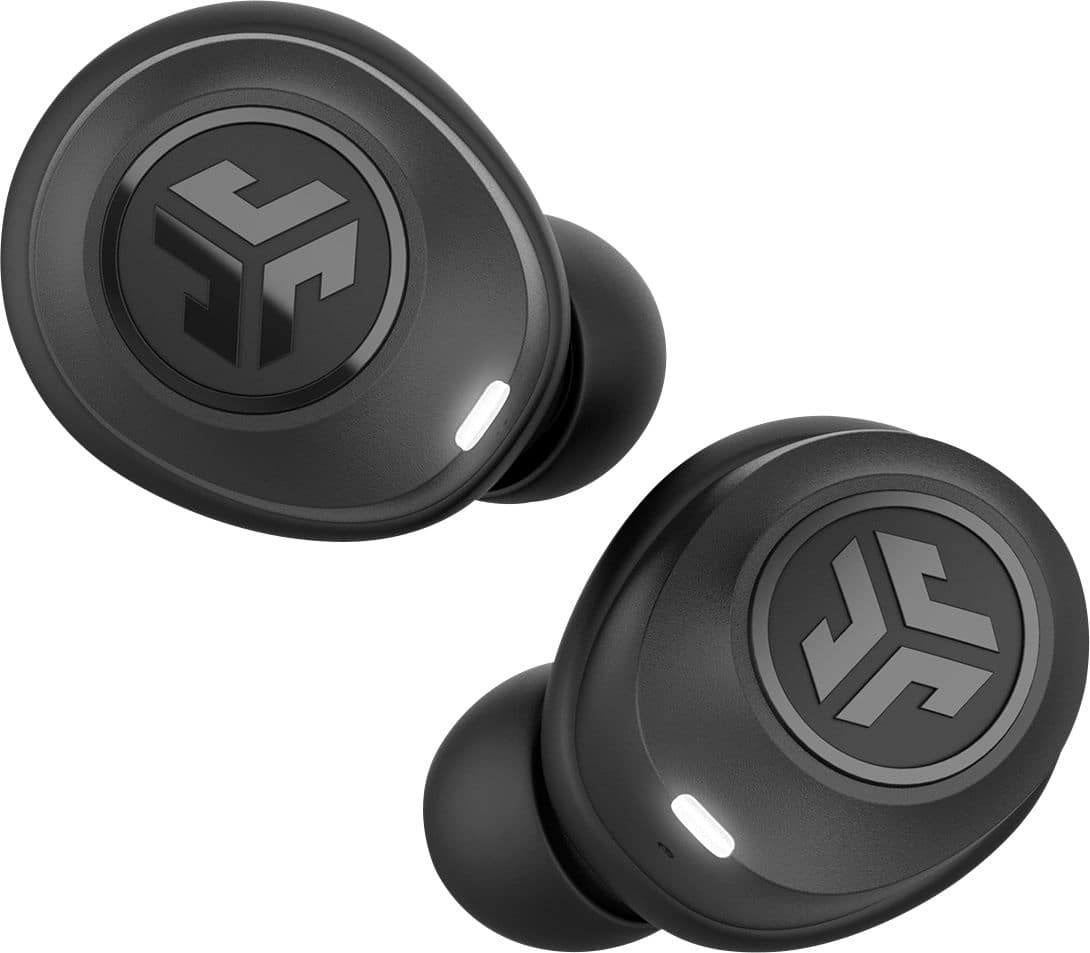
3. Press and hold the power button on your right earbuds for 10-15 seconds. You will see a series of indicator lights which will include a blue/white alternating lights. Continue holding the power button until you see only a fast blinking white light.
4. Repeat the same process with your left earbud.
5. Both earbuds will blink only white while they search for each other.
6. Once pairing together, the left ear will show a solid white light. The right light will start blinking blue/white indicating it is looking for a device to connect to.
7. On you device under your Bluetooth settings there should be a new connecting: JLab JBuds Air.
Please let us know if this works or if you are still unable to see them on your device.
If need be, reach out to us either via email [email protected] or shoot us a call at 405.445.7219 Monday-Thursday between 8am-5pm p.t Friday 8am-3pm p.t so that we may get you paired back up.
We want to help you
#FINDYOURGO
JLab Audio
A:AnswerDon't count on these earbuds working with your PC. These earbuds are not anywhere near what is described and from the poor quality and bulkiness believe the supposed 4+ star rating is a sham. Mine worked for all of one hour and than one ear conked out and could never get it to work again. And there supposed guarantee is worthless. Don't waste your money on this piece of junk.
A:AnswerDL the manual here:
https://cdn.shopify.com/s/files/1/0240/9337/files/JBuds_Air_Manual_Web.pdf?10488538773311937836
Click the right or left bud three times quickly and it will cycle through the EQ settings. A voice will tell you which setting you are on.