A:AnswerHi Arhynes,
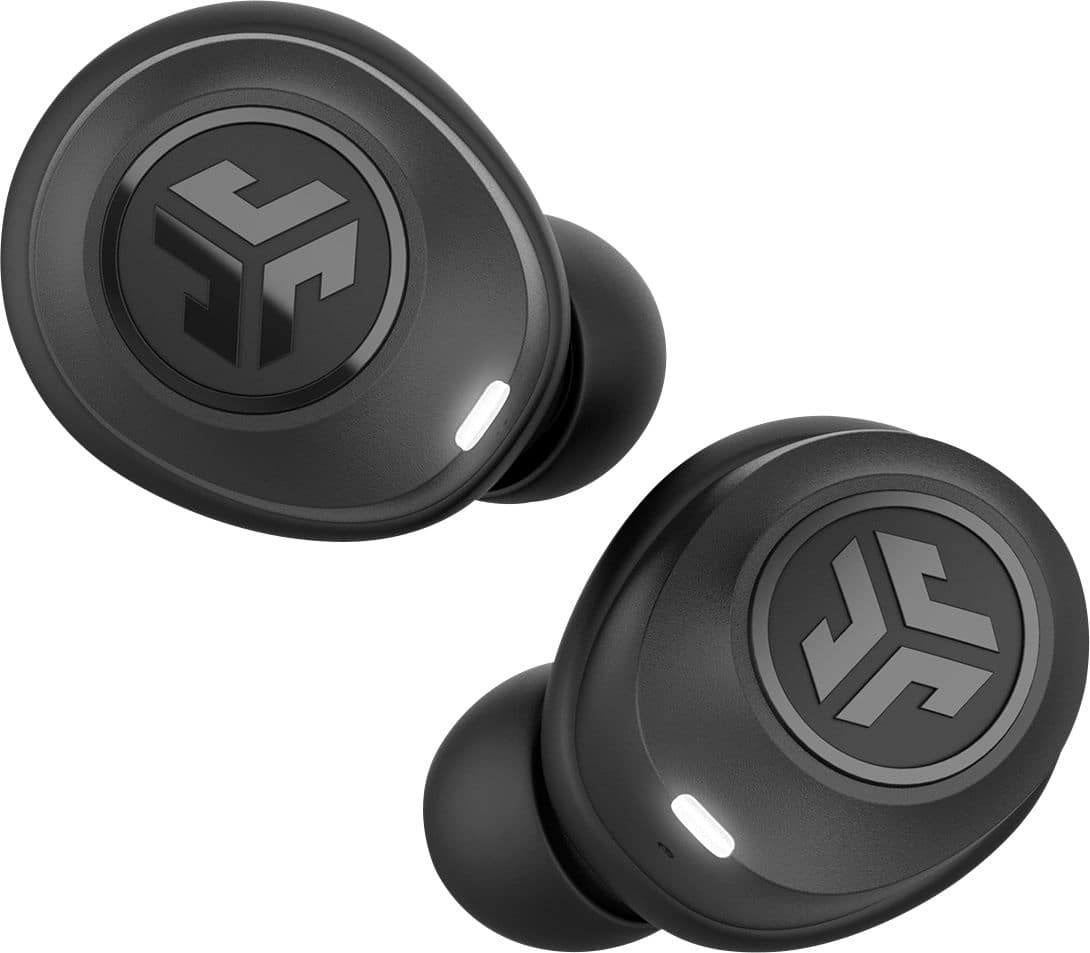
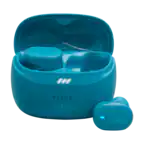
Phone calls are only possible on the right earbud for calls as the call components are only on the right side. We are releasing a new upgraded model called the JBuds Air Icon here within the next week which are an upgraded version which will have call capabilities through both ears or can be used independently of each other.
We want to help you #FINDYOURGO! If you're not happy, our personal service team has your back. Please feel free to contact us at [email protected] or 405-445-7219.
#FINDYOURGO

JLab Audio
A:AnswerHey Carson616,
So sorry to hear of the poor battery life, definitely sounds like you received a defective unit. Our sincerest of apologies. We do cover our Bluetooth headphones with a two-year limited warranty. When you get a chance, please reach out to us either via email [email protected] or shoot us a call at 405.445.7219 Monday-Thursday between 8am-5pm p.t Friday 8am-3pm p.t so that we may get you taken care of under warranty. We want to help you
#FINDYOURGO
JLab Audio
A:AnswerHey iphoneconnection,
So sorry to hear of the pairing issues that you're running into. Please follow the following instructions to the "T" in order to get paired up and running. 1. Remove the connection from your device
2. Turn both earbuds off
3. Press and hold the power button on your right earbuds for 10-15 seconds. You will see a series of indicator lights which will include a blue/white alternating lights. Continue holding the power button until you see only a fast blinking white light.
4. Repeat the same process with your left earbud.
5. Both earbuds will blink only white while they search for each other.
6. Once pairing together, the left ear will show a solid white light. The right light will start blinking blue/white indicating it is looking for a device to connect to.
7. On you device under your Bluetooth settings there should be a new connecting: JLab JBuds Air. If you are still having troubles, please shoot us a call at 405.445.7219 Monday-Thursday between 8am-5pm p.t Friday 8am-3pm p.t so that we may get you paired back up.
We want to help you
#FINDYOURGO
JLab Audio
A:AnswerThese earbuds are not anywhere near what is described and from the poor quality and bulkiness believe the supposed 4+ star rating is a sham. Mine worked for all of one hour and than one ear conked out and could never get it to work again. And there supposed guarantee is worthless. Don't waste your money on this piece of junk.
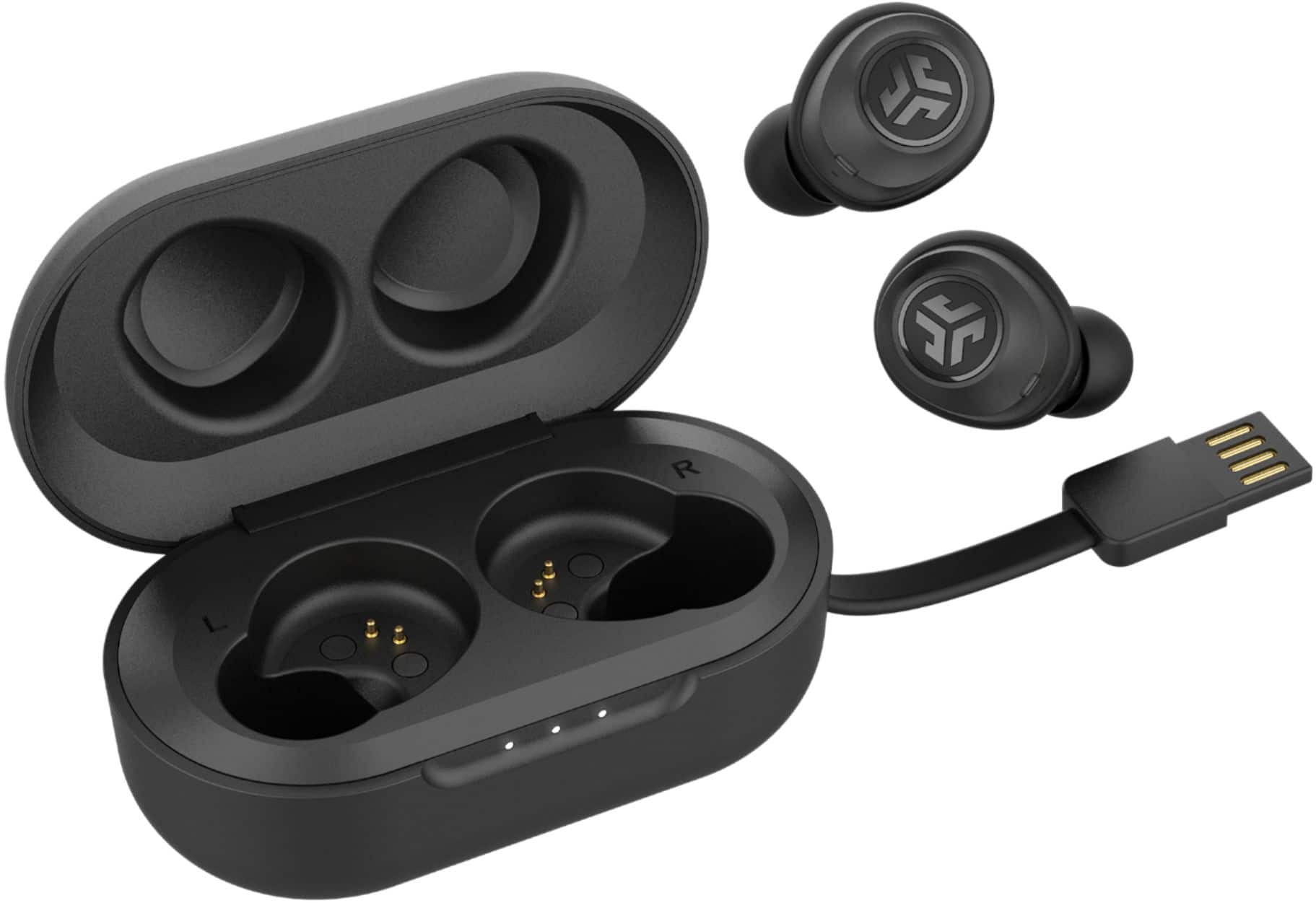
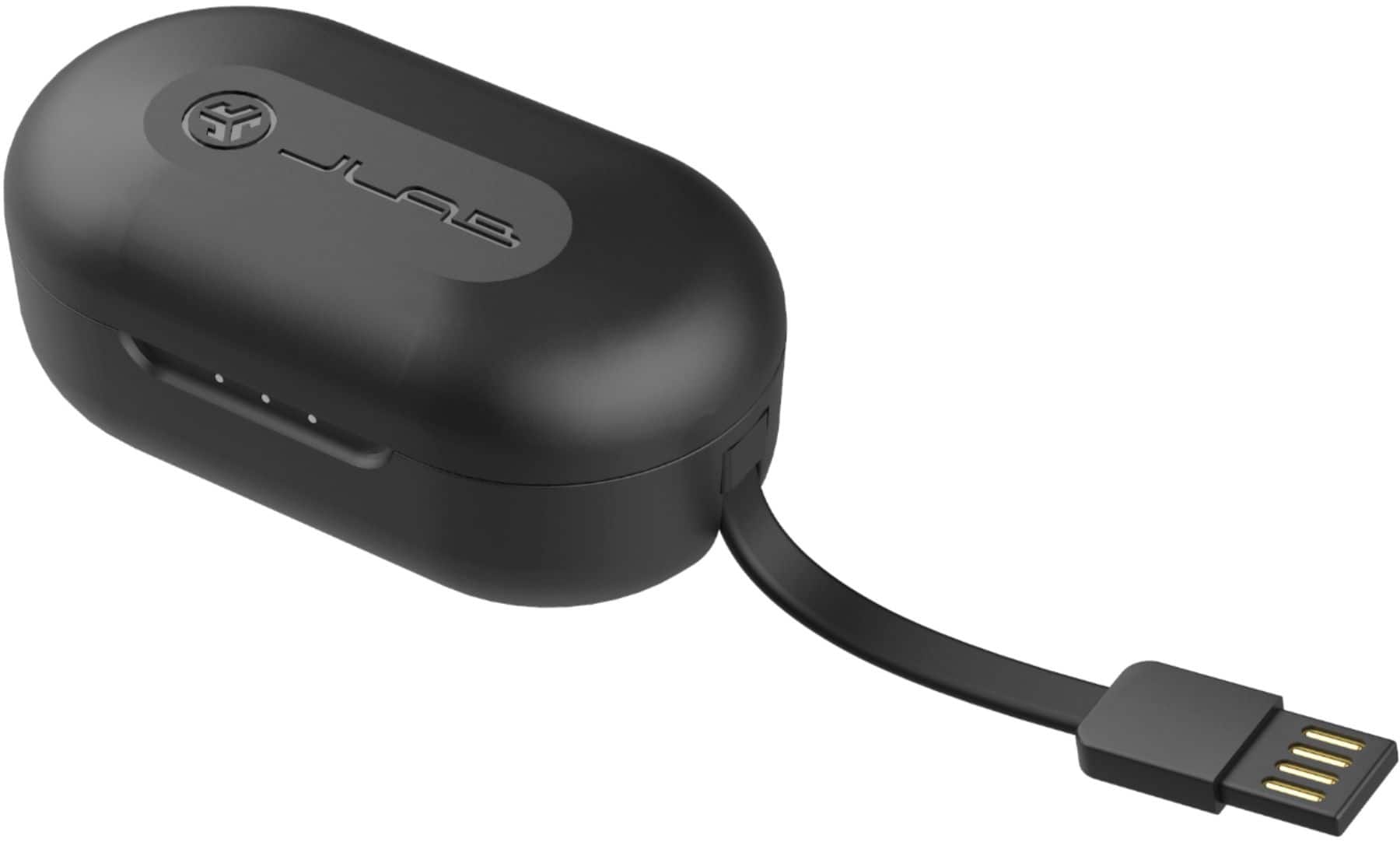
A:AnswerYou can plug the usb into any device that has a port, or if you have the charging head from another device, you can plug it into that and charge it in the wall outlet.
A:AnswerJLAB Audio is based in Carlsbad, California so I'm sure Jbuds are manufactured there as well. Here's some info concerning pairing them to your phone:
Cell Phone Pairing
Press and hold the microphone button for two seconds. The indicator light blinks red.Hold the "-" button on the receiver for six seconds. ...Scan for available Bluetooth devices using your cell phone, and select "RP-BT10R Panasonic" from the list.
https://yourbusiness.azcentral.com › ...
How to Put Panasonic Bluetooth Headset Into Pairing Mode
A:AnswerHey ike,
So sorry to hear of the charging issue. We do cover our Bluetooth headphones with a two-year limited warranty. When you get a chance, please reach out to us either via email [email protected] or shoot us a call at 405.445.7219 Monday-Thursday between 8am-5pm p.t Friday 8am-3pm p.t so that we may get you up and running with a new unit under warranty.
We want to help you
#FINDYOURGO
A:AnswerHey pacman,
So sorry to hear of the pairing issues that you're running into. Please follow the belwo steps to get paired back up:
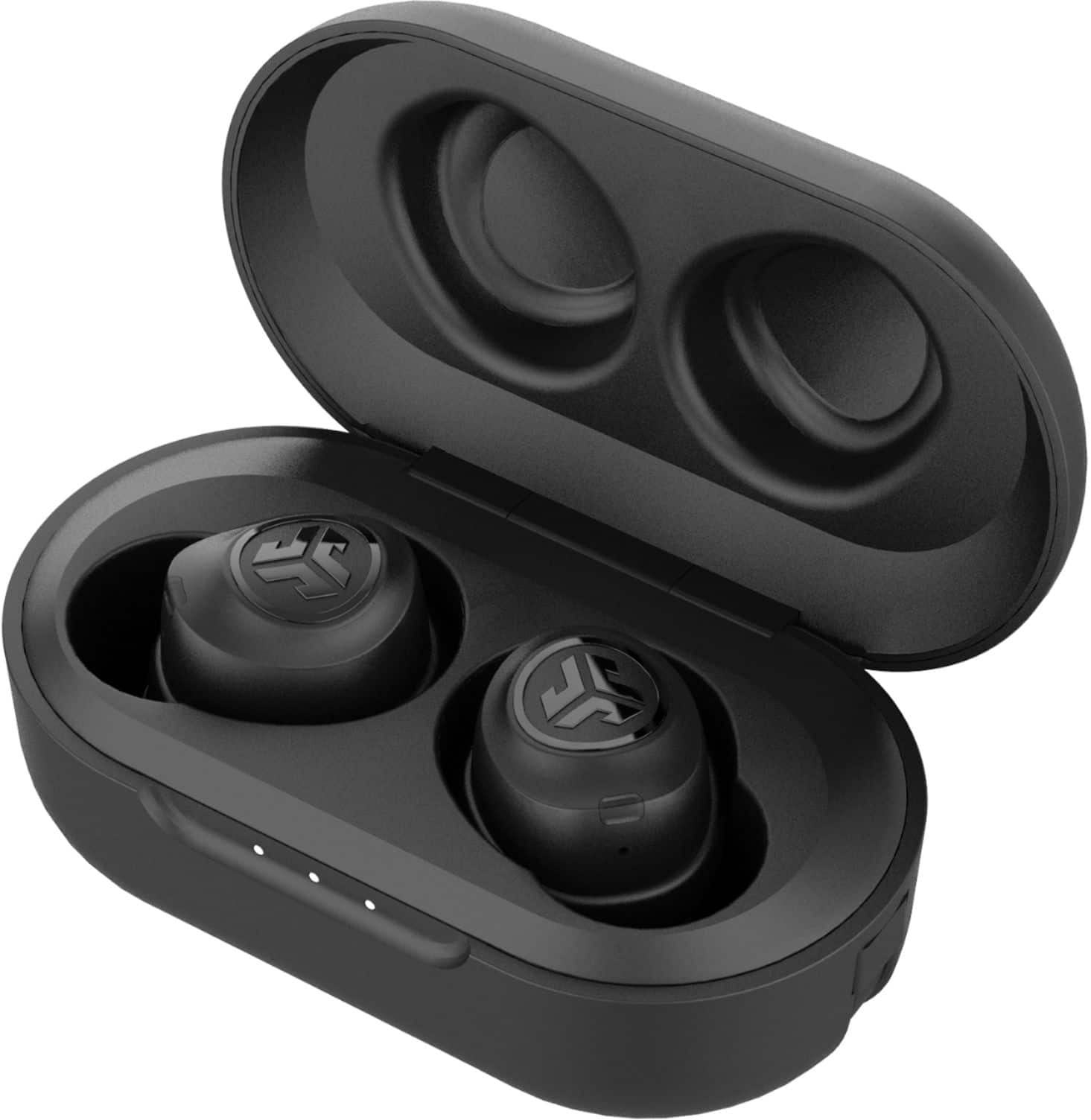
We’re sorry to hear that you are having this issue with your earbuds not connecting, the problem occurs if you ever place the right in the left, or left in the right to charge. This makes them forget how to find each other. Please find the steps below on how to get them pairing back together.
1. Remove the connection from your device
2. Turn both earbuds off
3. Press and hold the power button on your right earbuds for 10-15 seconds. You will see a series of indicator lights which will include a blue/white alternating lights. Continue holding the power button until you see only a fast blinking white light.
4. Repeat the same process with your left earbud.
5. Both earbuds will blink only white while they search for each other.
6. Once pairing together, the left ear will show a solid white light. The right light will start blinking blue/white indicating it is looking for a device to connect to.
7. On you device under your Bluetooth settings there should be a new connecting: JLab JBuds Air.
Please let us know if this works or if you are still unable to see them on your device
at 405.445.7219 Monday-Thursday between 8am-5pm p.t & Friday 8am-3pm p.t so that we may get you taken care of.
Thanks,
JLab Audio #FINDYOURGO