A:AnswerI paired these (Bluetooth) to a Samsung Smart TV and they did function acceptably, with the main sound speaker disabled.
(My TV disables the main speaker(s) automatically when Bluetooth is selected as the sound output option.)
Hope that helps.
A:Answerstep 1: make sure they're off ( no blinking lights)
step 2: turn on bluetooth on your phone and scan for devices
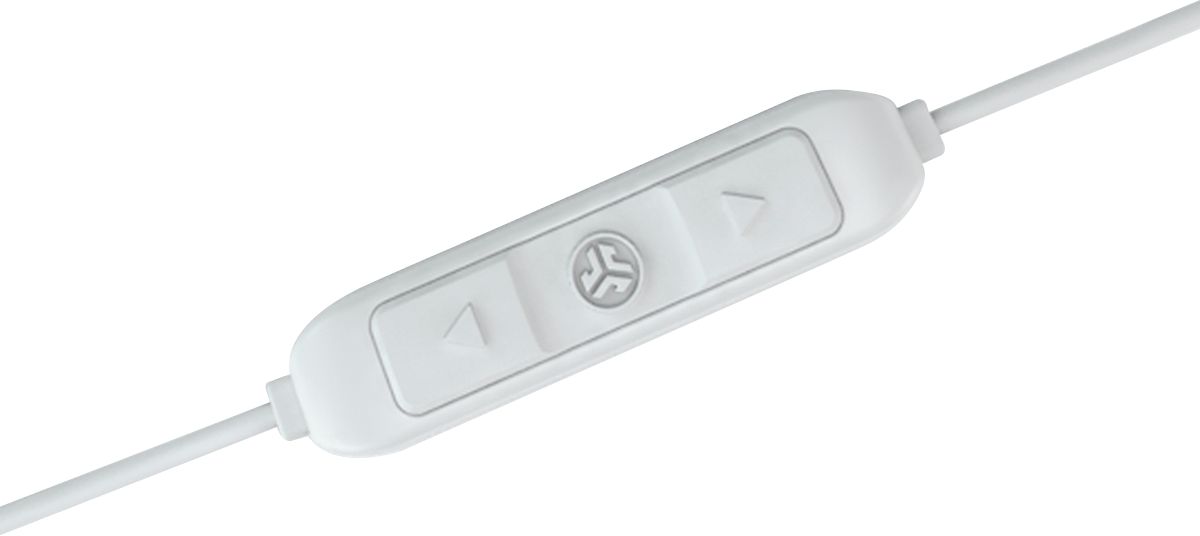
step 3: hold the center button and do not release until the light flashes red and blue (it will turn blue and purple first which means its on and then turn to red after 2-4 more seconds of holding)
step 4: at this point it should show up on your phone, simply pair and done
A:AnswerI don't know about muting, but I pause and pickup music all the time. It will automatically pause to pick up a phone call, and it picks up automatically right after.
A:AnswerHey Chandana,
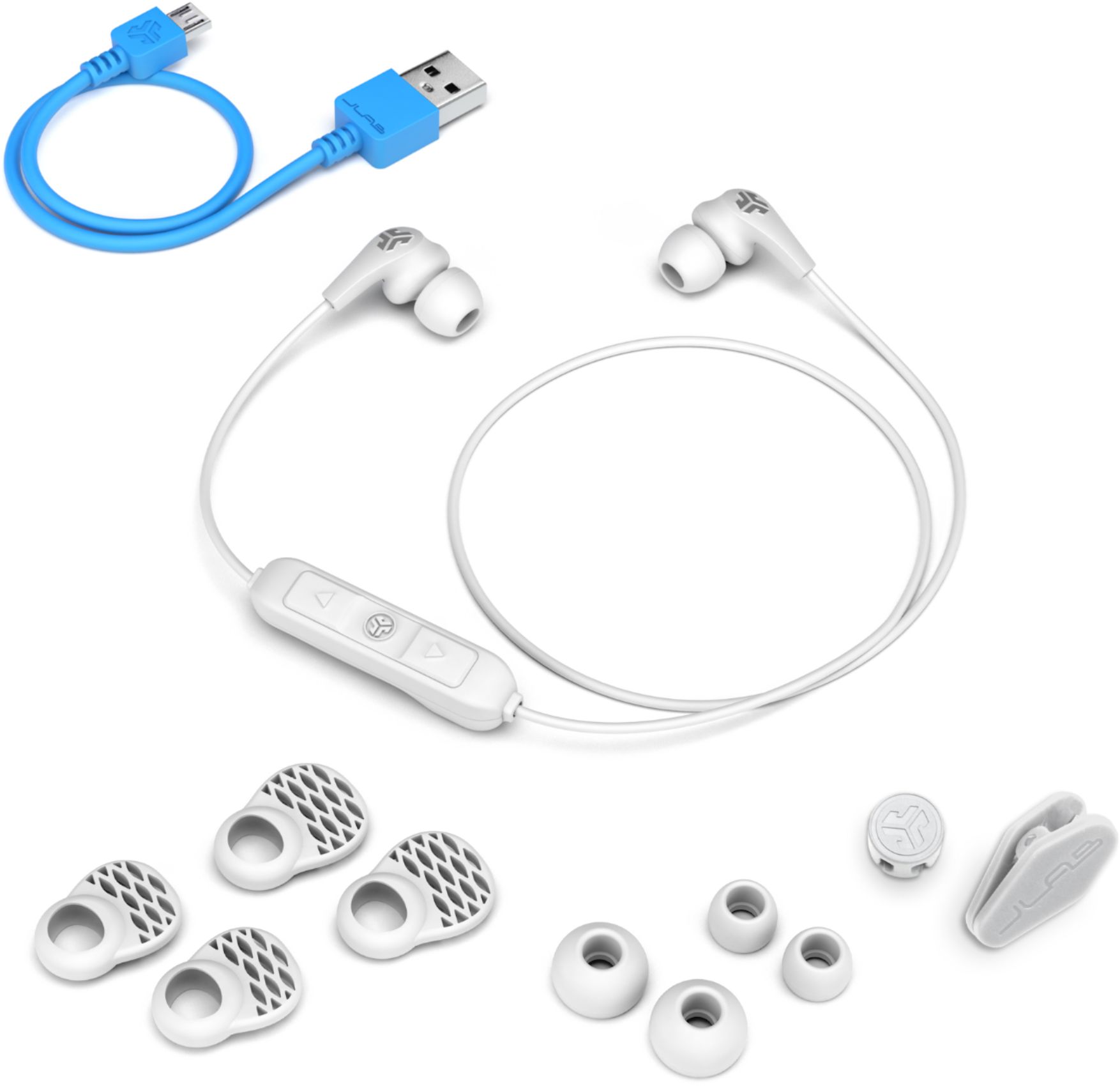
You're looking at about 4 hours at most from fully dead to fully charged. When plugged in, the light will go from red to blue to let you know that they're fully charged. Please feel free to reach out to us either via email [email protected] or shoot us a call at 405.445.7219 Monday-Thursday between 8am-5pm p.t & Friday 8am-3pm p.t if we may provide you with further detail.
Thanks,
JLab Audio #FINDYOURGO