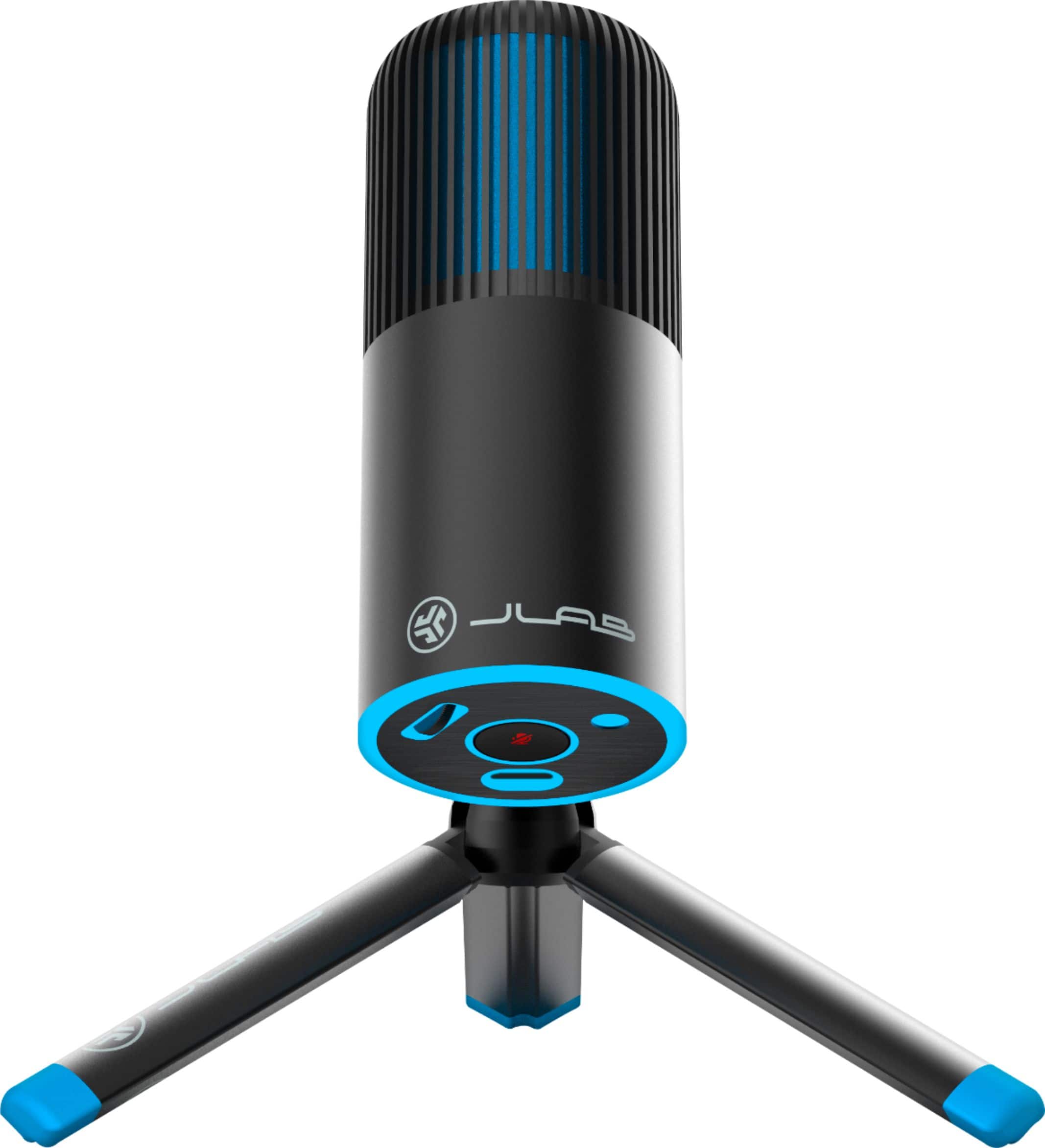
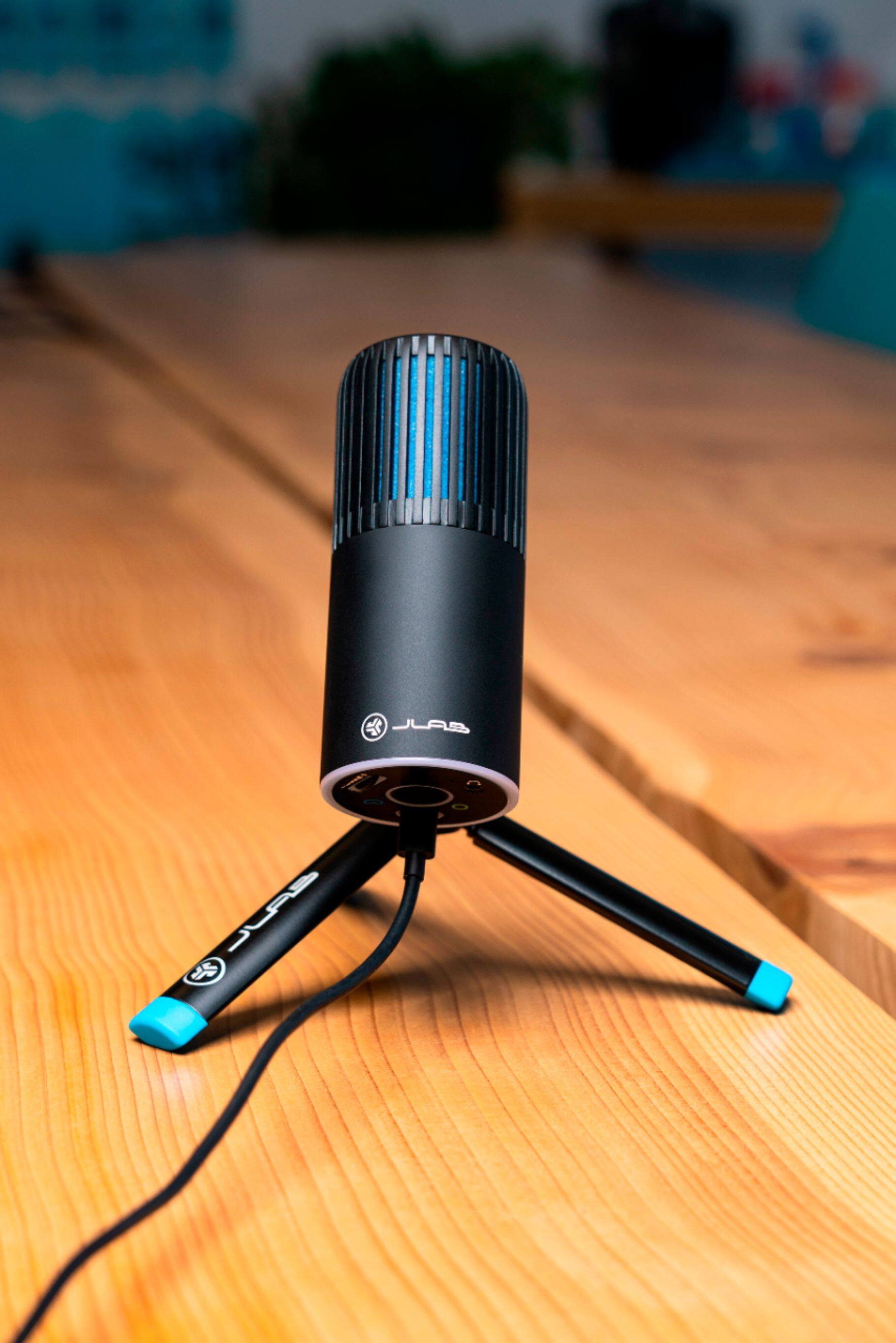
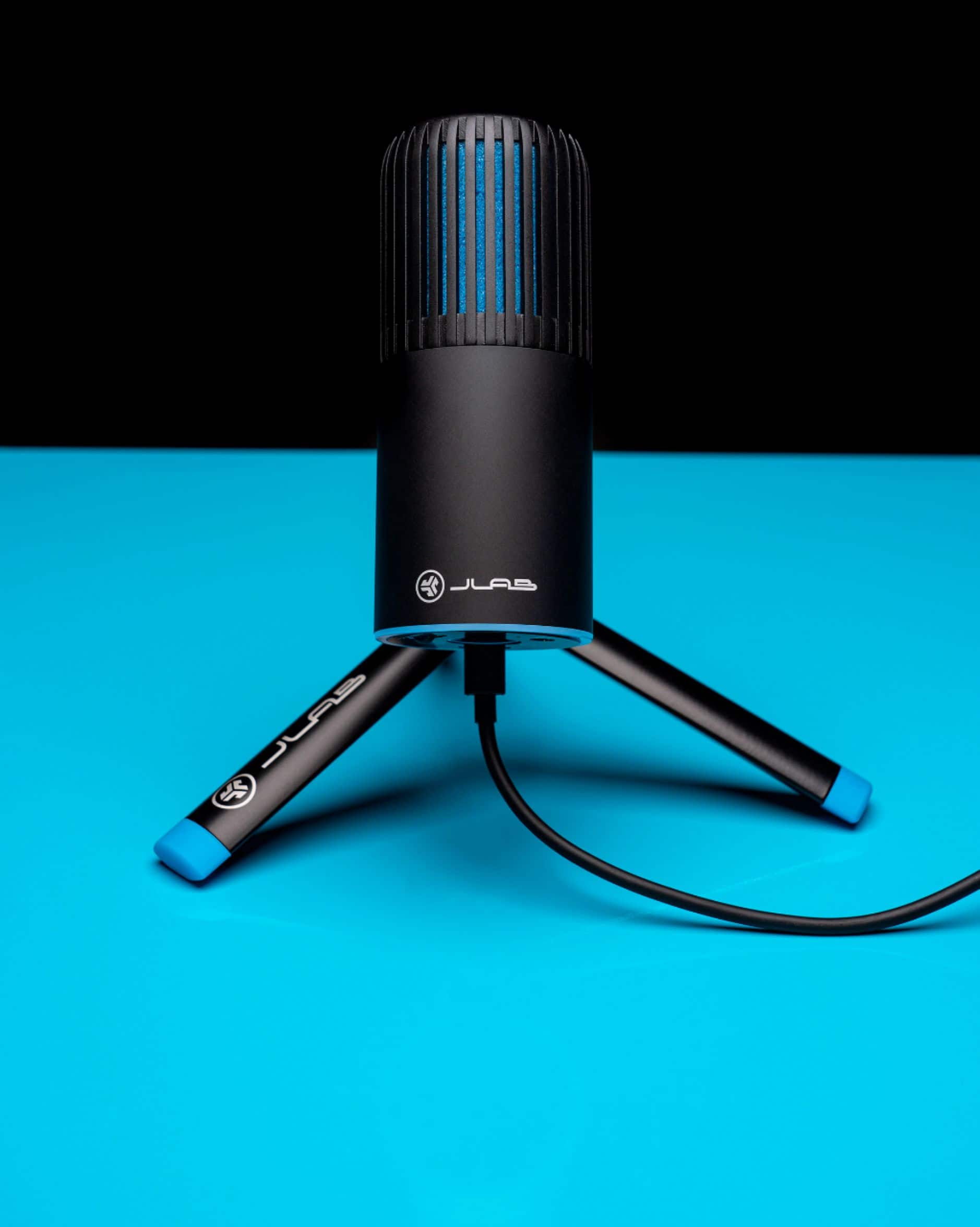
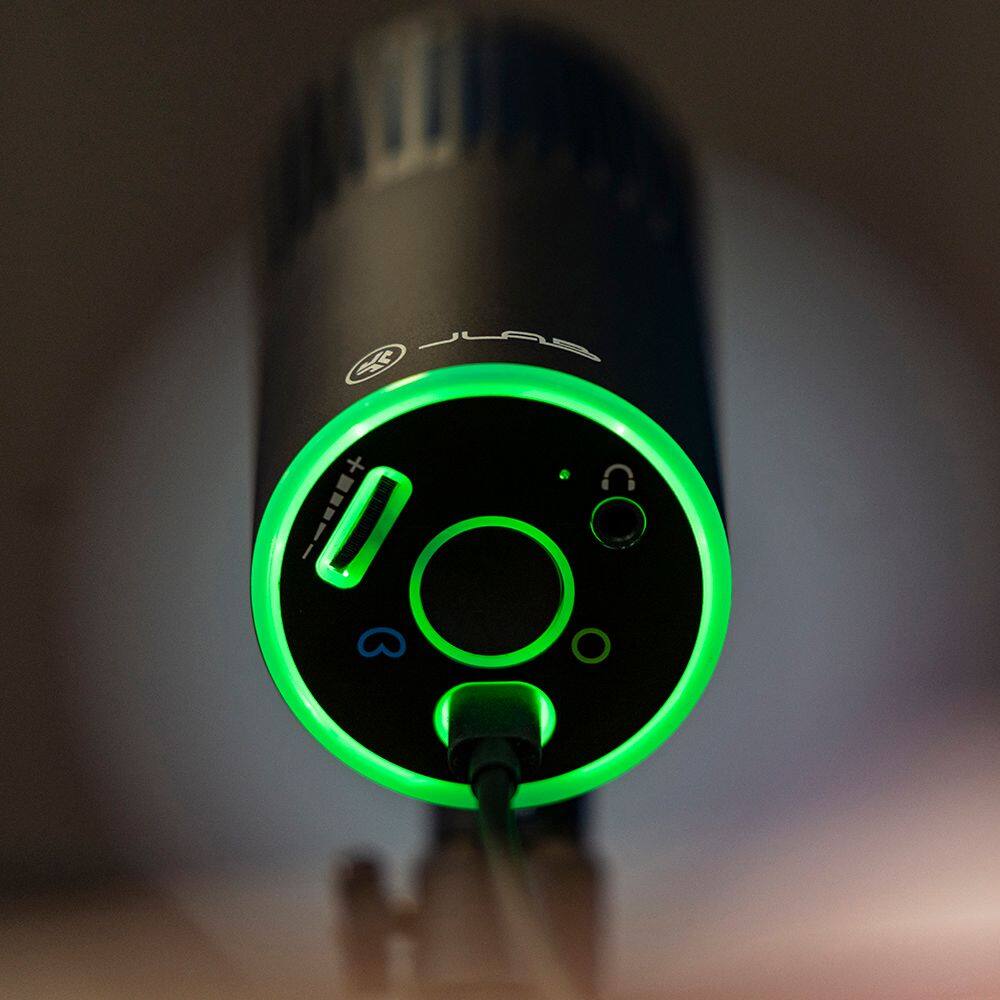
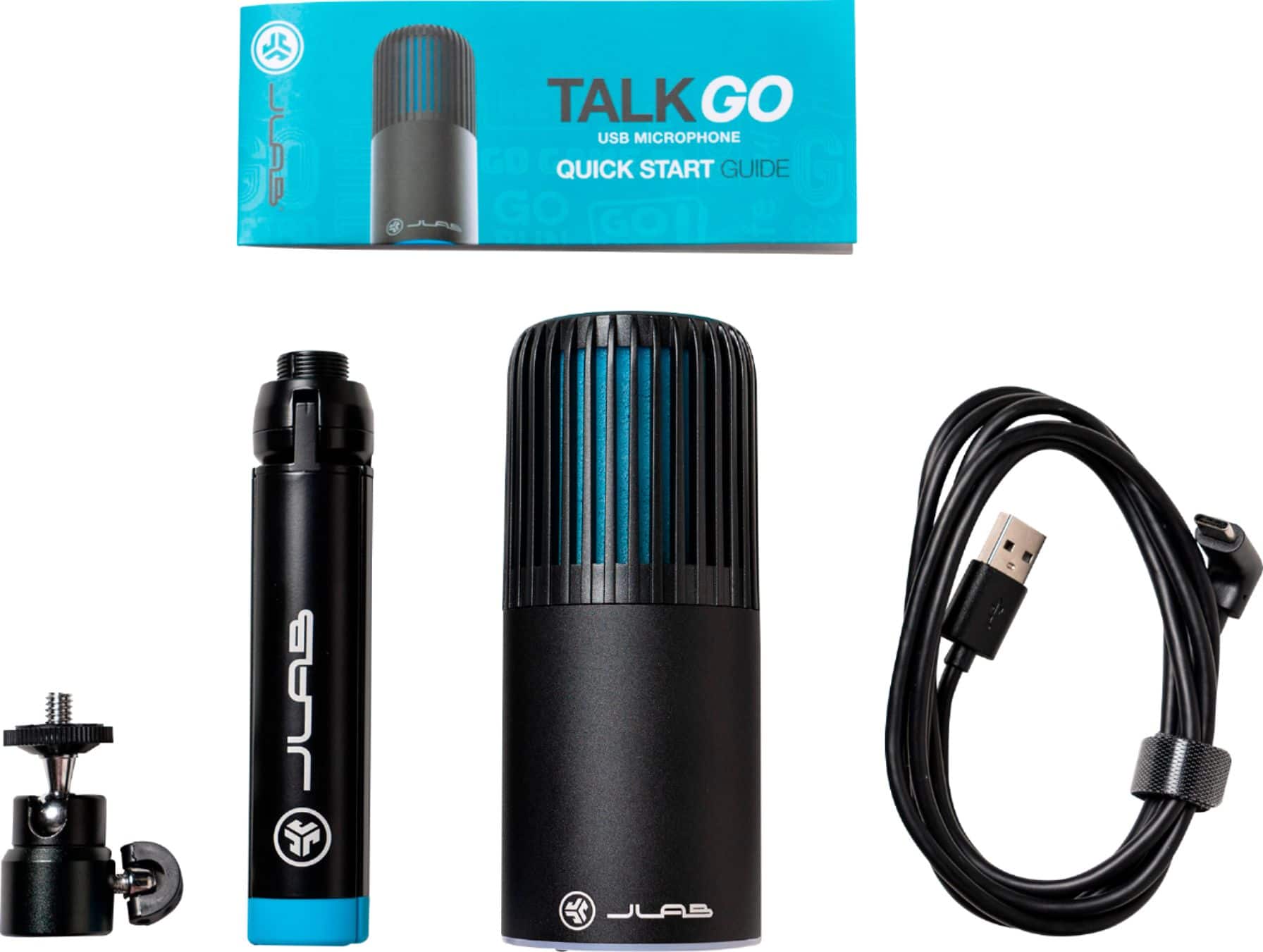
A:Answer I don’t know from a technical standpoint if it’s designed to connect with Bluetooth. It’s plug and play 100% so you plug in one end and set it up on your device. I do not know that it would actually connect with Bluetooth.
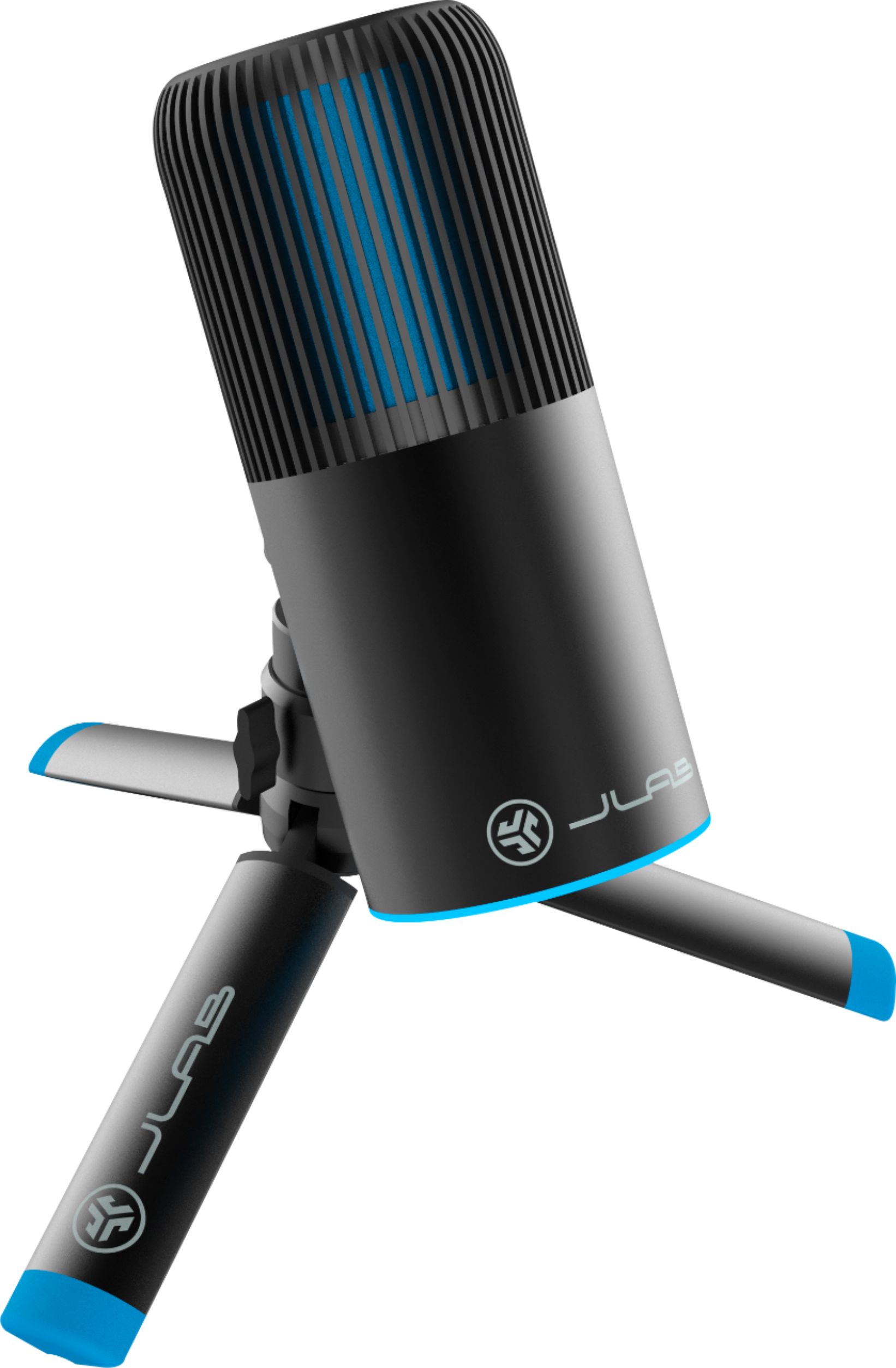
I’ve gone ahead and grabbed the box, and there’s no Bluetooth on it. It has a rotating stand, aluminum, a light wheel, it has mute and other switching and it talks about professional grade bi directional recording. There’s nothing on this box in indicates this would connect as a Bluetooth microphone. So I’m gonna go ahead and say no.
I hope that’s helpful.