A:AnswerIf using the included microphone, there is a volume adjustment in the receiver menu.
Go to kenwood.com to download the complete manual.
Only the quick start guide is included with the unit.
A:AnswerYes, the unit plays video from a flash drive. There's a menu to switch between audio only and movies. Video plays with the park brake set when the safety is wired in. This can be bypassed but typically it's not legal to play video while driving if the driver can view.
A:AnswerIf the screen is not available you cannot reset. It is a menu option. I can't recall if there is a pinhole for an external reset on the back of the unit. Call Kenwood support of check the back/outside of the unit for a reset pinhole/button.
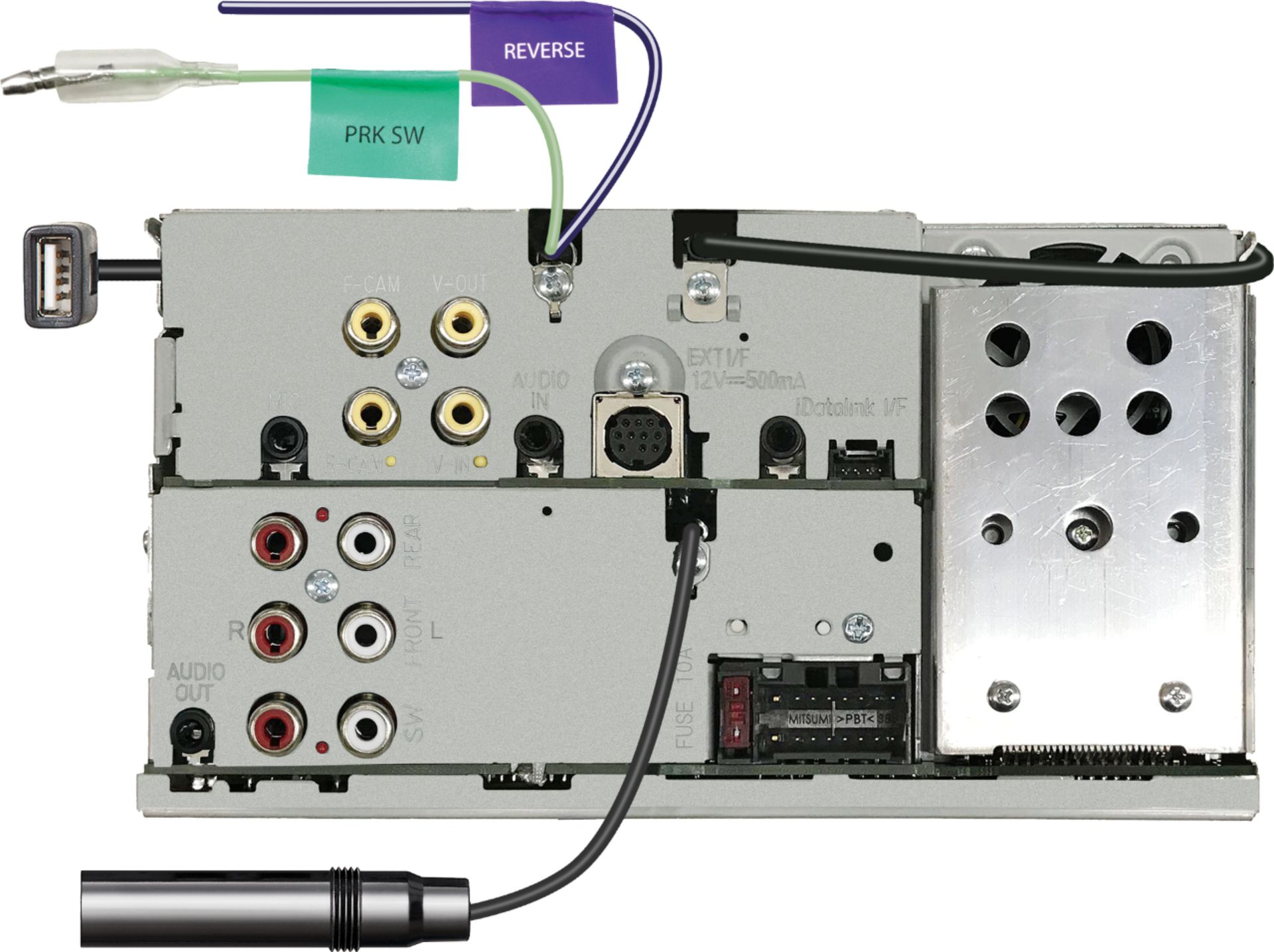
A:AnswerYes the Kenwood 7706S has a dedicated subwoofer output, but requires separate amplifier(s). If you have a factory Bose system it's probably not worth your trouble, but it is possible. Check online discussion forums for your specific vehicle.
A:AnswerAs long as your dash cam have a male RCA yellow connector video output, it will have a jack to plug into your connector and function as you want.
A:AnswerThis might sound like a stupid question, but do you have the add-on Siriusxm SXV300 tuner that goes to the radio? It is sold separately from the Kenwood DMX7706S which I also own. The Kenwood actually doesn't have the tuner, even though it shows it right on the box. Very misleading if you ask me.