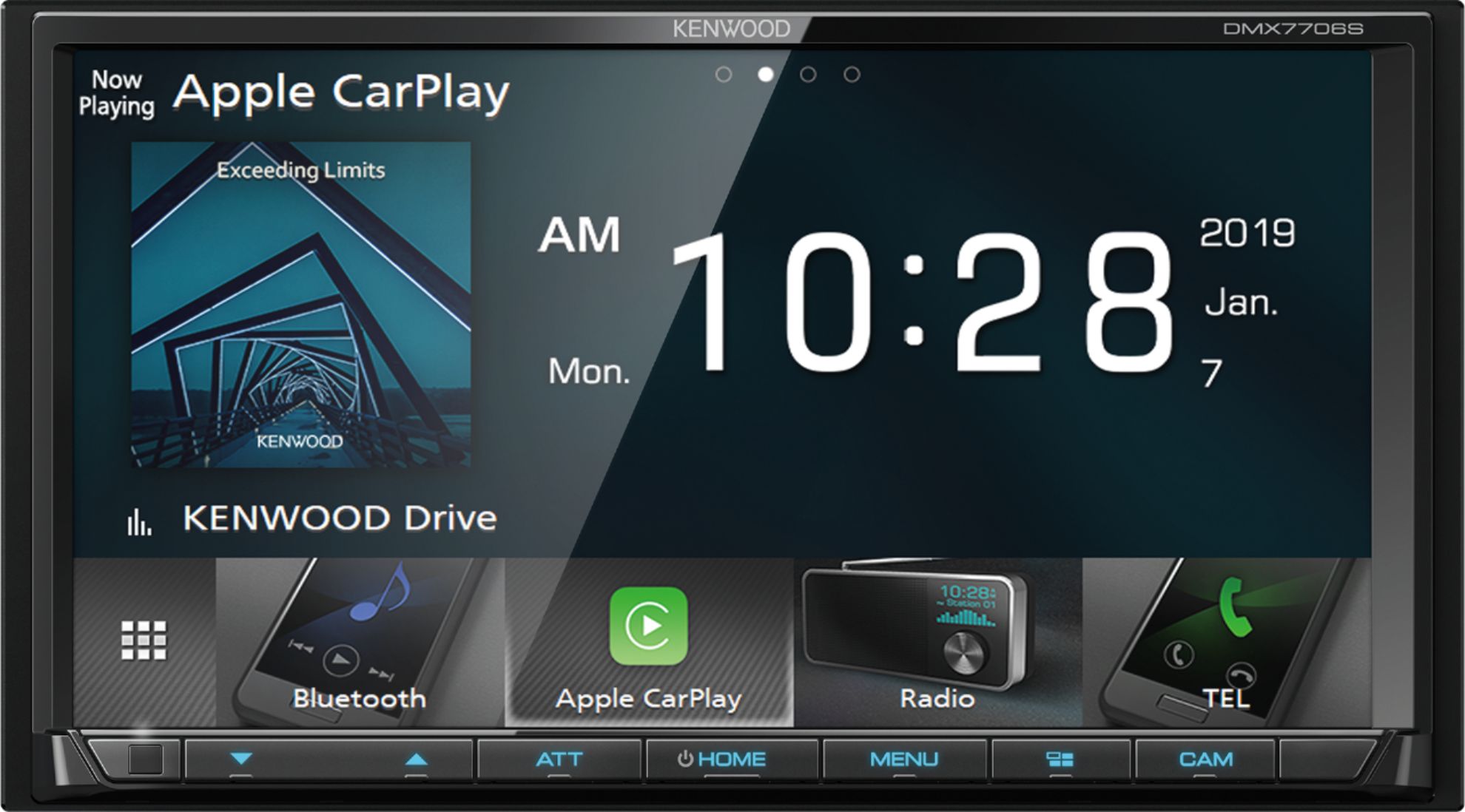
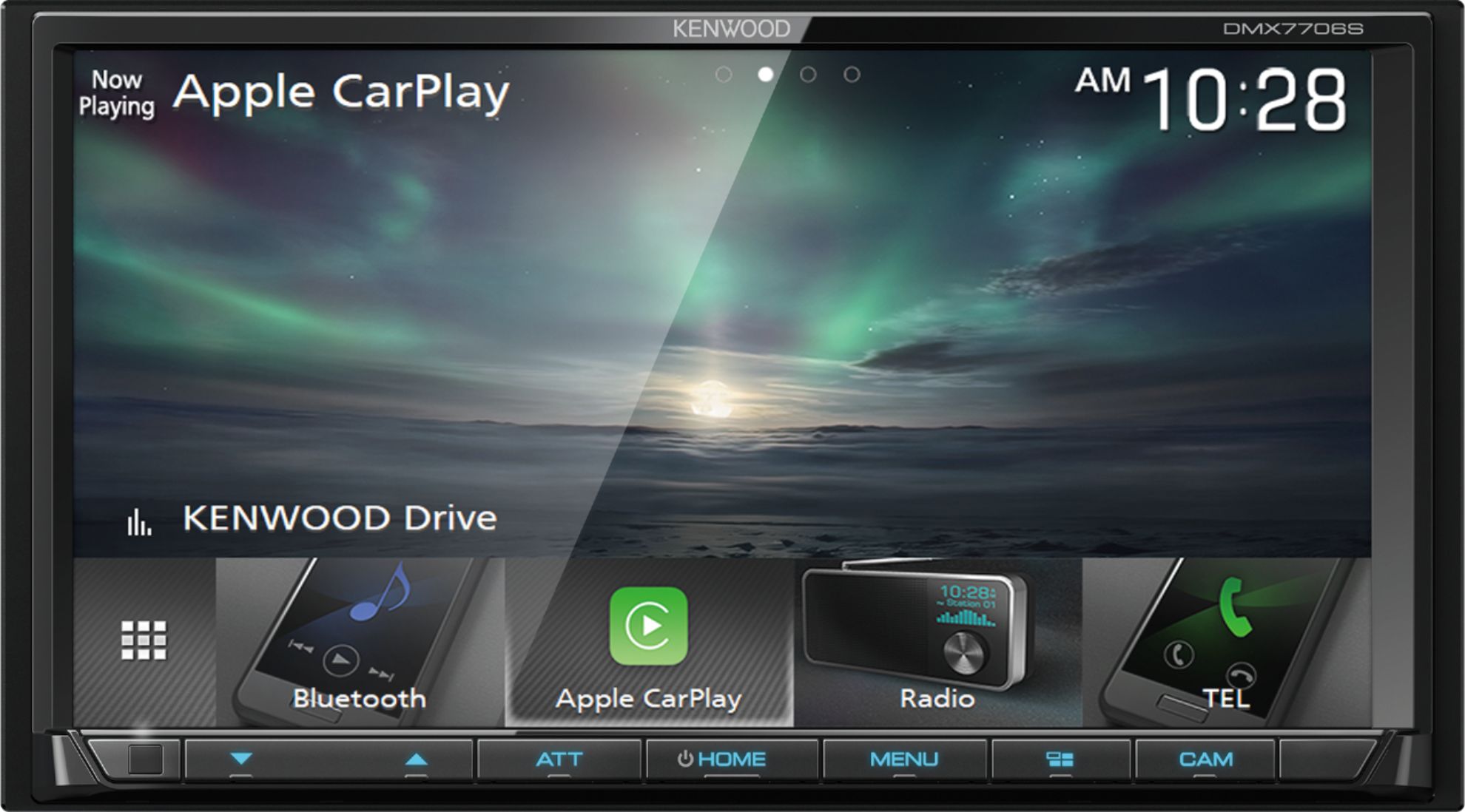
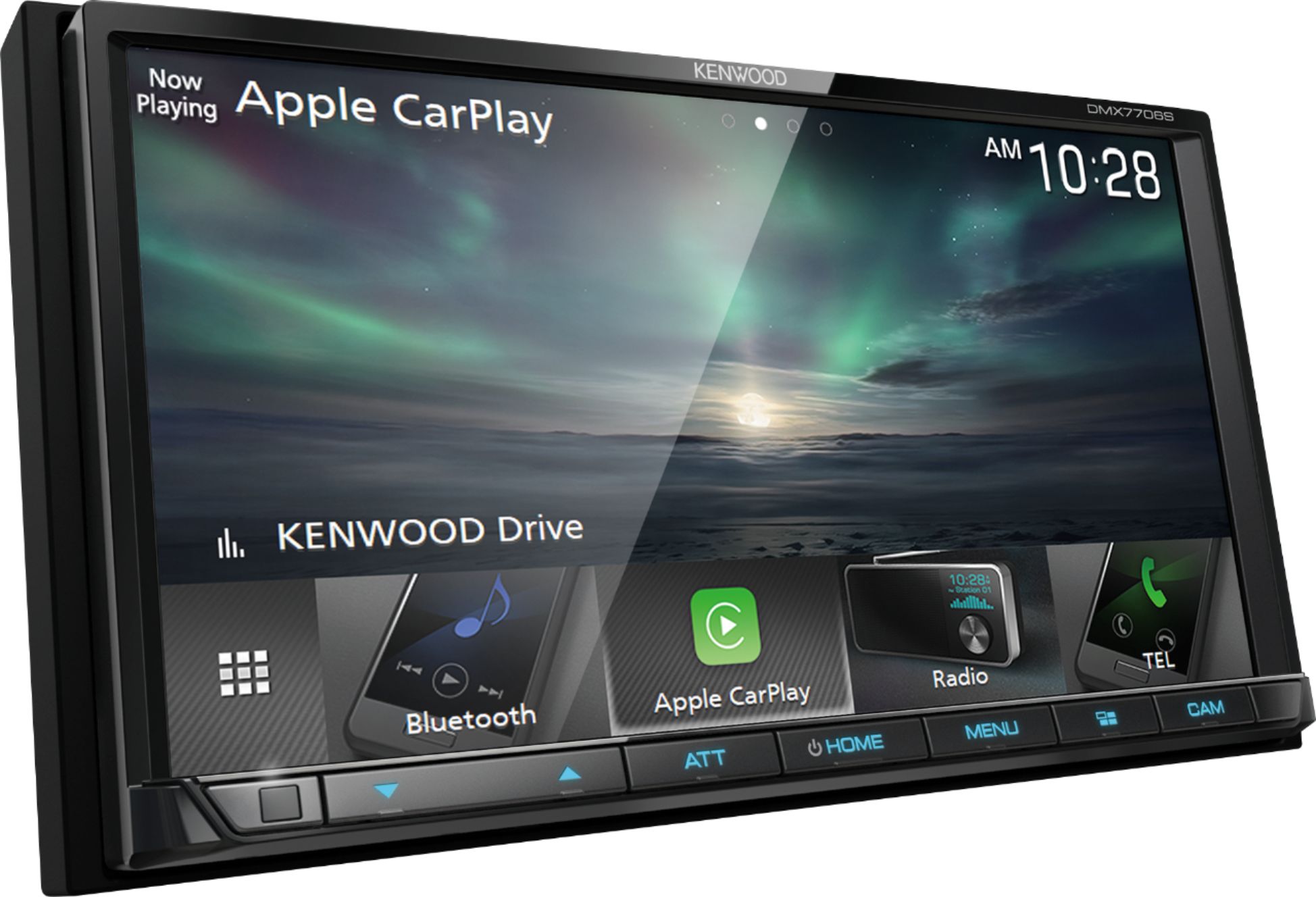
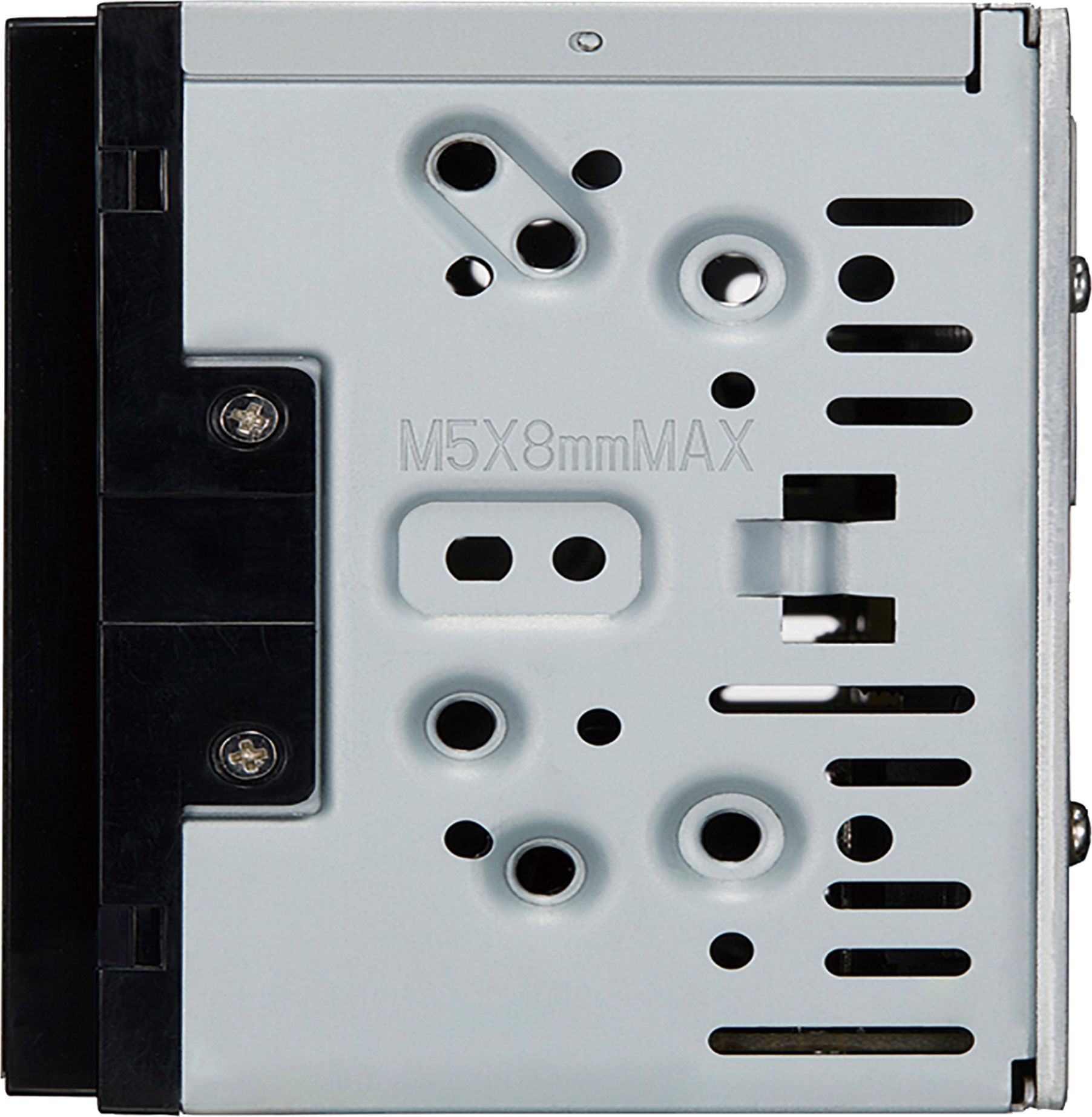
A:AnswerNot sure , I bought it to replace din and half reciever in Chevy Silverado. It measures 7 inches long by 4 inches tall and almost 5 inches deep. I had to order a whole new dash kit from Metra and face plate kit from Metra also. Best buy carries both kits and Metra's antennae adapter and wire extension which made it easy to install by making it where I could plug right in to factory plug. You will have to measure existing receiver and get a model that fits in the hole length wise and see if they make kit for your vehicle to convert to double din and check your depth by removing old one and checking. Google and watch you tube videos.
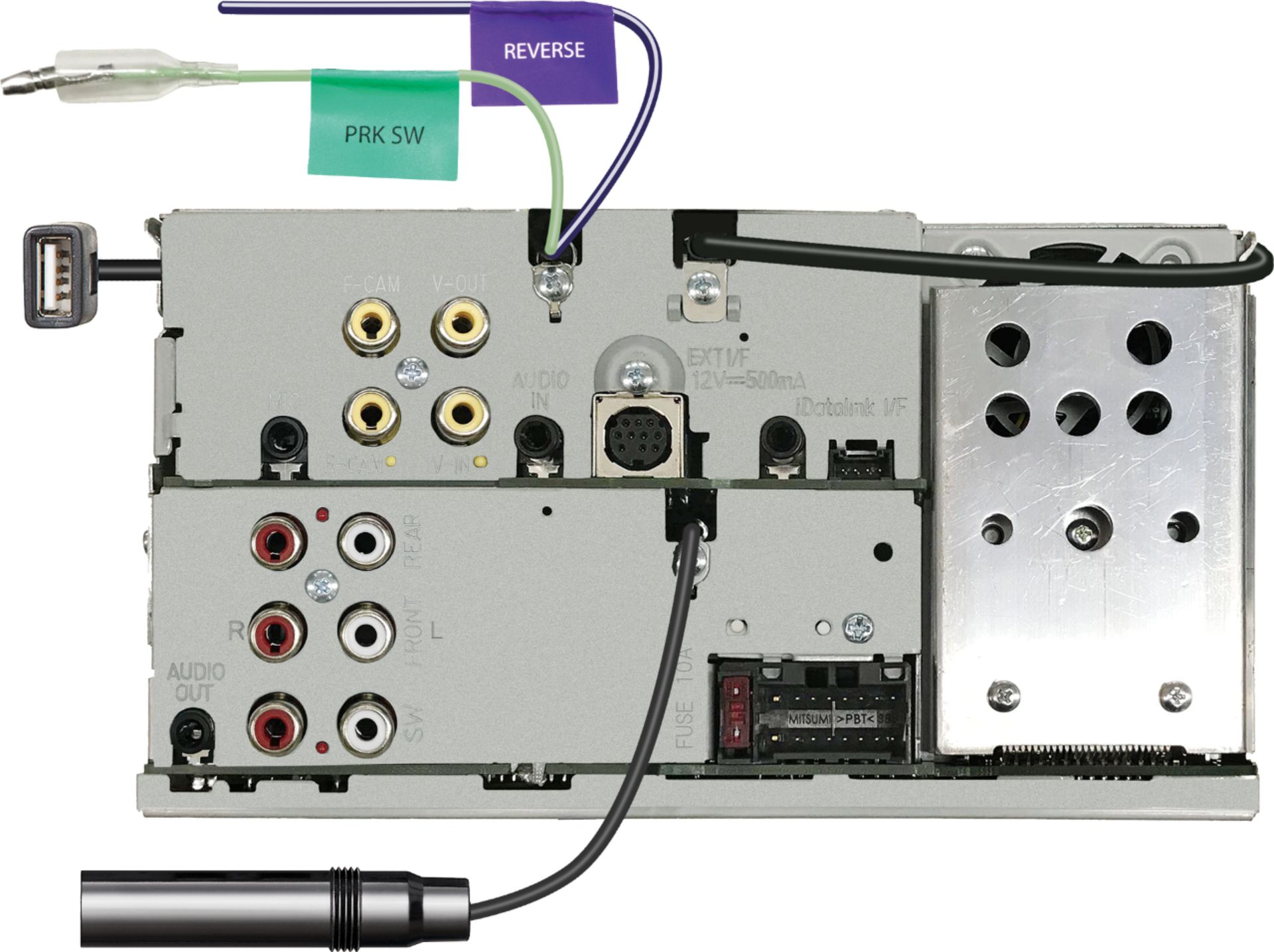
A:AnswerIn general, rca jacks on the back of vehicle head units aren’t powered... they are used to send the audio signal to an external amplifier, which then gets sent to the speakers.
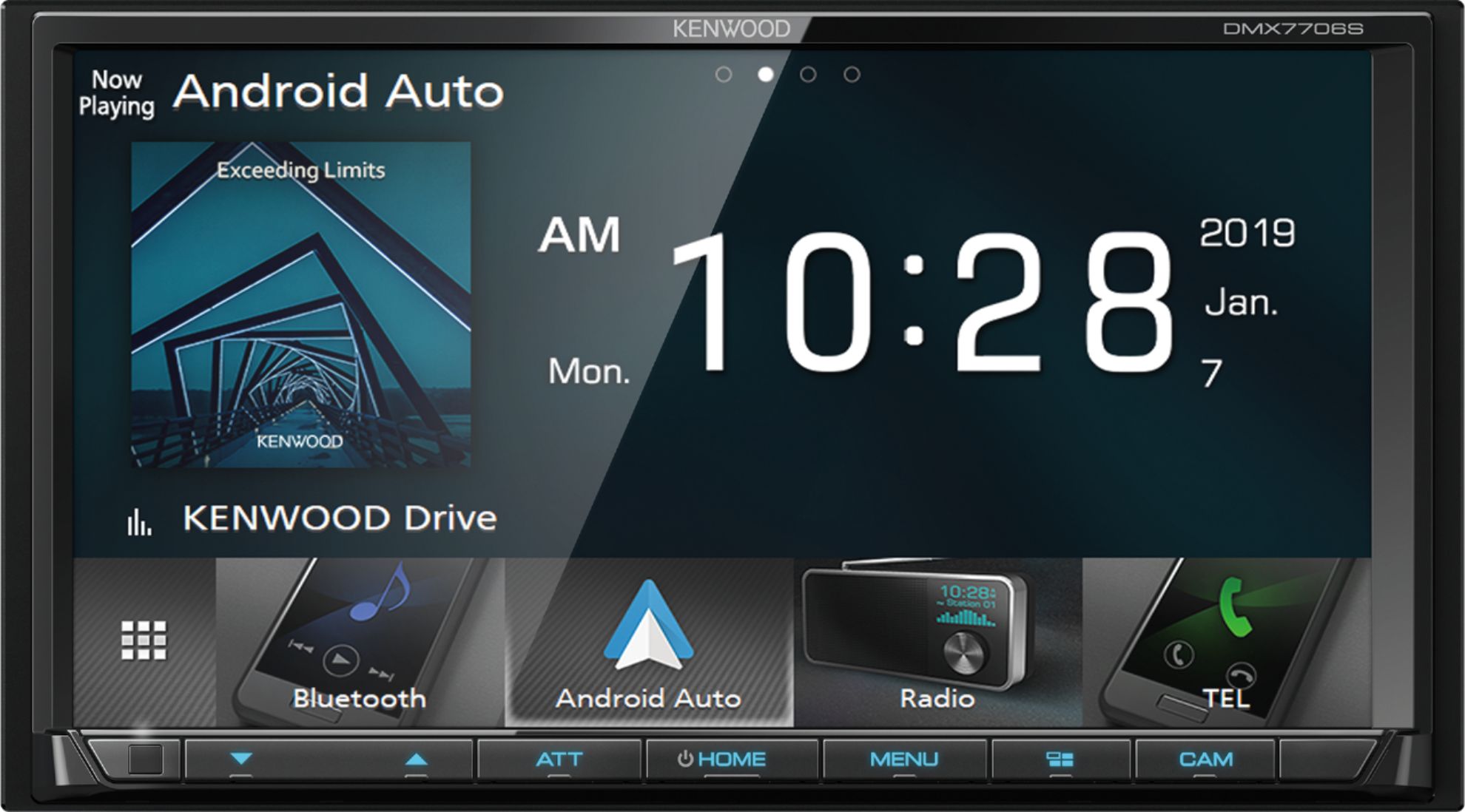
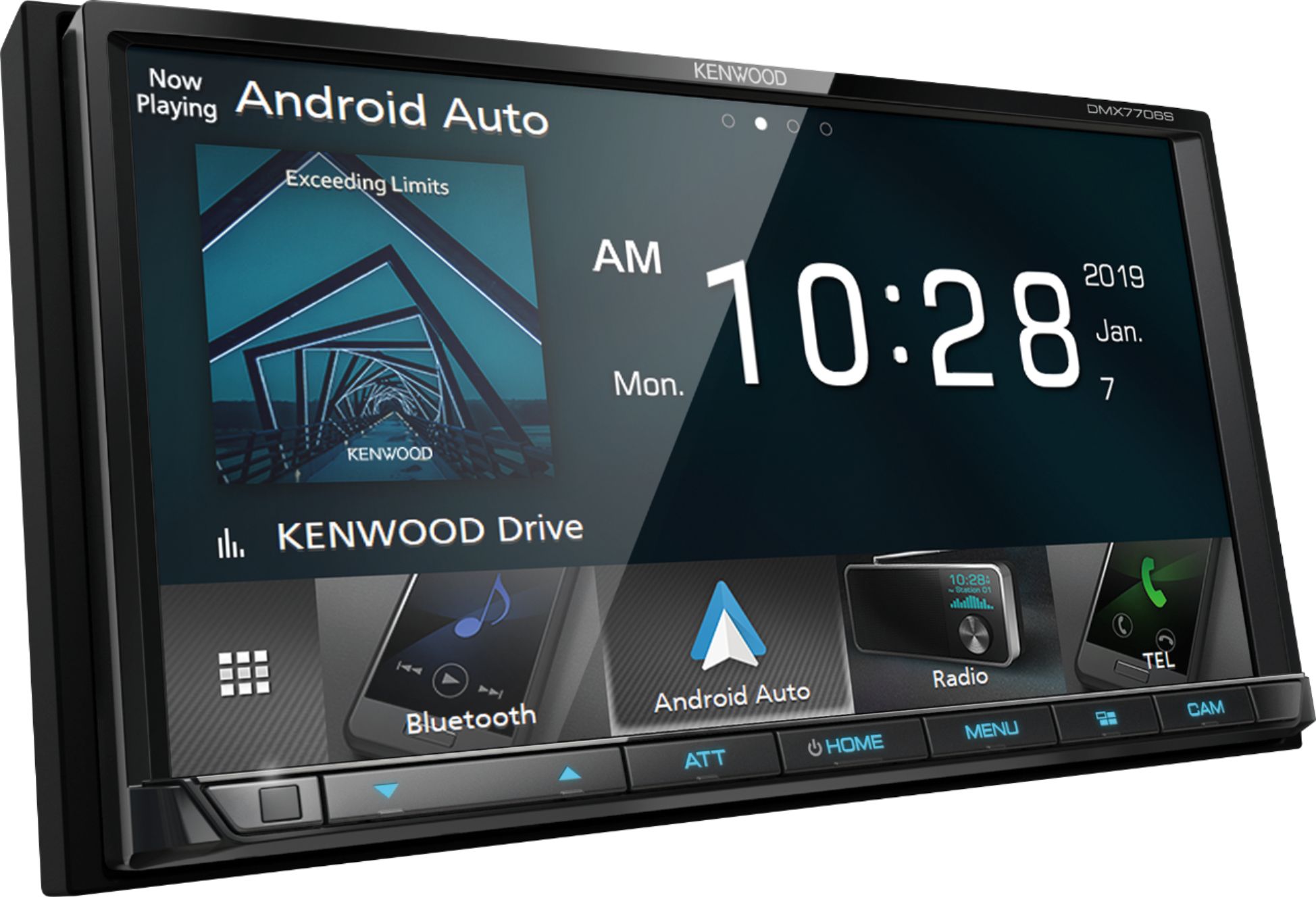
A:AnswerWhen trying to get Android Auto make sure you use the original date cable that comes with your phone. A regular charging cable will not work. If the cable you are using only charges your phone then its not the correct data cable. To help you troubleshoot please contact Kenwood drectly.
A:AnswerTo check into a harness kit or adapters that is needed for your installation it would be best to consult with our Best Buy installation team. They have access on looking up this information.
A:AnswerIf using the included microphone, there is a volume adjustment in the receiver menu.
Go to kenwood.com to download the complete manual.
Only the quick start guide is included with the unit.
A:AnswerYes, the unit plays video from a flash drive. There's a menu to switch between audio only and movies. Video plays with the park brake set when the safety is wired in. This can be bypassed but typically it's not legal to play video while driving if the driver can view.
A:AnswerIf the screen is not available you cannot reset. It is a menu option. I can't recall if there is a pinhole for an external reset on the back of the unit. Call Kenwood support of check the back/outside of the unit for a reset pinhole/button.