A:AnswerHey Syrup57,
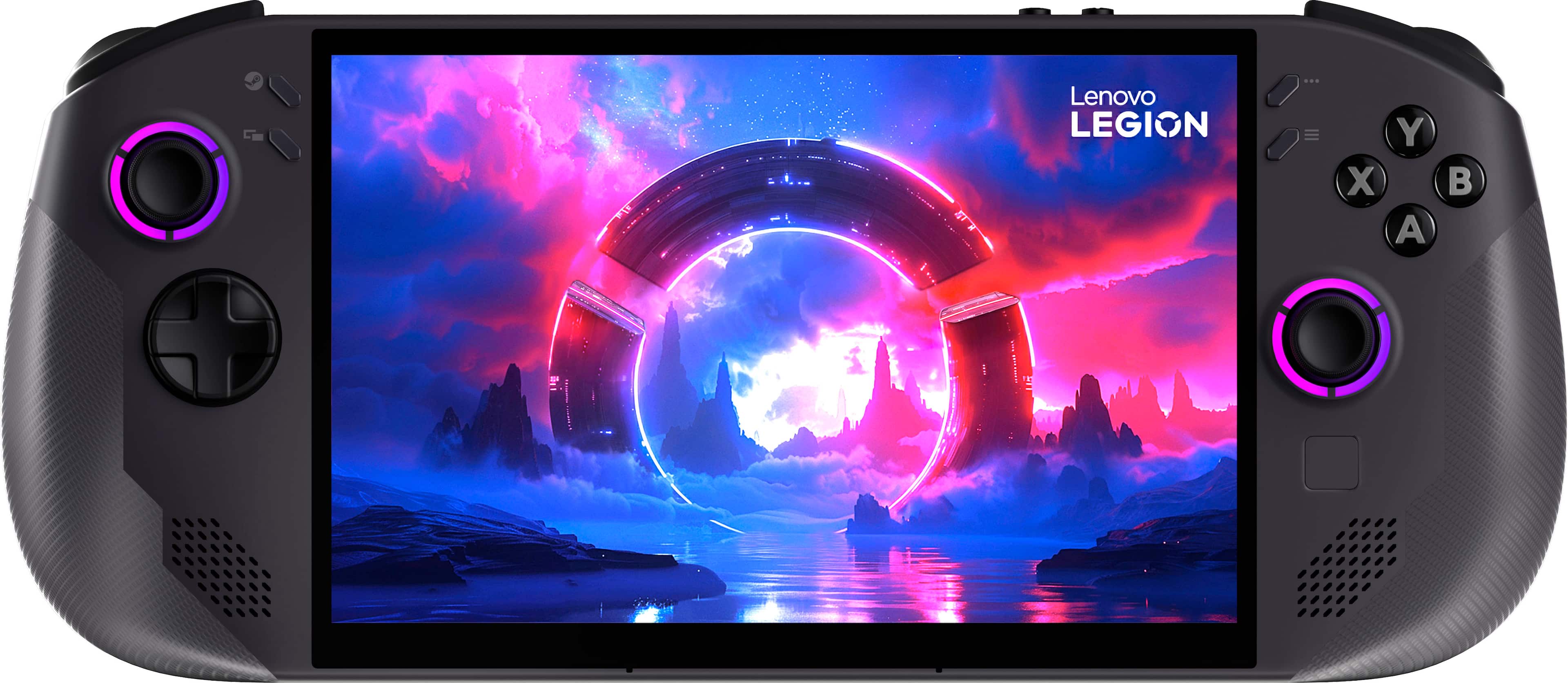
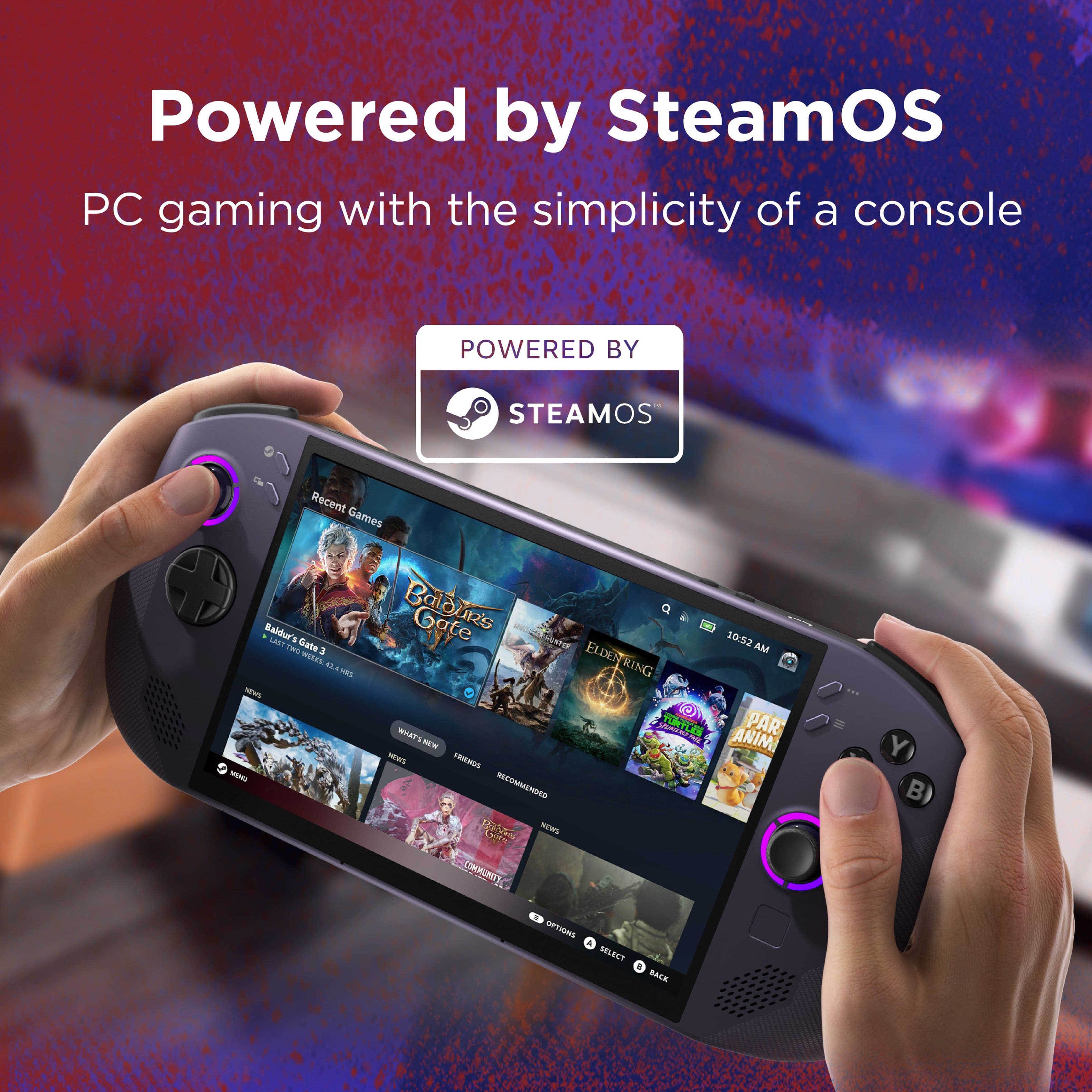
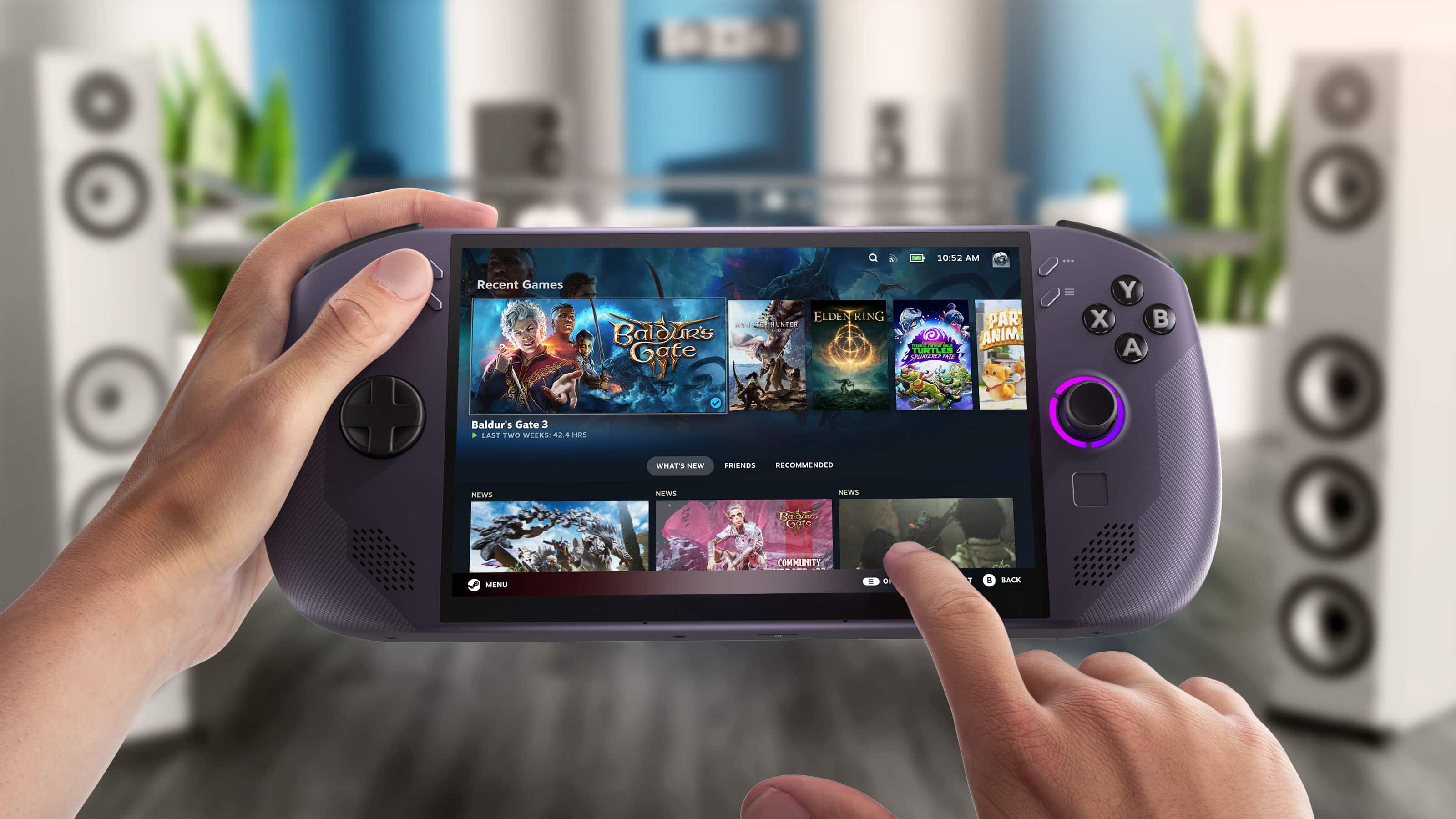
You can install Discord on this Legion Go S (SteamOS). Based on user feedback, it's best done via the Discover Software Center. Install it and add it as a non-Steam game to run in the background.
Please let us know if you have any other questions!

A:AnswerDefinitley any retro games through the 6th Gen (game cube PS2) with ease and upscaled. Beyond this it's really more the emulator maturity rather than the device itself but it can definitely play PS3 and Xbox 360 although these emulators are still pretty experimental. Oh and switch should be no problem either. As always only emulate games that you personally own and have dumped the game files from.
As far as modern games you can play most of them except some stuff thats multiplayer w/ anti cheat hrough steam like CoD you'd need to install windows for that... It's a bit of a pain but possible.
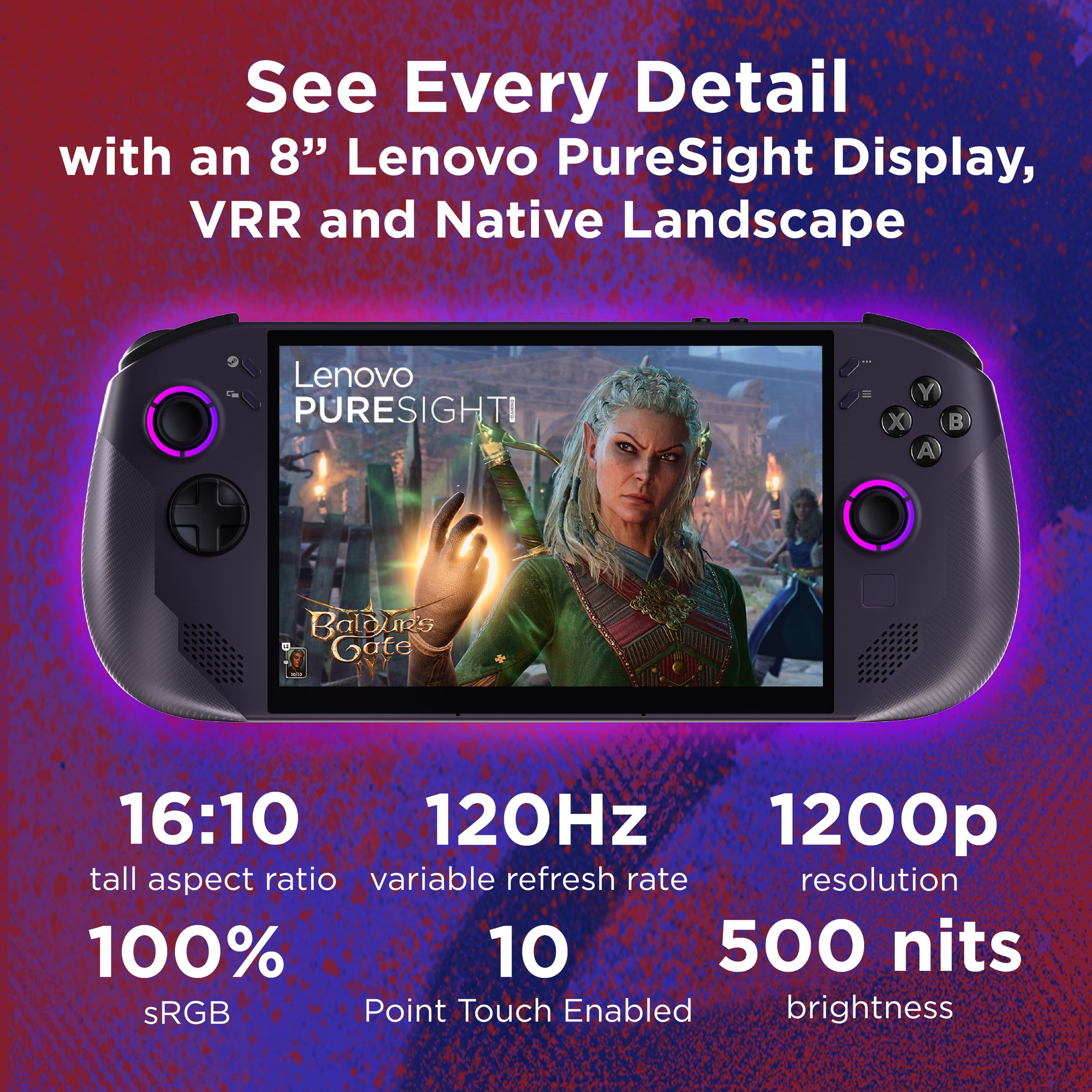
Just understand that some newer stuff you will probably need to downscale to low to medium settings and turn on fsr/ sharpening etc. still looks great on a screen this size and you can typically hit at least 48-60 fps which is the magic range for the VRR to kick in and make the game look smooth despite slight inconsistency.
It's more about the optimization of the game games like cyberpunk despite being technically the most impressive as far as pathraytracing (to this day) runs incredibly well because of how scalable and well optimized (yay cdpr).
A:Answeryes, it was a walk in the park to swap the SteamOS to windows. Lenovo website has all the drivers needed to install, and you can get windows download from Microsoft. If you don't buy a windows key or transfer a key, there is a small watermark in the bottom right hand corner but it doesn't affect anything. Most of the time you don't see it when playing games.
A:AnswerBy default no you can’t download the Xbox app through the desktop mode (steamos) but I’m sure someone has figured a way around it. The steam os is gonna be your best bet for the best performing games