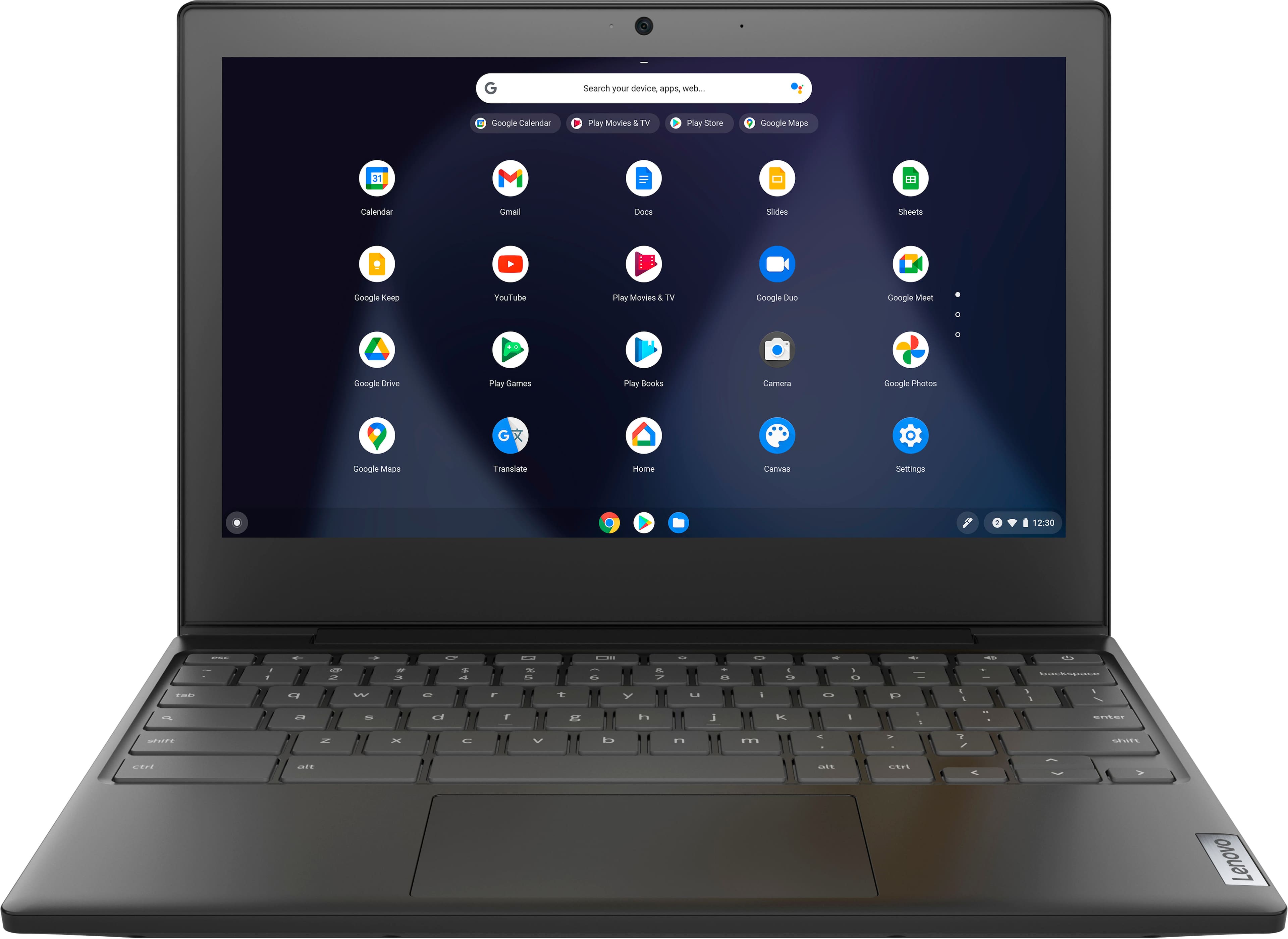
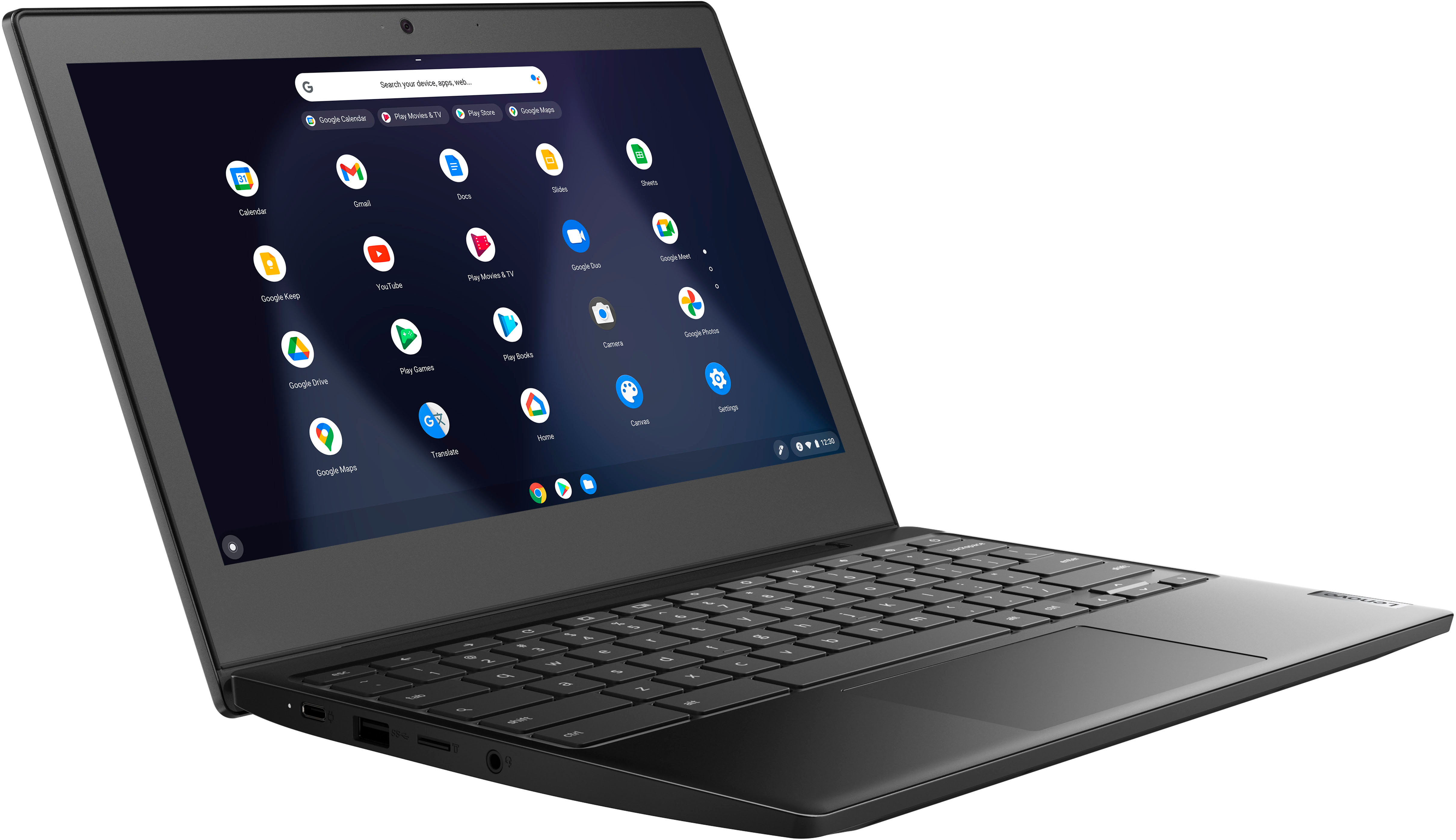
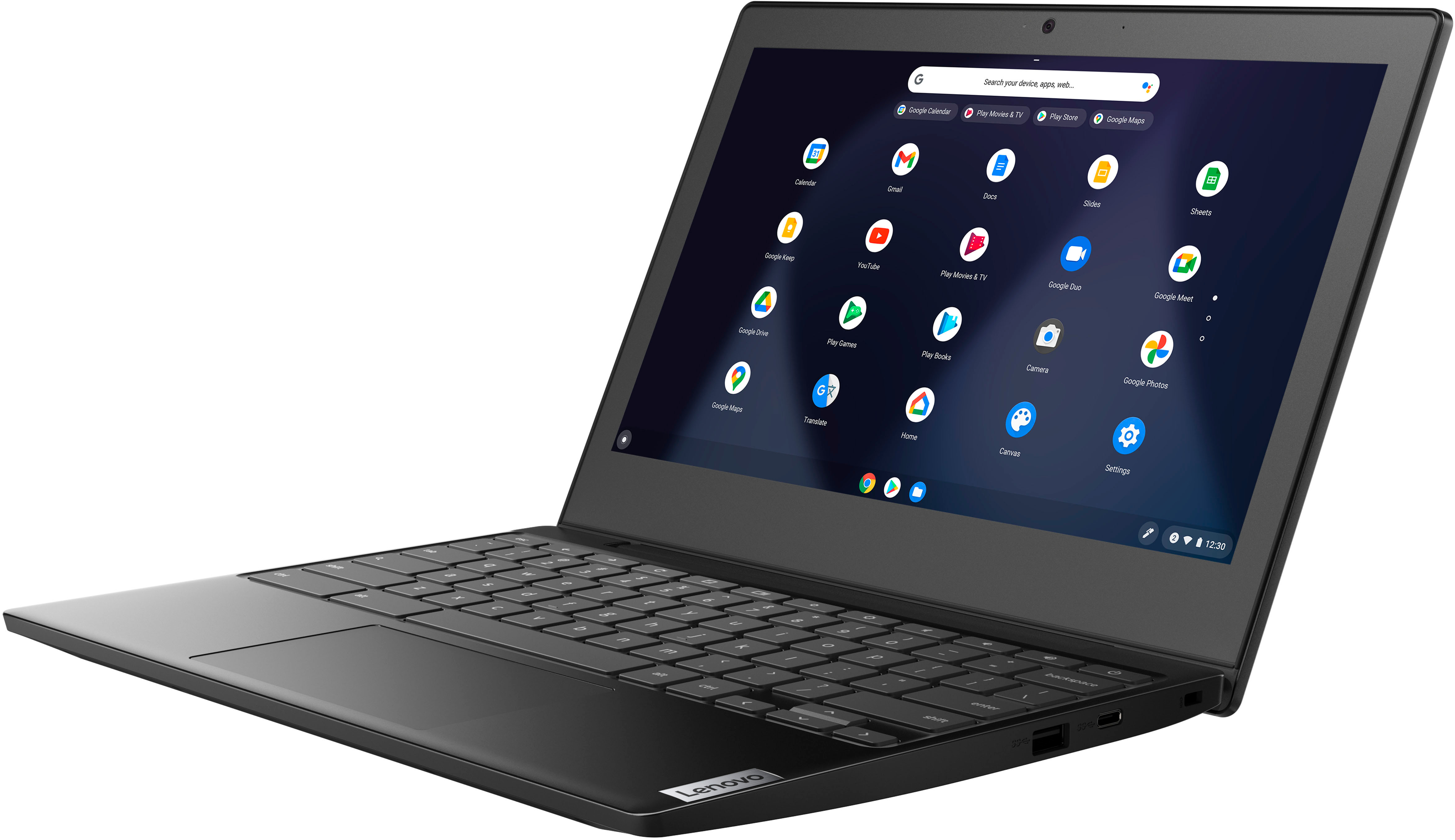
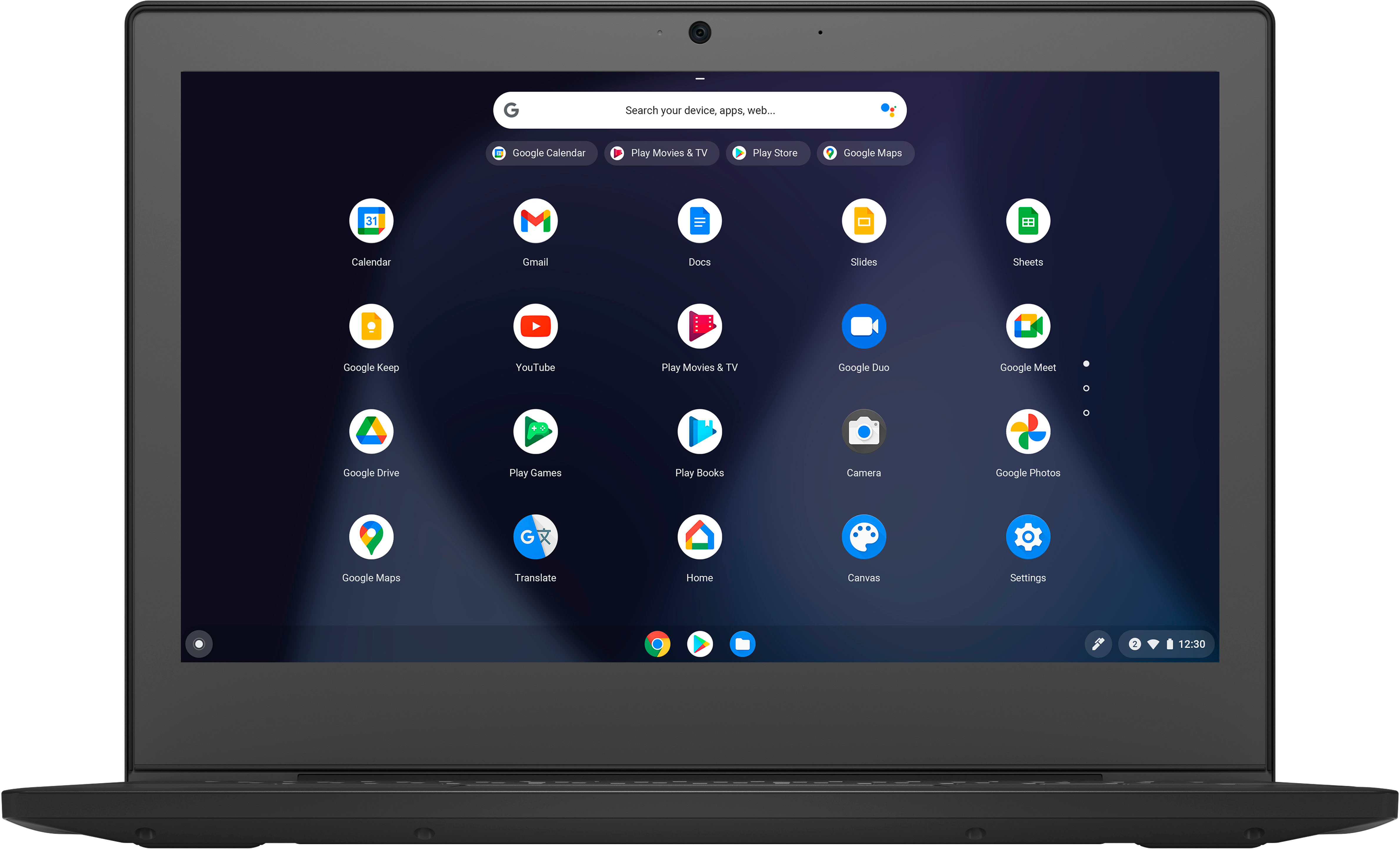
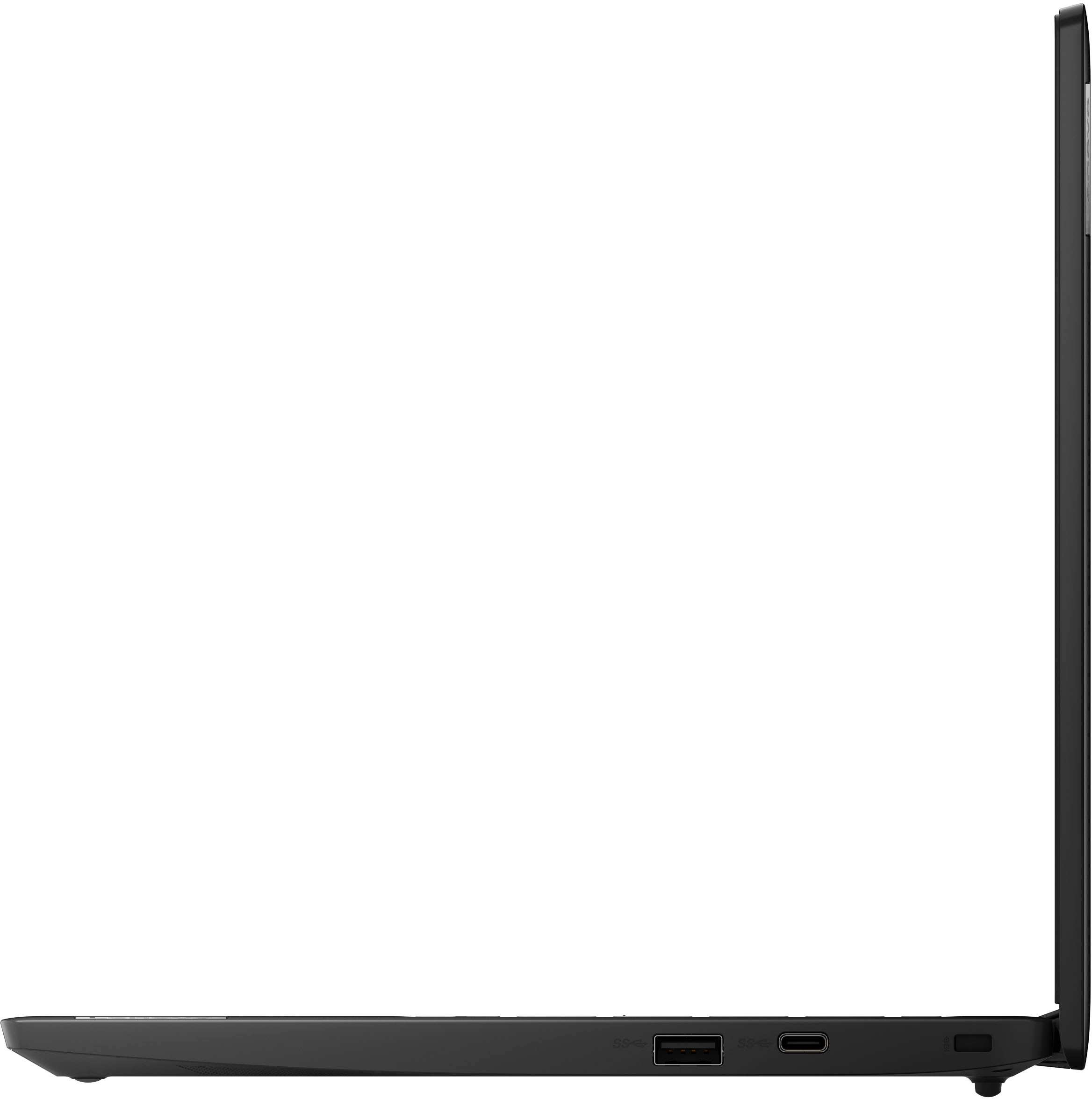
A:AnswerThis Lenovo Chromebook 3 11 does not have a touch screen. The screen is: 11.6 inches (screen size measured diagonally) TN - HD (1366x768) screen, with a brightness level of 250 nits and has an Anti-glare Coating. This screen provides 67 Percent of the sRGB (45 Percent NTSC) color gamut.
A:AnswerThat will depend on the requirements and compatibility of the specific APP you want to use. This Lenovo Chromebook 3 11 ships with the Chrome Operating System installed and is compatible with Google Play Store APPs. Not all Google Play Store APPs are optimized for the Chrome OS. We recommend you check with the specific APP's software publisher's web site, of the specific APP you want to use, for their compatibility with the Chrome operating system and the minimum/recommended hardware requirements (Is a Graphics card required, the processor speed and the minimum required system RAM and the minimum available hard drive space) to run their program, then compare those requirements to this Chromebook's configuration.
A:AnswerNo. This Lenovo Chromebook 3 11, model number 82BA001FUS, ships with the Intel 9560, WiFi-5, 2x2 802.11ac frequency WiFi Chip installed, which is also backward compatible to older, a/b/g/n frequency WiFi.
A:AnswerThat will depend on the requirements and compatibility of the specific game you want to download. This Lenovo Chromebook 3 11 ships with the Chrome Operating System installed and is compatible with Google Play Store APPs. Not all Google Play Store APPs are optimized for the Chrome OS. We recommend you check with the specific game's software publisher's web site, of the specific version of the game you want to play, for their compatibility with the Chrome operating system and the minimum/recommended hardware requirements (Is a Graphics card required, the processor speed and the minimum required system RAM and the minimum available hard drive space) to run their program, then compare those requirements to this Chromebook's configuration.
A:AnswerThat will depend on the requirements and compatibility of the specific APP you want to download. This Lenovo Chromebook 3 11 ships with the Chrome Operating System installed and is compatible with Google Play Store APPs. Not all Google Play Store APPs are optimized for the Chrome OS. We recommend you check with the specific APPs software publisher's web site for their compatibility with the Chrome operating system and the minimum/recommended hardware requirements (Is a Graphics card required, the processor speed and the minimum required system RAM and the minimum available hard drive space) to run their program, then compare those requirements to this Chromebook's configuration.
A:AnswerNo. This Lenovo Chromebook 3 11 model number 82BA001FUS, uses WiFi-5, 2x2 802.11ac frequency WiFi, which is also backward compatible to older, a/b/g/n frequency WiFi only, for internet connectivity. This Lenovo 3 11 Chromebook has no cellular/broadband data capability built in.
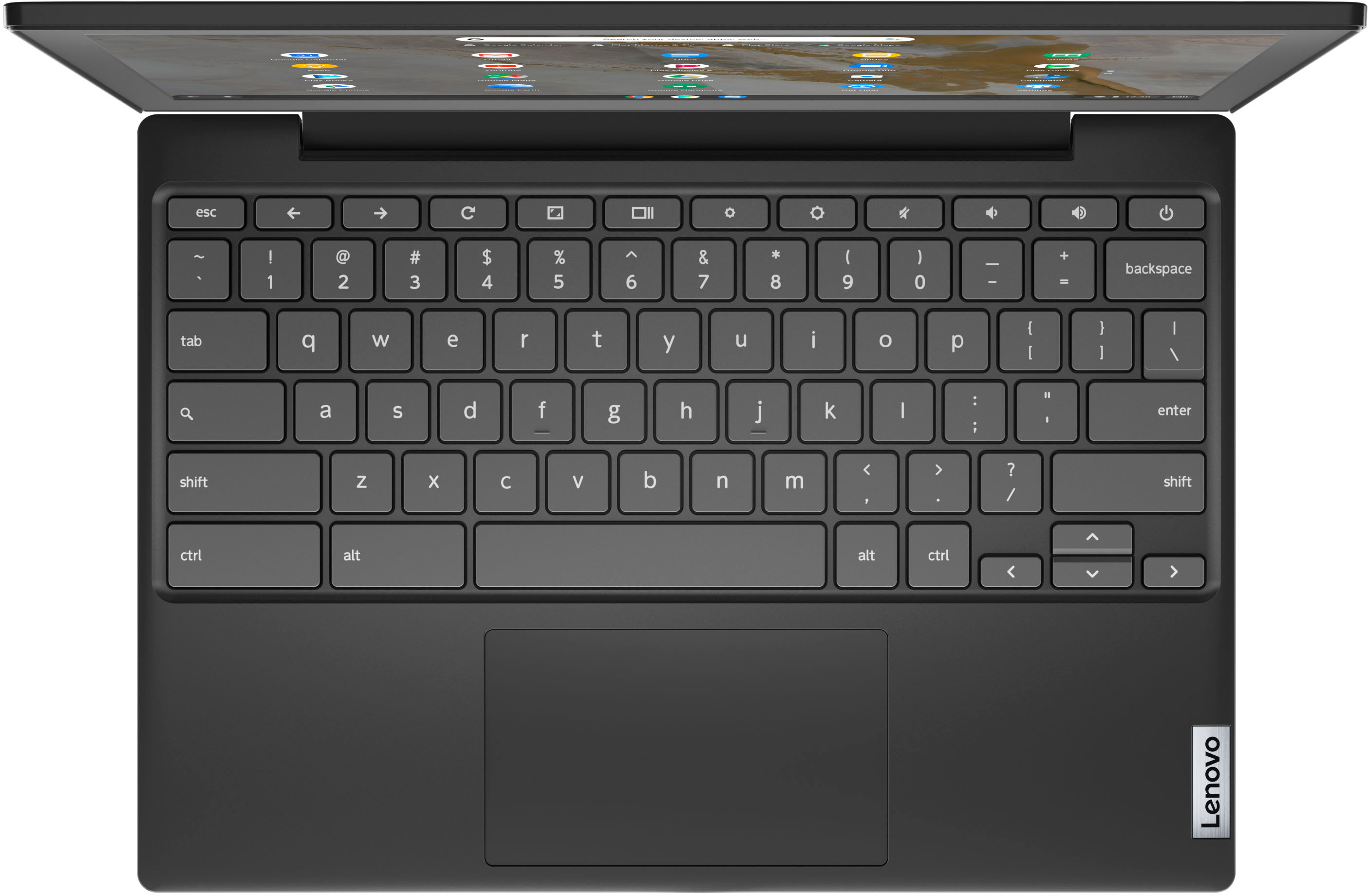
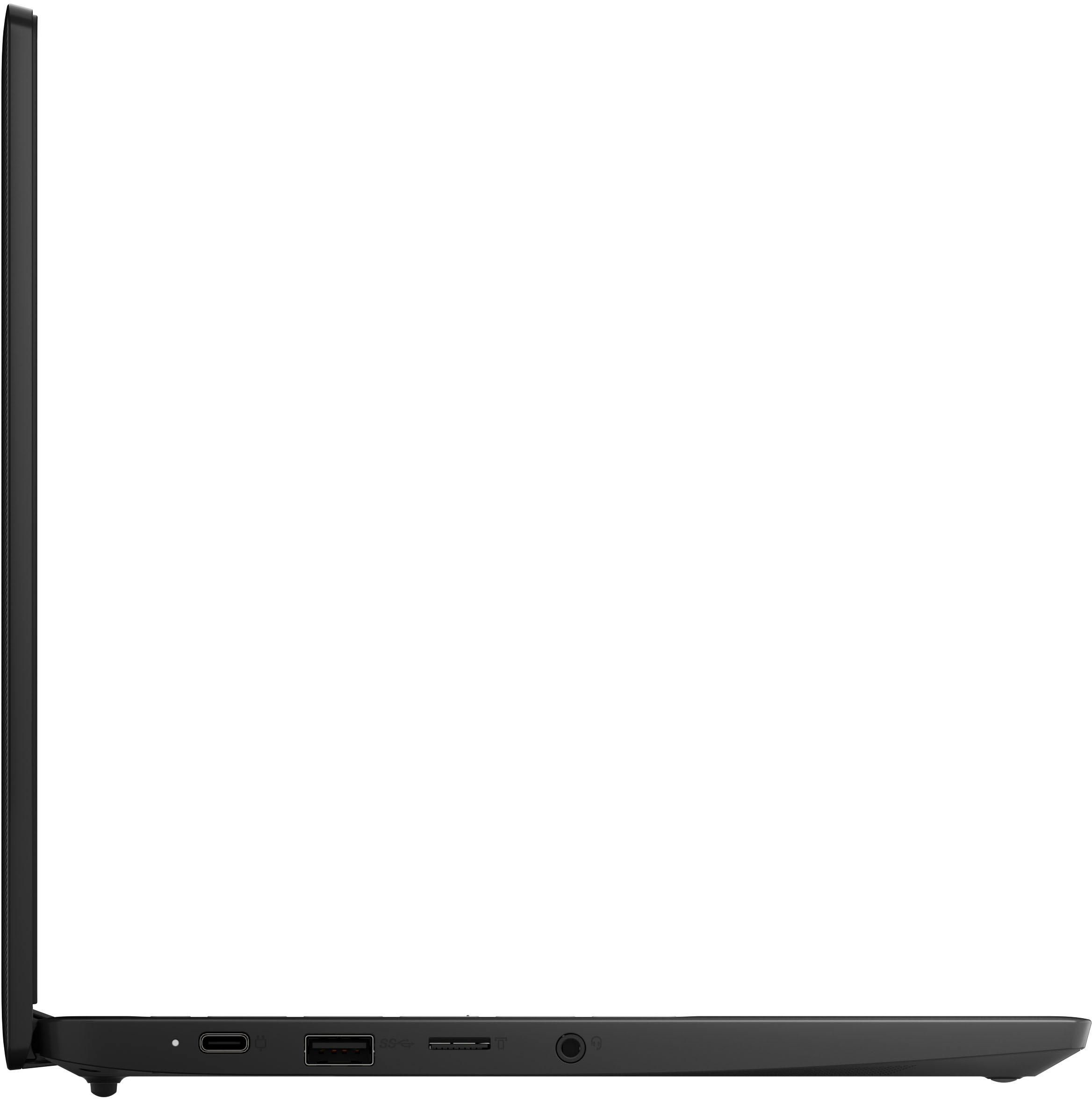
A:AnswerIt is compatible with a bluetooth keyboard and/or mouse. I always use a bluetooth mouse with my chromebook. It is also compatible with USB keyboard or mouse.