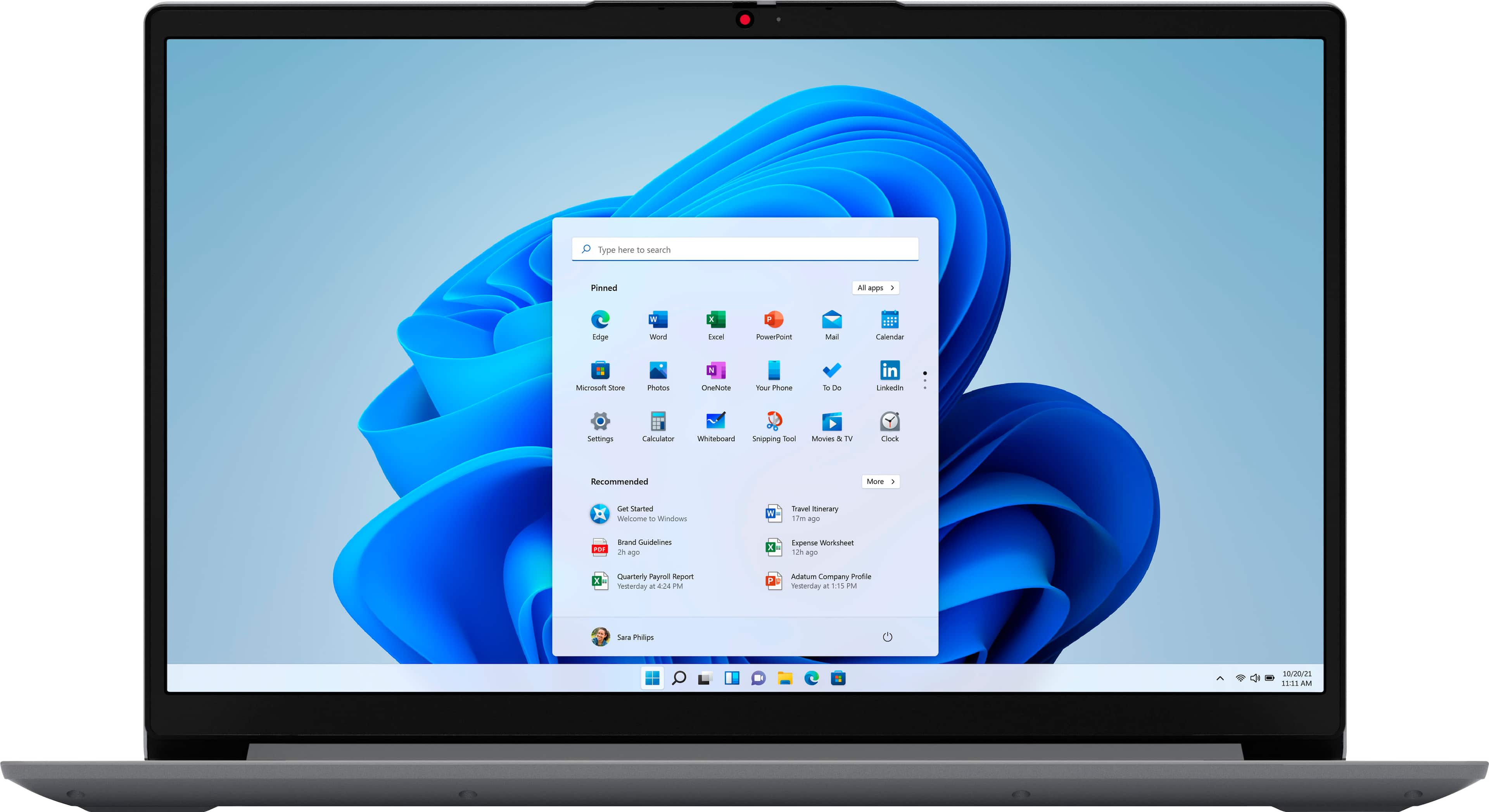
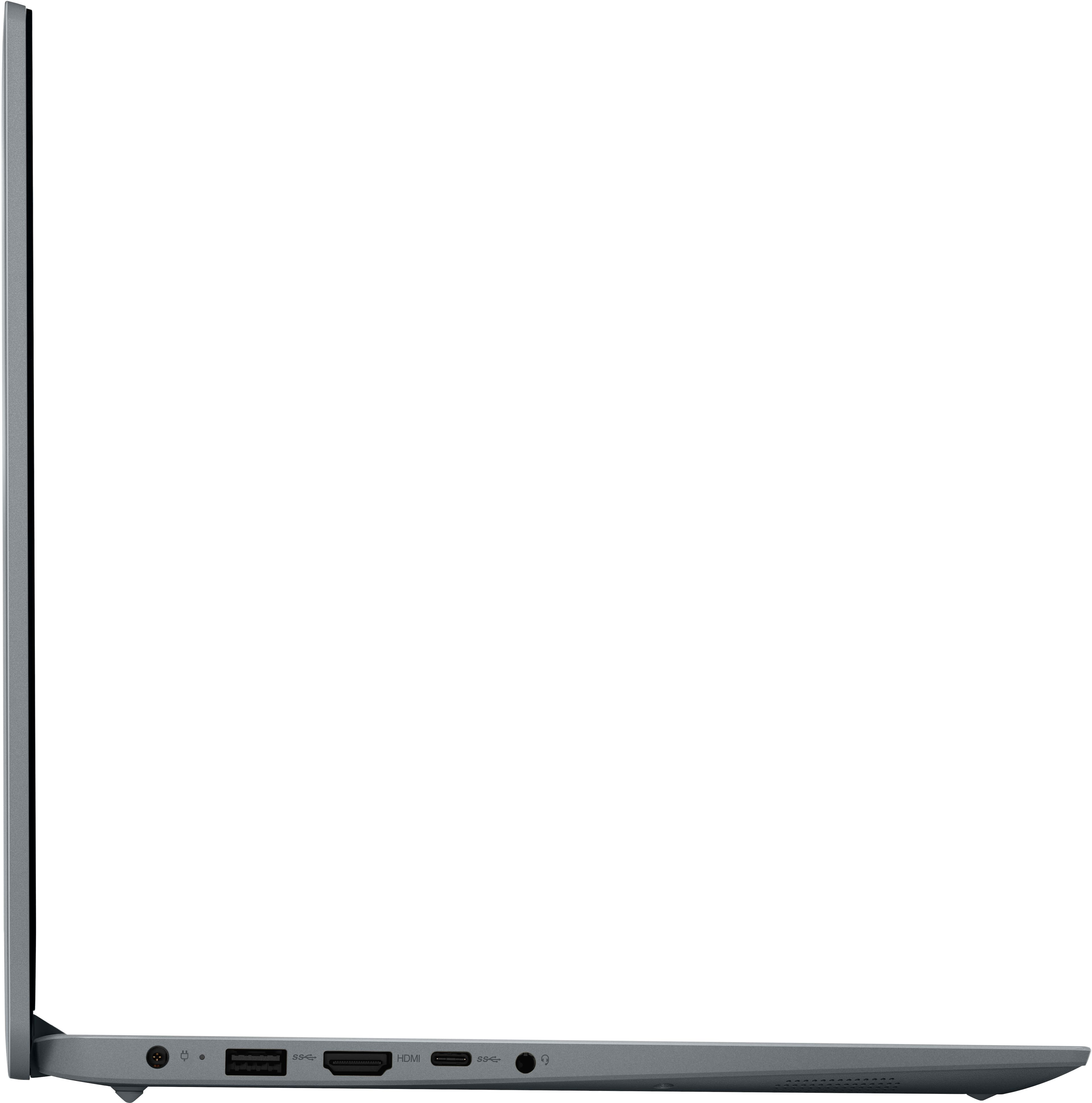
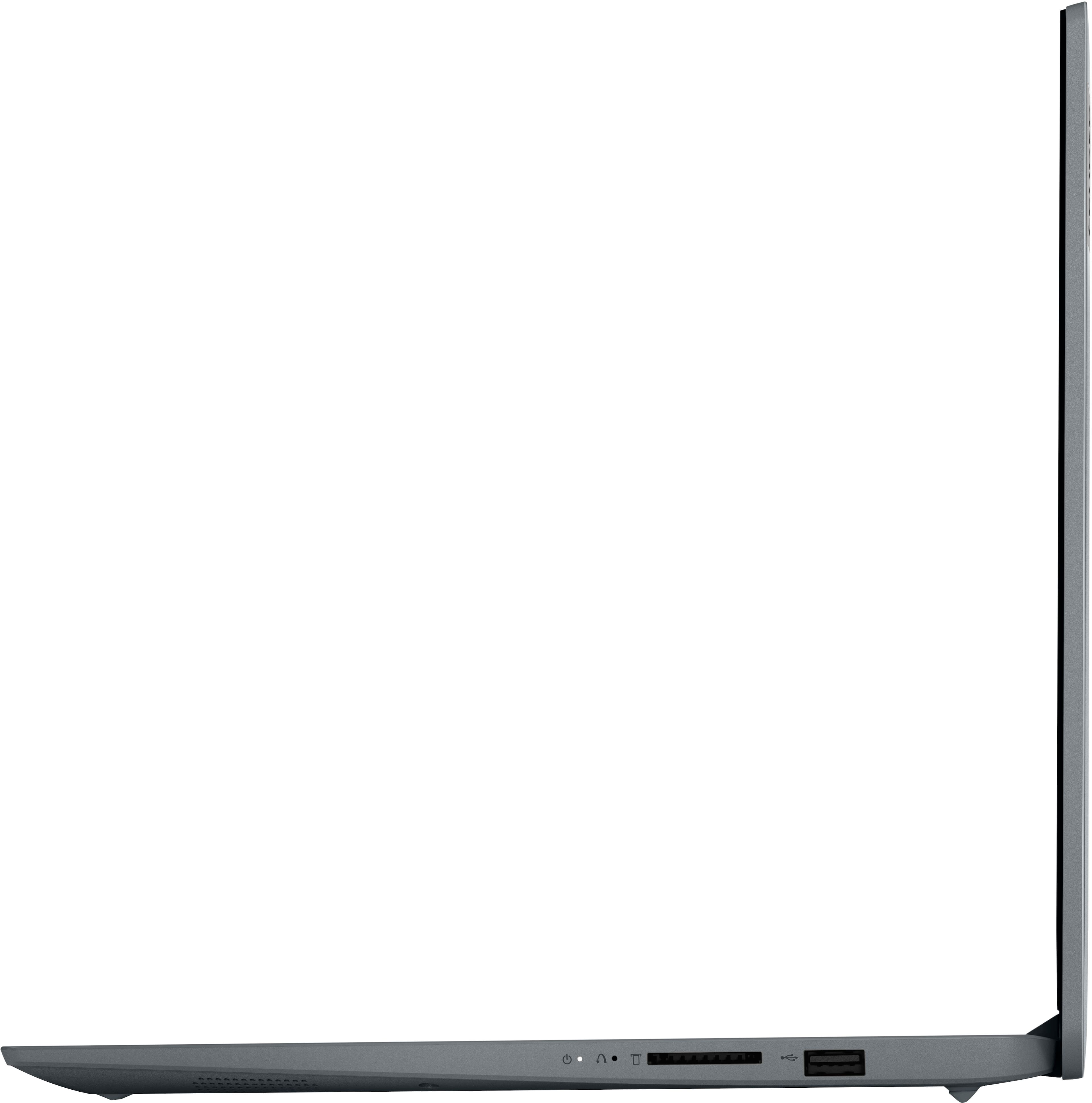
A:AnswerYes. The Lenovo IdeaPad 1 15.6, model number 82R1006VUS, ships with Windows 11 in S Mode. Windows 11 S-Mode provides added security by only allowing APPs available (and therefore certified by Microsoft) at the Microsoft Store. If you don't need the added security or need to install APPs not available at the Microsoft Store, you can switch to standard Windows 11 Home 64-bit Operating System, at no additional cost. If you choose to switch out of S-Mode for Windows 11 Home: Here is a link to instructions for switching from Windows 11 S-Mode to Windows 11 Home: https://support.microsoft.com/en-us/windows/switching-out-of-s-mode-in-windows-4f56d9be-99ec-6983-119f-031bfb28a307#WindowsVersion=Windows_11
A:AnswerThat will depend on the requirements and compatibility of the APP you want to use. This entry-level, Lenovo IdeaPad 1 15 laptop, model number 82R1006VUS, ships with Windows 11 S-Mode, 64-bit Operating System installed. Windows 11 S-Mode provides added security by only allowing APPs available ( and therefore certified by Microsoft) at the Microsoft Store. If you don't need the added security or you need to install APPs not available at the Microsoft Store, you can switch to standard Windows 11 Home 64-bit Operating System, at no additional cost. We recommend you check with the specific APPs software publisher's web site for their compatibility with Windows 11 S-Mode 64-bit operating system and the minimum/recommended hardware requirements (Is a Graphics card required, the processor speed and the minimum required system RAM and the minimum available hard drive space) to run their program, then compare those requirements to this system's configuration. if you choose to switch out of S-Mode for Windows 11 Home: Here is a link to instructions for switching from Windows 11 S-Mode to Windows 11 Home: https://support.microsoft.com/en-us/windows/switching-out-of-s-mode-in-windows-4f56d9be-99ec-6983-119f-031bfb28a307#WindowsVersion=Windows_11
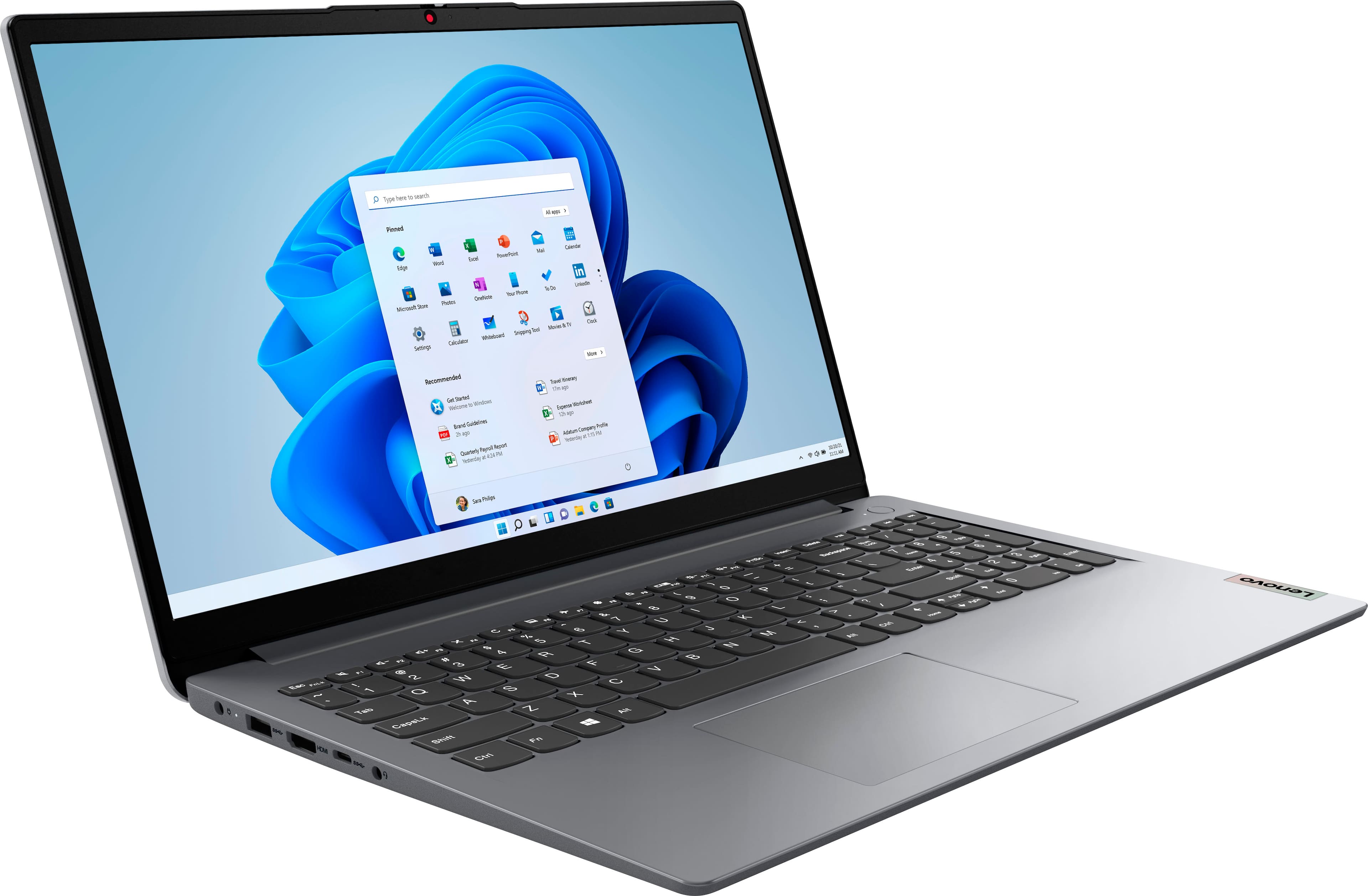
A:AnswerThat really will depend on the requirements and compatibility of the specific streaming services you want to use. This entry-level, Lenovo IdeaPad 1 15 Laptop, model number 82R1006VUS, ships with the entry-level, 2-Core AMD Athlon Silver 3050U Processor, with 4GB Soldered DDR4-2400MHz RAM installed. This entry-level, IdeaPad 1 15 ships with Windows 11 S-Mode, 64-bit Operating System installed and uses WiFi-6, 2x2 802.11ax frequency WiFi for internet connectivity, which is also backward compatible with older, a/b/g/n/ac frequency WiFi. We recommend you check with the specific streaming services web sites, of the specific streaming services you want to use, for their compatibility with Windows 11 S-Mode 64-bit operating system and the minimum/recommended hardware requirements (Is a Graphics card required, the processor speed and the minimum required system RAM and the minimum available hard drive space) to run their program, then compare those requirements to this system's configuration. If you choose to switch out of S-Mode for Windows 11 Home: Here is a link to instructions for switching from Windows 11 S-Mode to Windows 11 Home: https://support.microsoft.com/en-us/windows/switching-out-of-s-mode-in-windows-4f56d9be-99ec-6983-119f-031bfb28a307#WindowsVersion=Windows_11
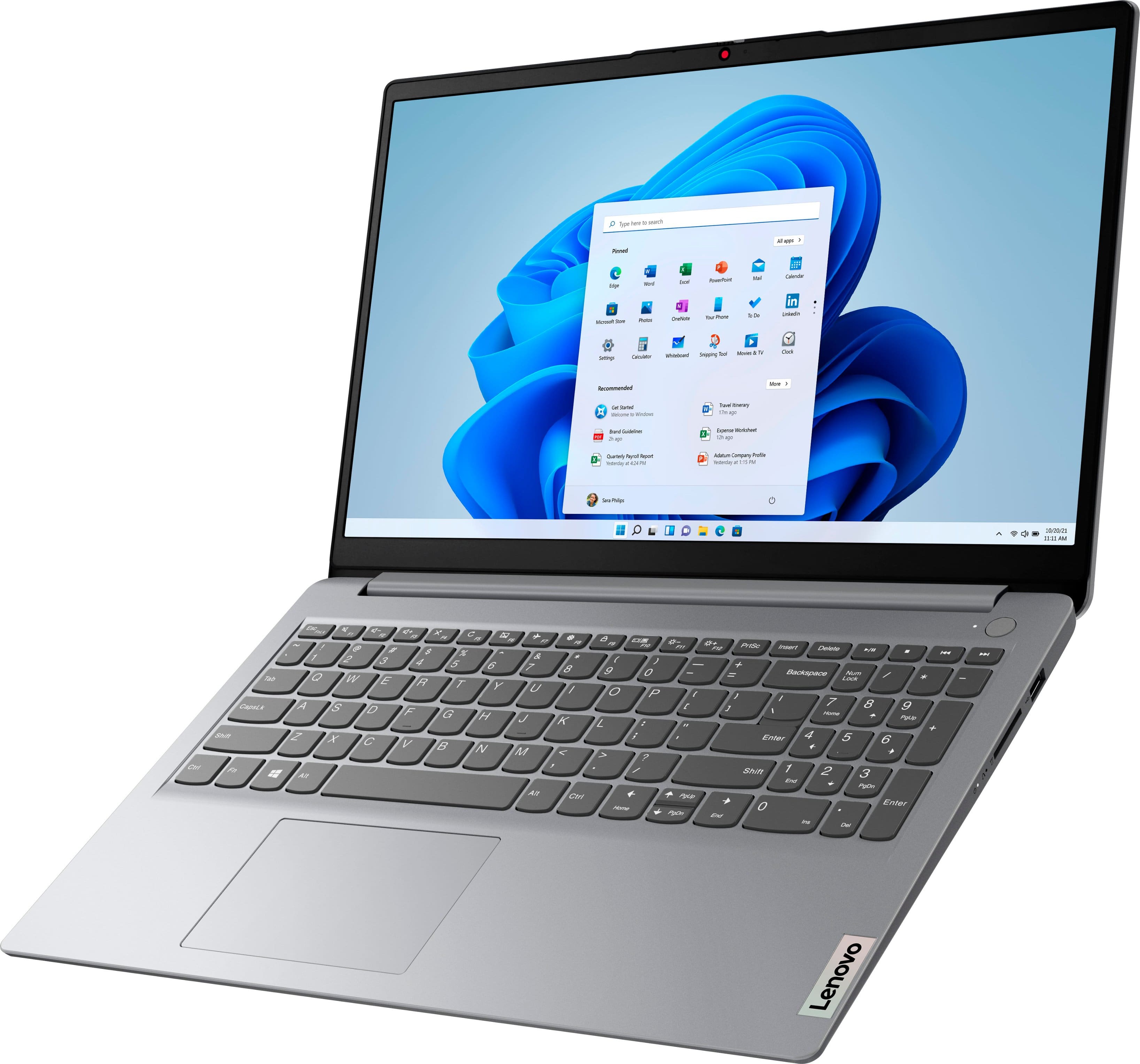
A:Answer11S. As of 05 April 2023, the Lenovo - Ideapad 1 15.6" HD Laptop - Athlon Silver 3050U - 4GB Memory - 128GB eMMC - Cloud Grey
Model:82R1006VUS
SKU:6511943
says right here on its best Buy product page, in the Specifications section, that it comes with Windows 11 in S mode. S mode is supposed to be more secure and will only allow installing programs (apps) from the Microsoft Store. Taking it out of S mode I'd you need to is a short, easy process, though.
A:AnswerNot an answer, but a continuation of the question. I literally want to use this for Zoom and other videoconference calls. I am concerned with the 4 GB of RAM. Do you find any lag in Zoom calls? I'm a stenographer, and I take testimony constantly over Zoom. I cannot have continued lags.