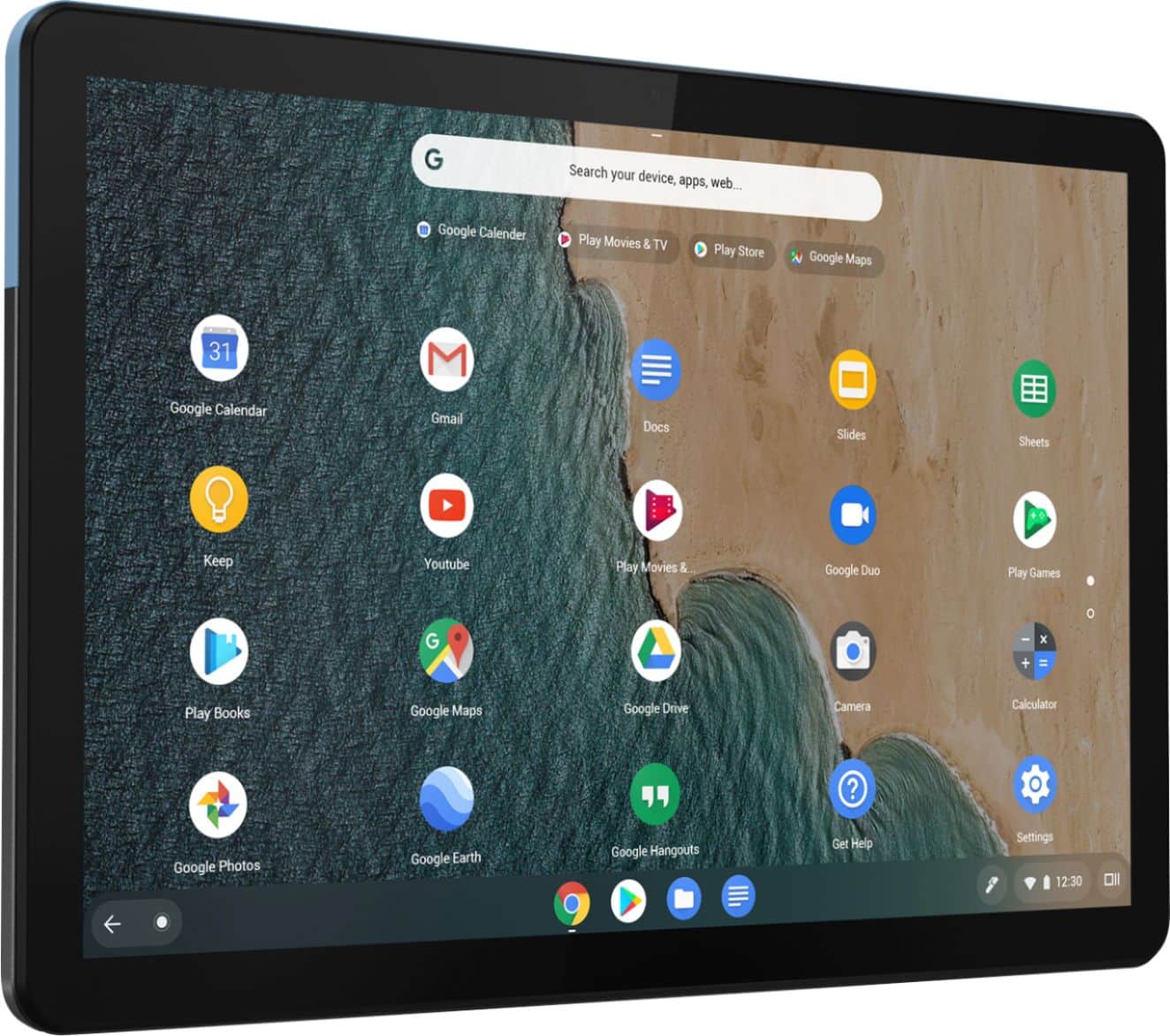
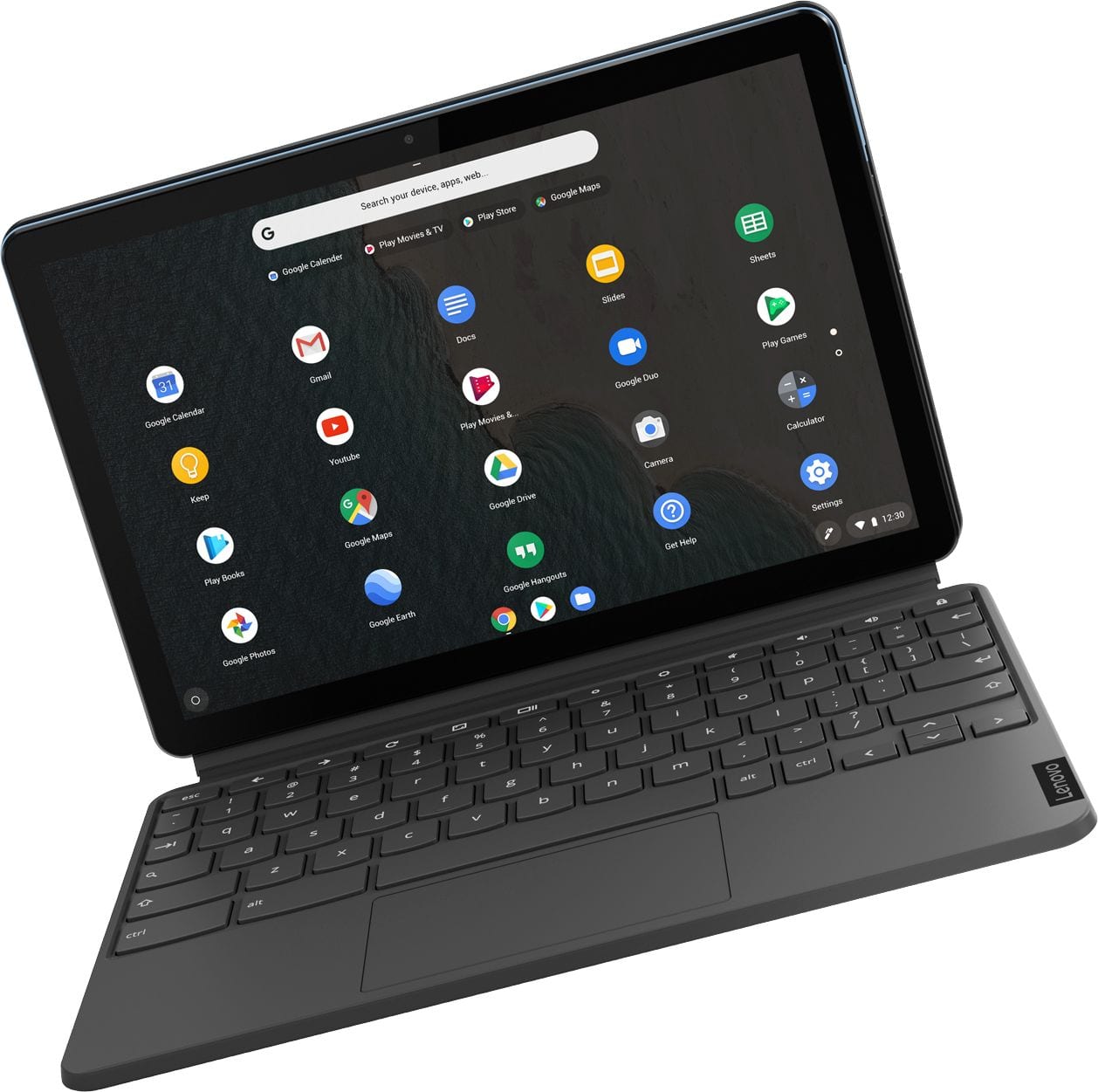
A:Answer To change the default behavior of Chrome OS when you close the lid, click the clock area to open the system tray, and then click on the Settings cog. Scroll down, and under the Device section, click “Power.” Here is a link to more information: https://support.google.com/chromebook/answer/3420029?hl=en
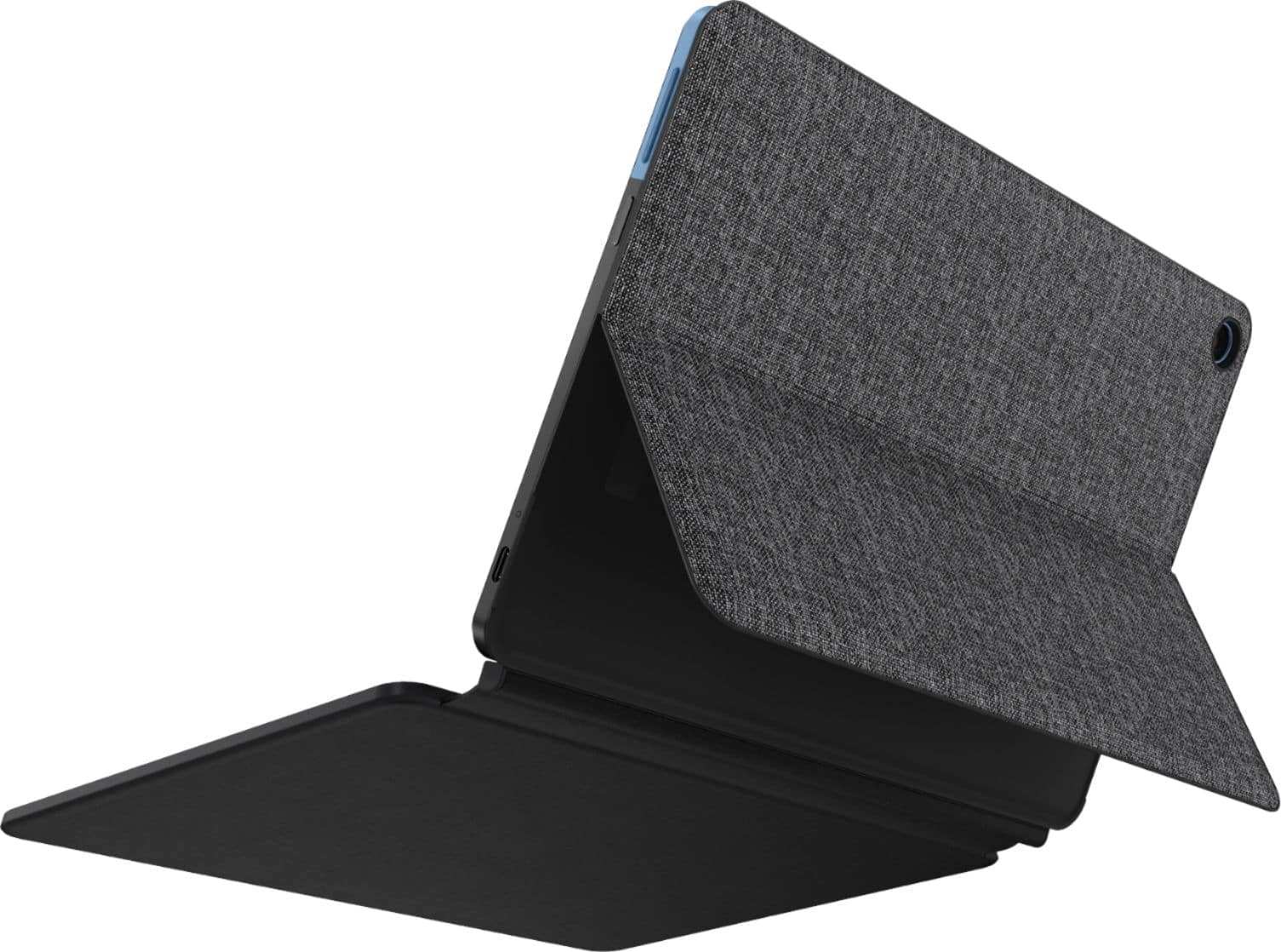
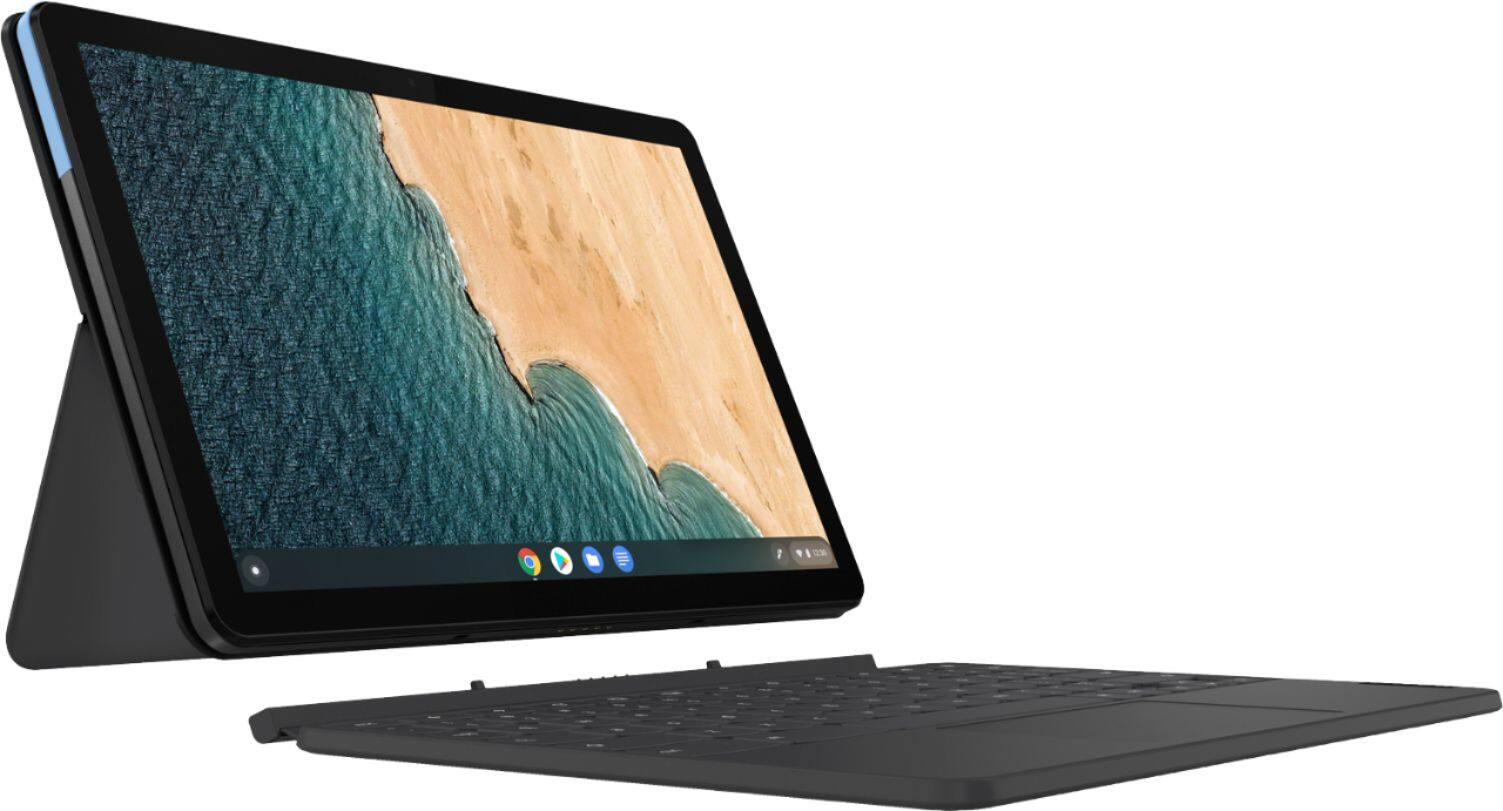
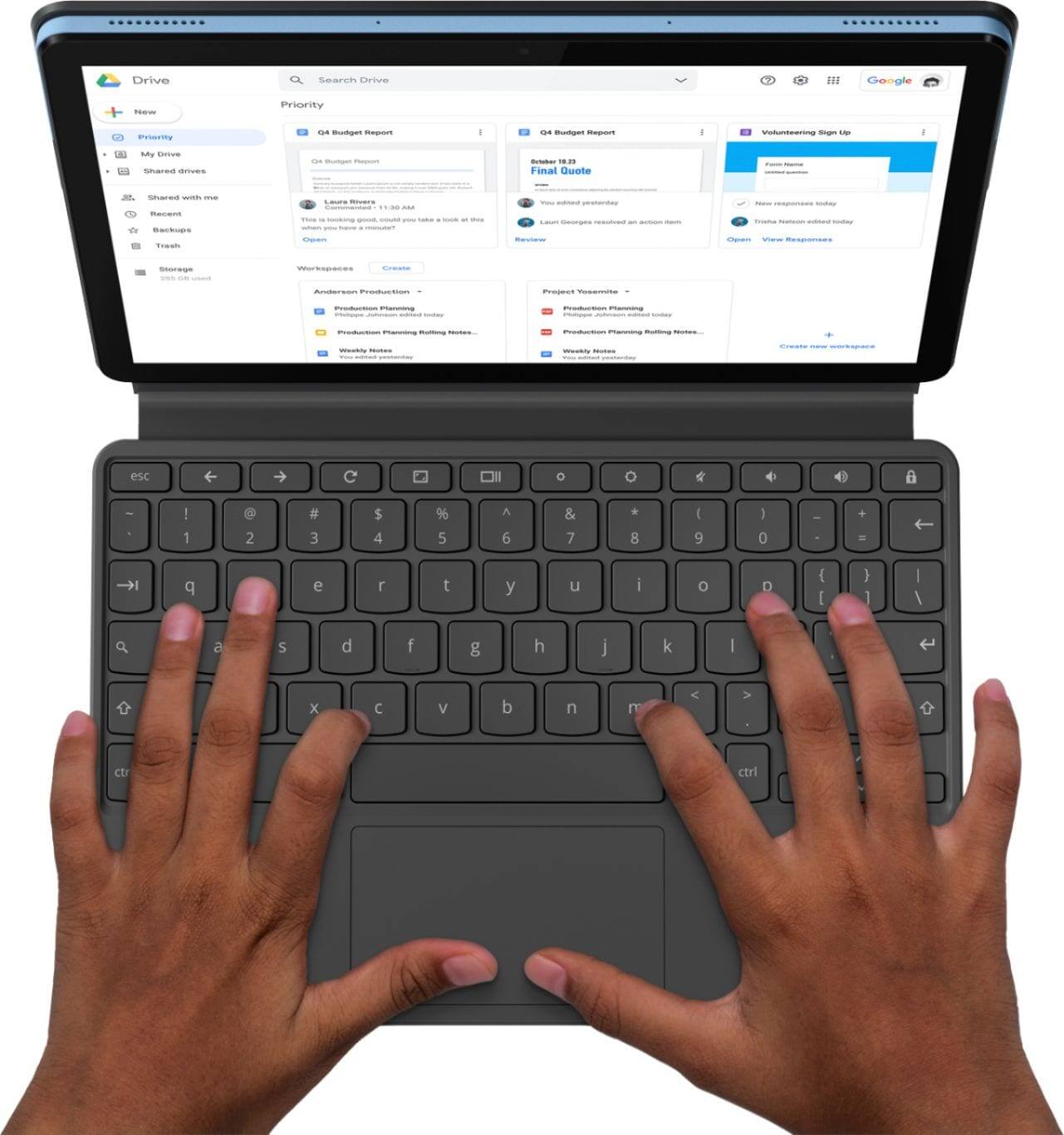

![esc ! 1 @ 2 # 3 $ 4 % 5 ^ 6 & 7 * 8 ( 9 ) 0 Ce - + = q W e r t y u i o p { [ } ] | / a S d f g h j k I : : " Z x V b n m < I > . ? / ctrl alt alt ctrl < Lenovo](https://pisces.bbystatic.com/image2/BestBuy_US/images/products/6401/6401727cv16d.jpg)
![n j k m < , alt ctrl > O I ; ? / ) 0 - - p { : [ } " ] , + = I I ; L Lenovo](https://pisces.bbystatic.com/image2/BestBuy_US/images/products/6401/6401727cv18d.jpg)