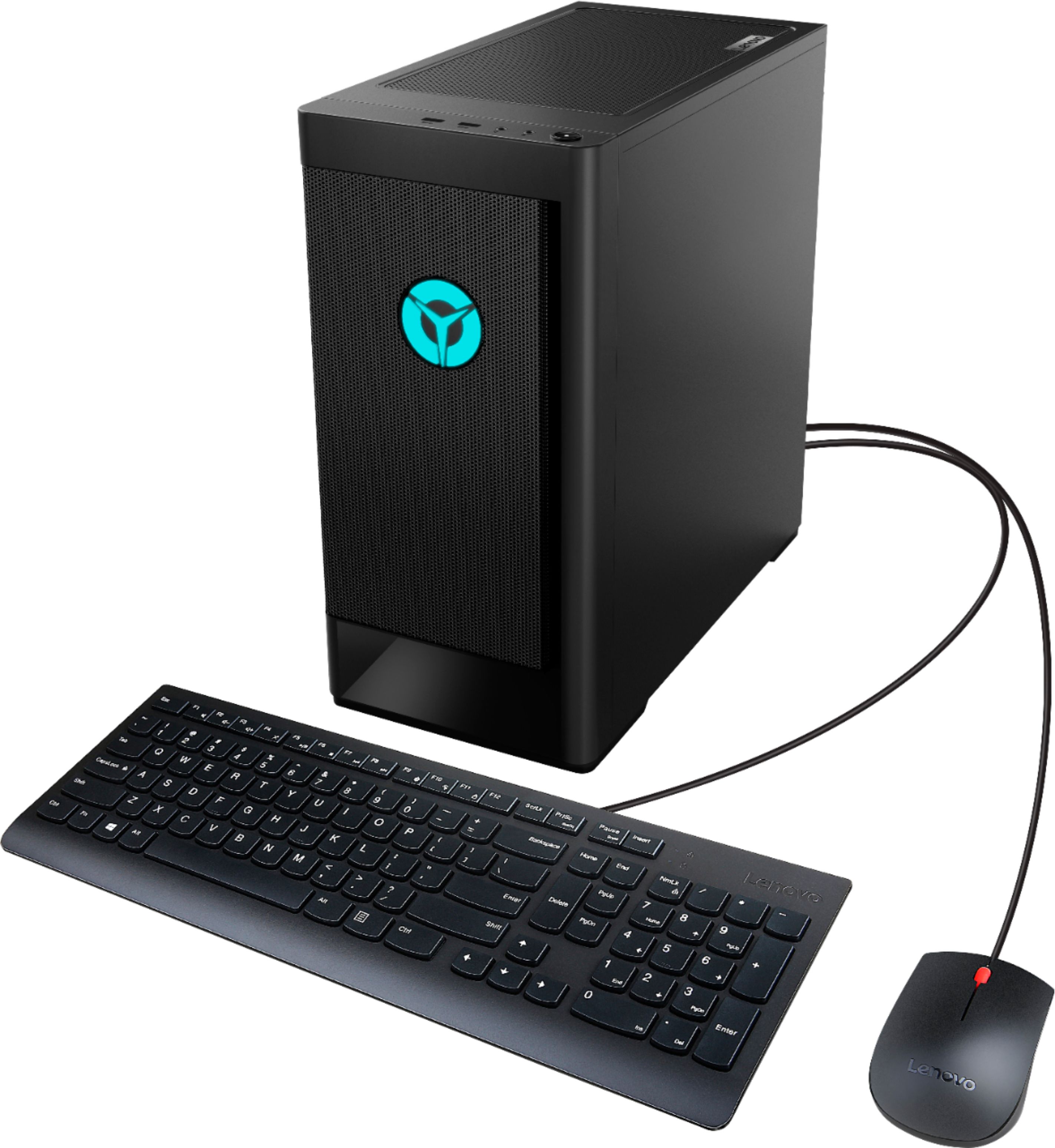
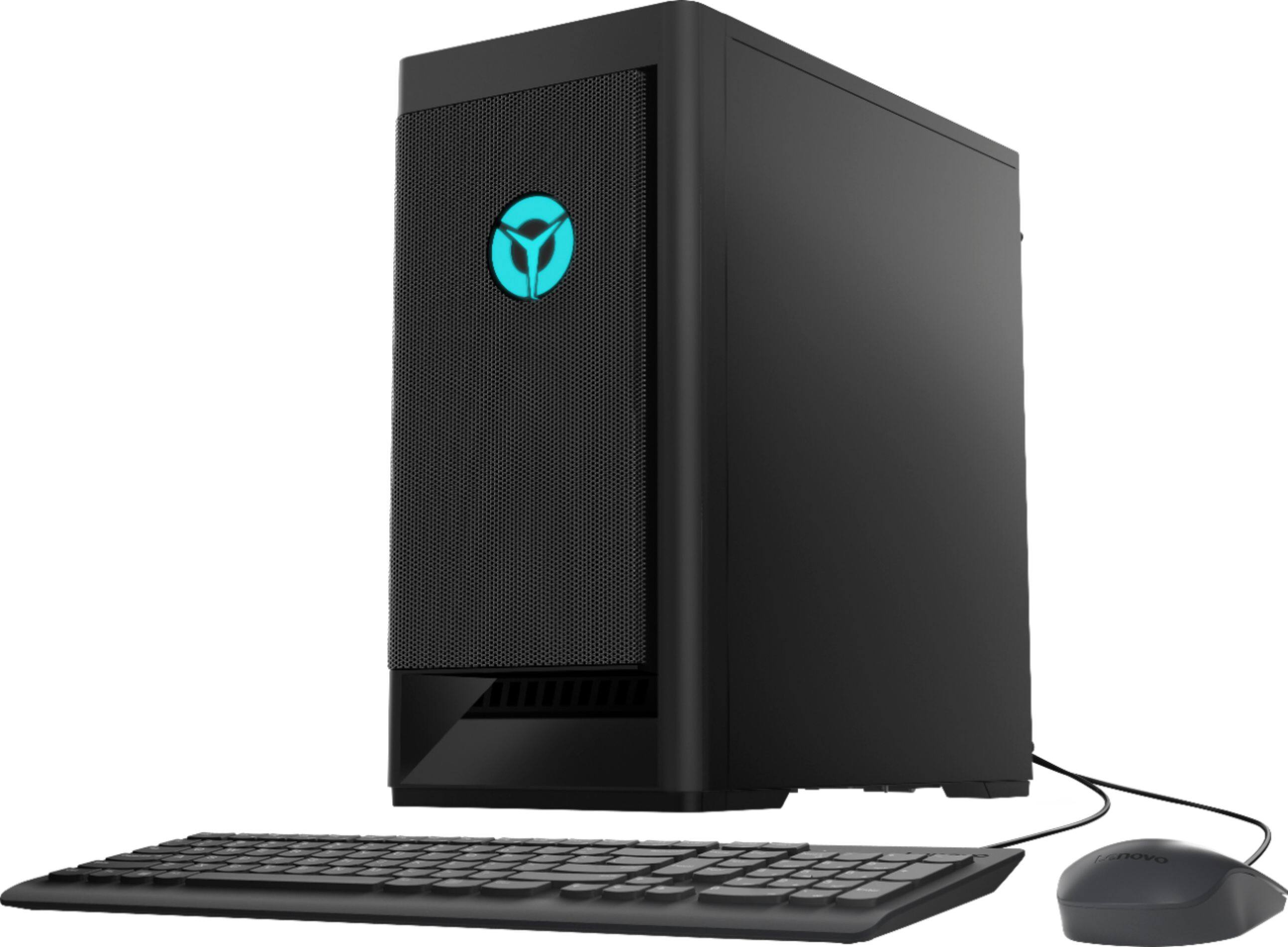
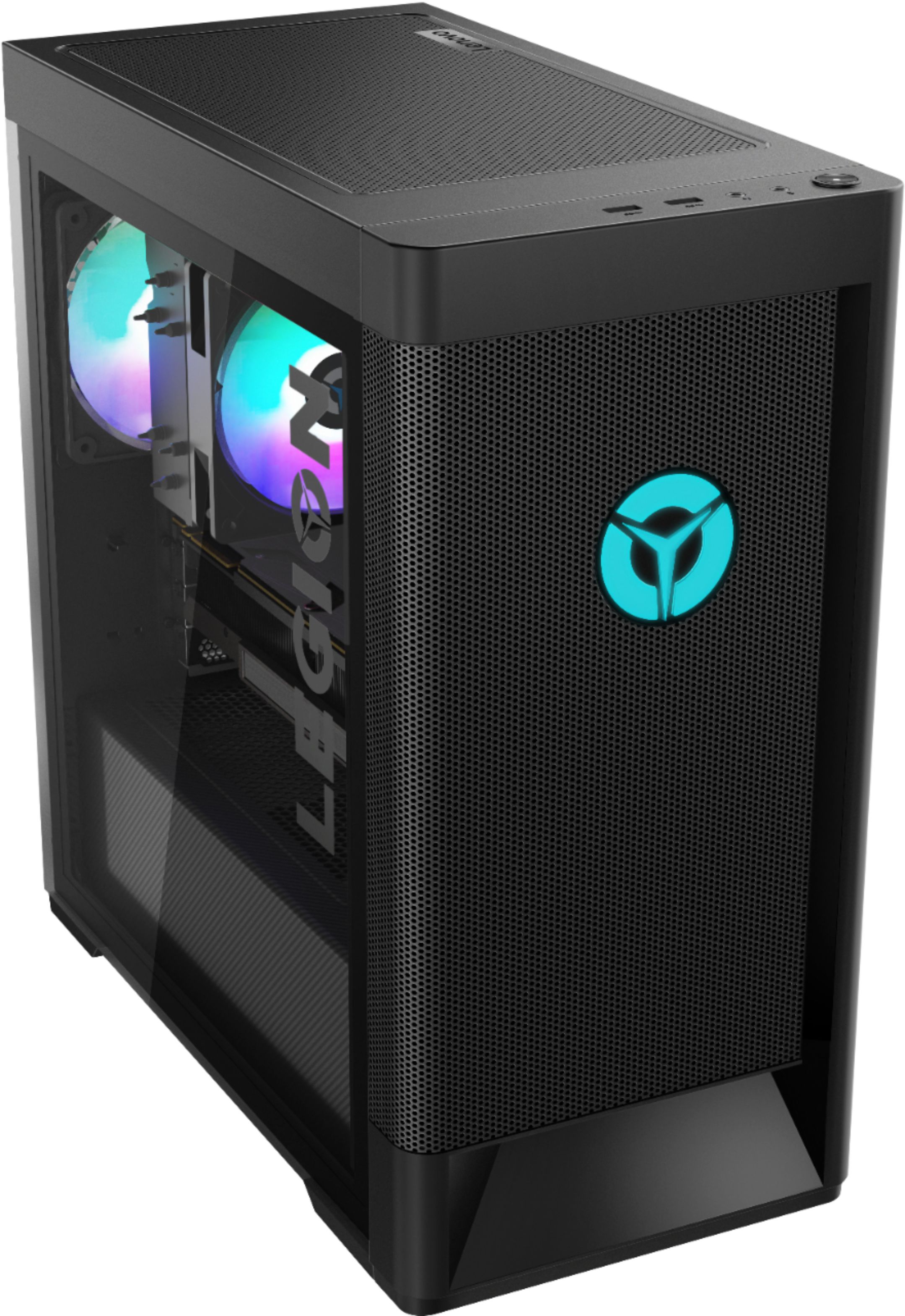
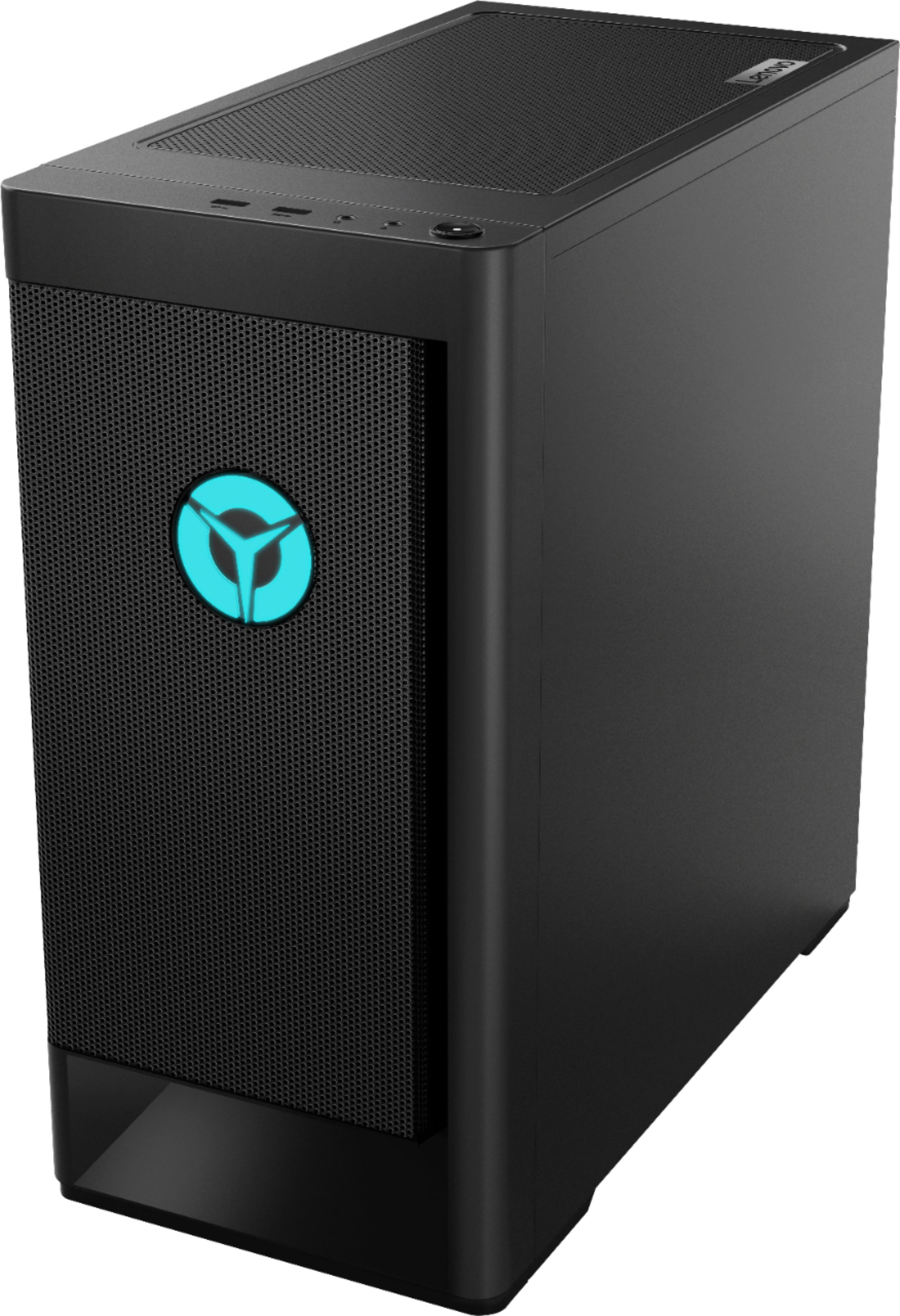
A:AnswerThe PSU is barely enough to run the system at 100% gpu and cpu. The system still turns on and runs well. Im pretty sure the motherboard is an MATX if that changes anything about the PSU
A:AnswerWe are sorry to hear that you are having issues with your Lenovo Legion Tower 5 AMD Gaming Desktop Computer. Try unplugging the computer and letting is stand, unplugged for 15-minutes. Now plug the computer back in. While pressing the power on button, also repeatedly tap the F2 Key until you see the Lenovo One Key Recovery Screen. Here you will be able to reset your computer to factory settings. Once the reset has finished you will be able to begin the initial activation and setup of Windows 10. If the issue continues, we recommend you contact Lenovo Tech Support at: 866-426-0911.
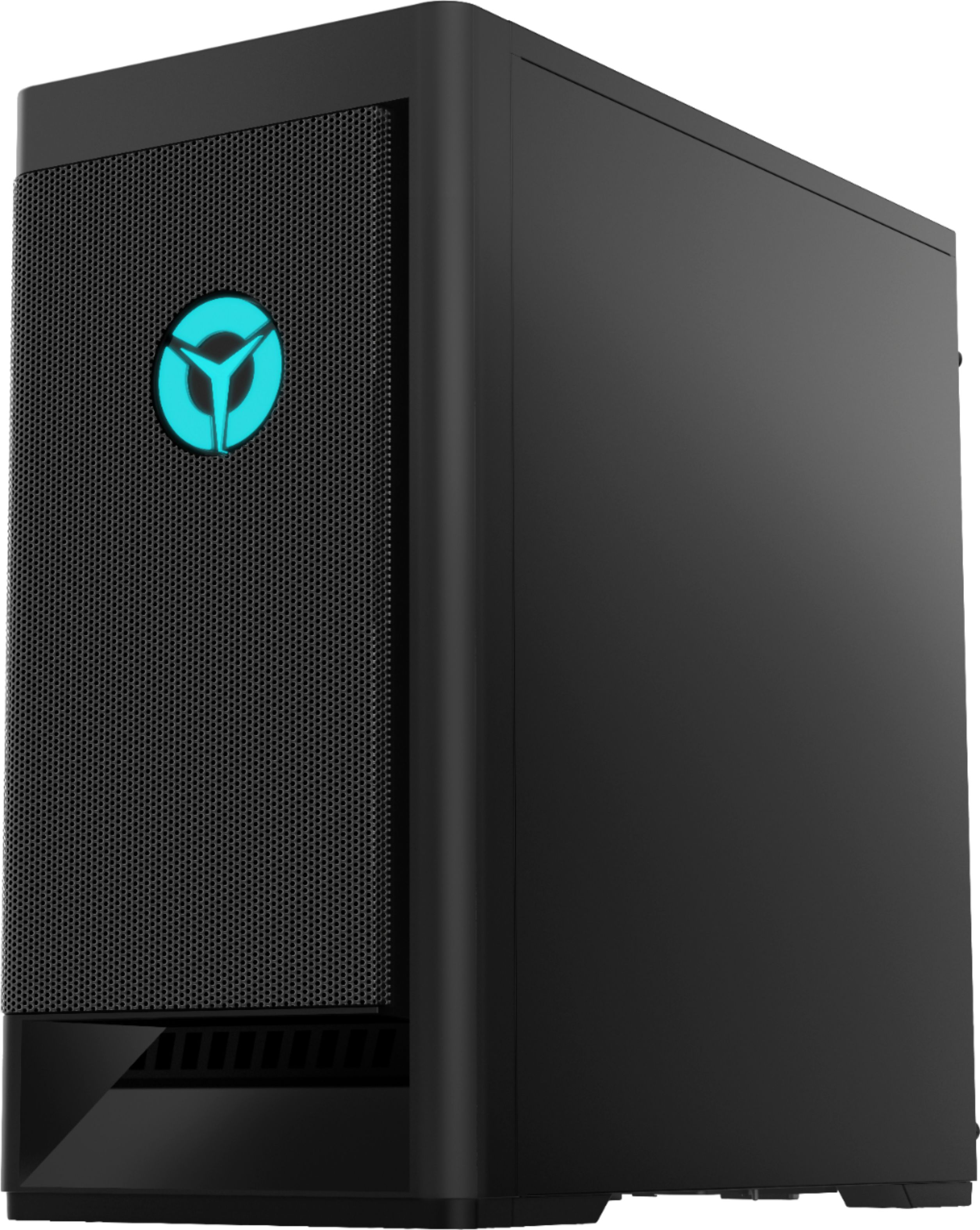
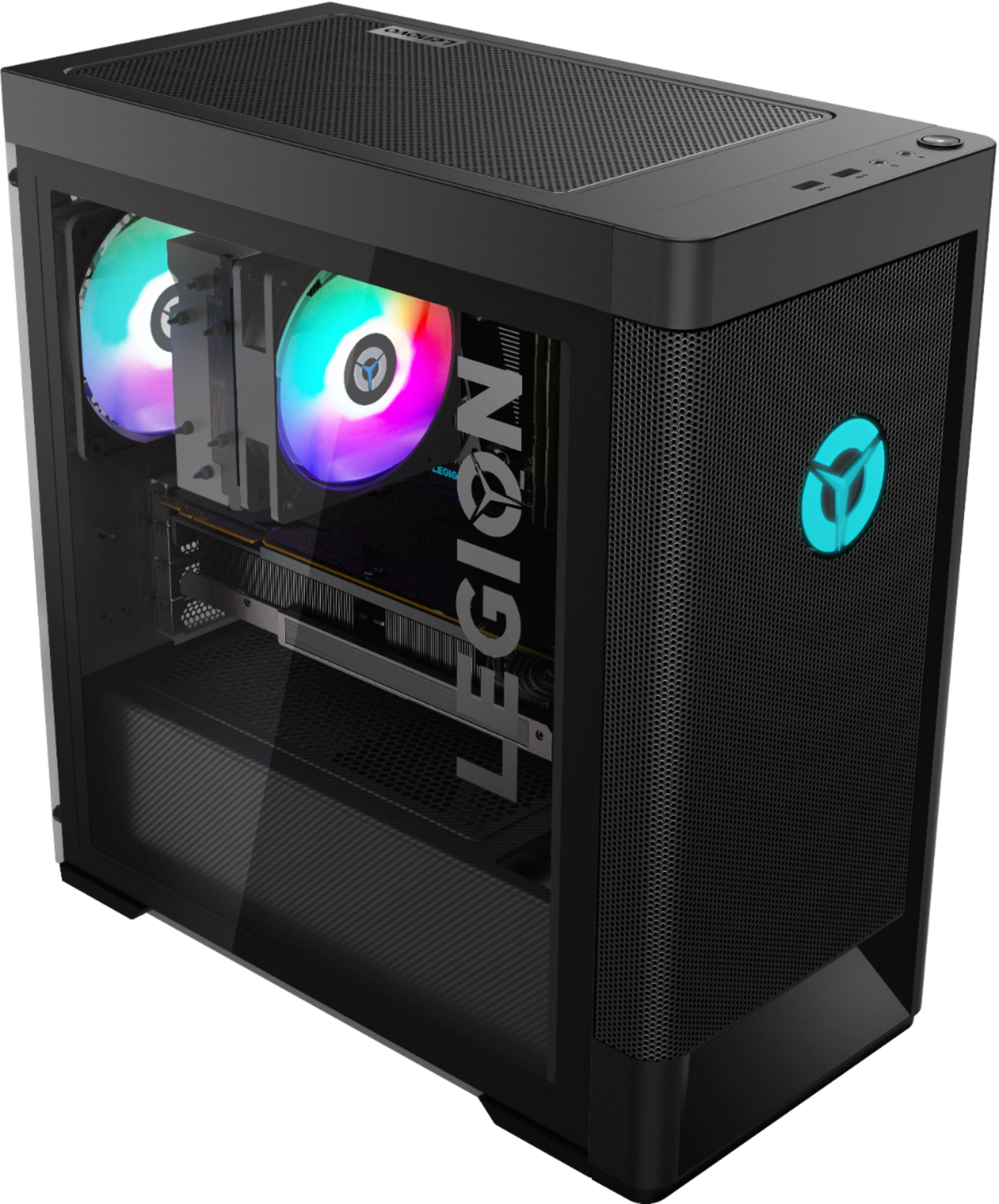
A:AnswerThe Lenovo Legion Tower 5 AMD Gaming Desktop, model number 90RB000EUS, ships with the Nvidia GeForce GTX1660 Super GPU with three video connections for monitors: 1x DVI, 1x HDMI 2.0b, 1x DP 1.4. You may want to take a look at the Legion Y27q-20 Monitor: https://www.bestbuy.com/site/lenovo-legion-y27q-20-27-ips-led-qhd-freesync-gaming-monitor-hdmi-raven-black/6404024.p?skuId=6404024
A:AnswerFor sure the power source will need to be upgraded. The CPU would probably be okay after a GPU upgrade but down the road it would run smoother with a better CPU. However, an amazing GPU can help with the stress put on a cpu at 4k quality.
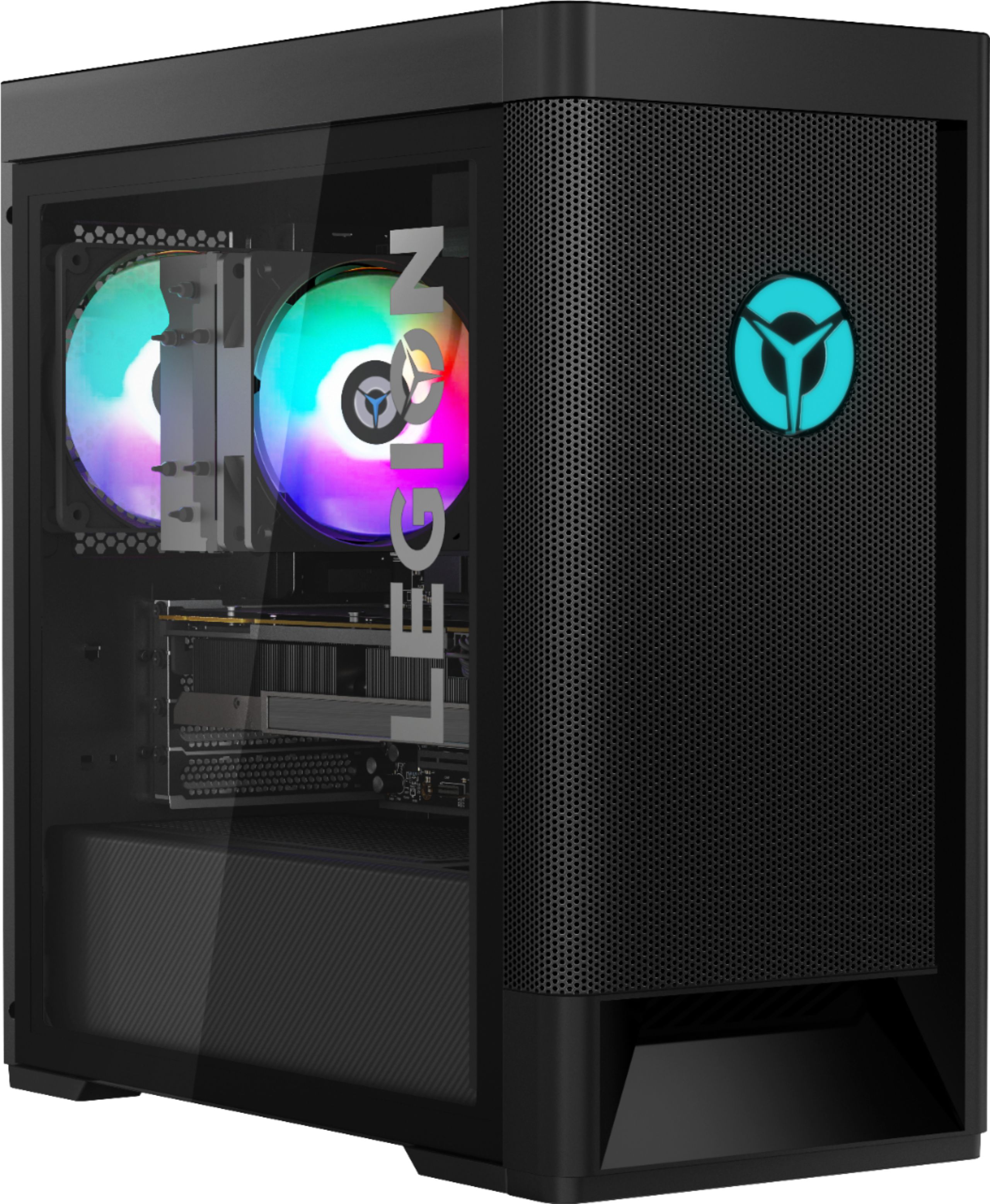
A:AnswerThe Lenovo Legion Tower 5 AMD Gaming Desktop Computer model number 90RB000EUS, ships with a 100-240Vac,400W 90% PSU - POWER SUPPLIES INTERNAL, Lenovo Part Number: 5P50V03178. Here is a link to the complete Parts List for this model: https://pcsupport.lenovo.com/us/en/products/desktops-and-all-in-ones/legion-series/legion-t5-26amr5/90rb/90rb000eus/parts/display/model
A:AnswerAny standard PS will fit. The issue it all the extra cables,. I suggest getting a PS with modular accessory cables so you can leave most of the unused cables outside the case.
I put in an ASUS 2.7 slot 3070 and it fits just fine with the exception that it covers the SATA ports at the edge of the MB so you have to find right angle SATA cables.
A:AnswerI had to order mine and it also said it was out of stock but when I went inside the store to check on gaming pc I got this one and received it in a week
A:AnswerIt can go to 144 fps which is good but it depends on how much games you downloaded in this desktop. The less games you put in the more the game runs quickly and better. I put this in Highest res and settings and it perfectly play the game well!