A:AnswerHey sai,
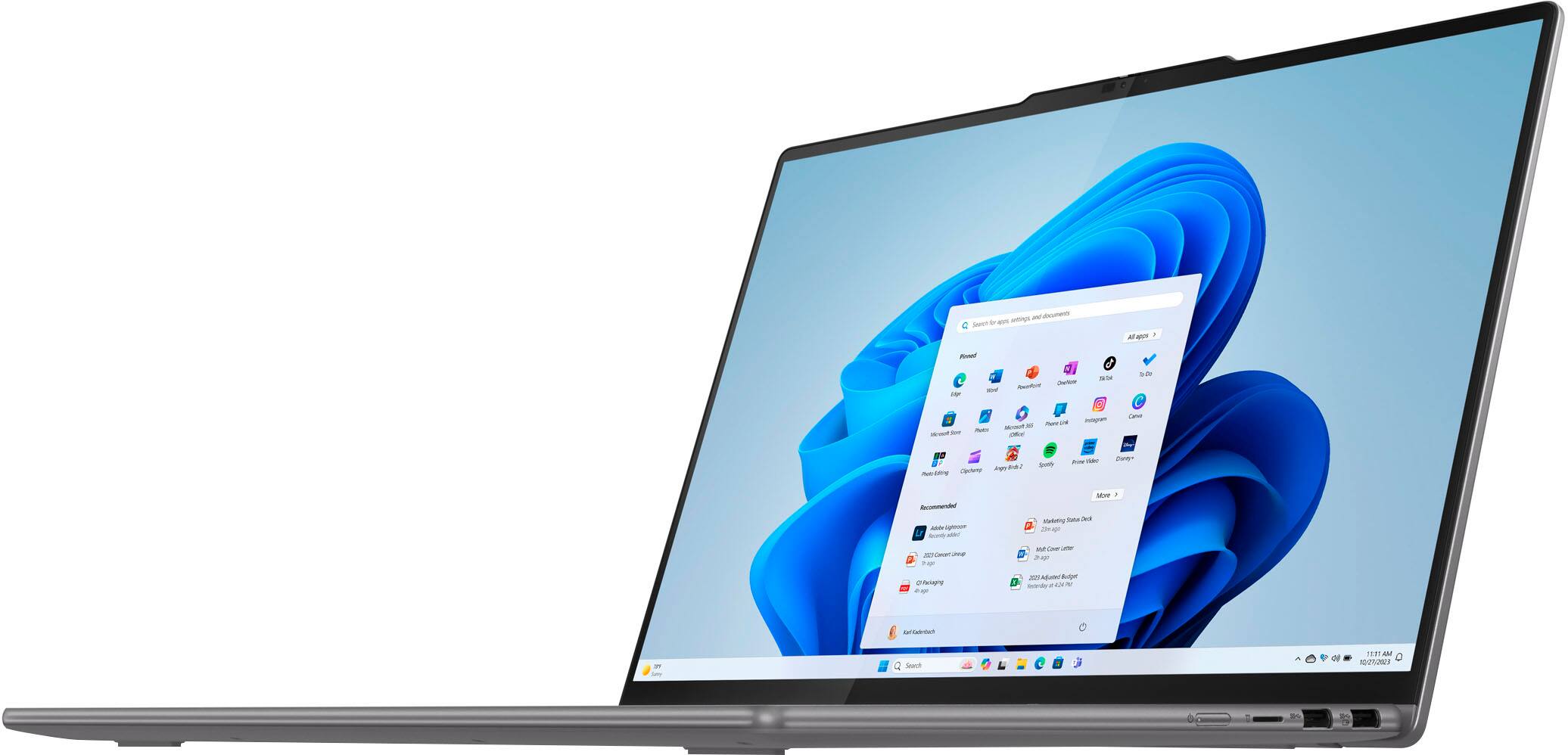
In short, it is not free. The most common Office apps like Word and Excel are preinstalled; however, without purchasing a long-term Office solution, such as Microsoft 365, only a 30-day trial can be activated out of the box.
Here is a link to the Microsoft Office landing page on bestbuy.com to learn more about your Office options: https://www.bestbuy.com/site/microsoft/microsoft-office/pcmcat748300511466.c?id=pcmcat748300511466
Please feel free to reach out to us with any other questions!
A:AnswerI hope not. The last laptop I had possessed a sign in protocol that tricked me into signing up for Microsoft 365. No way did I want that. But of course it was hard to unsign the Microsoft 365, but we did it. On this computer, too. Every time you do something new, there is an offer to buy Microsoft 365. I don't need a monthly charge for something I don't see the need for. Go home, 365.
A:AnswerHey there,
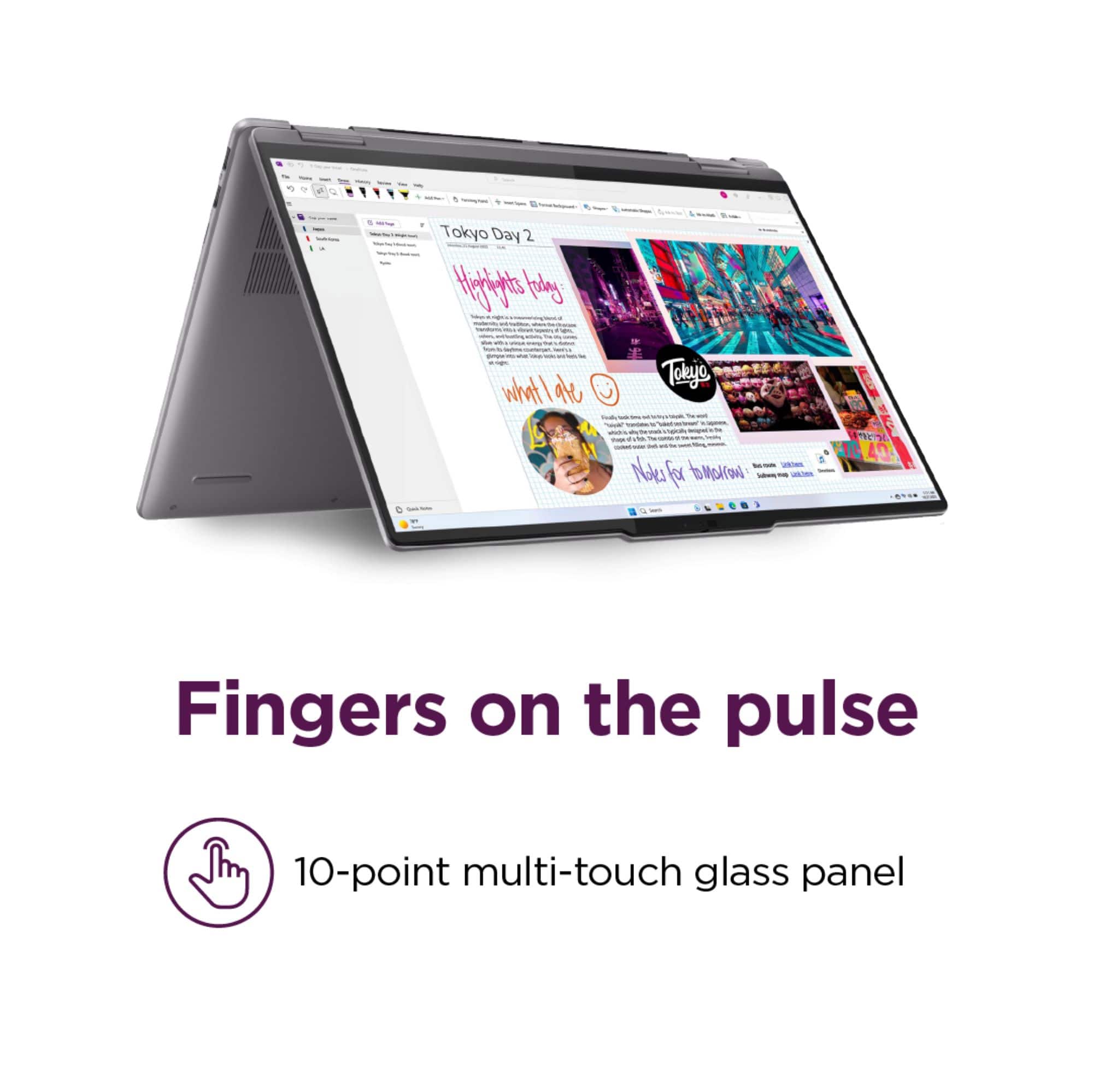
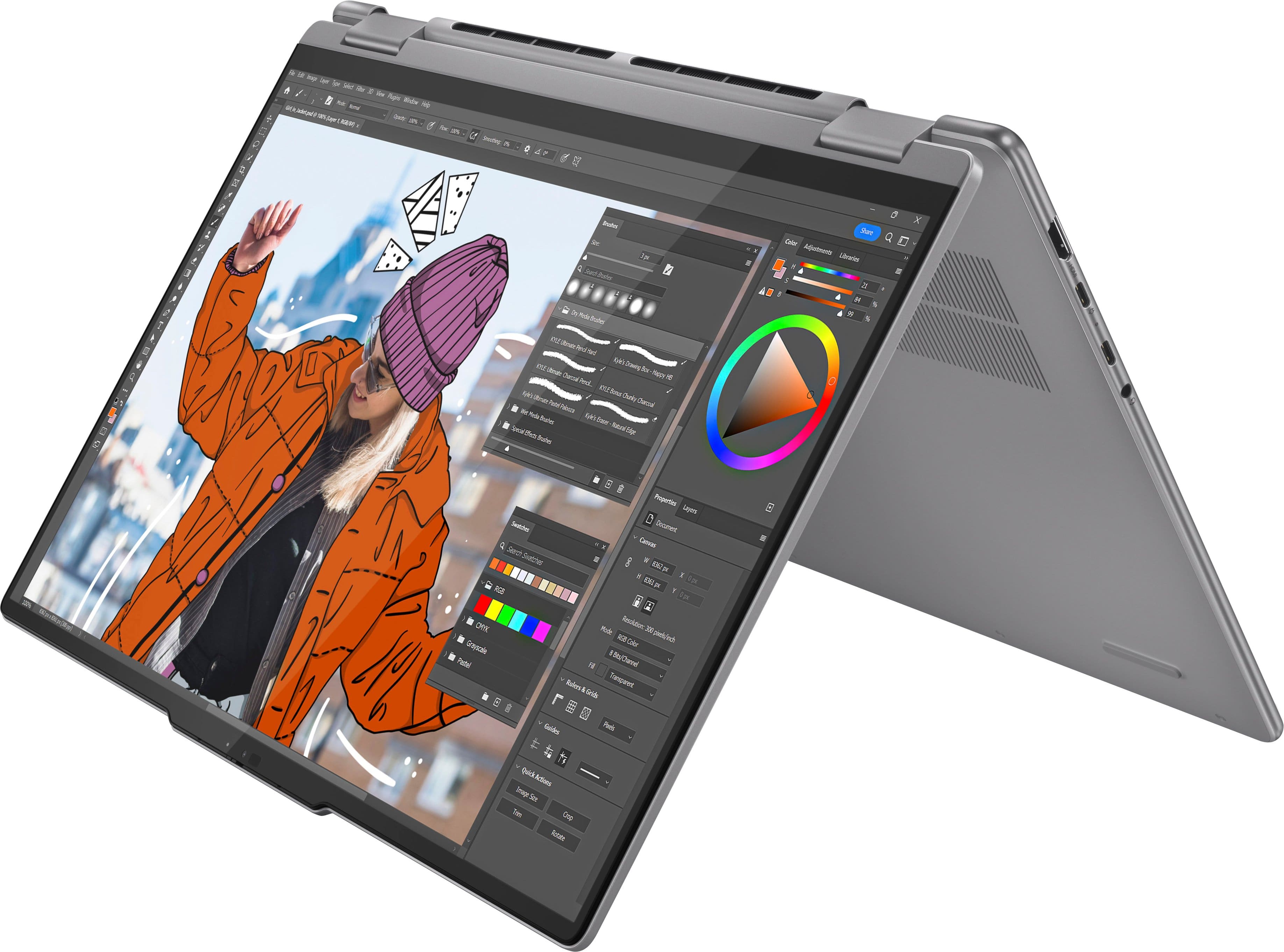
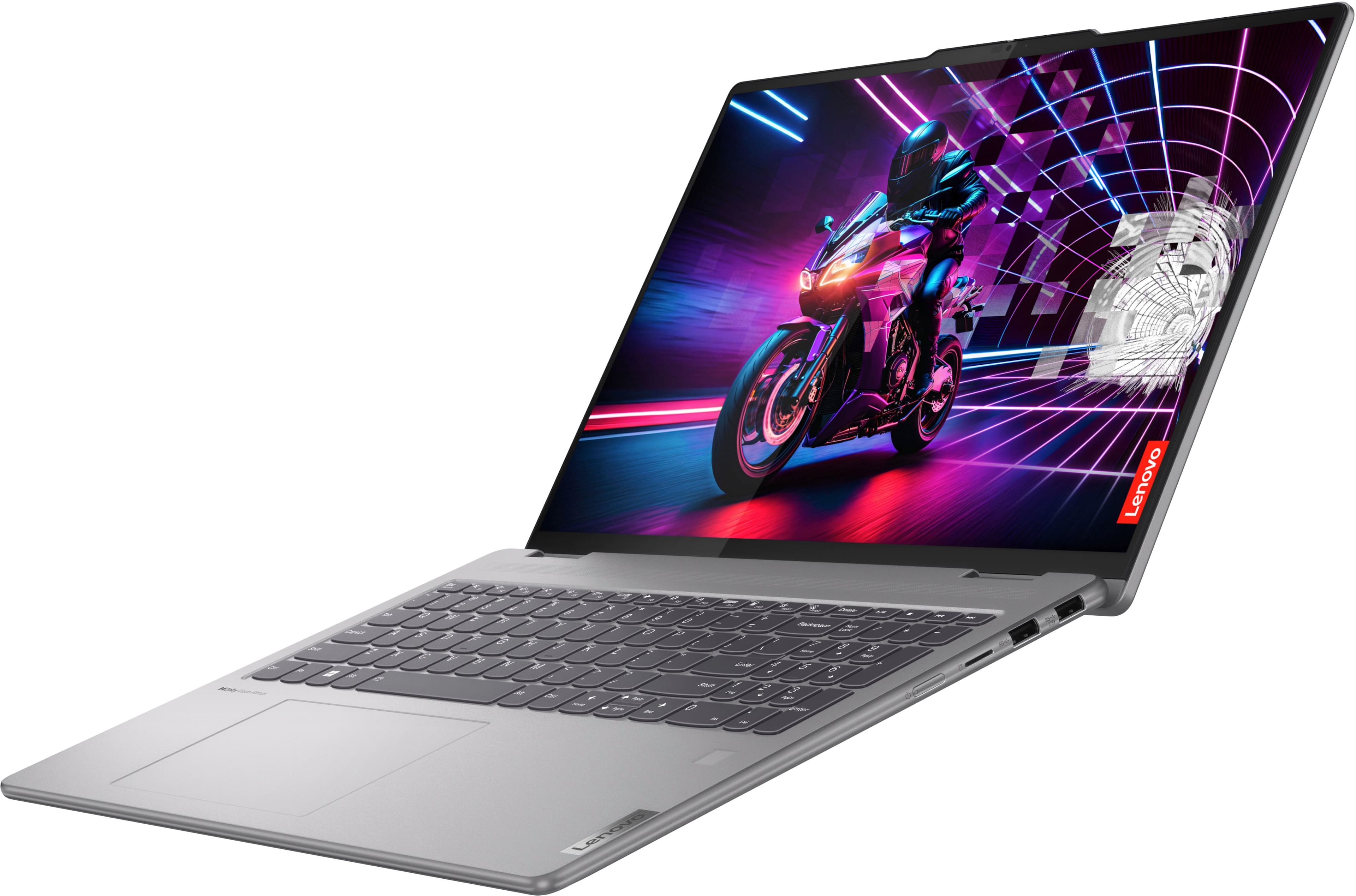
You can use a pen with the Yoga 7 2-in-1 devices. Any pen support AES pen protocol should work fine, but Best Buy does currently offer Lenovo pen options, like this Lenovo Digital Pen 2 that's compatible and can be viewed at the following web address: https://www.bestbuy.com/product/lenovo-digital-pen-2-gray/JJGCYLHP39
Please feel free to reach out to us with any other questions!
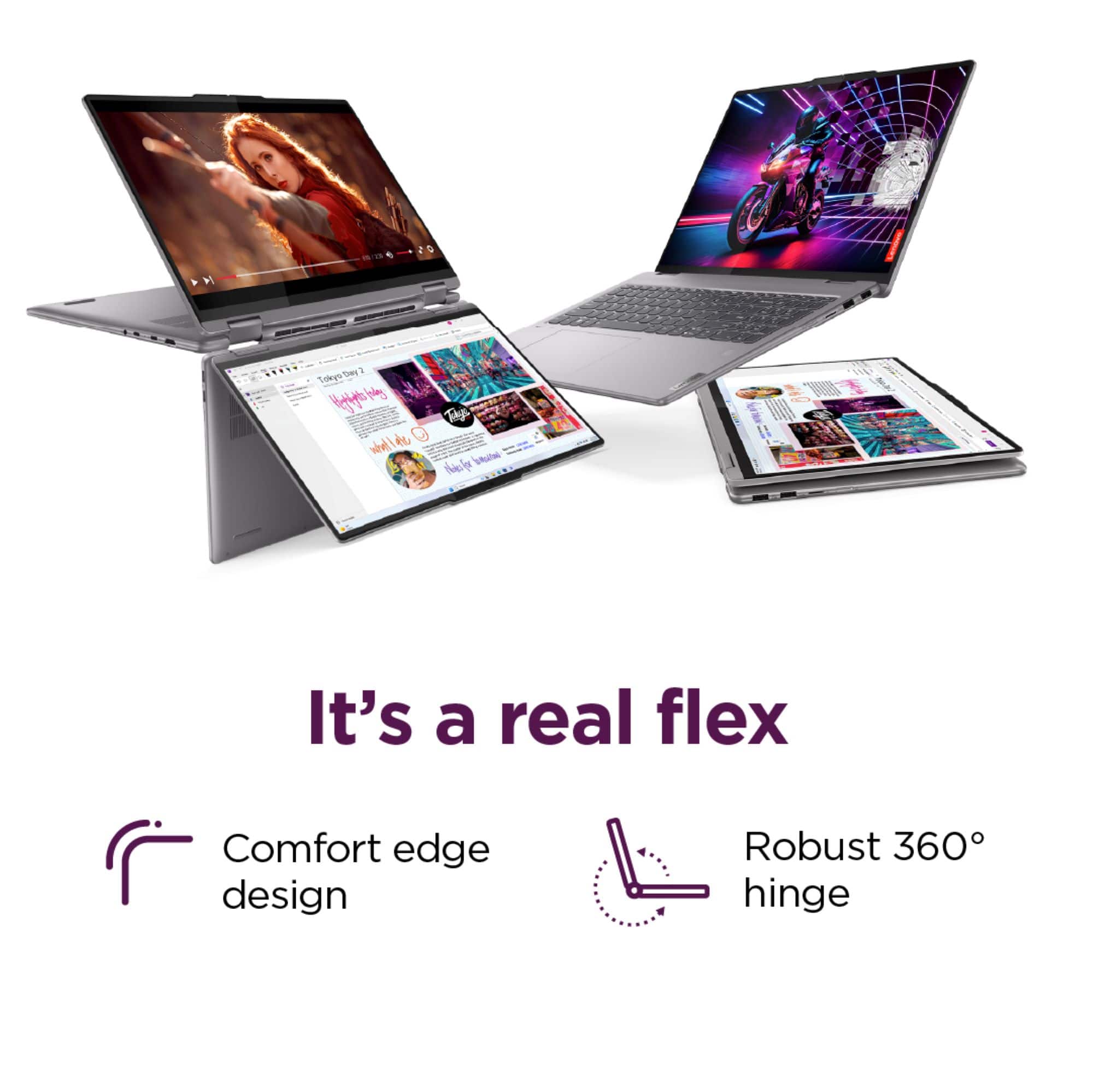
A:AnswerHey Loren,
Yes, this Yoga 7 2-in-1 features Integrated AMD Radeon™ 780M Graphics.
Please feel free to reach out to us with any other questions!

A:AnswerHi Arya,
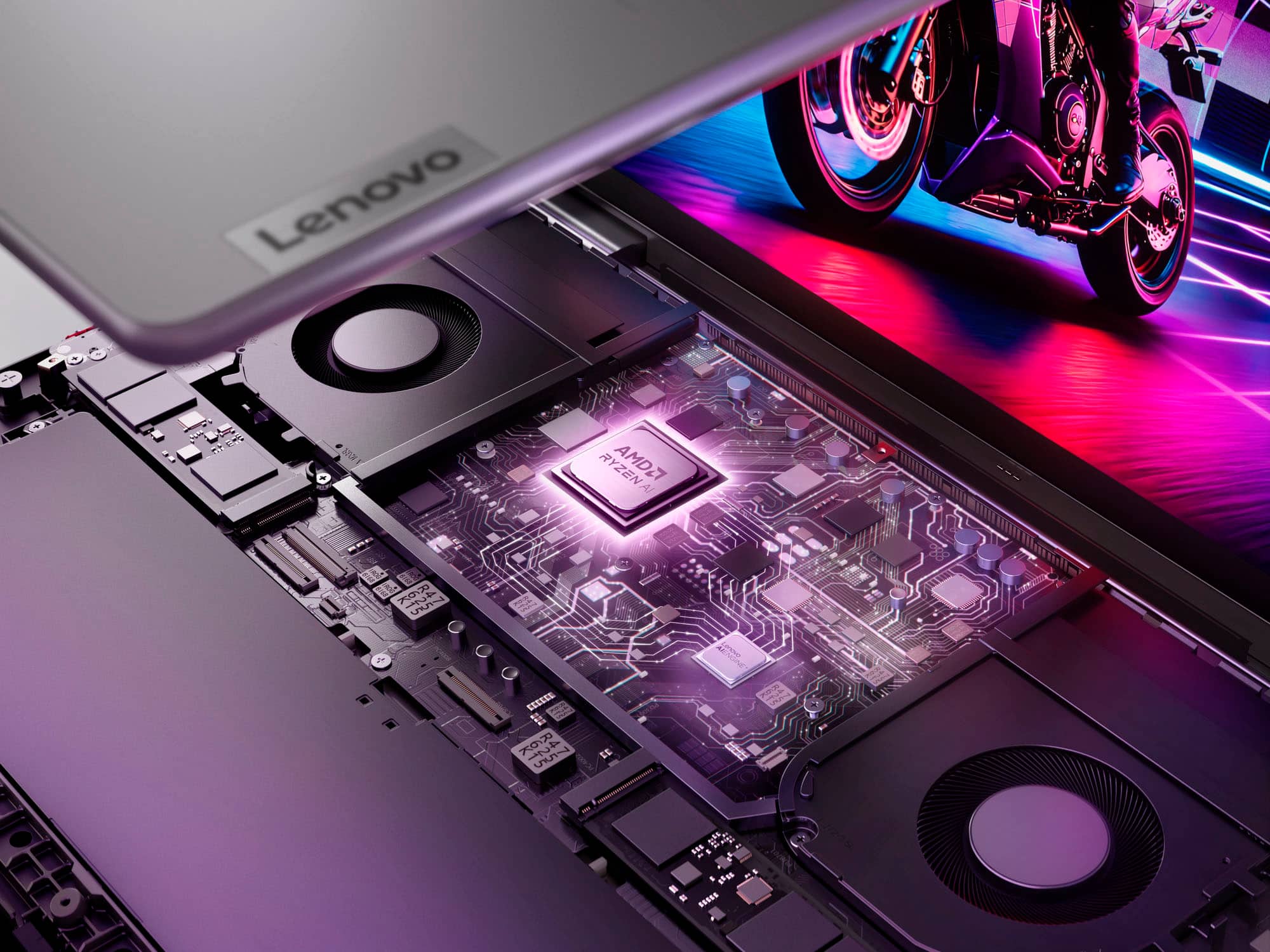
The memory cannot be upgraded, as it is soldered to the systemboard, but you can swap out the preinstalled 512GB M.2 2242 SSD for one of higher capacity. The maximum storage based on testing with available Lenovo storage offerings is listed as 1TB, but you may be able to use up to 4TB (single sided M.2 2242 SSD).
Please let us know if you may have any other questions!