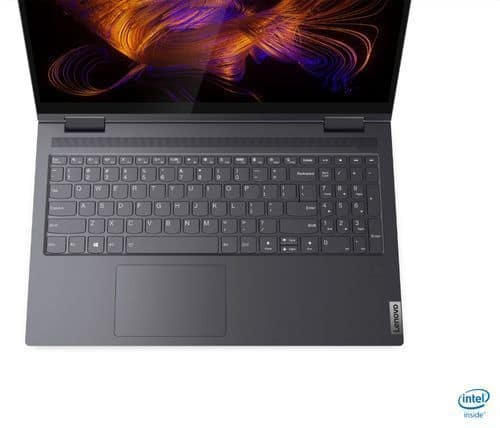
A:AnswerHere is a link to the online User Guide for the Lenovo Yoga 7i-15: https://pcsupport.lenovo.com/us/en/products/laptops-and-netbooks/yoga-series/yoga-7-14itl5/manuals/um924261-english-user-guide-html-yoga-7-14itl5-yoga-7-15itl5
A:AnswerThat really will depend on the requirements and compatibility of the software that will need to be used. We recommend you check with the specific software publisher's web sites of the software that will need to be used, for their compatibility with Windows 10 Home 64-bit operating system and the minimum/recommended hardware requirements (Is a Graphics card required, the processor speed and the minimum required system RAM and the minimum available hard drive space) to run their program, then compare those requirements to this system's configuration.
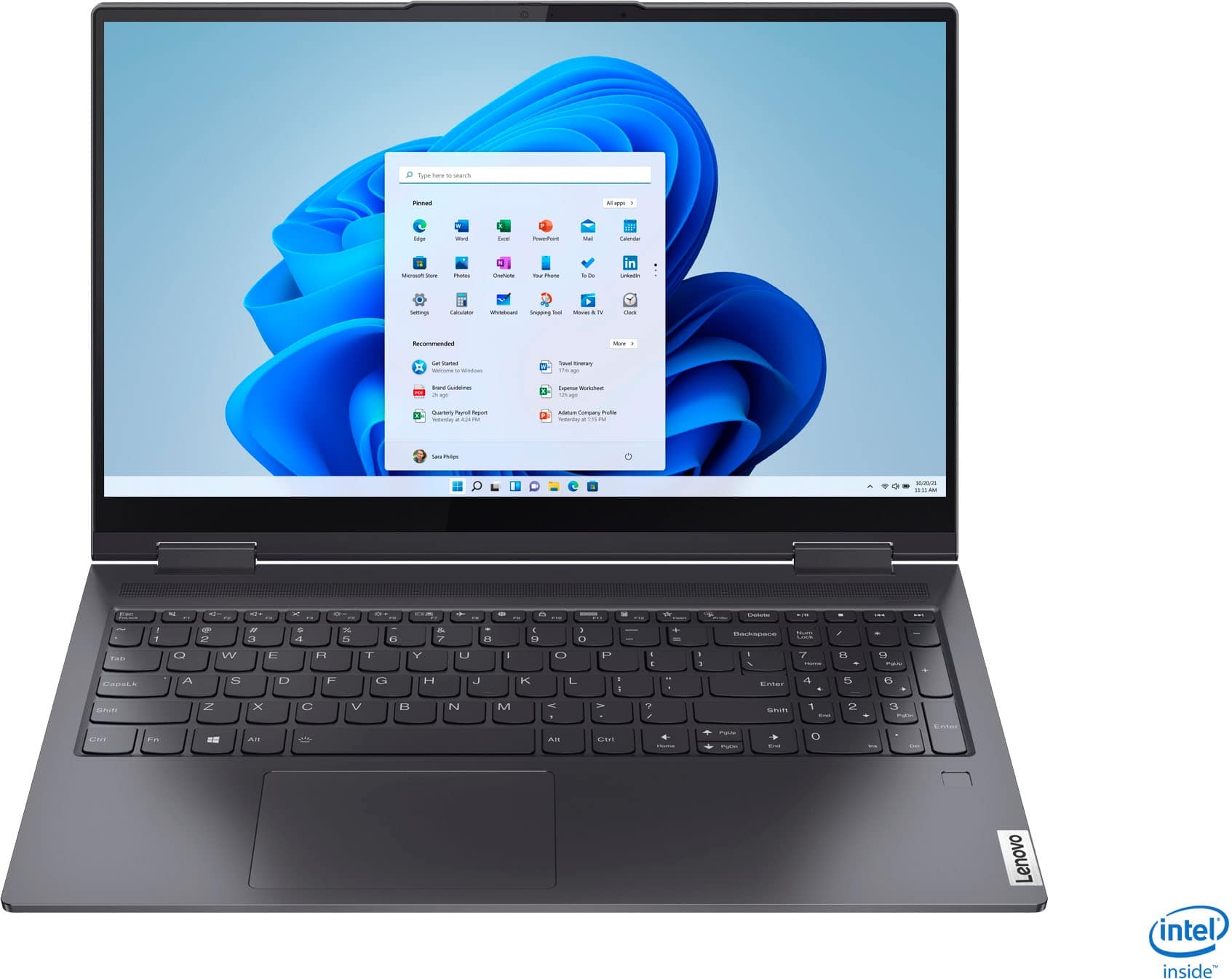
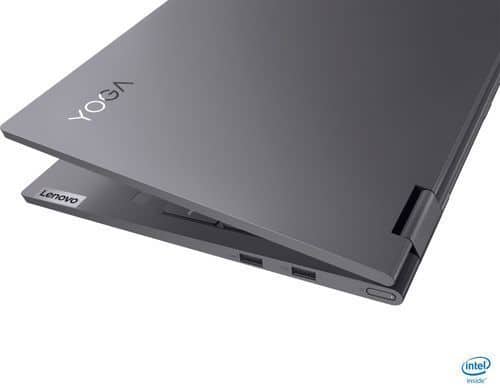
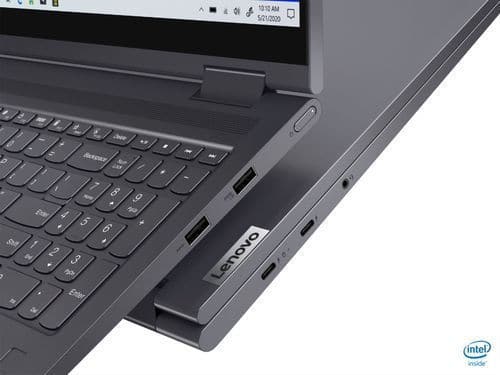
A:AnswerYes. The Yoga 7i 15 has a Thunderbolt 4.0 port with video out capability for connecting an external monitor, and the laptop display making the second screen. You can connect an HDMI monitor to this laptop by using a Thunderbolt to HDMI adapter.
A:AnswerThe Lenovo Yoga 7i 15 is not user upgradable. A certified technician must do all of the work, so as to not void the warranty. This model ships with a 256GB NVMe TLC solid state hard drive. We recommend you consult with your certified technician about your storage upgrade options.