A:AnswerHey, ToddM. Based off the specifications and other user reviews, it should serve its purpose. To help ensure that's the case, we recommend reviewing the system requirements shared by the VM outfit you're using and compare them with the specs and features of this Yoga to help ensure you find the right fit.
A:AnswerHello, Vitman5. It could be a good fit for that purpose, but that will depend on what video editing software you plan to use as each software publisher can have different system requirements. To help find the right fit for you, we recommend searching for and reviewing the system requirements shared on each software publisher's website, then comparing them to the features and specifications of any computer you're interested in. This will help you get a better idea of what exactly your computer may need. If you still would like help, we then recommend visiting a local Best Buy location and working with an Expert in store or online via this link (https://www.bestbuy.com/services/triage/shopping?cat=cnt) for a conversation around a tailored solution.
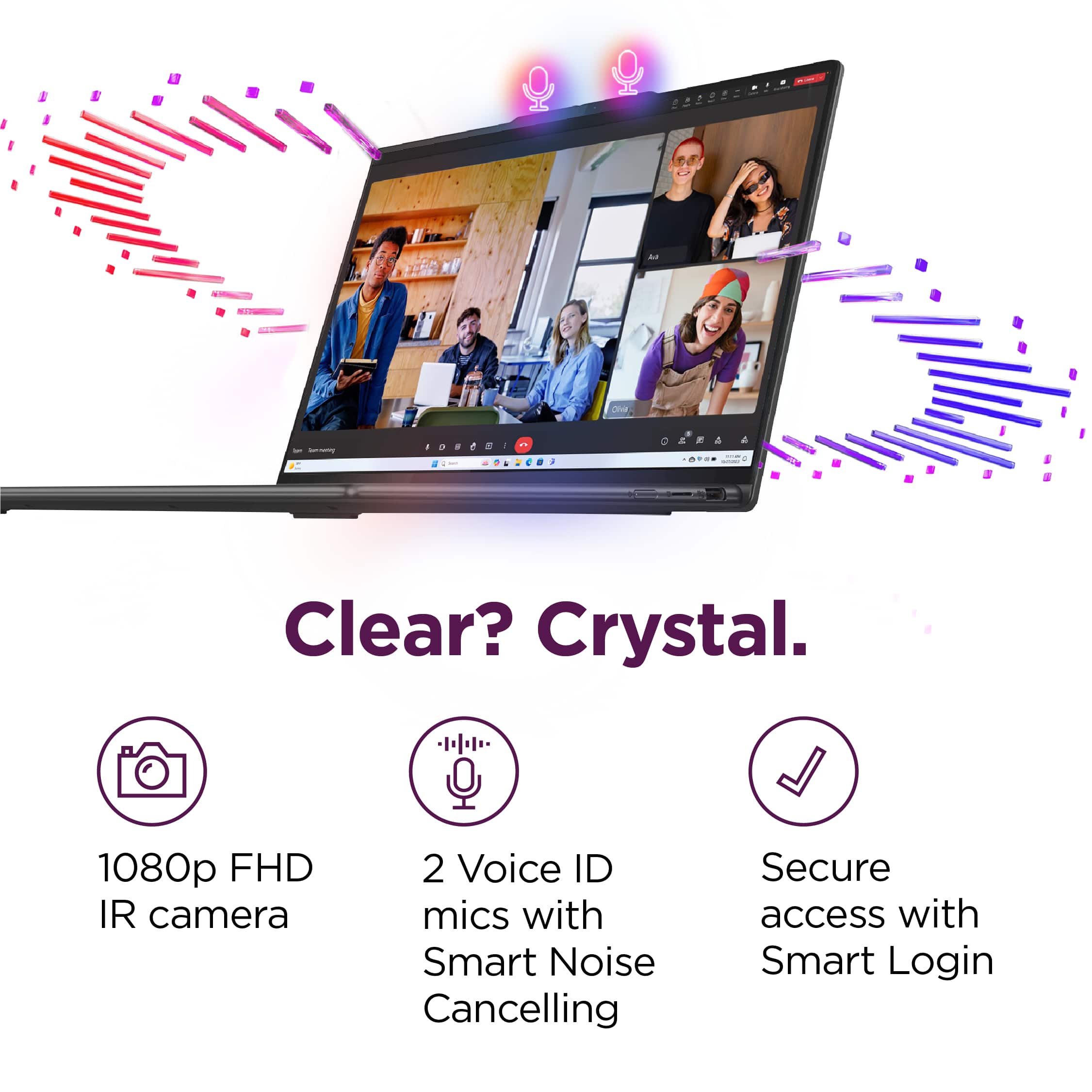
A:AnswerHi, Jess. Thank you for your question. First, yes, this should work fine for its purpose and the Full HD webcam would be great for video calls. Also, if the video calls are consistent throughout the day, based off other reviews, users experience about 5-6 hours of battery life. Your experience could be different based off system settings like screen brightness, keyboard backlighting, background processes and more.
A:AnswerHi, thank you for your question. Yes, this feature can be turned off by going to Settings > Bluetooth & devices > Touchpad > Taps. Then in the dropdown menu, you can make adjustments to what tap settings you would like.
A:AnswerGreetings from the Intel team. Thank you for your question.
Based on the product specifications reference (PSREF), the Lenovo - Yoga 7i model 83DL0002US is compatible with the following dock stations: the ThinkPad Universal USB-C Dock (40AY0090US) and the ThinkPad Hybrid USB-C with USB-A Dock (40AF0135US).
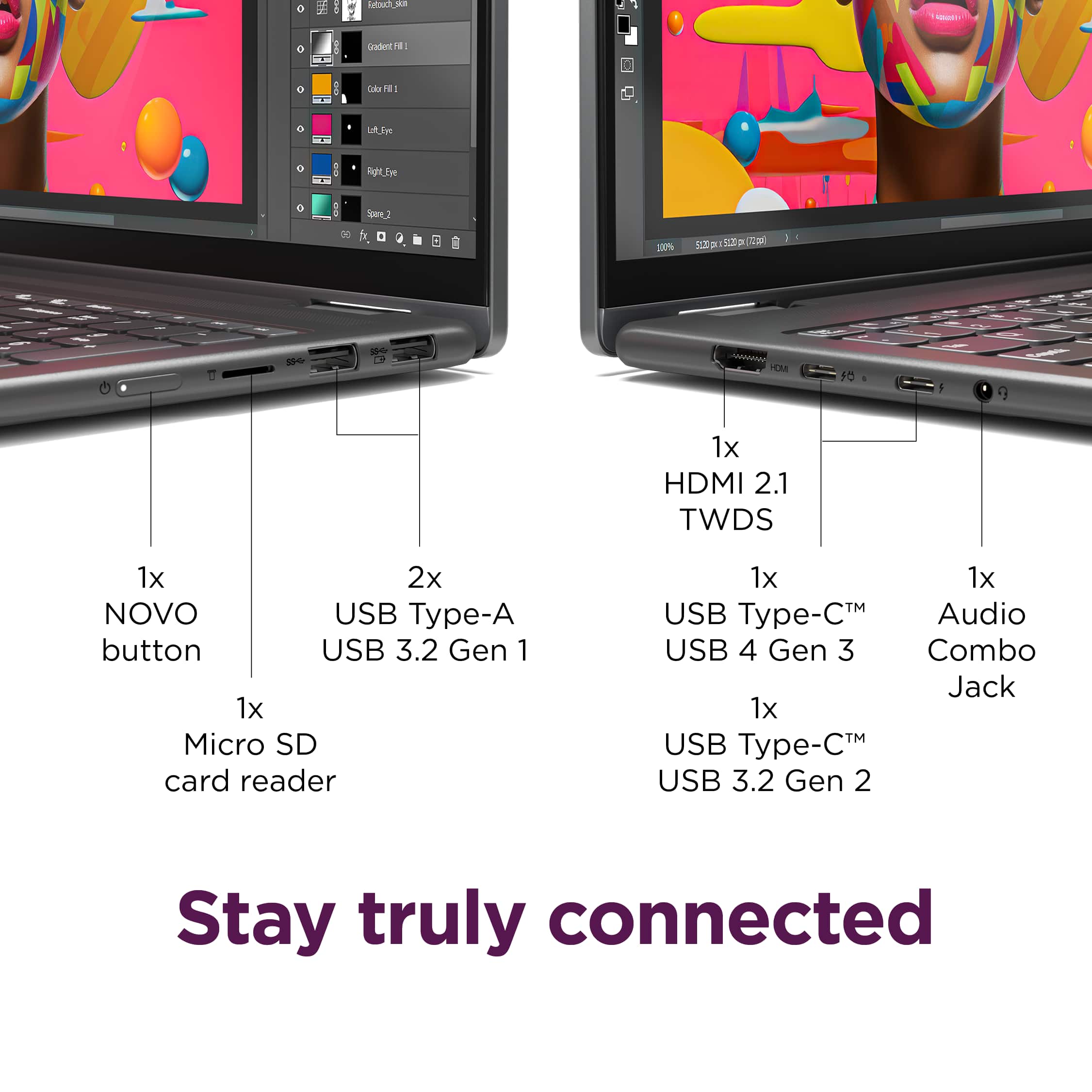
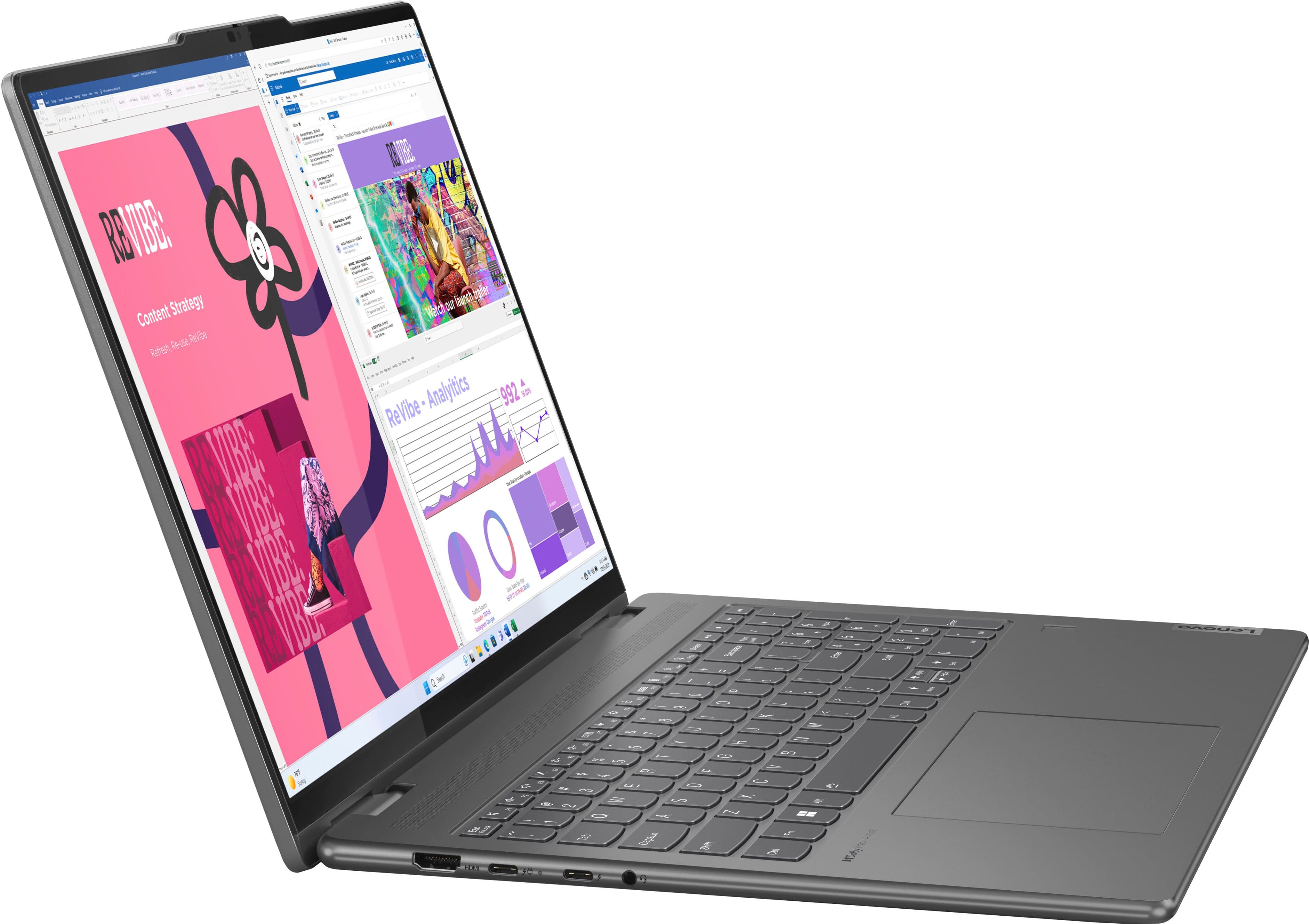
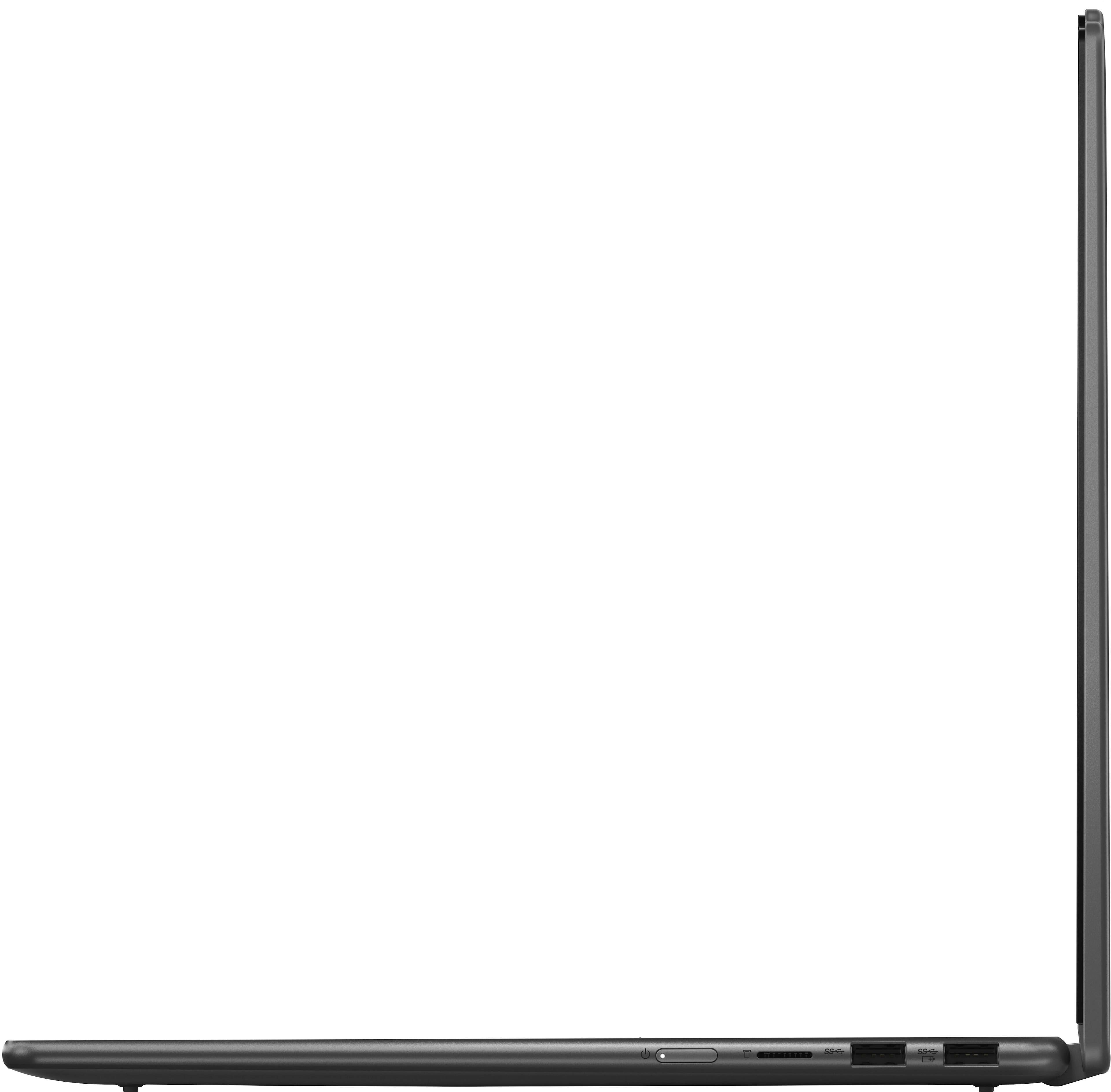
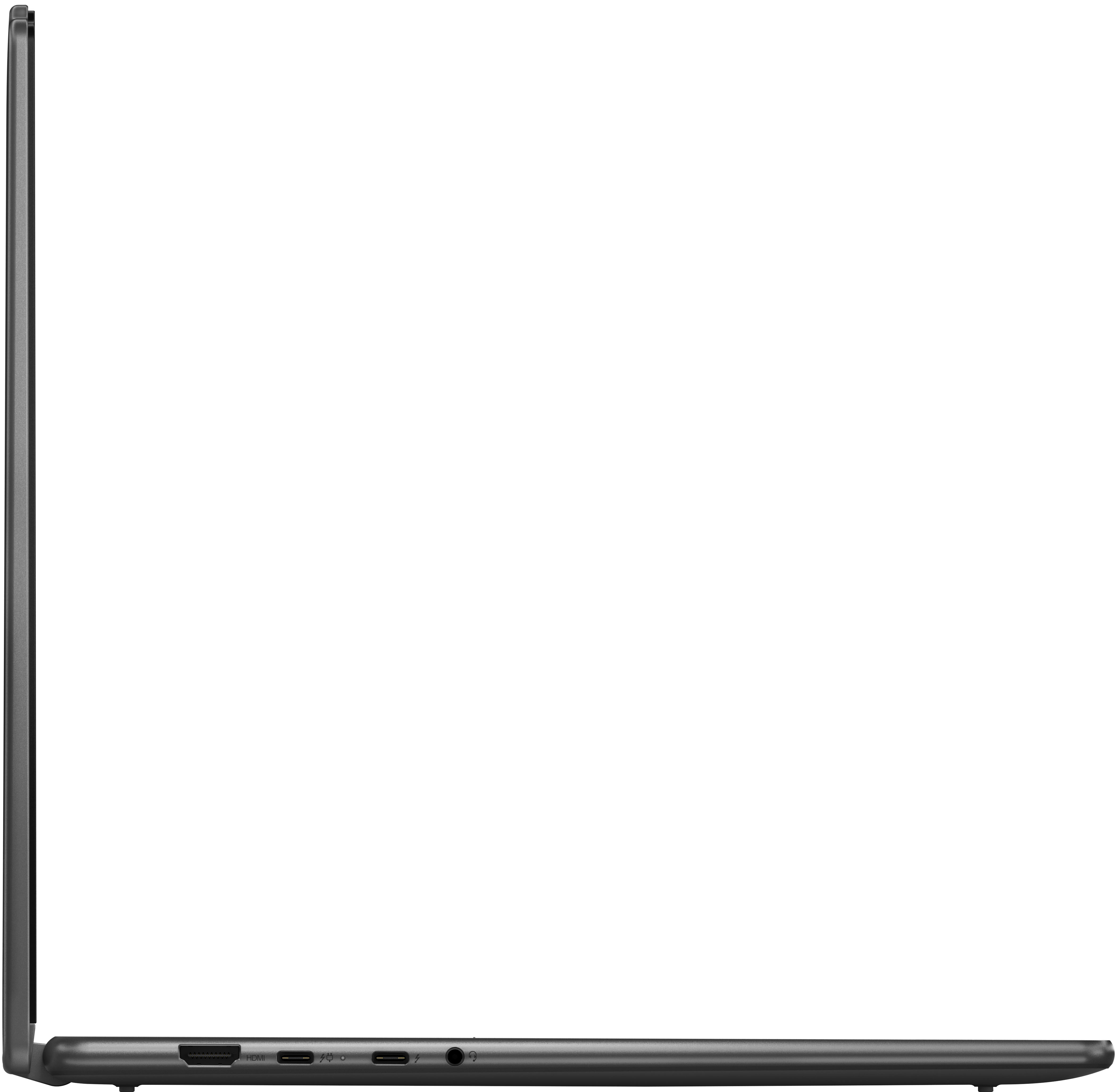
Monitor Support: The Lenovo - Yoga 7i supports up to 4 independent displays (native display and 3 external monitors via HDMI® and Thunderbolt™) without needing a dock station.
For further information, check the PSREF:
https://psref.lenovo.com/Product/Yoga/Yoga_7_2_in_1_16IML9
For detailed information about the Intel® Core™ Ultra 7 Processor 155U, visit:
https://ark.intel.com/content/www/us/en/ark/products/237327/intel-core-ultra-7-processor-155u-12m-cache-up-to-4-80-ghz.html
Thank you for choosing Intel! Emilio_Intel
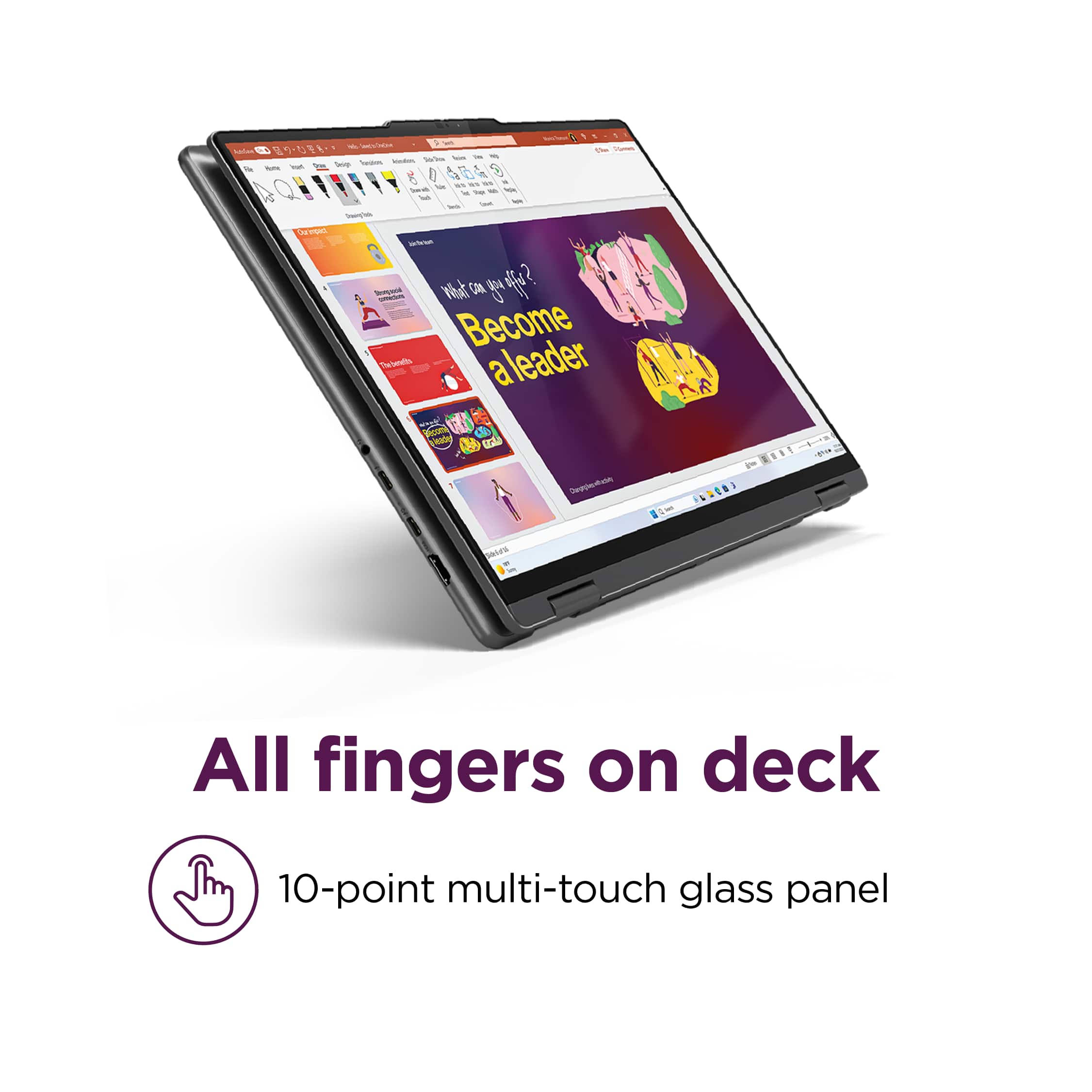
A:AnswerHey, steph. There isn't an exact pen made for the Yoga 7i, but rather a range of offerings to give users more options. While a compatible pen is currently unavailable at Best Buy, Lenovo offers several pens that will work with 2-in-1 devices like the Digital Pen 2 and Precision Pen 2 (Laptops). Any pen that utilizes MPP or AES pen protocols will work with this system.