A:Answer Yes, there are several ways to get a Spanish keyboard for your Lenovo Yoga 7i, ranging from quick software changes to physical hardware additions.
1. Software: The "US-International" Layout (Fastest)
You don't actually need a new physical keyboard to type in Spanish. Most users prefer switching their Windows settings to the United States-International layout. This allows you to type accents using "sticky keys":
á, é, í, ó, ú: Type the apostrophe ' then the vowel.
ñ: Type Right Alt + n.
¿ : Type Right Alt + ?.
How to enable it:
Go to Settings > Time & language > Language & region. Click the three dots next to your language, select Language options, and under Keyboards, select Add a keyboard to find "United States-International."
2. Physical: Keyboard Skins & Stickers
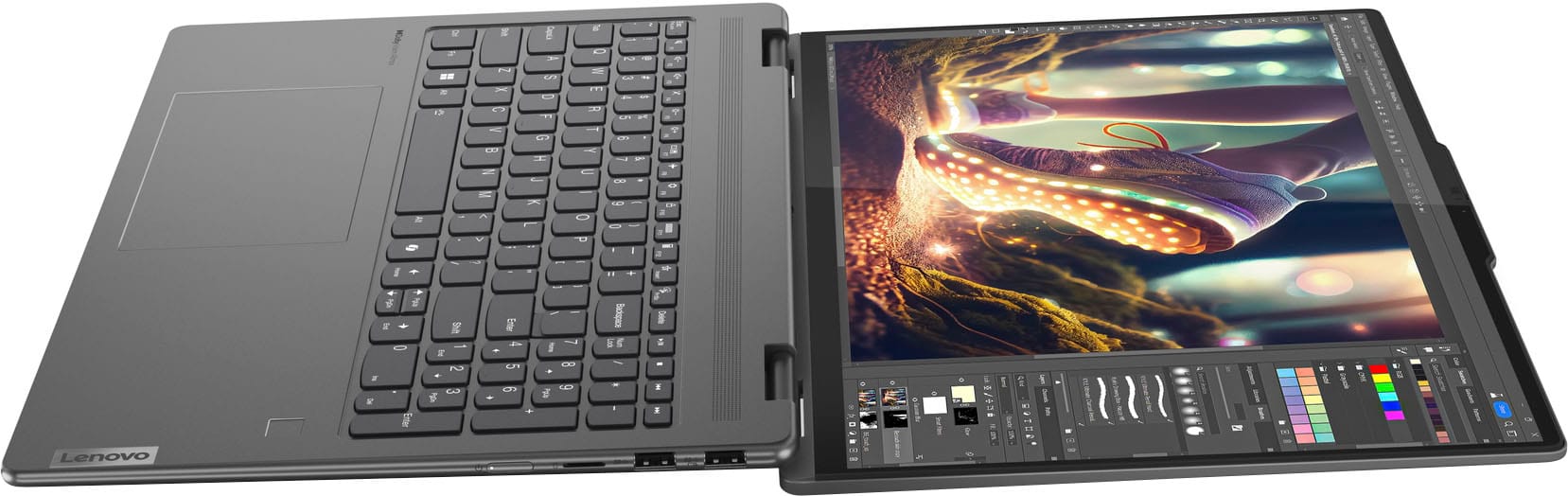
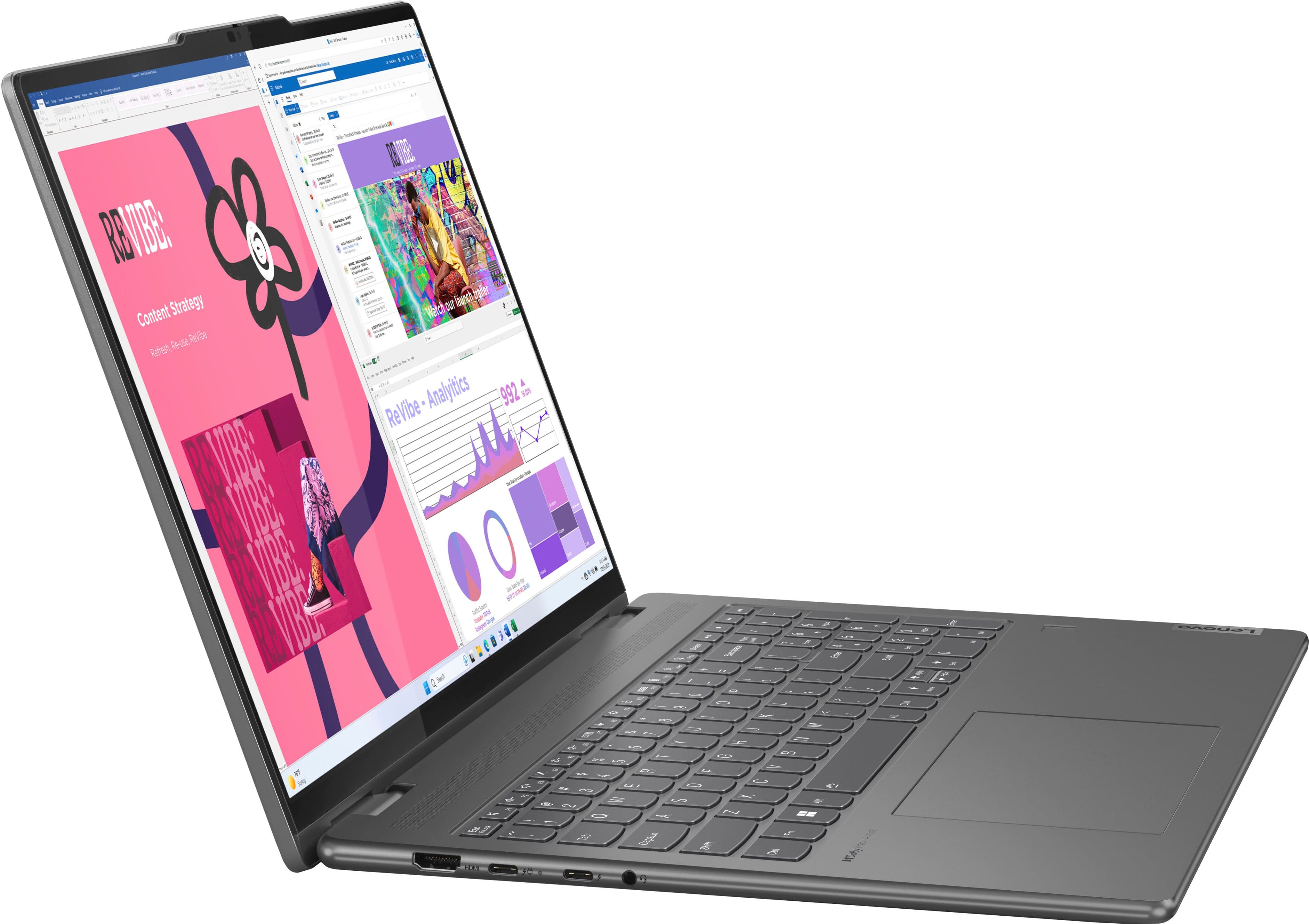
If you want to see the Spanish characters (like the ñ and ¿) directly on your keys without replacing the whole unit, these are the most popular options:
Keyboard Skins: A silicone cover that sits on top of your keys. It protects against spills while labeling the keys for a Spanish layout