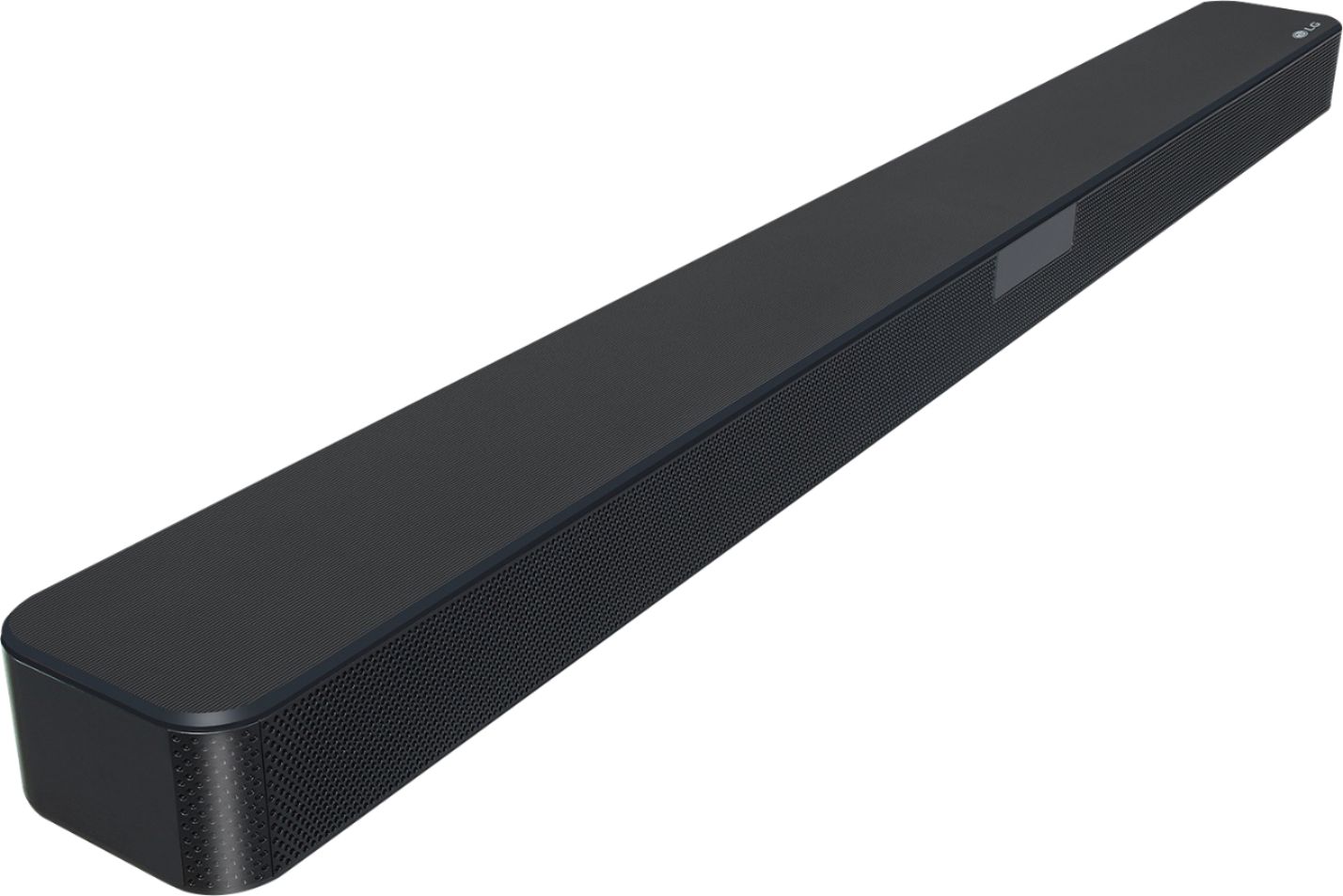
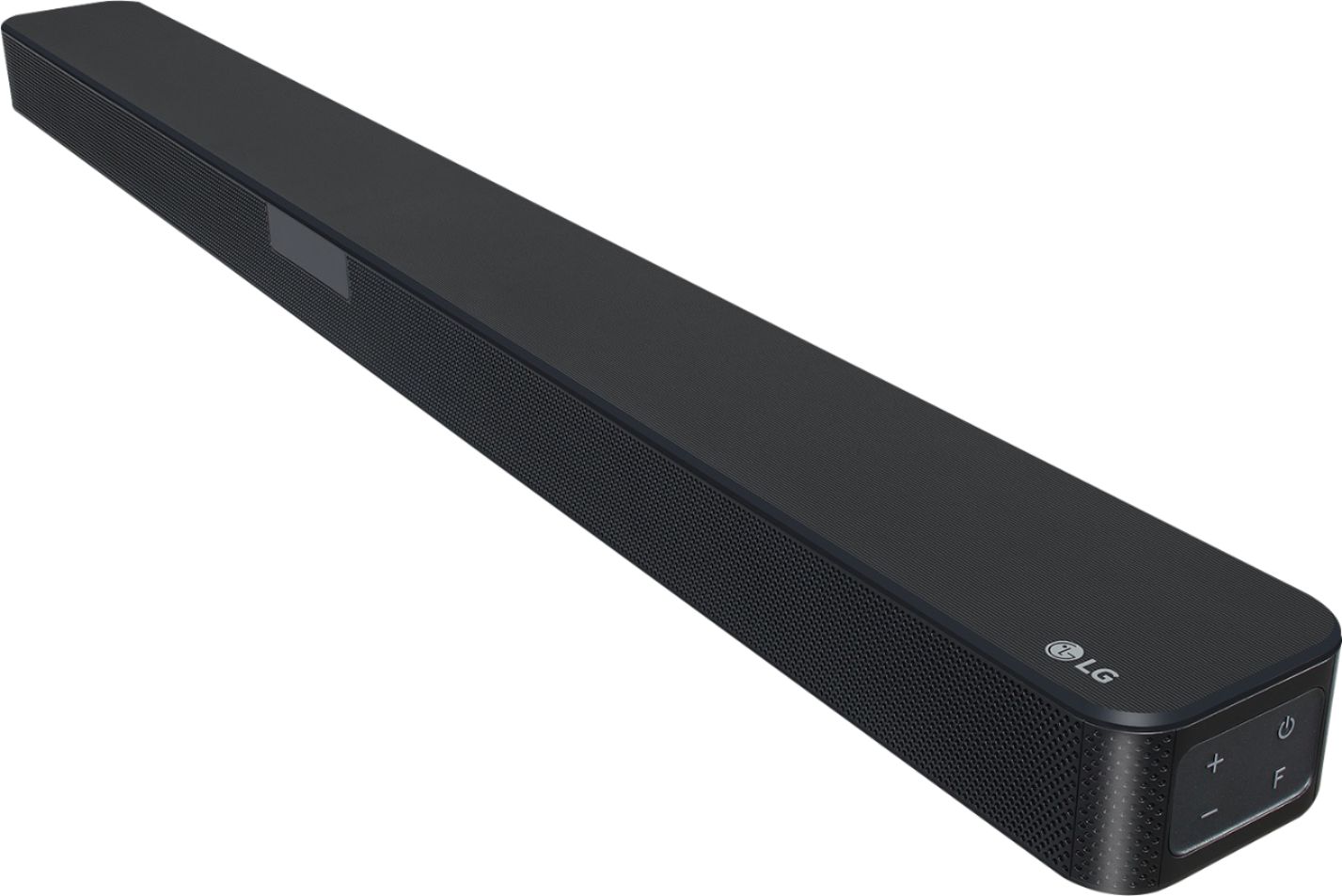
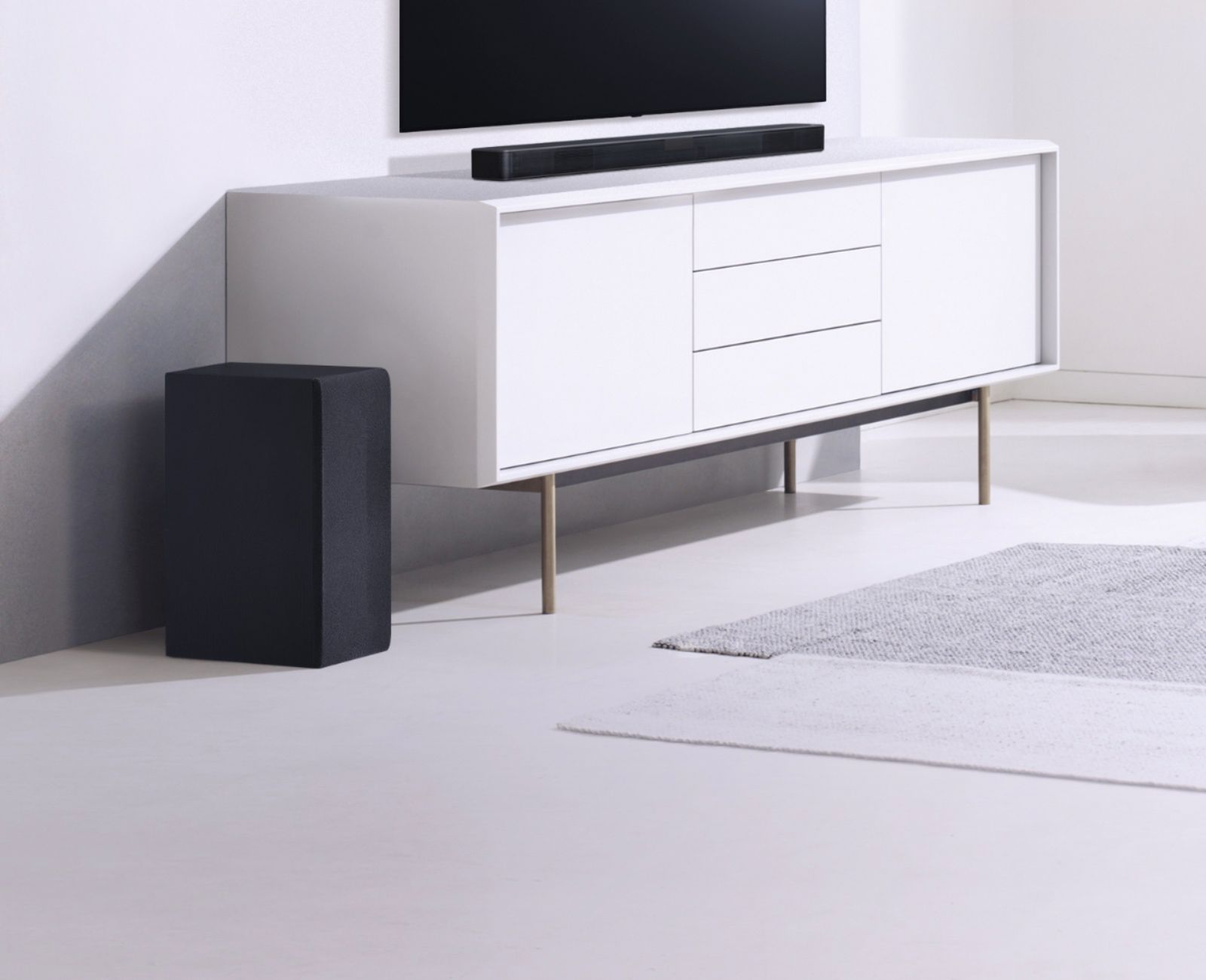
A:AnswerThe LG SL4Y 2.1 Channel 300W Sound Bar w/ Bluetooth Streaming can be paired via Bluetooth with any TV that supports Bluetooth. Not all TVs support Bluetooth. The Soundbar also has an Optical Digital Audio In that can be connected to the Optical Digital Audio Out on any TV that has such a port which should be all TVs except for the entry-level TVs that do not feature such a port. ^CP
A:AnswerThe Subwoofer for the LG SL4Y 2.1 Channel 300W Sound Bar w/ Bluetooth Streaming automatically connects to the main unit when you first turn on the Soundbar. It can also be manually paired to the Soundbar as instructed on page 16 of its owner's manual. If your TV supports Bluetooth, make sure the Bluetooth feature on your TV is turned on or set to discovery mode. Check your TV's owners manual for how to turn it on. Then press F repeatedly to select the Bluetooth function on the Soundbar. "BT" and then "READY" will show on the display. The Soundbar should appear as "LG SL4Y(XX) in a list of available devices. XX means the last four digits of the address. For example, if your unit has a MAC address such as 9C:02:98:4A:F7:08, you will see “LG SL4Y(08)” on your Bluetooth device. Your TV may have a different way of pairing so refer to its manual for details on how to pair it or contact the manufacturer for assistance...^IFV
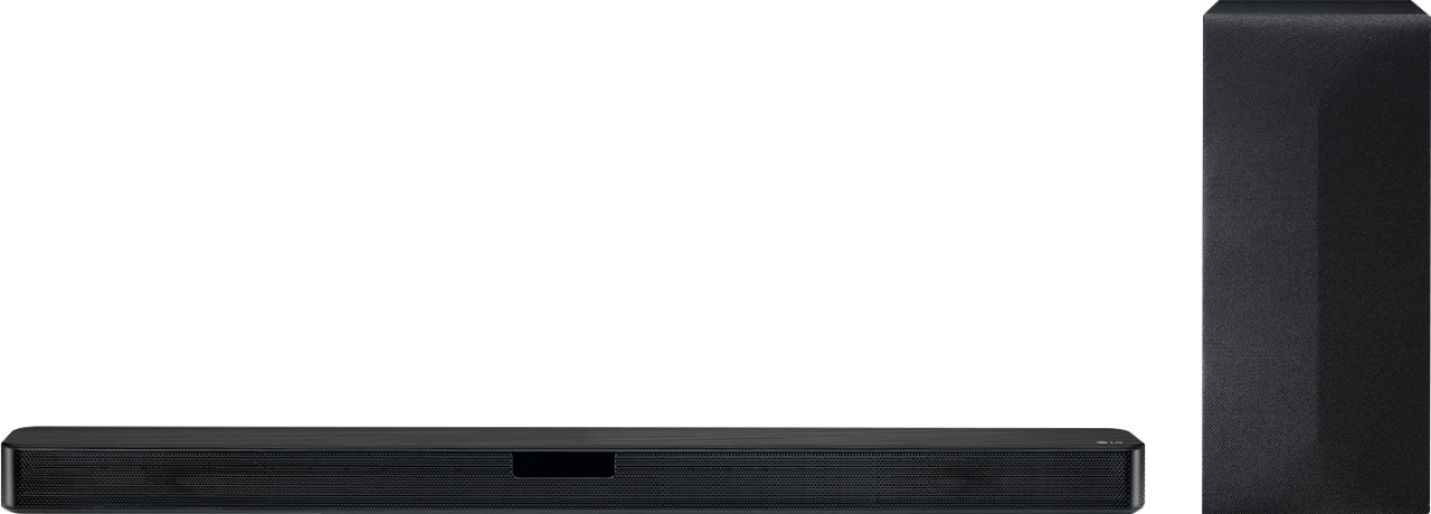
A:AnswerIn the 2.1 configuration for the LG SL4Y 2.1 Channel 300W Sound Bar w/ Bluetooth Streaming, The [2] refers to the speakers in the Soundbar and the [.1] refers to the Subwoofer...^IFV
A:AnswerWe had a Sony TV when we bought the LG Sound Bar and it worked fine. We had to replace the TV, so we went with an LG. After getting the LG TV we found out that not all sound settings worked with the Sony. I'm sure it'll work fine with a Samsung TV (specially if it's a newer model), but the sound bar is more compatible with an LG TV.
A:AnswerYes you can connect the soundbar via bluetooth to your Alexa device. On your Alexa device setting, you will search for your soundbar bluetooth name, so make sure the soundbar is on bluetooth discovery mode.