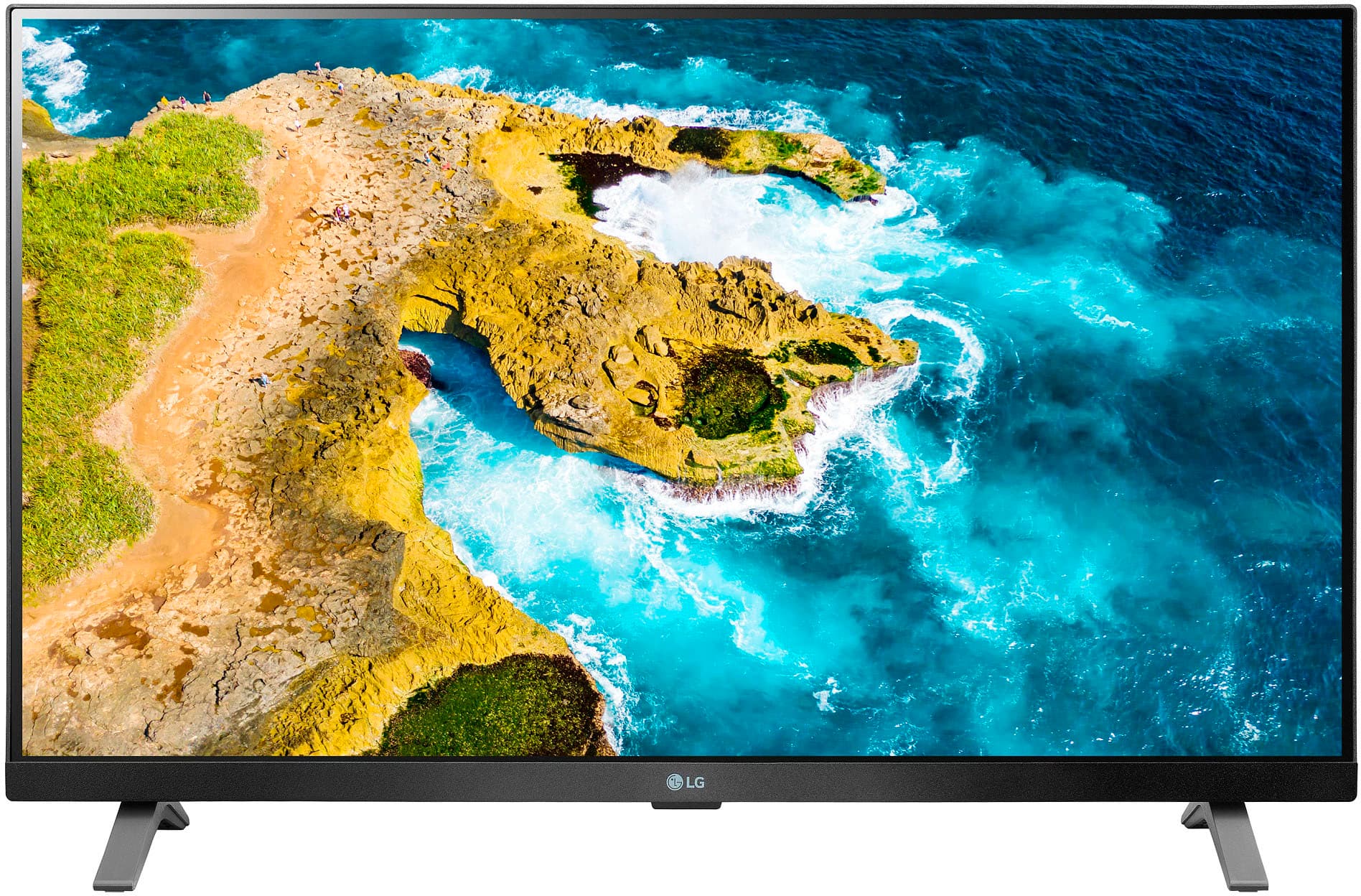
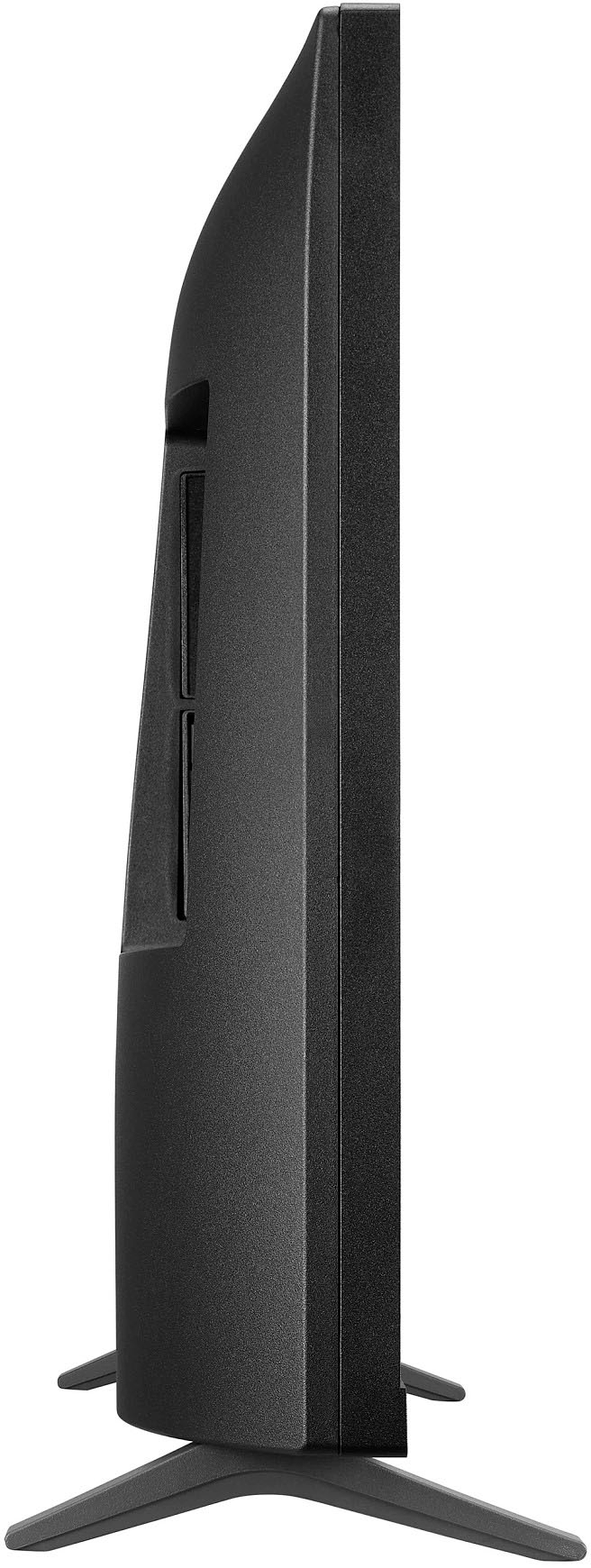
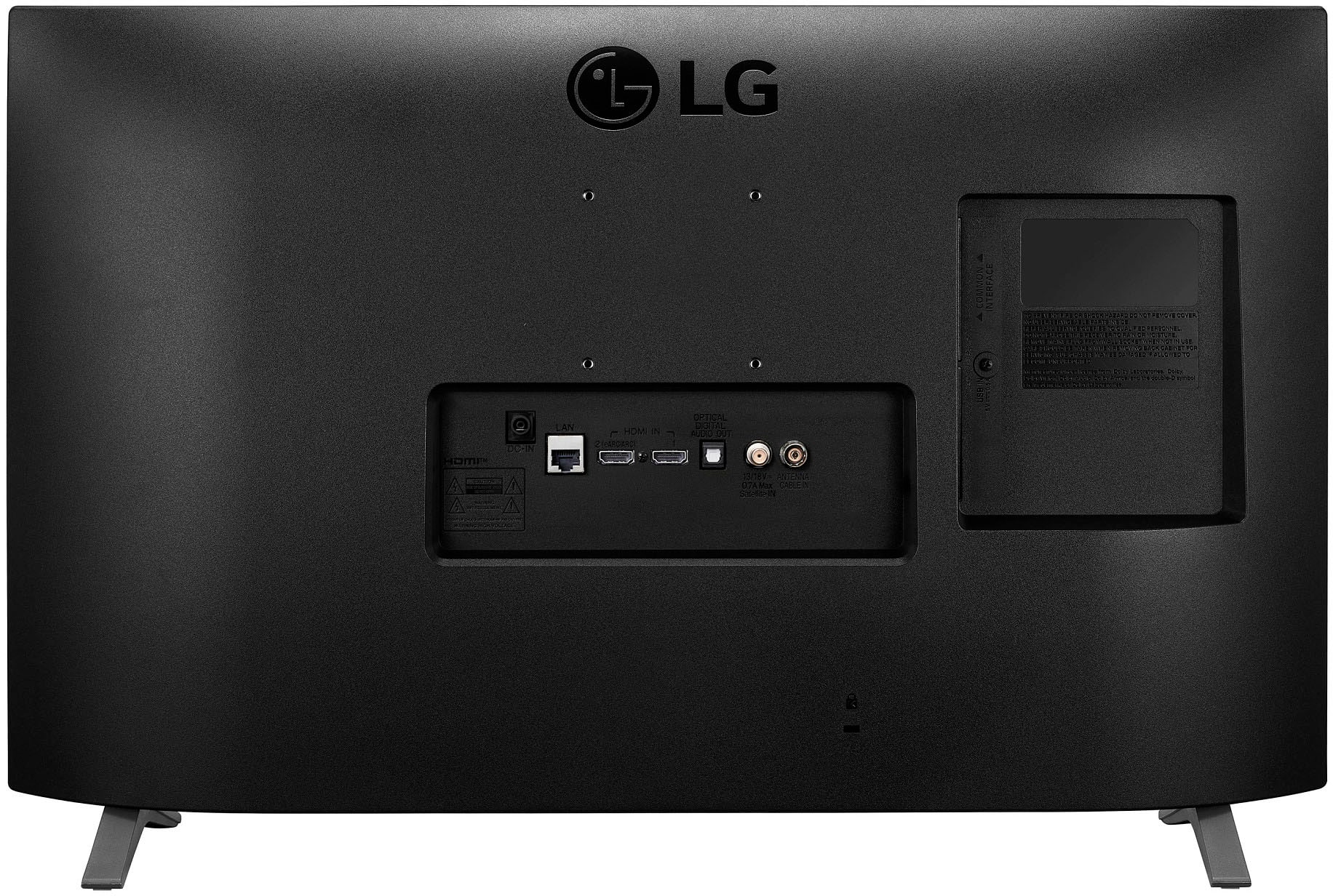
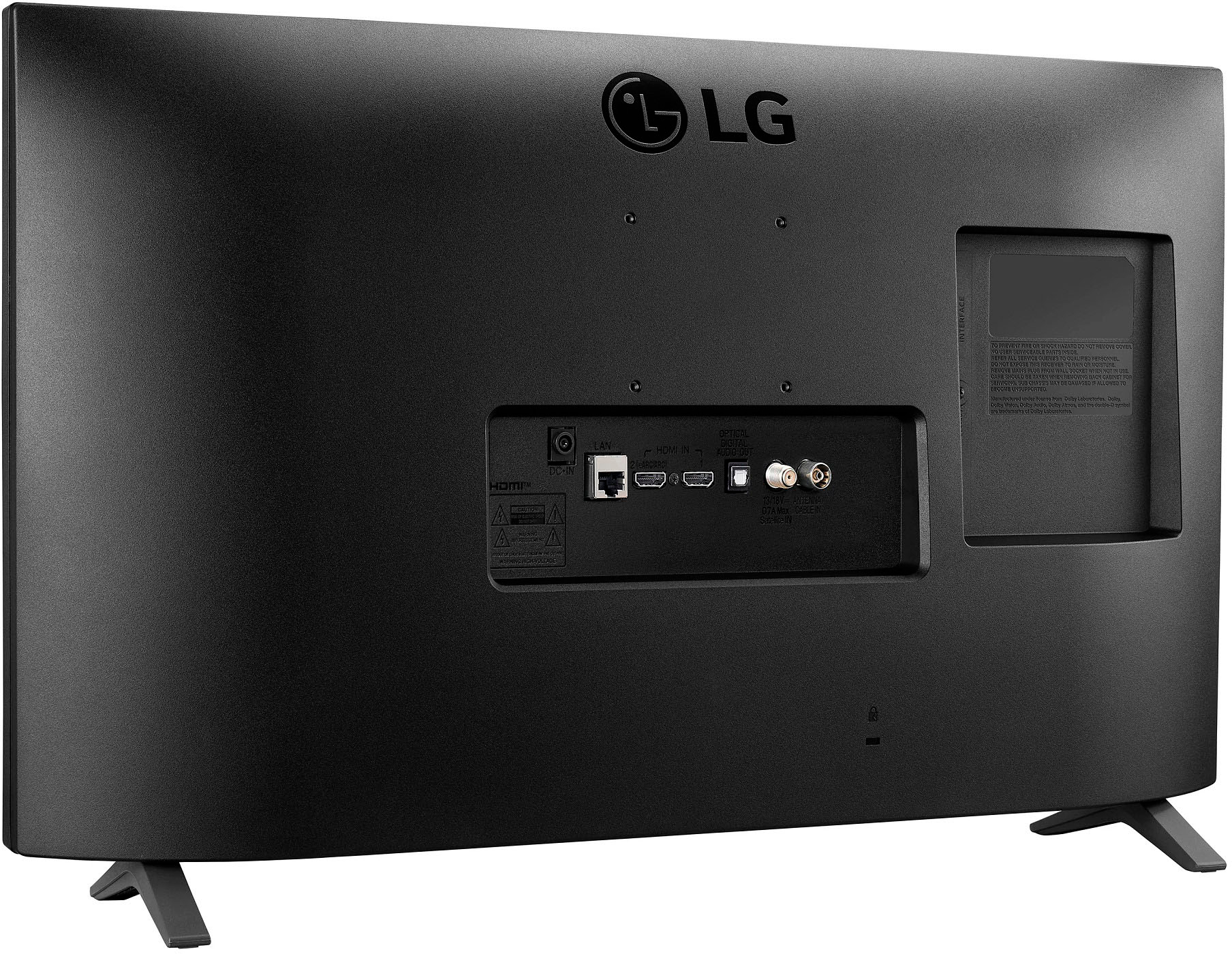
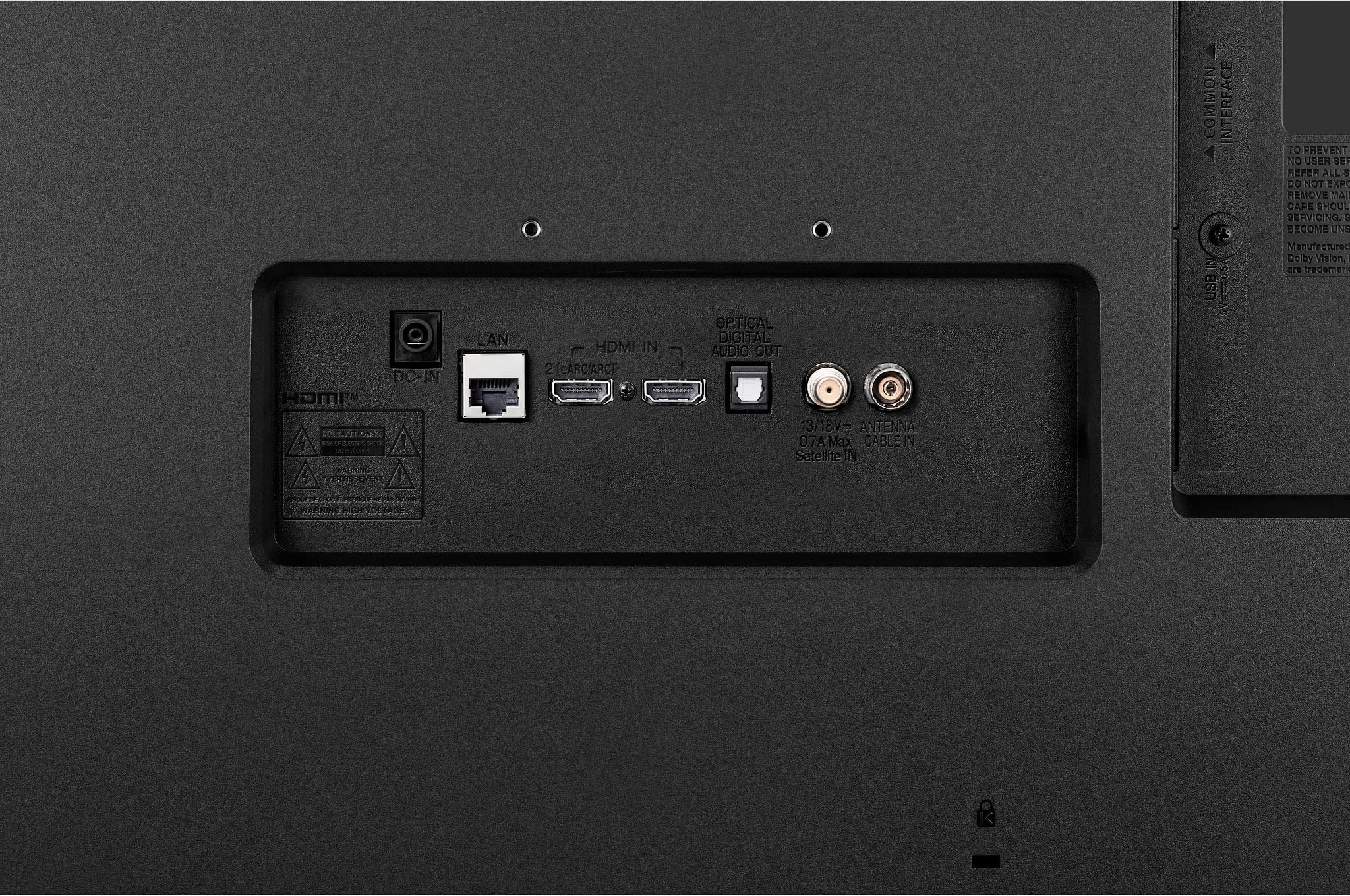
A:AnswerHi there, thank you for reaching out! We understand your situation regarding connecting a Roku to the 27LQ625S-PU monitor.
While this monitor is equipped with HDMI ports, making it compatible with many devices, including Roku, it does not have webOS Smart TV features. However, you can connect your Roku device directly to the monitor using an HDMI cable. Once connected, you can enjoy streaming content through Roku, but please note that the monitor itself does not have built-in smart TV functionality like a typical LG smart TV.
https://www.lg.com/us/monitors/lg-27lq625s-pu-ips-monitor#pdp_specs
If you have any further questions or need assistance with the setup, please send us a private message on Social Media @LGUSSupport, and our team will be happy to assist you. We appreciate your understanding.
—Renzo
A:AnswerHi, there. We appreciate your interest in the LG TV (27LQ625S-PU) model. While this particular unit cannot receive free cable/satellite channels, it gives you access to free ad-supported streaming apps and content through webOS. But an antenna would be required to get free local over-the-air channels. For more questions or concerns, you can reach out to us on social media at @LGUSSupport. ^Juvy
A:AnswerHi, Please check using the speedtest as for the download inquiry we don't have that information. As downloading will depend on how fast your internet is. ^Vanessa
A:AnswerYou *CAN* pair Bluetooth headphones (or a Bluetooth speaker) with this TV. I just bought this model from Best Buy a few days ago. Really enjoying it so far.
And I just paired my own Bluetooth headphones with no issues. Go to "settings" ---> sound ---> and then scroll sideways through your options and you'll see the Bluetooth options. It DOES have Bluetooth capability.
A:AnswerVanessa, that was not an adequate answer. A screened porch has more tham adequate ventilation. It is a large room where three sides are mosquito screens and one side is the outside wall of the house. It has a roof. The TV would be on the house wall. The question is, can the TV be there year round?
A:AnswerThis answer does not appear to be correct. I just bought this set and with a USB device plugged in it does not allow pausing live TV (from antenna). I also searched all the available help on the TV and there is no reference to a Timeshift function or how to enable it. The USB device was recognized because it saw the media on the device, and there was plenty of room left.
A:AnswerHi,this model has a HDMI port. You can check this link https://us.lgappstv.com/main and add app on the browser and use streaming devices. ^Vanessa