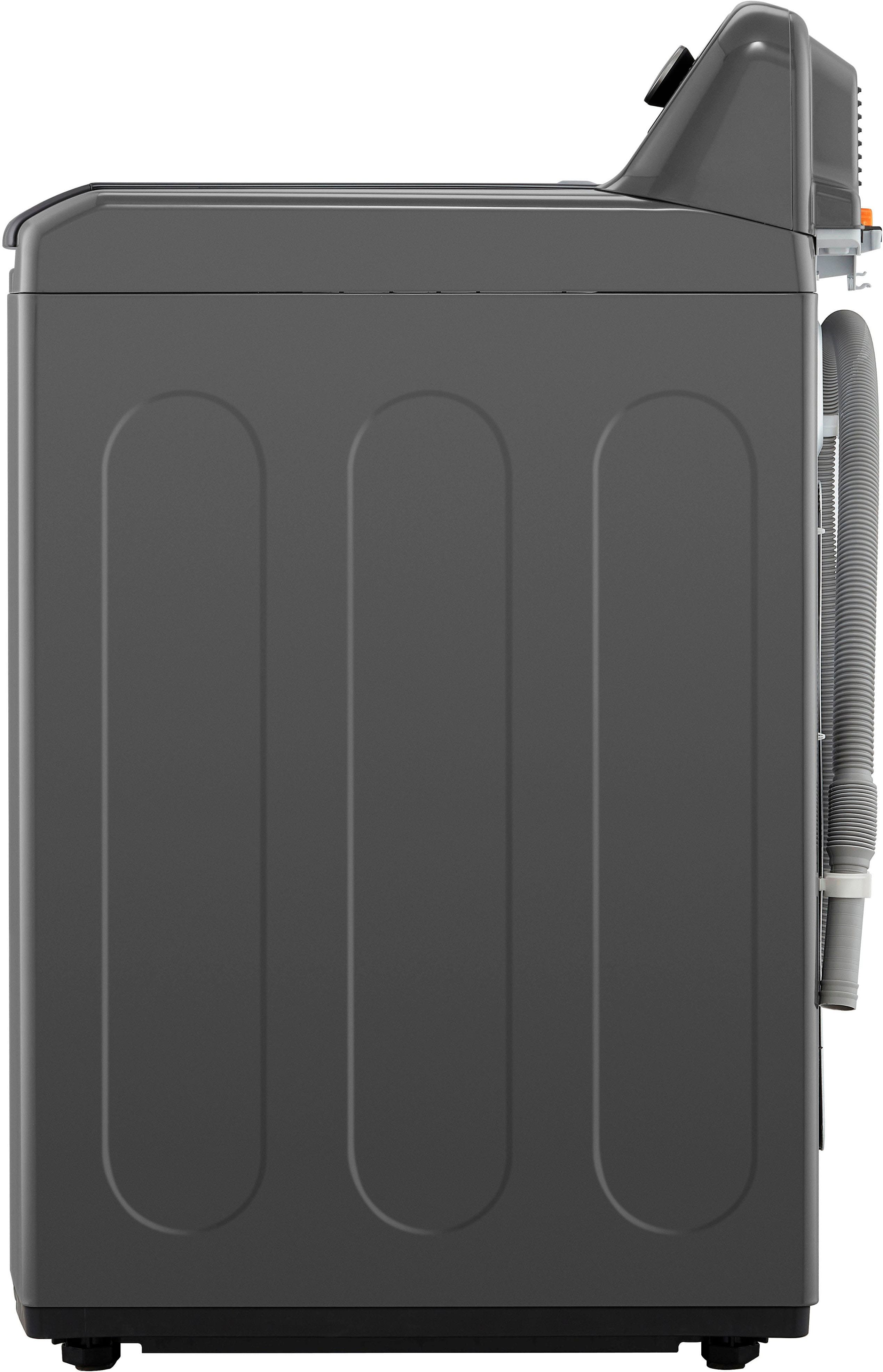
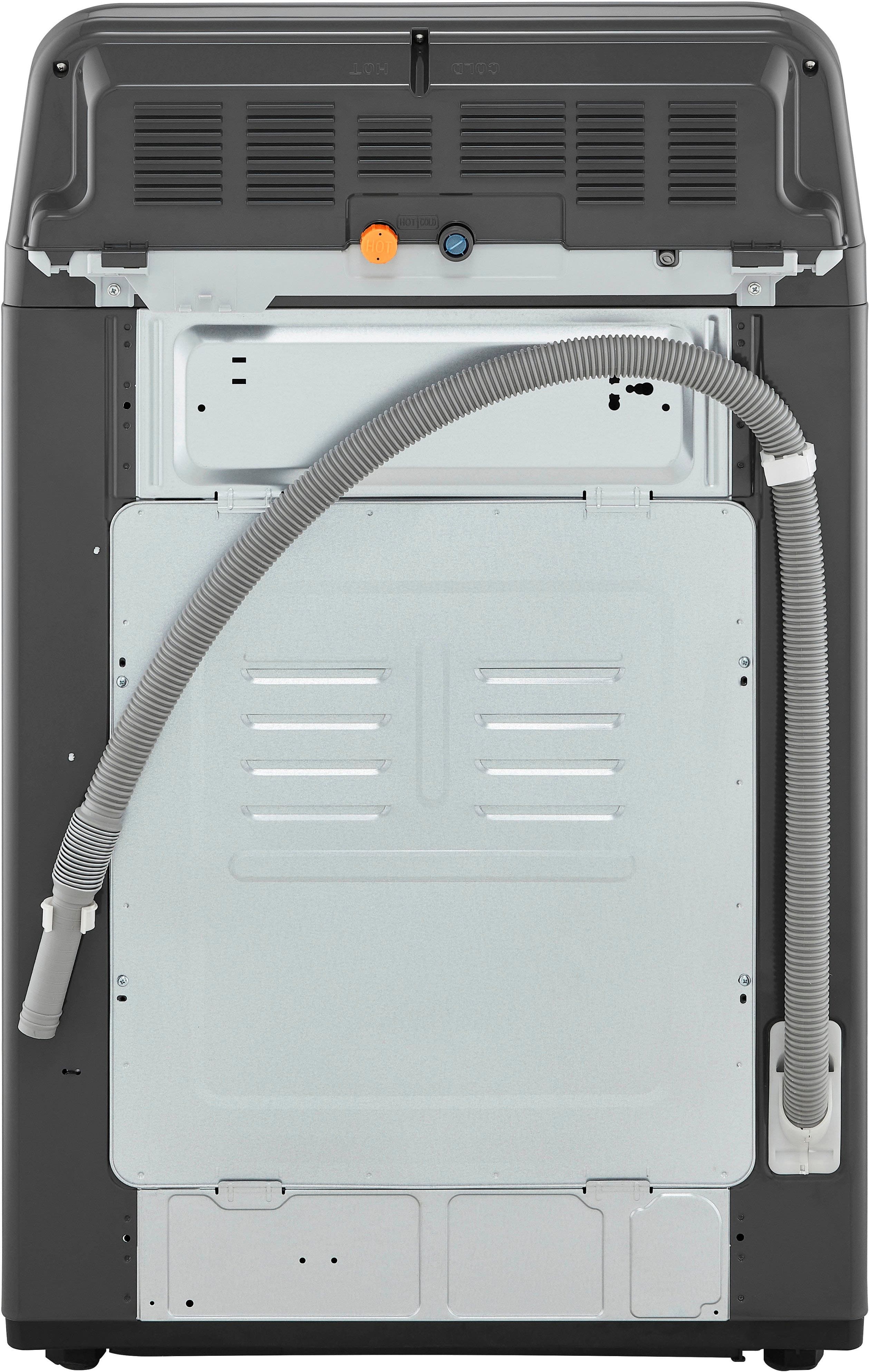
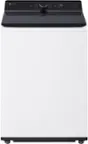
A:AnswerHello there, Amber. We understand your inquiry about the drain hose for the LG WT6105CW washer. The standard drain hose that comes with the unit is a fixed length and is not designed to be replaced with a longer, single hose.
https://www.bestbuy.com/site/lg-4-1-cu-ft-high-efficiency-top-load-washer-with-turbodrum-technology-white/6529899.p?skuId=6529899
We'd like to assist you further and provide guidance on finding the right extension kit. Please send us a private message on Social Media @LGUSSupport and our team will be more than happy to explore possible solutions. We appreciate your patience. —Renzo
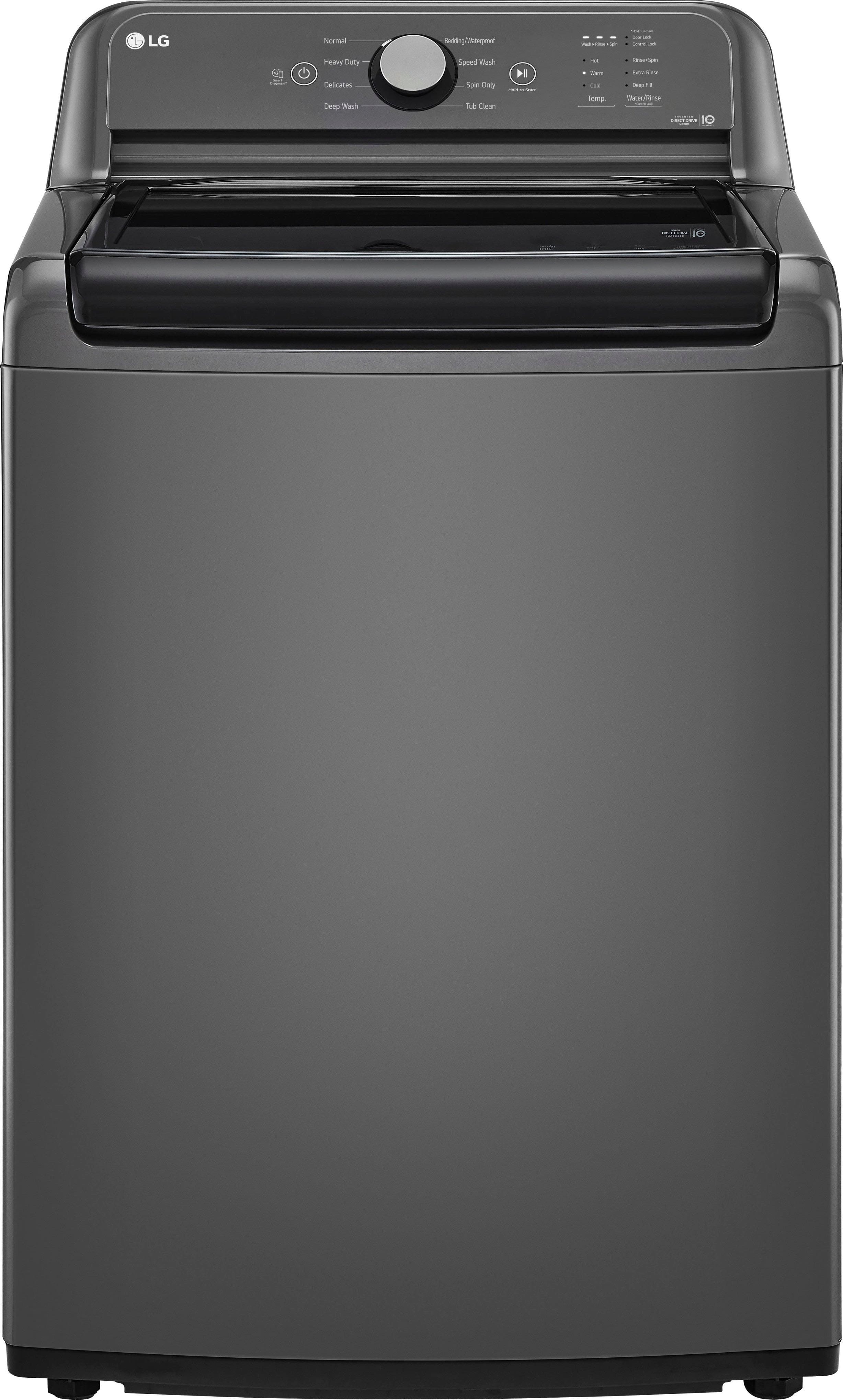
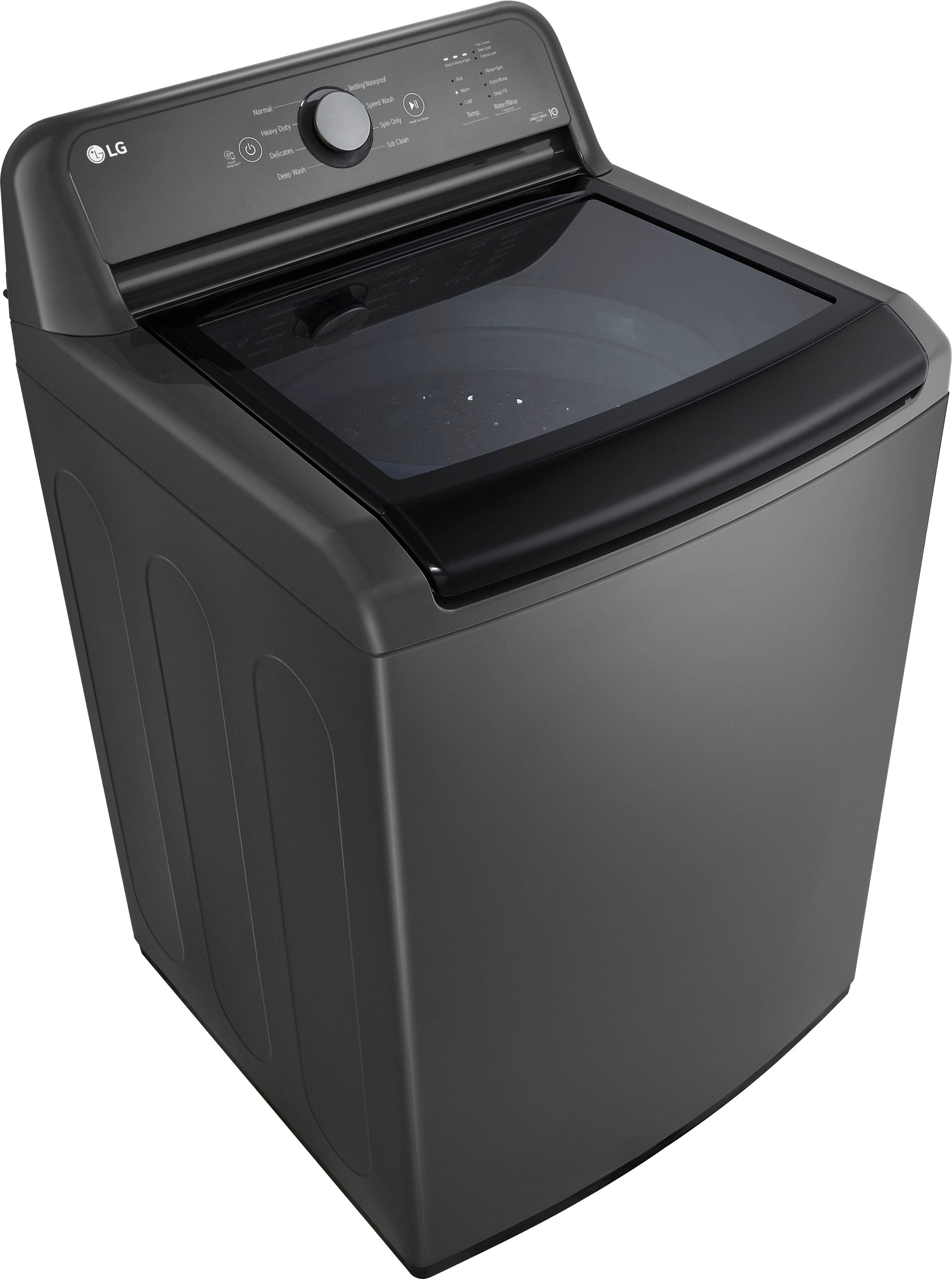
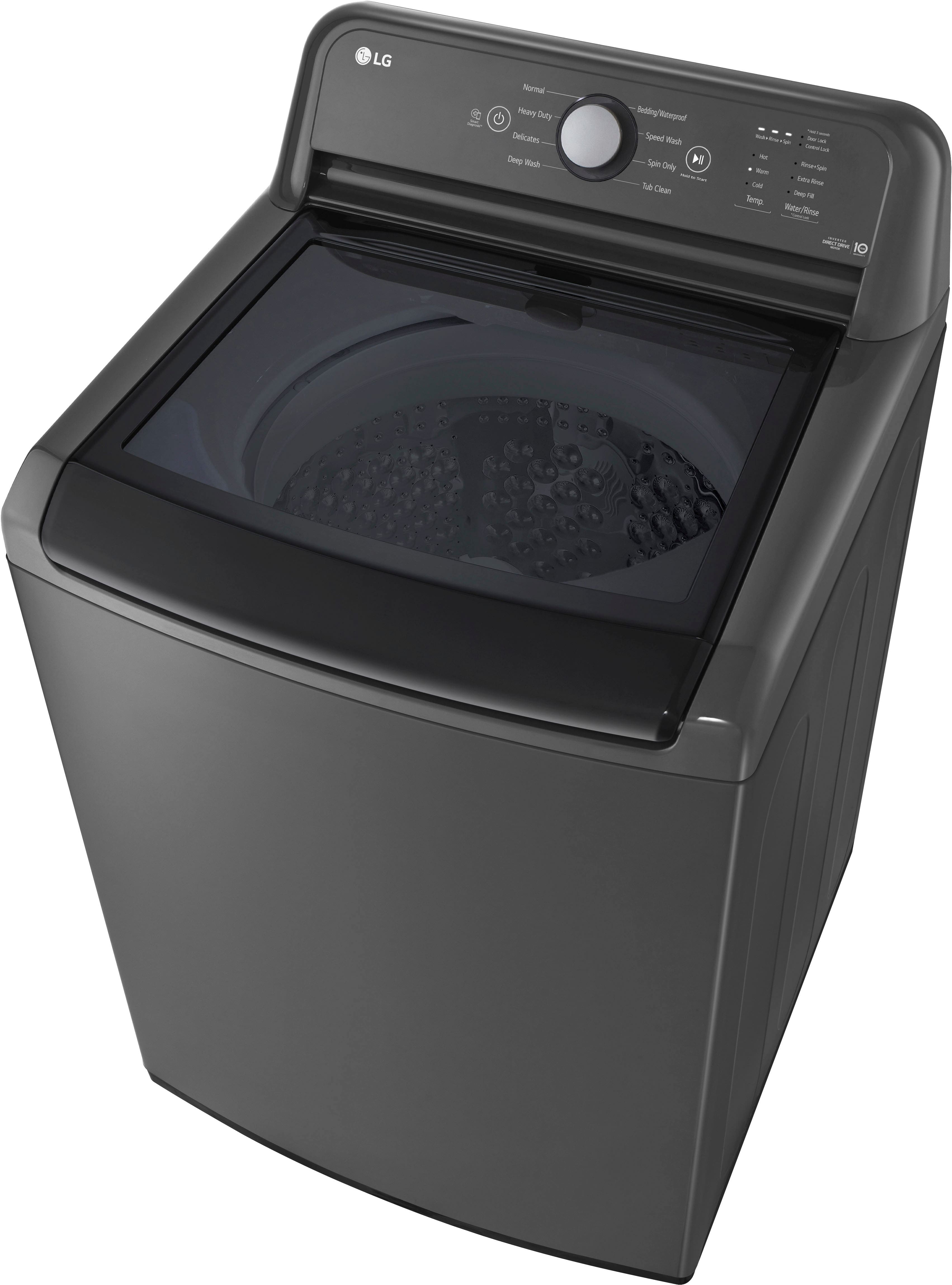
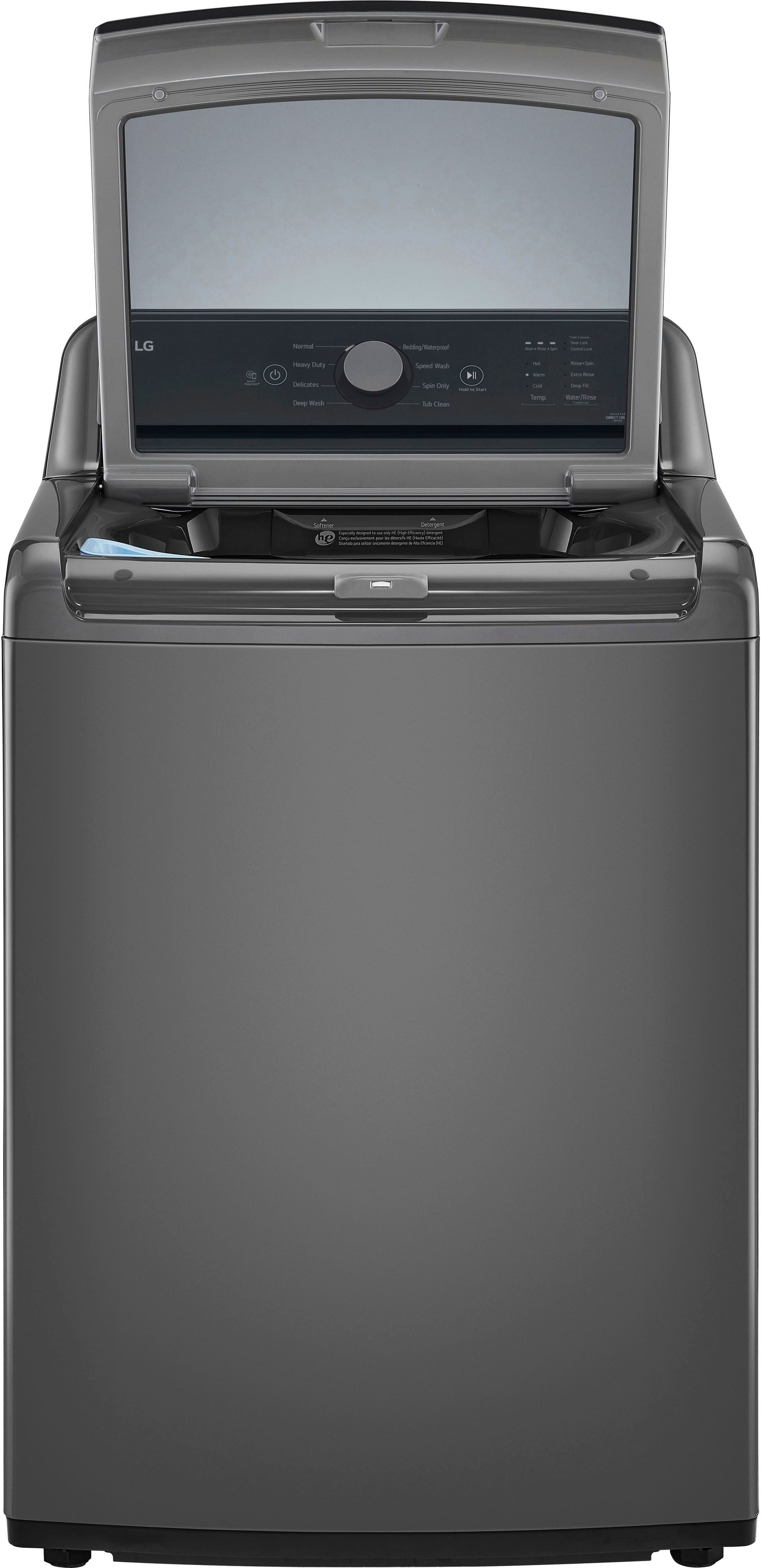
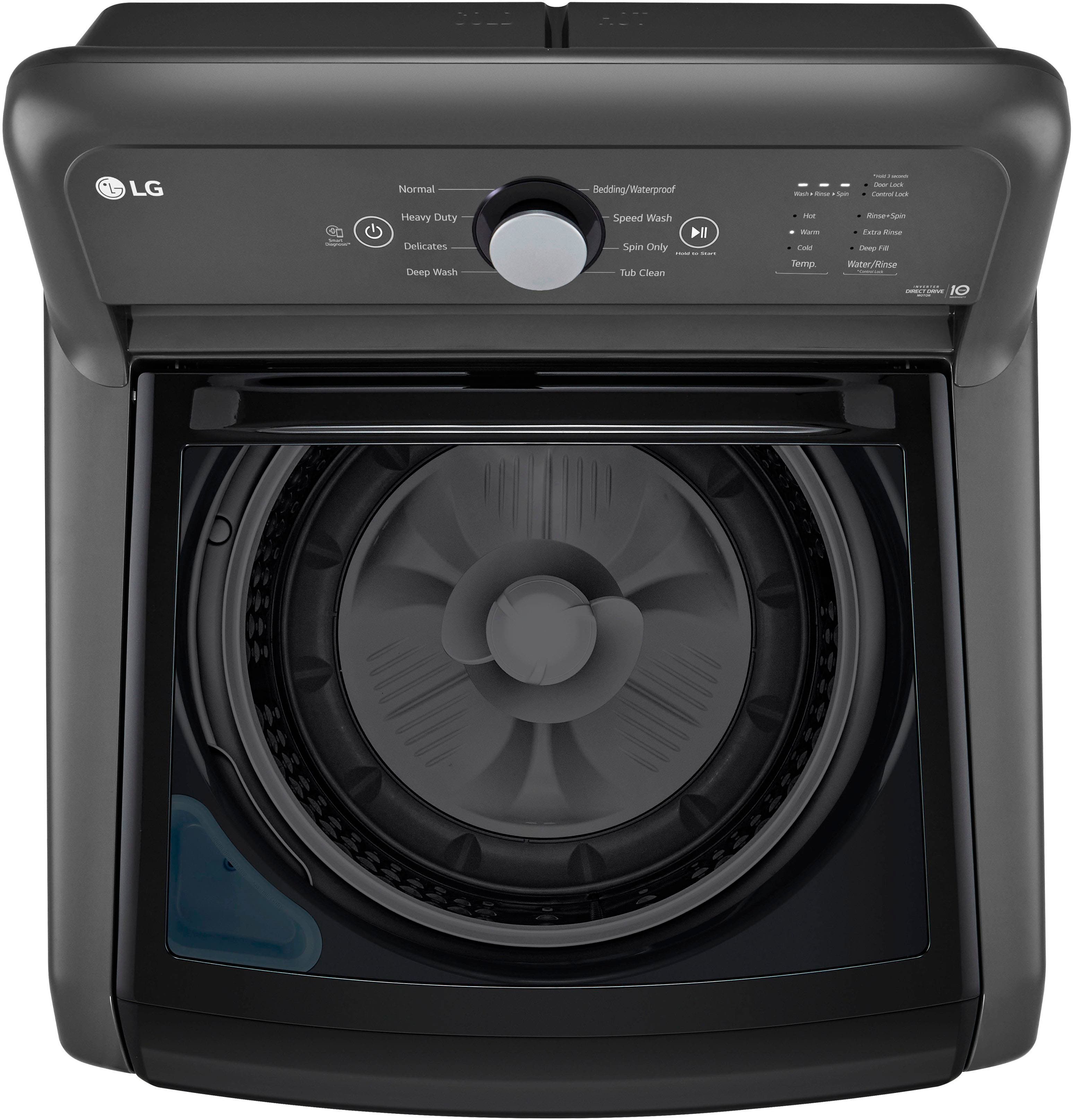
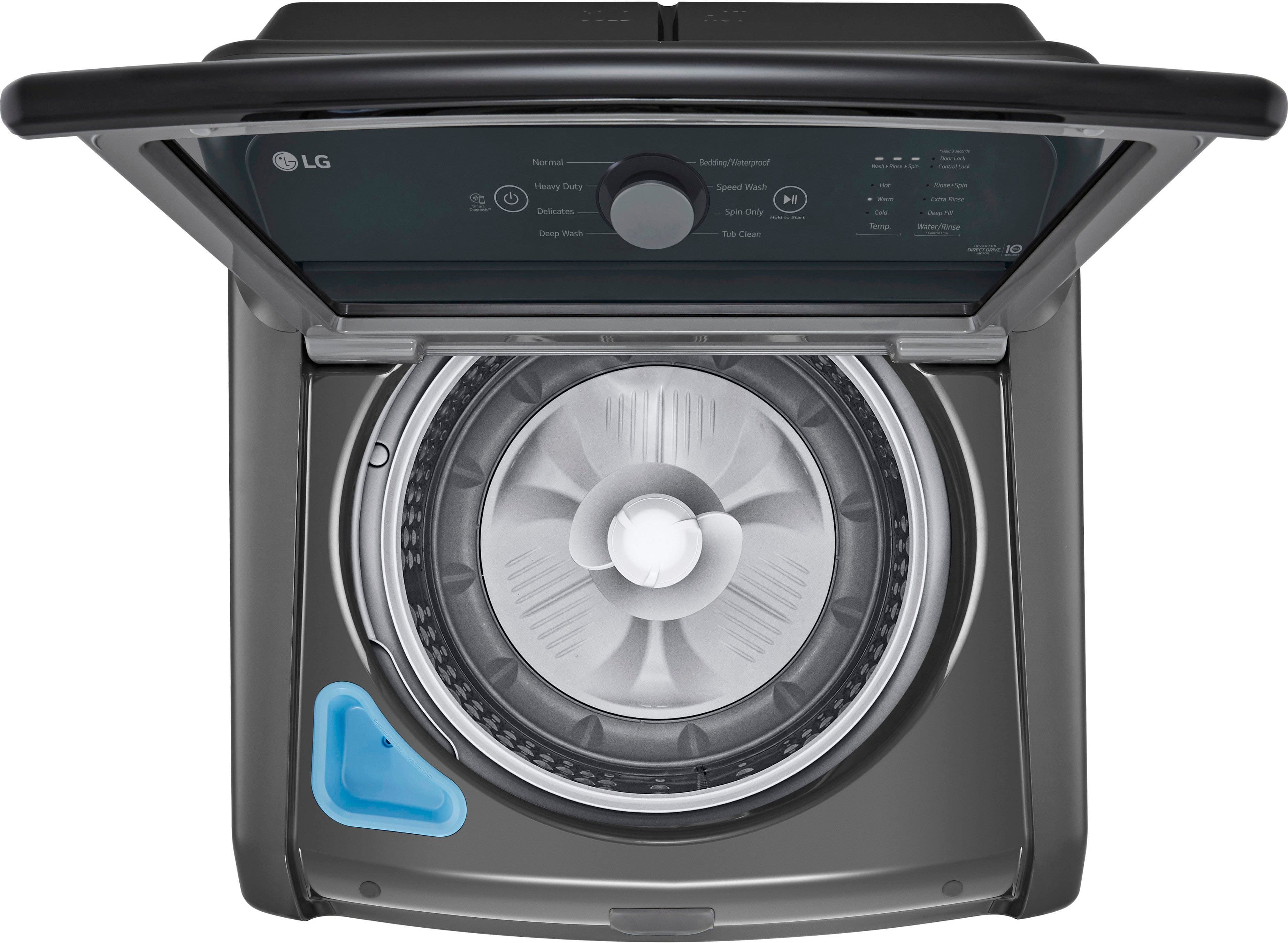
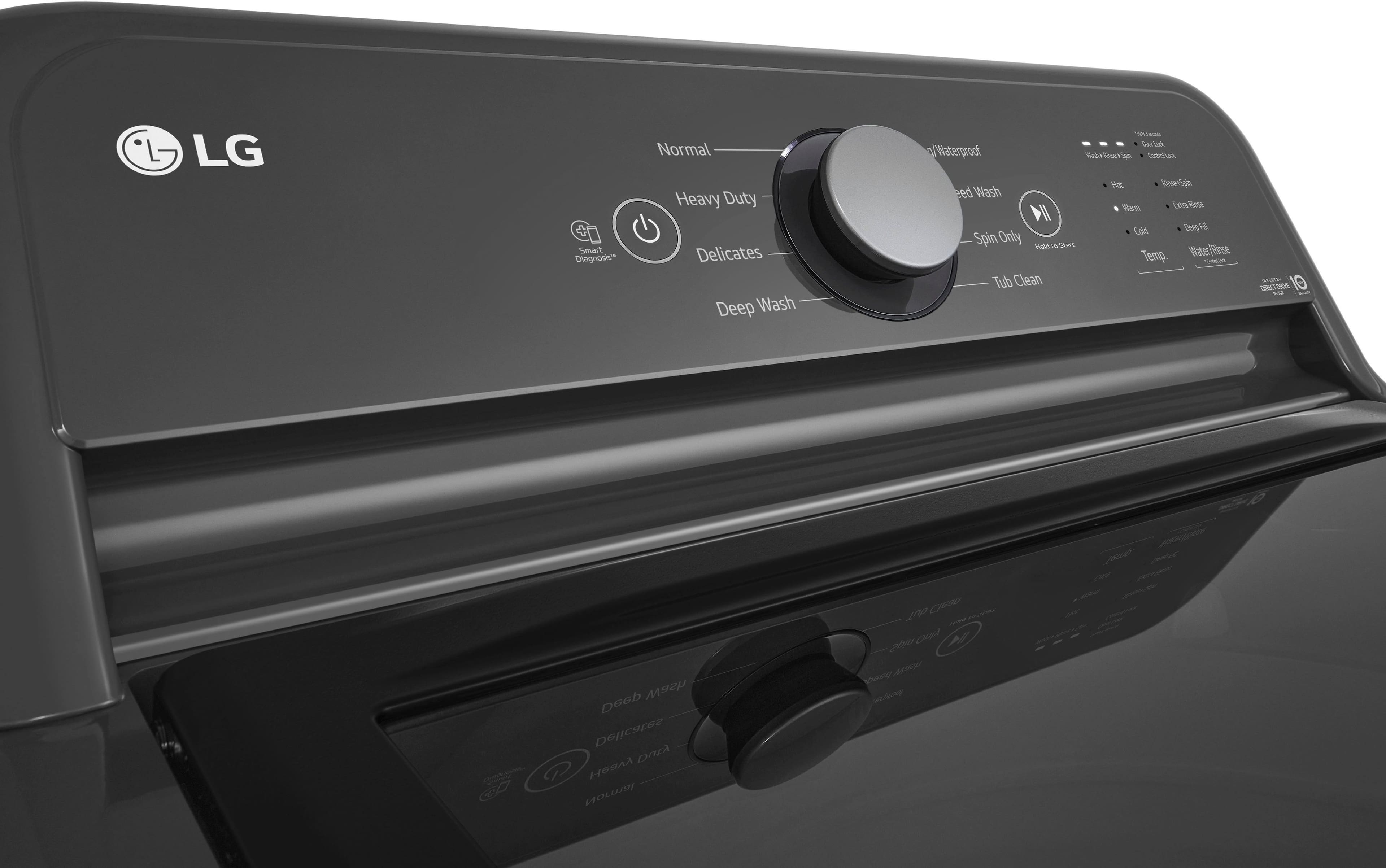
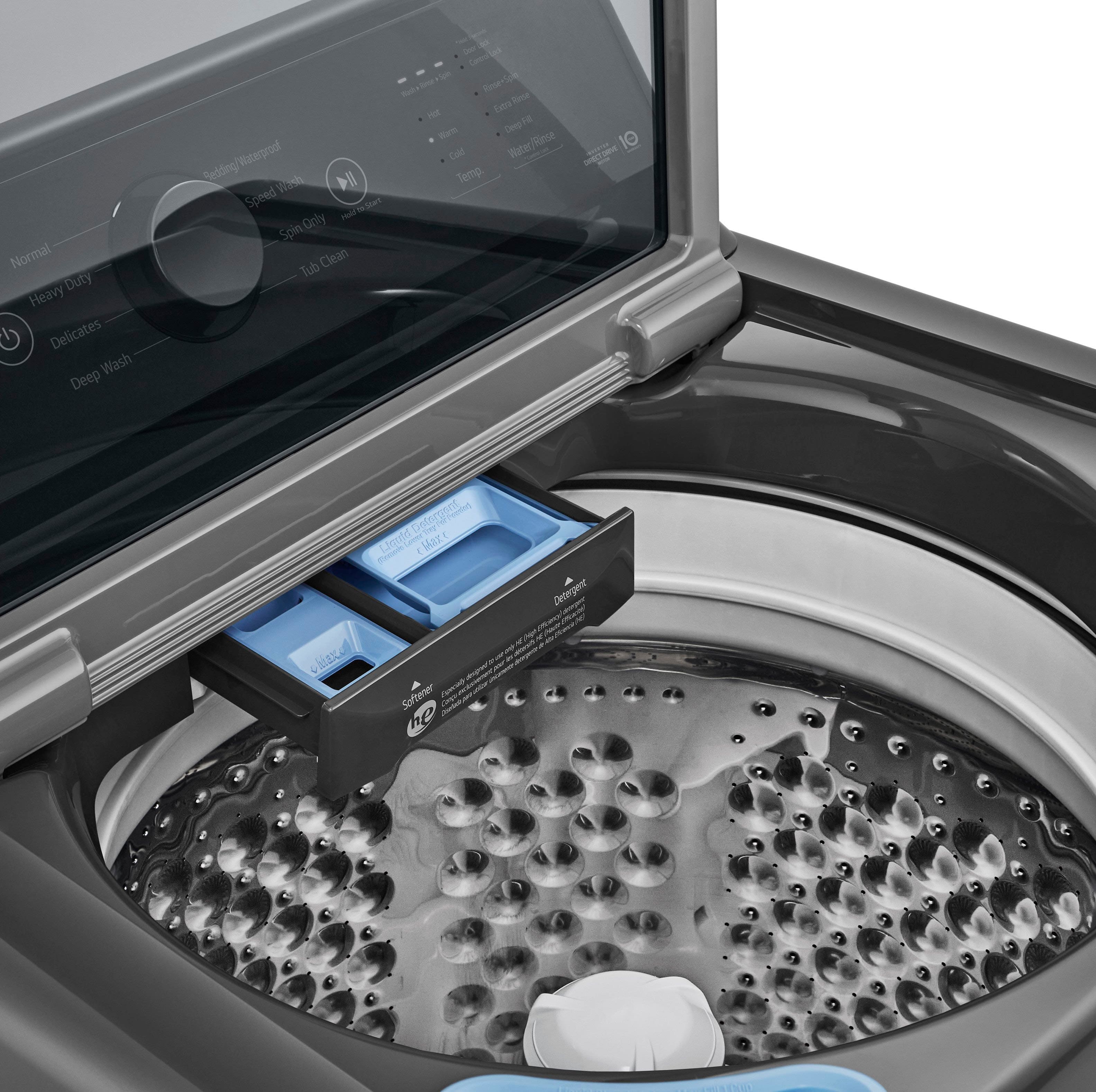
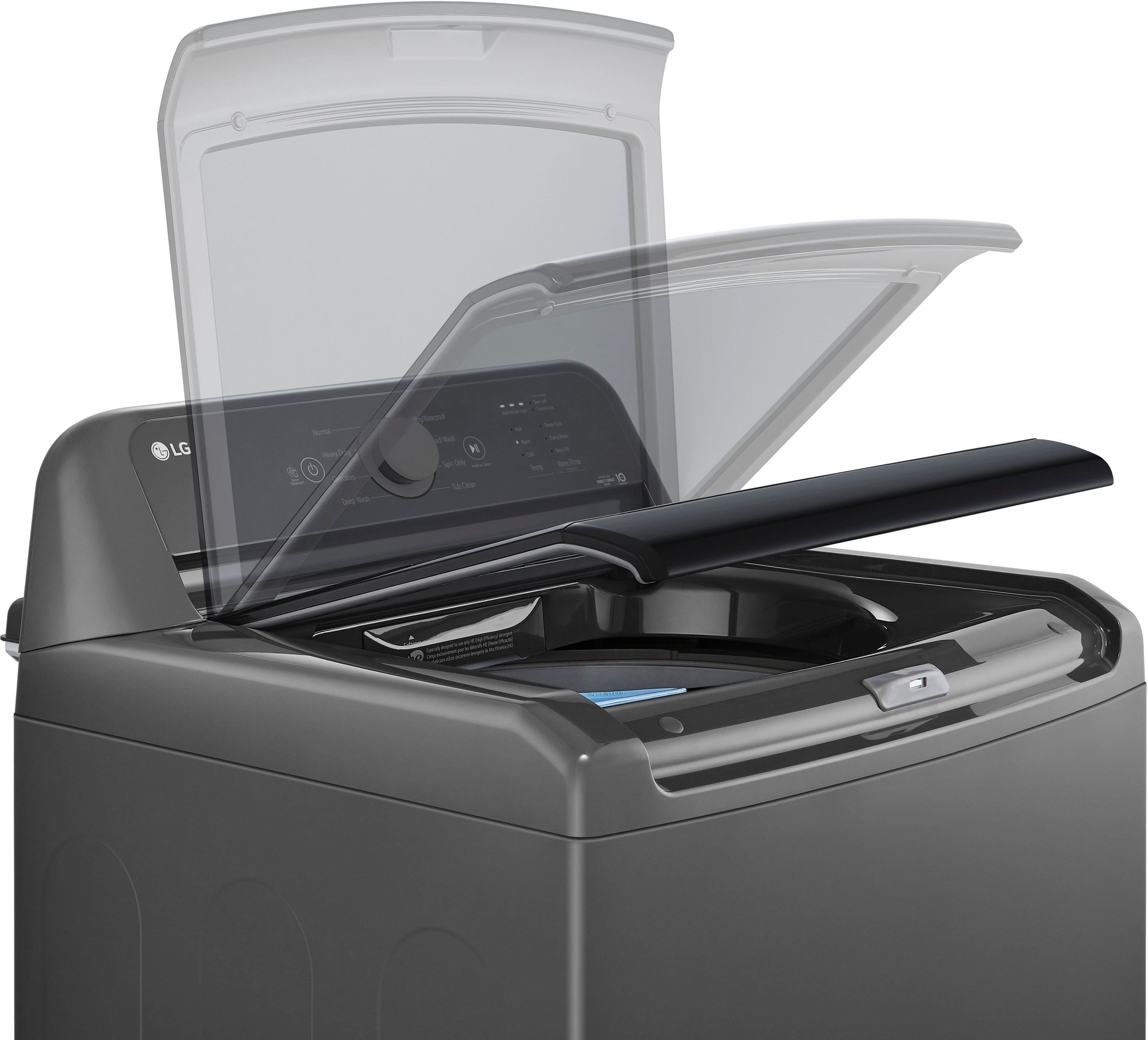
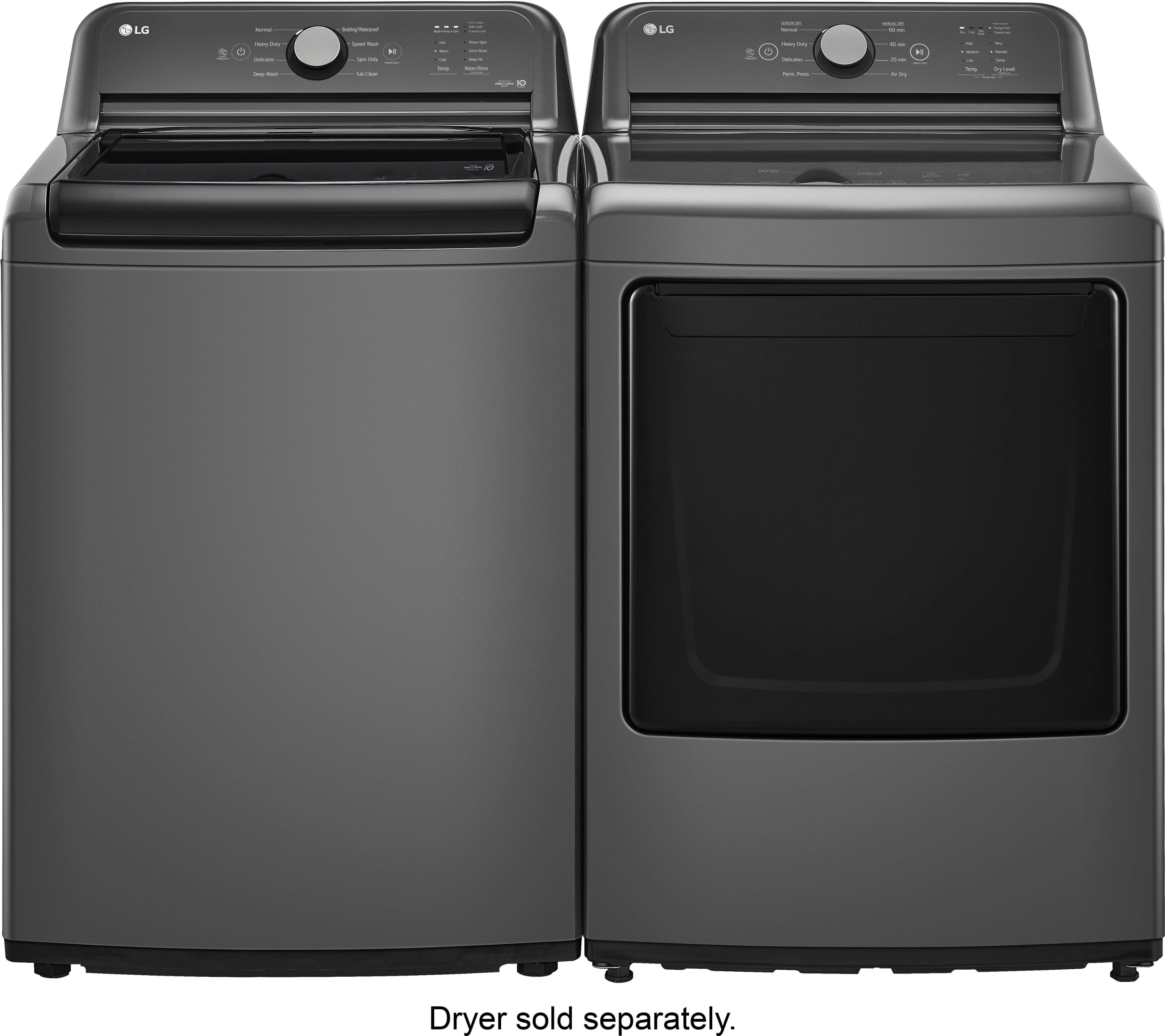
A:AnswerThe Deep Wash is not an option. It is a cycle in the ENERGY STAR® Certified LG 4.1 cu. Ft. Ultra Large Capacity Top Load Washer with Agitator in White, Model # WT6105CW, that provides additional water and washes heavily soiled mixed items, except delicate fabrics.
If you add the Deep Fill option to the Normal cycle, it automatically changes to the Deep Wash cycle before starting. You cannot select the Deep Fill option for the Normal cycle.
Deep Fill is an option that can be selected for other cycles by pressing the Water/Rinse button repeatedly before starting a cycle to add extra water to your selected cycle.
If the washer has already reached its maximum fill level, pressing Deep Fill has no effect...^Ivan.
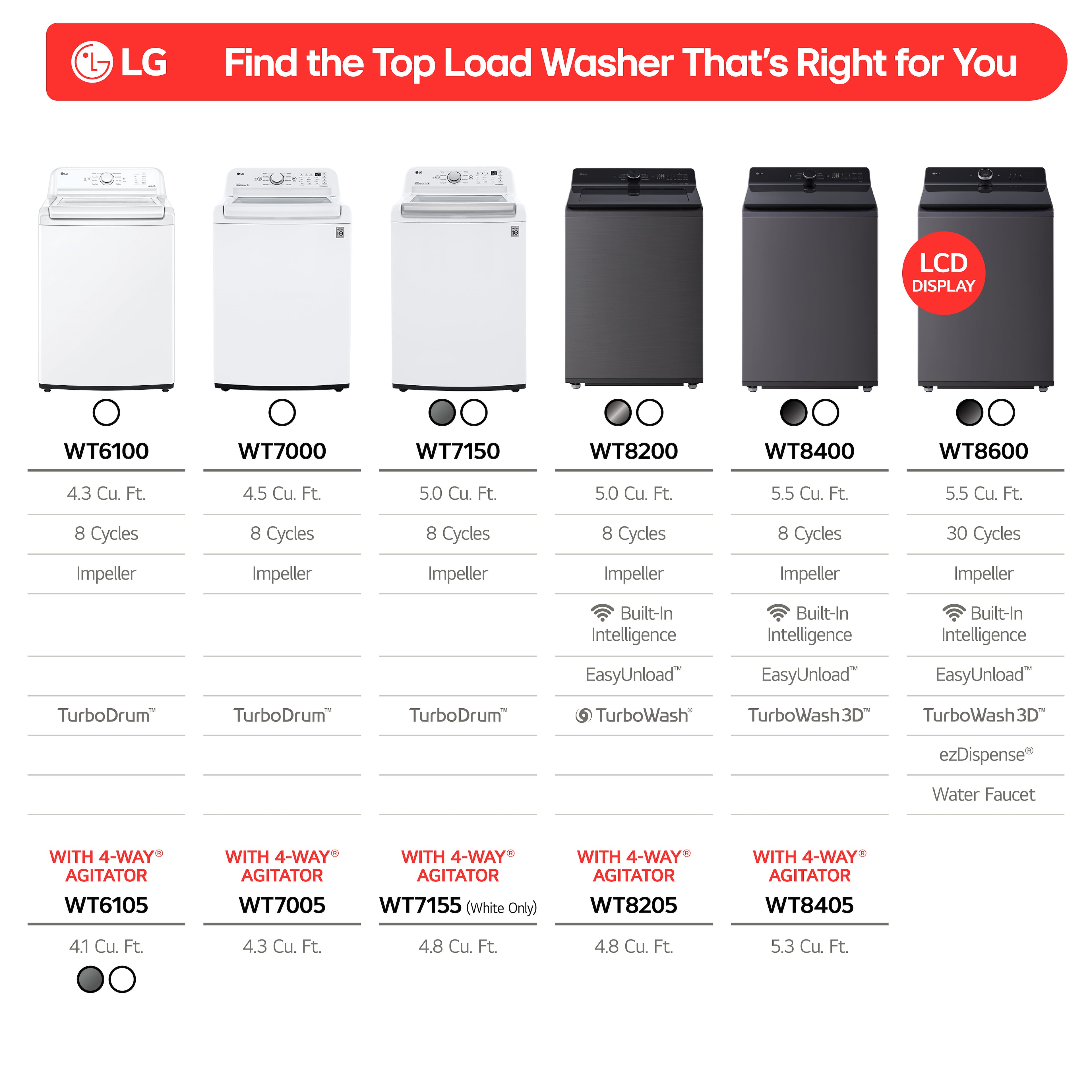
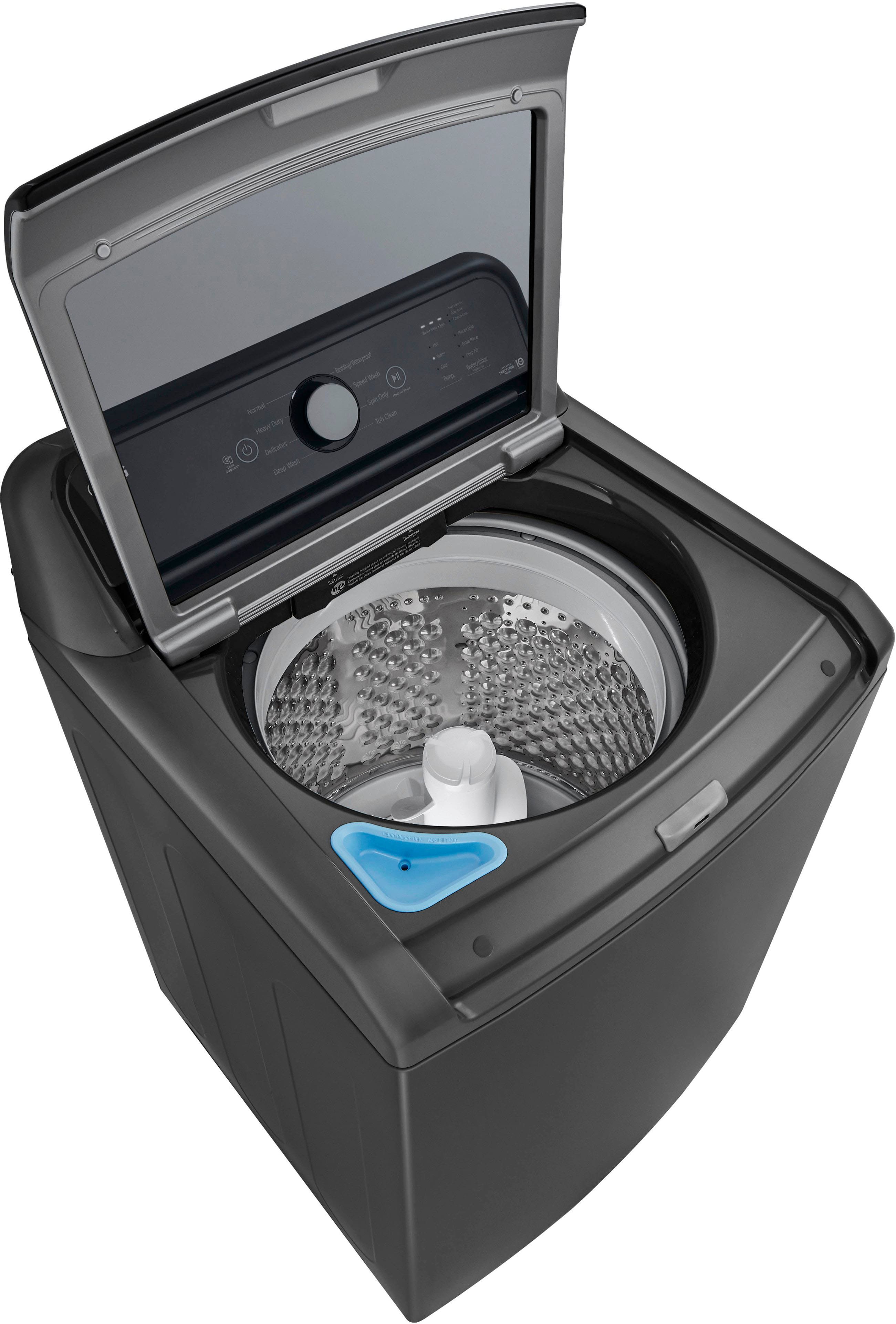
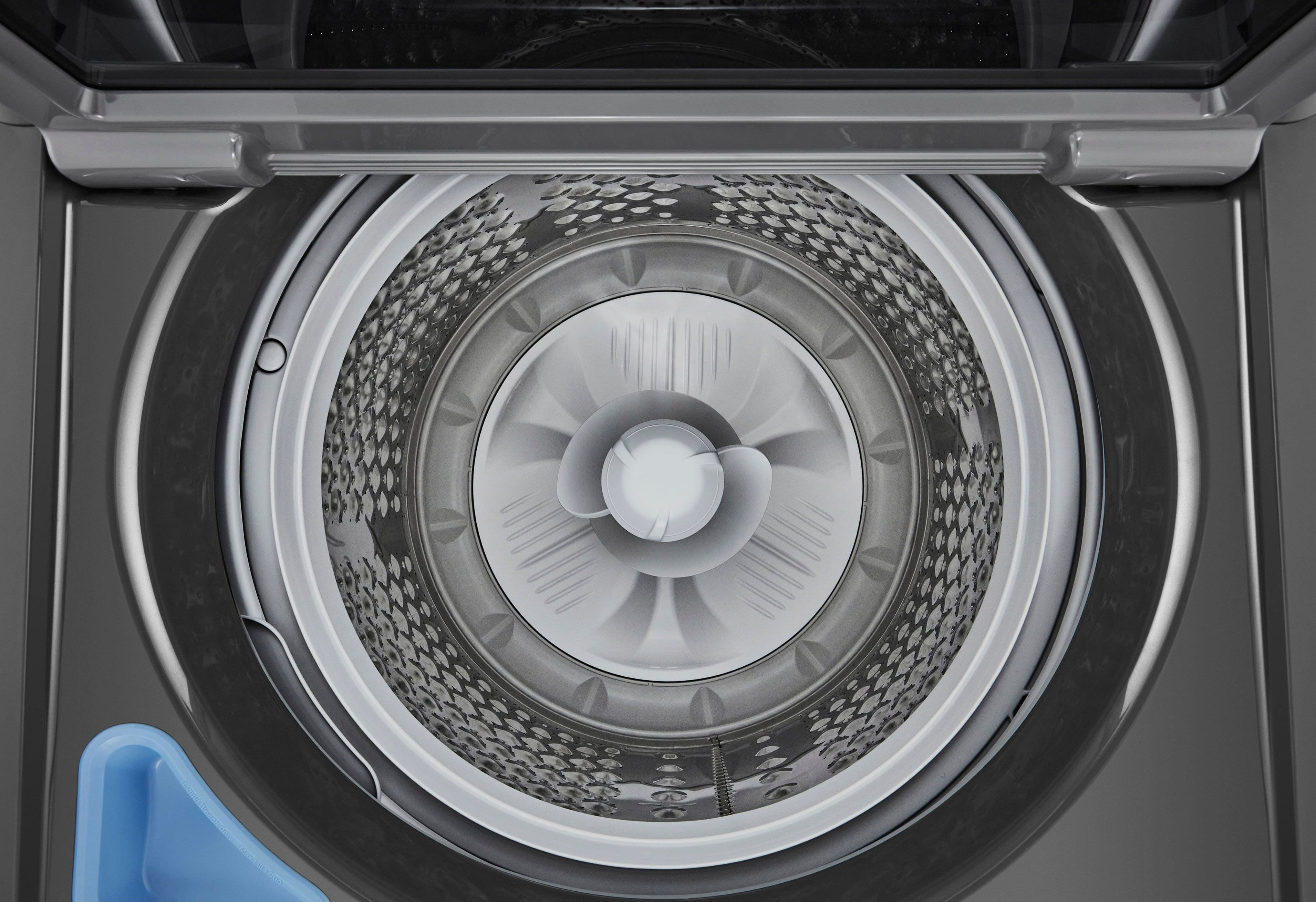
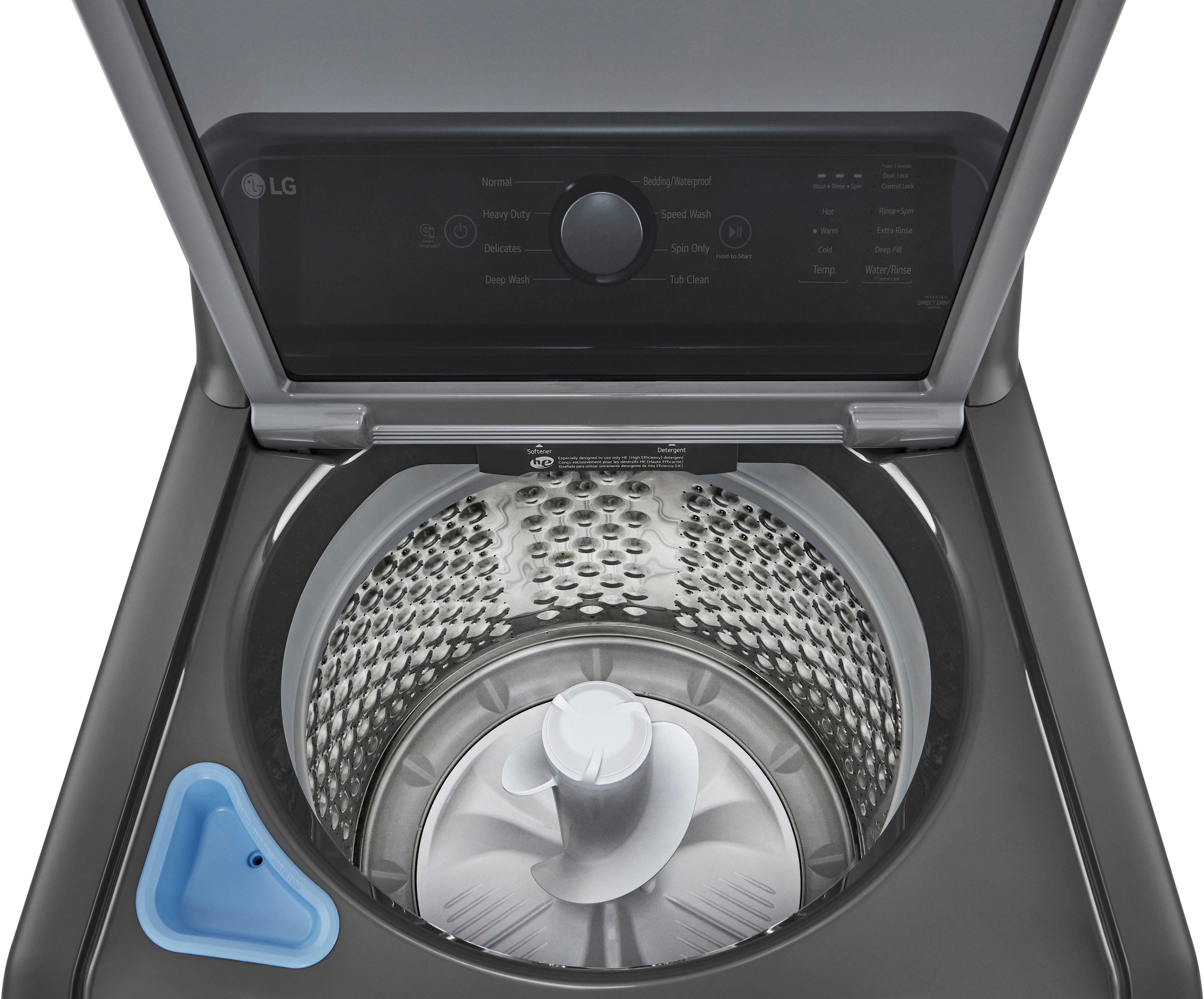
A:AnswerThank you for your interest in the LG Load Washer (WT6105CW) model. The LG WT6105CW top load washer does not have a traditional agitator that can be removed. You can download its owner's manual through this link for more information: https://www.lg.com/us/support/product/lg-WT6105CW.ABWETUS ^Cris
A:AnswerThe low water level is normal and how much is added depends on the size of the load. If you want a lot of water, regardless of the load size, you will need to use the deep fill option.
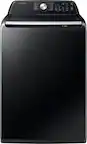
A:AnswerA. Yes, This model has a deep fill cycle. In regards to the end of cycle chime, It can be turned off by pressing the signal button for 3 seconds. ~Tanisha
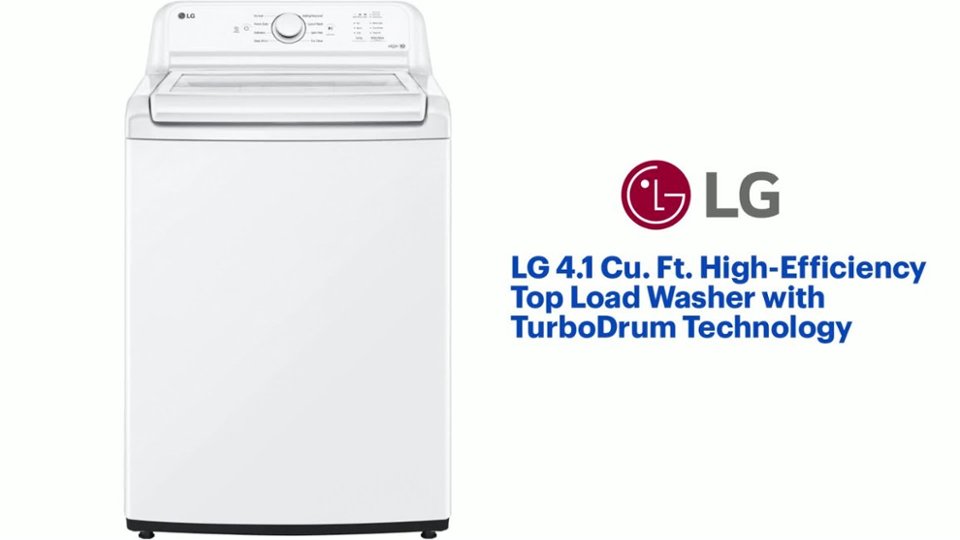
A:AnswerThe Deep Fill option can only be selected for the Normal, Heavy Duty, Delicates, Deep Wash, and Speed Wash cycles on the LG 4.1 Cu. Ft. High-Efficiency Top Load Washer with TurboDrum™ Technology - White, Model # WT6105CW.
For a better wash performance, you can press the Water/Rinse button repeatedly to select Deep Fill before starting a cycle to add extra water to the cycle.
To add water during a cycle, pause the cycle before selecting Deep Fill.
However, if the washer has already reached its maximum fill level, pressing Deep Fill has no effect.
If you add the Deep Fill option to the Normal cycle, it automatically changes to the Deep Wash
cycle before starting. You cannot select the Deep Fill option for the Normal cycle
The Extra Rinse option adds an extra rinse to the selected cycle, and it can be selected for every cycle mentioned above for the Deep Fill option...^Ivan.
A:AnswerHello there, Dee. Thank you for sharing your experience with us. We understand your inquiry regarding the sound settings on your WT6105CW washing machine.
Yes, it is possible to turn off the sounds, including the melody at the end of a cycle and the button sounds, on your LG WT6105CW washing machine. To do this, you typically need to press and hold the "Signal" button or a combination of buttons above the "Signal" marker for a few seconds.
https://www.bestbuy.com/site/lg-4-1-cu-ft-high-efficiency-top-load-washer-with-turbodrum-technology-white/6529899.p?skuId=6529899
Your feedback is important, and we'd like to assist you further if needed. Please send us a private message on Social Media @LGUSSupport and our team will be more than happy to explore possible solutions. We appreciate your patience. —Renzo
A:AnswerThank you for your interest in the LG Washer. Yes, the WT6105CW has WiFi, but instead of a dedicated "WiFi" button, you use the press-and-hold of the Extra Rinse button to enable the WiFi pairing mode for connecting to the ThinQ app. You can download its owner's manual through this link for more information: https://www.lg.com/us/support/product/lg-WT6105CW.ABWETUS. For additional assistance, please reach out to us on social media @LGUSSupport so we can help you further. ^Cris